Categories B2B

Personalized Experiences: Why We Love Them + Brand Examples

According to a 2021 McKinsey report, 76% of consumers get frustrated when they can’t find a personalized experience with a brand.

With personalization becoming more valuable to stand out from the competition, a look at some great examples can serve as inspiration for your own strategy.

Download Now: Free State of Marketing Report [Updated for 2022]

Discover brands that are killing it at personalization and get a peek into how impactful it can be.

Why do we prefer personalized experiences?

Twilio’s 2022 State of Personalization report found that 49% of consumers say they will likely become repeat buyers after a personalized shopping experience with a retail brand.

Businesses also report that consumers spend more when they have a personalized experience. In fact, 80% of business leaders surveyed in Twilio’s report say that consumers spend an average of 34% more with a personalized experience.

Conversely, all it takes is one bad experience to deter a customer. One 2021 Zendesk CX report found that 50% of consumers will switch to a competitor following a negative brand interaction.

personalized marketing experiences: 50% of global consumers will switch to competitor after one bad experience.

Image Source

So, the question is, why is that? What is it about this type of experience that attracts consumers and why is it so fragile? One study may have the answer.

​​According to a study from the University of Texas, we can attribute our preference for personalized experiences to two key factors: desire for control and information overload. Let’s tackle “desire for control” first.

So, we know that a personalized experience – by its very nature – is in some way different from the status quo. You’re not just getting what everyone else is getting with personalization. Instead, you’re getting something tailored to you. And because of that, it makes you feel more in control.

Even if this sense of control is an illusion, it’s still powerful, and can have a positive effect on your psyche.

Now, let’s turn to the second factor mentioned in the University of Texas study: information overload. According to the study, personalization can help reduce this perception.

For example, when you know that the content being displayed on a website is tailored to you, it provides a more manageable framework for engagement. With personalization, you aren’t presented with thousands of resources to sort through and consume.

Instead, you are presented with exactly the information you were looking for. Hence, you never feel overloaded with information.

Now that you know the psychology behind personalized experiences and how effective they can be, let’s dive into some real-world examples.

Personalized Marketing Experiences

Personalization covers a wide range of strategies leveraged by brands both online and offline. Some brands take an omnichannel approach while others focus their efforts on specific channels.

To get a sense of what’s possible, here are a few examples of personalization:

  • Names in email subject lines and email content.
  • Location-based push notifications.
  • Welcome back messages on a website homepage.
  • Cart abandonment notifications.
  • CTAs based on buying cycle.
  • Product recommendations based on purchase and/or search history.
  • Customer loyalty programs.

According to the same McKinsey & Company report referenced earlier, the top five personalization actions consumers want are: easier online and in-store navigation, personalized product or service recs, tailored messages, relevant promotions, and personal milestone celebrations.

2021 Mckinsey&company report showing that consumers want brands to meet them where they are, know their taste, offer something unique, and check in with them.

Image Source

Let’s see those strategies applied by brands.

1. Sephora

When it comes to personalization, Sephora is one brand everyone looks to.

Over the years, the beauty retailer continues to optimize its omnichannel personalization strategy, ranking consistently among the top winners in Sailthru’s Retail Personalization Index for the past five years.

At the center of Sephora’s personalization is its mobile app. One of the first things you notice about the app is its ability to turn customer data (collected through quizzes and user behavior) into recommendations using predictive analytics.A look at sephora offering a personalized experience at every touchpoint

Image Source

The app houses data on in-store purchases, browsing history, purchases, and in-store interactions.

Where the brand really shines is in its ability to combine online and in-store to create a seamless, frictionless experience for shoppers.

The app invites users to find products in-store and book in-person consultations. Once in-store, customers will receive a log-in for the app to create a profile that includes the products they used. This way, they can always find the information they need for a future purchase.

In addition, Sephora has a loyalty program in which it offers exclusive access to products, events, and services based on their tier. At every touchpoint, users can track their loyalty points and get custom recommendations.

2. Netflix

Everyone’s Netflix account looks different when you log in.

That’s because the streaming service has made it a priority to personalize the user experience as they navigate the platform.

The first display of this is the large banner ad that displays when you first land on the app. It’s usually a trailer for a newly added show or movie – the difference is the selection is different for everyone.

For me, that might be the newly released season of Peaky Blinders since I’ve seen all previous seasons. For another, it might be something else.

As you scroll through the app, you’ll see two more personalized sections: “Because you watched” and “Picked for you.”

personalized experience on Netflix: the "because you watched" sectionpersonalized experience on Netflix: the "top picks" section

Through AI and machine learning, Netflix’s algorithm is programmed to suggest shows and movies based on a user’s watching history, including watch time and review.

What you end up with is a programming list with elements from content you’ve enjoyed in the past, making it easier to pick something new. Plus, it keeps you coming back for more.

That’s the beauty of the app – you know that everything is curated just for you based on your personal interests.

3. Amazon

If you currently oversee an ecommerce store, Amazon is a great model to get inspiration from.

This retailer has created an interface that offers relevant recommendations based on browsing and purchasing history.

When you first land on the homepage, you’ll have the option to navigate to the following sections:

  • Keep shopping for
  • Pick up where you left off
  • Buy it again
  • You might also like
  • Inspired by your wish list
  • Recommended for you

Every single one of these sections is personalized to the user based on their behavior on the site.

In addition to inferring information about its customers, Amazon will occasionally survey its users.

For instance, shortly after purchasing a product for my cat, the following question popped up on my homepage: “Do you own a dog or cat?” They explained that this information would be used to offer more personalized recommendations.

A key takeaway here is to fill in gaps in your data by reaching out to your users. This will be especially important if you’re using AI-powered software and need to feed it information to guide its algorithm.

Personalized experiences are the way of the now and the future. The earlier you jump on, the easier it will be to keep up with consumer behavior.

Editor’s Note: This post was originally published in Nov. 2014 and has been updated for comprehensiveness.

New Call-to-action

Categories B2B

10 Common Copywriting Templates to Use in Marketing

Ask any marketer responsible for copywriting about their writing process. You’ll quickly find out there’s no specific process to follow and little to no copywriting templates to guide you.

Additionally, copywriting varies depending on your audience, purpose, and format. Copywriting for an Instagram post, for instance, is entirely different from copywriting for a blog post.

→ Download Now: 6 Free Blog Post Templates

At HubSpot, we know the struggle. Copywriting demands creativity, inspiration, and hard work, and it can be difficult to find all three, day-in and day-out.

To help with writer’s block, we’ve put together a list of copywriting templates you might use for any of your marketing efforts, including blogging, social media, email marketing, and even internal memos.

Let’s dive in.

10 Copywriting Templates to Use in Marketing

1. Email Marketing

First, you’ll need to determine what type of email you’re writing to ensure you’re speaking to the right audience. Coordinate with your team to see if this is a one-off marketing email like a monthly newsletter or if you’re being asked to write for a series of emails, like a nurturing campaign.

As you’re drafting your copy, consider how your email will encourage the reader to take the desired action, like clicking a link to purchase or scheduling a call with a sales rep to learn more about your services.

You may not be aiming for the reader to take a specific action and instead just want to send a general update, like a company announcement. You’ll want the copy to easily and clearly communicate the core of your message to your reader.

Here’s an example of a template you might use to welcome new subscribers to your newsletter:

Hi [First Name],

Thank you for signing up for [include what someone just signed up for, like a blog subscription, newsletter subscription, company services, etc.]

At [Company Name], we’re working to [list a few of your company’s core goals or include your mission statement]. We highly encourage you to check out [suggest a few recommendations so the reader can continue learning more about your company].

If you ever have any questions, please feel free to contact us at [Contact information].

Thank you,

[Company Name, or individual sender’s name]

Featured Resource: 15 Email Templates for Marketing and Sales

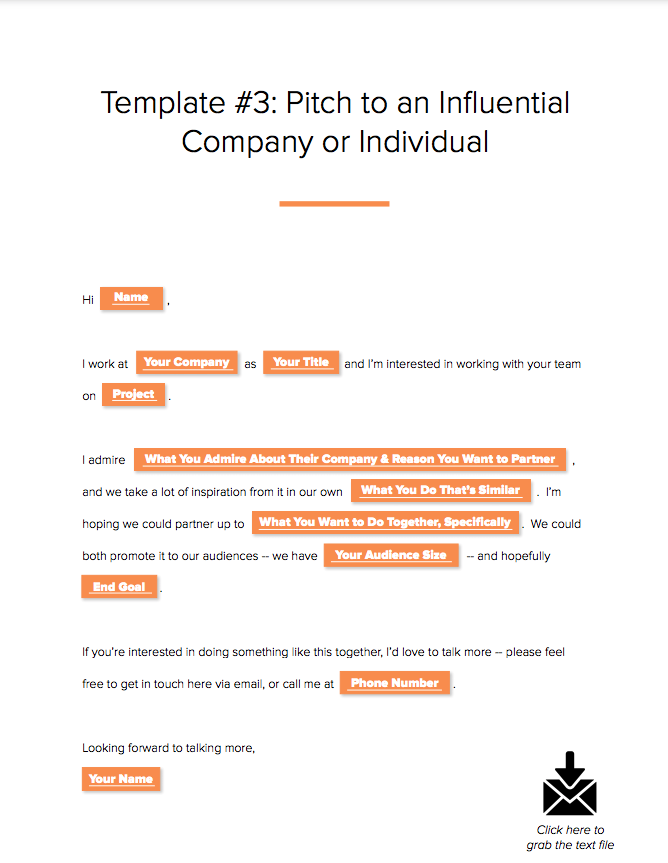
We’ve considered the types of emails marketers and salespeople are likely to send repeatedly and crafted templates that can help eliminate that time.template for an email pitch to a company

Download These Templates

2. Blogging

Blogs give copywriters a chance to dive deeper into topics in a way that isn’t captured through emails, ads, or social media posts. There are so many different types of blogs you might write, so be sure to develop your blog strategy to keep a close eye on what types of blog posts and topics perform best for your business.

Since blogs tend to be longer than other types of copy, you want to make sure you’re keeping your audience engaged. Consider what your readers may want from your post, and focus on answering the topic-related questions they’ll most likely ask.

This blog post template is an example of a product or service review.

Title

Introduction

[Introduce the product/service you’re reviewing and relevant background information about the company and the product/service. Clearly state what the reader will gain from reading the post.]

Subheading

[Write a brief using keywords. Use headings throughout the post to break up the key sections of your post]

Body

[A few paragraphs will cover the bulk of the review here. If there are multiple features to the product/service, section them separately as you review. Be detailed and answer the questions you think your audience may have about the product or service.]

  • How much did it cost?
  • What is the functionality?
  • How was the customer service?
  • Are you recommending the product/service?
  • Who would benefit from using the product/service?

Conclusion

[Wrap up your post with final thoughts and a CTA if you want readers to check out the product/service.]

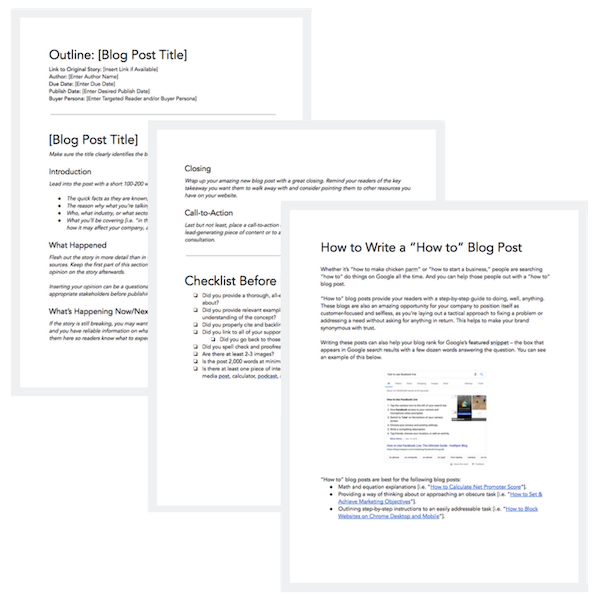
Featured Resource: 6 Free Blog Post Templates

We’ve put together six essential blog post templates every marketer needs — from how-to posts to listicles.

image of hubspot's free blog post templates

Download These Templates

3. Social Media

Writing copy for social media depends on the social platform. If you’re writing for Twitter, you have a strict character count, so the copy has to be brief but still appealing enough to get the attention of someone scrolling.

Similar to Twitter, Instagram is known for catchy captions. Character count isn’t as much of a concern on Instagram. However, since the social media powerhouse is visually oriented, you’ll want to write a caption that echoes the image or video in a post.

Overall, the primary goal when copywriting for social media is to thoroughly understand the key differences among the social media platforms. Here’s an example of an outreach template you could use for another major social media platform, LinkedIn.

Hi [First Name

], I just finished [reading/watching your post, reading/watching a post you shared, reading a comment you left on a post, etc.]. I found it interesting that [include a few brief vital points you found interesting, or anything that you feel showcases some common ground]. I also noticed that we share a few mutual connections, like [list mutual connections].

Let’s connect and keep sharing great content with each other!

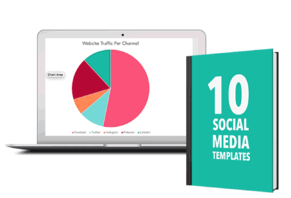
Featured Resource: Social Media Templates

social media template

Download These Templates

4. Website Copy

Copywriting for websites is about staying true to the business’ overall brand while making it easy for users to navigate the site. The copy that makes it to a site plays a huge role in setting the tone for a brand’s voice. When writing website copy, then, it’s critical you collaborate with key decision-makers for feedback to ensure your copy is on-brand.

There are so many different website components, so start with clarifying what type of page you’re writing for on the site. This may include, but is not limited to, the following:

  • Home page
  • About Us page
  • Contact page
  • Product or Service category page(s)
  • FAQ page
  • Blog page

Let’s take a look at one of the most necessary pages to include on your site, the About Us page:

[Company name] was founded in [Year] by [Founder’s name]. When [Founder’s name] began building [Company name] [he/she/they was/were] determined to [help, build, create] a company that offers [include the solution that the company problem solves for].

[Include as much or as little about the founders of your company. Sharing personable stories about how your company was founded is a great way to connect with readers and provide more insight into the people behind your brand.]

[Company name] helps people with [identified pain points of your buyer persona(s)]. To give our customers the best [product or service] we focus on [value proposition #1], [value proposition #2], and [value proposition #3].

[Company name] takes pride in working with people like you to provide quality [product/s or service/s] and exceptional customer service. We look forward to having you as a valued customer.

[Closing Signature]

Featured Resource: About Us Pages Guide + Lookbook

Get inspired by these awesome About Us page examples and learn how to make yours great, too.

about-cover-1

Download These Templates

5. Ebooks

Ebooks are one of the most common types of content copywriters can create. Since they are meant to contain extensive information, it’s best to take the drafting process one section at a time.

Here’s an example of a general ebook template.

Cover/Title Page

[In addition to including the title of your ebook, you’ll also include your cover image. If this is a company resource, also add your company’s logo. If it’s a resource coming directly from an individual contributor, include the author’s name.]

Table of Contents

[The table of contents should clearly include a list of all the chapters or sections in the ebook, with the corresponding page numbers.]

Introduction

[Introduce the ebook topic with relevant background information and clearly state what the reader will gain from reading the ebook.]

Chapter/Section Pages

[This is the best part of your ebook because it’s where the core of your information will be for your readers. Break the writing into digestible paragraphs for better readability, and include relevant images to help break up the copy and fill excessive white space.]

Conclusion Page

[This is the closing of your ebook. The goal of your conclusion should emphasize what the reader has gained and any actionable steps they can use to put their new knowledge to good use.]

Optional pages may include:

About the Author Page

[This page helps readers learn more about the author. The background information can vary depending on the author’s level of comfort, but overall the tone should be personable. This is also an opportunity to speak to the author’s credibility of the ebook topic.]

Interactive Pages

[Interactive pages can help keep your readers engaged. These pages may include quizzes, worksheets, checklists, etc. Including an interactive page in each chapter or section can help your reader feel they’re actively learning as they read.]

Resources Page

[You’ve most likely referenced tons of sources to help you get the final version of your ebook. Include the most important resources on this page for readers that may want to do further exploration on their own.]

Featured Resource: Ebook Templates

Let us take care of the design for you. We’ve created six free ebook design templates — available for PowerPoint, Google Slides, and InDesign — for a total of 18 templates.

Ebook-Templates-2-2

Download These Templates

6. Crisis Communications

If you’ve been tasked with writing for a crisis, you’ll need to be especially attentive, since this type of content usually addresses serious or sensitive matters.

Developing clear messaging for crisis communications requires a special level of detail. You’ll want to convey an empathetic tone that appropriately addresses the crisis. It’s a good idea to collaborate with team members to ensure the overall message is properly aligned with your company’s brand.

You may end up creating several pieces of content for a crisis, including blog posts, social media posts, emails, an announcement from the CEO, a newsletter, etc. The following template is an overview of what to address:

An Overview of the Crisis

[Clearly identify the crisis and share detailed background information on what has occurred. If you’re addressing something that includes individuals, use discretion. Check with your company’s legal team to ensure all documents follow proper protocol.]

Plan of Action and Timeline

[Create a plan that includes a timeline of how the events have developed and how your team will be addressing the issue(s) at hand. Consider the types of questions media outlets could ask and write prepared statements the company, leadership, and general team members can use to respond.]

Contact Information

[Share the best contact information people can use to learn more about what’s happening and ask any additional questions. This could be your company’s PR team or agency or an internal customer service or support team.]

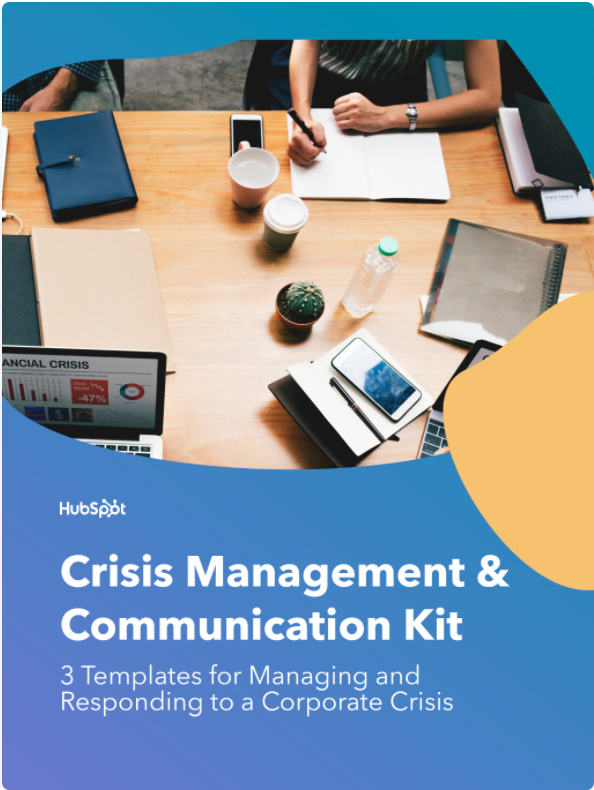
Featured Resource: Crisis Management and Communication Kit

The templates in this crisis communication kit will help your management team prepare for how to handle a crisis and respond to the media during a difficult time. Having clear lanes allows your team to operate effectively during times of crisis.

cover image of hubspot's crisis management and communications kit

Download These Templates

7. Customer Communications

Customer service is an essential part of any business. Writing to better understand and communicate with your customers is necessary to foster stronger connections. Creating buyer personas is one of the best ways to better understand your customers. Buyer personas are semi-fictional representations of your ideal customers based on data and research.

Use this template outline to begin developing your buyer personas.

Background

[Create a background for your persona that best exemplifies the types of customers you have. This can include their job title, career path, and family life.]

Demographics

[Include age, gender, salary range, location, and anything else that best represents your customer persona.]

Identifiers

[Identifiers can include your persona’s general demeanor or communication preferences. This type of information is vital because it helps businesses build a more curated approach for their customers.]

Featured Resource: 17 Templates to Help You Put the Customer First

To help you foster better relationships with delighted customers, we put together this collection of templates — buyer persona templates, email templates, and survey templates — that put the customer first.

image of hubspot's templates to help readers put the customer first

Download These Templates

8. Case Studies

Potential customers often turn to case studies when researching a product or service they’re interested in buying. Case studies provide evidence of how a product or service has helped customers by identifying a pain point and providing a solution. They’re great resources for copywriters to show off their interview skills and boast strong statistics.

The key components of a case study are listed in the following template:

Executive Summary

[Provide a mini headline to grab your reader’s attention. Then, underneath this headline, write two to four sentences (under 50 words) summarizing the whole story, making sure to include the most relevant points of the case study.]

About the Client

[Share a brief description of the company you’re featuring in the case study. This should include the company’s name, when the company was founded, what the company does, and any other relevant information you think would be helpful for readers.]

The Challenges

[Write two to three short paragraphs describing the pain points your client was experiencing before they bought from you, the challenges this presented, and/or the goals you were trying to achieve.]

The Solution

[Write two to three

short paragraphs describing how your company worked with your customer to find a solution to their challenges and implement a winning strategy. Use this space to describe how they are now using your product or service to solve their challenges from the previous section.]

Results

[Write a two- to three-paragraph conclusion to prove that your product/service impacted the customer’s business and helped them achieve their goals, especially if they’ve been able to quantify or speak to the ROI of their investment.]

Call-to-Action

[Use your CTA to lead your prospect to a landing page or a contact form. This will give you more information on who’s reading your case study and who’s interested in your company.]

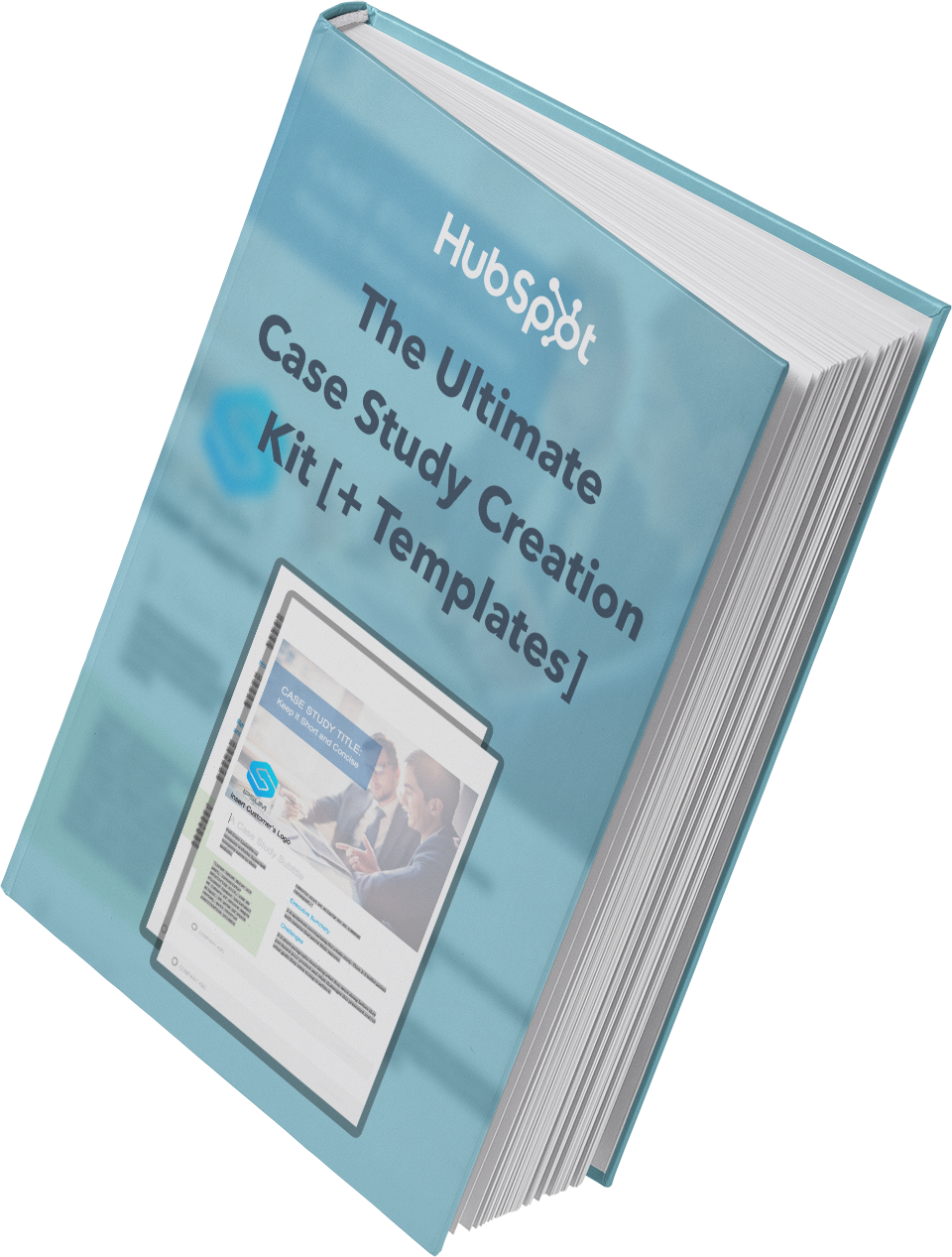
Featured Resource: Case Study Template

Need help getting your first case study off the ground? Look no further. We’ve put together a comprehensive guide, complete with templates, designed to make the process a whole lot easier.

Case-Study-Cover

Download This Template

9. Call to Action

A call to action (CTA) is an image or line of text that’s included in different types of content to encourage leads and customers to take action. In short, you want someone to click your CTA to carry out the desired action.

Add CTAs to blogs, emails, ebooks, and anywhere else you want a lead to complete a certain action to push them to the next stage of the buyer’s journey.

Featured Resource: CTA Templates

These resources will empower you to create an impressive CTA strategy by helping you understand how they work across different mediums, while also providing you with the means to create them for your own website.

image of hubspot cta templates

Download These Templates

10. Memos

A memorandum, or memo, is used to address internal communications within an organization. Think about the type of message you want to communicate. A memo is likely a good idea if you’re sharing minutes from a meeting, detailing new policies and procedures, or communicating anything people may need to reference.

Memos tend to be longer and more formal than emails (although you may attach a memo to an announcement ema

il) and may be formatted according to your company’s style guidelines.

Use this general memo template to get started.

Memo: [Memo Title]

Date: [Date of sending]

Memo To: [Individual(s), Department(s), or Organization(s) the memo is being sent to]

From: [Your Name, or the Name of the Department on whose behalf the memo is being sent]

Subject: [Enter a brief, 5-to-10-word subject line to describe the purpose’s memo]

Introduction

Provide an executive summary of this memo in one to two paragraphs, highlighting the change that’s happening, when it’s effective, and what the key takeaways are for the memo recipient.

Background

Explain the background for this organizational change in one-two paragraphs. Some questions to answer in this section might be:

  • Why was this idea pursued in the first place?
  • What data, research, or background information informed this decision?
  • What are the intended results of this organizational change?

Overview and Timeline

Describe the organizational change in clear, direct language. Specify the following:

  • What will be changing?
  • Who will be responsible for driving the change?
  • When will the changes go into effect?

Closing

Close things out with a final note on:

  • Why employees should feel excited and motivated about this change.
  • Where and when employees should submit questions, comments, and/or concerns.

Featured Resource: 4 Free Memo Templates

We’ve drafted up four free memo templates for general, organizational, financial, and problem-solving updates. We’ve also included a best practices checklist for you to review before sending your memo out.

image of hubspot's memo templates

Download These Templates

Adding these templates to your marketing arsenal can help you save time during your drafting process. Copywriters are shifting gears from blogs to case studies to emails all the time.

Should you use copywriting templates?

When you’re a copywriter, it’s your job to find the most compelling way to present information. This information might be seen in an email, on a webpage, or as an article headline. Often, you might find that you’re sharing the same information, but how do you share it without sounding repetitive?

Copywriting templates and formulas are an effective tool for writing equally effective copy. These templates enable you to create direct, appealing messages for readers. While the goal is the same, the way you get there changes.

Not only do copywriting templates give you the tools to share information in a fresh way, but they allow you to save time. With easy formulas to follow, you can quickly edit each template to work for your purpose. However, it is crucial to customize them and make them your own to avoid sounding like you’re following a formula, even though you are. Don’t worry — we won’t tell.

Best Copywriting Templates

Imagine a slide. You’re sitting at the top, and once you push off, there’s no stopping. This is how copywriting is described — like a slippery slope. Assume every potential reader is sitting at the top of the slide, and it’s your job to get them down. This likely starts with the first line of copy meant to gain their attention or interest. While the first step is often the same, there are many ways to get them to the final destination in copywriting.

Below, you will find four of the best copywriting templates for creating any piece of content.

BAB Formula

In copywriting, the BAB formula is a popular tool. The acronym stands for before-after-bridge. It’s a device used to appeal to the wants and needs of your audience. While this tactic is particularly effective in email marketing, it has its place in every avenue of copywriting.

To start, you want to focus on the before. This section is typically used to highlight problems or pain points for your audience. Your goal is to make them see themselves in the scenario. Immediately following this, you want to highlight the after. Use this section to craft what life will look and feel like once you resolve their issue.

Lastly, introduce the bridge. You’ve shown your audience a problem. You’ve demonstrated what it will look like when it’s fixed. Now, how will you get there? The bridge should merge your before and after. Typically, this is when a company would introduce its products or services. However, if you’re focused on creating a piece of content, you might use this section to propose an idea or advice.

AIDA Formula

Another popular formula used by copywriters and marketers is AIDA. The acronym is for: Attention, Interest, Desire, Action.

First, you want to get your a

udience’s attention. This will typically be done with a headline. Make a compelling statement. “What Never to Eat on an Airplane” and “Why You’ll Never Be a Millionaire” are two examples.

Once you get their attention, you have to keep their interest. Goldfish are said to have an attention span of nine seconds — pretend you’re writing for a goldfish. In this section, you might start by describing an interesting story. As you build out the copy, make sure this section is easily digestible for the high percentage of readers who will scan the information instead of reading it word-for-word.

Next in the AIDA formula is desire. This section is all about the details. Focus on the pain points of your reader. Are they missing a product or service to make their lives easier? Are they missing the information they need? As you develop desire in your reader, include any features for a product or service. Mention benefits or a solution if you create a blog post or article. It would also be beneficial to add any testimonials if available. Your copy should emphasize how your reader’s life will positively change with this product or information.

Lastly, the AIDA formula wants to drive your reader to act. It calls for you to end your copy with a CTA. Common CTAs are “BUY NOW” or “SIGN UP HERE!” For a blog post, your CTA might direct them to comment on the post or share it with their peers.

PAS Formula

You’ve likely heard the quote, “When life hands you lemons, make lemonade.” Now, imagine the lemons bringing a swarm of fruit flies because you have nowhere to store them. After, you learn you can make lemonade. That’s what the PAS copywriting formula is.

PAS stands for Problem, Agitation, Solution. First, present the problem. During this step, you want to empat

hize with your reader. Put yourself in their position and present the issue as if you’re experiencing it yourself. Once they are aware of it, make it worse.

Step two of the PAS formula is to agitate the problem. Think of how your reader’s problem could worsen, and tell them. Make it so they want to solve the situation now before it gets worse.

The final step in this formula is to present the solution. Give them a way out. This is when you introduce your products, services, or advice.

The 4Ps Formula

In this approach, you’ll have to promise, picture, prove, and push. This method calls you to grab your reader’s attention by making them a promise. You could easily alienate your target audience by making false claims, so ensure your promise is accurate. It is a promise you will have to keep.

Once you give the promise, paint a picture. You might want to throw a million adjectives around, but descriptions have different meanings to different individuals. “Exceptional craftsmanship” might mean one thing to you and another to me. Instead, use specific details that demonstrate the craftsmanship. Using details and examples helps create a clearer image for your audience.

Now, it’s time to prove yourself. You made a promise and created an image in your reader’s head. How do they know it’s true? In this section of the 4Ps formula, present your evidence. When selling a product or service, show customer testimonials or before-and-after images. For other content types, include data and statistics to bolster your claim. Once you’ve painted the picture in your reader’s head, the proof will solidify it.

At this stage, you’re ready to introduce your reader to your CTA. Tell them exactly what you want them to do. Download this PDF. Sign up for a free trial. Once you have made a promise, painted a picture, and proved your claim, push your reader to act.

“A” plus “B” equals copywriting.

Copywriting is more than a little complex. If you’re responsible for writing amazing copy for different types of content, you have the never-ending task of discovering new ways to present the same information. Luckily, copywriting templates and formulas make the job a little easier. When you can’t get your creative juices flowing, use this article as a resource to get your process going.

Editor’s note: This post was originally published in December 2020 and has been updated for comprehensiveness.

Categories B2B

The Ultimate Guide to Content Marketing in 2022

Your customers, leads, and audience members want valuable content from your business. And that content needs to reach audience members in a way that feels natural and organic versus being disruptive. Content marketing helps businesses do this, and it describes the process of attracting, engaging with, and delighting your target markets.

By honing in on effective content marketing, you can do just that — and as a result, increase conversions, improve brand awareness, boost revenue, establish yourself as an industry leader, and more.

Click here to sharpen your skills with the help of our content marketing  workbook.

Whether you’re just starting to devise a strategy or you’re refreshing your existing one, it never hurts to re-assess your process and come up with new ways to create and share the content your audiences want. In this guide, we’ll give you a birds-eye-view of content marketing, types of content marketing, content marketing examples, and how to get a strategy going.

Content Marketing

The definition of content marketing is simple: It’s the process of publishing written and visual material online with the purpose of attracting more leads to your business. These can include blog posts, pages, ebooks, infographics, videos, and more.

However, content marketing is not just publishing a thin piece of content and hoping people will find it. It’s about purposefully tailoring your pages, videos, ebooks, and posts to your target audience so that they find you the inbound way rather than the outbound way.

Today, outbound marketing strategies (or anything that interrupts your audience members) aren’t as effective at resonating with and converting audience members as they once were.

Today, your content needs to reach your audience in a way that feels natural (a.k.a. inbound). A common way of doing this is by creating a narrative for your content — or telling a story. In doing so, your content will feel more authentic, engaging, and tailored to your audience.

So, what defines content marketing anyway?

Why is content marketing important?

  • Educate your leads and prospects about the products and services you offer
  • Boost conversions
  • Build relationships between your customers and business that result in increased loyalty
  • Show your audience how your products and services solve their challenges
  • Create a sense of community around your brand

Now let’s look at the various types of content marketing.

Types of Content Marketing

There are many types of content marketing that you may choose to incorporate in your strategy — here are some of the most common:

1. Online Content Marketing

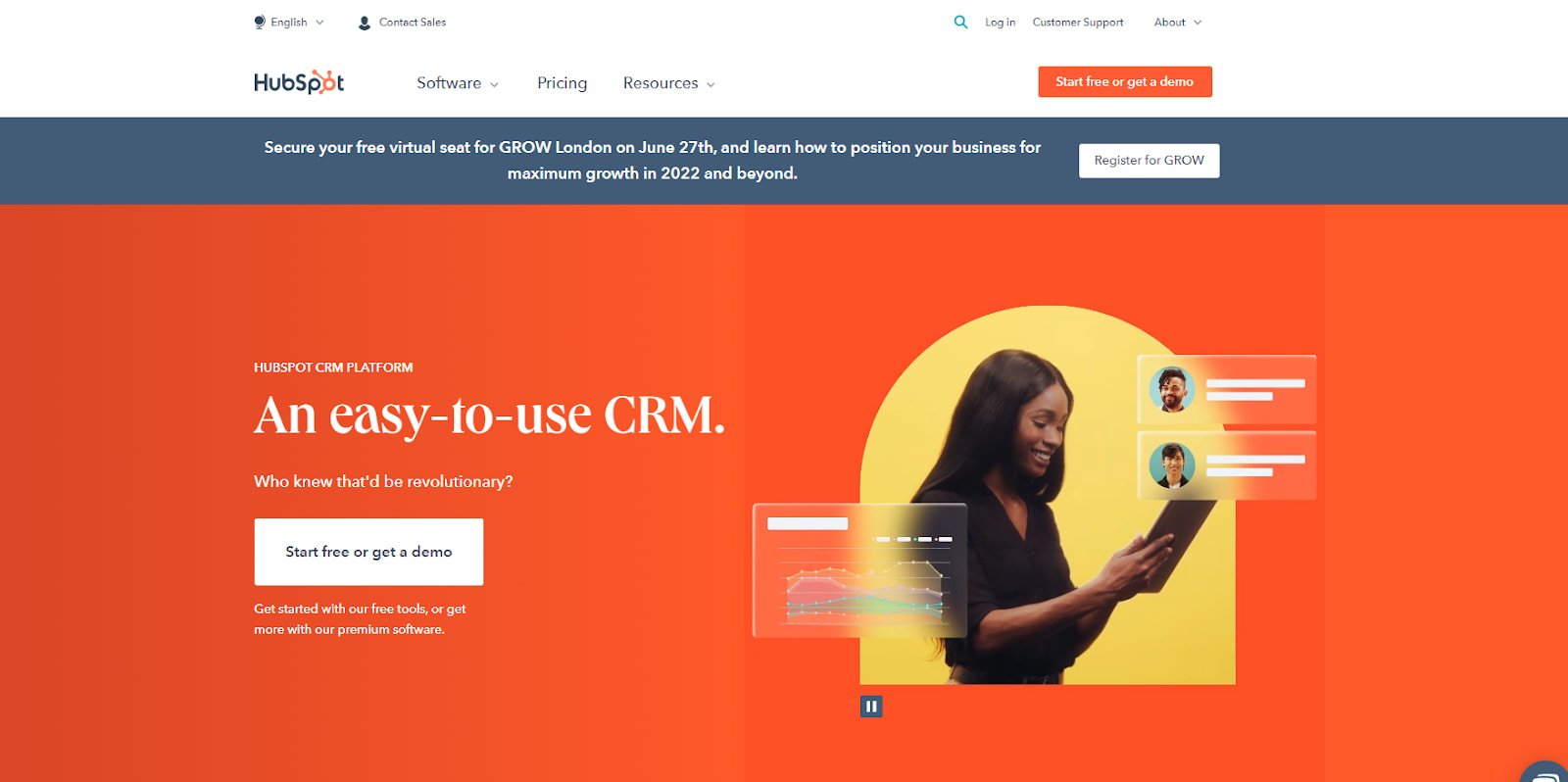
b2b-website-examples-hubspot

Online content marketing refers to any material you publish online, but more specifically, it refers to your web pages. A strong online content marketing strategy will help you rank higher in the search engine results pages (SERPs) and get you in front of the right people at the right time.

HubSpot’s home page is one example, immediately engaging visitors with specific content about our products.

2. Social Media Content Marketing

With over 4.2 billion global social media users, it’s easy to understand why so many businesses invest in social media marketing. There are a number of platforms (e.g. Facebook, Instagram, Pinterest, LinkedIn, Snapchat) to work with and several ways you can create and share content on each of them (e.g. photos, live videos, pre-recorded videos, stories).

Featured Resource: Social Media Content Calendar

3. Infographic Content Marketing

Infographics display content, information, and data in an easy-to-understand, graphic format. With a mix of simple wording, short statements, and clear images, infographics are a great way to effectively communicate your content. They work well if you’re trying to distill an educational and/ or complex topic down so all audience members can understand it.

Featured Resource: 15 Free Infographic Templates

4. Blog Content Marketing

Blogs are a powerful type of inbound content and allow for a lot of creativity in terms of their purpose and topic. With a blog, you can do things like promote other internal and external content and blog articles via links, add social share buttons, and incorporate product information.

Featured Resource:Start a Successful Blog

5. Podcast Content Marketing

More than 60 million people listen to podcasts across the Spotify and Apple Podcasts platforms. For this reason, many businesses and media outlets have begun creating and sharing their own podcasts.

Podcasts allow for a lot of creativity as they can be about any topic of choice. Additionally, you determine other factors related to the podcast such as cadence of episodes, who’s on the podcast, where you advertise the podcast, and how long episodes are.

Featured Resource: How to Start a Podcast

6. Video Content Marketing

According to Wyzowl research, 73% of consumers say they prefer to learn about a brand’s product or service through video. Additionally, video marketing can boost conversions, improve ROI, and help you build relationships with audience members. You may choose to share your video content on social media platforms, landing pages, or on a co-marketer’s website.

Featured Resource: The Ultimate Video Marketing Starter Pack

6. Paid Ad Content Marketing

Paid ads can help you reach a broad audience and allow you to position yourself in all of the places you want to be seen — paid ads are especially beneficial when paired with inbound marketing. There are many places you can share paid ads including on social media, landing pages, banners, and sponsored content.

Featured Resource: The Ultimate Google Ads PPC Kit

Next, let’s look at some content marketing examples that are associated with those types of content marketing we just reviewed.

Content Marketing Examples

The following examples will give you a better understanding of how you can incorporate content in your greater marketing strategy.

1. Example of Instagram Content Marketing

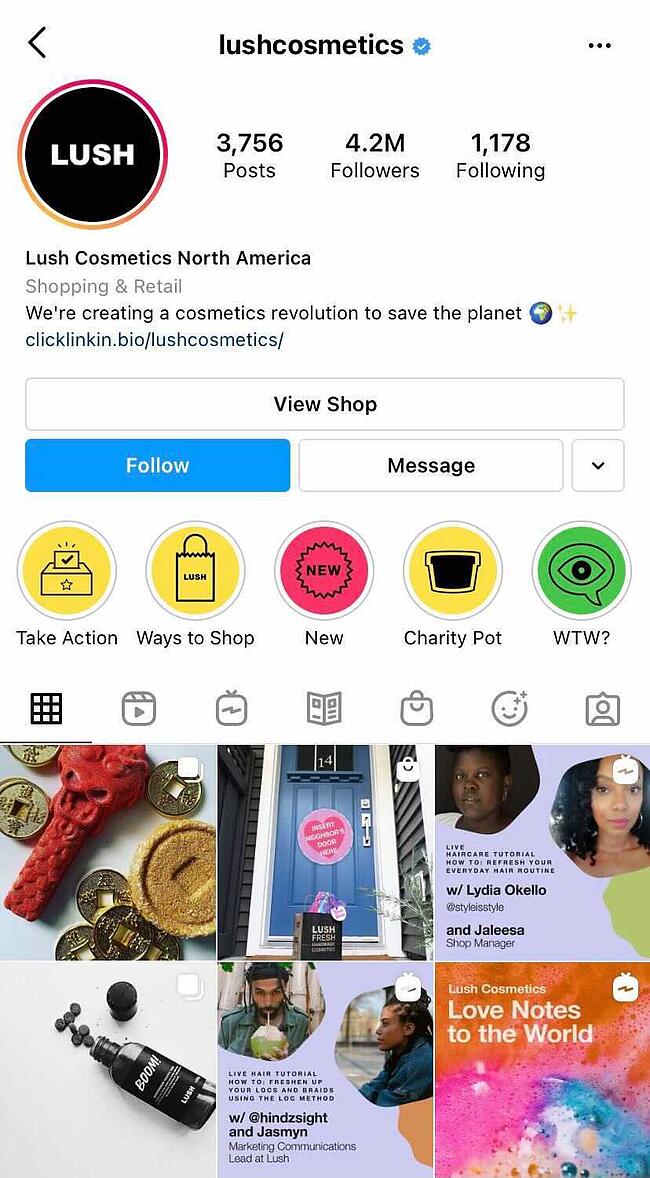
lush instagram profile example of social media content marketing on instagram

Image Source

Lush Cosmetics’ Instagram account is on-brand and complements the rest of their marketing content — if the page didn’t say “Lush Cosmetics” anywhere on the profile, customers would likely still know the profile belongs to Lush.

The Instagram page shares the Lush product line, displays different color and scent options for the products, and shows the various ways each product can be used. The profile feels and looks colorful and uniquely Lush, and depicts members of their wide customer base.

2. Example of Infographic Content Marketing

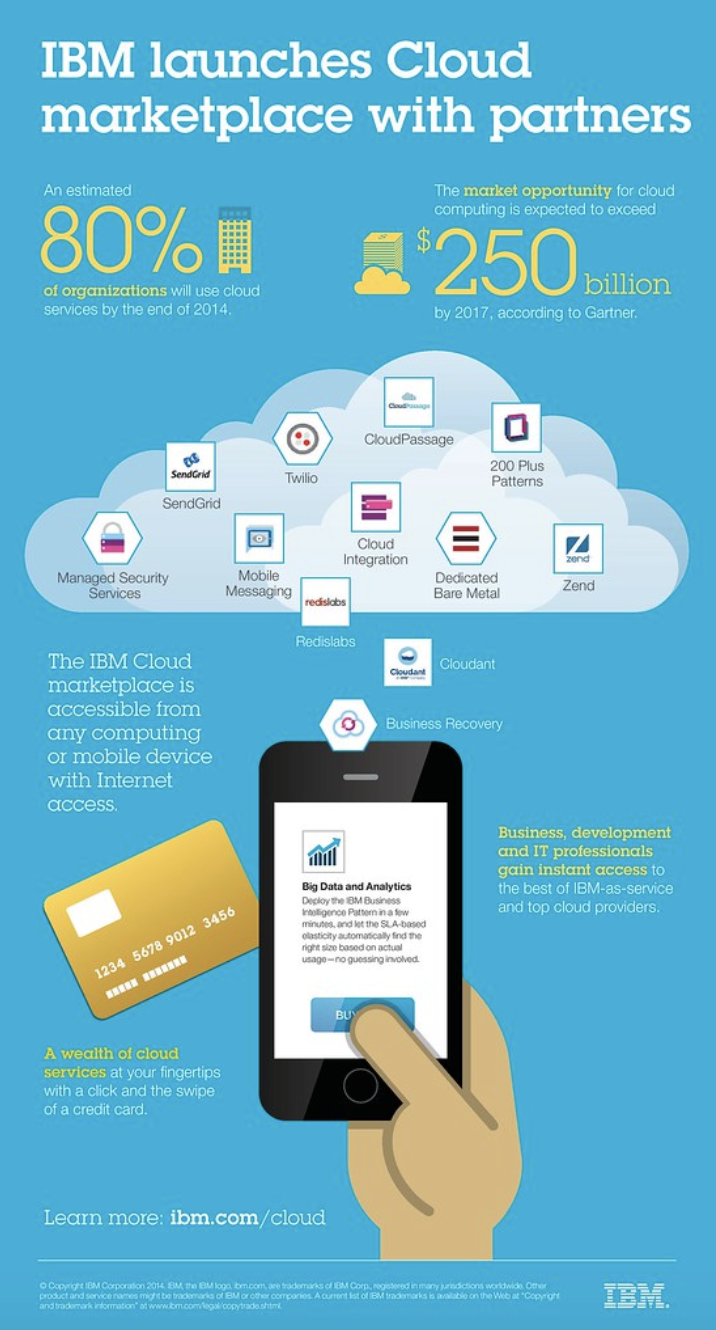
infographic content marketing example

Image Source

IBM created an infographic when they launched their Cloud marketplace. Their infographic is on-brand, well-organized, and easy to read. It clearly explains what they’re doing with their Cloud marketplace and how customers can benefit from it. It also tells audience members how they can access the marketplace and get started using it.

3. Example of Blog Content Marketing

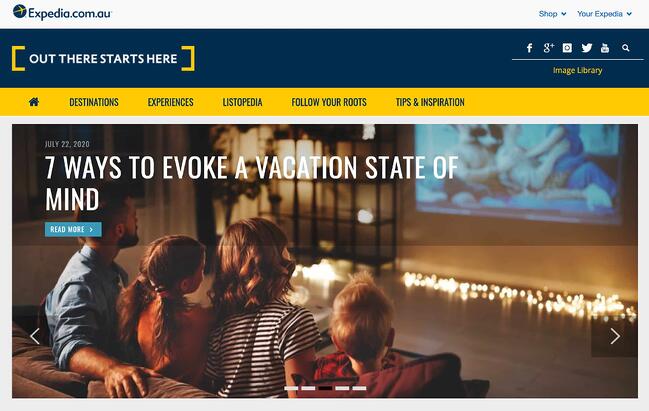
expedia blog front page content marketing example

Image Source

Expedia has a blog called “[Out There Starts Here]” that shares travel-related information including hotel recommendations, great places to visit, and travel-related activities you can take part in around the globe.

Expedia regularly publishes their blog content to keep readers interested and engaged. It includes a wide range of topics related to any type of trip you could imagine.

The blog is on-brand and all articles relate to the travel technology company’s goal and mission of gaining customers and boosting brand awareness. They do this by linking to their services and writing about customers who have already had positive experiences with the company.

4. Example of Podcast Content Marketing

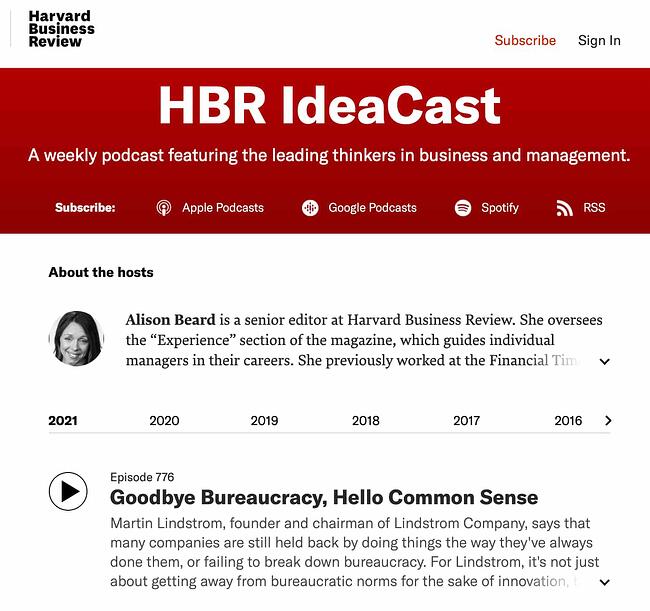
hardvard business review podcast content marketing example

Image Source

Harvard Business Review (HBR) has a weekly podcast called HBR IdeaCast which features industry leaders in both business and management. You can either subscribe to consistently receive their hundreds of podcasts or pick and choose which ones you want to listen to.

The podcast is on-brand and complements the rest of HBRs published content. It also serves as a great way for HBR to connect with their target audience, enhance brand awareness, and gain a following of audience members through a medium that differs from their typical work (e.g. podcast versus HBR article).

5. Example of Video Content Marketing

Image Source

Much of Dollar Shave Club’s video content has gone viral. Their marketing efforts are on-brand, humorous, and entertaining. By establishing a name for themselves via online video content, Dollar Shave Club has experienced impressive growth and brand recognition.

6. Example of Paid Ad Content Marketing

example of paid ad content marketing

Image Source

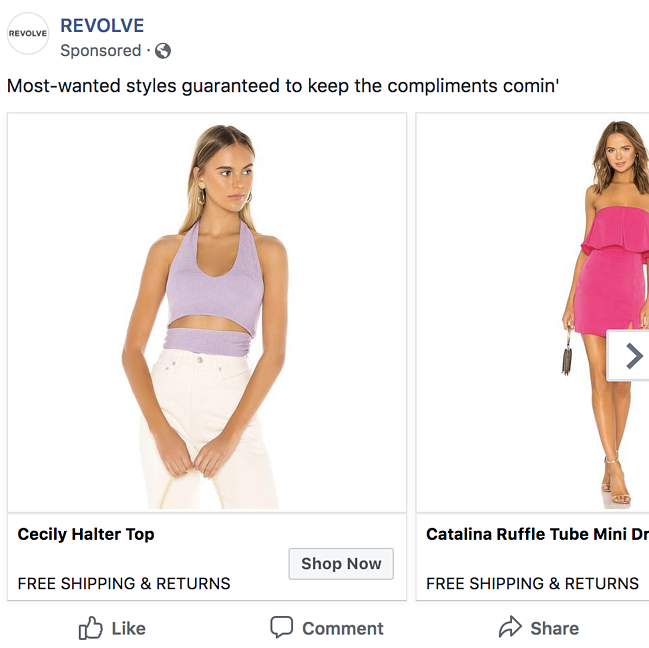
Revolve — a clothing and accessories company — uses paid and sponsored ads on social media (like this one on Facebook) to reach their target audience while they browse their news feeds.

The content ads feature some of their products as well as details about their free shipping and return policy to drive target audience members to their site (and, hopefully, convert them into paying customers).

Lastly, let’s cover your content marketing strategy. By implementing a strategy, your content marketing efforts will be impactful and effective in converting leads and reaching your target audience.

7. Example of Twitter Content Marketing

hubspot using twitter for content marketing, examples of content marketing

Image Source

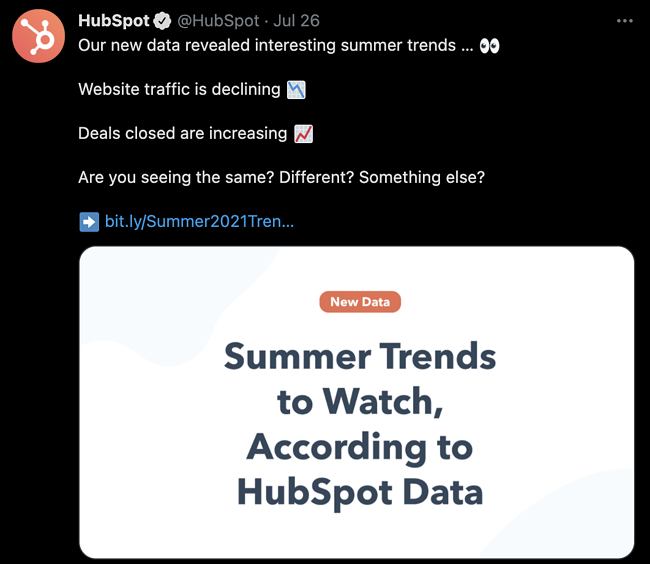
HubSpot uses Twitter to market software as well as create a community among customers, target audience members, and industry leaders and experts.

HubSpot shared product information, relevant tips, industry knowledge, and original research on Twitter. HubSpot also interacts with users and ensures anyone in need of customer support knows exactly where to go for help.

8. Example of TikTok Content Marketing

example of content marketing on tiktok by chipotle

Image Source

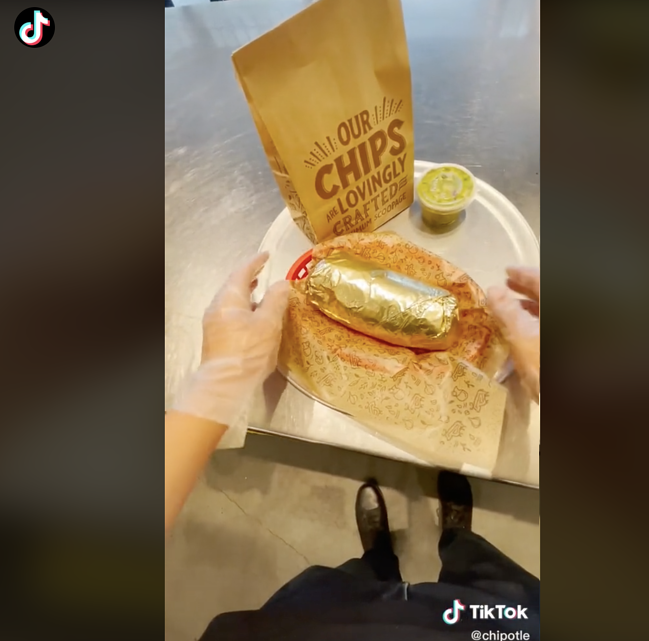
Chipotle is a very active brand on TikTok — the company uses the platform to reach and engage their customers and target audience members. In addition to reacting to others’ Chipotle-related TikTok content, the brand posts TikToks of their menu items, recipes, people enjoying their food, their restaurants, and more. They have over 1.6 million followers and over 30 million likes.

9. Example of Viral Content Marketing

example of viral content marketing on tik tok Image Source

This viral content marketing example was one that came from a TikTok video — Nathan Apodaca’s original TikTok video included him sipping Ocean Spray cranberry juice while skateboarding and listening to “Dreams” by Fleetwood Mac.

As a result of the viral video, TikTok used part of Apodaca’s video in their ads, Ocean Spray used Apodaca in their ads, Ocean Spray saw a bump in sales and brand awareness, Fleetwood Mac’s “Dreams” was number one on iTunes, and there were thousands of videos posted by other TikTok users who bought the cranberry juice and recreated Apodaca’s original video.

You can think about your content marketing strategy as you would your content marketing plan — let’s dive into the steps you’ll want to work through in order to develop an effective strategy.

1. Set SMART goals.

The first part of your content marketing strategy is to set SMART goals. These should be specific to your business — they’ll likely complement your broader marketing and company goals.

Here are some SMART goal examples:

  • Improve brand awareness
  • Boost revenue
  • Increase conversions
  • Improve brand loyalty
  • Increase customer engagement
  • Build rapport and trust among prospects and customers
  • Attract strategic partners

2. Determine your KPIs.

Next, set key performance indicators (KPIs) for your SMART goals. KPIs are quantifiable data points you can use to measure your actual performance against your goal.

smart goal related kpi
Brand awareness Site traffic, social media followers, subscription sign-ups, mentions (by customers and partners)
Revenue Daily sales, site traffic
Conversions Conversion rate, shopping cart abandonment rate, associated shipping rate trends, competitive price trends
Brand loyalty Returning customers, promoters, product reviews, referrals
Customer engagement Likes, shares, follows, mentions, backlinks
Rapport and trust Returning customers, promoters, followers, mentions
Strategic partners New partnerships, mentions, backlinks

3. Decide on the type of content.

Next, choose the type of content you’ll create. To do this, start by thinking about your target audience and buyer personas.

Answer the following questions about your target audience to help you narrow down the right types of content for them:

  • What do they need from you?
  • What challenges are they looking to overcome?
  • Why do they need your product or service?
  • How can you help them succeed?
  • Where do they spend their time?

Then, take a look back at the various types of content we reviewed earlier to decide which types of content you’ll create.

4. Choose your content channels.

Once you’ve decided on the type of content you’ll market with, it’s time to choose your specific content channels. Where will you share your content? Where will it live and be shared from?

For some of the content types, the channel you need to work with will be obvious. For example, if you’re creating Facebook content, your channel will be the social platform itself.

5. Set a budget.

Now, set your budget. Think about the type of content you’re creating and which channels you’re marketing that content on.

Then, ask yourself the following questions to determine your budget:

  • Do you need to purchase any software or technology to create the content (such as graphic design software like Adobe Photoshop, a subscription to Canva, a camera to take high-quality photos and videos)?
  • Do you need to hire any content marketers or designers (such as artists, writers, editors, designers)?
  • Do you need to pay for ad space?
  • Do you need access to specific tools or resources to enhance or measure your specific type of content?

Make note of how your responses impact your budget — whether that’s an increase or decrease in what you may have already estimated.

6. Create and distribute the content.

Create and distribute your content so your audience members can consume it — and possibly convert. To ensure you’re consistently producing content and sharing it among your prospects and customers, use a social media calendar or an editorial content calendar.

This will help your team stay on top of all of the content being created as well as allow you to schedule it ahead of time.

Use a free editorial calendar to schedule and optimize all of your marketing content to help you boost conversions.

7. Analyze and measure results.

Lastly, analyze and measure your results so you can make any necessary changes to enhance your content marketing efforts and reach more audience members.

Look at your SMART goals and KPIs to determine the success of your content marketing strategy. Did you achieve your goals and KPIs? Were you close to reaching them, or were you off in your estimations?

Here are some tools to help you with your content marketing strategy analytics and results:

Now, how can you ensure your strategy will be effective? Let’s find out. 

Traits of Effective Content Marketing

With so many companies creating and publishing content online, it’s essential to go beyond your standard industry fare. A secret? HubSpot strives to meet the following criteria to ensure all of our content meets your and other readers’ needs. The result? Millions of visits to our blog posts and web pages per month.

You can achieve similar results for your company if your content:

1. Provides value beyond your product offerings.

Content marketing isn’t just about sharing your products’ virtues to get readers to become a customer. It’s important to provide value that empowers your customers to do something more efficiently, such as making their businesses more profitable or shortening their morning routine.

Whatever the case may be, strive to create content that provides a solution for your customer’s most urgent needs. Your product may be a solution, but if you’re not explicitly writing a product page, you should only incorporate product mentions if they make sense.

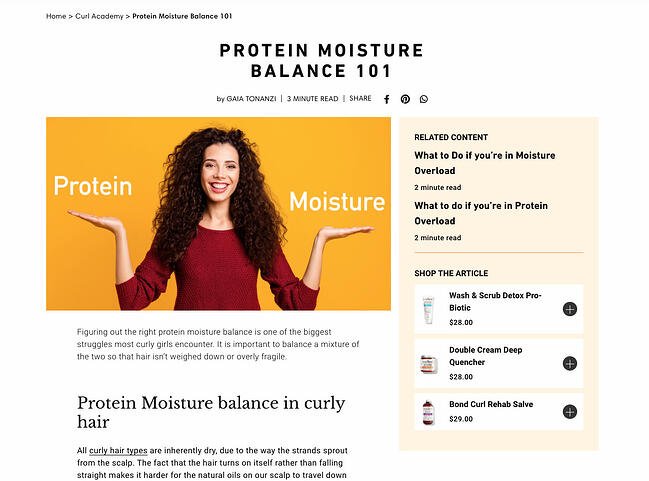
In the blog post below, hair care brand Curlsmith helps readers understand how to reach the right balance between high-protein and high-moisture products. It doesn’t mention its products until the very end, instead educating the reader first.

traits of effective content marketing: curlsmith blog post

2. Targets readers’ specific buying journey stage.

Providing value and answering customer’s needs is only a part of the story. In each piece of content, you should also target your customers’ specific buyer’s journey stage.

Generally, there are three stages of the buyer’s journey: Awareness, consideration, and decision. In the awareness stage, buyers are still researching their issue. In the consideration stage, they’re researching solutions. In the decision stage, they’re about to pick a provider.

If you’re writing a “What is [X]?” post, then the person who’s reading that article is likely not ready to make a decision about their provider. They are still in the awareness stage, completing research so that they can find out who offers a solution.

Conversely, if you’re writing a product page, then the reader who visits that page has already researched potential products and found you as a possible provider. That means you should pitch your product at every turn, reiterating your value proposition and differentiating yourself from the competition. You shouldn’t be shy about your products’ most valuable features.

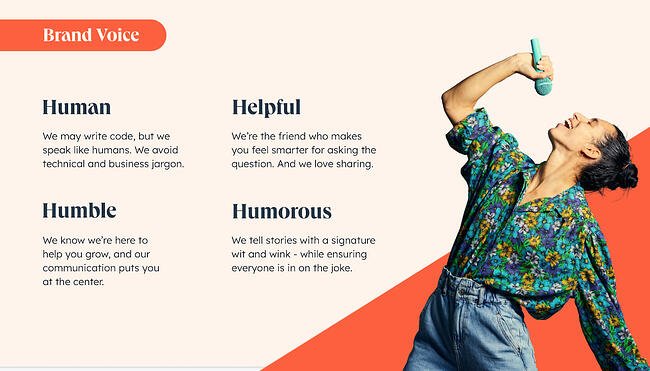
3. Demonstrates a consistent brand voice and image.

traits of effective content marketing: hubspot brand voice deck

Image Source

No matter if you’re creating a blog post, web page, or ebook, your visitors should be able to tell who you are immediately upon consuming your content. Your brand shouldn’t sound as if ten different people are writing for you, even if that may be the case.

That’s why it’s critical to create both a writing style guide and a brand style guide. Both of these documents will ensure that:

  • Your brand visuals look the same across all platforms and devices.
  • Your brand tone and voice sounds the same across all written communications.

Once you create both of these, disseminate them to both your content writers and your freelance or in-house designers. Your content marketing publications will be much more cohesive and consistent, which will keep readers coming back to you as a resource and make you look more polished and professional.

4. Is timely and engaging.

Do your customers typically plan their financials at the start of the year? If you’re a finance startup, you might publish a blog post in January about budgeting quarter-over-quarter to prevent clerical errors and avoid overspending.

At the end of the post, you might include a prompt to check out your software, or lead users to a template they can download after providing their email.

This is one example of content marketing that is timely and engaging. If you know your customer’s behavioral and spending patterns throughout the year, it’s critical to capitalize on that. Publish blog posts and offers that capture them at the right time and answers their immediate needs. You’ll be ahead of the companies that publish similar content later on — and oftentimes, being first is all you need to win a customer over.

Now that we’ve seen the top traits of effective content marketing, let’s dive into the best resources you can use to learn more about it. 

There are hundreds of thousands of tools available today that qualify as excellent content marketing resources. For the sake of this article, we’re going to keep things simple by providing a handful of our favorite options today.

  1. HubSpot Academy for free education on how to become an effective content marketer.
  2. HubSpot’s Free Content Creation Resources for access to resources that will propel your content marketing strategy towards success.
  3. Content Marketing Institute for access to some of the best content marketing online education, print, and events available today.
  4. Blog articles on content marketing, trends, strategies, and tips by industry experts (like HubSpot).
  5. Podcasts about content marketing, such as This Old Marketing, or business trends, such as HBR IdeaCast, to inspire your content marketing strategy.
  6. Google Trends, which allows you to search for trends across broad topics like content marketing or for niche topics within content marketing.
  7. Ebooks and case studies about content marketing or content marketing strategies, like this one by Mention.
  8. Latest content marketing statistics by a reputable database source like Statista.
  9. Easy to use visual content and design software, such as Canva.
  10. Free or paid social media management tools, such as HubSpot, Buffer, or Sprout Social, to help you create and share your social content.
  11. Free or paid content and project management tools, like Trello or Asana, to plan and organize your content marketing strategy.
  12. Free or paid marketing software to connect your content marketing team, plan, strategy, and results to your greater marketing plan (and even your CRM).
  13. Free or paid email marketing software, like HubSpot or Mailchimp, to handle all aspects of your email campaigns and content.
  14. Your network, on platforms like Twitter or LinkedIn, where you can connect with those in your industry to discuss relevant trends, answer each other’s questions, and provide or ask for feedback.

And speaking of tapping into your networks on sites like Twitter and LinkedIn, here’s some inspiration from a few of the greatest content marketers to follow on both platforms today.

3 Marketers to Follow on LinkedIn

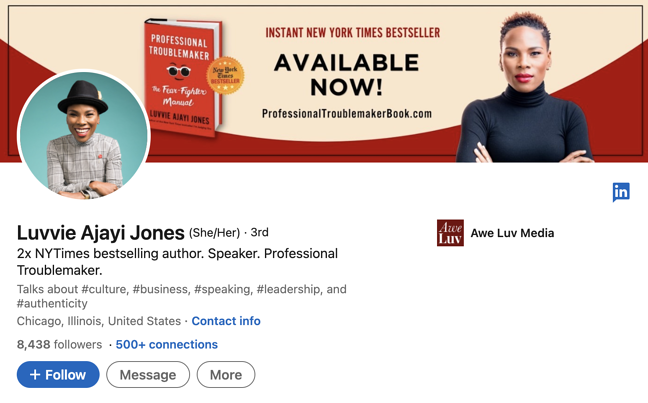
1. LinkedIn: Luvvie Ajayi Jones

Luvvie Ajayi Jones content marketer to follow on linkedin

Luvvie Ajayi Jones is a best-selling author, digital strategist, podcast host, and speaker. She’s known for combining humor with her experiences and background in marketing, communications, and new media. Her LinkedIn is sure to inspire you whether you’re thinking about/working on culture, authenticity, leadership, content, marketing strategy, and more.

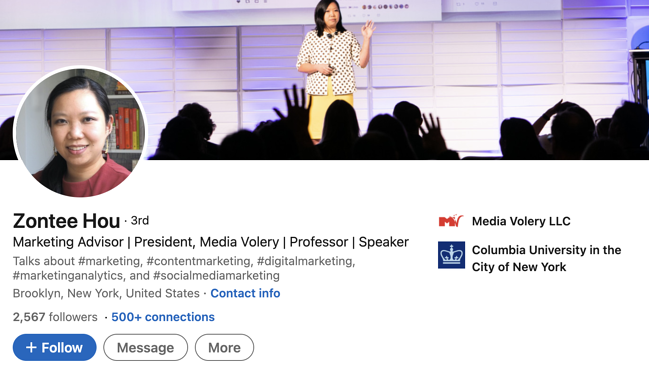
2. Zontee Hou

zontee hou content marketer to follow on linkedin

Zontee Hou is a digital marketer and strategist, speaker, and consultant. She works with scaling companies to help them establish effective marketing strategies that work for their unique goals and audiences. On her LinkedIn profile, Hou shares her expertise in content marketing, social media marketing, marketing analytics, and digital marketing.

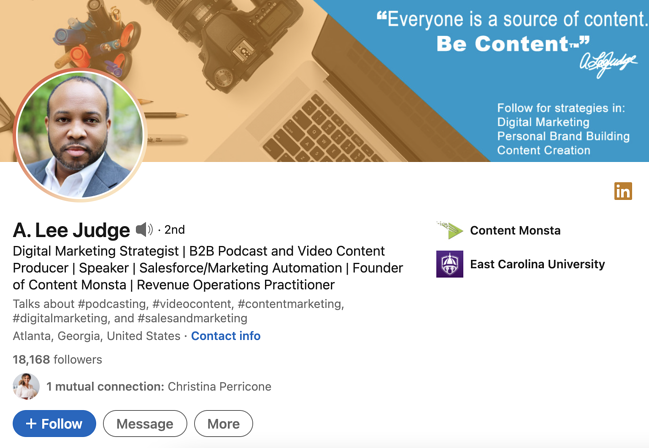
3. A. Lee Judge

a. lee judge content marketer to follow on linkedin

A. Lee Judge is a co-founder and digital marketing strategist at Content Monsta. He’s also a podcast and video producer, speaker, and rev ops practitioner. On his LinkedIn profile, he covers a wide range of topics related to lead generation, social media marketing, how to apply marketing analytics and data, digital experiences, multi-channel marketing, the importance of sales and marketing alignment, and more.

3 Marketers to Follow on Twitter

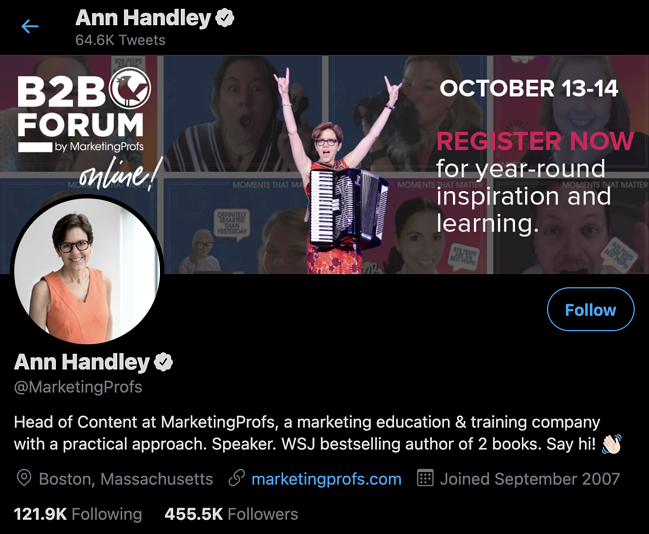
4. Ann Handley

ann handley of marketing profs, content marketer to follow on linkedin

Ann Handley, Head of Content at MarketingProfs, is a bestselling author and speaker. She provides education and training around marketing that businesses can learn from and apply. She offers in-person and virtual trainings for companies on content marketing, storytelling, lead generation, and branding – all of which are topics she alson talks about, and shares content about, on her Twitter page.

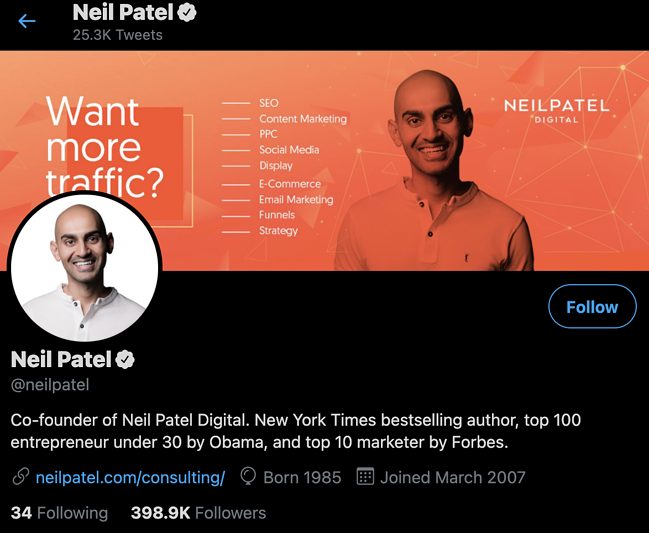
5. Neil Patel

neil patel content marketer to follow on twitter

Neil Patel is a bestselling author, marketing expert, speaker, and website and SEO consultant. He’s a thought leader and industry expert in content and digital marketing. His Twitter page includes information about his trainings and services, industry trends, marketing strategy tips and resources, and questions/conversational topics meant to engage followers and other industry experts.

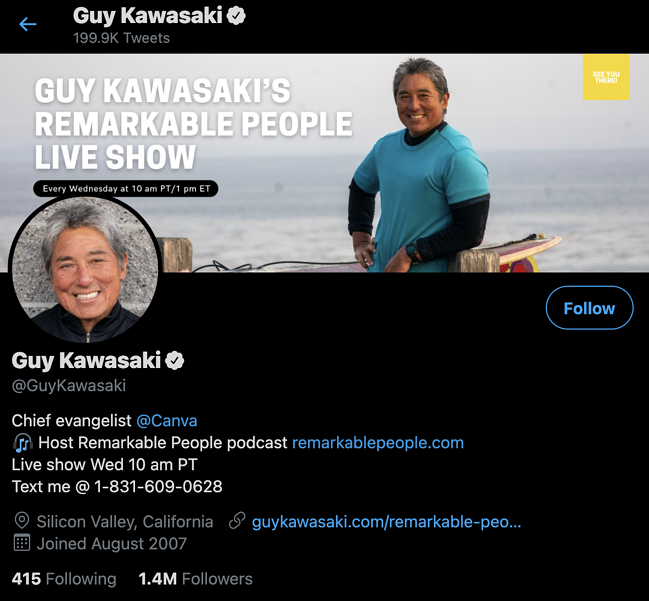
6. Guy Kawasaki

guy kawasaki content marketers to follow on twitter

Guy Kawasaki is a marketing strategist, author, entrepreneur, venture capitalist, podcast host, and the chief evangelist of Canva. On his Twitter account, Kawasaki asks followers thought-provoking business questions as well as provides links to, and information about, new podcast episodes, industry trends, marketing strategy tips, and insights based on his experiences.

Engage Your Target Audience With Content Marketing

With effective content marketing, you can reach your target audience and increase conversions. There are several ways to market with content to boost revenue, grow your brand awareness and recognition, and build relationships with your prospects and customers.

And don’t forget to extract more value from every piece of content you create.

To get started, determine which type of content works best for your business and audience, and develop a content marketing strategy to begin boosting your bottom line today.

Editor’s note: This post was originally published in August, 2019 and has been updated for comprehensiveness.

marketing editorial calendar templates

Categories B2B

Influencer Marketing Strategy Checklist & Template

If you’re a marketer looking to reach new audiences, partnering with influencers can be a great way to do that.

Influencer marketing is an incredibly effective strategy. Nearly 3.96 million of the world’s population is using social media, and researchers say that number might reach 4.41 million by 2025.

Download Our Guide to Influencer Marketing Essentials

As a result, influencer marketing has naturally become one of the most popular marketing methods. As target markets become younger and more digitally connected, influencers can help organizations connect with consumers where they are – online.

By building influencer relationships, brands can leverage an influencer’s reach to achieve their marketing goals.

But if you’re considering hiring an influencer for your brand, where do you even begin? It can be tricky to narrow down your goals, what type of influencer you want, and what goals you hope to meet with an influencer strategy.

To help you narrow your search and ensure your influencer marketing strategy is as effective as possible, we’ve created a template and guidelines to help get you started.

The Ultimate Guide to Influencer Marketing

Follow Along With Our Free Influencer Guide + Templates

Influencer Collaboration

Influencer collaboration is a marketing strategy that involves paying individuals with a large social media following to advertise your brand to their followers. The influencer can demand compensation in monetary value or complimentary products and services in exchange for their recommendation.Influencer Marketing Collaboration

According to Influencer Marketing Hub, 90% of marketers will allocate a budget to influencer marketing, with 62% increasing their existing budget. The same study also cites that most brands that have worked with influencers are pleased with their results based on conversion rates and sales they received as part of the collaboration.

The good news is even companies that hired micro-influencers (that is, influencers with 15K followers and fewer) still got impressive results.

According to Convince and Convert, the top 13% of marketers are getting great returns from influencer collaboration regarding quantifiable results.

In fact, for every $1 spent on influencer marketing, they’re getting $20 or more. This explains why marketers are increasing their influencer marketing budgets.

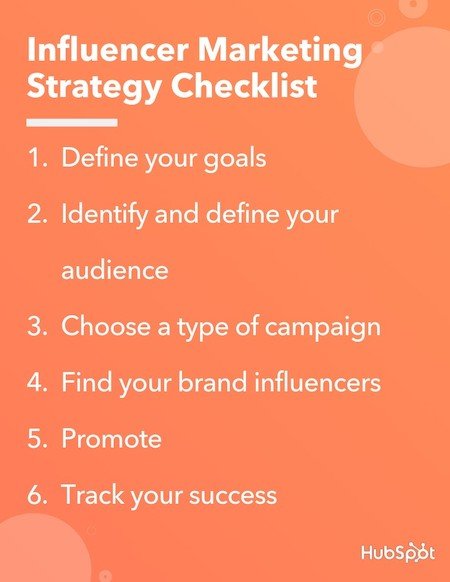
Here are six steps to help you create and implement an influencer marketing strategy:

1. Define your goals.

By clearly defining the end goal of your strategy, you can work your way backward to determine the steps needed to get there. Using your goals as guiding lights will also define your strategy’s metrics for success. These will help keep your campaign on track.

Are you trying to increase brand awareness or drive engagement? Do you want to spruce up your lead generation method, or do you want to build on the loyalty and goodwill of your existing audience?

Dunkin Donuts is an excellent example of how defining your goals can influence your results. They hired Charli D’amelio to advertise their products to increase their app downloads.

After her video went viral, they launched a drink named after her, “The Charli,” and her 143 million Tiktok followers were more than willing to join in the trend. As a result, the app’s download increased by 57% when Dunkin Donuts released the drink.

2. Identify and define your audience.

Properly segmenting and identifying your audience can determine the effectiveness and success of your influencer campaign. It’ll be easier to identify which audiences would best help your marketing goals once you define them.

Depending on your organization’s target personas or ideal buyer, you should group consumers by demographics, psychographics, buyer lifecycle stage, or preferred channel.

Tinder is an excellent example of how your target audience can influence your campaign. Most of their app users are 18-25 years old, so they hired influencers in this age bracket to promote their app.

Tayler Holder was one of the influencers who participated in the campaign, and one of his posts has over 500k likes. It’s just a photo of him wearing a Tinder-branded shirt and a short caption, “Swipe right and come find us on @tinder.”

3. Define your budget.

Defining your budget is essential s because it guides your content creation and distribution options.For example, if you’re on a limited budget, you may opt to use an independent influencer instead of an agency.

This is also a good time to decide how you compensate your influencers. Some influencers are okay with being paid using free products and services.

Every influencer marketing campaign is different depending on the means of payment and the resources required for the campaign. Here is an example of how you can break down your marketing campaign budget:

a pie chart break down of how to budget for your influencer marketing campaign

Source

4. Choose a type of campaign.

The way you promote your brand through an influencer depends on your goals and the target audience’s preferences.

Guest posting, sponsored content, re-targeting, co-creation, competitions, mentions on social, discount codes, and more are terrific examples of influencer marketing campaigns.

For example, Audible partnered with best-selling author Tim Ferriss on his podcast, where his listeners could use his custom link to get a discount on Audible content. This partnership delivered a relevant offer to the target audience, benefitting Audible, Tim Ferriss, and his podcast listeners.

5. Decide on the social media platform you want to use.

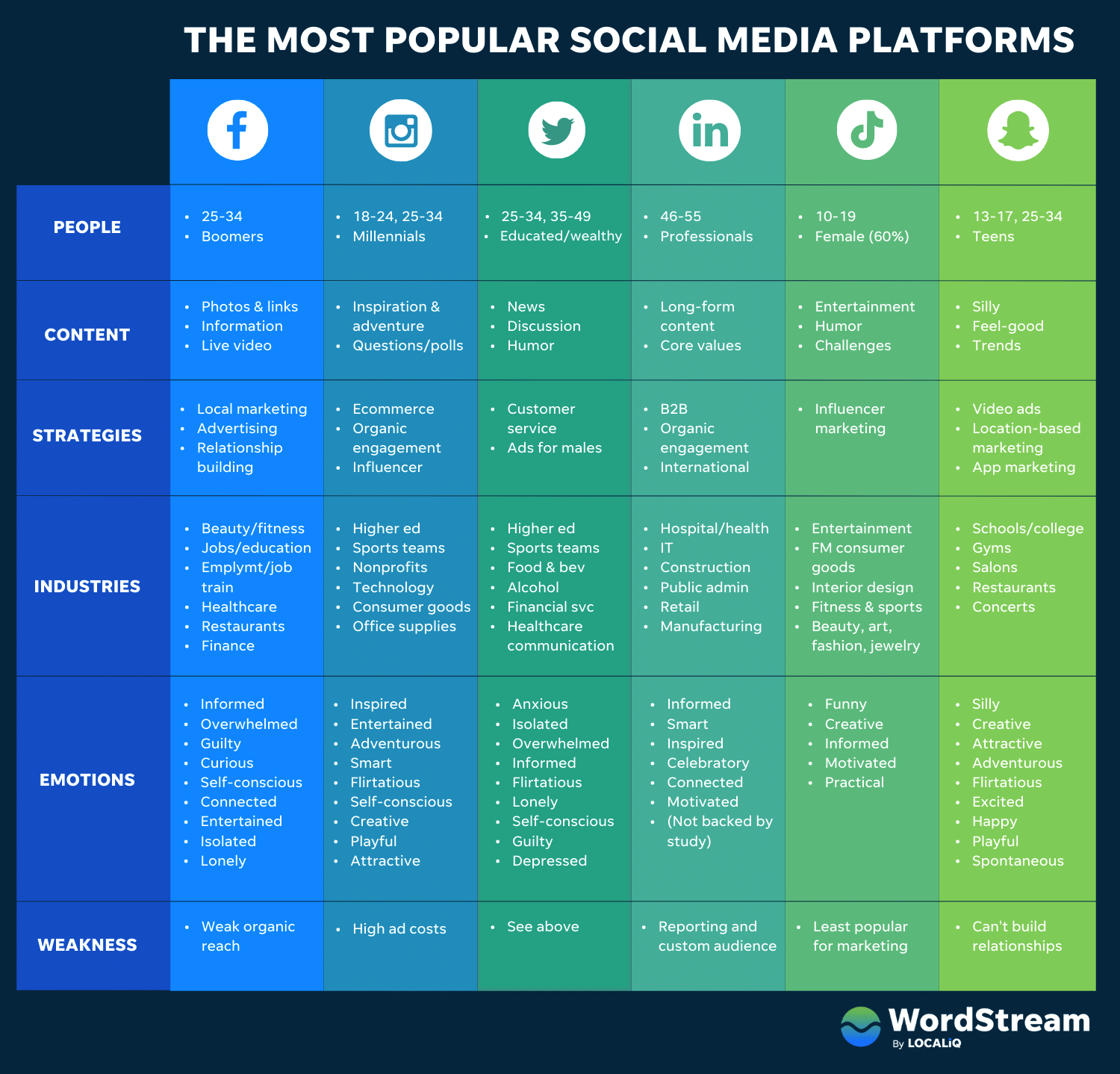
One good thing that happened during the pandemic is that the usage of all social media platforms went on the rise. Marketers’ most used social media platform as of last year is Facebook, and the least used is Snapchat.

That being said, the best platform is based on your target market and the kind of content you’re promoting.

For example, if you’re promoting something for teens, Snapchat would still be your best platform. This chart from WordStream will give you more clarity.

6. Create content for your campaign.

Once you’ve decided on the medium and campaign type, it’s time to create compelling content. Even if you have the most exciting campaign or best product-market fit, consumers will lose interest if your messaging or content doesn’t captivate them.

Make it as easy as possible for your influencer to share your message. The better your messaging fits with their audience, the easier it is for your influencer to push your brand out to their audience.

For example, Fitplan targets people working out from home who might need professional training to reach their body goals. To increase their app sign-up, they work with influencers already sharing fitness content with their audience, like Michele Win.

In return, when their followers sign up for the app, the influencers get to train them and earn money from the app. This strategy works because the content aligns with the users’ needs, and they can see what to expect. It’s also easy for the influencers to push this message because they simply share the same message with their followers.

7. Find your brand influencers.

The right influencer should understand and connect with your audience, your brand, and the content you’re promoting. For example, if you’re promoting supplements, you have a better chance with influencers who are into health and fitness than influencers who are mainly interested in new fashion trends.

You can get influencers in your niche by using hashtags on social media platforms. For example, by simply searching #fitness on IG, you get over 1 million posts from different fitness influencers.

Sometimes, you don’t have to work with an influencer in your niche but rather someone who is trending. Your marketing team can help identify the best influencers for your brand by staying on top of their social media game.

8. Promote your campaign.

Once you’ve successfully identified your target market, found your ideal influencer, and created compelling content, all that’s left is promoting your new partnership!

Go to your favorite social channels or draft a blog post to generate some buzz.

For example, Fitplan shares short workout advice videos by their influencers on their IG page. This is a good way to encourage viewers to sign up by giving them a glimpse of what happens in their program. Sharing the content on their page also helps reach the people who might not be following their influencers.

9. Track your success.

It’s critical to track the performance of your partnership to ensure all expectations are met and determine the success of the campaign.

Track website traffic, engagement, conversions, or other metrics you decided on when you determined your marketing goals. You can agree to check the data weekly, monthly or quarterly depending on the nature of your campaign. Check in with your original goals to analyze your success and how to repeat them.

There’s a lot of potential for high return on investment (ROI) from influencer partnerships. Therefore, tracking if and how your influencer content performs better than your non-influencer content is essential.

Influencer marketing Strategy Checklist

The Influencer Contract Checklist

An influencer contract is a document that contains the details of the agreement between the influencer and a business. For example, the contract includes the terms of content creation, legal protection for both parties, and compensation received, among other details.

It’s important to have a contract to keep the influencers you’re working with accountable, and it’s always a brilliant idea to have a legal document where money is involved.

1. The Basics

This includes the date your contract begins and both parties’ official names. It’s important to ensure the names that appear in the contract are official and acceptable in a court of law.

Use simple language to describe everything in this section to avoid any kind of misinterpretation in the future.

2. The Expiry Date

How long will you be working with the influencer for this particular campaign? However short or long it may be, stating the dates is essential.

This section should state whether it’s a one-time campaign and, if not, the terms of renewing the contract. For example, you can set your influencer’s contract to one year, with the option of renewing it based on the parties’ agreement.

3. The Mode of Compensation

What will you be offering the influencer in exchange for their services? It could be monetary or a free product or service.

Regardless of what you’ll offer, ensure you state it clearly. How much will you be offering if it’s money and after how long?

For example, your terms could state that you’ll pay the contractor 30 days after sending their invoice.

The payment structure will vary from one agreement to another. For example, if it’s a one-time campaign, you could agree on paying half the money before the campaign and the rest after the influencer hits their key performance indicator (KPI).

4. Your Inclusion in the Campaign

Content distribution is just one of the main parts of an influencer marketing campaign. There are other vital parts, like creating content and deciding on the best tone for the campaign.

An influencer better understands the kind of content that resonates with their audience and creative ways to present it.

Therefore, it’s good to include the influencer in the creative briefing sessions. In this case, you’ll need to state how many meetings they’ll be expected to attend and for how long.

5. The Type of Content

What kind of content are you expecting from the influencer? Is it a guest post, a vlog, or a reel? State the expectations clearly.

If you’re expecting multiple content formats, mention exactly how they should be delivered. For example, you could state you need four reels and four social media posts twice a week.

7. The Approval Process

As we mentioned, a marketing influencer campaign works best when the influencer collaborates with the marketing team. This helps with quality control by ensuring the influencer adheres to company values.

In some instances, the marketing team may have some suggestions for or edits to the content before posting. Ensure you mention how many revision rounds the influencer should expect to make and if revisions guarantee extra pay.

8. The Promotion Requirements

How much do you want the influencer to be involved in the marketing process? For example, do you want them to share the content on their personal pages? If yes, what platforms and how often?

State these expectations, including how much they should engage with the audience to avoid any conflicts in the future.

9. The Content Copyright

If you want the right to edit or modify the influencer’s content, it’s important to include content copyright in the contract. Your copyright terms should also allow you to use their images or logo when posting related content.

On the other hand, the influencer might want access to the content they edit. If this is the case, be sure to mention how long they’re allowed to access the content. When can they access the content and do they retain the copyright forever?

10. The Publication Agreement

A publication agreement details when the influencer will publish the content. Do you publish once, twice a week, or several times a day?

Ensure you capture all these details on your contract and include any penalties the influencer will face if they don’t comply.

Include other additions the influencer must make to the content when uploading it. These may consist of promo codes, hashtags, or tracking links.

11. A Restrictive Covenant

A restrictive covenant is an agreement on the length of time an influencer isn’t allowed to work with a competitor after the campaign. So first, define your competitors and include them in the contract.

Additionally, ask the influencer to confirm that they have no written contracts with your competitors.

12. A Sunset Clause

A sunset clause dictates the length of time your sponsored content should appear on the influencer’s pages. Without a definite period, many influencers can delete the sponsored content once they’ve been paid or after a short period.

Be clear on how long the content should stay on the influencer’s page before they can delete it.

13. A Cancellation Clause

What happens if the influencer feels you’re no longer a good fit for their audience? Or they break the agreement, and you can no longer continue working with them?

Prepare for these scenarios by having a cancellation clause in place. It should cover any penalties or repayment.

14. Image Authenticity

Image manipulation isn’t a new concept– especially with the editing apps and filters available on the market. Ensure you have a clause that protects you from image manipulation.

While you want your products to appear appealing, you also want to ensure customers don’t feel cheated when they receive your product.

Image manipulation may also trigger publishers to flag your ad for false advertising. Publishers could then remove your content or your ad campaign from their platform.

15. A Morality Clause

You can’t control what an influencer does, but you can protect yourself with a morality clause. Remember, how they conduct themselves during the campaign can damage your brand’s reputation by association.

Therefore, some guidelines can protect you, like discontinuing the contract when they conduct themselves in any way that puts your brand at risk.

Once you have an influencer marketing strategy and a contract, you’ll need to create an influencer proposal to send to potential collaborators.

Here’s a short influencer proposal checklist:

1. State your goals.

What do you want to achieve with this influencer marketing campaign? It could be better brand awareness, increased subscription rates, high traffic, or high engagement.

Whatever your goal is, it should be stated clearly in your presentation.

2. Show visual examples.

Influencer marketing is mainly about visuals. So, before you meet with an influencer, research and take screenshots of the campaigns you like.

These resources will give your influencer an idea of what kind of content you’re looking for.

3. Simplify the numbers.

If you love data, chances are your proposal will be full of figures. This is boring, and most influencers will not pay attention to this presentation. Provide only the necessary data based on the influencer’s preference to avoid overcomplicating the proposal. The metrics you share will depend on the media platform you’re working on. For example, if you’re promoting IG content, your influencer will need to see the content interactions, profile activity, and the accounts your posts are reaching. This information is important when setting future goals and negotiating prices.

Also, try to replace the data and tables with graphics that appeal to them based on their interests and the nature of their career. Keep in mind that successful influencers are heavily booked and you also need to wow them to work with you.

4. State the responsibilities of the influencers.

State all of the influencer’s responsibilities. How should the influencers participate in the marketing campaign?

Responsibilities can include creating content, developing hashtags, editing images, or sharing content on their page.

5. Give examples of influencers you’d like to work with.

If you don’t have specific names in mind, you can create a buyer’s persona to represent the kind of people you want to collaborate with. You can boost this persona with success metrics like followers, engagement, and likes.

Coming up with this persona will help your potential influencers know your priorities in this campaign.

6. Don’t be too detailed.

Although you want to ensure your collaborators understand your expectations , you don’t want to micromanage them.

Instead, include a brief. This allows the influencer to share ideas on how to reach your goals.

Download the Influencer Strategy Template

Are you ready to try these influencer marketing strategies with your organization? Download our free influencer strategy template and achieve your marketing goals today.

Editor’s note: This post was originally published in August 2019 and has been updated for comprehensiveness.

Improve your website with effective technical SEO. Start by conducting this  audit.  

Categories B2B

37 of the Best Website Designs to Inspire You in 2022

Your website inspiration journey starts here.

Deciding to create a web presence is a big decision, but the best websites are a culmination of many small decisions. But one major decision that takes time, diligence, and a great deal of inspiration is the design of your website.

Free Download: 77 Examples of Brilliant Web Design 

In this article, we’re sharing a few dozen of the best website designs we’ve seen. Click the links below to jump to explore website designs that crushed it in the last several years. We’ve also included a bonus section of designs that are just plain cool — so check them out, too!

From familiar corporations to small businesses, to international organizations, the following sites push the status quo on the web. Whether it’s the design aesthetic, usability, interactivity, sound design, or value that the site provides, each one is a masterpiece in its respective industry and something to aspire to.

Not surprisingly, many organizations exist to highlight these sites and the contributions they make to the web. To help surface some of the most inspirational designs, I gathered several award-winners that have made their way through several key awards organizations — including Red Dot, Awwwards, UX Awards, The Webby Awards, SiteInspire, Best Website Gallery, and FWA.

As you browse through the list, know that each site excels in its own way and seeks to serve a unique purpose. While one site may be an excellent example of visual design, another may be an excellent example of interactivity.

This means that not all of these sites may be “conversion machines” or blueprint ideas that you can easily copy over to your site. Rather, they’re great ways to gain some website design inspiration and see the cutting-edge marketing that’s happening in the different corners of the web.

Keep in mind that web designs are fluid and change often. Some of the designs in this list have changed since they were awarded, but we do our best to keep them up-to-date. We’re confident you’ll find a design here that sparks your creativity.

Read More: 77 Examples of Incredible Website Design

77 Examples of Incredible Website Design

Download this free guide to see even more examples of website blog, homepage, and landing page designs.

Beautiful Award-Winning Websites

Best Website Designs from 2022

Hyer

Award: Website of the Month (2022), CSS Design Awards

Want to make a strong impression on your website visitors? Take a page out of Hyer’s book.

Best website examples: Hyer

Image Source

This striking illustration of the airplane, as it slowly moves across the screen, is sure to grab website visitors’ attention.

This page has everything you need in an effective homepage: An image that tells a story but isn’t too distracting, use of white space, easy nav bar, a tagline or slogan, and a clear CTA.

It’s a clean design that’s free of any distractions and invites visitors to learn more about the brand.

Mubasic

Award: Website of the Day, August 10, 2022, Awwwards

Mubasic’s site isn’t just visually compelling, it’s dynamic. Mubasic is a catalog of high-quality music for children, and the website’s design decisions help it achieve a light-hearted, easygoing feel. The poppy color scheme and effective visual hierarchy contribute to this site’s design success, however, the real reason it shines is because of how the design feels authentic to the brand’s mission.
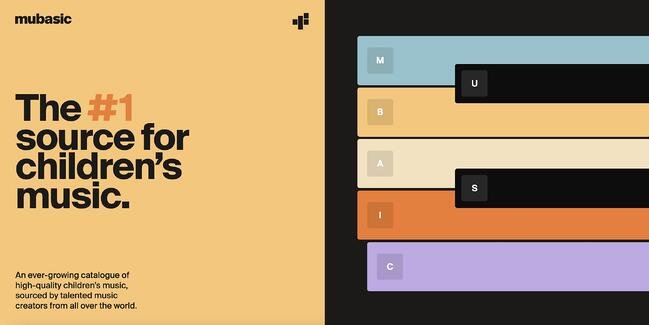
Best website examples: Mubasic

Image Source

The homepage easily allows you to explore the company’s offerings, and even features a Q&A section set up in a unique format. Images pop up as you scroll down the page, and toward the bottom, there’s the opportunity to get in touch with contact information and a new customer form template.

When you reach the bottom of the home page, there’s a menu that features anchors to allow you to jump to wherever on the page the information you’re seeking lives.

Digital Cover

Award: Website of the Day, July 31, 2022, Awwwards

Everything from the loading screen to the homepage of this France-based digital agency’s website is a visual homerun. When you arrive on this homepage, you’re immediately swept into the world of Digital Cover. This is achieved by a graphic that appears nearly three-dimensional popping up and welcoming you into the company’s orbit.
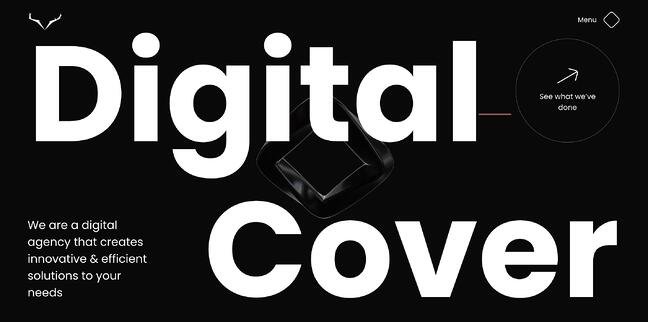
Best website examples: Digital Cover

Image Source

Similar to the previous site, the animated nature of Digital Cover’s homepage adds intrigue and establishes this site as a candidate for best website design. With a simple swipe of a mouse pad you’re led to the company’s projects, or you can navigate to the clearly labeled menu in the top left corner. When you do, several options pop up.

From there, you are escorted to the page of your selection. The white lettering against the black background allows for the copy to pop. If you scroll to the bottom of any menu page, you’ll find contact information to get in touch with the agency, which is another strength of the design’s.

Best Website Designs from 2021

IBM’s The Harmonic State

Award: Site of the Month (July 2021), Awwwards

When you land on this IBM web page, it’s clear to see why the design won an award.

Best website examples: IBM

Image Source

The best way to describe the website is as an immersive experience. In fact, IBM uses both visual and auditory elements to draw the visitor in and keep them engaged.

When you first land on the web page, you’re prompted to put on headphones to get the full experience. Even if you skip this step, you’re drawn in by the interactive background that reacts as your mouse navigates on the page.

In addition, the page is well balanced with a large title that grabs your attention across from a small description with a bold blue CTA.

With a topic as complex as AI, IBM then uses visual storytelling to explain how its Watson tool works in the real world. Visitors can explore three stories through video game-like functions and learn more about the tool.

It’s a fun and effective way to get users engaged in a topic that can be complicated and dry.

Superlist

Award: Site of the Month (April 2021), Awwwards

Superlist is a productivity app that helps teams and individuals change the way they work.

Too often, you land on a website and have to figure out what the brand is about. With Superlist, you know exactly what to expect as soon as you get to the homepage.
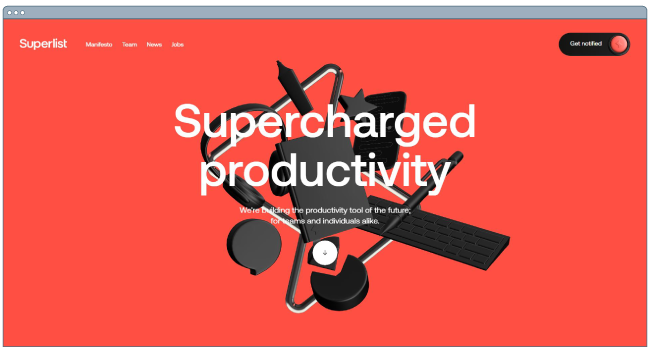
Best website examples: Superlist

Image Source

The interactive homepage shows common work accessories, like headphones and keyboard with clear, to-the-point copy.

Superlist effectively uses white space to keep the focus on its copy. However, to facilitate navigation, they include a small button with an arrow icon to indicate that there’s more to see on the page once you scroll.

From there, the fun visuals continue – keeping you engaged as you learn more about the brand.

Best Website Designs from 2020

Swab the World

Award: Site of the Day (2020), Awwwards

Parallax, bold colors, and negative space shape the design and experience of Swab the World’s website. The organization brings awareness to stem cell donations. Their mission is to “Make sure every single patient finds their match. Period.” Photos of couples exhibiting love and emotions bring a human element to a historically complex and scientific process.

From a technical perspective, the design makes moving down the page feel natural, ensuring the readers reach each point of copy and every CTA on the homepage.
Best website examples: Swab the World

Image Source

Newest Americans

Award: Honorable Mention (2020), Awwwards

An organization with a responsibility as large as honoring past, present, and future migrating identities needs a beautiful and functional website to help spread the word. Newest Americans champion immigrant experiences in cities across the state of New Jersey. The website uses beautiful imagery of people, places, and items that represent this experience in a way that flows cohesively down the homepage, telling the story of this group of America’s newest citizens.

The website is both visually appealing and functional with a simple navigation menu, stories organized by photos, and a clean press page that puts the most recent articles front and center.
Best website examples: Newest Americans

Image Source

Spotify Design

Award: Honorable Mention (2020), Awwwards

Spotify is known for its fair share of amazing feats, and its latest iteration of Spotify.Design is no different. Serving as the hub for all things visual and creative for Spotify, the music and podcast streaming giant gives listeners a look into the who, what, why, and how of what makes the app so sensational.

Bright colors, drop shadows, and smooth animations give this website character and depth. The flat geometric designs with abstract accents make albums and artists practically jump off of the screen.
Best website examples: Spotify

Image Source

Andy Warhol

Award: Honorable Mention (2020), Awwwards

Artist, film director, and producer Andy Warhol’s life is encapsulated in this splendidly designed website that captures his art style in a digital format. As you peruse the page, your cursor becomes a spotlight that converts every image you hover over into a negative image or inverses the colors of the text you’re reading.

The big, bold text makes a statement and emphasizes just how important copy is to website design. Subtle animations help pace the site and set the tone for each section as you peruse the home page.
Best website examples: Andy Warhol

Image Source

Human Interaction Company

Award: Corporate Website (2020), Red Dot

To see video done right, look no further than the Human Interaction Company. From the moment you click on the site, the experience is lightning fast. You’re dropped directly into the action — the why, what, and how of Human Interaction and exactly what the team does.

This Red Dot Design Award winner aims to bring the study of human interaction to the masses, and in the process, show us just how engaging it can be to learn about it. Don’t get discouraged by their award status though — none of the photos on this site are photoshopped, so it’s a practical example of building quality with the resources you have available.
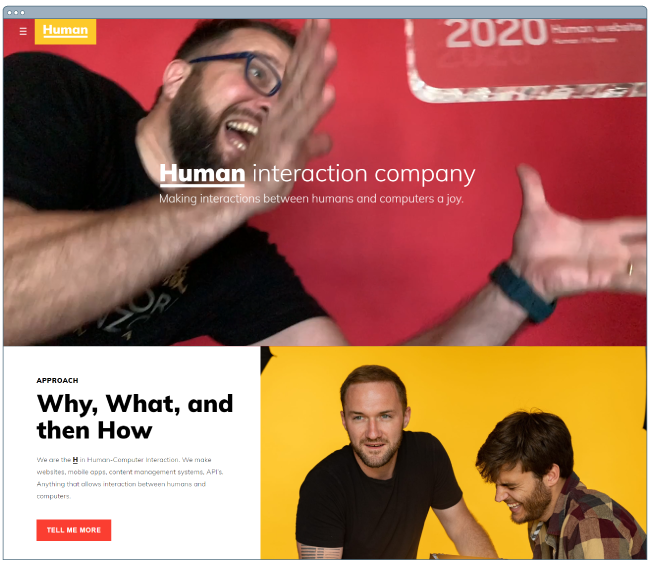
Best website examples: Human interaction company

Image Source

Garoa Skincare

Award: Site of the Day (2020), Awwwards

How do you transform the feeling of luxury and practicality into a website? Garoa Skincare provides a blueprint. Whether your product costs half the price of your closest competitor or twice the price, your site can bring a sense of extravagance to just about any product you sell.

High-quality visuals, typefaces that complement each other, and a balance of negative space with useful copy can bring a simplistic elegance to your website.
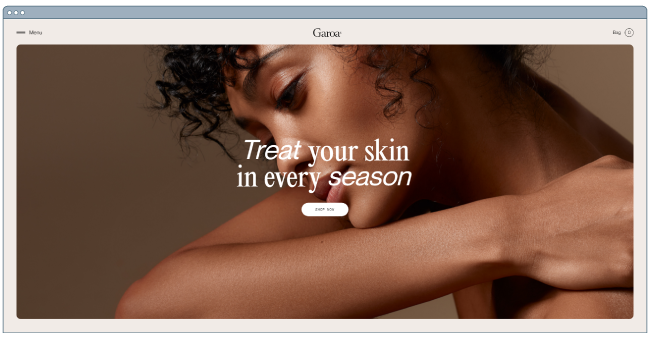
Best website examples: Garoa Skincare

Image Source

Best Website Designs from 2019

1917: In the Trenches

Award: Awwwards’ Best Website of the Day (2019)

This website, made to promote the film 1917, lets you walk around the trenches and perform the same mission that the characters did in the film. You can also see their maps or access other tools.

This is a great example of a site that went above and beyond with interactivity as well as a site that leverages its content and prewritten storyline to market its film. This website won Site of the Day byAwwwards, which allows designers to vote and nominate great websites they see daily.

Best website examples: in the trenches

Image Source

The Octopus: A design blog by IDEO

Award: Business Blog/Website 2019 Webby award

IDEO, a global design company, won the Business Blog/Website 2019 Webby award for its Octopus blog, and for good reason. The blog features a sleek, black-and-white Octopus drawing as its homepage design, and uses yellow, black, and white to create a cohesive theme as you scroll.

If you hover over a blog post, the title is highlighted in yellow. If you hover over an image, the image is pulled towards you — two small features that make a big difference in terms of creating a unique and engaging user experience.
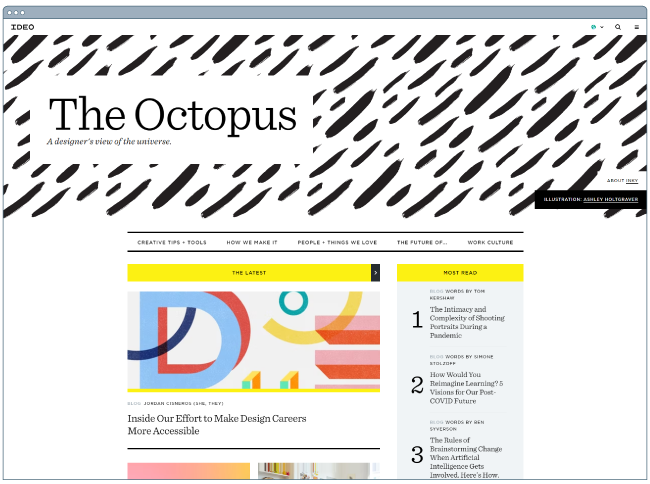
designer websites: the octopus

Image Source

Nomadic Tribe

Award: Awwwards’ Site of the Year nomination (2019)

This site, which was nominated for Awwards’ Site of the Year, is one of the more engaging sites I’ve seen.

The homepage immediately begins playing a stunning video featuring a man walking across a desert, followed by gorgeous landscape scenes and text like, “Are you lucky enough to call yourself an adventurer?”

The text throughout the website is playful, with colorful pinks and oranges and yellows, and the homepage is logically designed, with CTAs placed throughout that range in commitment-level from “Read More” to “Watch Now” and, finally, “Download the App”.

Ultimately, the website is beautifully designed with strong attention to detail, and tells a compelling story throughout.
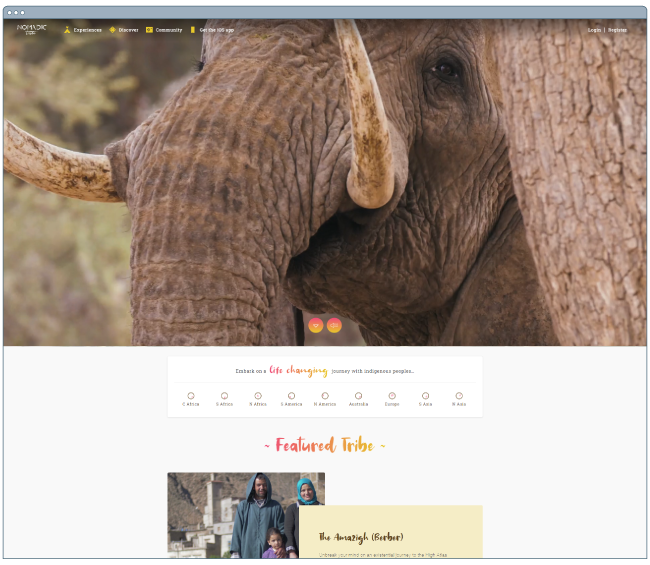
Best website examples: nomadic tribe

Image Source

Diana Danieli

Award: Webby 2019

This 2019 Webby-winning site shows off imagery of art and architecture with either high contrast or heavy exposure. As a website visitor, you can click and drag your mouse to change the photos and variations. Each image shows a piece of work that highlights the artist who owns the website.

A cool plus about this website is its incorporation of audio and music. Clicking on certain buttons on the screenplays a piano note and truly immerses you in the Diana Danieli experience.
Best website examples: diana danieli

Image Source

George Nakashima Woodworkers

Award: Webby 2019

This woodworking website emphasizes nature and care for the woodworking trade. It’s essentially a slideshow of beautiful forestry and farming images. As a new image comes on the screen, a new quote related to wood or trees also appears.

This is incredibly relaxing to the visitor and shows that the woodworkers recognize the beauty of trees and the environment. This website also won a Webbie in 2019.
Best website examples: george nakashima

Image Source

Best Website Designs from 2018

crypton.trading

Award: Site of the Day (4/3/2018), Awwwards

Meet crypton.trading, your robot accountant.

Crypton.trading is a trading hub for cryptocurrencies such as Bitcoin, using artificial intelligence to predict changes in a currency’s value and identify key buying and selling opportunities. The website was rated high for its development and design, as it gradually explains more of the developer’s methods the further down visitors scroll.

This website makes tech-savvy visitors feel right at home the moment Crypton’s greeting appears across the homepage, one letter at a time.
Best website examples: crypton.tradingImage Source

Southwest: Heart of Travel

Award: Best Visual Design – Aesthetic, 2018 Webby Awards

When Southwest Airlines wanted to prove that its customers were “more than just a dollar sign,” the company created a website where the design was assembled using the shapes of their customers’ flight paths.

The website, called Heart of Travel, even allows visitors to create their own artwork out of a trip they might plan on taking. In this way, Southwest’s website is a product of their most loyal passengers.
Best website examples: heart of travelImage Source

Overflow

Award: Site of the Day (3/20/2018), Best Website Gallery

Overflow is a design tool that allows people and businesses to create story-like flow diagrams of their ideas so they’re easier for others to understand. Aside from this being just a good service, the Overflow website practices what it preaches: Along with vibrant red call-to-action buttons for downloading the tool, this website promotes its product the best way it knows how — using a flow diagram.

The website delivers this flow diagram in the form of a video. While embedded videos can look clunky sitting in the middle of a website’s other design elements, Overflow’s is perfectly placed and exactly what you’d want to see when landing on the site for the first time.
Best website examples: overflow

Image Source

Frans Hals Museum

Award: Site of the Year (2018), Awwwards

It can be tough for a museum to present all of its artwork together on a cohesive website. That’s what makes the website of the Frans Hals Museum so impressive.

Located in the Netherlands, this museum has created a website that uses a combination of digital design elements and its own exhibits. This mixture helps visitors understand what they’ll see, when they can see it, and where else they can get a taste of what this museum has to offer.
Best website examples: frans hals museum

Image Source

Best Website Designs from 2017

Simply Chocolate

Award: Site of the Year (2017), Awwwards

You’ll get a craving for chocolate just looking at this website — and in a way, that’s Simply Chocolate‘s website working as designed.

This appetizing website is that of a Denmark chocolate maker Simply Chocolate. Its website uses a variety of colors (and creative product names) to promote each chocolate bar. And as you scroll from one product to the next, they all seem to remain consistent in brand.

The three-dimensional appearance of each chocolate bar makes you feel like you can grab it off of your computer screen, while the “Add to Box” CTA to the top-left is ideally placed for users to select the products they want while browsing.
Best website examples: simply chocolate

Image Source

NOWNESS

Award: Best Cultural Blog/Website, 2017 Webby Awards

NOWNESS is perhaps the coolest crowdsourced video blog on the internet. That was a mouthful…what does it all mean?

NOWNESS‘ crowdsourcing is part of what makes it an award-winner. This means most of its content comes from independent creatives — an increasingly popular way for businesses to publish content.

NOWNESS is also a video channel, meaning all of its blog content is in video format. Together, these qualities help make Nowness a captivating hub for the stories that brands everywhere strive to tell.
Best website examples: nownessImage Source

Best Website Designs from 2016

Rainforest Guardians

Award: Best Activism Website, 2016 Webby Awards

Rainforest Guardians was one of the most immersive nonprofit websites of 2016. Seeking to build awareness around deforestation, the site allows users to “visit” the various villages, natives, and waterways that make up the Amazon Rainforest.

The site puts interactivity at the center of its user experience — a wise choice if your goal is to get people to connect with your cause and convert into volunteers.
Best website examples: rainforest guardians

Image Source

Protest Sportswear

Award: Site of the Year (2016), Awwwards

The Awwwards calls Protest Sportswear a “shoppable lookbook,” and that’s exactly what this site is. As a clothing outfitter, this company has reinvented the way they market its product: Rather than promoting garments of clothing, Protest Sportswear promotes “looks.”

This makes the company’s product the most appealing part of the website itself, using a collage of styles to design a homepage that changes as often as its customer’s styles do.
Best website examples: protest sportswear

Image Source

The Teacher’s Guild

Award: Best Association Website, 2016 Webby Awards

The Teacher’s Guild is a professional community of educators that addresses some of the most critical challenges in education. What makes this website award-winning is how it balances diverse content types — programs, solutions, approaches, and collaborations — without overwhelming visitors.

Not only are the background visuals prominently placed, but they also use white space to emphasize the written calls to action at the center, as shown in the screenshot below.

Best website examples: the teachers guild

Image Source

Best Website Designs from 2015 – 2014

Virgin America

Award: Most Significant Industry Evolution, 2014 UX Awards

In a world where airline websites are known to be riddled with major usability issues, Virgin America has one of the best websites that pushes usability, accessibility, and responsive design forward.
Best website examples: Virgin AmericaImage Source

Feed

Award: Site of the Day (6/6/2015), Awwwards

Not only is Feed an interesting concept, but it also has a stunning execution that challenges our understanding of what is possible on the web. Through a creative blend of animation and video, the site immerses users in an engaging experience.

As an atypical site, it contains several unique usability elements, including navigation that doubles as a scroll progress bar.
Best website examples: feed Image Source

ETQ

Award: Site of the Day (5/19/2015), Awwwards

ETQ takes a minimalist approach to ecommerce. Big, compelling visuals of their product lay against simple, flat backgrounds accompanied by strong typography that keeps the focus on exactly what the user came there to see: shoes.
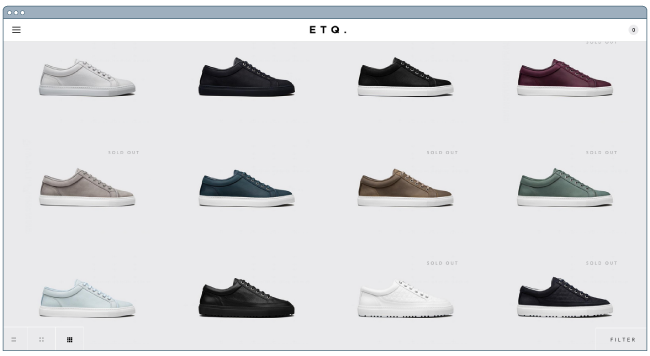
Best website examples: etqImage Source

Mikiya Kobayashi

Award: Site of the Day (7/4/2015), Awwwards

Mikiya is a Product Designer with a minimalistic portfolio that showcases his work through strong photography and subtle animations. His full site was originally created in Japanese and then translated into English, helping demonstrate the international scalability of his design.

Best website examples: mikiyaba kobayashiImage Source

Woven Magazine

Award: Site of the Day (4/4/2015), Best Website Gallery

Woven is an online publication that celebrates artists, crafters, and creators alike. Its website confirms that publications can (and should) have beautiful, engaging visuals with easy-to-read content. Free of distractions like pop-ups and intrusive ads, this site is all about the experience of the content itself.
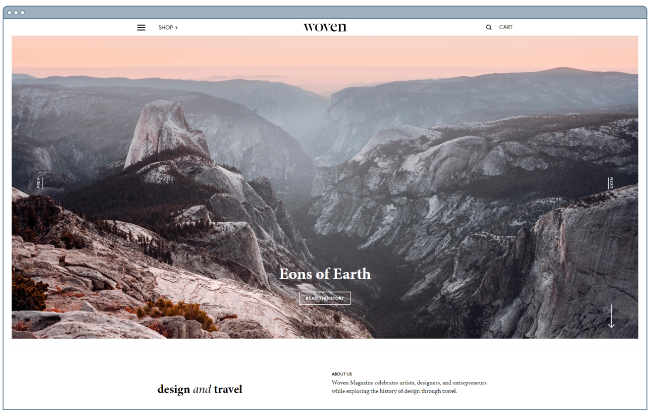
Best website examples: woven magazine

Image Source

JOHO’s Bean

Award: FWA of the Day (8/7/2015), Favorite Website Awards

The website for JOHO’s Bean has incredible imagery, interactivity, storytelling, visual design, and most of all, sound engineering. These all come together to create a compelling, emotional, and engaging site that tells the story of a coffee bean’s journey.
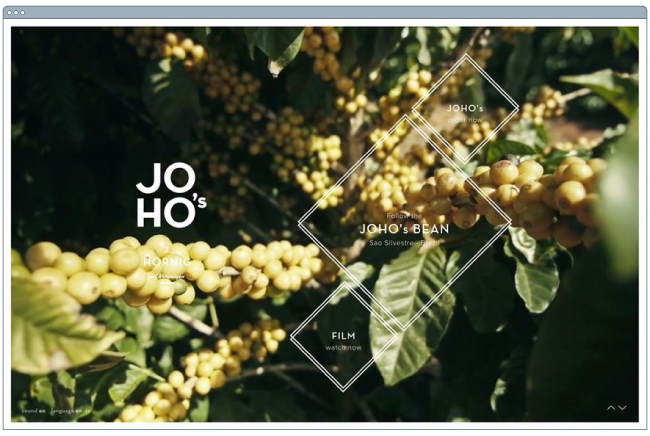
Best website examples: johos beanImage Source

World of SWISS

Award: Best User Interface, 2015 Webby Awards

Another airline? Yep. SWISS airlines built an incredibly immersive site that tells the story of what it’s like to fly with them — and they did too great of a job to be ignored. Strong visuals and animations introduce the user to different sections of the site that are packed with information beyond the usual sales and marketing pitch.

Best website examples: world of swissImage Source

Other Cool Website Designs

Guillaume Tomasi

As a Photographer in Montreal, Guillaume Tomasi has built a portfolio that’s truly fit to house his unique and awe-inspiring photography. His surreal photo style is juxtaposed by his simple, flat, empty, and minimalistic portfolio design that places all of the focus on the work itself.

His unique series navigation coupled with art-gallery-inspired work introductions and perfect scrolling interactions yield an experience reminiscent of that of a real gallery.Best website examples: guillaume tomasi
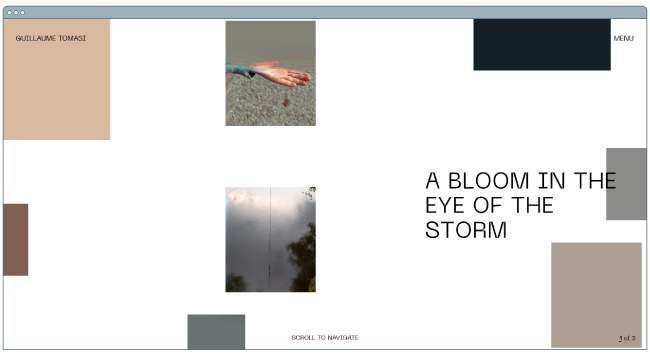
Image Source

The District

This branding agency takes its imagery seriously, and it should — it handles all channels of media for its clients. The District’s website alone is a journey through some of the most beautiful artwork and photography you’ve ever seen.

These provocative tiles change rapidly as you explore the website, and the wackier they seem, the more interested you become in learning about their past work.
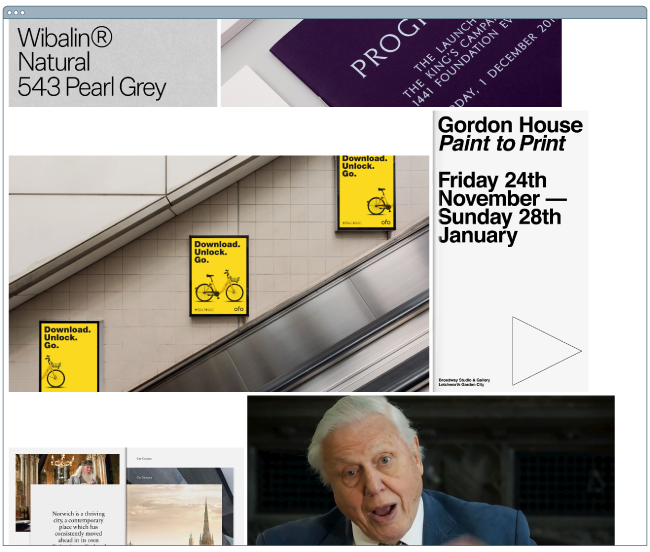
Best website examples: the district

Image Source

Tej Chauhan

Tej Chauhan has turned impressionist artwork into a business model with this intriguing website. Each image on this product developer’s homepage slides out to cover the previous image, offering little context around the object you now see in front of you. But it’s that lack of context that makes you want to learn more.

Plus, the tagline, “Souvenirs of The Near Future,” suggests these objects are a part of their product line — and an opportunity for you to bring these innovative objects into your life.

Best website examples: tej chauhan

Image Source

Want a similar look for your website? Check out the new CMS Hub theme collection on the Envato marketplace.

Amanda Martocchio Architecture

An architecture firm might not specialize in web development, but its website should still demonstrate its commitment to visually pleasing design. Amanda Martocchio took that to heart with this gorgeous website.

It’s no secret that Amanda Martocchio Architecture loves its work — each picture on the homepage of its website is an enchanting shot of the houses the company designs. The website labels every house you scroll through with the type of design that was intended, along with numerous angles to each building.

Best website examples: amanda martocchio architecture

Image Source

Where to Get Your Design Inspiration

If you want some design inspo, the good news is that you can find it just about everywhere.

One of the best ways to get inspiration for design is through travel. When you visit new places, you’re forced to get out of your comfort zone and experience something foreign.

What makes design so interesting is that everyone sees it differently and so, there’s always more to discover.

Another way to get design inspiration IRL is through the media. Every day, we are inundated with visual content. We make decisions about what we like, what we don’t like, and continue on our day.

But what if you were more intentional about how you viewed those interactions? You could come out of it with valuable insights.

You also can’t forget to leverage design communities. From design conferences to Reddit forums, there are hundreds of groups out there that can offer inspiration as well as advice.

Now that we’ve covered some IRL design inspiration sources, let’s cover the digital ones.

Website Design Inspiration Sources

1. HubSpot’s Website Themes & Templates Marketplace

HubSpot’s Website Themes & Templates Marketplace (previously HubSpot Asset Marketplace) houses hundreds of website templates that you can sift through to get inspired for your own website.
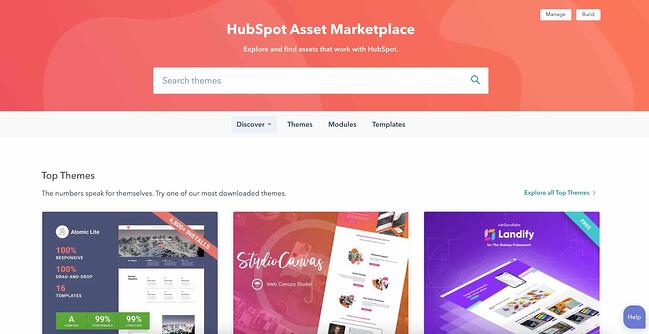
website design inspiration sources

The best part of the marketplace is that you can narrow down by industry and feature, allowing you to see the templates that are most relevant.

Once you find a template you like, you can view a live preview of the site to get a full experience then download it if you decide to use it.

2. Dribble

Dribble is where designers go to get inspired and to share their work. The website has everything from animation and branding to illustration and mobile.
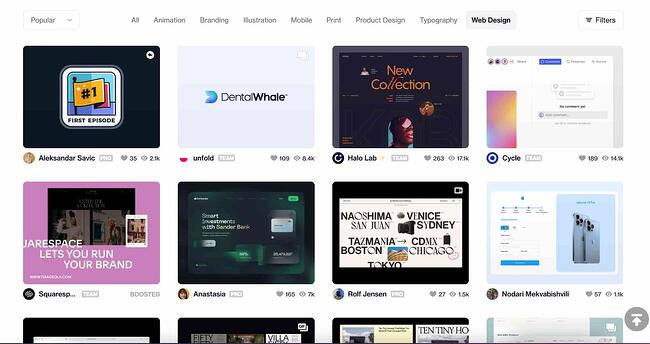
website design inspiration sources dribble

Image Source

Once you navigate to the “Web Design” tab on the homepage, you can filter results by color scheme, editing software, timeframe, and tags.

Furthermore, if you find a designer whose work you like, you can save the design for future reference and follow their work to see other designs on their profile.

This is an incredible resource to use whether you’re starting from scratch or already have a solid plan in mind.

3. Bēhance

This is another digital platform full of creative inspiration to leverage ahead of your website design project.
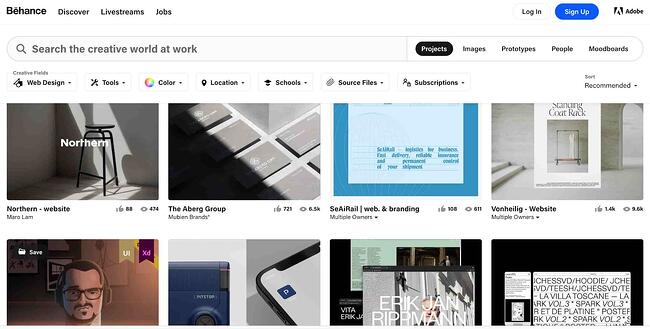
website design inspiration sources behance

Image Source

One of the best features on this site is the ability to filter by location. This allows you to see how designers in different regions differ in technique and style.

This can be particularly helpful if you are designing a website for a foreign, unfamiliar market. You can gain interesting insights by evaluating the decisions made by Behance designers.

4. Pttrns

Want to focus on mobile web design? Pttrns is the place to go.

This subscription-based platform allows you to gain access to thousands of mobile design templates and get advice from top designers all over the world.
mobile website design inspiration pttrns

Image Source

Additional features on this platform include:

  • A favorites and collections folder to store your favorite designs.
  • A studio to interact with other designers and get advice.
  • A design guide to understand the strategy behind the designs.

Website Design Ideas

Now that you’ve seen a number of beautifully designed and award-winning platforms, keep these potential ideas in mind as you create your own. Here are a few suggestions we have to help you can create a site that could appear on our best website design inspiration list.

  • Consider ways that you can make your website interactive, like the 1917 example.
  • Make a website that emphasizes the mobile experience, even while it still has a good UX on desktops.
  • Create a website that tells a story about your brand with photos, text, or video.
  • If you can’t create a heavily interactive site, consider drawing in eyes with a site that presents a slideshow of your photos.
  • Ensure your call-to-actions are easy to see and encourage visitors to continue exploring your site
  • Keep navigation clean. Ensure your visitors always know how to get back to the homepage.
  • Integrate your social media sites via social embed buttons, so site visitors can easily follow you on your various social channels.
  • Keep each of your web pages consistent in design — including font, colors, images, and messaging.
  • Test your website’s usability with a heat map, which will show you on which web pages your visitors are most likely to bounce.
  • Include a live chat or chatbot to give visitors the option to engage with you directly on your website if they prefer live chat to phone calls. Live chat can automate functions for your sales and service reps and create a better communication experience for the customer.
  • Get an SSL certificate to ensure your website is secure. SSL is part of Google’s search ranking algorithm, so an SSL certificate can help you rank higher in search.

Build a Beautiful Website for your Business

Now that you’ve perused our best website design inspiration, it’s time to get started creating your own site. You’d be surprised how easy designing a site is once you have a look and feel in mind.

Once you’re ready to start coding or dragging and dropping, you’ll have a beautiful website that your visitors will enjoy.

Editor’s note: This post was originally published in January 2021 and has been updated for comprehensiveness.

examples of brilliant homepage, blog, and landing page design

Categories B2B

How to Answer ‘Tell Me About Yourself’ Using 9 Tried-and-True Tips

The first time I was prompted with “Tell me about yourself” in an interview, I reeled off a canned spiel about how I love helping people – I was positive it would impress my interviewer. But after my cliched answer triggered a disappointed look on her face, I panicked.

I ended up rambling about how “fun” I was, citing my time as the lead singer and guitarist for a Blink-182 cover band in the sixth grade as compelling evidence. Needless to say, I didn’t get the job.

Free Kit: Everything You Need for Your Job Search

As the old saying goes, you never get a second chance at first impressions. So to nail your interview, learn how to answer the question, “Tell me about yourself.”

What Interviewers Really Want to Know

If you’re in the process of interviewing for a new role, you know how difficult it can be to find a unique and compelling answer to this common prompt.

“Tell me about yourself” is very open-ended yet one of the most popular ways interviewers start the conversation. This answer has a huge impact on your interviewer’s first impression of you and can shape the entire conversation.

To gain some insight on the best way to respond to “Tell me about yourself”, I asked Claire McCarthy, a recruiting manager at HubSpot, about the best way to respond to the prompt.

“There’s no ideal answer to ‘Tell me about yourself,’” she says, “but I always encourage candidates to create a value proposition for themselves that touches on a couple of things.”

According to McCarthy, the ideal value proposition covers:

  • Your motivation
  • The specific challenges that excite you
  • What you can bring to the table
  • Why you want to work for the company you’re interviewing at and why now
  • Why this job is a good fit

Armed with McCarthy’s advice, we’ll help you develop a strong, cohesive value proposition that answers all of these questions.

1. Be honest.

The most important thing about answering this question is being honest.

If you start your interview by embellishing details about your experience or lying about your skills, you’re setting yourself up for failure.

Even if the hiring manager doesn’t realize it at the moment, they’ll likely detect inconsistencies later on.

It’s hard enough to get this question right, don’t make it harder on yourself. Instead, skip the games and bring your full self to the interview.

2. Tell a story.

Think of this question as an opportunity to tell the interview a short story about yourself.

Just as a story has a clear beginning, middle, and end, yours should too – except you’ll be covering the past, present, and future.

Throughout your answer, you’ll weave in several elements that will highlight your skills, motivation, and future goals.

3. Weave in personal details.

This step requires a delicate balance.

You’ll want to weave in personal details about yourself that will help hiring managers discover what drives you and have a holistic view of who you are.

However, you don’t want to do a deep dive into your personal life.

So, only highlight personal details that tie back to a professional skill or goal. For instance, you might mention your love of storytelling from early childhood and how that led you to start a career in content creation.

4. Describe what motivates you.

One of the most important (and common) traits hiring managers typically look for in candidates is their intrinsic motivation. Research suggests intrinsically motivated employees produce a higher quality of work than extrinsically motivated employees do.

So if you can recount a personal anecdote that proves you’re a craft-driven professional, and not just someone who is enamored by the company’s lucrative stock options, you’ll immediately grab the hiring manager’s attention.

To do so, lead off your value proposition like this:

“As I approach my five-year anniversary working in the content marketing space, I’ve learned a lot about myself. More specifically, I’ve realized I feel the most fulfilled when I can craft gripping stories that actually help and inspire people.”

5. Explain what challenges excite you.

Hiring managers don’t generally hire candidates to maintain their team’s status quo. They hire candidates who will challenge it and propel their team to greater heights.

To show that you can be a catalyst on the team, speak to the challenges in your industry or this particular role that excite you, just like the example below:

“Today, we both work in an industry where countless brands fight for a limited amount of attention, saturating our space with mediocre content. It’s never been harder to cut through the noise. But this doesn’t intimidate or discourage me. It actually excites me because it forces me to keep innovating and finding new ways to connect with an audience.”

6. Highlight your most relevant skills.

Once you explain what challenges pique your interest, you can then naturally segue into how you possess the necessary skills to overcome them and excel at the role, like the example below:

“There’s a fierce battle for attention in content marketing right now, and it has pushed me to master both my writing and analytical skills. Data drives decisions in our industry, and I know if I want to make an impact on a team, I need to be both a creative and a strategist. Thankfully, my ability to adapt has allowed me to pick up the necessary skills to accurately extract insights from data and weave them into a compelling story.”

7. Spell out why you want to work at the company you’re interviewing at.

Highlighting your most relevant skills will capture your hiring manager’s attention. But to truly impress her, communicate how your passion and skills align with the company’s interests and goals, like the example below:

“That’s why I think I’d be a high-impact employee here – you care a lot about doing two things right: making objective, data-driven decisions and telling great stories. I believe I can help you get better at both of these things.”

8. Illustrate why you want to work for the company right now.

After you spell out why you want to work for the company, delve into why you want to work for them right now.

This shows that you took initiative to learn about the company’s most recent updates, and the hiring manager will definitely take note of your proactiveness. Check out the example below:

“This is also one of the best times to work at HubSpot – I was at INBOUND in September and was impressed with all your new product launches. It’s clear that HubSpot is doubling down on innovation and strives to propel to the top of the industry. I’d be pumped to be a part of that.”

9. Prove that you’d be a good fit for the job.

To pack a punch at the end of your value proposition, show the hiring manager how you’ve used your skills to improve your current team by quantifying your accomplishments.

These previous experiences will prove your worth and qualify you as the employee who can take the team to the next level. Cap off your answer with something like this:

“And as the top-performing content strategist at my current company, where I’ve doubled blog views and grown our email subscription list by 40% in only one year, I think I could help you develop a killer content strategy, write some of the best stories in MarTech, and build an even more loyal audience than you boast now.”

What Not to Do When Asked “Tell Me About Yourself”

Just as there’s a long list of things you can say when answering this question, there’s also one for mistakes you should avoid.

When answering “Tell me about yourself,” don’t:

  • Wing your answer – Memorize the key points to hit so that you can ensure a concise answer every time without sounding rehearsed.
  • Focus on your personal life – Given the context in which this question is asked, focus on your professional journey instead your personal one.
  • Discuss contentious topics – Topics like politics, religion, and sex have no place in an interview, much less during this question.

“Tell Me About Yourself” Sample Answer

Altogether, a strong answer to the “Tell me about yourself” prompt would look like this:

“As I approach my five-year anniversary working in the content marketing space, I’ve learned a lot about myself. More specifically, I’ve realized I feel the most fulfilled when I can craft gripping stories that actually help and inspire people.

Today, we both work in an industry where countless brands fight for a limited amount of attention, saturating our space with mediocre content. It’s never been harder to cut through the noise. But this doesn’t intimidate or discourage me. It actually excites me because it forces me to keep innovating and finding new ways to connect with an audience.

There’s a fierce battle for attention in content marketing right now, and it has pushed me to master both my writing and analytical skills. Data drives decisions in our industry, and I know if I want to make an impact on a team, I need to be both a creative and a strategist. Thankfully, my ability to adapt has allowed me to pick up the necessary skills to accurately extract insights from data and weave them into a compelling story.

That’s why I think I’d be a high-impact employee here — you guys care a lot about doing two things right: making objective, data-driven decisions and telling great stories. I believe I can help you get better at both of these things.

This is also one of the best times to work at HubSpot — I was at INBOUND in September and was impressed with all your new product launches. It’s clear that HubSpot is doubling down on innovation and strives to propel to the top of the industry. I’d be pumped to be a part of that.

And as the top-performing content strategist at my current company, where I’ve doubled blog views and grown our email subscription list by 40% in only one year, I think I could help you develop a killer content strategy, write some of the best stories in MarTech, and build an even more loyal audience than you boast now.”

Framing ‘Tell Me About Yourself’ as ‘Pitch Yourself’

“Tell me about yourself” might be one of the most dreaded prompts in the history of interviews.

But if you understand why hiring managers prod candidates with it, you can turn your answer into your pitch.

From there, structure your value proposition the way we did above and you’ll make a strong first impression.

Editor’s Note: This post was originally published in Nov. 2018 and has been updated for comprehensiveness.

Apply for a job, keep track of important information, and prepare for an  interview with the help of this free job seekers kit.

Categories B2B

How to Change All Margins in Google Docs [FAQ]

When working on a project with Google Docs, you may be required to change the default margins, and if you’ve never done it before, learning how to change all margins in Google Docs can seem complicated.

If you need to change only the left and right margin space, simply click and hold the small blue triangle on the left and right side of the ruler at the top of your Google Doc, and drag it to another position (it’s important to note you must drag the blue triangle, not the rectangle right above it. The rectangle on your ruler changes a paragraph’s indentation, not the margins.)

This is useful if you have to alter the left and right margins, but what do you do when you need to change all the margins at once?
→ Access Now: Google Sheets Templates [Free Kit]

How To Change All Margins In Google Docs

1. Navigate to Page Setup

Go to
File >
Page Setup. This will allow you to set parameters for your document including orientation (portrait or landscape), paper size, and custom margins.

how to change all margins in google docs: step 1

2. Enter Margin size

In the text box beside Top, Bottom, Left, Right (under Margin), type in a margin size. You may want to try a few different sizes first to see which work best for your document. Don’t worry, you can always go back and change these settings.

how to change all margins in google docs: step 23. Click “OK”

If you plan on using the margins often, you could also click “Set as default”. This will set up your Google Docs account to use these margin settings each time you create a new document. If this is only a one-time fix for this particular document, best to ignore the “set as default” button.

how to change all margins in google docs: 3

And that’s it! Hopefully, this will help you create more customized Google docs to fit your needs. 
 
Editor’s note: This post was originally published in [Month Year] and has been updated for comprehensiveness.

business google sheets templates

Categories B2B

43 Handy Excel Shortcuts You Can’t Live Without

Many marketers use Microsoft Excel every day, whether it’s to create a chart, analyze data, or run a report to present at the next team meeting.

Creating reports like these in Excel is time-consuming enough. How can we spend a little less time navigating, formatting, selecting, and entering formulas for our data? Wouldn’t it be great if there were keyboard shortcuts that could help us get our work done faster?

So glad you asked.

We’ve put together a list of 43 keyboard shortcuts for Microsoft Excel. Although you can do all of these maneuvers manually, knowing these tricks will help save you time so you can focus on the stuff that really matters.

Download 10 Excel Templates for Marketers [Free Kit]

All of these shortcuts can be accessed on PC and Mac, so we’ve included both types below where applicable.

(Note for Mac users: To access the F keys (F1–F12), you’ll have to hold the Fn key before pressing any F key — unless you’ve enabled those keys as standard function keys.)

43 Excel Shortcuts You’ll Definitely Want to Bookmark

Navigation Shortcuts

These simple shortcuts can help you navigate between workbooks, sheets, rows and columns:

Move up through a selection Shift + Enter (PC and Mac)
Jump to the top of a column CTRL + ↑ (PC); Command + ↑ (Mac)
Jump to the bottom of a column CTRL + ↓ (PC); Command + ↓ (Mac)
Jump to the corner of a selection (Note: Rotate to each corner by repeating this keystroke) CTRL + . (PC and Mac)
Close the active workbook window CTRL + w (PC); Command + W (Mac)
Switch to previous workbook window CTRL + Shift + F6 (PC); Command + Shift + F6 (Mac)
Switch to the next open worksheet CTRL + Tab (Mac only)
Switch to the previous open worksheet (Mac) CTRL + Shift + Tab (Mac only)
Start a new chart sheet F11 (PC and Mac)
Insert a new sheet Shift + F11 (PC and Mac)
Repeat the last action CTRL + y (PC); Command + Y (Mac)
Fill selected cell with the content in the cell above selected cell CTRL + d (PC and Mac)
Fill selected cell with the content in the cell to the left of selected cell CTRL + r (PC and Mac)

Format Shortcuts

Formatting in Excel can be difficult if you don’t know of what you’re doing. Here are a few shortcuts that to help you easily format your cells. To start, here’s a featured formatting shortcut you might not have known about:

Excel Strikethrough Shortcut

The Excel strikethrough shortcut will strike a line through the middle of the value or text in a highlighted cell. To strike a line through a cell, highlight the cell and press CTRL + 5 on your keyboard.

Find and replace values CTRL + F (PC); Command + F (Mac)
Show all values as percentages CTRL + Shift + % (PC and Mac)
Show all values as currency (Note: Replace $ with your own country’s currency key) CTRL + Shift + $ (PC and Mac)
Show all values in general number format CTRL + Shift + ~ (PC and Mac)
Apply or remove bold formatting to selected cells CTRL + 2 (PC); Command + b (Mac)
Apply or remove italic formatting to selected cells CTRL + 3 (PC); Command + i (Mac)
Hide selected rows CTRL + 9 (PC and Mac)
Unhide selected rows CTRL + Shift + ( (PC and Mac)
Hide selected columns CTRL + 0 (PC and Mac)
Unhide selected columns CTRL + Shift + ) (PC and Mac)
Insert current date CTRL + ; (PC and Mac)
Insert current time CTRL + Shift + : (PC); Command + ; (Mac)
Insert a hyperlink CTRL + k (PC); Command + k (Mac)
Apply an outline border to selected cells (see screenshot below) CTRL + Shift + & (PC); Command + Option + 0 (Mac)

Here’s what cells look like with (left) and without (right) a border:

Excel spreadsheet with no border outline Excel spreadsheet with outline border applied around cells

Shortcuts for Selecting Rows & Columns

Save yourself the manual dragging and selecting rows and columns with these handy keyboard tricks. To start, here are two featured rows-related shortcuts you might not have known about:

Excel Insert Row Shortcut

The insert row shortcut in Excel will create a new row below a highlighted cell. To insert a new row, highlight a cell or entire row and press CTRL + Shift + + on your keyword, literally pressing the plus sign after Shift. This will open a small window of options where you can insert a new row or column.

Expand the selection by one cell either upward (↑) or downward (↓) Shift + ↑ [or] Shift + ↓ (PC and Mac)
Expand the selection to the last non-empty cell CTRL + Shift + Arrow Key (PC); Command + Shift + Arrow Key (Mac)
Select entire column CTRL + [spacebar] (PC and Mac)
Select entire row Shift + [spacebar] (PC and Mac)
Select entire sheet CTRL + a (PC); Command + a (Mac)
Select only the visible cells in the current selection Alt + ; (PC); Command + Shift + z (Mac)

Formula Shortcuts

Formulas are a huge part of every marketer’s Excel toolkit. Here are a few shortcuts that’ll make you a formula wiz:

Start a formula (e.g. “=A4+A5”) = (i.e. press the “equals” sign; PC and Mac)
Insert AutoSum formula Alt + (PC); Command + Shift + t (Mac)
Edit active cell F2 (PC); CTRL + u (Mac)
Display the Formula Builder after you type a valid function name in a formula CTRL + a (PC and Mac)

Miscellaneous Shortcuts

Here are a few more time-saving shortcuts. To start, here’s a final featured shortcut for managing the size of your Excel worksheet:

Excel Delete Row Shortcut

The Excel delete row shortcut will delete the row below a highlighted cell. To delete this row, highlight a cell or entire row and press CTRL +on your keyboard, literally pressing the minus sign after CTRL. This will open a small window of options where you can “shift cells up.”

Save your work as… Control + Shift + s (PC); Command + Shift + s (Mac)
Open spelling & grammar check F7 (PC and Mac)
Insert a comment (see screenshot below) Shift + F2 (PC and Mac)

Insert a comment in Excel

excel marketing templates

excel templates

Categories B2B

Being a Digital Creator: Everything You Need to Know [+ Tips to Get Started]

More businesses and social media platforms are relying on digital creators to boost brand awareness, revenue, and engagement — making digital content creation popular among marketers and creatives. But what exactly is a digital creator and how can you become one? In this blog, we’re going to explore what a digital creator is, the difference between being a creator versus an influencer, and how to get started in content creation.

What is a digital creator?

How To Be a Digital Creator

  1. Find your niche.
  2. Gather the materials you need.
  3. Create.
  4. Set SMART goals.
  5. Get organized and on a consistent schedule.
  6. Be active on social media.
  7. Take advantage of monetization opportunities.

Download Now: 150+ Content Creation Templates [Free Kit]

What is a digital creator?

A digital creator is someone who creates content across digital platforms. The content can be videos, photos, graphics, blog posts, or other forms of media — and the platforms can be YouTube, TikTok, Instagram, Twitter, a website, or any digital space.

Often called content creators, digital creators produce content meant to engage an audience. Engaging content can include formats like TV show reviews, tutorials, or day-in-the-life vlogs. But no matter what their content looks like, a digital creator must produce high quality and engaging material —ultimately, that’s their job.

Though the two can overlap, digital creators are not the same as influencers. Influencers are social media personalities whose content is meant to influence their followers to do or buy something.

Typically, the influencer earns a percentage from the sale or receives some other incentive. Digital creators can influence their audience, but that isn’t the intent of their content. The intent is to educate, entertain, and engage people.

How To Be a Digital Creator

There is no one way to get started as a digital creator, but if you follow the tips below, you can set yourself up for success.

1. Find your niche.

You need to have a clear niche for a couple of reasons. For one, it’ll be hard to attract a loyal audience if your content is too broad, because your audience won’t know what kind of content to expect from you. Secondly, a specific niche will help keep you focused and consistent. If you hit a mental block and you’re not sure how to move forward, you can circle back to your niche to remember why you create content in the first place.

For example Therapy for Black Girls is a podcast with a niche that focuses on mental health as it applies to Black women and the specific issues they face. This niche attracts a loyal audience that desires that kind of content. It also keeps the podcast focused on its goal — providing Black women with mental health advice and resources.

Therapy for Black Girls is an example of a digital creator with a nicheImage source

2. Gather the materials you need.

Once you know what kind of content you want to make, it’s time to gather the equipment you’ll need, such as a mic, camera, and lighting. Just remember — you don’t have to splurge on the most expensive materials to get started, especially if you’re new to content creating.

For example, if you want to start a YouTube channel you can likely get away with using your smartphone’s camera while you save up to buy a higher quality one. For lighting, natural sunlight from a nearby window can work just fine. If you’re in need of a mic, Amazon has a variety of mics that are as cheap as $10.

Not only is it perfectly fine to use more affordable equipment at the start of your creator journey — it’s wiser too. You wouldn’t want to spend thousands of dollars on equipment only to realize you don’t enjoy content creating enough to stick with it.

3. Create.

Now you know your niche, understand the kind of content you want to make, and have the right equipment — it’s time to start creating! Don’t be discouraged if your content isn’t perfect at the start. The best way to get better is to keep doing it.

Keep track of your creative process, and take note of what works and what doesn’t. For example, you may find that filming earlier in the day is better than filming in the evening because you get more natural lighting for longer. Whether you’re doing a podcast, posting to YouTube, or blogging, make sure to go back and evaluate your work so you can get better with each post.

4. Set SMART goals.

One of the best ways to improve as a digital creator is to set goals. For example, your goal as podcaster could be to increase your listenership by 30% in the next year. To help you set proper goals and to keep yourself focused during your creator journey, you should set SMART goals.

SMART goals are:

  • Specific, clear and well-defined.
  • Measurable and can be tracked with numbers — like the podcaster example.
  • Achievable, which requires being honest about what you’re able to get done.
  • Realistic and relevant to your overall purpose.
  • Timely and includes a target date for the goal to be completed.

SMART goals are more likely to be accomplished because they serve as a road map to achieving your ultimate goal as content creator — whatever that goal may be for you.

Graphic of SMART goals, which are necessary for every digital creator

5. Get organized and on a consistent schedule.

To keep your audience engaged, they need to know they can expect quality content from you on a regular basis — so it’s important to get on a consistent schedule.Consider strategies like recording content in batches and scheduling it out over a period of time. For example, over the weekend you can record five TikTok videos in one day and schedule them to post individually over the next week.

When it comes to organization, some digital creators do just fine with physical planners and calendars, but there are also apps and digital tools that can keep you on track. One tool that’s popular among digital creators is Notion — an app that allows you to write, plan, organize your content, and coordinate deadlines all in one place.

Scheduling and planning app Notion, which is great for digital creatorsImage source

6. Be active on social media.

No matter what kind of digital creator you are, you have to be active on social media to get your work in front of as many people as possible. Being active can be as simple as responding to comments under your social posts.

You should also create graphics, videos, polls, and other unique social media posts to build engagement and communicate with your followers. For example, you can post short clips from your YouTube videos to TikTok or Instagram Reels. You can also create video content for your podcasts to promote a special guest.

7. Take advantage of monetization opportunities.

Platforms like YouTube, TikTok, Pinterest, Twitch, and Instagram all have paid opportunities for creators who have a certain number of followers and engagement. Keep track of your progress on these apps to see if you’re eligible or close to being eligible. Other ways to make money as a creator is through brand partnerships, sponsorships, and collaborations.

If brands aren’t reaching out to you organically, then create a press kit that has information about your content, follower count, social media, and engagement —and start reaching out to brands yourself.

The path to digital content creation looks different for everyone, but if you use the above tips to get started, you’ll have an easier time navigating your journey. With proper planning and goal setting, you’ll know the kind of digital creator you want to be and how you can grow over time.

content templates

Categories B2B

What is YouTube Shorts & How to Make One [+7 Brand Examples]

Did you know that the first video published on YouTube was only 18-seconds long?

While short-form content on YouTube isn’t new, it does have a new name: Shorts. Launched in 2021, Shorts is YouTube’s answer to TikTok, Instagram Reels, and other viral video platforms. But is it worth your time?

→ Free Templates: How to Use YouTube for Business [Download Now]

Let’s talk about what YouTube Shorts is, how it works, and how brands like yours can leverage it.

Table of Contents

What is YouTube Shorts?

How to Make YouTube Shorts

What Makes YouTube Shorts Different from Its Competitors

How 7 Brands Use YouTube Shorts

How to Prepare for YouTube Shorts

The launch of YouTube Shorts comes at a time when many social media platforms are making a drastic pivot towards video content — specifically short-form content.

Even in its most basic beta form, the Shorts feature saw solid performance in India. In March 2021, less than a year later, the Shorts beta was fully released in the U.S., quickly surpassing 6.5 billion daily views. By July 2021, Shorts officially launched globally in over 100 countries.

Today, a few things have changed. Most notably, the time limit on Shorts has expanded to 60 seconds, and many creators take advantage of every second. In fact, more than 70% of Shorts are longer than 15 seconds.

how to make youtube shortsAlthough Shorts is still in its infancy — and only time will tell how viable it is as a marketing tool – this feature still deserves your attention, especially if you already have a video strategy on YouTube.

Below, I’ll walk through the basics of YouTube Shorts and what opportunities it presents for marketers pivoting to short-form content.

How to Make YouTube Shorts

When you have the YouTube app, creating a Short is one tap away.

When you land on the home screen, you’ll see the “+” icon on the lower center navigation. Once you click it, you’ll see “Create a Short” from the menu.

how to create a youtube short on the youtube app

When you tap Create, it opens to a camera screen that allows you to:

  • Record segments of a 60-second clip or a full minute-long video.
  • Upload pre-created content from a camera roll.
  • Film a “short” with back or front-facing cameras.
  • Adjust video speed.
  • Set a recording timer.
  • Pick sounds for musical overlays.
  • Add filters and text.

Here’s a quick screenshot of some of the platform’s features.

youtube shorts record screen

Image Source

Watching YouTube Shorts

YouTube has a dedicated tab for Shorts which can find to the left of the “+” icon.

youtube shorts tab on youtube app

Additionally, in an effort to promote YouTube Shorts, you can find a scrolling menu of recommended Shorts on the home page (see below).

youtube shorts

When watching a Short, you can tap icons on the right bottom of the screen to “Like,” “Dislike,” or comment on the video. If you enjoy what you see, you can also tap “SUBSCRIBE” to follow the channel.

youtube shorts vertical feed

Once a viewer finishes a Short, they can swipe up — like on Reels or TikTok – to see a more Shorts from other creators.

What Makes YouTube Shorts Different from Its Competitors

As a marketer, seeing every social media platform pivot to short-form video may feel overwhelming. So much so, you may be asking yourself, “Is YouTube Shorts worth my time?” or, “Will it provide more opportunities than Instagram Reels or TikTok?

Because YouTube Shorts is still in its infancy, it’s too early to measure its impact. That said, there are a few noteworthy factors that differentiate it from the pack:

1. Shorts provide a funnel to your long-form content.

To state the obvious, people like to engage with different videos throughout the day. For instance, someone may scroll through TikTok during their lunch break but then play a 2-hour long podcast on YouTube when they get home. 

Unlike TikTok and Snapchat, which are entirely dedicated to short-form content, YouTube is positioning itself as the go-to destination for both short- and long-form content.

In this way, Shorts could be a way for creators to reach a new audience who may become regular viewers of their longer content — giving you the best of both worlds.

2. Shorts do not expire.

While Instagram Stories and Snapchats expire after 24 hours, Shorts are permanent — which can help your grow awareness long-term on YouTube.

For example, if someone’s in a rush and searching for a quick how-to video related to something you’ve filmed, they might find and watch your short videos on that topic — even if you published them months ago.

3. Short-form creators could see a bigger reach.

While Gen Z users flooded TikTok, causing its astounding early growth, YouTube, the second largest website globally, launched Shorts to more than 2 billion monthly active users.

Rather than wondering, “Will YouTube Shorts get awareness?”, ask yourself instead, “How do I tap into YouTube’s huge audience with Shorts?”

According to Nelson Chacon, HubSpot’s principal YouTube content strategist, you’ll want to know which segment of YouTube’s huge audience you want to market to before producing Shorts — or any other YouTube video for that matter.

Additionally, if you have a solid subscriber list, continue to create content that’s still relevant to them — even if it’s shorter-form.

“Your subscribers know your channel for its content and Youtube, as a platform, works best with consistency,” Chacon says.

For example, say you regularly create long-form content related to your product or industry and find that it engages your audiences. Chacon notes that you can use Shorts to create quick tutorials or step-by-step videos around those content topics.

4. Brands in most industries could leverage Shorts.

Because TikTok has a somewhat niche user-base filled with younger consumers, some types of brands, such as B2B companies, might have a harder time growing awareness there.

While YouTube shares similar popularity with young adults, the content on its platform is so vast that it brings in people from all sorts of age groups, countries, industries, and niches.

Ultimately, there’s a video for everyone on YouTube. With Shorts, more brands will be able to engage with audiences from a much wider range of audience targets.

For example, while a B2B brand might have difficulty connecting with Gen Z consumers on TikTok, they might be able to connect with professionals looking for industry-related content on Shorts.

Similarly, if you target older generations, such as Gen X, your short-form content might get more engagement on YouTube than TikTok.

5. YouTube Shorts could be less vulnerable than other viral platforms.

Throughout most of 2020, TikTok was facing threats of a ban and censorship regulations.

If you’re a marketer who spends time mastering content strategies on a social media app, a ban or regulation of that app could mean that the content you’ve worked so hard on might never be seen.

However, because YouTube is one of the oldest and most successful online platforms, and it’s owned by the publicly traded Alphabet, it might be seen as more trustworthy than viral apps that provide less public data security information – like TikTok.

How 5 Brands Use YouTube Shorts

1. ESPN

Looking for bite-sized news about your favorite pro athletes? ESPN has you covered by providing Shorts that showcase trending videos, highlights, and fiery commentary.

ESPN’s YouTube channel has a loyal audience with over 8.5 million followers. By utilizing Shorts, the network is leveraging another format to connect with its audience online.

2. MrBeast Shorts

For Youtube megastar Mr. Beasts, Shorts are a great way to repurpose content from longer videos.

If you’ve been in the YouTube game for a while, consider clipping segments from your existing long-form content to make minute-long Shorts. While it may take some finessing, creating Shorts can breathe new life into your past content.

Plus, YouTube’s new “Edit into a Short” feature makes it easier than ever to cut videos into bite-sized snippets.

3. The Voice

To promote its new season, NBC’s The Voice created a Short featuring this year’s hosts.

What works well here:

  • It serves as an ad for the brand.
  • It utilizes text to emphasize certain phrases and keep the audience engaged.
  • It includes a banner at the end with clear directions for viewers on when and where to watch the show.

4. LYFE Marketing

Who said informative content had to be long? LYFE Marketing shows that you can create fun, engaging, and informative content in under 30 seconds.

In this Short, the brand breaks down color psychology. The talent in front of the camera simply points to the text which appears on different parts of the screen during the video.

If you don’t have a big media budget, this is an effective, low-effort method of creating content your audience will be interested in.

5. WebFX

Shorts are a great way to repurpose content. You can take content from a blog post, live stream, or downloadable report to create a short-and-sweet video.

Digital marketing agency, WebFX, created a short to explain the costs behind social media marketing.

With the use of graphics, WebFX delivers great information in a succinct way. It’s likely the brand has an article or other form of content that dives deeper into this topic.

But for social media, snippets are the way to go. When done right, they pique your audience’s interest and lead them to your website.

6. Danessa Myricks Beauty

Have exciting news you want to share with your audience? Take a page out of this brand’s playbook.

In this countdown-style video, Danessa Myricks Beauty used a short to promote its launch in Sephora and build some anticipation.

In the first half of the video, multiple people can be heard saying “One more day.” Then, we see the CEO sending off a package to be sent to Sephora stores.

Here’s why this works: There’s no time wasted in this Short. It’s engaging from the very start and every frame serves a purpose. Secondly, there’s a clear message – the audience leaves knowing the 5Ws (who, what, when, where, why).

Lastly, this Short creates excitement for the brand’s growth and invites the audience to join in the countdown.

7. Satori Graphics

Here’s another great example of how graphics and illustrations can take your Shorts to another level.

Satori Graphics is a popular YouTube channel to learn graphic design. The channel features hundreds of long-form videos on the topic and this Short serves as an extension of what’s already on the channel.

This tactic can work well for attracting new viewers to the channel, as a one-minute video is less intimidating than a 20-minute video. It’s similar to how you present a content offer at the end of a blog article.

A reader may be more likely to read a blog post first than read a 20-page report, as it’s an easier point of entry. The same concept can apply to Shorts.

How to Prepare for YouTube Shorts

While we aren’t sure how Shorts will evolve, it’s not too early to consider how you could implement it into your social media or video marketing strategy. Here are a few quick tips to keep in mind.

  • Optimize short YouTube videos: Chacon says global creators should begin to add, “#shorts” to descriptions of videos that are 60 seconds or less.
  • Identify short-form topics: Are there any topics your team creates content around that could be distilled into a few quick tips, steps, or data points? If so, you might be able to repurpose this information by creating a Short.
  • Audit your short-form videos: Have you created Instagram Reels, TikToks, or other social media videos that would only need a few light tweaks to engage your YouTube audience? If so, you could test them on Shorts when the platform launches.

To learn more about YouTube Marketing, check out our Ultimate Guide – or download the free resource below.

Editor’s Note: This post was originally published in March of 2021 and has been updated for comprehensiveness.
New call-to-action