Categories B2B

12 best email marketing tools for automotive businesses in 2025

Email marketing needs in the automotive industry are unique. Dealerships, repair shops, and automotive service centers face challenges that differ significantly from those in other sectors.

These challenges include managing long sales cycles that span months, coordinating service appointment reminders based on mileage and time intervals, and maintaining customer relationships that generate repeat business over decades rather than weeks.

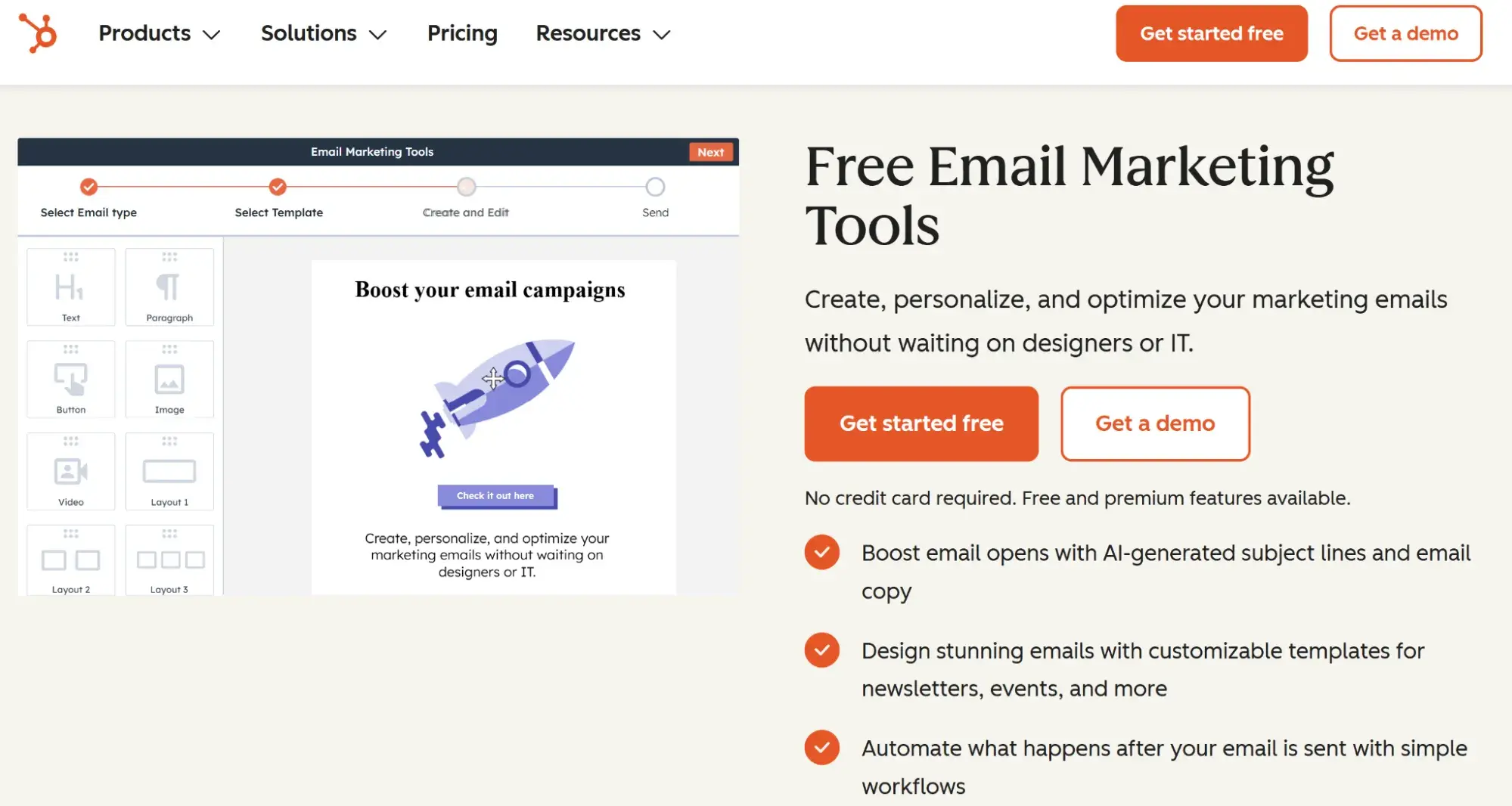
Boost Opens & CTRs with HubSpot’s Free Email Marketing Software

Email marketing tools solve these industry-specific challenges by automating service reminders, segmenting customers by vehicle type and purchase history, scoring leads based on engagement levels, and integrating with dealership management systems to create seamless customer experiences.

This comprehensive guide includes a detailed comparison table of the top 12 email marketing platforms, in-depth feature breakdowns for each tool, benefits specific to automotive operations, important features to prioritize, a step-by-step selection guide, and actionable FAQs.

Email marketing delivers an average ROI of $36 for every dollar spent, making platform selection a critical business decision.

HubSpot is used by automotive businesses worldwide, including multi-location dealership groups, independent repair shops, and automotive parts retailers who leverage the platform’s integrated CRM and marketing automation to increase lead conversion rates and service appointment retention.

Table of Contents

What is email marketing for automotive businesses?

Email marketing for automotive businesses is a digital communication strategy that enables dealerships, repair shops, and automotive service centers to nurture customer relationships through targeted campaigns.

Automotive companies utilize email marketing to send service reminders, promote vehicle inventory, announce special offers, and maintain customer engagement throughout the lifecycle.

Comparison Table: Best Email Marketing Software for Automotive Businesses

Email Marketing Tool

Best For

Key Features

Pricing

Average Rating

HubSpot

Multi-location dealerships needing CRM integration

Marketing automation, free CRM, landing pages, revenue attribution

Free; Available with Marketing Hub; Starter $9/month per seat

4.4/5

Mailchimp

Small to mid-size independent dealerships

Templates, automation, segmentation, journey mapping

Free; Essentials $13/month

4.3/5

ActiveCampaign

Businesses requiring advanced automation workflows

Marketing automation, lead scoring, SMS integration

Starts at $15/month

4.6/5

Constant Contact

Dealerships prioritizing ease of use

Drag-and-drop builder, event marketing, live support

Starts at $12/month

4.0/5

Brevo

Growing businesses needing SMS + email

Email + SMS, transactional emails, automation

Free; Starter $8.08/month

4.5/5

Klaviyo

Automotive parts retailers and e-commerce

Advanced segmentation, predictive analytics, revenue attribution

Free; Email $45/month

4.6/5

GetResponse

Automotive businesses hosting webinars

Webinar hosting, automation, conversion funnels

Email $15/month

4.2/5

Omnisend

Automotive aftermarket retailers

Omnichannel automation, product recommendations

Free; Standard $11.20/month

4.5/5

Moosend

Budget-conscious automotive businesses

Unlimited emails, automation, landing pages

Free; Pro $7/month

4.6/5

Campaign Monitor

Agencies managing multiple dealerships

Client management, custom templates, white-label reporting

Lite €9.90/month

4.1/5

AWeber

Small repair shops and service centers

Email templates, autoresponders, list management

Free; Lite $12.50/month

4.2/5

Kit

Automotive content creators and influencers

Visual automation, subscriber tagging, landing pages

Free; Creator $33/month

4.4/5

Best Email Marketing Software for Automotive Businesses

The following platforms represent the top email marketing solutions specifically suited to automotive industry needs including service reminder automation, vehicle-based segmentation, CRM integration, and long-term customer relationship management.

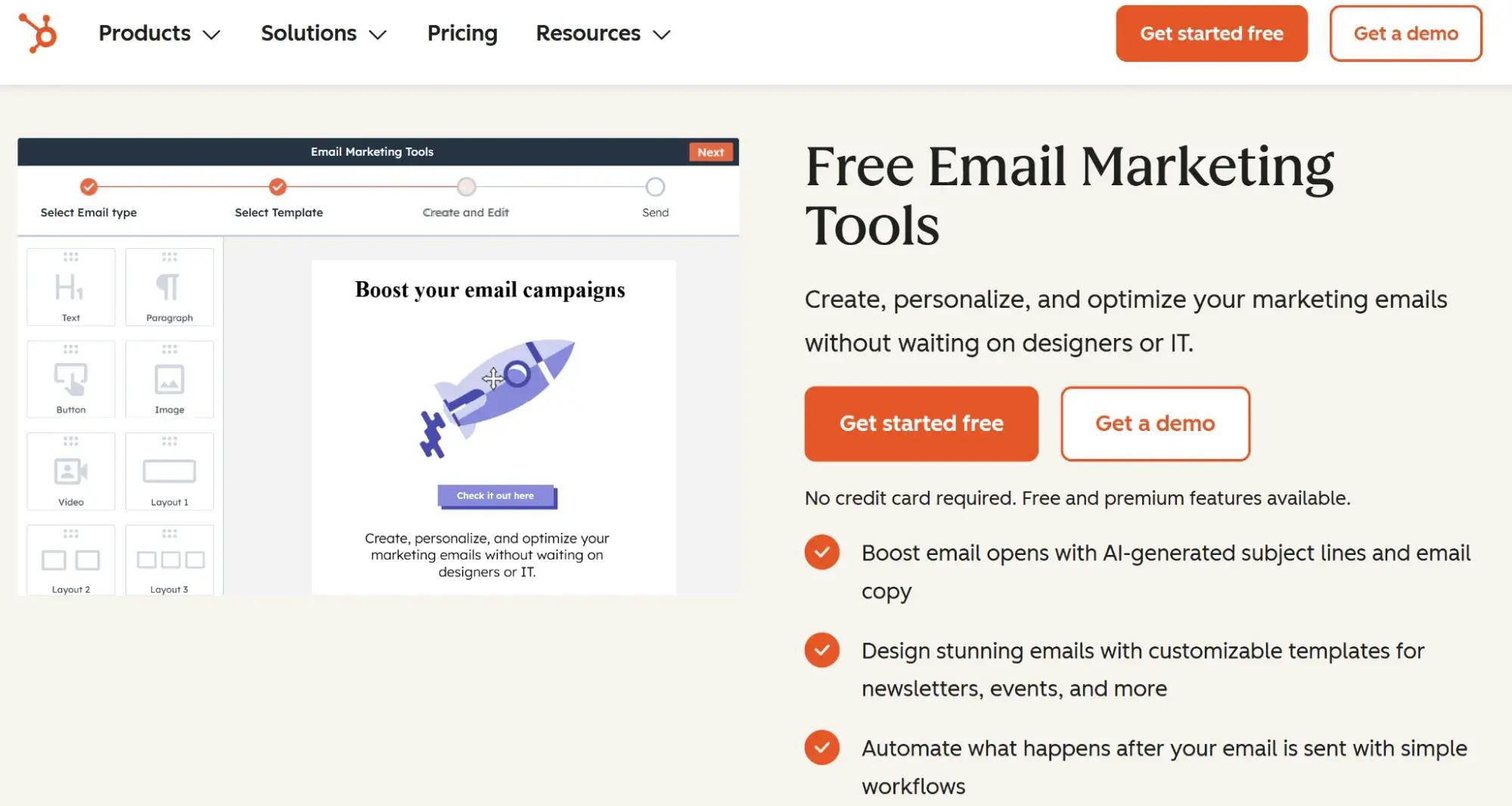
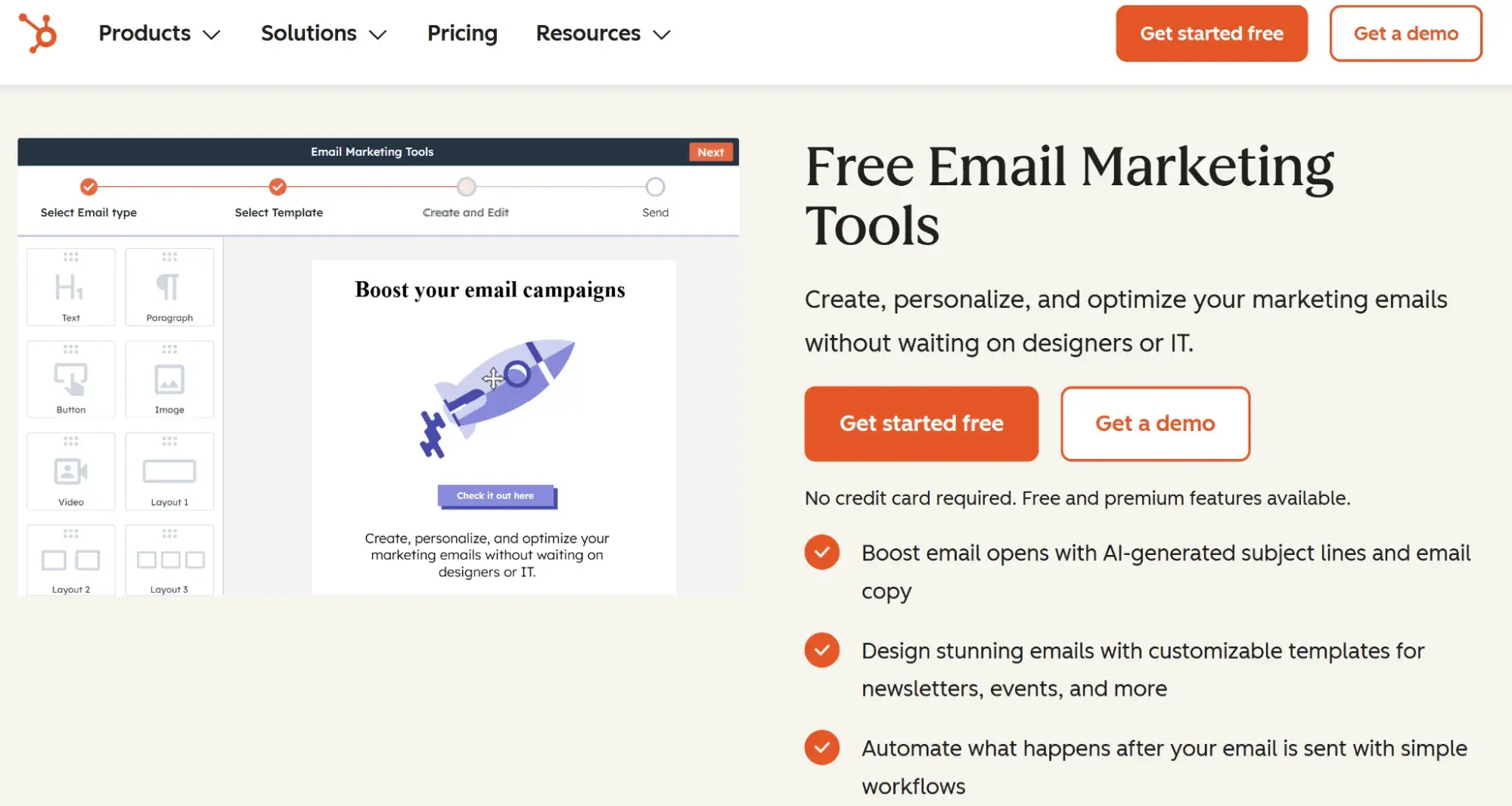
1. HubSpot

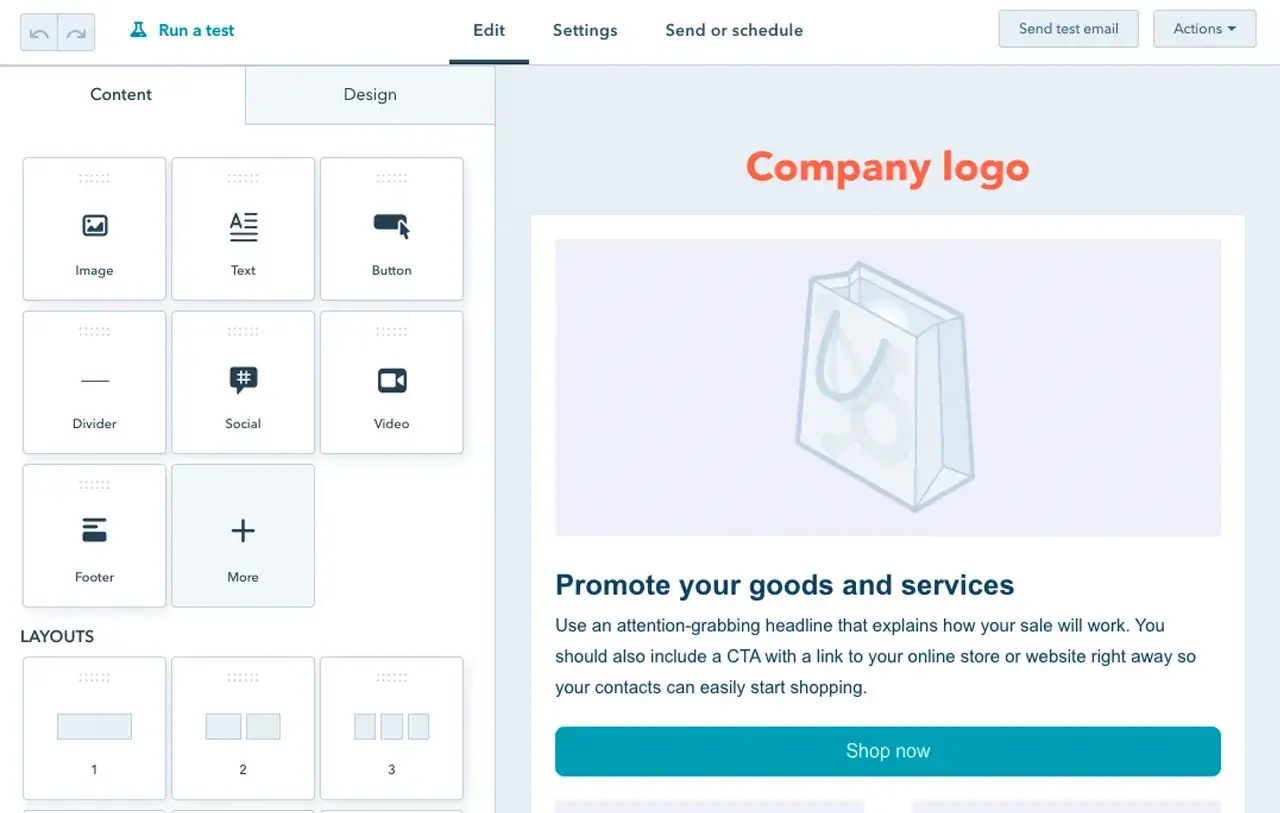
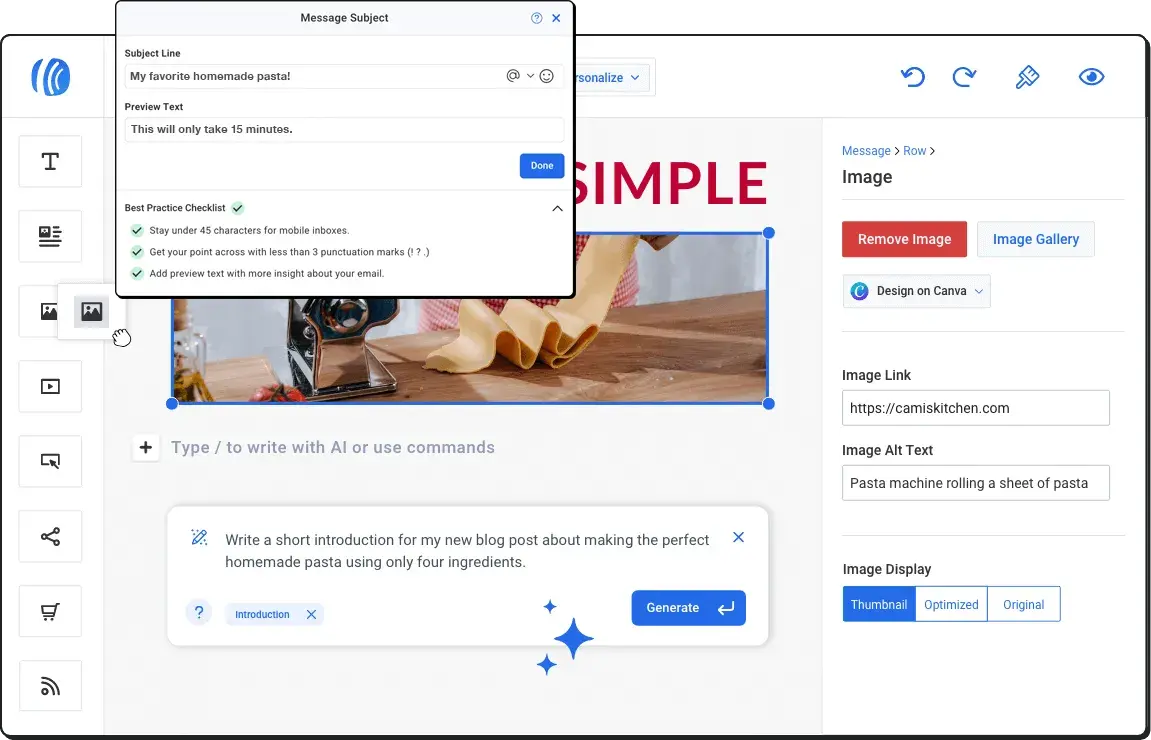
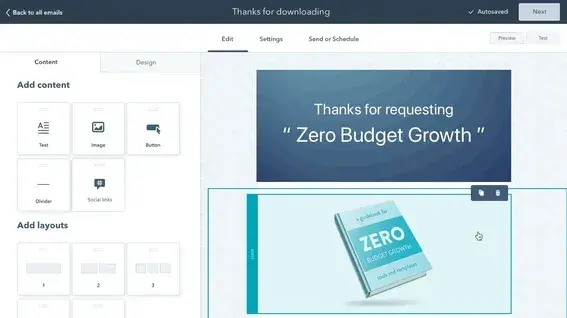
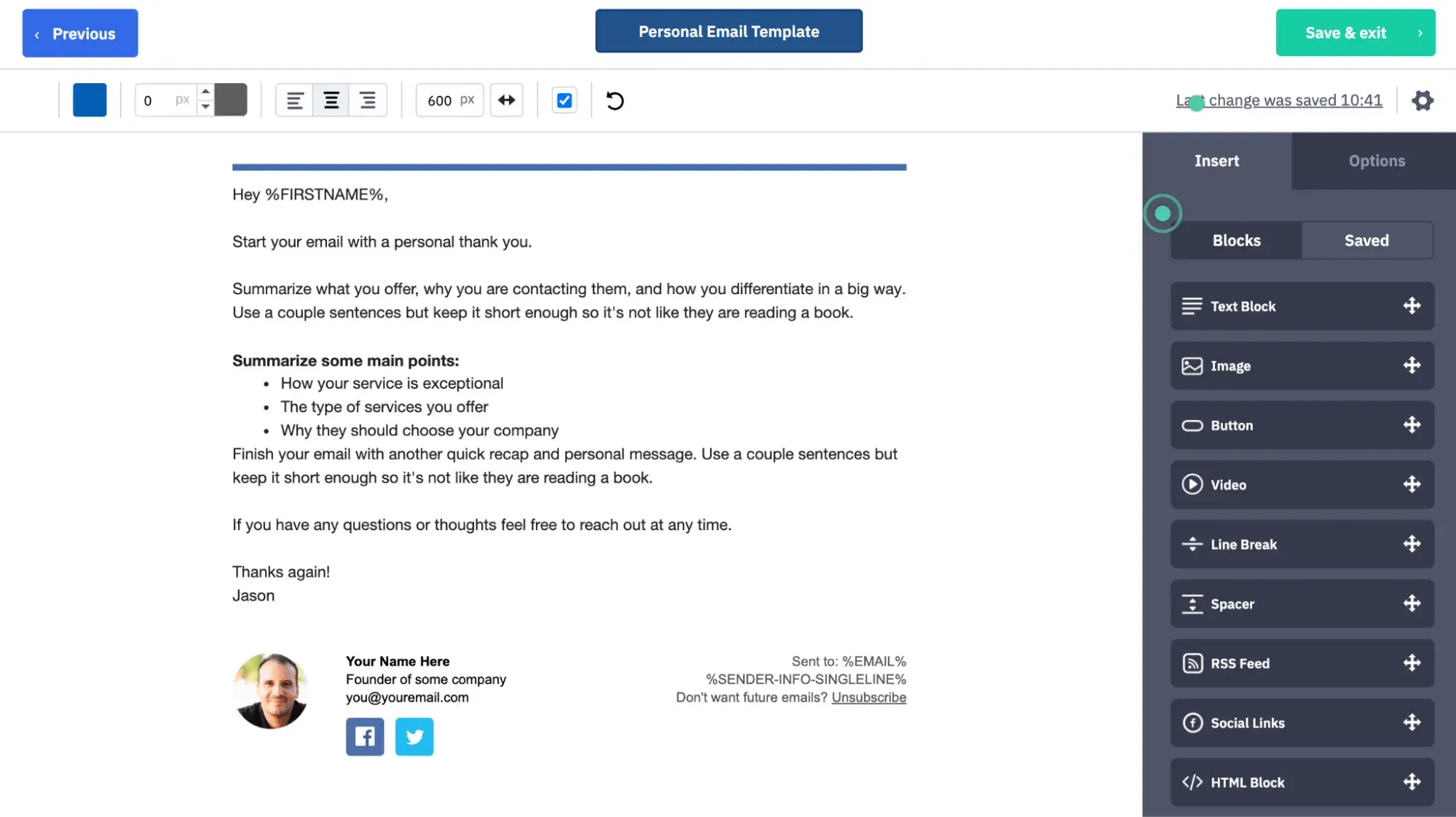
hubspot

Source

Best For: Multi-location dealerships and automotive groups requiring integrated CRM, marketing automation, and sales enablement in one unified platform

Key HubSpot Features:

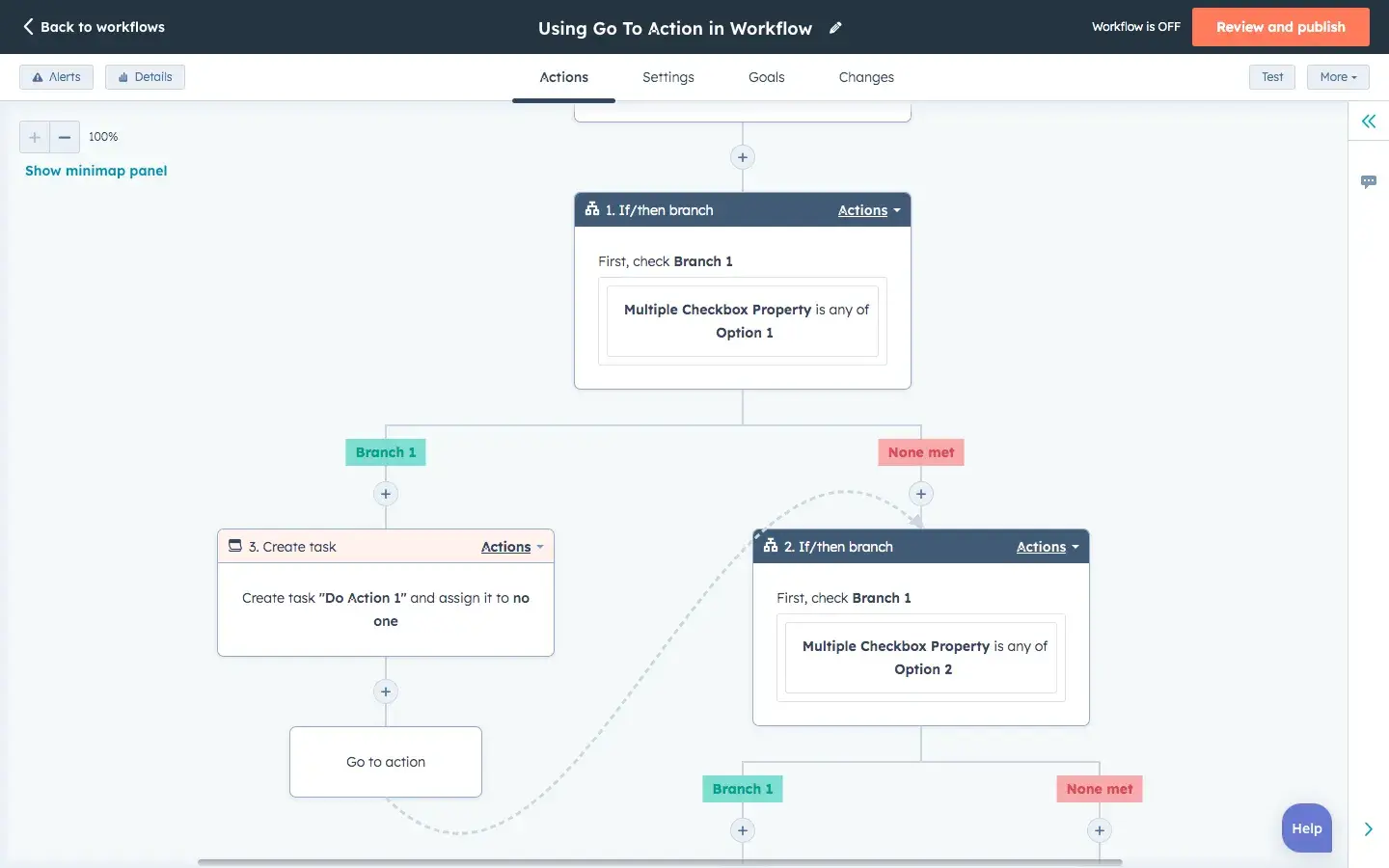
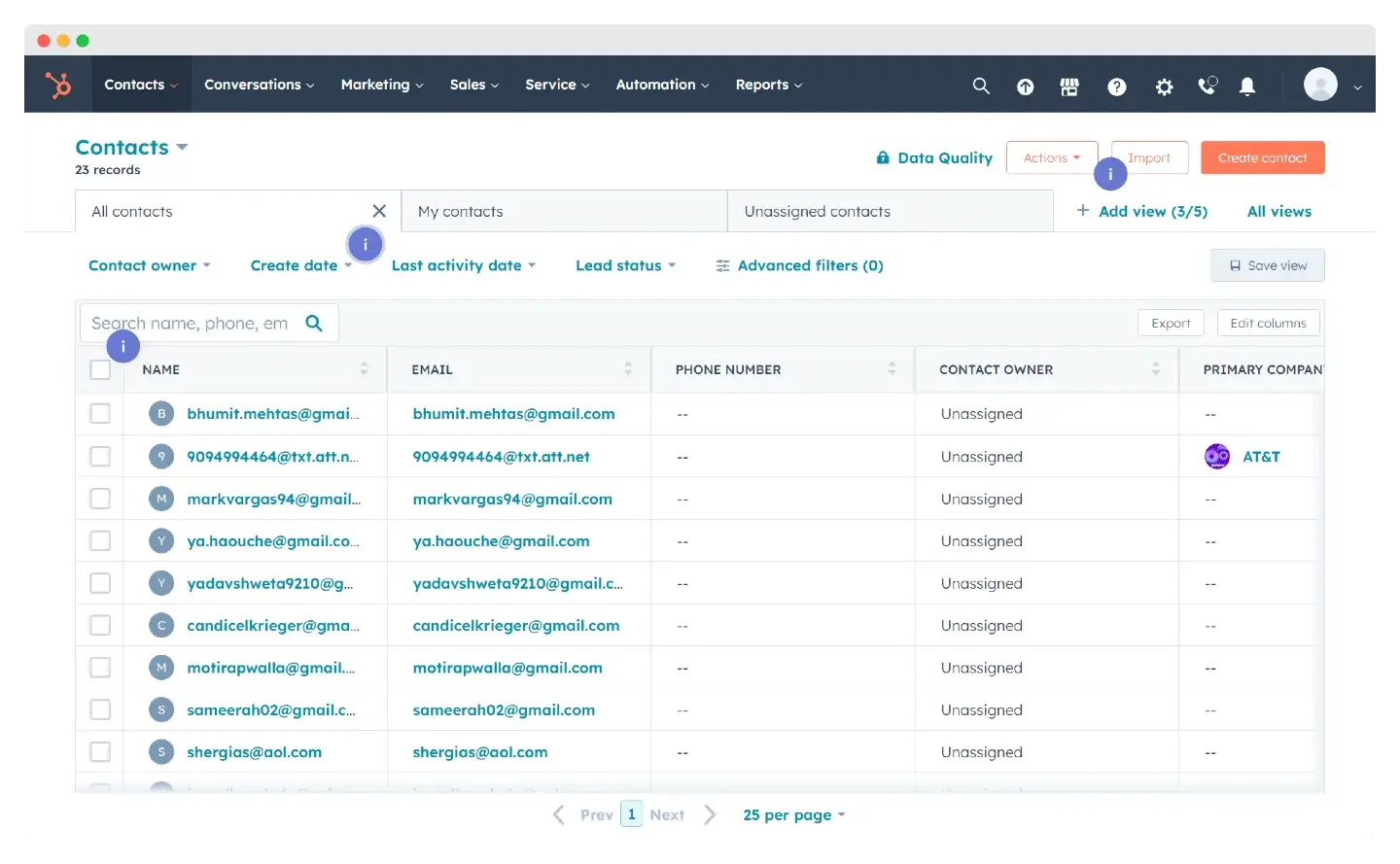
  • Free CRM with Unlimited Contacts – Track every customer interaction from initial inquiry through vehicle purchase and ongoing service appointments without paying for basic CRM functionality, eliminating the need for separate database management tools that create data silos in automotive businesses
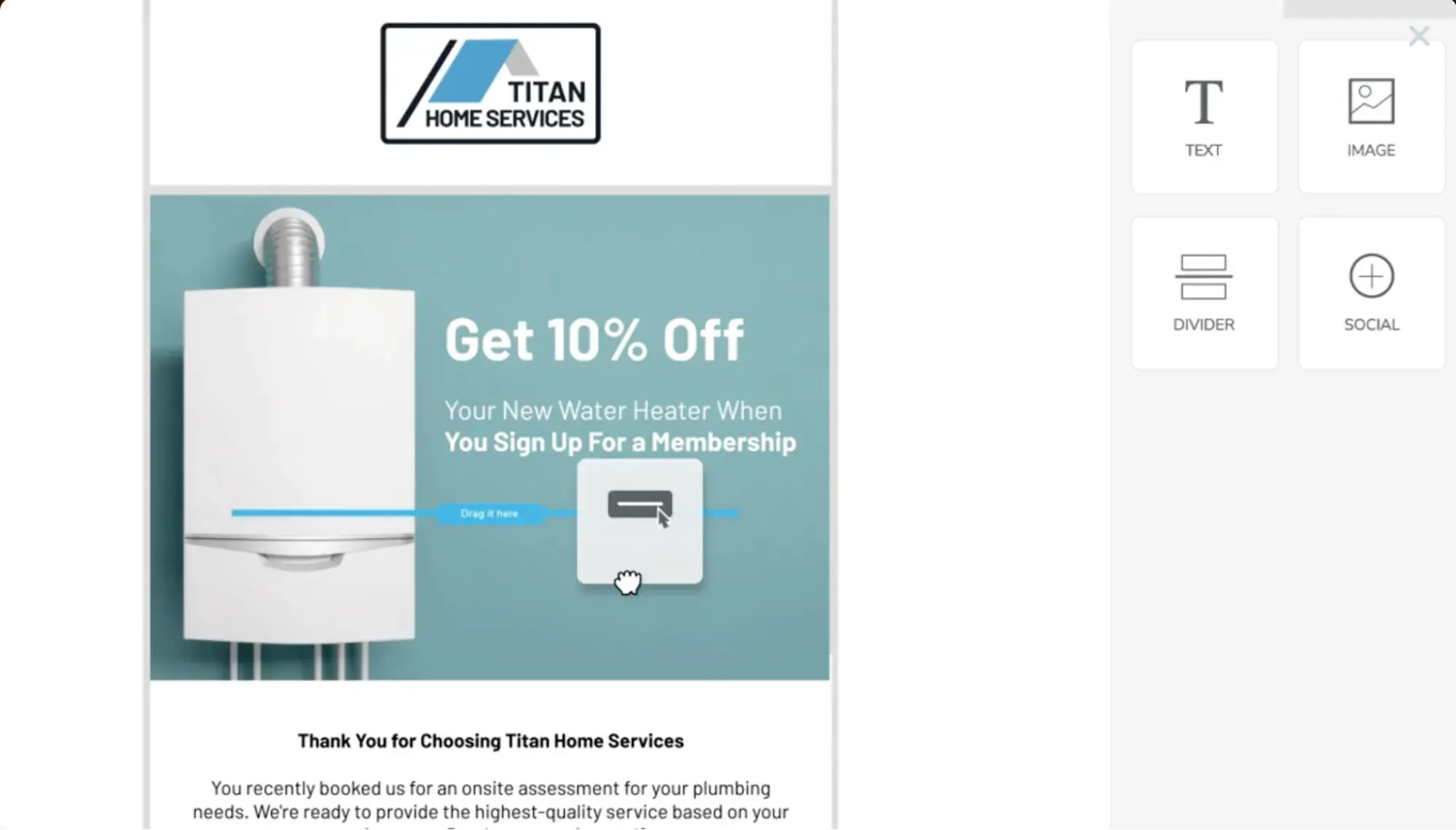
  • Visual Workflow Automation Builder – Create sophisticated service reminder sequences, lead nurturing campaigns, and customer retention workflows using drag-and-drop automation with conditional logic that adapts based on vehicle ownership, service history, and engagement patterns
  • Revenue Attribution Reporting – Connect email campaigns directly to vehicle sales and service appointments with closed-loop reporting that shows which marketing efforts generate actual dealership revenue, enabling data-driven budget allocation decisions

HubSpot Pricing:

  • Marketing Hub Free: $0 (includes email marketing, forms, landing pages, and CRM)
  • Marketing Hub Stater: $9/month per seat
  • Marketing Hub Professional: $800/month
  • Marketing Hub Enterprise: $3,600/month
  • View detailed HubSpot pricing

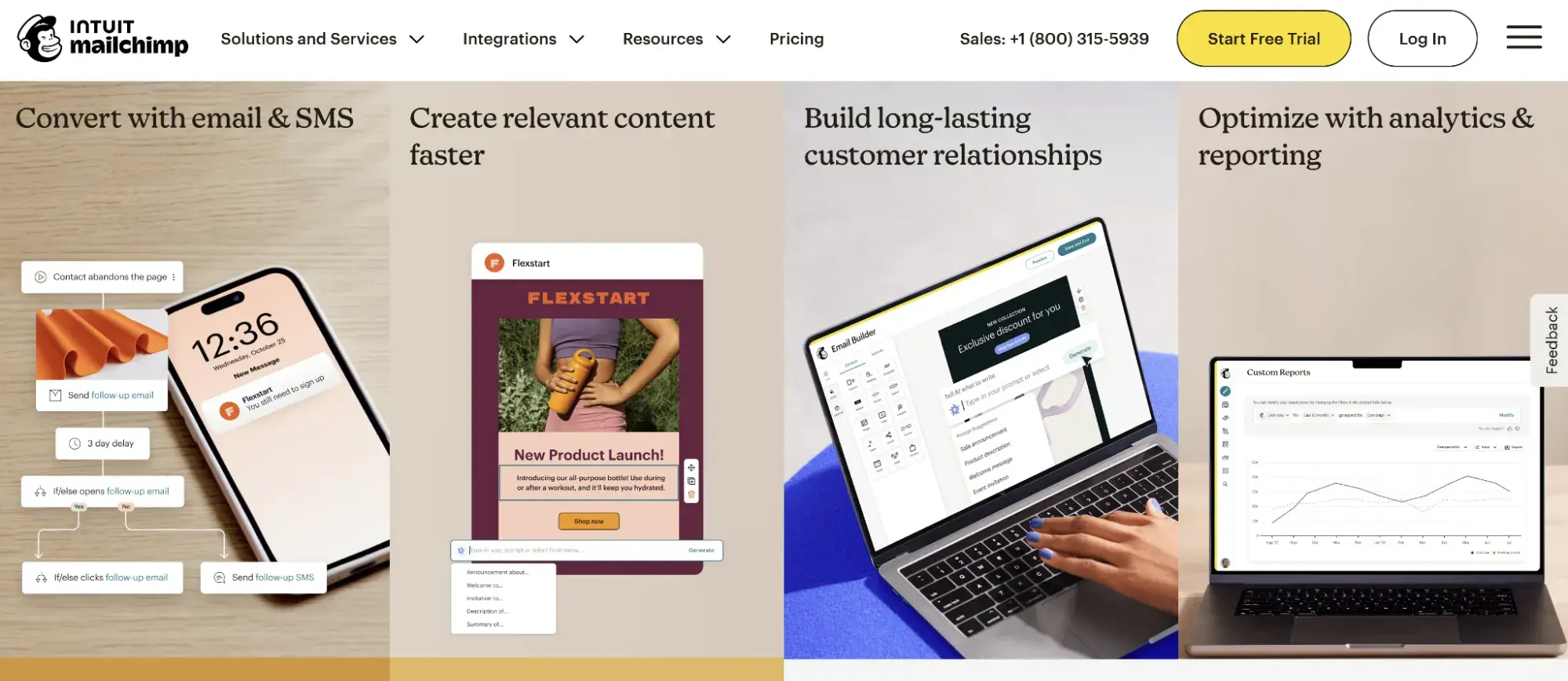
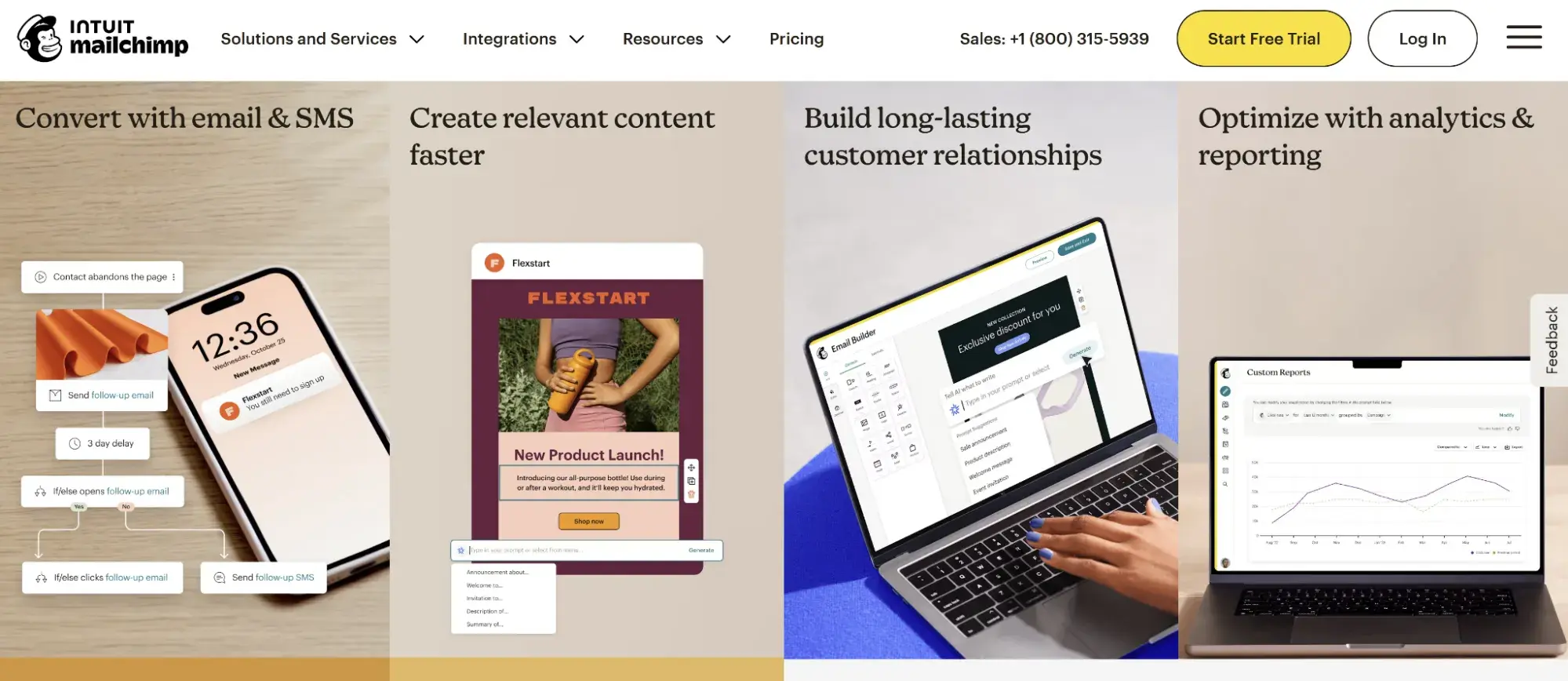
2. Mailchimp

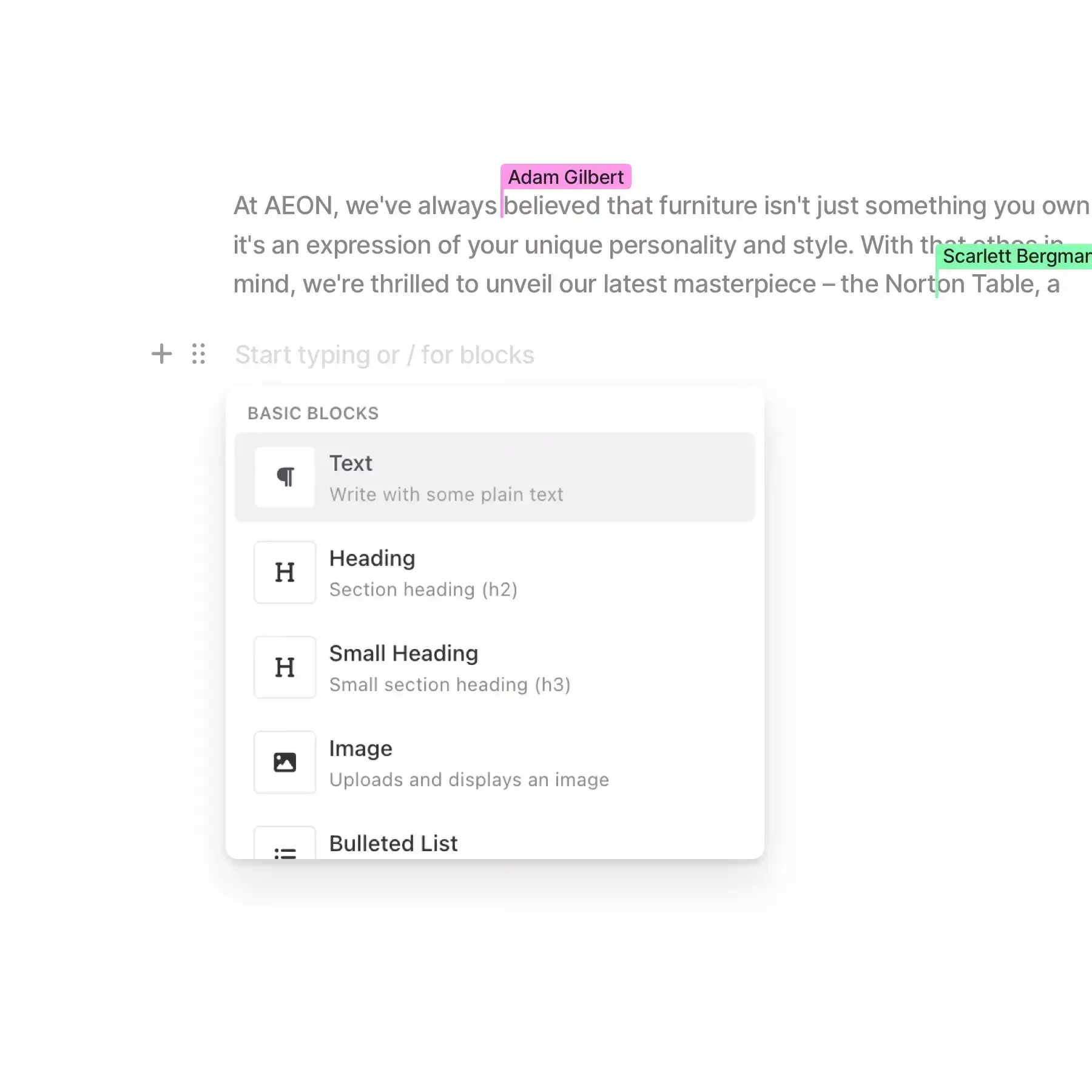
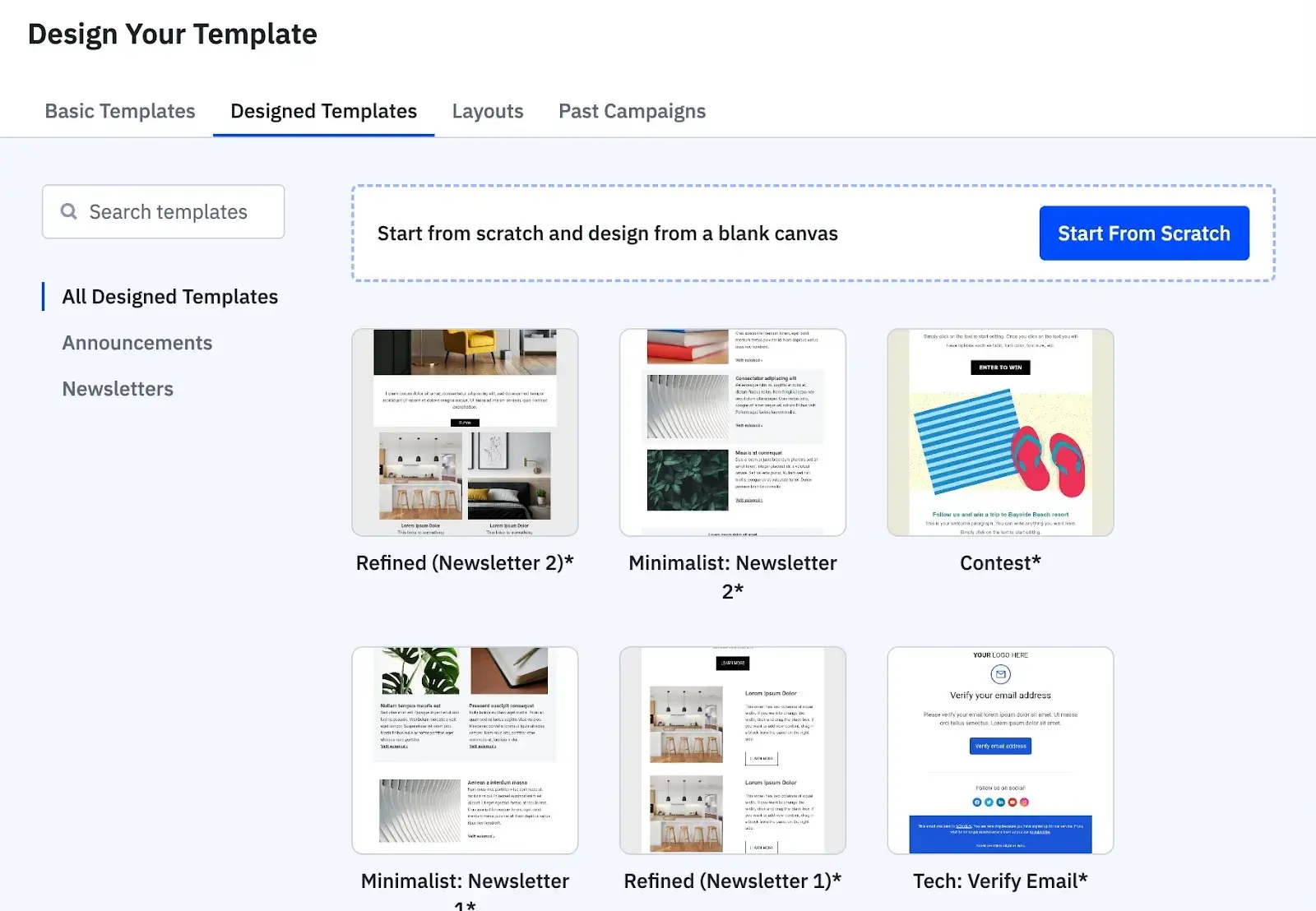
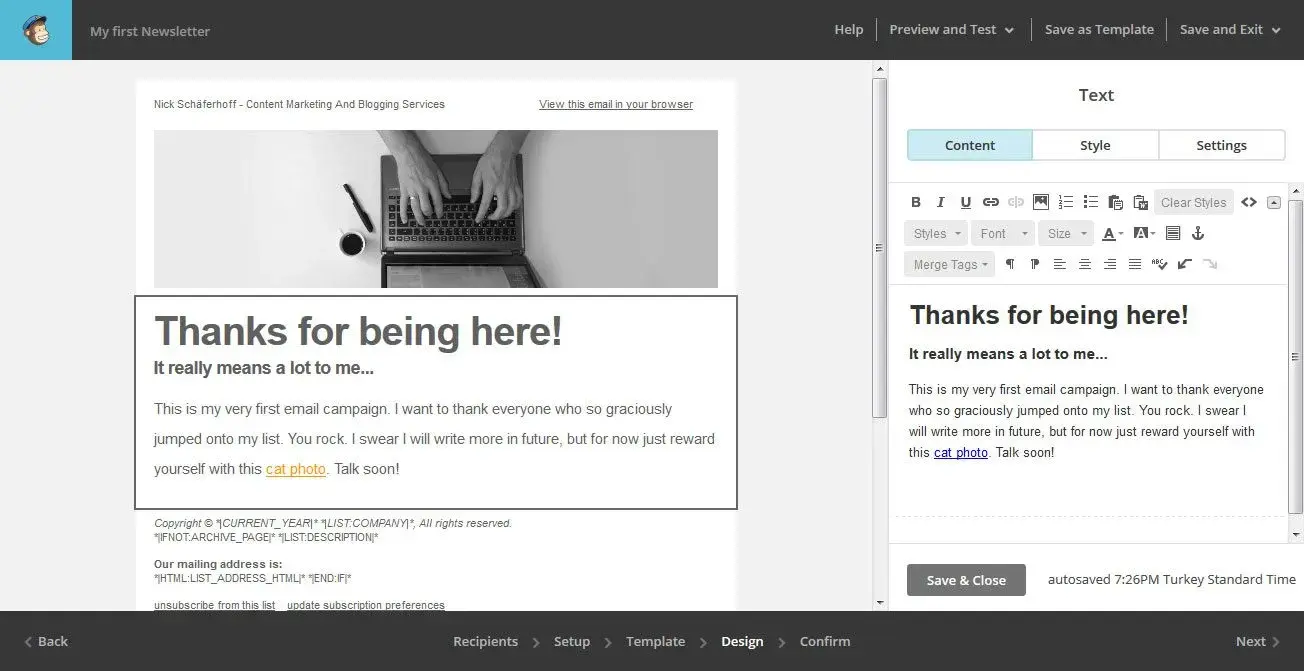
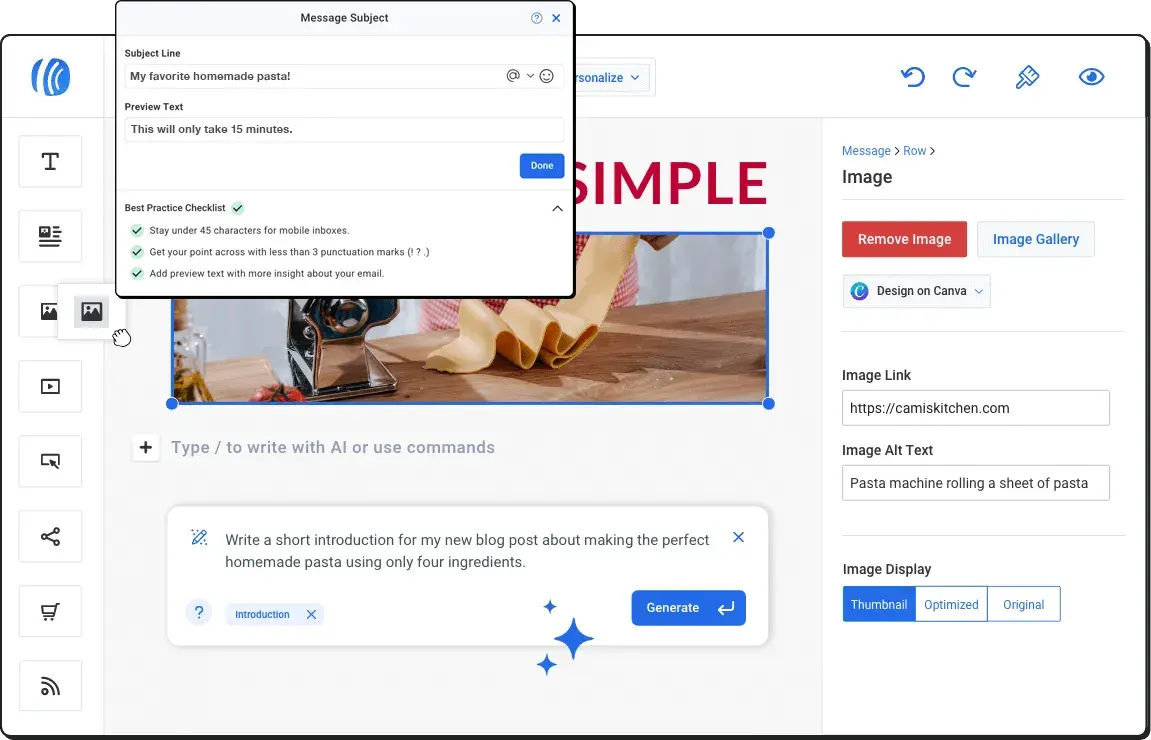
mailchimp

Source

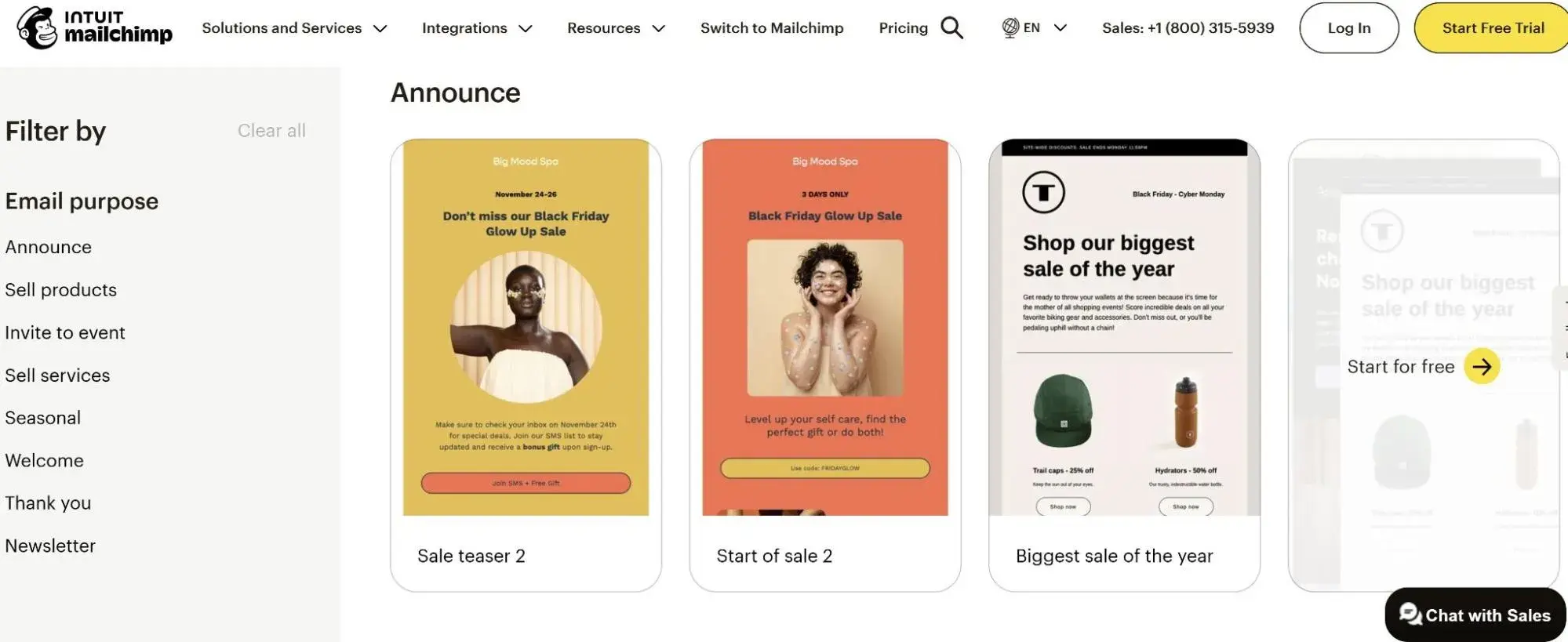
Best For: Small to mid-size independent dealerships seeking user-friendly automation with pre-built automotive templates and intuitive campaign creation

Key Mailchimp Features:

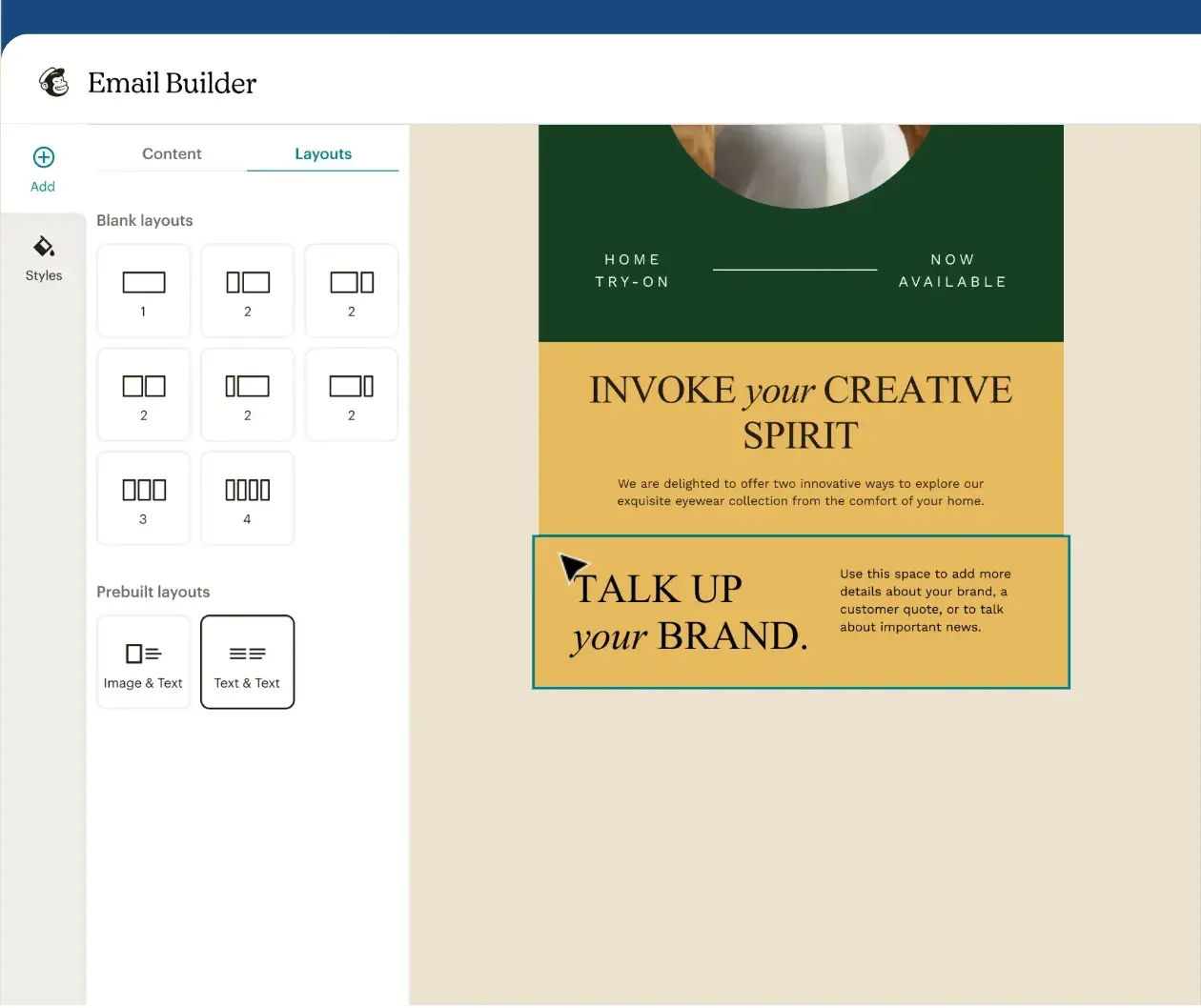
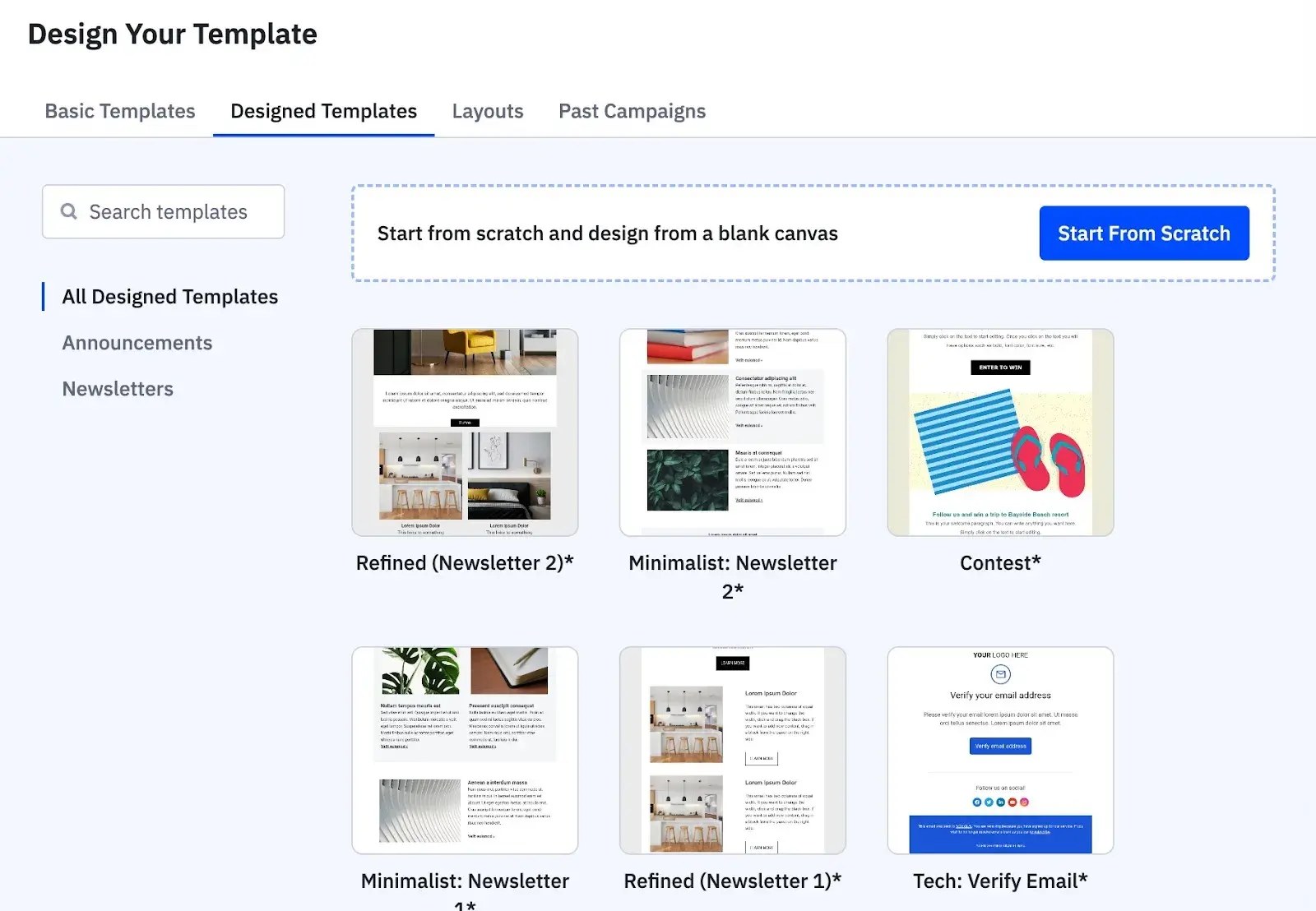
  • Pre-Built Automotive Templates – Launch professional campaigns quickly using industry-specific email designs optimized for vehicle promotions, service reminders, and dealership announcements without requiring design expertise or custom development
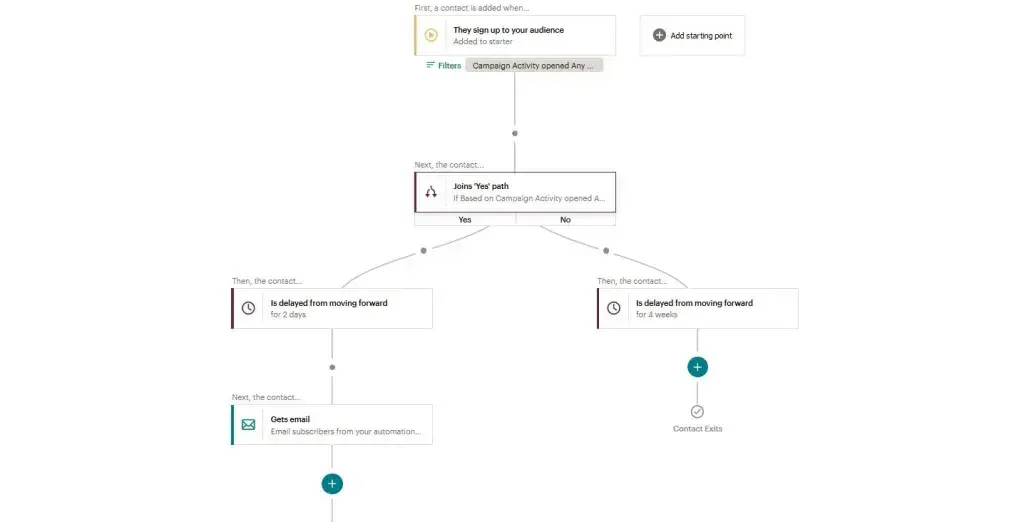
  • Customer Journey Mapping – Visualize and optimize the complete customer experience from initial lead inquiry through vehicle purchase and service appointments, identifying gaps in communication and opportunities for engagement
  • Behavioral Automation Triggers – Automatically send targeted emails based on customer actions, including website visits, email clicks, and form submissions, ensuring timely follow-ups that match the automotive sales cycle timing.

Mailchimp Pricing:

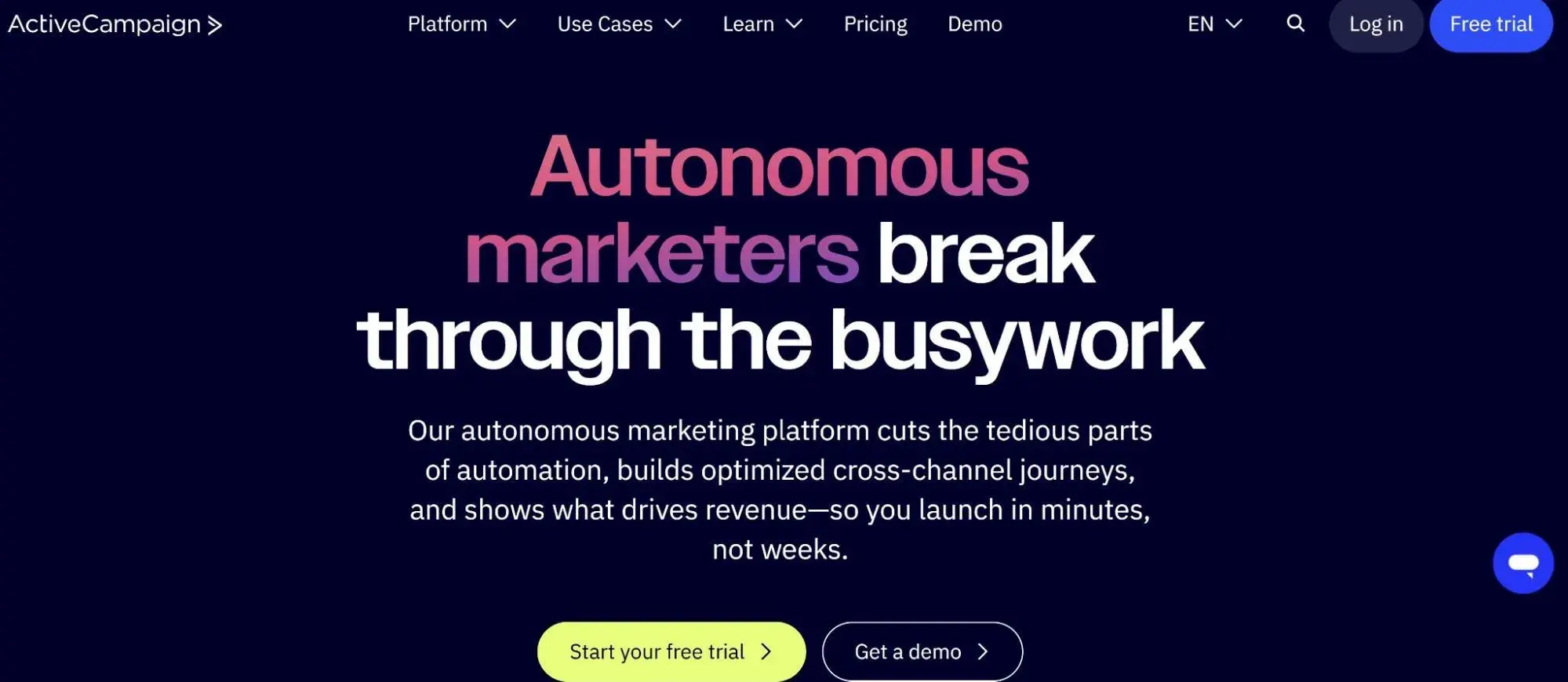
3. ActiveCampaign

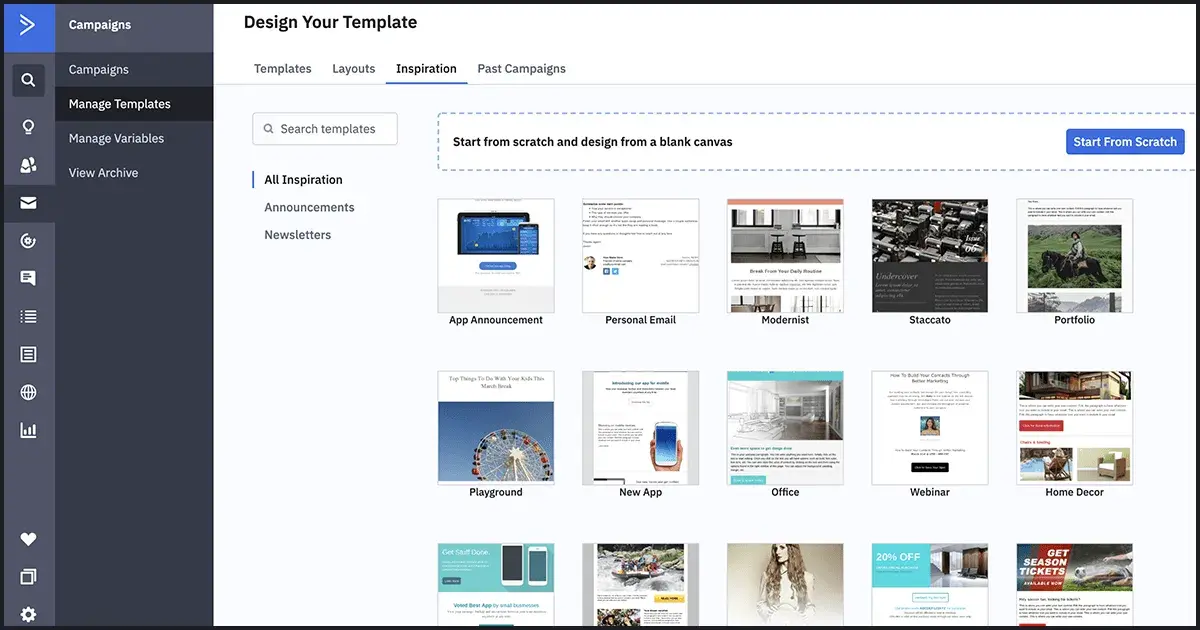
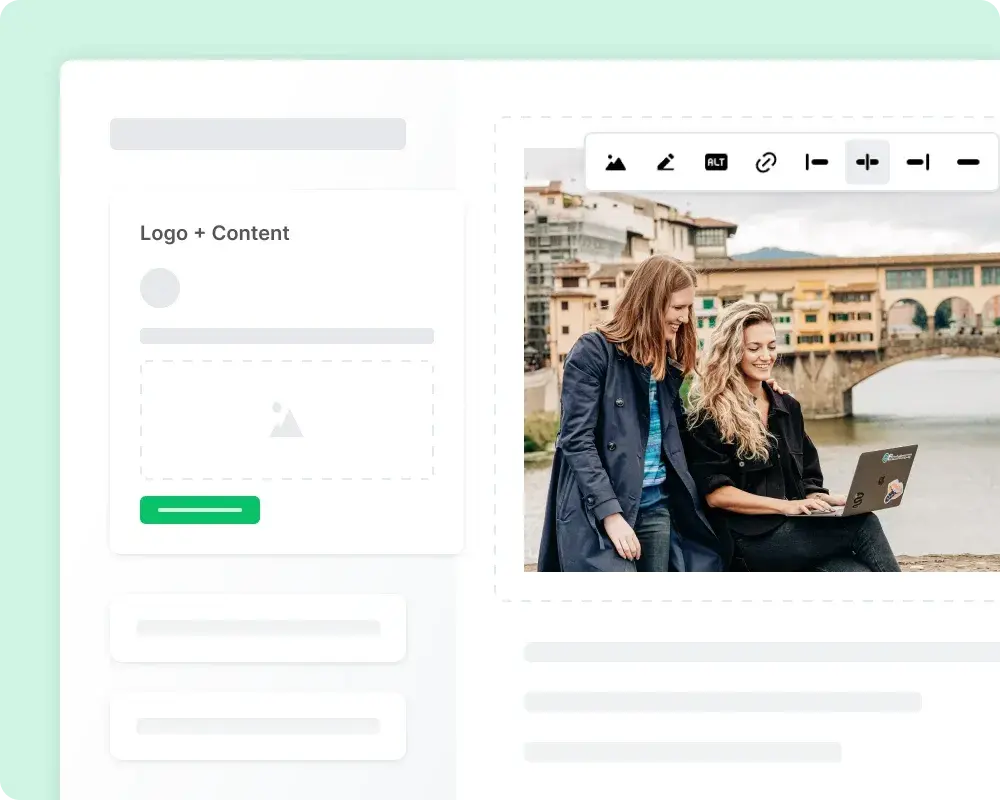
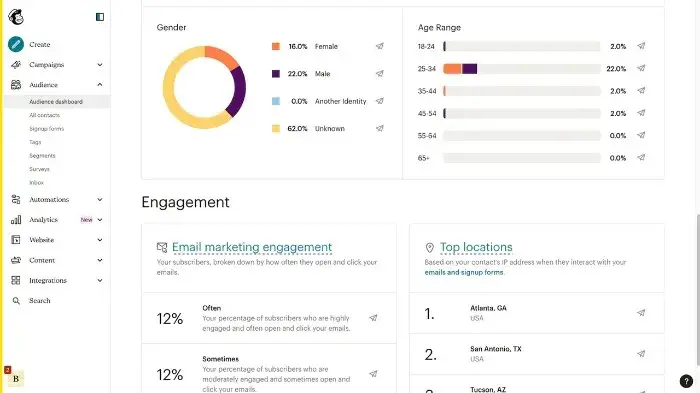
activecampaign

Source

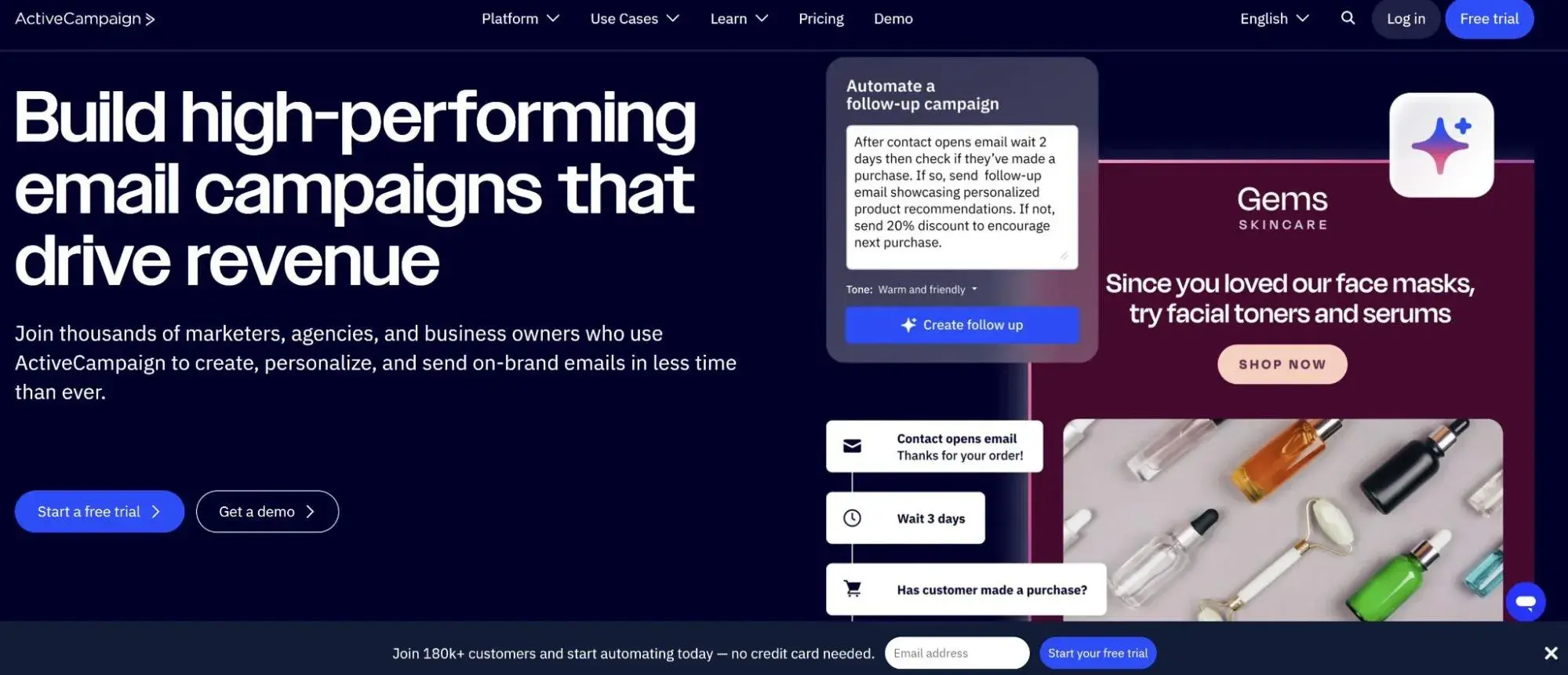
Best For: Automotive businesses requiring sophisticated automation workflows with advanced lead scoring and multi-touch nurturing campaigns that match complex sales cycles

Key ActiveCampaign Features:

  • Advanced Lead Scoring System – Automatically prioritize hot prospects based on email engagement, website behavior, and interaction history, enabling sales teams to focus efforts on customers most likely to purchase or schedule service appointments
  • Predictive Sending Optimization – Leverage machine learning to automatically send emails at optimal times for each individual customer based on their past opening behavior, increasing open rates by delivering messages when recipients are most likely to engage
  • Integrated SMS Marketing – Coordinate email and text message campaigns within unified workflows for appointment confirmations, last-minute service reminders, and time-sensitive vehicle promotions that require immediate customer action

ActiveCampaign Pricing:

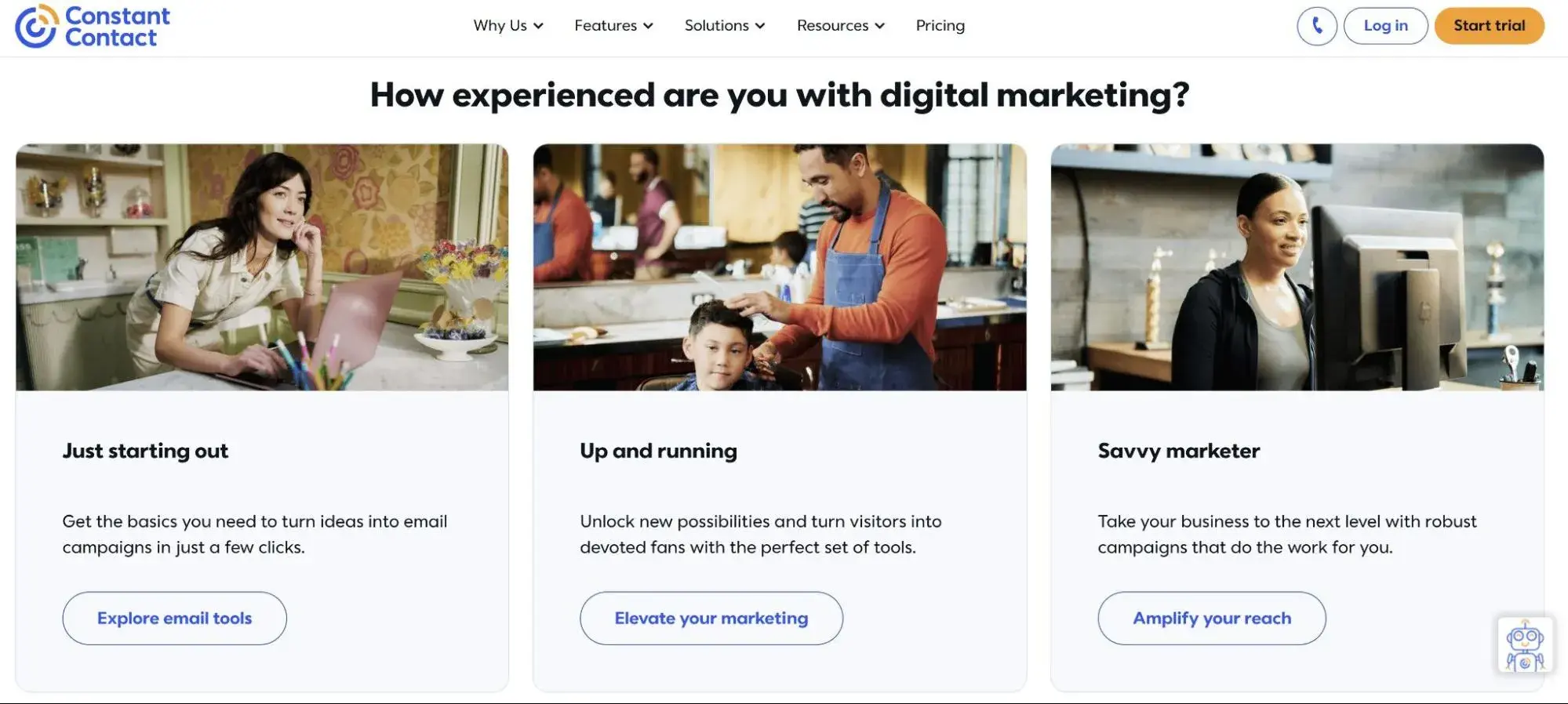
4. Constant Contact

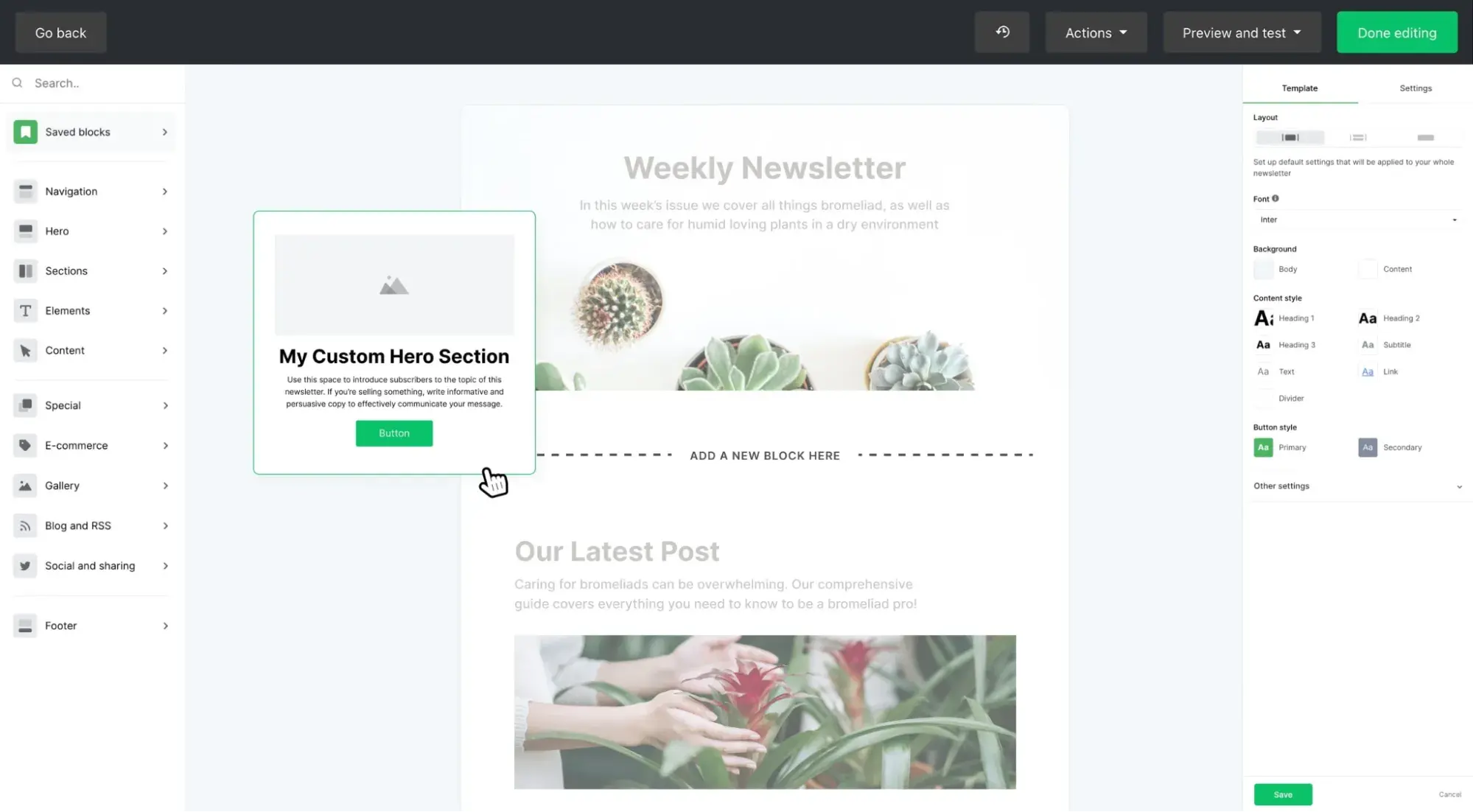
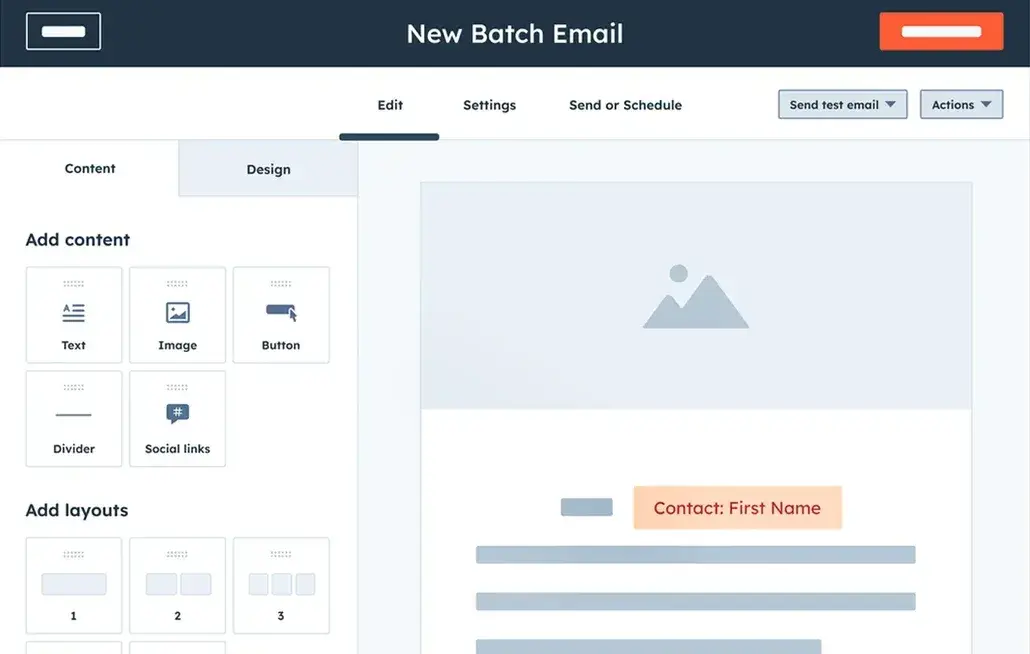
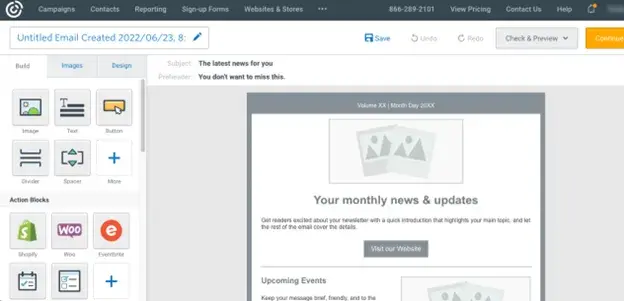
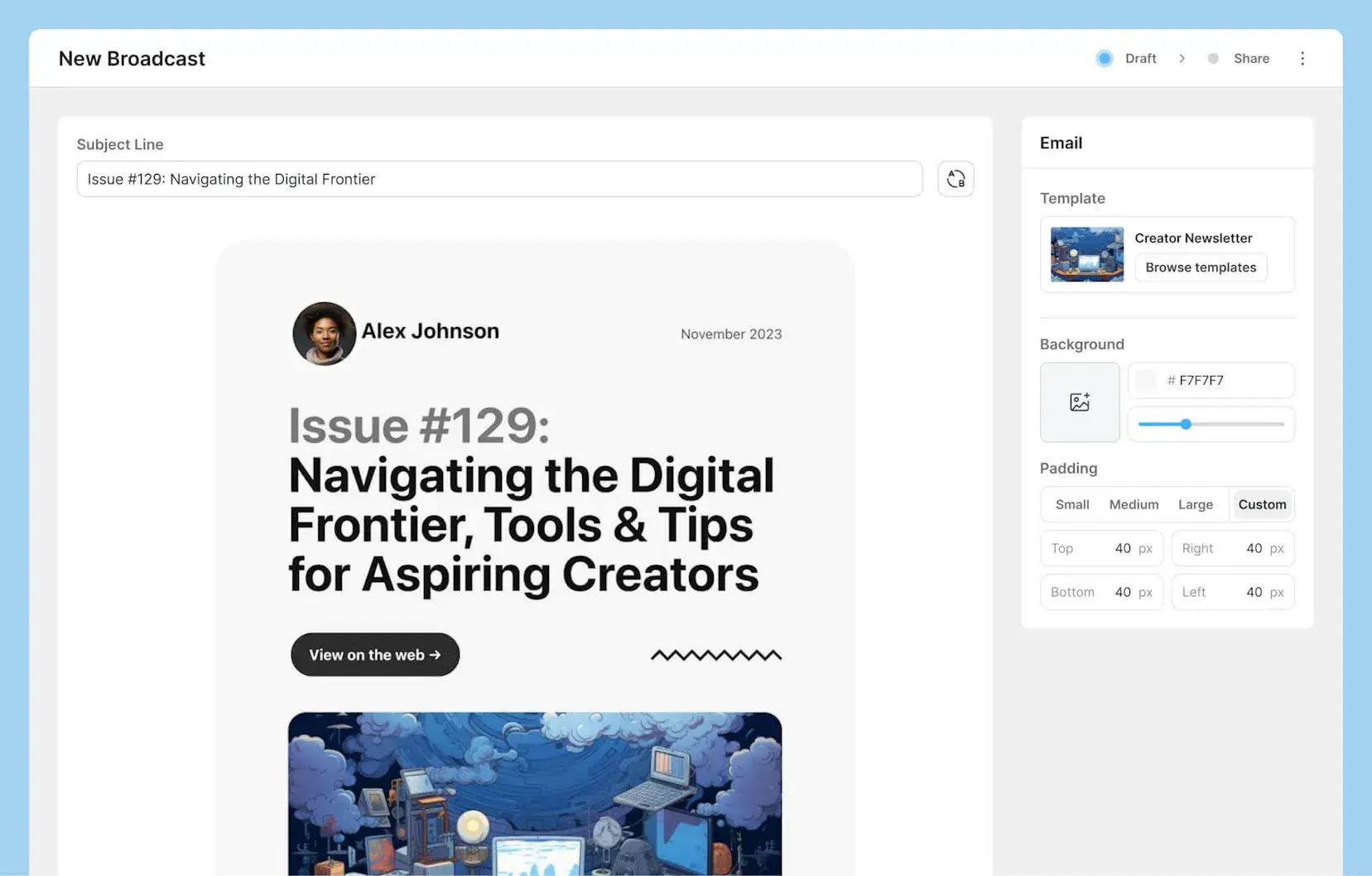
constant contact

Source

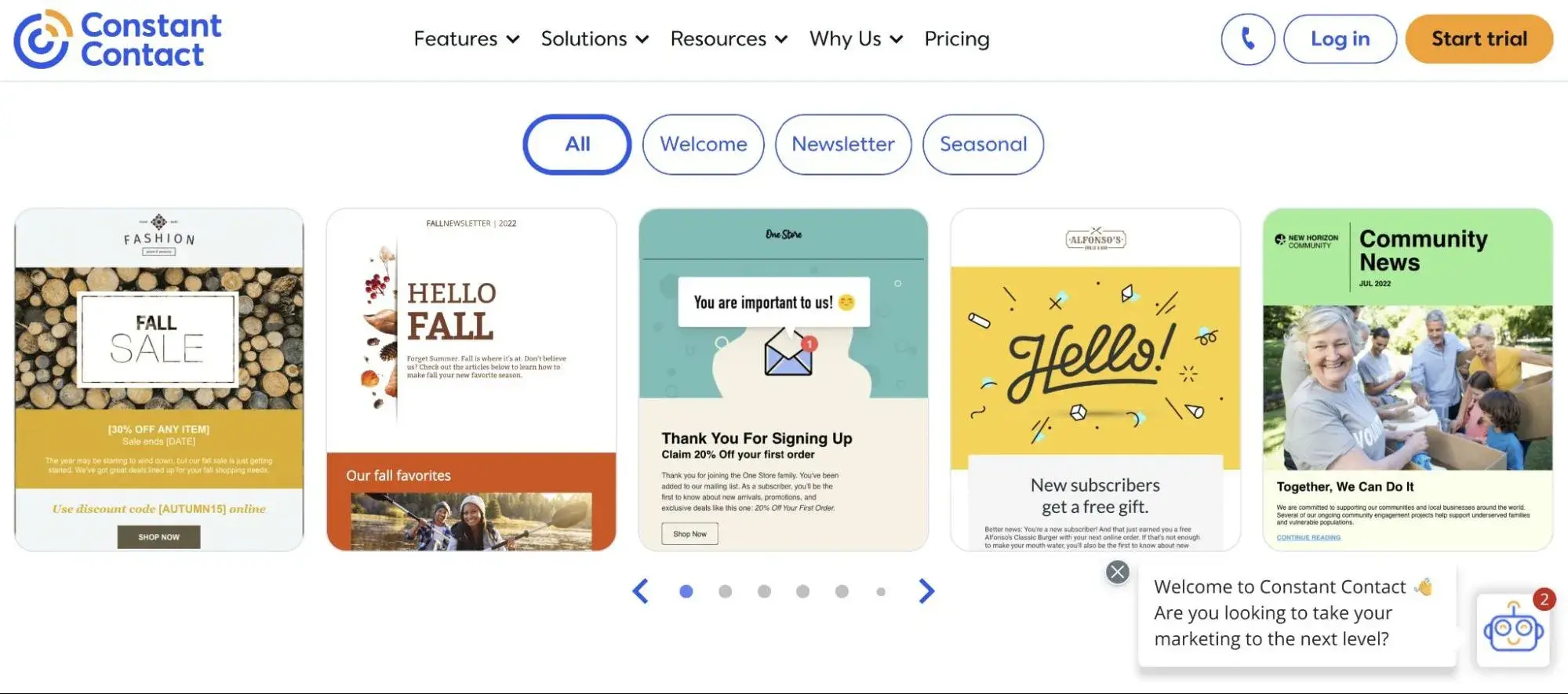
Best For: Dealerships and repair shops prioritizing ease of use with extensive customer support, including live chat and phone assistance for teams with limited marketing experience

Key Constant Contact Features:

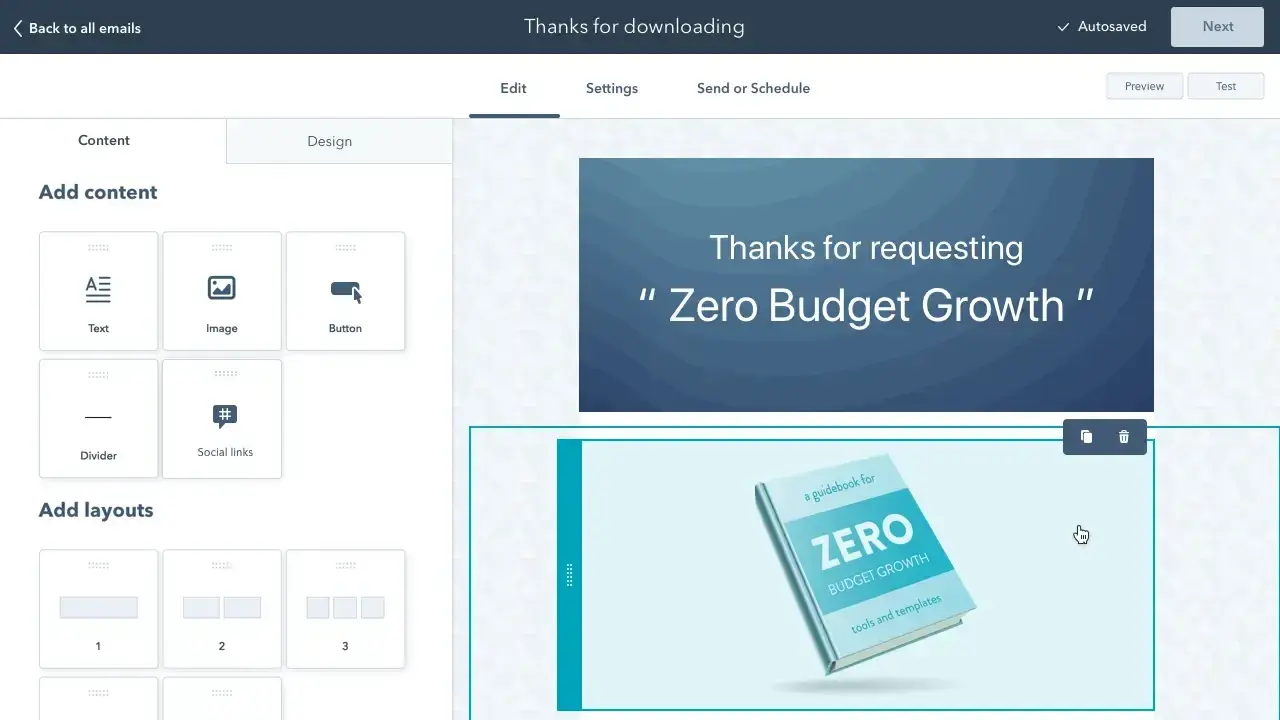
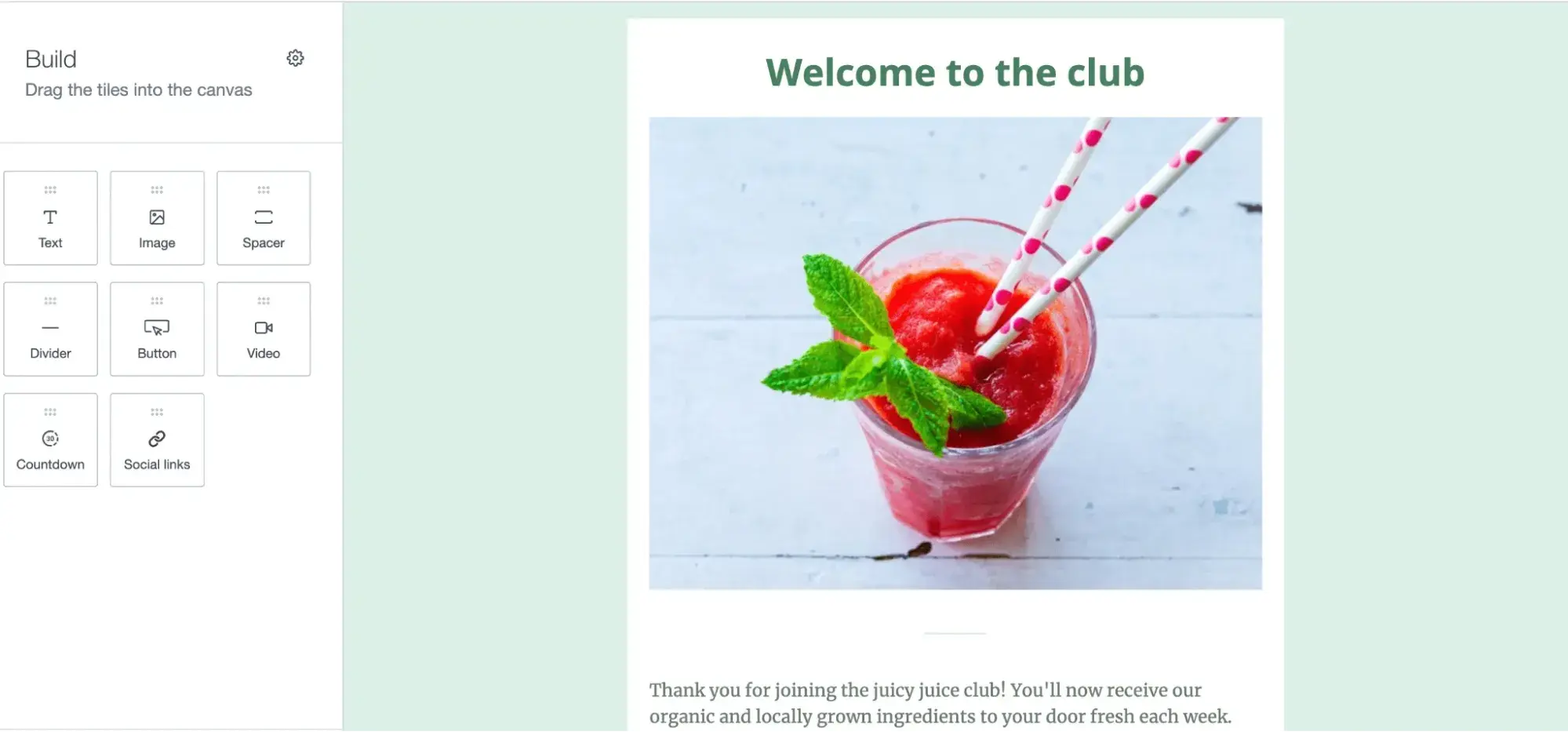
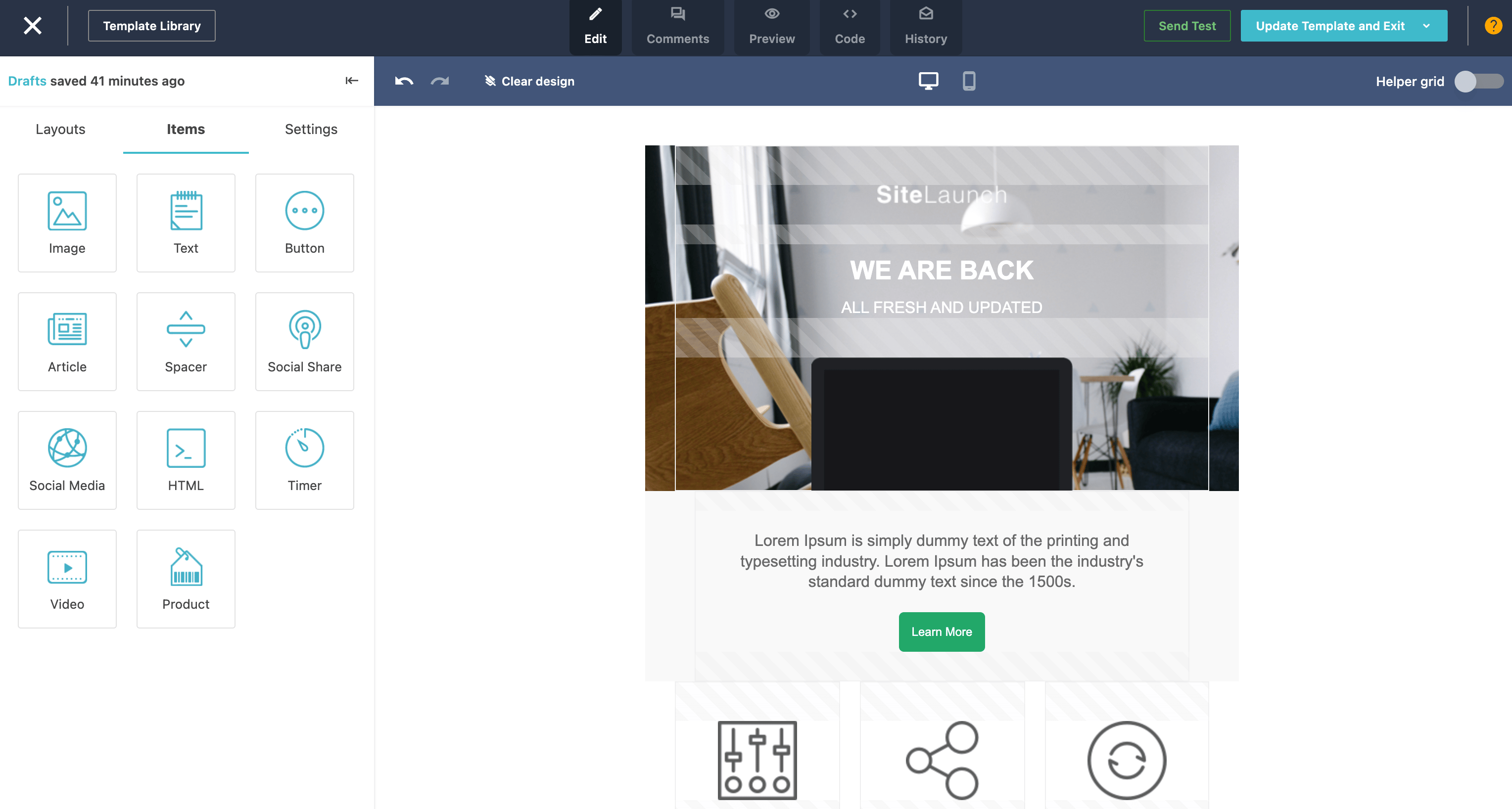
  • Drag-and-Drop Email Builder – Create professional automotive emails without coding knowledge using an intuitive visual builder that simplifies campaign creation for busy dealership staff who need to launch promotions quickly
  • Event Marketing Tools – Promote and manage test drive events, vehicle reveal parties, and customer appreciation sales with integrated event registration, automated confirmations, and reminder sequences that increase attendance rates
  • Real-Time Reporting Dashboard – Monitor campaign performance with clear visualizations showing open rates, click-throughs, and conversions, enabling quick performance assessments and campaign optimization decisions

Constant Contact Pricing:

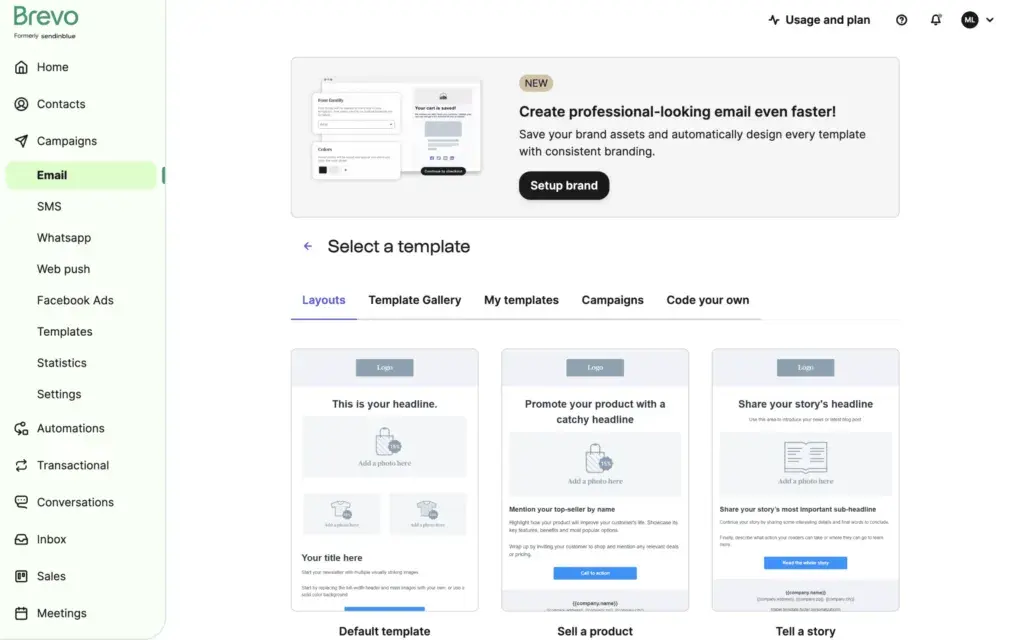
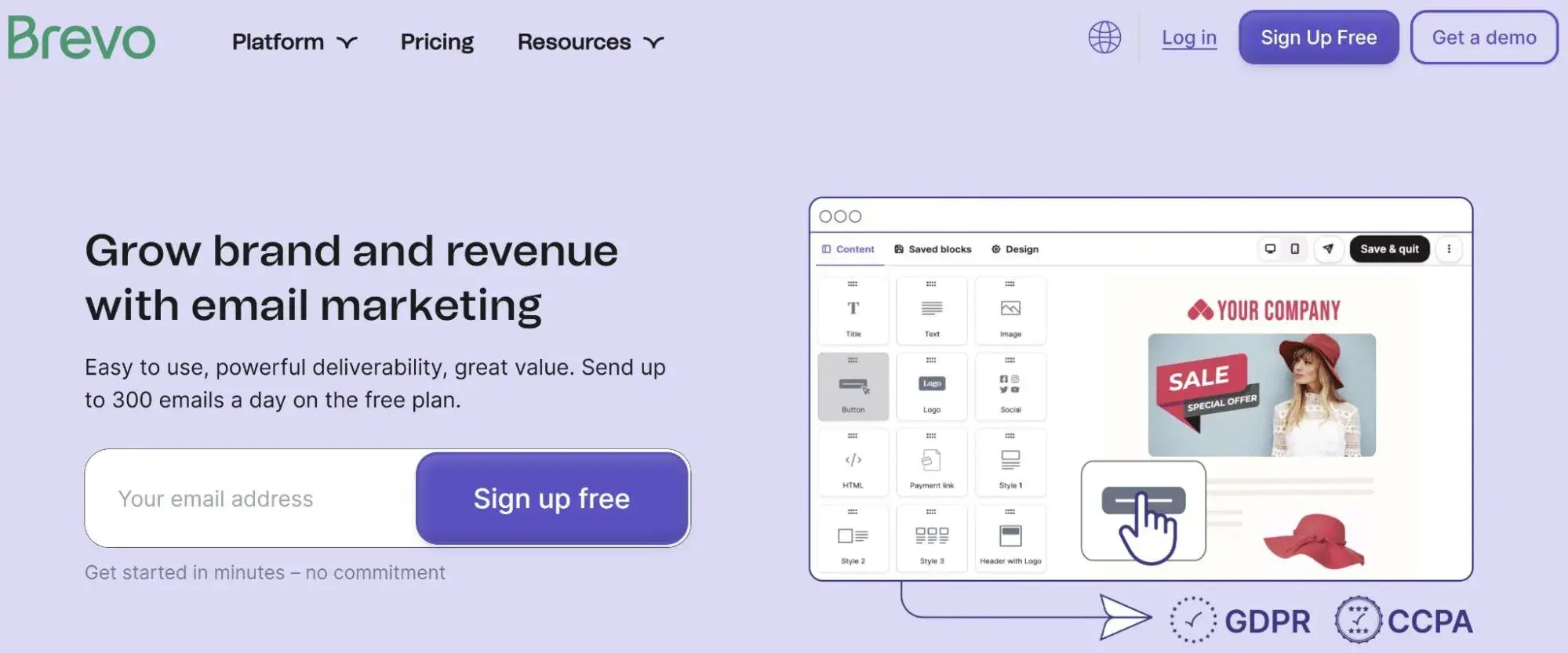
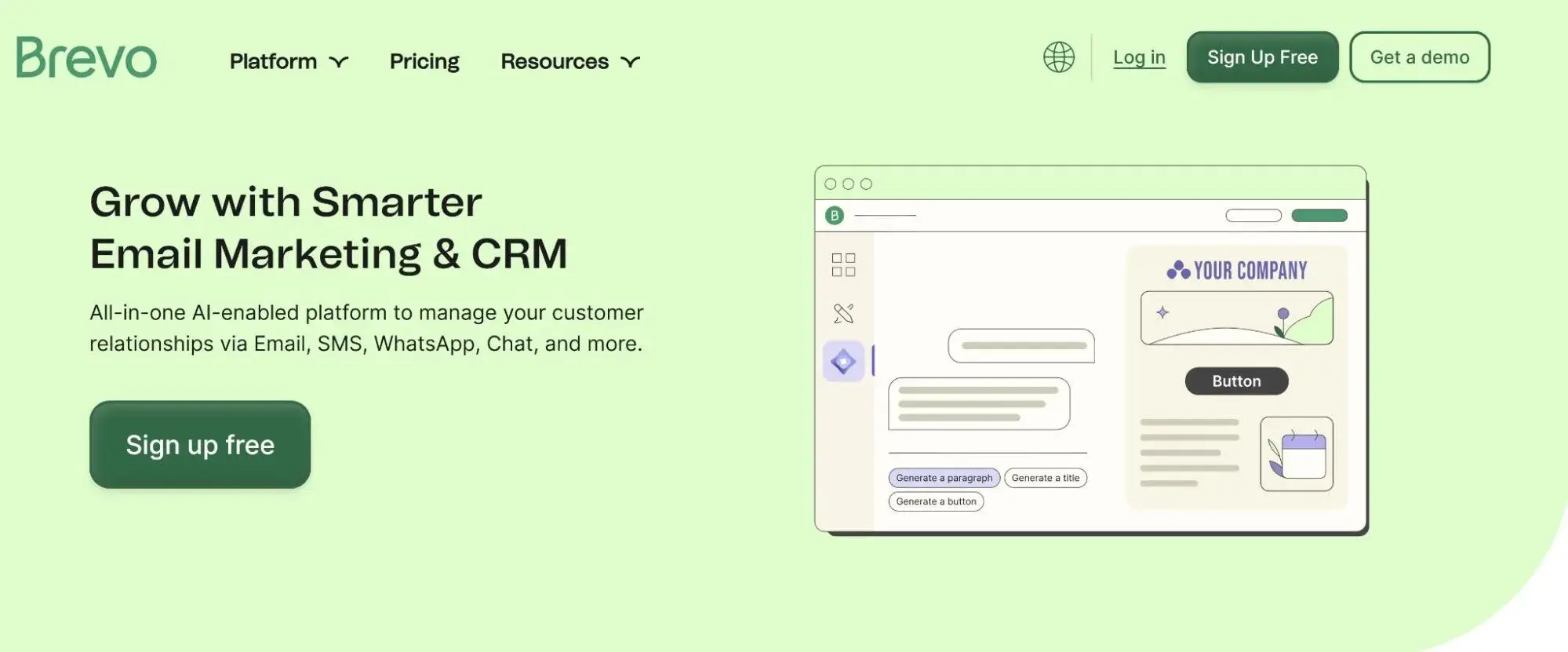
5. Brevo

brevo

Source

Best For: Growing automotive businesses needing email and SMS marketing in one platform with pricing based on emails sent rather than contact list size

Key Brevo Features:

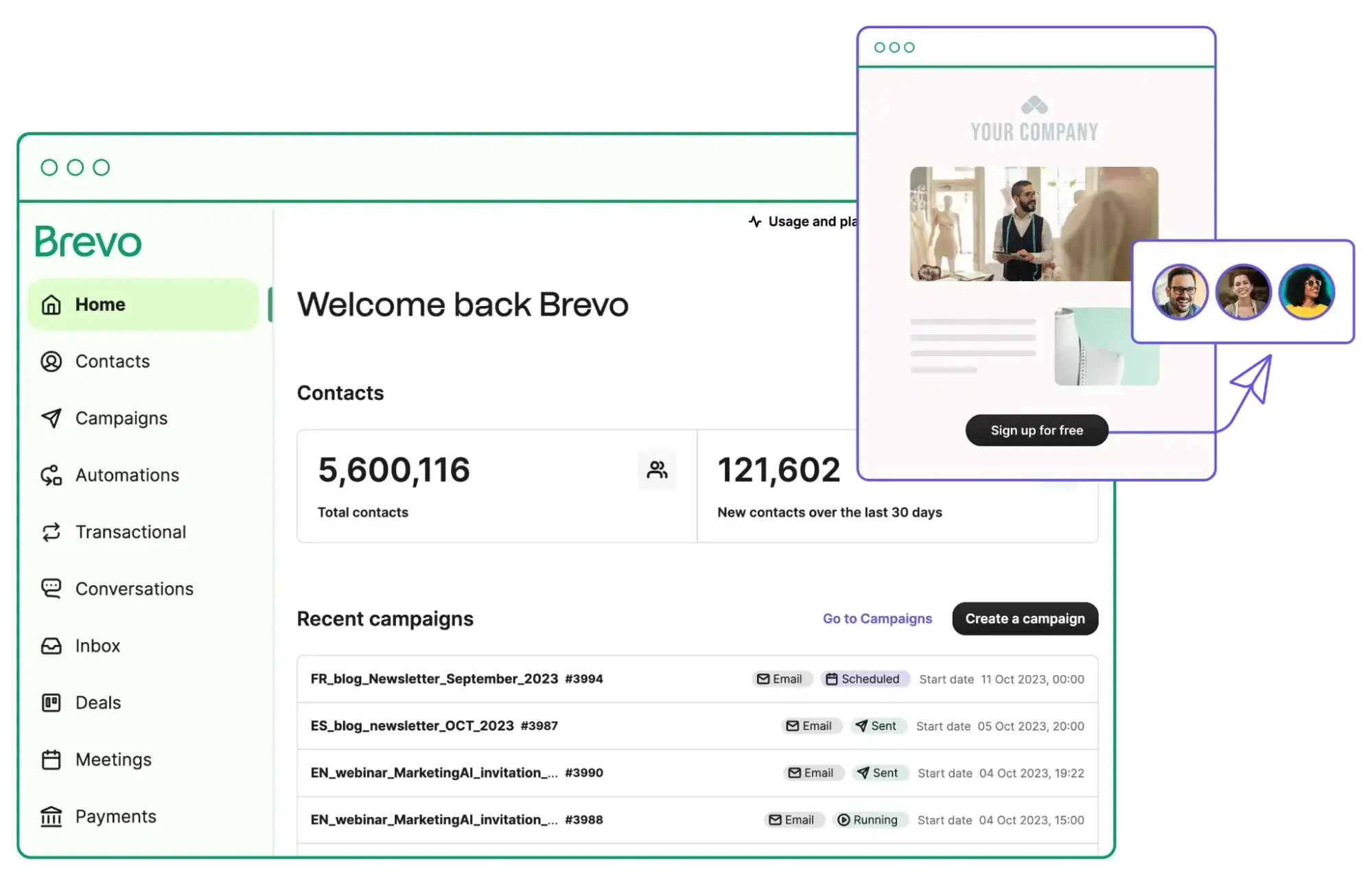
  • Unified Email and SMS Platform – Coordinate text message appointment reminders with email follow-ups from a single interface, reducing tool complexity and ensuring consistent customer communication across channels without managing multiple platforms
  • Transactional Email Capabilities – Automatically send service confirmations, appointment receipts, and purchase documentation with reliable delivery infrastructure that ensures critical customer communications reach recipients promptly
  • Unlimited Contacts on Paid Plans – Build large customer databases without escalating costs since Brevo charges based on emails sent rather than contact quantity, making it economical for dealerships maintaining extensive customer lists

Brevo Pricing:

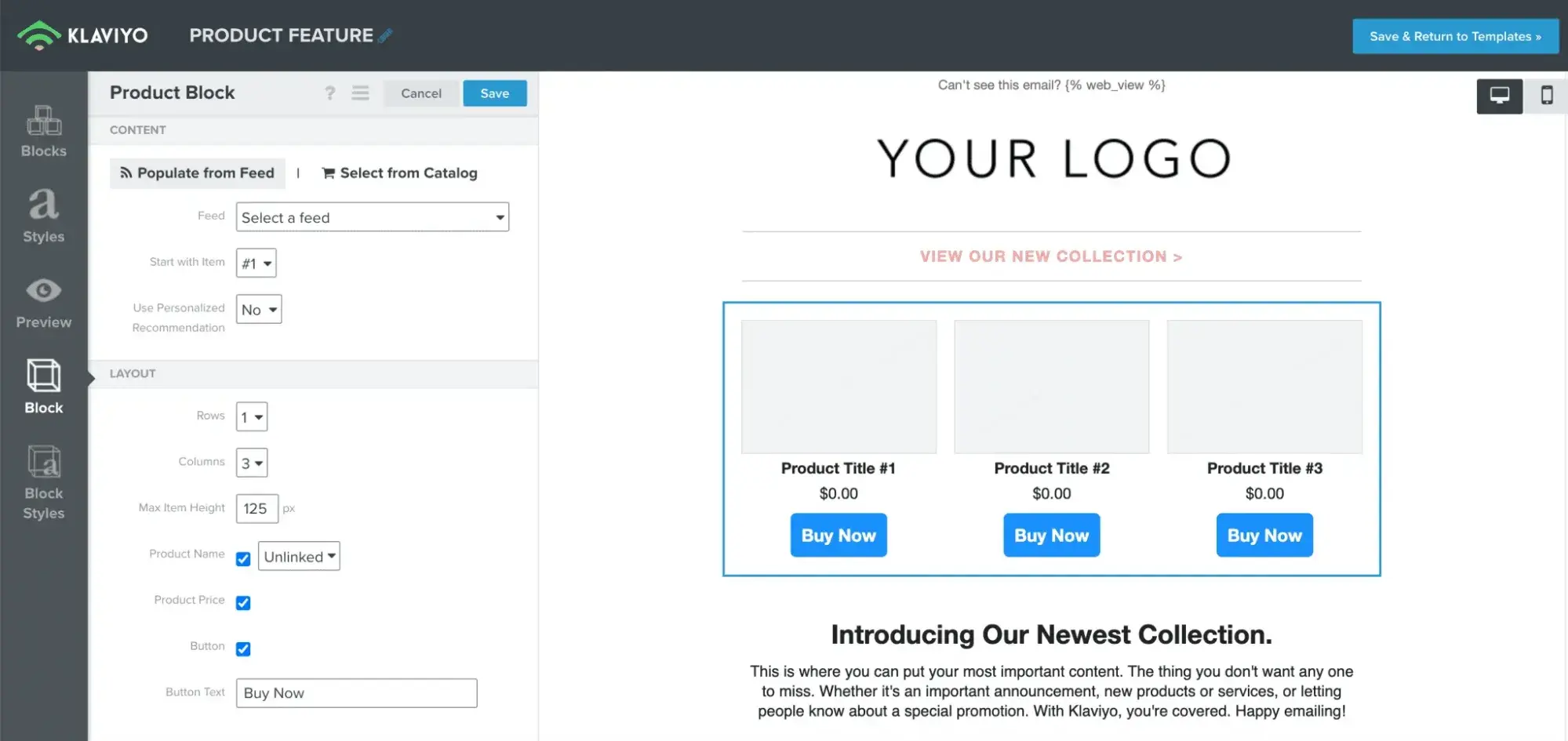
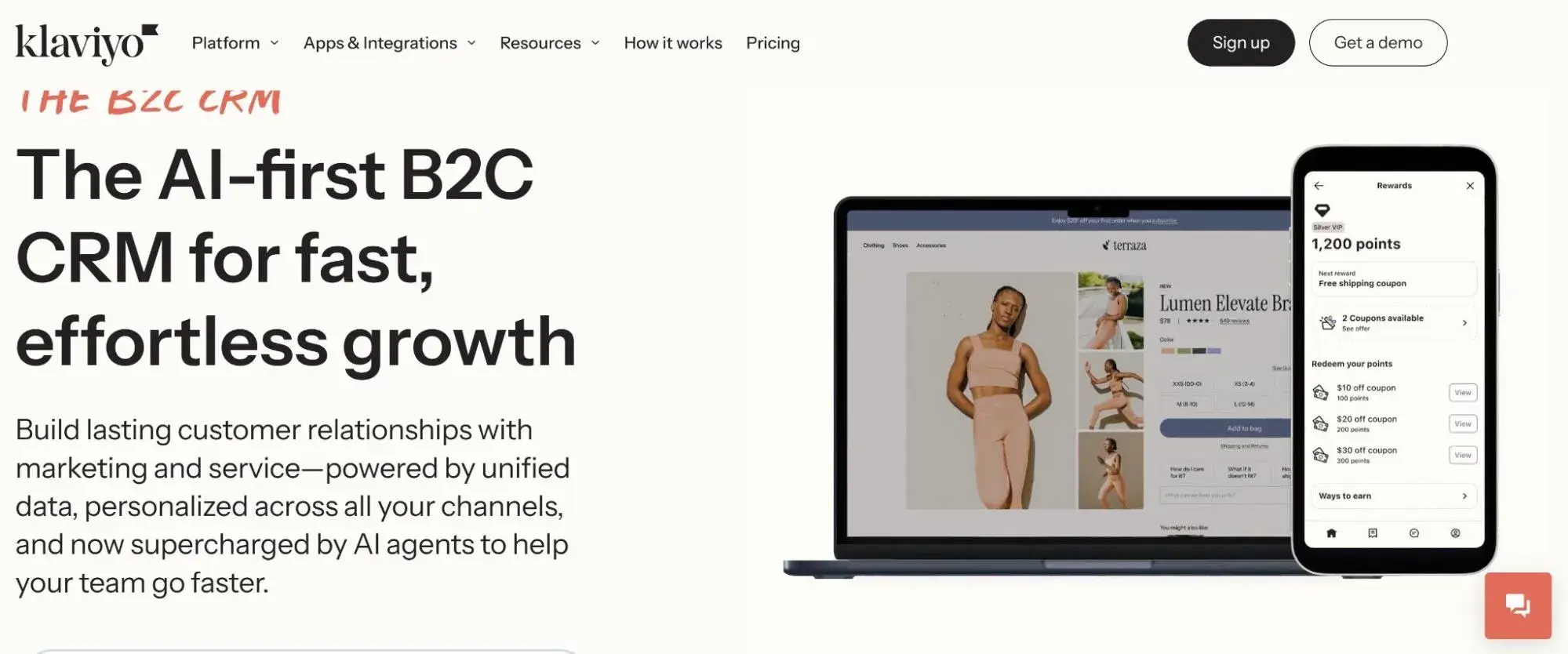
6. Klaviyo

klaviyo

Source

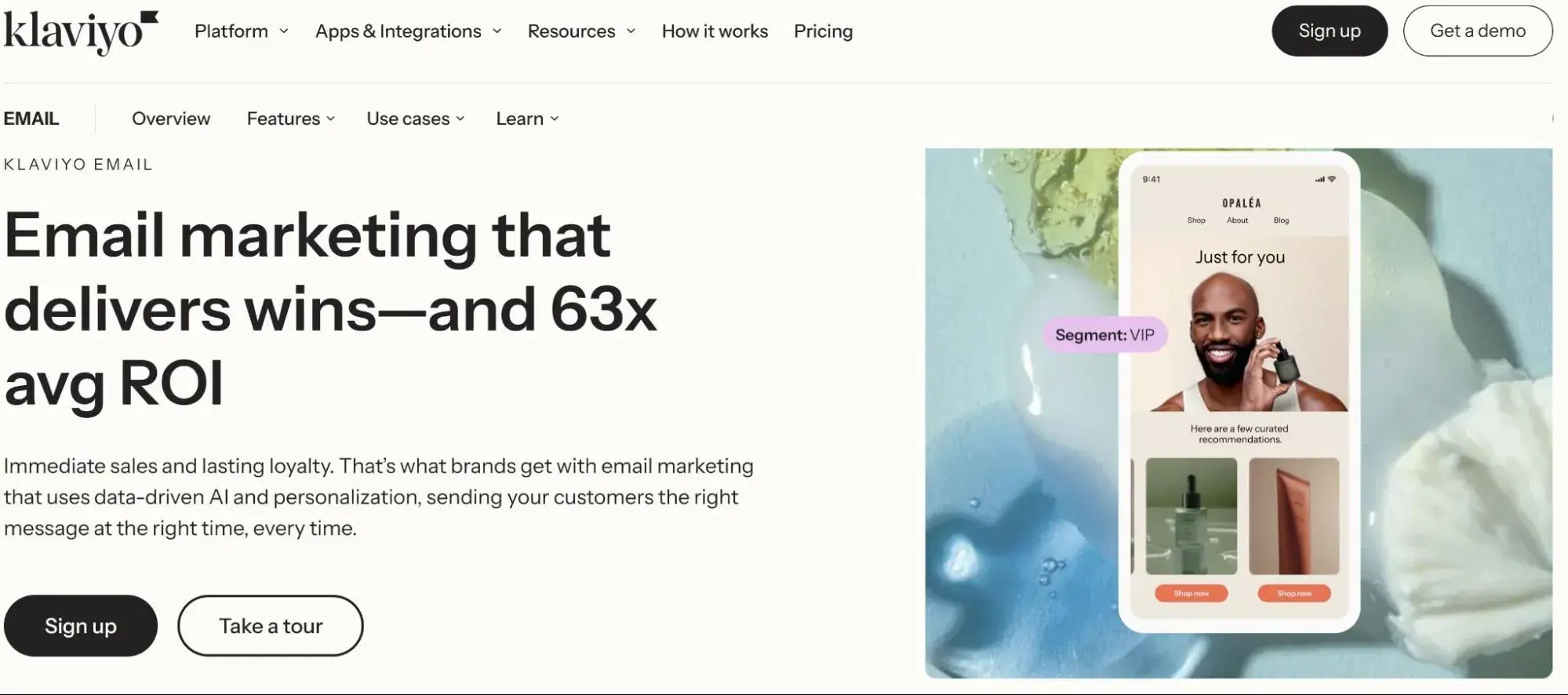
Best For: Automotive parts retailers and e-commerce businesses in the aftermarket sector requiring advanced segmentation and revenue attribution

Key Klaviyo Features:

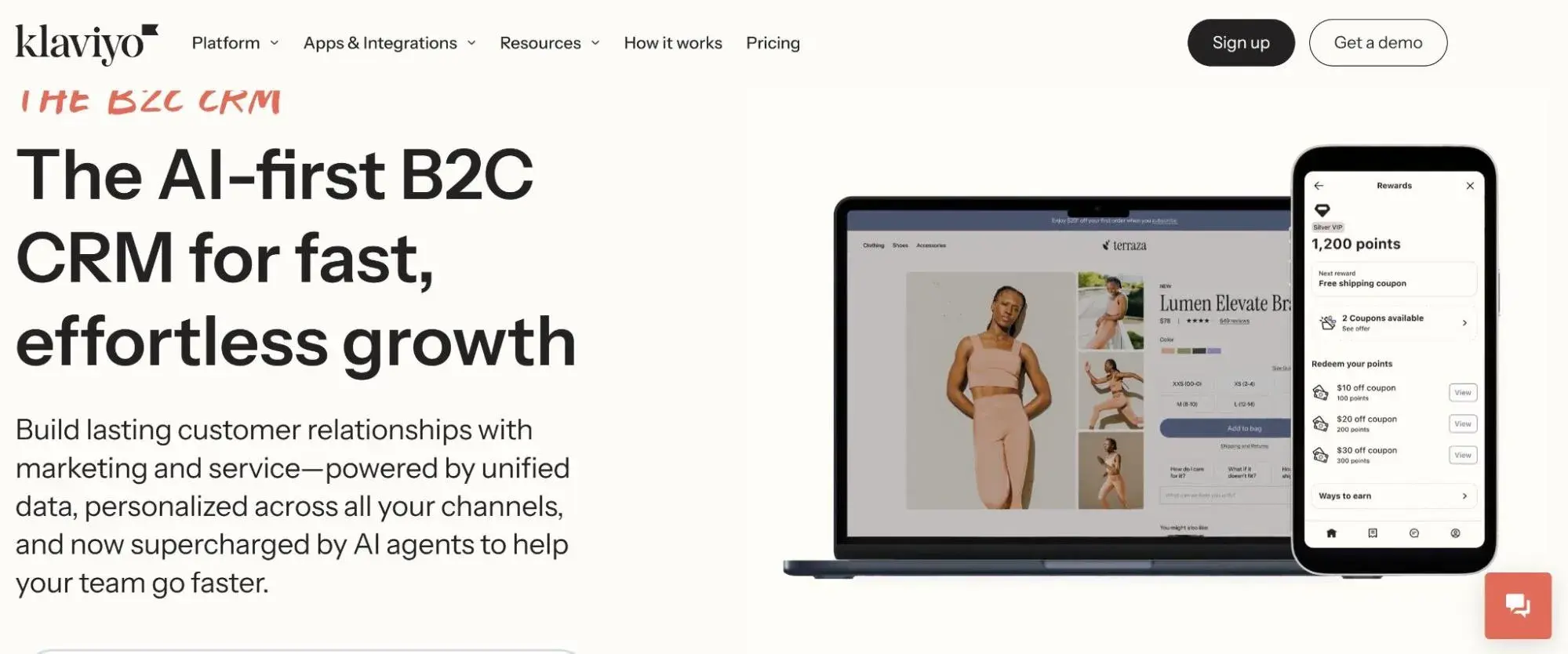
  • Predictive Analytics Engine – Identify high-value customers and predict future purchase behavior using machine learning algorithms that analyze past buying patterns, enabling targeted campaigns to customers most likely to make repeat purchases
  • Product Recommendation Engine – Automatically suggest relevant automotive parts and accessories based on previous purchases and browsing behavior, increasing average order value by showing customers items that complement their vehicle needs
  • Revenue Attribution Tracking – Track exactly how much revenue each email campaign generates with detailed attribution reporting that connects marketing efforts directly to sales, proving email marketing ROI to stakeholders

Klaviyo Pricing:

  • Free: $0 (up to 250 contacts)
  • Email: Starting at $45/month (based on contacts)
  • Email + SMS: Starting at $60/month
  • View detailed Klaviyo pricing

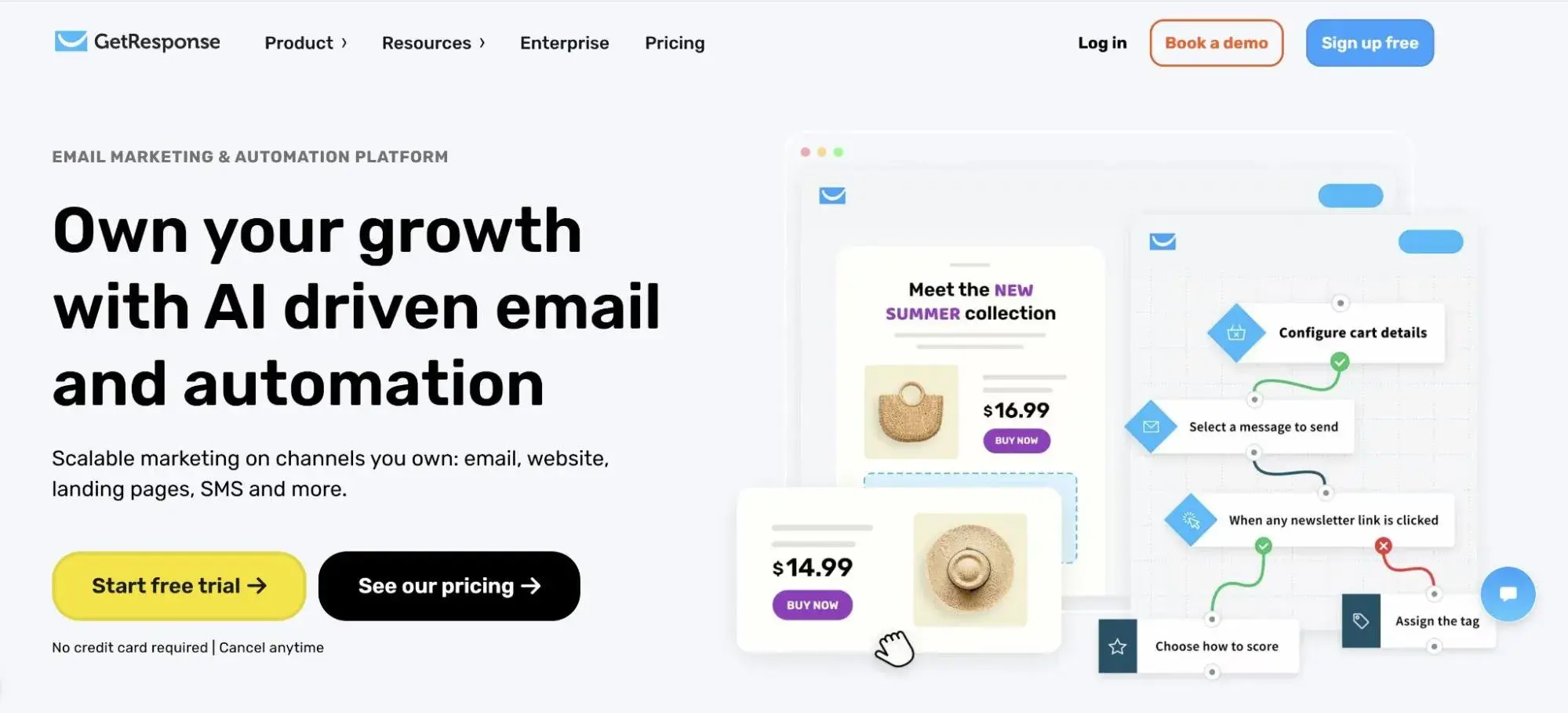
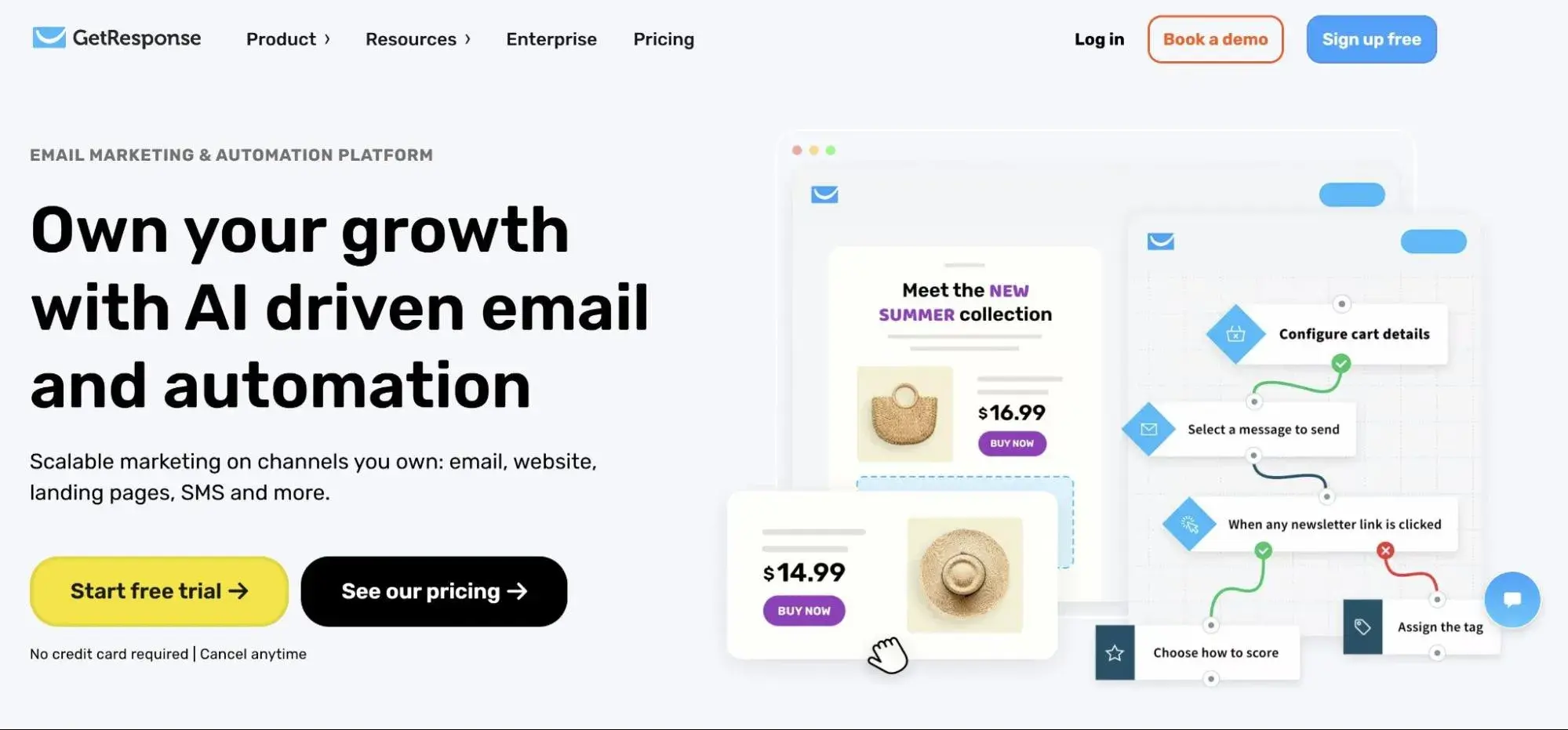
7. GetResponse

getresponse

Source

Best For: Automotive businesses incorporating webinars into their marketing strategy for virtual vehicle walkthroughs, maintenance tutorials, and customer education

Key GetResponse Features:

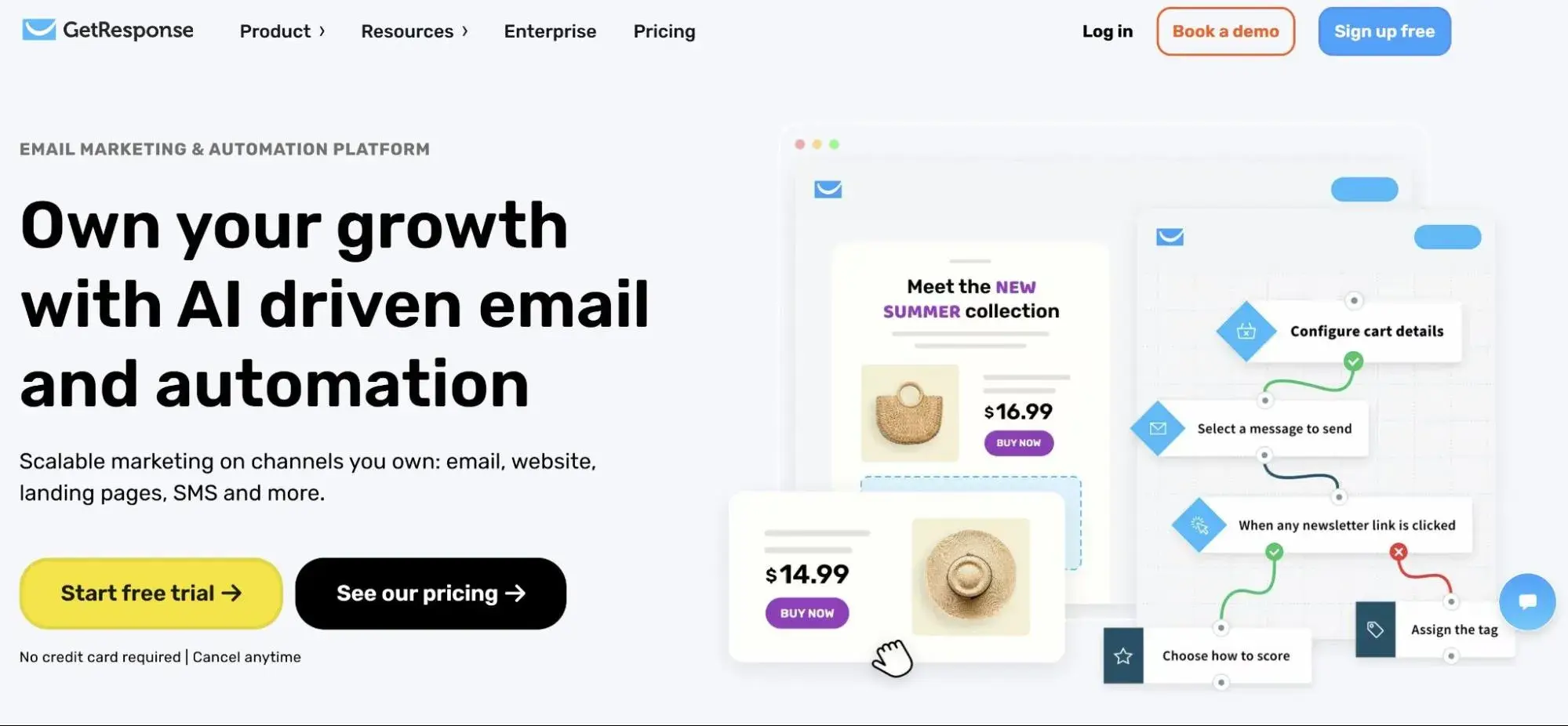
  • Integrated Webinar Hosting – Conduct live virtual events for up to 1,000 participants, including vehicle reveals, maintenance workshops, and Q&A sessions, without requiring separate webinar software, streamlining event marketing from promotion through execution
  • Conversion Funnel Builder – Create complete automated sales funnels combining landing pages, email sequences, and webinar registrations that guide prospects from initial interest through vehicle purchase or service bookin.g
  • Autofunnel Templates – Launch marketing campaigns faster using pre-built funnel templates designed for lead generation and sales conversion, reducing setup time from hours to minutes for automotive promotions

GetResponse Pricing:

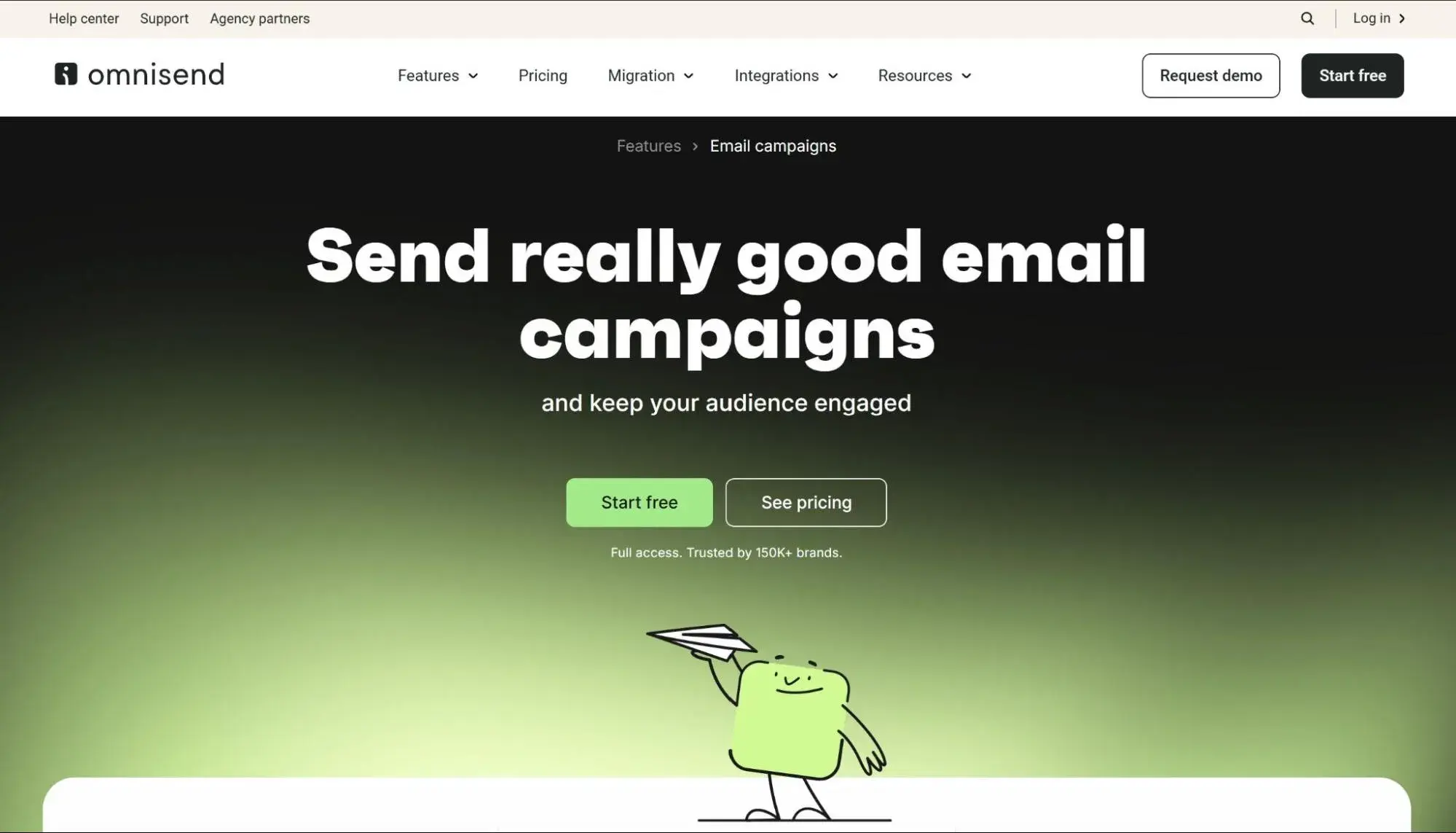
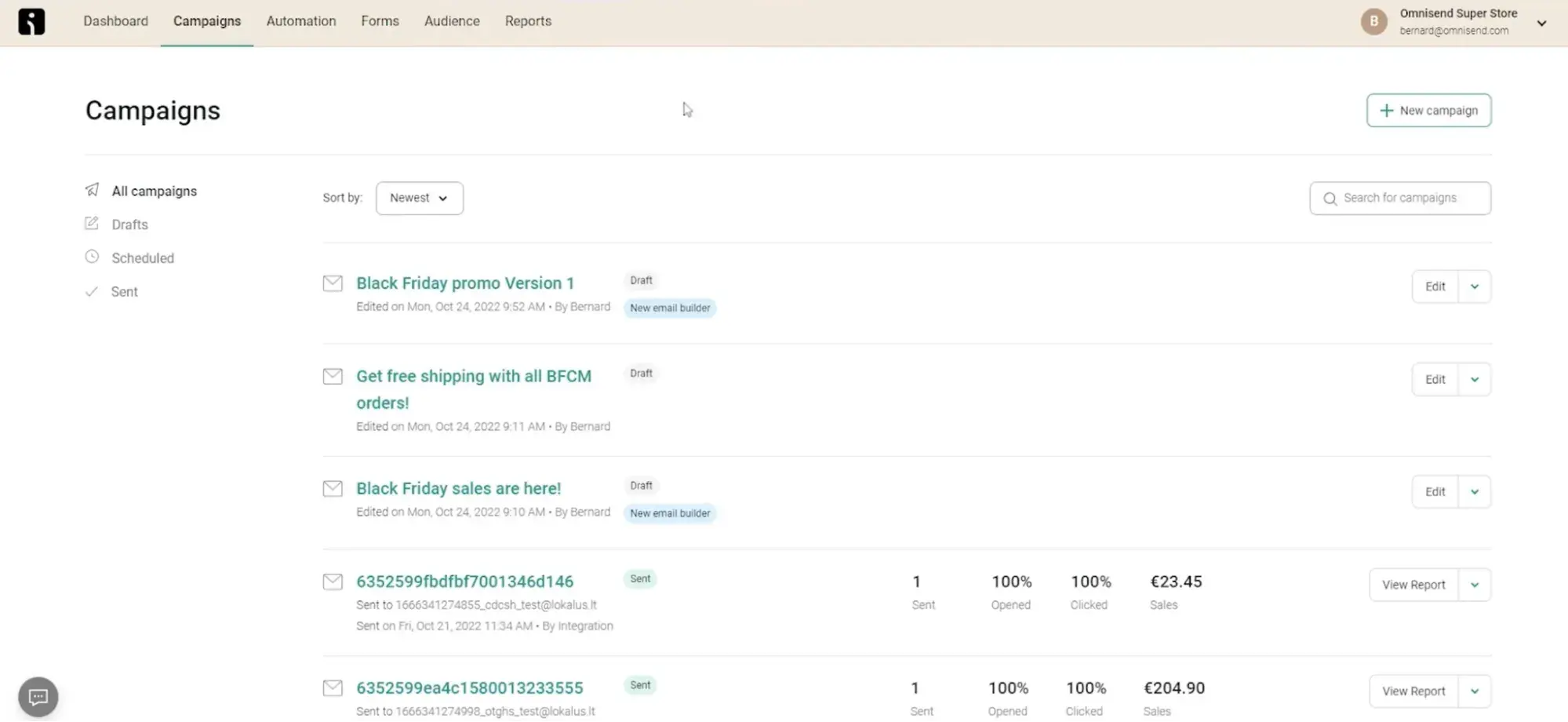
8. Omnisend

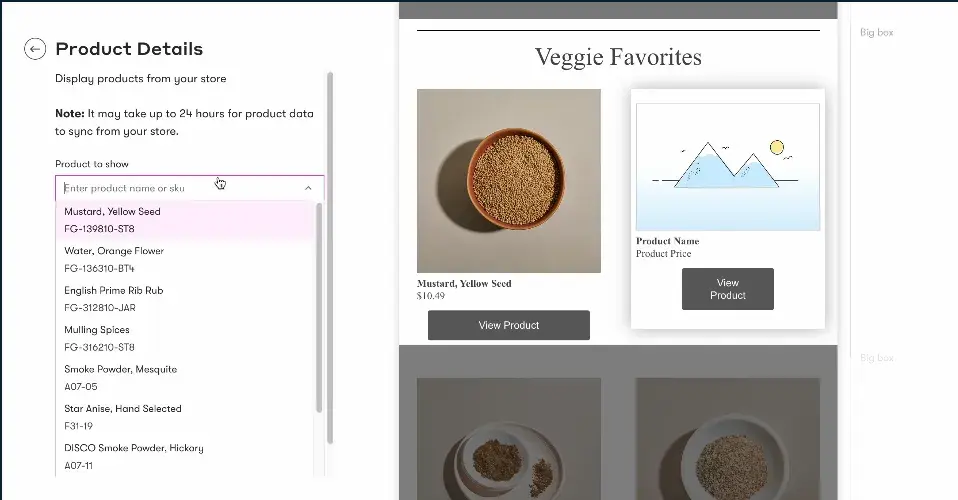
omnisend

Source

Best For: Automotive aftermarket retailers requiring omnichannel marketing automation that combines email, SMS, and push notifications

Key Omnisend Features:

  • Omnichannel Workflow Automation – Create unified customer journeys that seamlessly combine email, SMS, and push notifications based on customer behavior, ensuring consistent messaging across channels while maximizing engagement through customers’ preferred communication methods
  • Product Picker for Personalization – Build targeted campaigns featuring specific automotive parts and accessories with visual product selectors that simplify campaign creation and ensure promotional accuracy without manual HTML coding
  • Campaign Booster Feature – Automatically resend campaigns to non-openers with different subject lines, effectively giving each message a second chance to reach customers and increasing overall campaign reach by 10-15%

Omnisend Pricing:

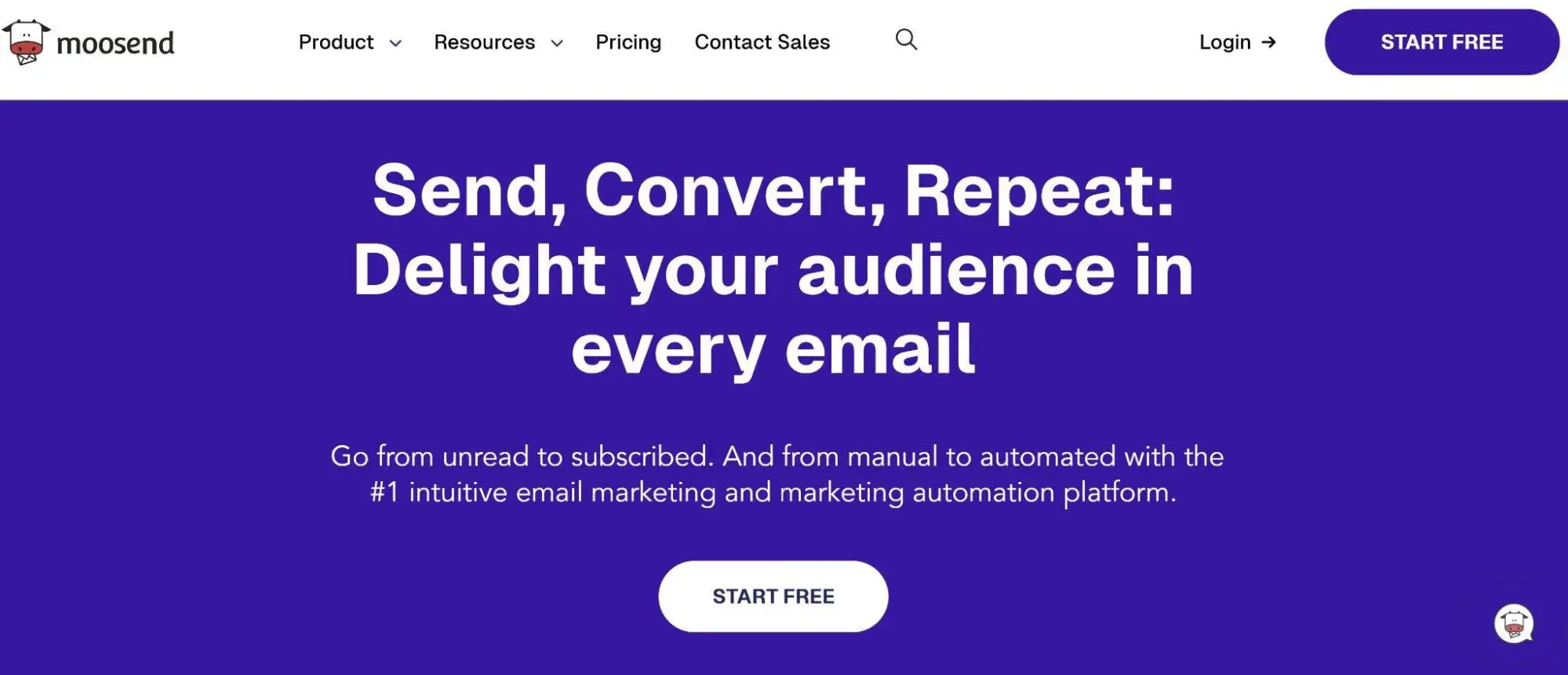
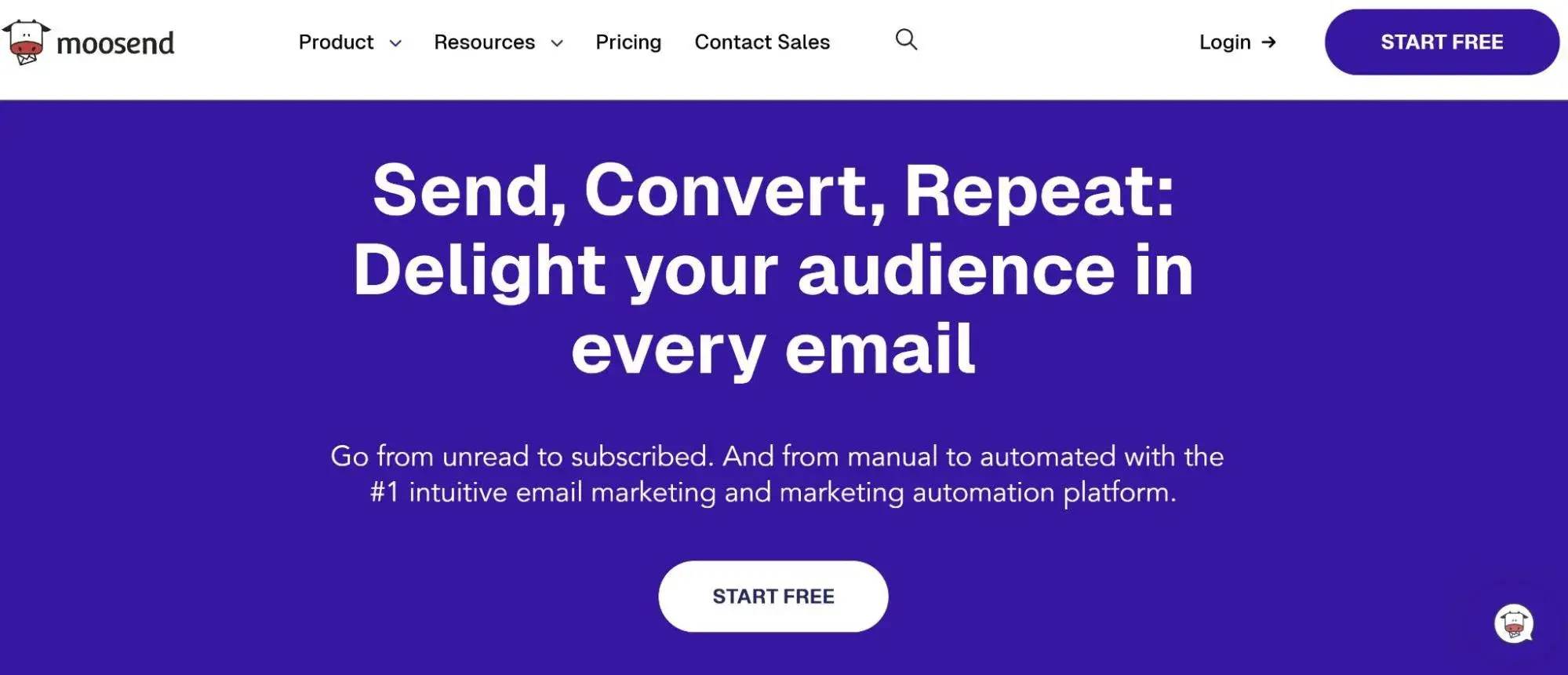
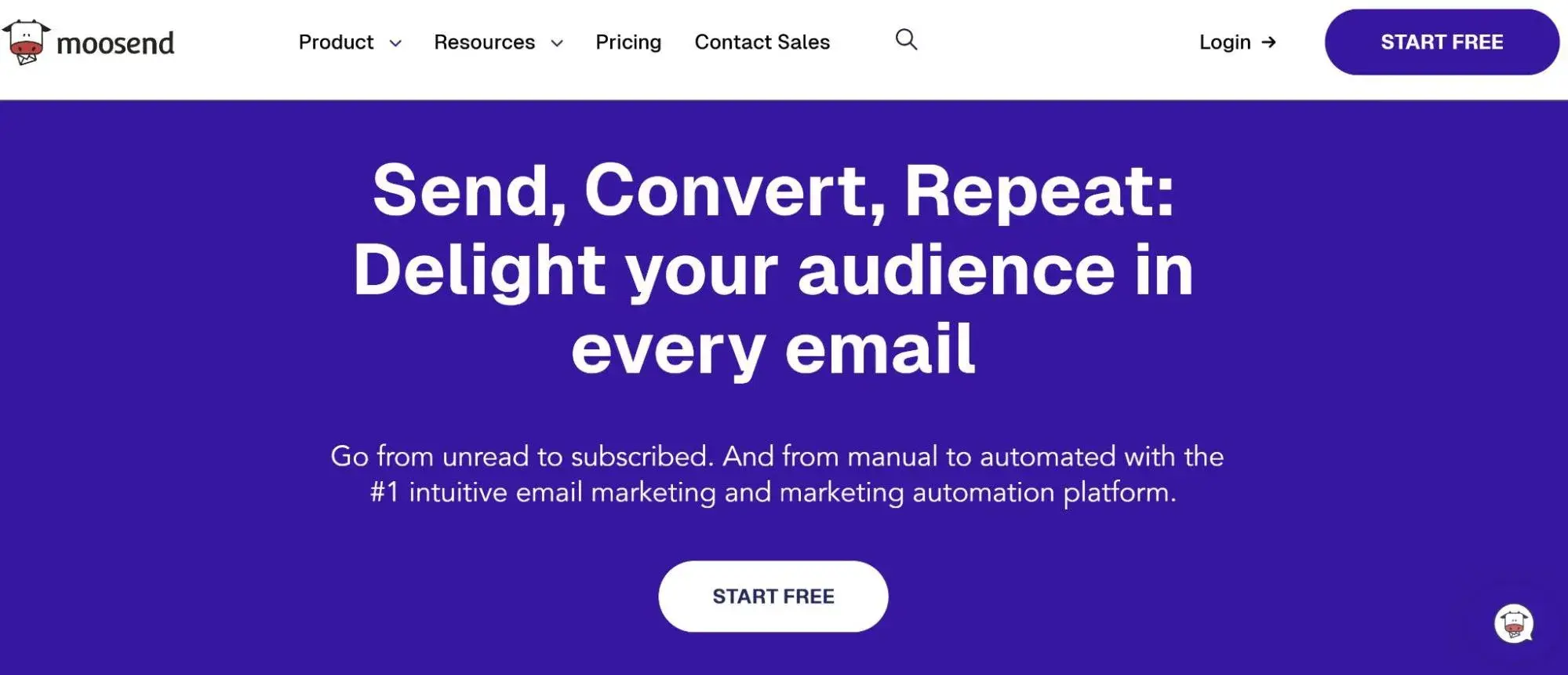
9. Moosend

moosend

Source

Best For: Budget-conscious automotive businesses seeking powerful automation capabilities at competitive pricing with unlimited email sending

Key Moosend Features:

  • Unlimited Email Sending – Send as many emails as needed without per-message charges on all paid plans, making it economical for automotive businesses running frequent service reminder campaigns and promotional communications to large customer databases
  • AI-Powered Subject Line Optimization – Improve email open rates using artificial intelligence that analyzes subject line performance and suggests improvements based on patterns from millions of campaigns across industries
  • Landing Page Builder Included – Create dedicated campaign landing pages for vehicle promotions and service specials without purchasing additional tools, consolidating marketing technology and reducing monthly software expenses

Moosend Pricing:

  • Free: $0 (up to 1,000 subscribers)
  • Pro: $9/month (unlimited emails)
  • Moosend+: Custom pricing
  • Enterprise: Custom pricing
  • View detailed Moosend pricing

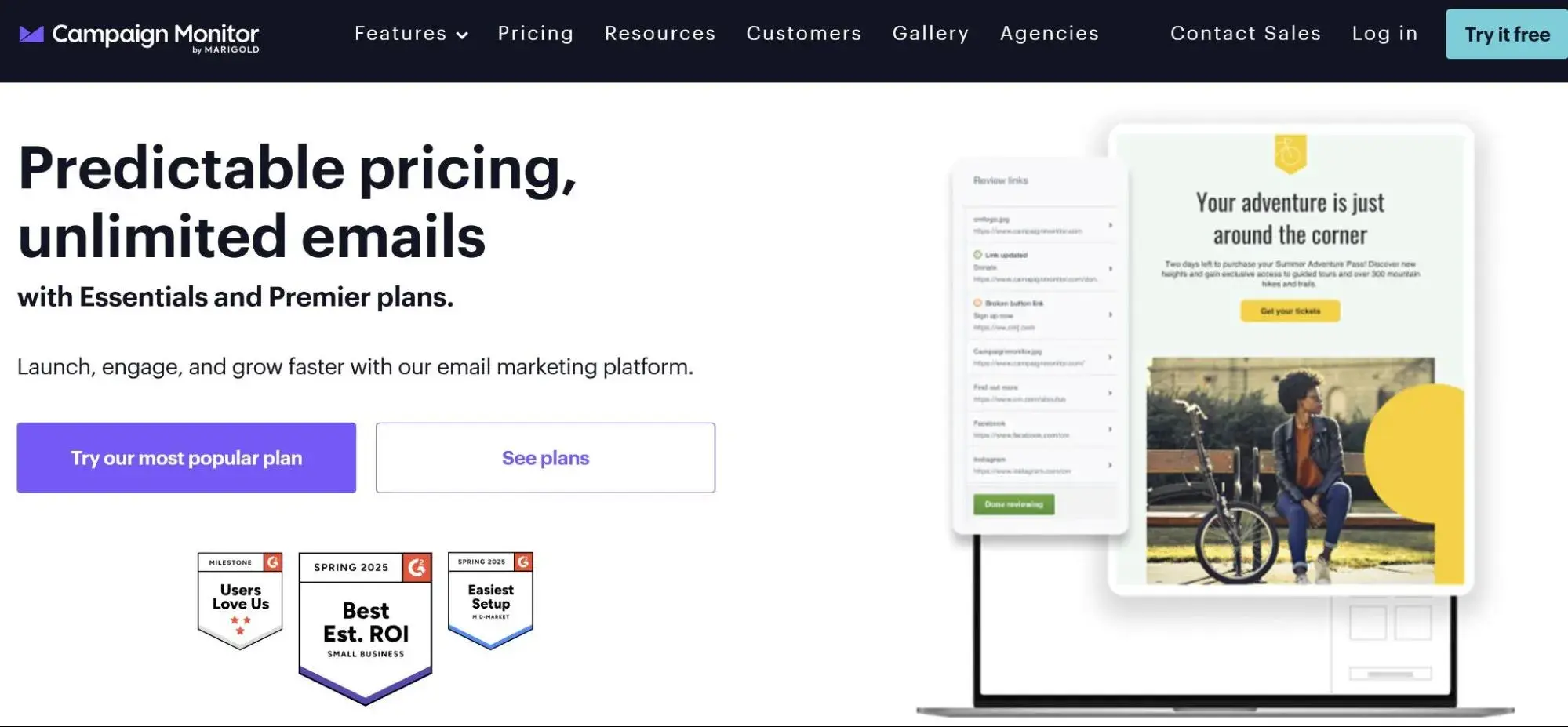
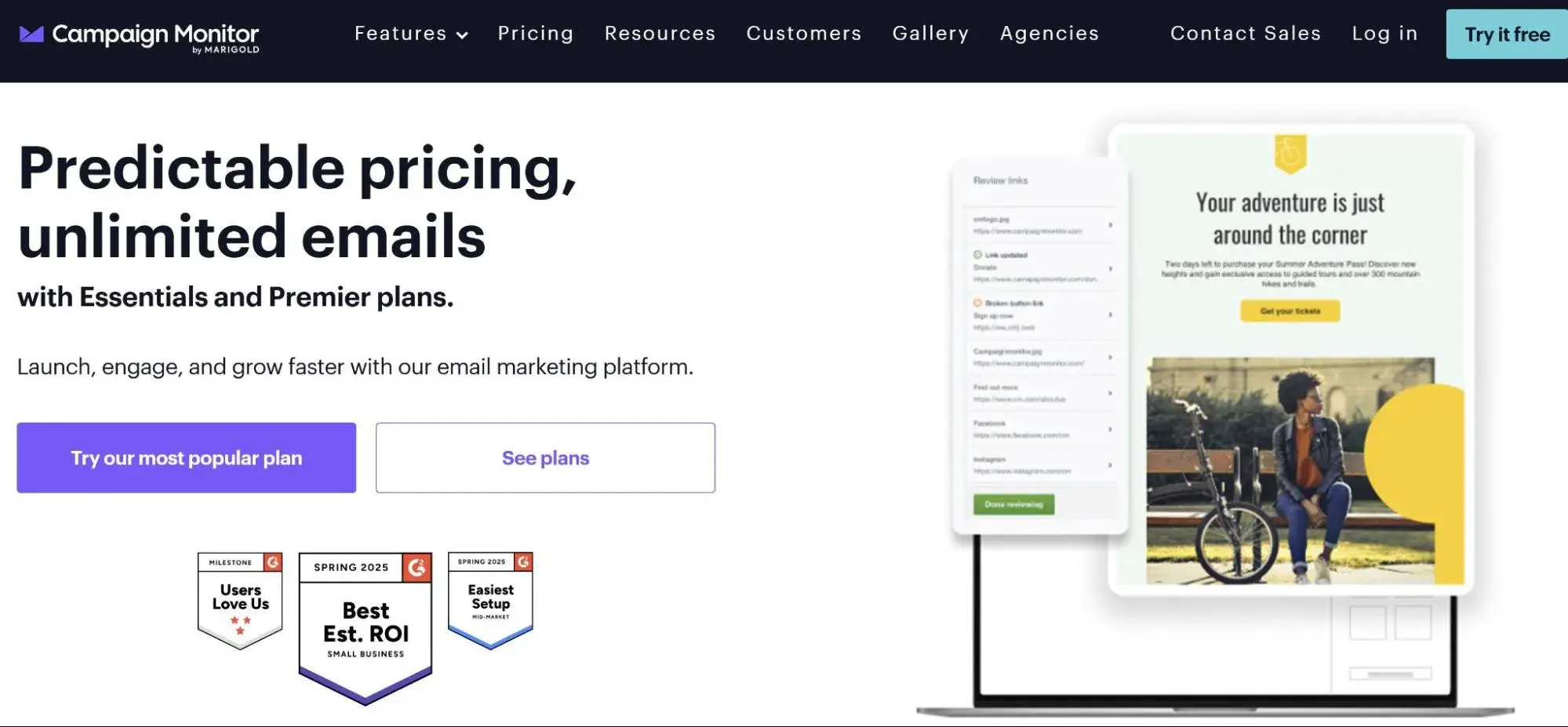
10. Campaign Monitor

campaign monitor

Source

Best For: Marketing agencies managing email campaigns for multiple automotive dealership clients requiring white-label reporting and client portals

Key Campaign Monitor Features:

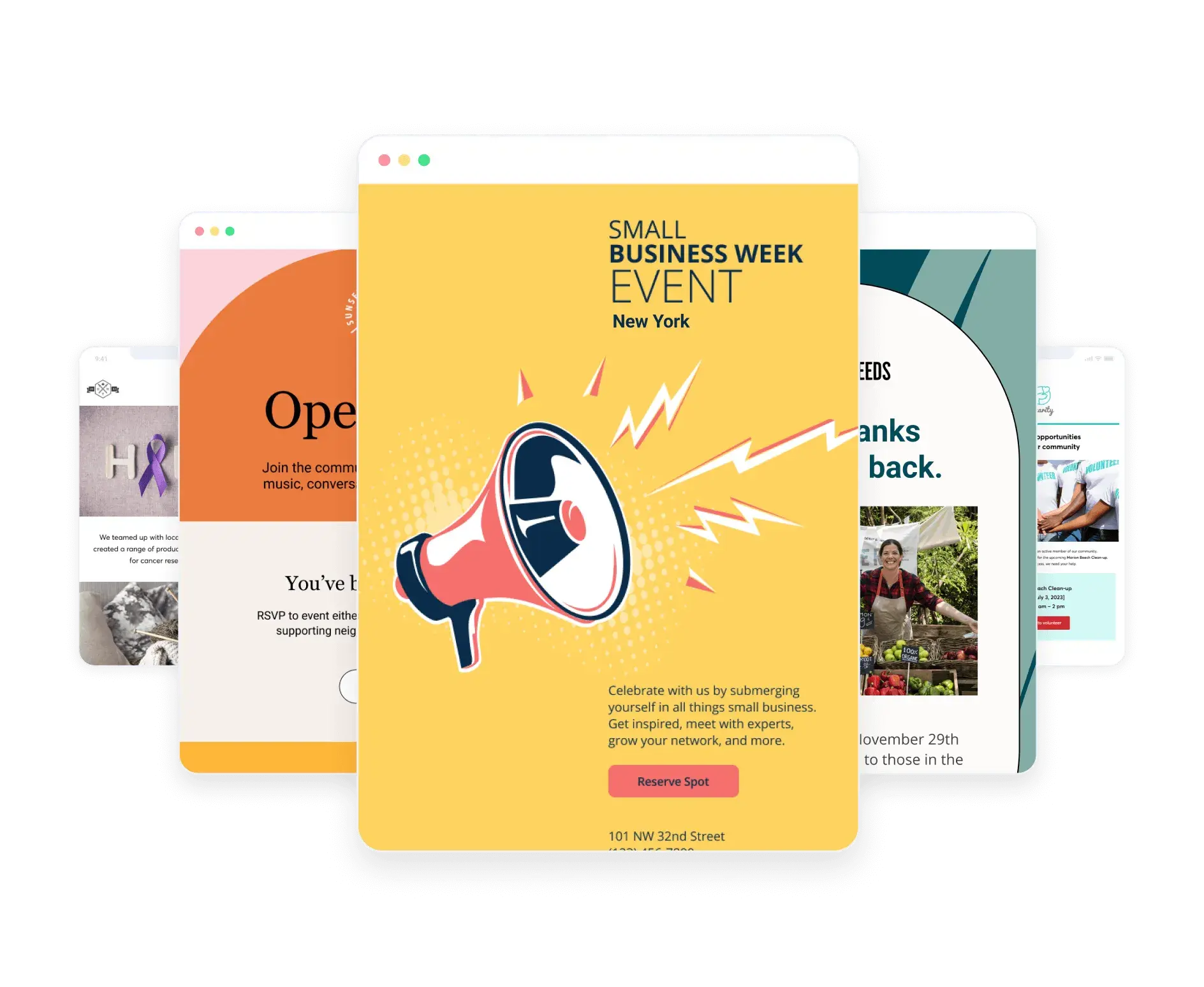
  • Client Management System – Organize multiple dealership accounts within one master agency dashboard, enabling efficient campaign management across clients while maintaining separate branding, templates, and contact databases for each location
  • White-Label Reporting – Generate branded analytics reports for dealership clients showing campaign performance metrics without Campaign Monitor branding, presenting professional insights that reinforce agency value
  • Time Zone Sending – Automatically deliver campaigns to recipients in their local time zones, optimizing engagement for dealership groups with locations across multiple regions by ensuring emails arrive during business hours

Campaign Monitor Pricing:

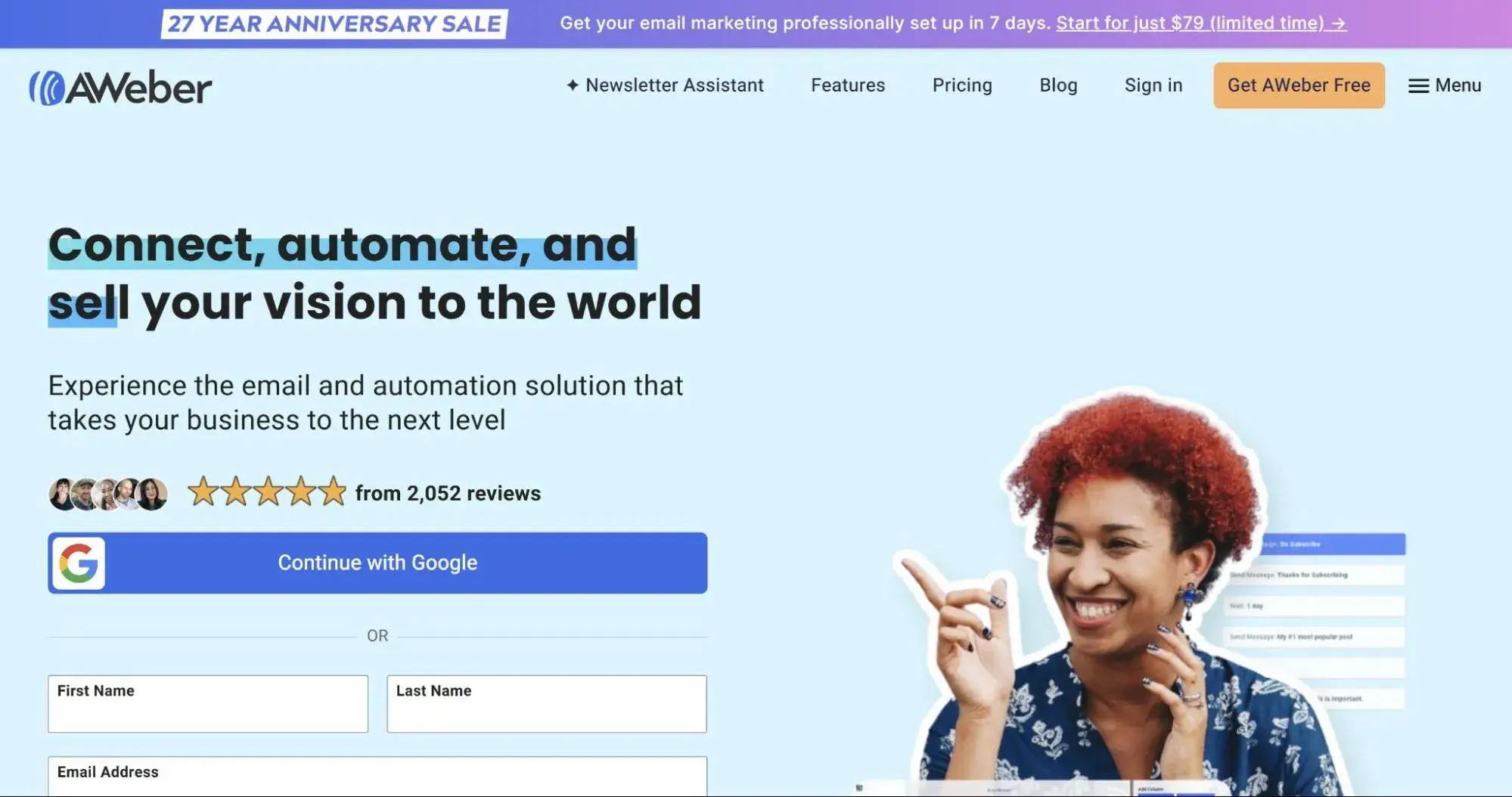
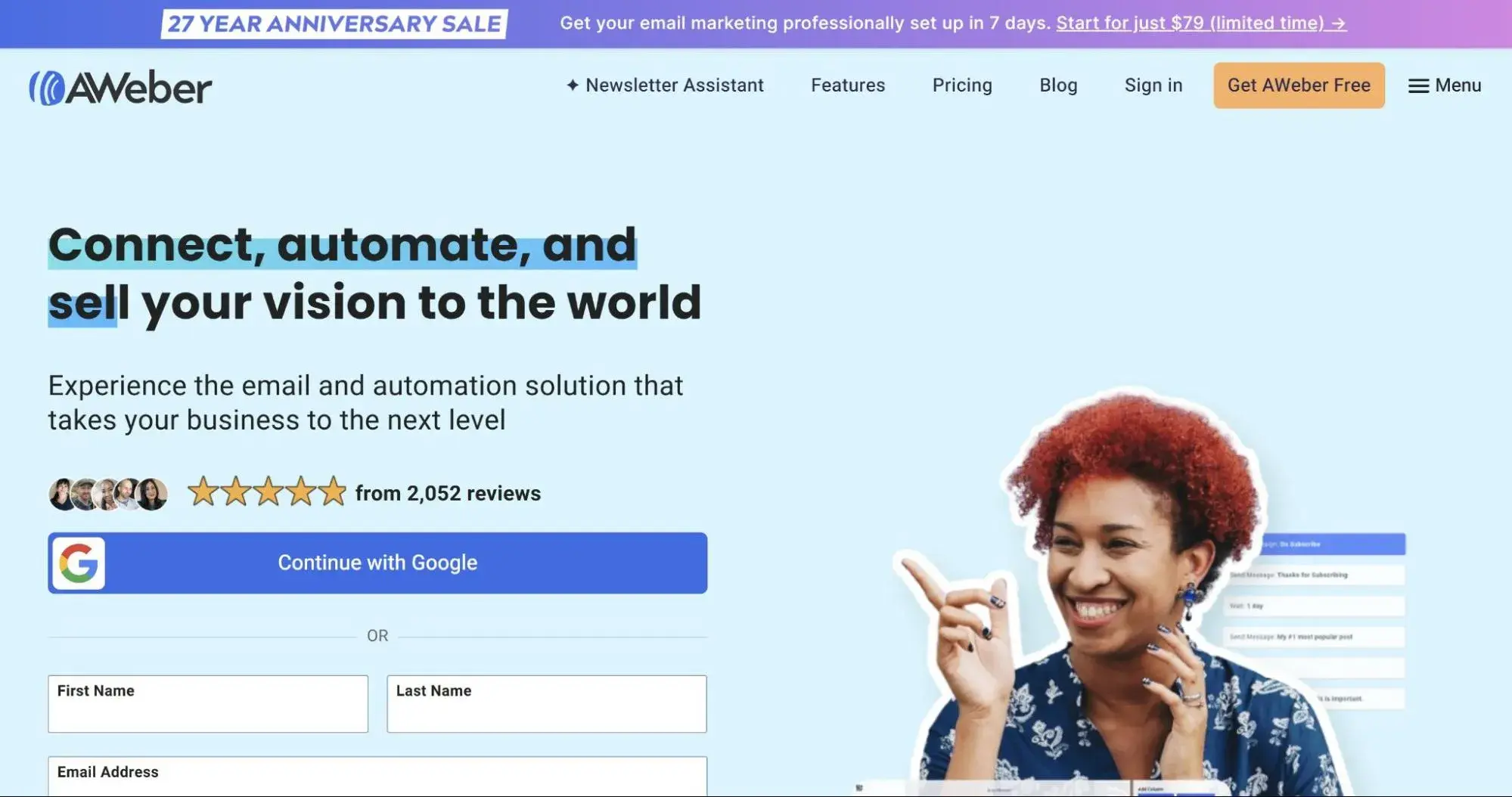
11. AWeber

aweber

Source

Best For: Small automotive repair shops and independent service centers requiring simple, reliable email marketing with extensive educational resources

Key AWeber Features:

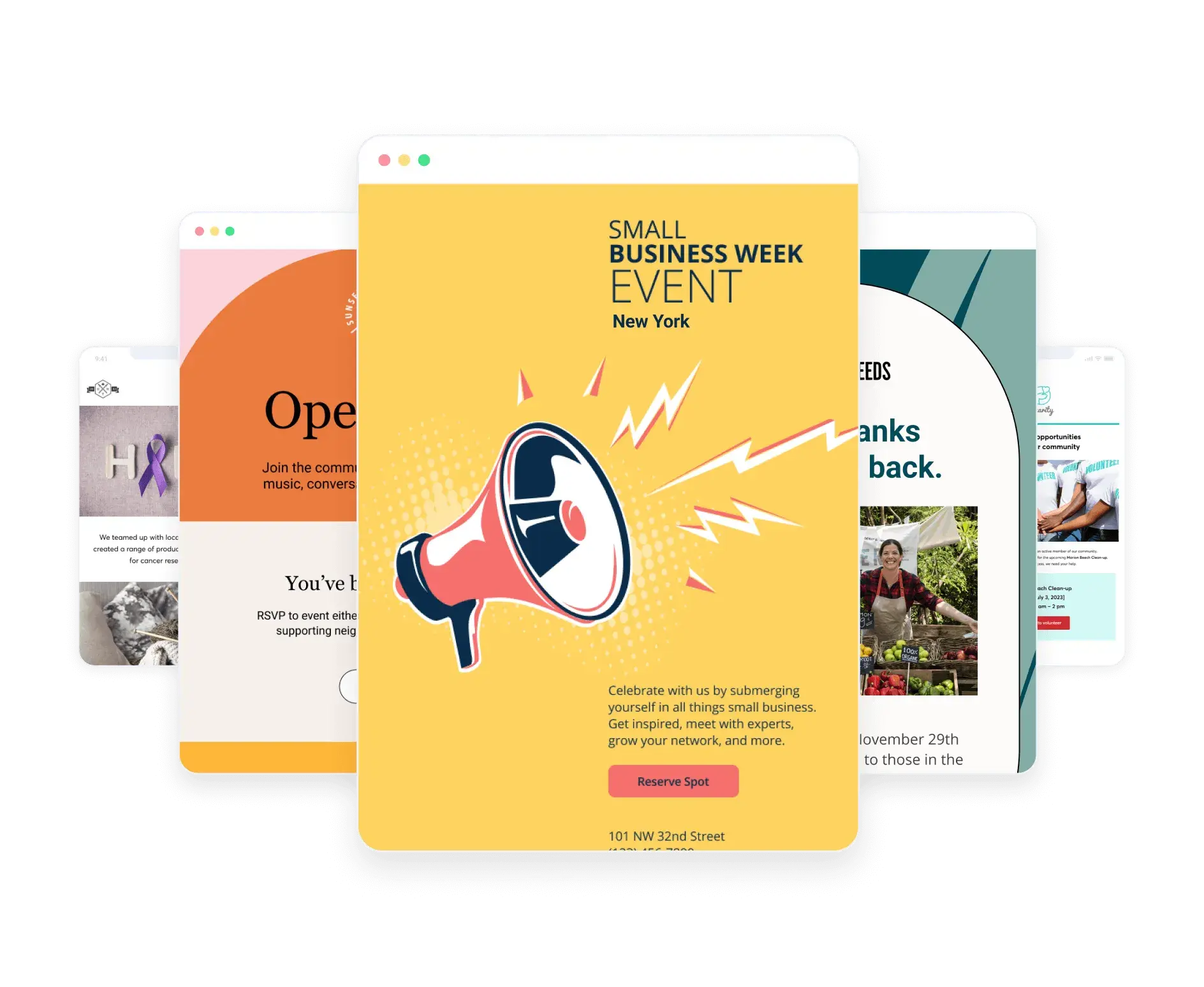
  • 700+ Email Template Library – Choose from pre-designed automotive templates optimized for service reminders, promotional offers, and customer newsletters, eliminating the need for custom design work and accelerating campaign launch times
  • Autoresponder Automation – Set up automated email sequences that deliver scheduled follow-up messages after service appointments, vehicle purchases, or initial inquiries, ensuring consistent customer communication without manual sending
  • Tag-Based Subscriber Management – Organize customers using unlimited tags based on vehicle type, service history, and preferences, enabling targeted campaigns to specific customer segments without creating duplicate contact lists

AWeber Pricing:

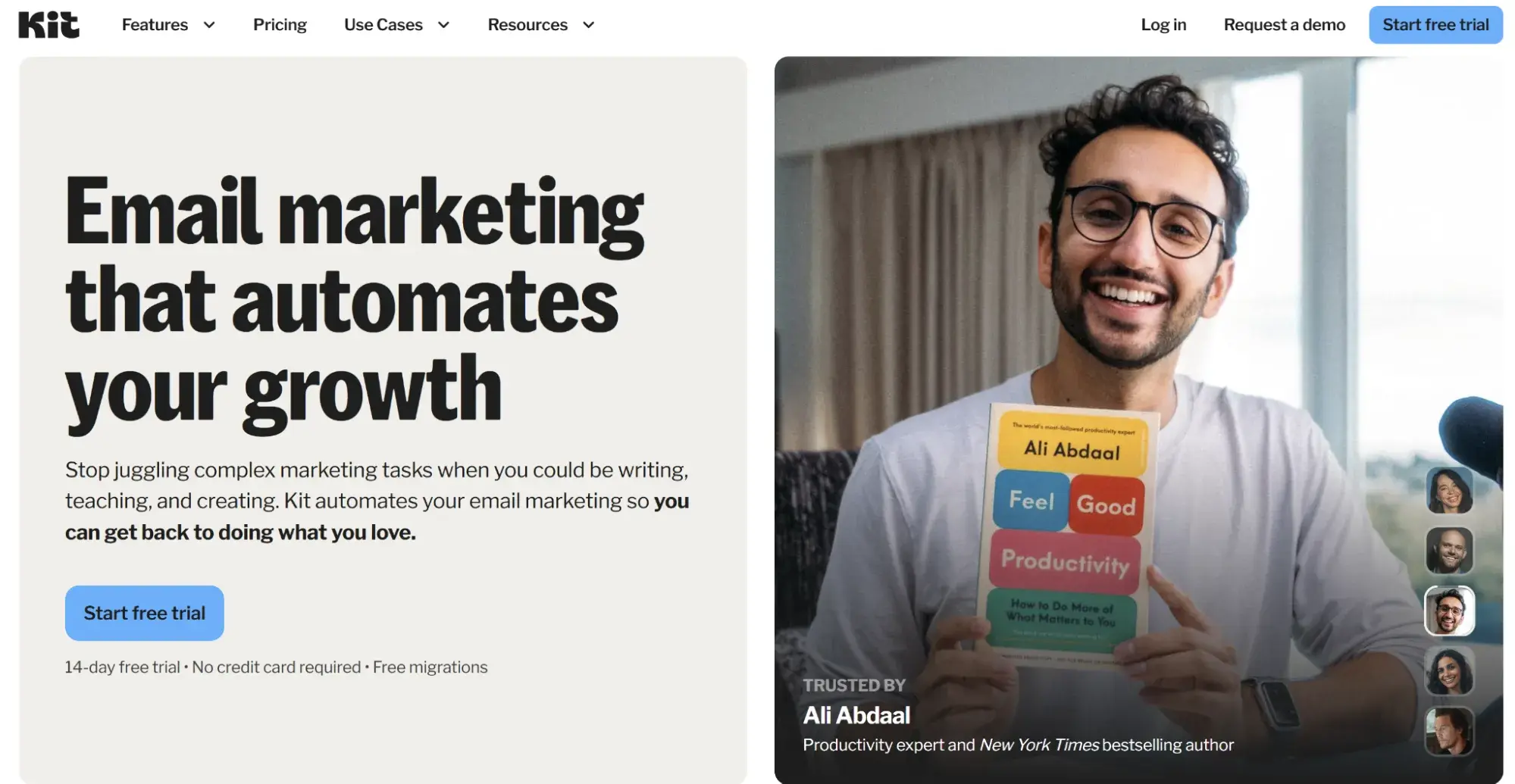
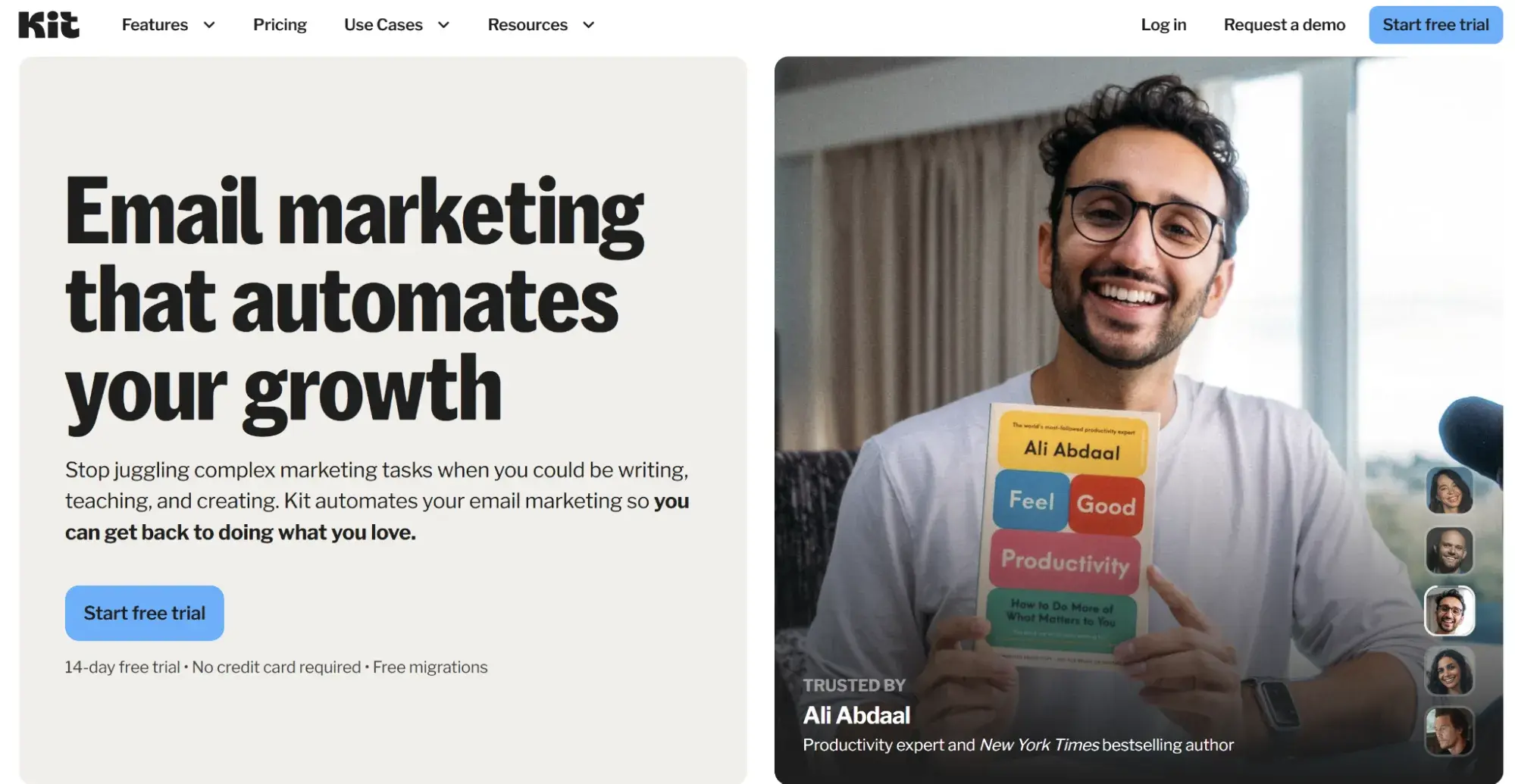
12. Kit

kit

Source

Best For: Automotive content creators, YouTubers, and influencers building audiences around car culture and automotive education

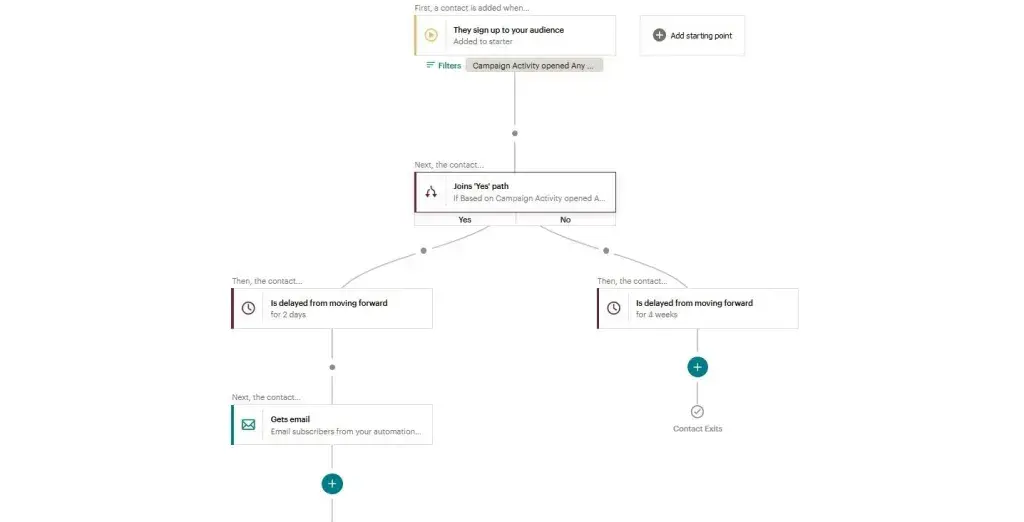
Key Kit Features:

  • Visual Automation Builder – Design email sequences using an intuitive visual interface that shows subscriber paths through automation workflows, making it easy to create complex nurture sequences for automotive content subscribers
  • Subscriber Tagging System – Organize audience members based on interests such as specific vehicle brands, performance modifications, or restoration projects, enabling highly targeted content delivery that matches subscriber preferences
  • Digital Product Delivery – Sell and automatically deliver digital products like automotive guides, maintenance checklists, and video courses directly through the platform, creating revenue streams beyond traditional advertising

Kit Pricing:

Benefits of Email Marketing Software for Automotive Businesses

Automated Service Reminder Delivery

Email marketing software eliminates manual reminder calls by automatically sending maintenance notifications based on purchase dates and mileage intervals. Automotive businesses using automated service reminders reduce no-show rates by 25-35% while saving staff 10-15 hours weekly on outbound calling. Customers receive timely reminders for oil changes, tire rotations, and inspections without requiring service advisor intervention.

Improved Lead Conversion Through Nurturing

Email platforms enable systematic lead nurturing that keeps prospects engaged throughout the extended automotive sales cycle, which averages 90-120 days. Automated follow-up sequences deliver relevant content, vehicle information, and promotional offers at optimal intervals, increasing lead-to-sale conversion rates.

Enhanced Customer Lifetime Value

Email marketing maintains ongoing relationships with customers between service visits and vehicle purchases, increasing retention and repeat business.

Automotive businesses utilizing strategic email campaigns experience significant increases in customer lifetime value through enhanced service appointment adherence, increased accessory sales, and optimized vehicle trade-in timing.

Data-Driven Marketing Decision Making

Modern email platforms offer detailed analytics that show which campaigns generate appointments, sales, and revenue, enabling evidence-based budget allocation.

Automotive businesses replace guesswork with concrete metrics, including open rates, click-through rates, conversion tracking, and revenue attribution that prove marketing ROI to stakeholders.

Scalable Customer Communication

Email software enables automotive businesses to communicate with thousands of customers simultaneously at a fraction of the cost of traditional direct mail. Platforms enable personalized messaging at scale, where each recipient receives content relevant to their vehicle, service history, and preferences while maintaining operational efficiency.

10 Important Features for Automotive Email Marketing Software

  1. Service Reminder Automation – Trigger maintenance notifications based on purchase dates, mileage intervals, and service history without manual scheduling
  2. CRM Integration – Sync customer data between email platforms and dealership management systems to eliminate duplicate data entry
  3. Vehicle-Based Segmentation – Target customers by vehicle make, model, year, trim level, and ownership status for relevant campaign messaging
  4. Lead Scoring – Automatically prioritize hot prospects based on email engagement, website behavior, and dealership visit history.
  5. Mobile Optimization – Ensure emails display correctly on smartphones where 81% of customers prefer to open their emails.
  6. A/B Testing – Test subject lines, send times, content variations, and calls-to-action to continuously improve campaign performance
  7. Workflow Automation – Create complex multi-step sequences with conditional logic that adapts based on customer actions and responses
  8. Landing Page Builder – Design campaign-specific landing pages for vehicle promotions and service specials without web development resources
  9. SMS Integration – Coordinate text message and email campaigns for time-sensitive communications like same-day appointment availability
  10. Revenue Attribution – Track which campaigns generate vehicle sales, service appointments, and parts revenue with closed-loop reporting

How to Choose an Email Marketing Tool for Automotive Businesses (Step-by-Step)
Step 1: Map your customer communication workflows.

Document all current customer touchpoints, including initial inquiries, test drive follow-ups, purchase confirmations, service reminders, maintenance notifications, trade-in alerts, and loyalty communications.

Identify which communications are currently handled manually and which could benefit from automation. Understanding your complete communication ecosystem reveals which platform features will deliver the most significant operational impact and efficiency gains.

Step 2: Identify must-have features based on business type.

Determine essential features based on your automotive business model. Dealerships prioritize CRM integration, lead scoring, and inventory-based segmentation. Repair shops require service reminder automation and appointment booking integration.

Parts retailers need e-commerce features and product recommendation engines. Create a prioritized feature list that distinguishes between absolute requirements and nice-to-have capabilities to guide platform evaluation.

Step 3: Compare ease of use and team technical fit.

Evaluate your team’s marketing technology experience and available training time. Platforms like Constant Contact and AWeber suit teams with limited technical skills, as they prefer intuitive interfaces.

ActiveCampaign and HubSpot offer more advanced capabilities but require a higher level of expertise. Test platform interfaces during free trials to assess whether team members can independently create campaigns without extensive ongoing support.

Step 4: Check cost at scale over 12-24 months.

Calculate the total cost of ownership as your contact list grows. Some platforms charge per contact while others charge per email sent, creating dramatically different cost structures at scale.

Project your list size 12-24 months into the future and calculate pricing based on that volume. Include costs for required add-ons, such as SMS messaging, additional users, or advanced features that may necessitate tier upgrades.

Step 5: Choose a flexible platform — like HubSpot.

Select a platform that scales with your business growth without requiring disruptive migrations. HubSpot supports automotive businesses from startup through enterprise scale with a unified platform that eliminates the need for multiple disconnected tools. The platform’s free tier enables businesses to start immediately with email marketing and CRM, then seamlessly upgrade to marketing automation, sales enablement, and customer service features as needs evolve without data migration.

How to Create Email Marketing Campaigns for Automotive Businesses

Choose your campaign objective.

Define the specific goal for each campaign before building content. Common automotive objectives include generating service appointments, promoting vehicle inventory, announcing sales events, nurturing new leads, reactivating dormant customers, or encouraging referrals. Clear objectives guide content creation, call-to-action selection, and success metrics that determine campaign effectiveness.

Segment your audience by relevant criteria.

Divide your contact list into targeted groups based on vehicle ownership, purchase history, service needs, and engagement levels. Effective segments include customers due for service, recent vehicle purchasers, leads interested in specific vehicle types, customers with vehicles over 100,000 miles, and high-engagement email subscribers. Segmented campaigns generate 58% higher open rates than generic broadcasts.

Design mobile-optimized email templates.

Build email templates that display properly on smartphones since 61% of automotive emails are opened on mobile devices. Use single-column layouts, large tap-friendly buttons, concise subject lines under 40 characters, and clear calls-to-action above the fold. Test emails across multiple devices and email clients before sending to ensure consistent rendering.

Write compelling subject lines and preview text.

Craft subject lines that immediately communicate value and relevance to recipients. Effective automotive subject lines include specific benefits, create urgency, personalize with vehicle information, or ask questions that spark curiosity. Preview text should complement the subject line by providing additional context that encourages opens.

Include clear calls-to-action.

Direct recipients toward a single primary action per email, such as scheduling a service appointment, viewing vehicle inventory, claiming a promotional offer, or reading educational content.

Place primary calls-to-action prominently, using contrasting button colors and action-oriented text such as “Schedule Service,” “View Inventory,” or “Claim Offer.”

Set up automated follow-up sequences.

Configure triggered follow-up emails based on recipient behavior. Send reminder emails to non-openers after 2-3 days with different subject lines. Follow up on email clicks with additional information related to the content that was clicked. Create abandoned booking sequences when customers start but don’t complete appointment scheduling, recovering 15-25% of incomplete bookings.

Monitor performance and optimize.

Track key metrics including open rates, click-through rates, conversion rates, unsubscribe rates, and revenue generated.

Compare campaign performance against automotive industry benchmarks of 22% open rates and 2.5% click-through rates. Identify top-performing subject lines, content types, and send times, then replicate successful elements in future campaigns while testing continuous improvements.

Frequently Asked Questions

What is the best email marketing tool for automotive businesses?

HubSpot is the ideal email marketing tool for automotive businesses because it combines email marketing, CRM, marketing automation, and sales enablement into a single, integrated platform.

HubSpot enables automotive businesses to manage complete customer lifecycles from initial inquiry through vehicle purchase and ongoing service appointments without switching between disconnected systems.

The platform‘s free tier includes unlimited contacts, email marketing, forms, landing pages, and CRM functionality, making it accessible for businesses of any size. Multi-location dealership groups benefit from HubSpot’s attribution reporting, which connects marketing campaigns directly to vehicle sales and service revenue, thereby proving ROI.

What features should I look for in email marketing tools for automotive businesses?

Automotive businesses should prioritize service reminder automation, CRM integration, vehicle-based segmentation, lead scoring, mobile optimization, workflow automation, landing page builders, A/B testing, SMS integration, and revenue attribution in email marketing tools.

Service reminder automation ensures customers receive timely maintenance notifications based on purchase dates and mileage intervals without manual intervention. CRM integration syncs customer data between email platforms and dealership management systems, eliminating duplicate data entry and ensuring information accuracy.

Vehicle-based segmentation enables targeted campaigns by make, model, year, and service history for relevant messaging. Lead scoring automatically prioritizes hot prospects based on engagement patterns, helping sales teams focus efforts efficiently. Mobile optimization is essential since 61% of automotive emails are opened on smartphones.

Is HubSpot good for automotive businesses?

HubSpot is excellent for automotive businesses because it provides a unified platform that manages marketing, sales, and customer service in one system, specifically designed for managing long customer lifecycles.

Automotive businesses benefit from HubSpot‘s free CRM that tracks every customer interaction from initial website visit through vehicle purchase and ongoing service appointments. The platform’s marketing automation enables sophisticated workflows for service reminders, lead nurturing, and customer retention campaigns, eliminating the need for technical expertise.

HubSpot‘s closed-loop reporting shows which marketing campaigns generate actual vehicle sales and service appointments, enabling data-driven budget allocation. Service departments reduced no-show rates by using HubSpot’s automated reminder campaigns.

Single-location dealerships start with HubSpot’s permanently free tier, while multi-location groups leverage enterprise features that scale with business growth.

How much does email marketing software for automotive businesses cost?

Email marketing software for automotive businesses costs between $ 0 and $3,600+ per month, depending on the contact list size, required features, and business scale. Most platforms offer free tiers that support 250-1,000 contacts, with basic email and automation features sufficient for small repair shops and single-location dealerships.

Entry-level paid plans cost $12-$ 29 monthly for businesses with fewer than 1,000 contacts that need templates and basic automation. Mid-market automotive businesses with 2,500-5,000 contacts and marketing automation requirements typically spend between $50 and $ 200 per month.

Enterprise dealership groups with 10,000+ contacts and advanced needs, including lead scoring, revenue attribution, and API integrations, invest $500-3,600+ monthly. Pricing structures vary significantly: some platforms charge per contact while others charge per email sent, making cost comparison essential before selection.

How can automotive businesses improve email deliverability?

Automotive businesses improve email deliverability by using double opt-in confirmation, maintaining list hygiene through regular removal of inactive subscribers, authenticating email domains with SPF and DKIM records, avoiding spam trigger words in subject lines, sending consistent email volumes, segmenting lists for relevance, and monitoring bounce rates.

Email platforms with robust deliverability infrastructure maintain strong relationships with major inbox providers and proactively monitor sender reputations.

Automotive businesses should strive for inbox placement rates above 95% and maintain spam complaint rates below 0.1% by sending emails only to customers who have explicitly opted in and providing clear value in every communication.

Meet HubSpot, the Top Email Marketing Choice for Automotive Companies

HubSpot delivers the most comprehensive email marketing solution for automotive businesses by unifying marketing automation, CRM, sales enablement, and customer service in one integrated platform. Over 184,000 businesses across 120 countries trust HubSpot to manage their complete customer lifecycle without requiring multiple disconnected tools that create data silos and operational inefficiencies.

Key HubSpot Features for Automotive Businesses:

  • Unified CRM and Marketing Platform – Manage every customer interaction from initial website visit through vehicle purchase and ongoing service appointments in one system that synchronizes data automatically, eliminating duplicate entry and ensuring every team member accesses current customer information
  • Visual Marketing Automation Builder – Create sophisticated email workflows for service reminders, lead nurturing, and customer retention campaigns using drag-and-drop automation with conditional logic that adapts based on vehicle ownership, service history, and engagement patterns without requiring technical expertise
  • Closed-Loop Revenue Attribution – Track which email campaigns generate vehicle sales, service appointments, and parts revenue with detailed reporting that connects marketing activities directly to dealership revenue, proving ROI and enabling data-driven budget allocation decisions

HubSpot’s Proven Impact on Automotive Businesses:

Automotive dealership groups increased lead conversion rates by implementing HubSpot’s integrated marketing and sales platform that eliminated gaps between lead generation and sales follow-up.

Multi-location automotive businesses reduced marketing technology costs by 38% consolidating five separate tools into HubSpot’s unified platform while simultaneously improving campaign performance. Service departments using HubSpot decreased no-show rates through automated reminder campaigns that coordinate email, SMS, and CRM notifications.

Independent dealerships increased customer lifetime value by utilizing HubSpot’s retention workflows, which maintain engagement between service visits and vehicle purchases.

HubSpot’s permanently free tier offers complete access to CRM and essential email marketing features, eliminating credit card requirements and enabling automotive businesses to start immediately with no financial risk.

Paid tiers scale affordably from $20 per month for starter features to enterprise solutions supporting complex, multi-location operations with advanced analytics, custom reporting, and dedicated support.

Ready to transform your automotive email marketing and drive measurable business growth? Get started with HubSpot’s free email marketing and CRM platform or schedule a personalized demo to see how HubSpot delivers results for automotive businesses like yours.

Categories B2B

9 best email marketing tools for dentists in 2025

Running a successful dental practice requires more than fluoride, free toothbrushes, and clinical expertise.

Between managing patient appointments, following up on treatment plans, and regulatory concerns, dental practices face unique marketing challenges, and analog outreach methods often fall short of tackling them.

Boost Opens & CTRs with HubSpot’s Free Email Marketing Software

Thankfully, email marketing offers a scalable channel to stay top-of-mind, educate patients, and boost retention across hygiene, referrals, or specialty procedures by automating appointment reminders, personalizing treatment follow-ups, and segmenting patients based on their dental health needs.

In fact, the average email open rate for dental practices hovers around 40%, showing email marketing is a highly effective avenue in the industry. But where do you start?

This article provides a comprehensive comparison of email marketing solutions built for dental practices (including HubSpot). You’ll find detailed feature breakdowns, verified pricing information, a side-by-side comparison, and a step-by-step guide to choosing the right platform.

Table of Contents

What is email marketing for dentists?

Email marketing for dentists enables dental practices to send digital targeted messages to patients and prospects. This includes appointment reminders, treatment follow-ups, recall notifications for cleanings (all with HIPAA compliance), oral health education, and promotional campaigns for cosmetic procedures. Email marketing helps dental practices maintain consistent patient engagement while reducing no-shows and increasing treatment acceptance rates.

Benefits of Email Marketing Software for Dentists

Email marketing software addresses critical challenges dental practices face in patient communication and practice growth. Here’s how the right platform transforms dental practice operations:

Better Patient Segmentation

Organizing patients by treatment needs, demographics, visit history, or engagement behavior helps you better target your contacts with messaging that truly resonates and drives action.

HubSpot’s advanced segmentation allow dental practices to create both static and dynamic patient lists that you can use to promote things like orthodontic services to families with teenagers, cosmetic procedures to adults aged 35-55, or dental implant consultations to seniors. In fact, companies have cut their time creating lists and segmenting contacts by 50% using HubSpot.

However, it’s important to note that your email marketing tool must be HIPAA-compliant (like HubSpot) to target and email patients based on any health or medical history data. (More on this shortly.)
Reduced No-Show Rates

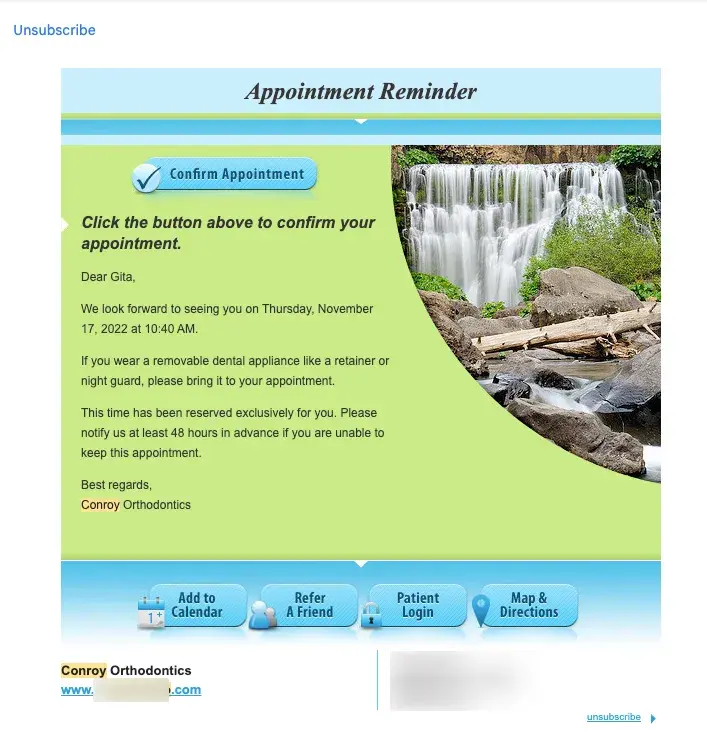
Automated appointment reminders (like the one below) significantly decrease missed appointments, which cost dental practices an average of $150-200 per occurrence in lost revenue and schedule disruptions.

appointment reminder example of email marketing for dentist

Appointment reminder workflows with a HIPAA-compliant tool like HubSpot can integrate with practice management systems to automatically send confirmation emails upon booking, followed by strategically timed reminders at 48 hours and 24 hours before appointments.

Appointment reminders have been shown to reduce no-shows by up to 40%.

Improved Patient Retention

Regular communication keeps patients engaged between visits, encourages consistent preventive care, and builds camaraderie, directly impacting practice revenue and patient health outcomes.

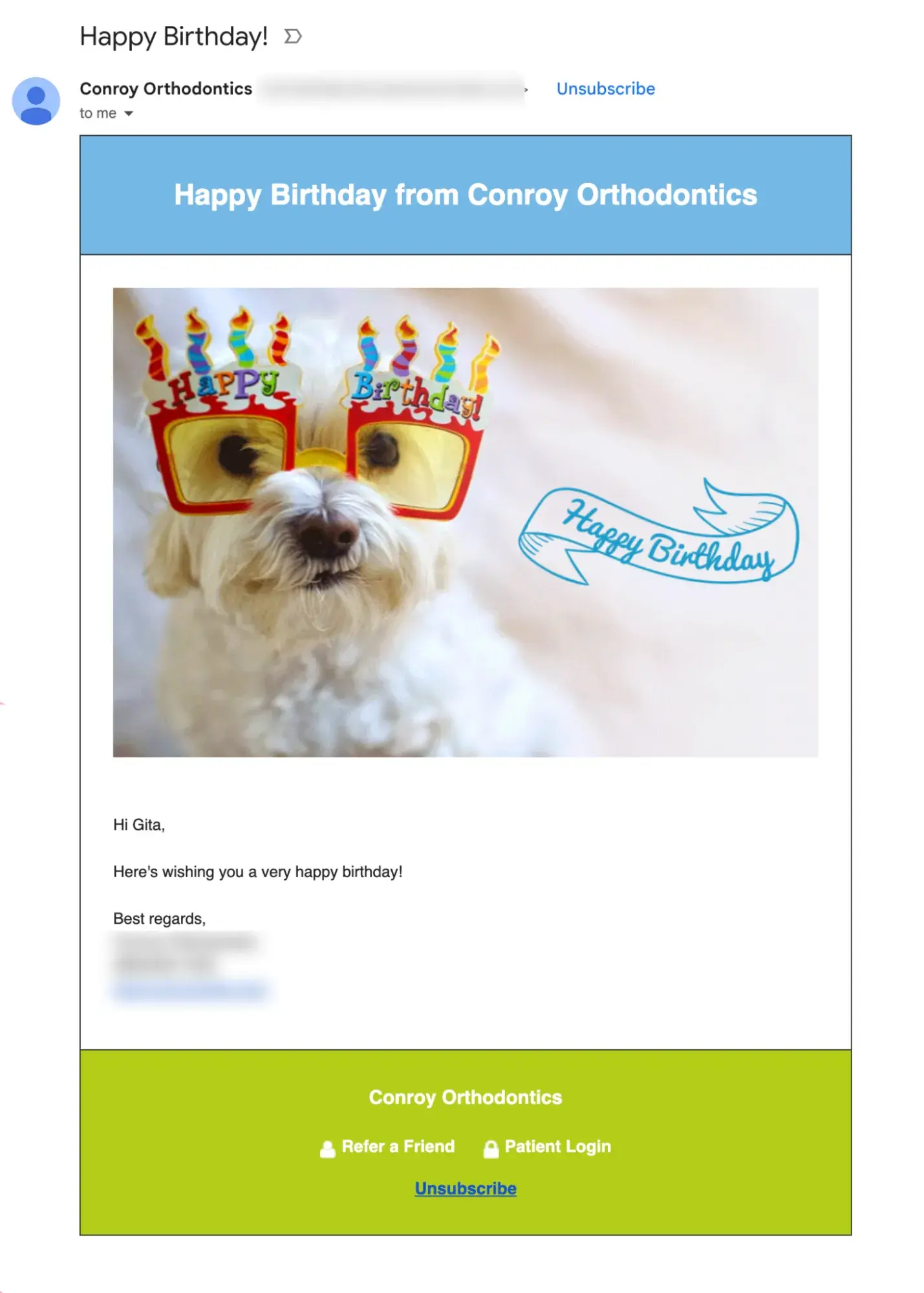
Dental practices can send care tips, team updates, host contests, or even send birthday wishes like the orthodontist below:

birthday greeting example of email marketing for dentist

Increased Sales

Educational email campaigns that explain procedures, address common concerns, and showcase results can help patients feel more confident about recommended treatments , particularly high-cost ones like implants or cosmetic work.

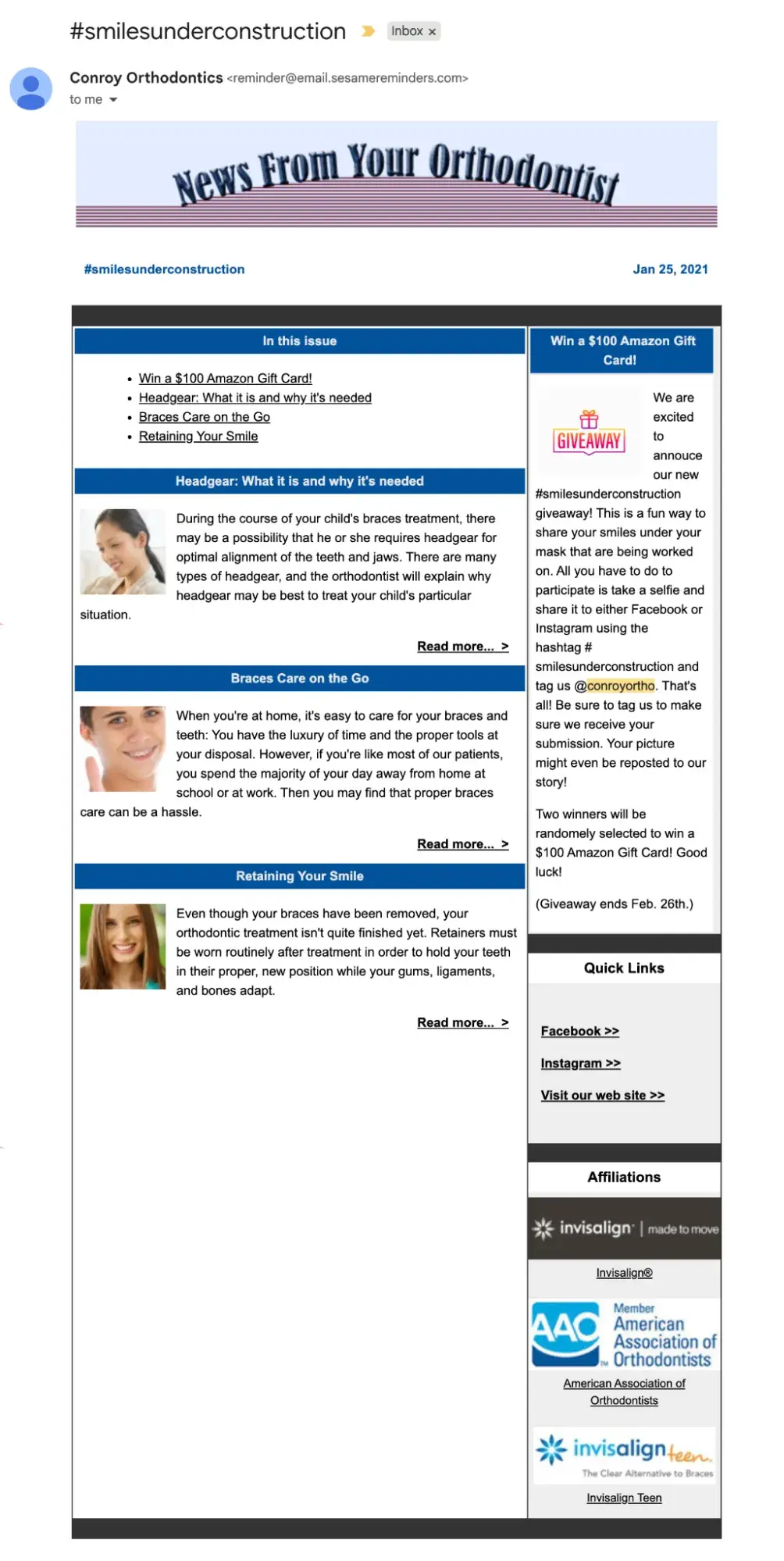
Here’s an example of a newsletter from the same orthodonist:

newsletter example of email marketing for dentist

HubSpot Content and Marketing hubs can aid the delivery of this kind of content through automated drip emails. Practices can share targeted educational content, patient testimonials, and even financing information, all of which can help patients make more informed purchase decisions.

Enhanced Practice Efficiency

Automating routine communications frees up staff time previously spent making phone calls and sending manual reminders, allowing them to focus on higher-value activities like in-office patient care.

HubSpot’s versatile workflows, for example, can automate consistent, transactional communication (e.g., appointment confirmations, pre-appointment instructions, and insurance reminders) thanks to its HIPAA compliance without requiring staff intervention.

This reduces administrative burden while improving communication consistency and timeliness.

7 Important Features for Dental Email Marketing Software

When evaluating email marketing platforms for your dental practice, prioritize these essential features that directly impact patient communication effectiveness and practice growth:

HIPAA-Compliant Infrastructure and Security Standards

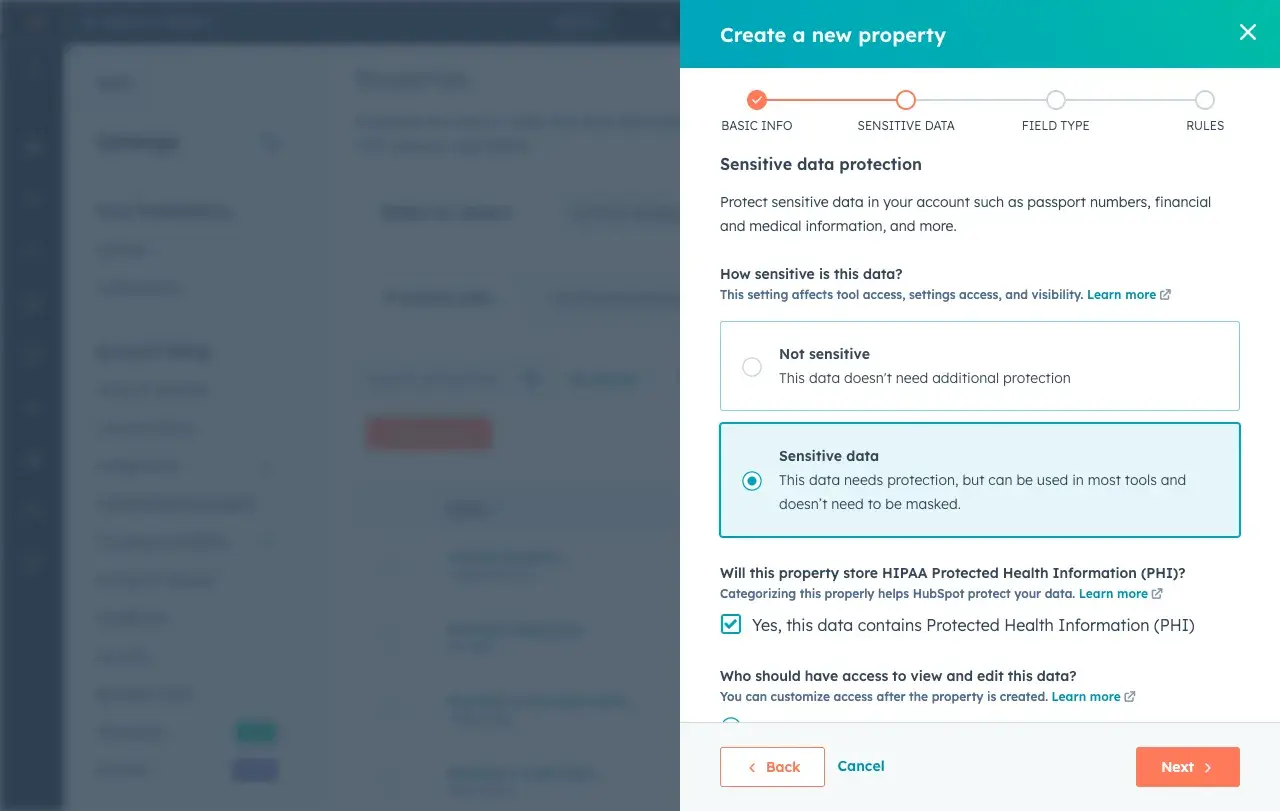
Protecting patient information is legally mandatory for dental practices and any healthcare providers under HIPAA regulations. And a lot of email initiatives like appointment reminders and campaigns based on patient history depend on this.

To be HIPAA-compliant, email platforms must maintain specific security standards and sign Business Associate Agreements to send messages including or relating to protected health information (PHI).

screenshot showing hubspot's hippa compliance in email marketing for dentist

Source

HubSpot offers Business Associate Agreements for enterprise-level plans and maintains the security infrastructure necessary to communicate patient information safely (i.e. encryption, access controls, and audit logging).

Note: HIPAA compliance is unnecessary for sending general marketing emails that do not include specific health information.

Automation

The ability to automatically send pre-appointment reminders at strategic intervals reduces no-shows, improves schedule efficiency, and eliminates staff time spent making manual reminder calls.

HubSpot’s automated emails integrate seamlessly with practice management systems like Dentrix and Eaglesoft, so practices can trigger confirmation emails upon booking, followed by reminders at 48 hours, 24 hours, and even same-day.

Your HubSpot emails can also include personalization, such as patient names, appointment times, and specific pre-appointment instructions for different procedure types.

Segmentation and List Management

Grouping patients by treatment history, age, last visit date, procedure interest, insurance status, or engagement behavior enables targeted, relevant communication that drives higher engagement and conversion rates (though this requires HIPAA compliance).

For instance, perhaps you could send emails about braces to preteen patients or resources on denture care to elderly patients.

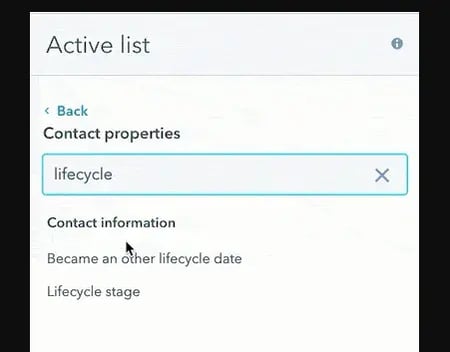
HubSpot’s segmentation tools allow dental practices to create patient lists based on multiple criteria. Dynamic lists can also automatically refresh segments as patient data changes.

screenshot showing hubspot's active list segmentation in email marketing for dentist

Source

Read: Customer Segmentation: How to Segment Users & Clients Effectively

Mobile-Responsive Email Templates and Design

Over 60% of emails are opened on mobile devices, making mobile optimization essential for ensuring appointment details, treatment information, and practice updates display correctly and remain actionable on smartphones and tablets.

Great email marketing tools like HubSpot provide mobile-optimized templates specifically designed for healthcare communications.

HubSpot’s drag-and-drop editing ensures any staff member can create professional, mobile-friendly emails without coding skills, while its preview tools show exactly how emails appear across different devices before sending.

Check out HubSpot’s free email templates.

A/B Testing and Optimization Capabilities

Testing different subject lines, send times, content variations, and calls-to-action helps optimize email performance and identify what resonates best with your specific patient base.

HubSpot’s built-in A/B testing allows dental practices to experiment with up to five variations simultaneously, automatically determining winning versions based on open rates, click rates, or custom goals.

Seamless Integration with Practice Management Software

Bidirectional data flow between email marketing and scheduling systems prevents duplicate data entry, ensures patient information stays synchronized, and enables automation based on practice management system events like appointments, completed treatments, or outstanding balances.

HubSpot connects with leading dental practice management platforms, including Dentrix, Eaglesoft, Open Dental, and Curve, through native integrations and API connections.

This allows it to automatically synchronize patient demographics, appointment history, and treatment information to enable sophisticated segmentation and personalization without manual data exports.

Comprehensive Reporting, Analytics, and ROI Attribution

Understanding which campaigns drive results helps refine marketing strategy and justify marketing spend to practice owners and stakeholders.

HubSpot’s analytics dashboard can track email opens, clicks, appointment bookings, and revenue attribution with clear visualization, providing visibility into which campaigns generate the highest ROI, which patient segments are most responsive, and how email marketing contributes to overall practice growth.

Comparison Table of Best Email Marketing Tools for Dentists

Email Marketing Tool

Best For

Key Features

Pricing

HubSpot

Dental practices seeking all-in-one patient management

AI-powered personalization, appointment workflows, patient segmentation

Free plan available; Marketing Hub Starter at $15/month; Professional at $800/month

Mailchimp

Small practices with basic email needs

Email templates, basic automation, audience segmentation

Free for up to 500 contacts; Essentials from $13/month

Constant Contact

Practices focused on event marketing

Event management, social media integration, list segmentation

Starting at $12/month for up to 500 contacts

ActiveCampaign

Practices with complex automation requirements

Advanced automation, CRM integration, predictive sending

Starting at $29/month for 1,000 contacts

AWeber

Solo practitioners and small teams

Drag-and-drop builder, autoresponders, landing pages

Free for up to 500 subscribers; Pro from $12.50/month

Kit

Practices with content marketing strategies

Landing pages, visual automation, subscriber tagging

Free up to 1,000 subscribers; Creator from $25/month

Drip

Practices with sophisticated patient journeys

E-commerce focus, multi-channel campaigns, custom workflows

Starting at $39/month for 2,500 contacts

Campaign Monitor

Practices valuing design and brand consistency

Template builder, journey designer, analytics

Starting at $11/month for 500 contacts

Moosend

Cost-effective option for growing practices

Marketing automation, landing pages, reporting

Free for up to 1,000 subscribers; Pro from $9/month

Best Email Marketing Software for Dentists

Choosing the right email marketing platform can transform how your dental practice communicates with patients. Here are the top solutions designed to meet the unique needs of dental professionals.

1. HubSpot

HubSpot is the most comprehensive email marketing solution for dental practices, combining robust automation with an integrated CRM and practice management capabilities.

Unlike competitors that focus solely on email delivery, HubSpot provides a complete patient engagement ecosystem that tracks every interaction from initial inquiry through ongoing care. This makes it the ideal choice for practices that want to eliminate data silos and streamline operations. It’s also HIPAA-compliant, unlike many other popular email marketing tools.

screenshot showing hubspot's drag-and-drog editor for email marketing for dentist

Source

Best For: Dental practices of all sizes that want to consolidate patient communication, appointment scheduling, and marketing automation in one unified platform while maintaining complete visibility into patient engagement.

Key HubSpot Features:

  • AI-Powered Email Creation and Personalization – HubSpot’s Breeze can generate email content for different patient segments, from routine cleaning reminders to cosmetic dentistry promotions, while personalization tokens automatically insert patient-specific details like names, appointment dates, and treatment history. This saves hours of manual work while increasing relevance.
  • Automation – With HubSpot workflows, practices can create sophisticated, automated email sequences for a variety of events (i.e. appointment reminders, post-treatment follow-ups). This helps ensure no patient falls through the cracks without requiring staff intervention.
  • Integration and Segmentation – HubSpot seamlessly connects with leading dental software including Dentrix, Eaglesoft, and Open Dental so it can synchronize patient data automatically. From there, its segmentation abilities enable targeting based on treatment history, last visit date, demographics, or custom criteria for highly relevant messaging.

HubSpot Pricing:

HubSpot offers a free CRM with basic email marketing capabilities, including email creation, contact management, and simple automation. Marketing Hub Starter begins at $15 per month (billed monthly) with expanded email features and removes HubSpot branding.

Marketing Hub Professional costs $800 per month (annual billing) and includes advanced automation, A/B testing, and comprehensive reporting. Marketing Hub Enterprise is $3,600 per month (annual billing) for larger practices requiring sophisticated patient journey mapping and multi-location management. Learn More.

2. Mailchimp

Mailchimp has established itself as one of the most recognizable names in email marketing, offering an accessible entry point for dental practices new to digital marketing. Its intuitive drag-and-drop interface and extensive template library make it easy for non-technical staff to create professional-looking emails. It is, however, not HIPAA-compliant.

screenshot showing mailchimp's editor for email marketing for dentist

Source

Best For: Small dental practices or solo practitioners who need straightforward email campaigns with minimal complexity. It can be useful for newsletters and basic appointment reminders rather than sophisticated patient journey automation.

screenshot showing mailchimp's analytics for email marketing for dentist

Source

Key Mailchimp Features:

  • Pre-Built Healthcare Templates – With Mailchimp, dental practices can access hundreds of customizable email templates specifically designed for healthcare providers. These include clean layouts optimized for appointment reminders, health tips, and service announcements.
  • Basic Automation and Scheduling – This allows you to set up simple emails like a welcome for new patients and automated birthday greetings, and special offers with minimal ongoing management effort.
  • Audience Segmentation and Tags – With this, you can group patients by demographics, engagement levels, enabling more targeted and relevant communications.

Mailchimp Pricing:

Free plan available for up to 500 contacts with 1,000 monthly email sends and basic features. Essentials plan starts at $13 per month with 5,000 contacts, removing Mailchimp branding and adding basic automation. Learn more.

3. Constant Contact

Constant Contact differentiates itself through robust event marketing capabilities and exceptional customer support. While its email features are solid, the platform’s real strength lies in its event management tools and reputation for responsive customer service.

screenshot showing constant contact's editor for email marketing for dentist

Source

Best For: Dental practices that regularly host community events like oral health seminars, open houses, or patient appreciation days and need integrated event registration, ticketing, and promotion alongside standard email marketing. Also, for practices investing in multi-channel marketing.

Key Constant Contact Features:

  • Built-In Event Management System – For practices that hold events, Constant Contact allows you to create event registration pages, manage attendee lists, send automated confirmations and reminders, and track RSVPs all within the same platform.
  • Social Media Integration and Posting – Automatically share email campaigns across Facebook and Instagram to reach patients through multiple channels, while also scheduling social posts directly from the platform. This is helpful for maintaining a multi-channel presence that is essential with loop marketing.
  • Contact List Management and Segmentation – Easily import patient contacts from spreadsheets or practice management systems, manage opt-ins and unsubscribes to maintain compliance, and create targeted lists based on patient attributes for more relevant communications.

Note: Constant Contact is not inherently HIPAA compliant, but it can be made so. Learn more here.

Constant Contact Pricing:

Core plan starts at $12 per month for up to 500 contacts with unlimited email sends, basic automation, and event management. Plus plan begins at $35 per month with advanced automation, dynamic content, A/B testing, and social media scheduling. Learn more.

4. ActiveCampaign

ActiveCampaign excels in sophisticated marketing automation and CRM functionality, making it ideal for multi-location dental practices or specialty practices with complex patient journey requirements. ActiveCampaign is HIPAA compliant.

screenshot showing active campaign's editor for email marketing for dentist

Source

Best For: Multi-location dental practices, specialty practices, or growing practices with complex patient journey requirements.

Key ActiveCampaign Features:

  • Advanced Automation Builder with Conditional Logic – Create sophisticated patient communication workflows that adapt based on treatment, appointment history, email engagement, and website behavior, enabling truly personalized patient journeys that respond dynamically to individual actions.
  • Predictive Sending and Machine Learning – Machine learning algorithms determine the optimal time to send emails to each individual patient based on their historical engagement patterns, automatically scheduling messages when they’re most likely to be opened and read.
  • Integrated CRM with Deal Tracking – Built-in CRM functionality tracks patient interactions across email, website visits, and appointment scheduling. Deal pipelines help manage high-value treatments like implants or orthodontics from initial consultation through completion.

ActiveCampaign Pricing:

Starter plan starts at $15 per month for up to 1,000 contacts with email marketing, marketing automation, and basic CRM. Plus plans begin at $49 per month, adding landing pages, Facebook audiences, and contact scoring. Learn more.

5. AWeber

AWeber has built its reputation on reliability and excellent customer support, making it a comfortable choice for solo dental practitioners and small practices that prioritize ease of use. The platform delivers solid email marketing fundamentals without overwhelming users with complexity. It is particularly newsletter-friendly.

screenshot showing aweber's editor for email marketing for dentist

Source

Best For: Solo dental practitioners and small practices seeking user-friendly email marketing with strong customer support and straightforward functionality rather than complex automation or advanced features.

Key AWeber Features:

  • Intuitive Drag-and-Drop Email Builder – Create professional patient emails without technical skills using a visual editor with pre-built content blocks. This makes it easy for staff members to design newsletters, appointment reminders, or promotional campaigns.
  • Autoresponder Series and Time-Based Triggers – While not as robust as other tools. AWeber does allow users to set up automated welcome sequences for new patients, promotions, or educational content. AWeber is not HIPAA compliant, so you can’t send appointment or health-related emails.
  • Newsletter AI: This is a feature unique to AWeber. It uses artificial intelligence to learn your voice and draft highly engaging newsletters that you can then edit and schedule.

AWeber Pricing:

Free plan for up to 500 subscribers with basic email marketing features, one list, and AWeber branding. Pro plan starts at $12.50 per month for 0-500 subscribers with unlimited email sends, removes branding, and adds automation. Learn more.

6. Kit (formerly ConvertKit)

Kit caters specifically to users with content marketing strategies, making it well-suited for dental practices that publish blogs, educational newsletters, or oral health resources to attract and nurture patients.

Its subscriber-centric approach and visual automation builder appeal to practices that view email marketing as part of a broader content strategy rather than just transactional communication.

screenshot showing kit's editor for email marketing for dentist

Source

Best For: Dental practices that prioritize using blogs, educational newsletters, and oral health resources to attract new patients, establish thought leadership in their community, and nurture existing contacts to purchase.

Key Kit Features:

  • Visual Automation Builder – Easily create email sequences using an intuitive visual interface and logic that adapts based on subscriber actions like link clicks or form submissions.
  • Tagging and Dynamic Segmentation – Organize patients by interests such as cosmetic dentistry, orthodontics, or preventive care using tags rather than rigid lists. Then, dynamic segmentation automatically updates as patient interests evolve allowing highly targeted messaging.
  • High Deliverability – It’s easy to get sent to the spam folder these days. Kit has an impressive delivery rate of 99.8% and a healthy reputation with email providers that helps your emails actually get seen.

Note: Kit is not HIPAA compliant, so you cannot include sensitive patient health information.

Kit Pricing:

Free plan available for up to 1,000 subscribers with unlimited landing pages, forms, and broadcasts, though without advanced automation. Creator plan starts at $25 per month for 1,000 subscribers, automated funnels, and sequences. Learn more.

7. Drip

Drip positions itself as an e-commerce CRM with sophisticated multi-channel capabilities, making it particularly valuable for dental practices with multiple revenue streams (i.e. selling dental health products) and complex patient retention strategies.

screenshot showing drip's editor for email marketing for dentist

Source

Best For: Dental practices with sophisticated patient retention strategies, multiple revenue streams from both services and products, and the desire to coordinate messaging across email, SMS, and on-site channels.

Key Drip Features:

  • Multi-Channel Campaign Orchestration – Coordinate email, SMS, and on-site messaging to guide patients through treatment decisions using unified workflows, ensuring consistent messaging across touchpoints and the ability to reach patients through their preferred communication channel.
  • Custom Workflow Builder with Advanced Logic – Design patient journeys that respond to specific triggers with complex conditional logic enabling highly personalized experiences based on multiple behavioral and demographic factors.
  • Revenue Tracking and Analytics Dashboard – Monitor which campaigns drive treatment acceptance and calculate the financial impact of email marketing efforts with clear revenue attribution, providing visibility into marketing ROI that justifies investment and guides strategy refinement.

Note: Drip is not HIPAA compliant, so you cannot include sensitive patient health information.

Drip Pricing:

Plans start at $39 per month for up to 2,500 contacts with unlimited email sends and full platform access, including automation workflows and revenue tracking. Pricing scales with contact volume. Learn more.

8. Campaign Monitor

Campaign Monitor emphasizes beautiful design and brand consistency, appealing to dental practices that want every patient communication to reflect professional polish.

screenshot showing campaign monitor's editor for email marketing for dentist

Best For: Dental practices that prioritize brand consistency and visually appealing patient communications as part of their premium positioning, particularly upscale practices focusing on cosmetic dentistry.

Key Campaign Monitor Features:

  • Professional Template Builder with Brand Control – Design branded emails that reflect your practice’s visual identity with advanced customization options, custom fonts, and precise layout control, ensuring every patient communication reinforces brand recognition and professional image.
  • Visual Journey Designer for Patient Workflows – Map out patient communication flows visually and implement automated touchpoints based on behavior and time, creating sophisticated nurture sequences for high-value treatments that guide patients through decision-making processes.
  • Dynamic Content: Use your customer data to create dynamic content that delivers the right message at the right time to your contacts.

Note: Campaign Monitor is not HIPAA compliant, so you cannot include sensitive patient health information.

Campaign Monitor Pricing:

Basic plan starts at $11 per month for 500 contacts with unlimited email sends, basic automation, and analytics. Unlimited plan begins at $29 per month for 500 contacts with time zone sending, advanced segmentation, and countdown timers. Premier plan available with custom pricing for advanced features, priority support, and dedicated account management. Pricing scales with contact volume.

9. Moosend

Moosend delivers powerful marketing automation capabilities at affordable pricing. While less known than competitors like Mailchimp or Constant Contact, the platform punches above its weight class in features, offering automation, segmentation, and reporting tools typically found in much more expensive solutions.

screenshot showing moosend's editor for email marketing for dentistSource

Best For: Cost-effective option for growing dental practices seeking powerful automation capabilities at an affordable price point, particularly practices transitioning from basic email tools to more sophisticated marketing.

Key Moosend Features:

  • Affordable Advanced Automation – Access sophisticated workflow automation typically found in premium platforms at a fraction of the cost, enabling automated promotions, holiday greetings, etc. without the high monthly fees of competitors.
  • Real-Time Reporting and Analytics Dashboard – Monitor email performance metrics including opens, clicks, and appointment bookings to optimize campaign effectiveness, with clear visual dashboards that make data accessible even for non-technical staff members.
  • A/B Testing: Experiment with different copy and visuals in your emails and pick the version that resonates most with your audience to achieve the best results.

Note: Moosend is not HIPAA compliant, so you cannot include sensitive patient health information.

Moosend Pricing:

Free plan available for up to 1,000 subscribers with basic email marketing features and one list. Pro plan starts at $9 per month for unlimited emails, automation workflows, landing pages, and reporting with no subscriber limit. Learn more.

How to Choose an Email Marketing Tool for Dentists (Step-by-Step)

Selecting the right email marketing platform ensures your dental practice communicates effectively with patients while supporting practice growth goals. Follow these steps to make an informed decision:

1. Map your communication workflows and patient touchpoints.

Begin by documenting every patient touchpoint from initial inquiry through ongoing care, identifying which communications happen manually today that could be automated.

Common dental practice workflows include:

  • New patient welcome sequences introducing your team and services
  • Appointment confirmation emails sent immediately after booking
  • Pre-appointment reminders at 48 hours and 24 hours before visits
  • Post-treatment care instructions delivered after procedures
  • Recall campaigns for patients due for cleanings
  • Educational sequences for high-value treatments like implants or cosmetic procedures.

Understanding your complete communication flow helps identify which platform features matter most for your specific practice needs.

Remember, any transactional emails related to your contact’s health require a HIPAA-compliant tool — that includes appointment reminders. Only general marketing emails like blog articles, promotions, holiday greetings, etc., can be sent without this compliance.

It is common to use multiple tools to cover all your bases, but HIPAA-compliant tools like HubSpot streamline your email marketing toolbox to just one.

2. Identify must-have features based on practice priorities.

Based on your workflow map, prioritize essential capabilities to reap the most immediate value to your practice.

Most dental practices require appointment reminder automation to reduce no-shows, patient segmentation to enable targeted messaging, mobile-responsive templates for optimal viewing on all devices, and integration with existing practice management software to avoid duplicate data entry.

Determine whether you need advanced features like SMS capabilities for multi-channel reminders, webinar hosting for patient education, sophisticated patient journey automation for complex treatment nurturing, or e-commerce functionality if selling oral care products.

HubSpot provides comprehensive features that address common dental practice needs including automation, segmentation, integrations, and analytics without requiring multiple disconnected tools.

3. Evaluate ease of use and team capability.

Consider who will manage email marketing in your practice (i.e. front desk staff, marketing coordinator, or practice manager) and their comfort with learning new technology.

Work with them to test free trials and demos to see how quickly they can create campaigns, set up automation workflows, and interpret results without help.

The ideal platform enables existing staff to execute marketing initiatives easily and without consistent support.

HubSpot’s intuitive drag-and-drop interface, thorough documentation, support, and training courses in HubSpot Academy allow dental teams to become proficient quickly, even without previous marketing technology experience.

4. Calculate total cost at scale and hidden fees.

Compare pricing as your patient database grows. Many platforms appear affordable at low contact volumes but become expensive as your practice expands.

Factor in costs for additional features like extra user seats, email volume limits and overage charges, SMS messaging credits, and integration costs for connecting practice management software.

Consider the value of integrated functionality versus purchasing separate tools for CRM, landing pages, automation, and analytics, which adds complexity and total cost.

HubSpot’s transparent pricing structure and included features often prove more cost-effective than piecing together multiple solutions, particularly when accounting for staff time spent managing disconnected systems.

5. Choose a flexible platform like HubSpot that grows with your practice.

Select a platform that scales with your practice and adapts to changing marketing needs rather than one you’ll quickly outgrow.

HubSpot serves dental practices ranging from solo practitioners just starting with email marketing to multi-location groups with sophisticated patient acquisition funnels.

Dental practices implementing HubSpot report 25% improvement in new patient appointments within the first six months and a 40% increase in positive reviews, demonstrating the platform’s effectiveness for dental-specific communication needs and patient relationship management.

How to Create Email Marketing Campaigns for Dentists

Successfully implementing email marketing requires strategic planning and consistent execution. If you’re just getting started, here are some basic steps you can follow to set up a basic email marketing campaign for a dental practice. Refine as needed for your specific goal and messaging.

1. Define campaign objectives and success metrics.

Establish clear, measurable goals for each email campaign before creating content. This gives you direction and something to help you evaluate how you’re doing.

Common dental practice objectives include:

  • filling schedule gaps with short-notice appointment campaigns
  • promoting seasonal services like teeth whitening before wedding season or holidays
  • increasing hygiene appointment attendance among lapsed patients
  • educating patients about new technology like same-day crowns or digital impressions
  • driving consultations for high-value treatments like implants or orthodontics.

HubSpot’s campaign management tools (and HIPAA compliance) enable setting specific goals like appointment bookings or consultation requests, tracking performance against those targets in real-time, and calculating ROI by attributing revenue directly to specific campaigns.

2. Build and segment your patient database.

Organize your patient database into groups based on shared characteristics or behaviors.

This could mean last visit date, age group, treatment history, geographic location, insurance status, and engagement level to identify potential campaign ideas and improve relevance and response rates.

HubSpot’s sophisticated list features enable complex filtering. Dynamic lists even automatically update as patient data changes, ensuring segments stay current without manual maintenance.

3. Design mobile-optimized email templates.

Create visually appealing, on-brand emails that display correctly and remain functional across all devices, particularly smartphones, where most people read email.

Include clear, easy-to-click calls-to-action, use concise copy that communicates value quickly since patients scan rather than read thoroughly, incorporate practice branding elements like logos and colors for consistency and recognition, and optimize images to load quickly even on slower mobile connections.

HubSpot’s drag-and-drop email builder includes a library of mobile-responsive templates specifically designed for healthcare providers. This allows even non-technical staff to create professional emails, while also showing you a real-time preview of how the email will appear on desktop, tablet, and mobile devices.

4. Set up automated workflow sequences.

Set up the automated sequence that triggers your email send. This could be based on patient actions, practice management system events, or time intervals, ensuring communication without any additional manual effort.

HubSpot’s visual workflow builder makes it simple to design, test, and launch sequences with drag-and-drop logic.

5. Personalize content using patient data.

Customize email content using available patient information to increase relevance, engagement, and response rates through targeted messaging.

Include patient first names, sure, but also go beyond that. Reference their specific upcoming appointments with date, time, and provider details, mention their treatment history to acknowledge ongoing care relationships, recommend services based on previous procedures or stated interests, and adjust messaging tone based on patient demographics like age or family status.

Modern buyers are savvy to “first name” personalization tokens, but incorporating deeper details cut through the noise. They make your emails feel like they were actually written specifically for that person. (This is an important piece of Loop Marketing).

In addition to HubSpot’s personalization tokens, it’s smart content features can display entirely different content blocks to different segments within the same email campaign.

6. Test campaign variables and optimize performance.

Continuously improve email effectiveness through systematic testing of different elements like subject line, call-to-action, design, and messaging.

HubSpot’s A/B testing capabilities allow you to test up to five variations of subject lines, content, or send times simultaneously, automatically determining winning versions and applying those insights to future campaigns for continuous improvement.

7. Monitor results and refine strategy.

Regularly review campaign metrics to understand what resonates with patients, which segments are most responsive, and how email marketing contributes to practice growth. This may include, but is not limited to:

  • Tracking open rates to gauge subject line effectiveness and sender reputation
  • Monitoring click-through rates to assess content relevance and calls-to-action effectiveness
  • Measuring appointment bookings and consultation requests attributed to specific campaigns
  • Calculating overall ROI by comparing campaign costs against revenue generated from attributed appointments
  • Analyzing unsubscribe and complaint rates to ensure messaging remains welcome and relevant

HubSpot Reporting consolidates these metrics into visual charts and graphs, enables filtering by segment or campaign type to identify patterns, and provides year-over-year comparison showing growth in email marketing effectiveness over time.

Frequently Asked Questions About Email Marketing for Dentists

What is the best email marketing tool for dentists?

The best tool depends on your specific needs, but with its comprehensive suite of integrated marketing and business growth tools and HIPAA compliance alongside its email offerings, HubSpot is hard to top.

It combines powerful automation, sophisticated patient segmentation, and practice management integration in one unified platform rather than requiring multiple disconnected tools and protecting patient data. What features should I look for in Email Marketing Tools for Dentists?

Essential features for dental email marketing include:

  • Automation
  • Patient Segmentation
  • HIPAA-compliance and security
  • Mobile responsive design
  • Bi-directional integration with practice management software like Dentrix and Eaglesoft
  • A/B testing
  • Analytics

HubSpot delivers all these features in a unified platform with transparent pricing, eliminating the need for multiple disconnected tools that create data silos and complicate operations.

Is HubSpot good for dentists?

Yes, HubSpot is excellent for dental practices of all sizes seeking comprehensive patient communication and practice growth solutions that go beyond basic email marketing.

The platform serves solo practitioners just starting with digital marketing, growing practices ready for automation and segmentation, and multi-location dental groups requiring sophisticated patient journey management, with scalable features that adapt to specific needs and practice size.

Many dental practices report significant improvements in patient retention rates, treatment acceptance for high-value procedures, operational efficiency through automation, and overall practice growth after implementing HubSpot for their email marketing and patient relationship management needs.

How much does email marketing software for dentists cost?

Email marketing software pricing for dental practices ranges from free plans with basic features to enterprise solutions costing several thousand dollars monthly, with pricing typically based on contact database size, number of email sends, and feature sophistication.

HubSpot offers flexible pricing starting with a completely free CRM including basic email marketing suitable for practices just beginning digital communication. Paid plans start at $15 a month.

Can email marketing help reduce dental appointment no-shows?

Absolutely. Email marketing significantly reduces no-show rates through appointment reminders sent at strategic intervals before scheduled visits, addressing one of dental practices’ most costly operational challenges.

Research indicates that practices using automated email reminders reduce no-shows by 30-50% compared to relying solely on phone calls or no reminders, translating to thousands of dollars in recovered revenue monthly for typical practices.

HubSpot’s appointment reminder workflows integrate with practice management systems to automatically send multiple touchpoints.

Meet HubSpot, the Top Email Marketing Choice for Dentists

HubSpot stands out as the premier email marketing solution for dental practices seeking to transform patient communication and accelerate practice growth through sophisticated yet accessible marketing technology.

Unlike specialized email tools that require separate systems for patient tracking, scheduling coordination, and analytics, or basic tools that lack the automation capabilities dental practices need, HIPAA-compliant HubSpot provides a unified platform that streamlines all aspects of patient engagement while maintaining complete visibility into marketing effectiveness and ROI.

Key HubSpot Features for Dental Practices:

  • Comprehensive Automated Workflow Capabilities – Design sophisticated patient communication sequences triggered by appointments, treatment completions, time-based intervals, or patient behaviors, ensuring consistent engagement throughout the patient journey without manual effort from staff, including new patient onboarding, appointment reminders, post-treatment follow-ups, recall notifications, and treatment-specific education sequences.
  • Advanced Patient Segmentation and Personalization – Create unlimited patient segments based on treatment history, demographics, last visit date, engagement behavior, insurance status, and custom criteria to deliver highly relevant messaging that drives action, with dynamic lists that automatically update as patient data changes and personalization tokens that customize every email with patient-specific information.
  • Seamless Practice Management Integration – Connect effortlessly with leading dental software including Dentrix, Eaglesoft, Open Dental, and Curve to automatically synchronize patient demographics, appointment schedules, treatment history, and other critical data, eliminating double entry and enabling automation workflows that trigger based on practice management system events.
  • AI-Powered Content Creation and Optimization – Generate personalized email content for different patient segments using HubSpot’s Breeze, dramatically reducing time spent writing campaigns while maintaining quality and relevance, with AI also optimizing send times, subject lines, and content recommendations based on historical engagement patterns.

Dental practices using HubSpot’s email marketing platform experience 25% more new patient appointments within the first year.

Ready to see how HubSpot can work for your dental practice? Get started with HubSpot today and transform how you connect with patients, fill your schedule, and grow your practice through strategic, automated email marketing that delivers measurable results.

Categories B2B

6 best email marketing tools for higher education businesses in 2025

Higher education institutions face unique communication challenges in 2025. Between recruiting prospective students, engaging current learners, maintaining alumni relationships, and coordinating with faculty, colleges and universities need robust email marketing solutions that can handle complex, multi-audience campaigns while delivering personalized experiences at scale.

Boost Opens & CTRs with HubSpot’s Free Email Marketing Software

Email marketing remains the most preferred communication channel for prospective students during the college application process, with 55% preferring email over text messages (33%). The education industry also achieves an average email open rate of 28.5% — among the highest across all sectors — making email marketing an essential tool for enrollment management and student engagement.

This guide compares the best email marketing software for higher education institutions in 2025, including detailed feature breakdowns, pricing information, and recommendations to help you choose the right platform for your college or university.

Table of Contents

What is email marketing for higher education?

Email marketing for higher education is a strategic communication approach that colleges and universities use to connect with prospective students, current students, alumni, donors, and faculty through targeted email campaigns. Email marketing enables institutions to nurture leads through the enrollment funnel, share important academic updates, promote campus events, and maintain long-term relationships with their community while tracking engagement and measuring campaign effectiveness.

Email Marketing Tools for Higher Education Comparison Table

Email Marketing Tool

Best For

Key Features

Pricing

Average Rating

HubSpot

Universities seeking integrated CRM and marketing automation

Free CRM, advanced automation, multi-channel campaigns, robust analytics

Free plan available; Paid plans start at $15/month

4.5/5 (G2)

Mailchimp

Institutions with basic email needs and large contact lists

Drag-and-drop editor, audience segmentation, pre-built templates

Free for 500 contacts; Paid plans start at $13/month

4.4/5 (G2)

Constant Contact

Schools needing event management and ticketing

Event registration tools, social media integration, automated welcome emails

Plans start at $12/month for 500 contacts

4.1/5 (G2)

ActiveCampaign

Colleges requiring advanced automation and CRM features

900+ automation templates, predictive analytics, sales automation

Plans start at $15/month for 1,000 contacts

4.5/5 (G2)

Omnisend

Institutions focused on ecommerce and course sales

Multi-channel campaigns, ecommerce integrations, SMS marketing

Free for 250 contacts; Paid plans start at $16/month

4.6/5 (G2)

Envoke

Canadian universities requiring CASL compliance

Data stored in Canada, advanced consent management, CASL compliance

Plans start at $69 CAD/month for 2,500 contacts

4.8/5 (Capterra)

Best Email Marketing Software for Higher Education Businesses

Understanding the right email marketing platform can transform how your institution communicates with students, prospects, and stakeholders. Here are the six best solutions tailored for higher education needs.

HubSpot

hubspot email marketing for professional business email hosting

HubSpot is best for: Universities seeking an all-in-one CRM and marketing automation platform with advanced analytics

HubSpot provides higher education institutions with a comprehensive platform that unifies marketing, admissions, and student service processes. The platform enables colleges and universities to attract prospective students, convert inquiries into applications, and nurture relationships throughout the student lifecycle.

Key HubSpot Features:

  • Free CRM integration – HubSpot offers a free CRM that enables admissions teams to track every interaction with prospective students from initial inquiry through enrollment, ensuring no lead falls through the cracks
  • Marketing automation workflows – HubSpot automates personalized email sequences based on prospect behavior, enabling institutions to send targeted content at optimal times in the enrollment journey
  • Advanced analytics and reporting – HubSpot provides dashboards that track campaign performance, lead sources, and conversion rates, allowing marketing teams to demonstrate ROI and make data-driven decisions
  • Landing page and form builders – HubSpot includes tools to create high-converting landing pages for program information, virtual tours, and application starts without requiring technical expertise
  • Multi-channel campaign management – HubSpot coordinates email, social media, and paid advertising campaigns from a single platform, ensuring consistent messaging across all touchpoints

HubSpot Pricing:

Mailchimp

mailchimp email marketing

Best For: Institutions with straightforward email marketing needs and large subscriber lists

Mailchimp delivers user-friendly email marketing tools with an extensive template library and straightforward campaign creation process. The platform serves higher education institutions that prioritize ease of use and need to manage large contact databases.

Key Mailchimp Features:

  • Extensive template library – Mailchimp offers hundreds of pre-designed email templates suitable for recruitment campaigns, student newsletters, and alumni communications, reducing design time
  • Audience segmentation – Mailchimp enables institutions to segment contacts based on demographics, behavior, and engagement history to deliver targeted messages to prospective students versus current students versus alumni
  • A/B testing capabilities – Mailchimp allows institutions to test subject lines, send times, and content variations to optimize open rates and click-through rates
  • Social media advertising integration – Mailchimp creates retargeting ads on Facebook and Instagram based on email campaign data, extending reach to prospective students across multiple platforms

Mailchimp Pricing:

  • Free plan: 500 contacts, 1,000 monthly email sends
  • Essentials plan: Starting at $13/month for 500 contacts (10x contact limit for monthly sends)
  • Standard plan: Starting at $20/month for 500 contacts (12x contact limit for monthly sends)
  • Premium plan: Starting at $350/month for 10,000 contacts (15x contact limit for monthly sends)
  • Nonprofit discounts: 15% off annual plans

Constant Contact

constant contact email marketing

Best For: Colleges and universities that regularly host campus events and need integrated event management

Constant Contact specializes in event marketing tools alongside traditional email marketing features, making it valuable for institutions that coordinate open houses, alumni events, webinars, and campus tours.

Key Constant Contact Features:

  • Built-in event registration – Constant Contact enables institutions to create event pages, collect RSVPs, manage attendee lists, and process ticket payments directly within the platform, eliminating the need for third-party event tools
  • Automated event reminders – Constant Contact sends automated email reminders to registered attendees before events, reducing no-shows for campus tours and information sessions
  • Social media posting – Constant Contact schedules and publishes social media posts across multiple platforms to promote events, programs, and campus news alongside email campaigns
  • Customizable email templates – Constant Contact provides themed templates for various occasions including enrollment deadlines, scholarship announcements, and academic calendar reminders

Constant Contact Pricing:

  • Lite plan: $12/month for 500 contacts (basic email marketing and event management)
  • Standard plan: $35/month for 500 contacts (includes automation, A/B testing, and segmentation)
  • Premium plan: $80/month for 500 contacts (adds SEO tools, ads management, and advanced analytics)
  • 30-day free trial available

ActiveCampaign

active campaign email marketing

Best For: Institutions requiring sophisticated automation workflows and predictive analytics

ActiveCampaign provides advanced marketing automation and CRM capabilities that enable higher education institutions to create complex, behavior-based email sequences that respond to prospect actions in real-time.

Key ActiveCampaign Features:

  • 900+ automation workflow templates – ActiveCampaign offers pre-built automation sequences for common higher education scenarios including application nurture campaigns, admitted student engagement, and re-enrollment outreach
  • Predictive analytics – ActiveCampaign uses machine learning to identify which prospects are most likely to enroll, allowing admissions teams to prioritize outreach to high-intent leads
  • Conditional content – ActiveCampaign dynamically changes email content based on recipient attributes such as intended major, campus location interest, or application status
  • Lead scoring – ActiveCampaign assigns scores to prospects based on engagement behaviors like email opens, website visits, and form submissions, helping admissions counselors identify warm leads

ActiveCampaign Pricing:

  • Starter plan: $15/month for 1,000 contacts
  • Plus plan: $49/month for 1,000 contacts
  • Professional plan: $79/month for 1,000 contacts
  • Enterprise plan: $145/month
  • 14-day free trial available

Omnisend

omnisend email marketing

Best For: Universities with online course sales and ecommerce components

Omnisend focuses on multi-channel marketing automation with strong ecommerce integrations, making it suitable for institutions that sell online courses, professional development programs, or branded merchandise.

Key Omnisend Features:

  • Multi-channel campaigns – Omnisend coordinates email, SMS, and push notifications in unified campaigns, enabling institutions to reach prospective students through their preferred communication channels
  • Ecommerce platform integrations – Omnisend integrates with Shopify, WooCommerce, and other ecommerce platforms to track online course purchases and trigger relevant follow-up communications
  • Abandoned cart recovery – Omnisend automatically sends reminder emails to prospects who started but didn’t complete course registrations or merchandise purchases
  • Product recommendations – Omnisend suggests related courses or programs to enrolled students based on their purchase history and browsing behavior

Omnisend Pricing:

  • Free plan to send 500 emails/month up to 250 contacts
  • Standard plan: $11.20/month up to 500 contacts
  • Pro plan: $41.20/month for 2,500 contacts (adds advanced reporting and priority support)
  • Pricing scales with contact list size

Envoke

invoke email marketing

Best For: Canadian universities requiring CASL compliance and data sovereignty

Envoke specializes in serving Canadian higher education institutions with compliance-focused email marketing that meets Canadian Anti-Spam Legislation (CASL) requirements while storing data within Canada.

Key Envoke Features:

  • Automated CASL compliance – Envoke automatically manages consent tracking, opt-in confirmations, and unsubscribe processes to ensure compliance with Canadian anti-spam legislation
  • Data stored in Canada – Envoke hosts all contact data on Canadian servers, addressing data sovereignty requirements for Canadian public institutions
  • Multi-department management – Envoke enables universities to create separate subaccounts for different departments while maintaining centralized oversight and brand consistency
  • Higher education templates – Envoke provides email templates designed specifically for university communications including recruitment, student services, and alumni relations

Envoke Pricing:

  • Pro plan: Starting at $69 CAD/month for 2,500 contacts with unlimited email sends
  • Pay-as-you-go option available (store unlimited contacts, pay per email sent)
  • Custom pricing for larger institutions
  • Free migration services from other platforms

Benefits of Email Marketing Software for Higher Education

Email marketing platforms deliver measurable advantages that directly support enrollment goals and student engagement objectives.

Streamlined Enrollment Management

Email marketing software enables institutions to automate prospect nurture campaigns from inquiry through enrollment. Universities using marketing automation track prospective students through each stage of the enrollment funnel, automatically sending relevant content based on application status and demonstrated interests. This systematic approach increases conversion rates while reducing manual workload for admissions staff.

Enhanced Personalization at Scale

Higher education institutions serve diverse audiences with varying needs—prospective undergraduates, graduate students, international applicants, transfer students, alumni, and parents each require tailored messaging. Email marketing platforms segment contacts based on dozens of attributes and behaviors, enabling institutions to deliver personalized content to thousands of recipients simultaneously. In a 2024 EAB study, 93% of students said that receiving a personalized message from a college would encourage them to explore a school further.

Data-Driven Decision Making

Email marketing software provides detailed analytics on campaign performance, including open rates, click-through rates, and conversion metrics. Higher education marketing teams use this data to identify which messages resonate with prospective students, which recruitment channels generate the highest-quality leads, and how marketing efforts directly contribute to enrollment numbers. This visibility enables institutions to allocate budgets more effectively and demonstrate marketing ROI to leadership.

Improved Alumni Engagement

Email marketing platforms help institutions maintain long-term relationships with alumni through targeted communications about networking events, donation campaigns, and career opportunities. Automated workflows enable universities to send personalized birthday messages, graduation anniversary emails, and updates about developments in alumni’s fields of study, strengthening lifetime connections to the institution.

Efficient Multi-Campus Communication

For university systems with multiple campuses or online programs, email marketing software ensures consistent branding while allowing customization for local audiences. Centralized platforms enable marketing teams to create templates that individual campuses can personalize with location-specific details, events, and program information.

6 Important Features for Higher Education Email Marketing Software

When evaluating email marketing platforms for your college or university, prioritize these essential capabilities.

  • Advanced segmentation and targeting: Higher education institutions need to segment audiences by multiple criteria including prospective versus current student status, academic program interest, campus location, application stage, engagement level, and demographic factors. Robust segmentation enables admissions teams to send relevant messages to engineering prospects versus liberal arts prospects, undergraduate applicants versus graduate school candidates, and engaged prospects versus those who haven’t opened recent emails.
  • Behavior-based automation: Email automation triggered by specific actions delivers timely, relevant messages that move prospects through the enrollment journey. Essential automation triggers include form submissions, website page visits, email engagement, event registrations, and application milestones. For example, when a prospect downloads a program brochure, automation can trigger a follow-up email series about financial aid, campus life, and application deadlines.
  • CRM integration and contact management: Email marketing platforms should integrate seamlessly with student information systems and CRM databases to ensure accurate, up-to-date contact information. This integration enables admissions staff to view complete prospect histories including email engagement, website activity, and personal interactions in one centralized location. Bidirectional data sync ensures that status changes in the SIS automatically update email segments.
  • Mobile-optimized templates: With 90% of teachers accessing email on smartphones, mobile optimization is non-negotiable. Email marketing platforms must automatically adjust layouts, images, and text for mobile devices while maintaining visual appeal and functionality. Preview features should show how emails appear on various devices before sending.
  • Robust analytics and reporting: Higher education marketing teams need detailed metrics beyond basic open and click rates. Essential reporting includes lead source attribution, conversion tracking through the entire enrollment funnel, engagement scoring, A/B test results, and revenue attribution for paid programs. Dashboards should visualize trends over time and enable teams to compare campaign performance across different audiences and time periods.
  • Compliance and data security: Email marketing platforms must support data privacy regulations including FERPA, CAN-SPAM, GDPR, and CASL. Features should include consent management, automated unsubscribe processing, data encryption, and audit trails. For institutions subject to specific data sovereignty requirements, platforms must offer appropriate data storage locations.

How to Choose an Email Marketing Tool for Higher Education (Step-by-Step)

Selecting the right email marketing platform requires careful evaluation of your institution’s specific needs and growth plans.

Step 1: Map your workflows.

Document all email communications your institution currently sends including prospective student nurture campaigns, current student updates, alumni newsletters, event promotions, and internal communications. Identify which workflows are manual versus automated, where bottlenecks occur, and which messages achieve the highest engagement. This assessment reveals which platform features will deliver the most value.

Step 2: Identify must-have features.

List the essential capabilities your institution requires such as CRM integration, automation complexity, segmentation depth, event management, SMS capabilities, or analytics sophistication. Determine which systems the email platform must integrate with including your student information system, admissions CRM, event management tools, and payment processors. Prioritize features that directly support enrollment goals or significantly reduce staff workload.

Step 3: Compare ease of use and team fit.

Evaluate how intuitive each platform is for your team’s skill level. Request demos or trials to test the email builder, automation workflow creator, and reporting interface. Consider whether your team will need extensive training or can start using the platform immediately. Assess whether the platform requires technical expertise or offers visual, drag-and-drop interfaces accessible to non-technical users.

Step 4: Calculate cost at scale.

Look beyond starting prices to estimate costs as your contact database grows. Factor in the number of contacts you’ll manage in 1-2 years, expected email send volumes, additional features you may need later, and costs for add-ons like SMS marketing or premium support. Some platforms charge based on contacts while others charge based on email sends; determine which pricing model aligns better with your usage patterns.

Step 5: Choose a flexible platform — like HubSpot.

Select a platform that can scale with your institution’s growth and adapt to evolving communication strategies. HubSpot enables higher education institutions to centralize marketing, admissions, and student service processes in one powerful CRM platform. The University of Wyoming leveraged HubSpot’s flexible platform to grow from basic email campaigns to sophisticated marketing automation that increased lead volume by 26% and conversion rates to 18% year-over-year while providing the data-driven insights needed to justify marketing investments to leadership.

How to Create Email Marketing Campaigns for Higher Education

Developing effective email campaigns requires strategic planning and thoughtful execution.

Define your campaign goals and target audience.

Establish specific, measurable objectives for each campaign such as increasing information session registrations by 20%, improving application completion rates by 15%, or driving 500 prospective students to specific landing pages. Identify the precise audience segment that should receive the campaign including characteristics like prospective undergraduate versus graduate students, specific program interests, geographic regions, and current stage in the enrollment journey.

Develop compelling subject lines and preview text.

Create subject lines that clearly communicate value and create urgency without resorting to spam trigger words. Incorporate personalization tokens like recipient name, program of interest, or application deadline. Write preview text that complements the subject line by providing additional context or reinforcing the call to action. Test multiple subject line variations to identify which approaches generate the highest open rates among higher education audiences.

Design mobile-responsive email templates.

Build email templates with single-column layouts that adapt seamlessly to mobile screens. Use clear hierarchy with prominent headlines, concise body text, and obvious call-to-action buttons. Limit image file sizes to ensure fast loading on mobile devices. Preview emails on multiple devices and email clients before sending to verify proper rendering.

Personalize content based on recipient data.

Use merge fields to insert recipient-specific information including name, program of interest, campus location, and application status. Implement conditional content that displays different sections based on recipient attributes such as showing undergraduate-specific information to undergrad prospects and graduate program details to graduate school candidates. Reference previous interactions like “Thank you for attending our virtual tour” or “We noticed you downloaded our financial aid guide.”

Craft clear calls-to-action.

Include a single, prominent call-to-action that aligns with your campaign goal such as “Register for an Information Session,” “Complete Your Application,” or “Schedule a Campus Visit.” Use action-oriented button text that creates urgency. Ensure CTA buttons are large enough to tap easily on mobile devices and use contrasting colors that stand out from surrounding content.

Schedule strategic send times.

Analyze historical email engagement data to identify when your audience most frequently opens and clicks emails. For higher education audiences, prospective students check email multiple times daily with 88% checking at least once per day. Consider sending emails during weekday afternoons when prospective students review college information or weekend mornings when they have more time to engage with content.

Monitor performance and optimize future campaigns.

Track key metrics including open rates, click-through rates, conversion rates, and unsubscribe rates. Compare performance across different audience segments to identify which messages resonate with which groups. A/B test variables like subject lines, send times, email length, and CTA placement. Use insights from each campaign to refine future messaging and improve overall effectiveness.

Frequently Asked Questions

What is the best email marketing tool for higher education?

HubSpot provides the most comprehensive solution for higher education institutions seeking to integrate marketing, admissions, and CRM capabilities in one platform. HubSpot offers free CRM functionality, advanced marketing automation, robust analytics, and seamless integration with student information systems. The University of Wyoming increased lead volume by 26% and improved conversion rates to 18% using HubSpot’s platform, demonstrating measurable ROI for enrollment marketing efforts.

What features should I look for in email marketing tools for higher education?

Essential features include advanced audience segmentation to target different prospect types, behavior-based automation triggered by actions like form submissions or website visits, CRM integration to maintain complete prospect records, mobile-optimized templates to reach prospects on smartphones, detailed analytics to measure campaign effectiveness, and compliance tools to manage consent and data privacy. Additional valuable features include event management capabilities, SMS marketing for multi-channel campaigns, and A/B testing to optimize message performance.

Is HubSpot good for higher education?

HubSpot excels for higher education institutions because it unifies marketing, admissions, and student service operations in one integrated platform. Five graduate schools at the University of San Diego replaced Salesforce with HubSpot, saving admissions teams 2-4 hours per week through automated workflows and streamlined processes. HubSpot‘s free CRM tier makes it accessible for smaller institutions while enterprise features support large university systems. The platform’s reporting capabilities enable marketing teams to demonstrate ROI by tying advertising spend directly to enrolled students, which is essential for securing continued budget support.

How much does email marketing software for higher education cost?

Email marketing software pricing for higher education varies significantly based on contact list size, feature requirements, and send volumes. Entry-level plans start around $12-15 per month for 500 contacts with basic features. Mid-tier plans with automation and advanced segmentation range from $35-80 per month for 500 contacts. Enterprise solutions for large universities with tens of thousands of contacts can exceed $3,600 per month. Many platforms including HubSpot offer free plans with limited features, and numerous providers extend educational discounts to accredited institutions. Evaluate total cost of ownership including potential overages, add-on features, and integration costs.

What are the best practices for email marketing in higher education?

Successful higher education email marketing prioritizes personalization based on prospect interests and application stage, leverages automation to deliver timely messages at critical enrollment decision points, segments audiences to ensure relevance, optimizes for mobile devices where most emails are opened, includes clear calls-to-action that guide prospects toward next steps, tests subject lines and content variations to improve performance, monitors compliance with data privacy regulations, and measures ROI by tracking conversions from inquiry through enrollment. Since 55% of prospective students prefer email communication during the application process, maintaining consistent, valuable email touchpoints throughout the enrollment journey significantly influences enrollment decisions.

Meet HubSpot, the Top Email Marketing Software for Higher Education Companies

HubSpot provides higher education institutions with the most comprehensive marketing, admissions, and CRM platform to attract prospective students, nurture leads through the enrollment journey, and maintain lifelong relationships with students and alumni.

Why HubSpot Excels for Higher Education:

  • Unified CRM and marketing automation – HubSpot consolidates all prospect and student information in one database, enabling seamless coordination between marketing campaigns and admissions outreach while providing complete visibility into every interaction from initial inquiry through graduation
  • Free tier with powerful features – HubSpot offers a free CRM with email marketing capabilities up to 2,000 sends per month, landing pages, and forms, making sophisticated marketing tools accessible to institutions of all sizes
  • Scalable platform that grows with institutions – HubSpot supports everything from small liberal arts colleges to major university systems with enterprise-grade features including advanced automation, predictive analytics, and multi-campus management

Proven Results in Higher Education:

The University of Wyoming increased lead volume by 26% and improved conversion rates to 18% year-over-year using HubSpot‘s marketing automation and analytics. The university leveraged HubSpot’s dashboard capabilities to demonstrate to leadership how marketing investments translated directly into enrolled students.

Five graduate schools at the University of San Diego replaced their previous CRM with HubSpot, saving admissions teams 2-4 hours per week through automated email sequences and streamlined event management while gaining visibility into prospect engagement that enabled personalized advising appointments.

University College Dublin Professional Academy used HubSpot to scale from zero to 8-figure revenue in three years, doubling their close rate from 10% to 20% by leveraging data-driven insights and streamlined communication processes that HubSpot enabled.

Ready to see how HubSpot can transform your institution’s email marketing and enrollment management? Get started with HubSpot today and experience the platform that helps higher education institutions attract more qualified prospects, convert more applicants, and demonstrate clear marketing ROI to leadership.

Categories B2B

Starting a new business? Here are the AI tools I would use when building from scratch

Building a business has never been easier, but the landscape is also more competitive. The difference between success and failure often comes down to how quickly you can execute. You need to understand your market and know how to scale your operations. AI tools can help you get off the ground.

Download Now: Free AI Agents Guide

If I had to rebuild my business from scratch today, I’d lean heavily into AI tools to make the process faster, smarter, and more efficient than ever before.

Here‘s exactly how I’d approach rebuilding from zero, and the specific AI tools that would make it possible.

Table of Contents

Two Approaches to AI Business Building

Approach 1: Use LLMs to flesh out your ideas.

Every entrepreneur needs to know their niche. If you don’t have a unique angle, you’ll never stand out in the crowded market. So, you need to be specific. I’d approach it like a research sprint using AI tools to cut through the noise and find real opportunities.

AI tools allow you to organize and vet your ideas. You can start a conversation with ChatGPT or OpenAI’s advanced voice mode and flesh out all your different ideas through the discussion. I would ask things like:

  • What are the pros and cons of this idea?
  • Do you see potential downsides to this?
  • What would you change about the idea?

This lets you freeflow. Later, you’ll have the conversation saved in your ChatGPT dashboard, so you can look back at the conclusions. Next, tell it to summarize what you’ve discussed and give you a list of the top ten ideas for cool companies.

From there, you can use other AI tools to research and validate your ideas.

My Next Wave co-host Nathan Lands adds a spin to this approach. He says, “I would go do some Perplexity searches and see if there are existing companies in the areas that I’m interested in.” Look at the websites of those companies and copy/paste them into ChatGPT to start your research into industries you’re not familiar with.

The Step-by-Step Process for Validating Business Ideas

Once you’ve got a list of your top ten business ideas, you’ll need to test those ideas with an audience to see which one sticks.

To do that, I suggest a tool like Mixo, which can rapidly build a website with a single prompt. With Mixo, you can create a few test sites that you can show to a focus group. You can show potential buyers a real mockup to see what they’re more likely to spend money on. The steps below can help you get started.

  • Give Mixo the details about the software products you’re considering. Based on that idea, Mixo will create a landing page for you with images and copy.
  • Have it create ten different websites — one for each idea you’re interested in. Make sure each website has an email opt-in box so people can join the product’s waitlist.
  • Buy ads on Facebook, Google, Twitter, or whichever platform your potential users hang out on. You should get ads for each landing page. Then, whichever one has the most interest via the waitlist, go make that product.
  • When you release the product, hit up the people who joined that specific waitlist. Since you’ve already generated an email list beforehand, you’ve got your first marketing campaign ready to go.
  • And of course, also email the other nine lists and let them know you didn’t make the product they signed up for. If the products are similar, you can ask them to check out the one you actually made.

Now that you have the idea, it’s time to build out relevant features. Whatever you decide to build, you’ll want to use AI to analyze the features that should be included or excluded. To start, I recommend finding products that already exist that are close to your idea. You can then riff off of them to build yours. Here’s the step-by-step process.

  • Find reviews in places like Reddit or Trustpilot, or any place where you can gather comments, reviews, and feedback.
  • Copy and paste everything you find into Claude. Then, ask for a sentiment analysis to understand what people love or hate about the product. When you build your version of the product, make it better than the one that exists.
  • For marketing, lean into those differences. If people love a feature, highlight that feature in your campaigns. If they hate something or are asking for a feature to be added, then add that functionality.

Approach 2: Scale your content with AI.

If I were starting a new business now, I would focus on content creation. There’s more opportunity than ever to influence LLMs and dominate AI overviews with specific, bottom-of-the-funnel keywords.

AI can help you create the content you need to get in front of your customer — wherever they’re at. Here’s how I would do it:

  • Pick a niche topic that you’re really excited about. I would pick something I have some experience with that I can talk about myself. If you dive down into sub-niches, there’s unlimited potential.
  • Use AI to help with ideation. Right now, I constantly use Perplexity and Claude in my AI stack. Use those tools to research your niche until you understand that universe inside and out.
  • Create as much content around those topics as possible. AI can help you outline those posts or even write them for you.
  • Expand into multimedia. Let’s say I want to do a video about making 3D walkthroughs of houses for a real estate product. I can ask Claude how I should make the video. What’s the flow? What camera do I need? How can I hold people’s attention? It will generate an outline for me, and I can follow those notes to make sure I hit all the beats.
  • Use AI tools to speed up the production process. For example, TimeBolt can locate all the silences and then remove them from short-form videos. That’s hours saved.

Essential AI Tools for Modern Business Building

Building a business used to require massive upfront investment, months of development, and teams of specialists. Today, you can validate an idea, build a working prototype, and start acquiring customers faster than ever before — if you know which tools to use.

Let’s dive deep into the tools I find most helpful.

Perplexity: Validating Ideas With Speed

AI tools for building a business, perplexity, matt wolfe

Perplexity is a large language model, like ChatGPT or Claude, but it also searches the internet whenever you ask it a question. I find Perplexity’s informed responses hard to beat. You can ask Perplexity what people are searching for right now, what they’re struggling with, or what content they want. This will help you zero in on a niche where you can make an impact.

You can also use Perplexity to find information that web scraping tools can’t get to. If there’s nothing on the website to scrape, it finds reviews from Reddit or TechCrunch, and then tells me what the tool is all about. I’ve used this process to discover product details for my we,bsite Future Tools.

Cursor, Repilt, and Firebase: Managing Your Product and Website

If you’re launching a new business, these three software create the perfect tech stack. You can build a product, create a website, and keep everything up-to-date easily.

ai tools for building a business, cursor, future tools, matt wolfe

Source

It all starts with Cursor, an AI code editor that can help you build your software faster. The biggest benefit? Cursor uses your entire code base for context, so the output is accurate and integrates into the larger system.

With retrieval augmented generation (RAG), Cursor looks through the text of all your uploaded files and uses that information to complete the code and improve accuracy in the software you’re creating.

Now, you need to build a website that attracts buyers and keeps customers in the loop about your offering. Replit moves you from idea to website, all with AI. Replit’s Cursor integration allows you to automatically link any product changes to your website, eliminating any duplicate work.

ai tools for building a business, replit, future tools, matt wolfe

Source

Replit manages the front end, and Firebase takes care of the backend. Firebase can help handle your hosting and keep your databases organized. This tool also handles single sign-in, using existing accounts like Google or Apple, so you don’t have to worry about login functionality.

AI tools for building a business, firebase

Source

So, with Cursor to write the code, Replit to host the front end, and Firebase to host the back end, you’ve got an integrated AI approach for building your business.

NotebookLM: Creating Well-Researched Content

ai tools for building a business, notebooklm, matt wolfe

NotebookLM is an AI research assistant that can read your sources and help you write, summarize, and brainstorm all in one place. ⁠

I use this to get breakdowns of complex academic papers so I can quickly and easily understand the information. NotebookLM can also create mini-podcasts from the documents. I can use those summaries later when creating my own content.

Even in the age of AI, your business needs a face.

AI can help you in every step of building your business. But, your human presence and brand are still essential.

As people are inundated with AI-generated content and avatars, they’ll look for real humans. When I click on a YouTube video and hear an AI voiceover, I hit the back button immediately because I assume it’s low-effort content. I want to hear a human explain things to me.

So, you need to showcase your real voice and unique personality to build trust. Your content will need a face in content creation. They should get to know and build a bond with you personally.

I keep that human element front and center at Future Tools. I personally curate every tool that goes on the site. I use AI to scrape the product details so I can easily review the tool before it goes up, but each recommendation has my authentic stamp of approval. AI and personalized content are totally compatible — and totally necessary going forward.

Leveraging AI Tools to Build Your Business

Now you have my actionable tech stack, so you can start building your business today. For more actionable insights and industry trips on how AI can power your business, check out The Next Wave Podcast.

Categories B2B

Why SurveyMonkey’s Marketing Leader Says Your Foundation Is Broken

The way most marketing teams approach AI is probably the way I approach my inbox at 4:59 PM on a Friday.

With reckless optimism and zero follow-through.

But Katie Miserany, SurveyMonkey’s Chief Communication Officer and SVP of Marketing, thinks the real problem isn’t AI — it’s that most marketers have forgotten a fundamental truth: Just because you can talk about something doesn’t mean you should.

Click Here to Subscribe to Masters in Marketing

Katie M. SurveyMonkey

Katie Miserany

Chief Communications Officer and SVP, Marketing at SurveyMonkey

  • Claim to fame: Miserany’s proud accomplishment isn’t a single launch or campaign… It’s the people. She’s felt fortunate to meet, hire, and mentor incredibly talented people who’ve chosen to follow Katie from team to team and company to company. Miserany told me, “Building workplaces people want to join again and again tells me I’m creating environments where people can grow, do their best work, and feel genuinely supported. That’s the kind of legacy that makes me proud.”

Lesson one: Stop doing random acts of marketing.

Remember the TikTok ban? 

SurveyMonkey’s team was excited. Almost immediately, they knew they needed to hop on the trend by conducting a survey on how people were feeling about TikTok.

(I can relate. I remember sitting in an airport lounge writing a panic-induced blog post on the TikTok ban because HubSpot felt we should cover it, too.) 

And just as Miserany’s team prepared to launch their findings… TikTok released its own study.

“Guess what the media covered?” Miserany says with a laugh. “It was TikTok’s study.”

Emily Kramer (a Masters in Marketing alum) has a phrase for this temptation to jump on every trending topic just because you can. She calls it “random acts of marketing.”

And Miserany doesn’t think it’s going to cut it anymore. 

“To scale in this new chapter of B2B marketing, the foundation needs to be stronger. You can’t do random acts of marketing. You need to set your foundation, understand your customers’ needs, and then have the discipline and discernment to only build from that foundation instead of chasing shiny things,” she tells me. 

More volume without a strong foundation? That’s just noise.

Lesson two: Build your foundation first, then repeat it everywhere.

When she was the senior director at Sheryl Sandberg’s Foundation, Miserany worked on a campaign aimed at getting men to be allies to women in the workplace. 

She and her team did something that most marketers would find agonizing: They spent forever in the planning phase.

“You’re a small organization… So you would think the temptation would be to just start running [with something],” Miserany tells me. 

But instead, “we spent so long beating the idea up.” 

They asked themselves: What’s the cost of doing this? What’s the cost of not doing it? 

Once they’d meticulously nailed down their vision for the campaign, execution felt “almost effortless.” Even better, it made consistency possible. 

The team created something called “the well” — a document that outlined exactly how they were supposed to talk about everything. If something was called “stunning” in the well, you couldn’t call it “gorgeous.” You stuck to the script, and you had to make a real case for deviating from it.

The repetition of this exact language is really important for breaking through,” Miserany explains. 

“And then you need all of your channels doing the same exact thing to have any hope of someone seeing it, recognizing it, remembering it, [and] feeling good about your brand.”

The lesson for leaders: Spend time to nail the planning and trust your marketers to tell the right story every time. 

Lesson three: Try scaffolding. 

Miserany gets frustrated when she sees good marketing ideas executed in a vacuum.

Her solution? What she calls scaffolding. 

Recently, SurveyMonkey’s brand leader chatted with Miserany about the opportunity to do a sponsorship at F1. 

But the idea didn’t fully excite Miserany until she heard what could go along with it — like a conference, a webinar, and a follow-up email nurture campaign.

“An F1 sponsorship sounds cool, but it doesn’t really get me that excited about the potential for the business until you can scaffold it with all these other things and surround it with different tactics and different storytelling, to make it helpful to our customers.”

The takeaway for SMB marketers? Before launching any campaign, ask yourself: What else can we build around this? How can we turn one good idea into an integrated experience that surrounds our prospects in a way that’s actually helpful?

Because in a world where everyone has access to AI and can crank out content, the brands that break through won’t be the ones doing more isolated tactics. They’ll be the ones doing fewer things, better.

Bonus: The SurveyMonkey feature SMB marketers are sleeping on.

Before we wrapped, Miserany told me something that surprised me: You can use SurveyMonkey to survey people you don’t know.

Want to test logo designs? Ask about product preferences? Validate a business idea? You can reach a targeted audience (including specific industries, locations, or demographics) without hiring an expensive research firm.

Lingering Questions

THIS WEEK’S QUESTION

As marketers, we often talk about authenticity and alignment but those words can become buzzwords fast. How do you ensure your team stays connected to real people and not just the performance of connection?” —Bryetta Calloway, Co-founder and CEO, Stories Seen

THIS WEEK’S ANSWER

Miserany says: You absolutely must know what your customers care about and want from you. I think a lot of brands today want to be “cool” and that’s contributing to the great flattening of brands and content across the ecosystem right now.

At SurveyMonkey, we don’t aspire to be cool. We want to be the lovable nerd who you want to partner with in your high school chem lab because you know we’ll do all the work and make you look smart. This is how you differentiate today: know the value you provide in your customers’ eyes and maximize it in everything you do.

NEXT WEEK’S QUESTION

Miserany asks: Every leader must justify marketing and brand investment with hard numbers. How do you functionally bridge the gap between creative, intangible brand value and tangible financial outcomes, and how do you justify that brand investment to key stakeholders?

Click Here to Subscribe to Masters in Marketing


Categories B2B

Why most go-to-market playbooks fail internationally — and what to do instead

I first worked across borders in the mid‑90s, interpreting Spanish calls for AT&T. What struck me then — and what still holds today — is how quickly things break down when people assume their way of working is universal. Fast‑forward nearly three decades, after leading international growth at HubSpot and advising companies from Google to SaaS startups, I’ve seen the strongest domestic strategies fall flat abroad.

Download Now: Free Marketing Plan Template [Get Your Copy]

Here’s what I see happen over and over again: Teams think they’re being global, but they’re still defaulting to the comfort of their home market. Proximity bias and familiarity creep in quietly, and the playbook that worked so well at home suddenly stops delivering.

At HubSpot, I introduced the idea of going “global-first,” a mantra we repeated often. The idea was straightforward: stop treating international as an afterthought, because the tactics that work in your home market rarely carry you into the next one. The mindset has to evolve from the start.

So, where do teams go wrong with international expansion, and what should they be doing instead? Let’s break it down.

Table of Contents

The Shared Language Problem That’s Sabotaging Your Global Strategy

One of the first hurdles I see in global expansion is surprisingly simple. People don’t speak the same language about what they’re trying to do.

Before teams can even talk strategy, they need a shared vocabulary. Too often, people use terms like translation, localization, and globalization interchangeably, as if they mean the same thing. They don’t, and confusing them leads to wasted money and misaligned expectations.

Here’s how I break it down:

  • Translation = adapting the message, or ensuring the meaning carries across, even if the words change.
  • Localization = adapting the experience, or putting the full customer journey in context and going beyond text on a page.
  • Internationalization = adapting the code. Here, infrastructure choices, like hard-coding U.S. dollars, can create barriers.
  • Globalization = adapting the strategy or mindset. This is the deepest layer and re quires rethinking strategy for each market rather than applying the same playbook everywhere.

table showing four international business processes and what each adapts: localization adapts experience, translation adapts message, internationalization adapts code, and globalization adapts framework.

These distinctions matter because what appears to be a simple “localization problem” is often something much deeper. I’ve watched teams waste months trying to fix translation issues. Meanwhile, the real problem was a missing market strategy. Once everyone understands what these terms actually mean, you stop throwing money at the wrong things.

Where Teams Go Wrong with International Expansion

Companies continue to make the same mistakes when they expand internationally. Once you understand the framework above, these become obvious.

Forgetting About Go-to-market Fit

Most leaders understand product-market fit, but few think about go-to-market fit. Just because you see website traffic from another country doesn’t mean there’s a business opportunity there.

I’ve seen multiple companies assume it was time to invest in India after seeing traffic spikes from the country. But when we looked closer, those visitors weren’t willing to pay U.S. prices, we didn’t accept rupees, and we had no local payment processing. Traffic didn’t equal opportunity. Without adjusting pricing and infrastructure, there was no go-to-market fit.

At HubSpot, we ran into the same issue when launching our CRM in Latin America. The product resonated, but HubSpot hadn’t adjusted pricing for local economies, so only enterprise buyers could afford it. Product-market fit existed, but go-to-market fit was limited to the wealthiest segment.

Assuming One Strategy Fits All Markets

When HubSpot rolled out changes to our partner program, someone asked me to localize an announcement email into Japanese. It seemed simple at first, but upon reviewing the email, we noticed it included several links pointing to dependent assets, including a video, 10 blog posts, seven web pages, and more.

What appeared to be a straightforward job turned out to be a localization project that would have cost tens of thousands of dollars.

So, I asked the obvious question: How many partners do we have in Japan? Turns out, fewer than 10, and they were all in Tokyo. Instead of this big, elaborate campaign, we just invited them to our Tokyo office to walk them through the changes in person. It was less work for everyone and a better fit for a culture that values face-to-face relationships.

I ran into a similar challenge with our website.

When we were expanding to Japan, people wanted to translate our entire U.S. website. But our U.S. site was built for a market where we‘re already established. We’re a public company that people know. In Japan? Nobody had heard of us. Why would we need this complex site with all our partner integrations and advanced features when people didn’t even know who we were yet?

I found the playbook that works for a market leader doesn’t make sense when you’re just planting roots in a new region.

Trying to Localize Everything

Another mistake is assuming that teams have to localize every asset for every market. This mindset often leads to sprawling projects that drain time and money without making much difference to local buyers. In reality, a handful of high-value assets usually cover most customer needs.

I always encourage teams to ask what’s essential at this stage in the market. Initially, it may be just a clear landing page, pricing guidance, or localized onboarding materials. You don’t need to mirror your entire U.S. website or replicate every blog post to build credibility in a new region.

Focusing on Translation Instead of Adaptation

Translation isn’t just about words. What matters is whether the message lands with people in another culture.

When HubSpot entered the Japanese market, we realized our CRM lacked a crucial feature for the region: business card scanning. In Japan, business cards are central to professional relationships, and every local CRM offers business card scanning. To succeed, we partnered with Sansan to integrate this capability into HubSpot.

I still have a box of Japanese business cards from that time. I never had cards for the U.S. market, but I absolutely needed them for Japan because proper presentation matters so much there. That small but telling detail illustrates how adaptation goes beyond language.

Building a Global-first Approach That Actually Works

Knowing what not to do is just the beginning. The real challenge is building something that actually works.

building a global-first approach that actually works

Make global-first a mantra.

When I joined HubSpot, one of the first things I realized was that global thinking needed to be part of daily decision-making. To make it stick, I started calling it “global-first” and brought it up constantly — in meetings, on our company wiki, and whenever I talked to executives.

I invited colleagues who cared about international growth to act as ambassadors and help spread the word. We even set up a Slack channel for our “global-first” community, so people across offices could connect and share ideas.

Eventually, people started using the phrase without me having to push it. New employees would hear it from their teammates and start saying it too. That’s when I knew it was becoming an integral part of how we worked.

What you call it doesn’t really matter. What matters is making global thinking a fundamental part of how your company operates. At HubSpot, we used “global-first,” but I’ve also seen other companies adopt phrases like “global-ready” or “think global.”

Even small companies can benefit by doing this early. The sooner you set global thinking as a norm, the more naturally it grows with the business.

Think of each new market like a startup.

Each new market is like starting a small business inside your company. You don’t have brand recognition, customer stories, or established partners yet. Success depends on staying close to customers. That means talking with them often, listening carefully, and letting their feedback guide your next steps.

Start simple, move quickly, build relationships, and grow from the ground up.

Hire people with international experience and curiosity.

If I could give only one piece of advice, it would be to hire people who bring an international perspective. They might have lived abroad, speak several languages, or grown up in a multicultural household. Equally important is curiosity about other cultures.

Build this into your job descriptions and hiring practices. Make it a requirement, not just a nice-to-have. We don’t talk about international diversity nearly enough, but it has a tangible impact on growth. People with global mindsets naturally make decisions that strengthen global strategy.

Give local voices power.

Local teams are closest to the customer, yet their voices often get drowned out by headquarters. You have to be intentional about amplifying them.

At HubSpot, we created two programs to address this:

  • International Helm (iHelm): A monthly meeting where executives heard directly from local teams about their specific market needs. Because international was our fastest-growing segment, it was easier to advocate for resources.
  • The Tomodachi Program: A buddy system connecting team members across geographies. Tomodachi means “friend” in Japanese, and the program started to help our Japan team build relationships across the company. It was simple but powerful: 30-minute calls between colleagues in different countries to share knowledge and make connections.

These informal connections are crucial. When people have personal relationships across markets, they’re more likely to consider global implications in their daily decisions.

Understand your maturity stage in each market.

Don’t let aspiration cloud reality. I always advise teams to be honest about their current market position. Are people even aware you exist? Are they considering you but haven’t made a purchase yet? Or are you already established and just trying to optimize your operations?

Your tactics need to match that reality, not where you wish you were.

Adapt the product, not just the messaging.

You can only do so much with marketing changes. Sometimes, you actually need to change your product to fit how people work in different countries. This could involve accepting local payment methods, integrating with widely used software, or adjusting your workflows to align with local business practices.

Build partnerships and trust, especially in relationship-driven markets.

In a lot of Asian markets, who you know matters more than what your product does. You need government approval and the right introductions. Beyond that, people have to believe you‘re in it for the long haul. American companies often miss this because we’re used to more transactional relationships. Getting the right partnerships can make or break your entry into these markets.

Use ecosystem shortcuts strategically.

There are shortcuts to going global, especially for small businesses. Instead of building presence in each country from scratch, you can use platforms where customers already are. Launch on Amazon or Etsy for instant reach across multiple countries, or tap into partner ecosystems like the HubSpot App Marketplace.

One company I advised, Lottie Dolls in Ireland, used this approach to reach customers worldwide and get distribution they would have struggled to establish on their own.

Knowing When Your Global-first Mindset Is Working

The real test of an international strategy is whether it strengthens the company as a whole. Expansion shouldn’t be a side project or a box to check. It should contribute directly to goals like diversifying revenue, sharpening the product, or staying ahead of competitors.

At HubSpot, international growth always connected back to company-wide targets. Too often, I see businesses chase new markets because of a traffic spike or a handful of prospect requests. That reactive approach usually wastes time and resources. The companies that get it right tie international moves to clear objectives from the start.

When it’s working, you see it clearly. Local insights shape product decisions. International colleagues move into leadership roles. Perspectives from abroad guide major choices.

Too many companies still think they can put off international until they‘re “ready.” But by then, you’ve already built so many assumptions and biases into your product and processes that going global becomes this massive, expensive undertaking.

Start thinking globally from the beginning. It doesn‘t mean you have to launch everywhere at once. Instead, you design things knowing you’ll eventually expand beyond your home market. That makes everything else so much easier.

Categories B2B

AI email subject lines that drive 3x more revenue and actually convert [+ exclusive insights]

Email subject lines determine whether your carefully crafted campaigns ever see the light of day — yet most marketers still rely on gut instinct and basic A/B testing to choose them. What if you could predict which subject lines will resonate with your audience before hitting send? AI email subject line optimization makes this possible by analyzing millions of data points from your actual subscribers’ behavior, automatically testing variations, and continuously learning what drives engagement.

Download Now: Full-Stack AI Marketing Toolkit

But here’s what most articles won’t tell you: there’s a massive difference between using a basic AI generator to brainstorm subject lines and implementing true AI optimization. When this optimization occurs in HubSpot’s Marketing Hub with Breeze AI, you are not only testing subject lines but also creating a smart system that understands your audience and adapts to their behaviors.

This guide shows you how to use AI to create subject lines that increase revenue, not just open rates. You’ll learn how to:

  • Set up governed workflows that maintain your brand voice
  • Create testing frameworks that go beyond simple A/B splits
  • Measure real business impact rather than vanity metrics

Whether you’re sending 1,000 emails a month or 10 million, these strategies will help you turn your weakest subject lines into your strongest revenue driver, whether you send 1,000 emails a month or 10 million.

Let’s dive in.

Table of Contents

What is AI email subject line optimization?

AI-driven email subject line optimization is a data-driven process that utilizes machine learning to continuously test, analyze, and refine email subject lines based on actual recipient behavior and engagement patterns.

Unlike simple AI generation tools that only create subject line ideas, proper optimization involves automated testing across multiple variations, real-time performance prediction, and ongoing refinement based on your specific audience’s response data.

Most marketers confuse AI subject line generators with true AI optimization systems — but they’re as different as a calculator is from a financial advisor. Here’s the difference between the two:

  • AI generation: Creates subject line ideas based on prompts (one-time output)
  • AI optimization: Tests variations, learns from results, and automatically improves future performance (continuous improvement cycle)

While generators simply create clever text options based on your prompts, optimization platforms like HubSpot’s Marketing Hub establish data-driven workflows that continuously test, learn, and improve subject line performance based on actual revenue results.

Additionally, AI-driven email subject line optimization requires an integrated CRM system, automated testing infrastructure, and performance analytics that work together to drive measurable business outcomes — not just creative suggestions.

If you’re still wondering about why AI optimization is the way to go, check out these core benefits that might sway your decision:

  • It processes thousands of data points per campaign to predict performance
  • It runs unlimited A/B tests simultaneously without manual setup
  • It learns your unique audience preferences over time
  • It scales personalization across millions of subscribers instantly
  • It reduces campaign prep time from hours to minutes

Now, these benefits sound impressive, but you may wonder how this technology actually delivers such results in practice. Here’s a closer look at how AI email subject line optimization actually works:

  • Strategy input: You define campaign goals, brand guidelines, and target segments
  • Intelligent generation: AI creates 10-20 variations based on historical performance data
  • Predictive scoring: Each variation gets scored for likely open rate before sending
  • Automated testing: System deploys multivariate tests to sample audiences
  • Performance analysis: AI tracks opens, clicks, and conversions in real-time
  • Continuous learning: Winners inform future campaigns, building a knowledge base

AI optimization amplifies your marketing expertise rather than replacing it. You maintain control over brand voice, messaging strategy, and creative direction while AI handles the heavy lifting of testing and data analysis.

Think of it like this: AI is your assistant who remembers every subject line that’s ever worked for your audience and applies those insights instantly.

Why Platform Integration Matters

When AI optimization happens within HubSpot’s Marketing Hub, it connects seamlessly with your contact database, behavioral triggers, and analytics dashboard. This integration means AI can:

  • Access complete customer lifecycle data (for smarter personalization)
  • Trigger optimized subject lines based on user behavior
  • Track performance across all touchpoints, not just opens
  • Apply learnings across teams and campaigns automatically

But proper optimization requires more than just powerful technology — it needs governance and measurement to ensure consistent and compliant results. Therefore, adequate optimization includes guardrails to maintain brand consistency, such as:

  • Approval workflows before deployment
  • Brand voice parameters that flag off-message content
  • Performance benchmarks that track improvement over time
  • ROI measurement connecting subject lines to revenue

Pro tip: Ready to move beyond basic AI generation to complete optimization? Get started with HubSpot’s Email Marketing Software and Breeze AI to elevate your subject lines from guesswork to data-driven success.

Now that you understand the foundation of AI-powered subject line optimization and its critical components, let’s explore practical implementation. The following section will walk you through the exact steps to set up, configure, and deploy AI optimization in your email marketing workflow, turning these concepts into measurable results for your campaigns.

How to Optimize Email Subject Lines with AI

a screenshot of a HubSpot-branded image of a lilac and burgundy flowchart that details the AI subject line optimization process, with the hubspot media logo in the bottom center of the image

As stated above, AI-driven email subject line optimization enhances your email marketing by utilizing machine learning to test, analyze, and automatically refine subject line performance based on recipient behavior and revenue data.

This process goes far beyond simple text generation — HubSpot’s Marketing Hub connects AI optimization directly to your CRM database, enabling personalized testing across segments while tracking actual conversions, not just opens. However, successful AI optimization relies on one key factor: clean, well-organized contact data. This allows the system to understand your audience’s preferences and behaviors.

Before diving into the technical setup, let’s first establish the foundation that makes AI optimization possible: properly prepared email segments and data.

How to Prepare Email Segments and Data

Preparing email segments and data for AI subject line optimization involves organizing your contact database into meaningful groups based on shared characteristics and ensuring all contact information is accurate, current, and properly formatted.

This preparation is crucial because AI learns from patterns in your data. It’s simple: clean, well-segmented data leads to subject lines that can increase open rates; in contrast, messy data yields generic and ineffective results that hinder engagement.

Data and Segments to Use to Get the Best AI Subject Lines

The most effective AI subject lines come from four key data categories that help the AI understand recipient context and intent:

Essential segmentation categories:

  • Lifecycle stage data: Where contacts are in their customer journey (subscriber, lead, customer, evangelist),
  • Behavioral signals: Email engagement history, content downloads, website visits, and purchase frequency.
  • Demographic attributes: Industry, company size, role, location, preferred language.
  • Intent indicators: Product interests, support tickets, cart abandonment, and trial status.

Why do these fields matter? Well, AI uses them to predict which emotional triggers and value propositions will resonate with users. Here’s a breakdown of the essential segments you’ll need to create for optimal AI performance:

a screenshot of a HubSpot-branded image of a lilac and burgundy chart highlighting essential segments for ai email optimization, with the hubspot media logo in the bottom center of the image

  • Lifecycle stage segments: New leads (education-focused), MQLs (benefit-driven), customers (loyalty-focused), at-risk (re-engagement).
  • Intent-based segments: High intent (visited pricing page), researchers (downloaded guides), comparison shoppers (viewed competitors).
  • Industry segments: Group by vertical to match terminology and pain points.
  • Behavioral segments: Engagement frequency, preferred content types, and typical purchase patterns.
  • Value segments: High-value customers, frequent buyers, and dormant accounts.

Each segment should contain at least 1,000 contacts for statistically significant AI learning. Smaller segments can be initially combined into broader categories, which can then be refined as more data is collected. AI uses these segments to identify which subject line elements — such as urgency, personalization, benefit statements, and questions — are most effective for each group.

Your Go-To Data Hygiene Checklist (Before AI Implementation)

Now, clean data is, as I’m sure you’ve realized, non-negotiable for AI performance. Thus, your Smart CRM should maintain:

  • Standardized formats: Consistent date formats, proper capitalization, no special characters in names.
  • Complete records: Fill critical fields (email, first name, lifecycle stage) for at least 80% of contacts.
  • Updated information: Remove bounced emails monthly, update job changes quarterly.
  • Unified profiles: Merge duplicate contacts to prevent conflicting signals.
  • Permission status: Clear opt-in/opt-out records for compliance.

Here’s the thing: When your data lives in a Smart CRM, AI can access the complete customer picture — not just email metrics but also sales interactions, support tickets, and website behavior. This unified view means AI can generate subject lines that reference a contact’s recent support case resolution, their upcoming renewal, or their browsing history, creating relevance that standalone email tools can’t match.

Pro tip: HubSpot’s Email Marketing Software with Breeze AI automatically segments your Smart CRM data and maintains hygiene standards while generating subject lines that speak directly to each segment’s needs.

How to Design AI Subject Line Prompts with Brand Voice Guardrails

Designing AI subject line prompts with brand voice guardrails involves creating structured instructions that tell AI exactly how to write in your brand’s unique style, while automatically preventing off-brand language. This systematic approach ensures that every generated subject line sounds authentically “you,” regardless of who creates it or which campaign it supports.

Additionally, it converts AI-generated writing into your brand’s consistent voice, ensuring message quality remains consistent across thousands of variations. Don’t believe me? Well, here’s a complete list of reasons why you should:

  • AI structured prompts generate 20+ on-brand variations in seconds versus hours of manual writing
  • AI structured prompts create and maintain a consistent voice across all teams and campaigns
  • AI structured prompts generate and prevent compliance violations and inappropriate language automatically
  • AI structured prompts generate, learn, and improve from approved/rejected patterns
  • AI structured prompts generate scale personalization without losing brand authenticity

With these benefits in mind, the key to unlocking AI’s full potential lies in crafting the proper prompt structure from the start. A well-designed prompt template acts as your blueprint for consistent, high-performing subject lines that maintain your brand voice while exploring creative variations.

That said, let’s review a proven template that top marketers use to generate subject lines that actually convert.

The Best Prompt Template for Subject Line Ideation

Creating an effective prompt template is like programming your AI with your brand’s DNA — it ensures every generated subject line reflects your unique voice while exploring creative angles you might never have considered.

The following template has been refined through millions of successful subject line generations across industries, providing the perfect balance of structure and flexibility. By filling in these specific components, you enhance generic AI suggestions into on-brand subject lines that consistently outperform those created manually.

  • Role definition: Start by establishing the AI’s identity and expertise. “You are [Company Name]’s email marketing specialist who understands our [industry] customers and writes subject lines that [core brand attribute, e.g., ‘inspire action through friendly expertise’]”
  • Tone parameters: Specify exactly how you communicate. “Professional yet approachable, confident without arrogance, helpful rather than salesy, using everyday language instead of jargon”
  • Audience context: Include subscriber details. “Writing for [segment]: [job title] at [company size] companies who [key challenge/goal]. They value [core priorities] and respond best to [communication style]”

Pro tip: Always follow these brand do’s and don’ts:

  • DO: Use action verbs, reference specific benefits, and include numbers/data
  • DON’T: Use all caps, excessive punctuation (!!!), clickbait phrases, competitor mentions
  • NEVER: Make unsubstantiated claims, use fear tactics, include profanity or slang

The Best Prompt template for On‑Brand Rewrites

An on-brand rewrite prompt template is a structured framework that transforms generic or underperforming subject lines into compelling, brand-aligned versions while maintaining compliance and deliverability standards. So, whether you’re refining AI-generated drafts or updating legacy campaigns, this step-by-step process ensures every subject line reflects your brand personality, avoids spam triggers, and fits within optimal character limits.

Here’s a universal on-brand rewrite template that’ll adapt any subject line into a high-performing, on-brand message:

  • Step one: Share brand and voice parameters. Include tone (i.e., “professional yet warm,” or “knowledgeable without condescension”), personality traits (3 to 4 traits, i.e., “helpful, innovative, trustworthy, approachable”), and reading level (i.e., “8th grade, avoiding technical jargon”)
  • Step two: Give AI rewrite instructions. 1) Maintain the core message about [main topic/offer], 2) Rewrite in our brand voice that is [tone description], 3) Include [required element — e.g., percentage, deadline, benefit], 4) Start with [preferred opening — action verb, question, number].
  • Step three: Be sure to supply AI with words to avoid. Never use: FREE, GUARANTEE, LIMITED TIME, ACT NOW, URGENT, $$$, 100%, RISK-FREE, WINNER, CONGRATULATIONS, CLICK HERE, BUY NOW, SAVE BIG, SPECIAL OFFER.
  • Step four: Specify your output format. Clarify how many variations you’d like/need and what different emotional triggers you’d like to target (logic, urgency, curiosity, benefit, social proof).
  • Step five: Finalize length constraints. Ideally, subject lines should be a maximum of 7 words (scanning ease), mobile displays should have a maximum of 45 characters (optimal mobile display), and preview text suggestions should be no more than 90 characters.

Personalize AI-Generated Subject Lines with CRM Tokens

CRM personalization tokens are dynamic placeholders that automatically pull specific information from your customer database — like names, company details, or recent actions — into AI-generated subject lines, creating individually customized messages at scale. This combination of AI-generated content with CRM data enables you to send millions of unique subject lines that appear personally written.

To help you understand the full impact of this powerful combination, here’s a brief overview of the benefits of AI and CRM token personalization:

  • AI and CRM token personalization generate unique subject lines for every contact automatically
  • AI and CRM token personalization maintains relevance by referencing real customer data
  • AI and CRM token personalization scales to millions of contacts without manual work
  • AI and CRM token personalization updates dynamically as CRM data changes
  • AI and CRM token personalization prevents errors from manual personalization attempts

Now, understanding when to use individual tokens versus broader segment personalization is crucial for maintaining authenticity while maximizing engagement. Here’s how to choose the right personalization approach:

  • Dynamic tokens are most effective when you have clean, complete data and a clear connection between the personalization and your message. Use dynamic tokens when you have complete, accurate data (95%+ field completion), the information directly relates to email content, and personalization adds genuine value beyond novelty.
  • Segment-level personalization is more effective for testing new approaches or when data quality varies. Choose segment-level personalization instead when data fields are incomplete (under 70% populated), you’re targeting broad audiences with similar needs, or when industry and role matter more than individual details.

Moreover, the depth of personalization should align with the level of your relationship with the subscriber. Here are a few examples of token use across different lifecycle stages and industries.

  • Start new subscribers with minimal tokens to build trust: “Welcome! Your marketing toolkit awaits.”
  • Active leads respond well to moderate personalization that’s personal but professional: “[firstname], see how [company] uses AI for email.”
  • Loyal customers deserve full personalization that maximizes relevance: “[firstname], your [product] renewal saves [discount_amount].”
  • For at-risk accounts, use strategic tokens that create emotional connection: “[[firstname]], we’ve missed you since [last_login_date].”

Ready to combine AI intelligence with CRM personalization? HubSpot’s Content Hub with Breeze AI automatically pulls CRM tokens into AI-generated subject lines, creating perfectly personalized messages that drive more engagement.

Personalization Patterns That Scale

Scalable personalization patterns are reusable subject line frameworks that combine AI-generated content with strategic token placement to create thousands of unique, relevant messages without requiring manual customization for each recipient.

These patterns serve as templates, allowing AI to fill in the creative elements. At the same time, CRM tokens provide individual context, enabling you to maintain personal relevance across millions of emails while reducing production time.

To help you get started, check out this list of token patterns for welcome, upgrade, renewal, and re‑engagement:

  • Welcome Series Patterns: New subscribers need progressive personalization that builds from generic to specific as trust develops. Start with minimal tokens and increase personalization depth over the series.

Pattern 1 (First Touch): “Welcome! Your [product category] journey starts here”

Pattern 2 (Day 3): “[firstname], ready to explore your [most viewed feature]?”

Pattern 3 (Day 7): “[company] teams love this [product] feature”

Pattern 4 (Day 14): “[firstname], unlock your personalized [product] roadmap”

  • Upgrade Campaign Patterns: Upgrade patterns should emphasize specific value based on current usage and demonstrate clear ROI. Use behavioral tokens that demonstrate your understanding of their needs.

Pattern 1 (Usage-Based): “[firstname}}, you’ve outgrown [current plan] – here’s what’s next”

Pattern 2 (Feature-Focused): “Unlock [requested feature] in [higher plan] today”

Pattern 3 (Savings-Driven): “[company] qualifies for [discount]% off [upgrade plan]”

Pattern 4 (Peer Comparison): “Companies like [company] save [hours] with [premium feature]”

  • Renewal Campaign Patterns: Renewal patterns should reinforce the value received and make continuation feel natural and beneficial. Refer to their actual usage and success metrics whenever possible.

Pattern 1 (Value Reminder): [firstname], you’ve achieved [metric] with [product] this year.”

Pattern 2 (Loyalty Reward): “[company]’s renewal includes [bonus feature] free”

Pattern 3 (Deadline-Driven): “[firstname], lock in your rate before [date]”

Pattern 4 (Success Story): “Continue your [percentage]% growth with [product]”

  • Re-engagement Campaign Patterns: Re-engagement patterns need to acknowledge absence without guilt while offering clear reasons to return. Focus on what’s new or what they’re missing rather than dwelling on their inactivity.

Pattern 1 (Soft Return): “[firstname], see what’s new in [product] since [last login]”

Pattern 2 (FOMO-Based): “[Number] [company] teammates are using [feature] daily”

Pattern 3 (Value Reset): “We’ve added [number] features you requested, [firstname]”

Pattern 4 (Direct Incentive): “[firstname], come back for [specific benefit or discount]”

Pro tip: Start by creating 3 to 4 patterns per campaign type and test them across small segments before deploying them fully. Document which token combinations work best for each customer segment and lifecycle stage, then use Breeze AI to automatically apply personalization patterns across your entire database.

A/B Test Subject Lines with AI

Now that you’ve mastered scalable personalization patterns, it’s time to let data determine which variations drive the best results. This can be done one way and one way only: with A/B testing.

AI-powered A/B testing for subject lines is a systematic process that automatically generates multiple variations, simultaneously tests them across audience segments, and uses machine learning to identify winning patterns that can be applied to future campaigns.

Here’s how you implement A/B testing for your AI-optimized subject lines:

Start with a clear hypothesis: Every successful test starts with a clear hypothesis about what will improve performance. Your hypothesis should be specific and measurable, such as “Adding urgency tokens will increase open rates by 20% for cart abandonment emails” rather than vague goals like “improve engagement.”

Define your testing variables: Select 4-5 specific elements to test systematically:

Tone Variables: Professional vs. conversational, formal vs. casual, urgent vs. relaxed, emotional vs. logical

Benefit Variables: Feature-focused vs. outcome-focused, individual vs. team benefits, immediate vs. long-term value

Structure Variables: Question vs. statement, number-led vs. text-only, single vs. multiple benefits, short vs. detailed

Personalization Variables: No tokens vs. first name vs. company name vs. behavioral tokens, single vs. multiple tokens

Create a structured testing timeline: Follow this 6-day plan for optimal results:

  • Day 1 (Planning): Define hypothesis, select variables, generate 20 AI variations, set success metrics (minimum 20% improvement)
  • Day 2-3 (Initial Test): Send to 10% of segment (minimum 1,000 contacts per variant), monitor early indicators
  • Day 4-5 (Validation): Test the top 5 performers on an additional 20% of the segment, confirm statistical significance
  • Day 6 (Full Deploy): Send winner to remaining 70%, document patterns for future use

Let AI generate and prioritize variants: AI analyzes your historical data to create intelligent variations, not random combinations. For a webinar promotion testing urgency, AI might generate:

  • “Last chance: Web design workshop tomorrow” (high urgency)
  • “Reserve your web design workshop seat” (low urgency)
  • “Only five spots left in tomorrow’s workshop” (scarcity urgency)
  • “Final call for web design training” (moderate urgency)

Run tests with proper statistical significance: Ensure each variant reaches at least 1,000 contacts for reliable data. (Test for a minimum of 24 hours to account for different opening behaviors. Use 10% audience splits for initial testing, 20% for validation, and 70% for final deployment.)

AI transforms your testing variables into intelligent variations rather than random combinations. Additionally, it analyzes your historical campaign data to understand which elements typically resonate with your audience, then generates variations that explore promising new combinations while avoiding patterns that have previously failed.

However, proper optimization comes from understanding why specific variants won, not just which ones performed best. Here’s how you can analyze results and apply learnings systematically:

  • Document pattern insights, such as “questions outperformed statements by 32%” or “subject lines under 40 characters had 28% higher opens,” to build a knowledge base of what works for your specific audience.
  • Create a “failed patterns” list to avoid repeated testing of consistently poor performers, like all-caps words or excessive punctuation.
  • Update your prompt libraries with specific instructions based on test results, such as “For webinar promotions, always lead with a question” or “B2B segments respond 40% better to outcome-focused benefits.”
  • Modify segment playbooks to reflect personalization preferences discovered through testing, such as “Enterprise clients: use company name tokens,” while “SMB clients: use first name only.”

Pro tip: When setting up email A/B testing in Marketing Hub, use the automated winner selection feature to deploy your best performer without manual intervention

Variant Set Design

Creating a comprehensive variant matrix ensures you’re testing multiple dimensions simultaneously while maintaining brand consistency across all variations. This structured framework generates 16 to 20 testable variants from just 4 to 5 core variables, maximizing learning from each test cycle.

Use this planning matrix to guide your variant test design for your next email marketing campaign:

Segment

Tone Variant

Structure Variant

Personalization Level

Benefit Focus

Example Output

New Leads

Welcoming

Question

None

Educational

“Ready to master email marketing basics?”

New Leads

Professional

Statement

First name

Educational

“[firstname], your email marketing guide is here”

New Leads

Casual

Number-led

None

Outcome

“5 ways to triple your email opens today”

New Leads

Urgent

Statement

Company

Quick win

“[company] can boost engagement 40% now”

Active Users

Conversational

Question

Product mention

Feature

“Want to unlock [product]’s hidden features?”

Active Users

Professional

Statement

First name + product

ROI

“[firstname], [product] saved users $2M this year”

Active Users

Excited

Number-led

Behavioral

Time-saving

“You’re 3 clicks from saving 5 hours weekly”

Active Users

Direct

Statement

Company

Competitive

“[company] outperforms competitors by 47%”

At-Risk

Empathetic

Question

First name + timeframe

Re-engagement

“[firstname], what’s changed since [last_login]?”

At-Risk

Urgent

Statement

Product

Loss aversion

“Your [product] benefits expire in 48 hours”

At-Risk

Casual

Number-led

None

New features

“17 new features added since you left”

At-Risk

Professional

Question

Company

Value reminder

“Is [company] still interested in 3X growth?”

VIP/Enterprise

Executive

Statement

Company + metrics

Strategic

“[company]: Q4 performance report ready”

VIP/Enterprise

Consultative

Question

Full personalization

Partnership

“[firstname], ready to discuss [company]’s 2025 roadmap?”

VIP/Enterprise

Data-driven

Number-led

Industry benchmark

Competitive insight

“[industry] leaders increased revenue 62% using this”

VIP/Enterprise

Exclusive

Statement

Custom token

Premium access

“[account_type] exclusive: Early access approved”

Lastly, here are a few best practices to maximize your variant testing effectiveness:

  • Be sure to start by selecting 4 to 5 variants per segment that represent different combinations from your matrix. Never test all variants simultaneously, as this dilutes statistical significance.
  • Ensure each variant differs meaningfully in at least two dimensions to maximize learning potential. Track which combinations perform best for each segment, then use these insights to refine your matrix for the next testing cycle.

With your variant matrix established and initial tests deployed, the real optimization power comes from systematically applying what you learn. Next, let’s walk through how to create an iteration loop that continuously improves your subject line performance.

Iteration Loop

An iteration loop in AI subject line optimization is a continuous improvement cycle where AI analyzes test results, identifies winning patterns, and automatically generates new hypotheses for the next round of testing. This self-improving system upgrades one-time tests into compounding knowledge that gets smarter with every campaign.

AI goes beyond simple winner/loser identification to uncover the underlying patterns that drive performance. It analyzes multiple dimensions simultaneously — examining how tone, length, personalization, and timing interact to influence open rates across different segments.

To build your iteration cadence, establish a weekly rhythm that maintains momentum without overwhelming your team or audience. Here’s an outline you can follow:

  • Monday: AI analyzes weekend test results and generates an improvement summary.
  • Tuesday: Review AI proposals and select 3-5 for next test cycle.
  • Wednesday: Deploy new tests to segments that have not been recently tested.
  • Thursday-Friday: Monitor early indicators and prepare next iteration.
  • Weekend: Let tests run for maximum data collection.

For instance, AI might discover that urgent language increases opens by 32% for cart abandonment emails but decreases them by 18% for educational content, or that first-name personalization works for B2C but reduces trust in B2B communications.

Then, it creates pattern reports that highlight unexpected correlations: “Question-based subject lines perform 41% better when combined with numbers” or “Emojis increase opens for users under 35 but only when placed at the beginning of the subject line.” These insights would typically require weeks of manual analysis to uncover, but thanks to AI’s data-driven capabilities, they are automatically surfaced within 48 hours of test completion.

Now that your iteration loop is continuously improving subject line performance, it’s crucial to measure the real business impact of these optimizations beyond just open rates. Let’s examine how to track and attribute revenue gains directly to your AI-powered subject lines.

Measure impact from AI-generated subject lines.

Measuring the impact of AI-generated subject lines requires tracking performance metrics across multiple touchpoints, from initial opens to final conversions, to understand the actual business value beyond vanity metrics.

The Metrics Ladder for Subject Line Success

Start with open rate as your baseline quality signal, but understand it’s just the first step in measuring impact. A reasonable open rate (25-35% for most industries) indicates your subject line resonated, but quality indicators within opens reveal deeper insights:

  • Are the right people opening your emails?
  • Do opens happen within 24 hours of sending?
  • Are mobile versus desktop ratios healthy for your audience?

These quality signals reveal whether your AI-generated subject lines attract engaged readers or just curious clickers.

Then, move beyond open to measure clicks to priority links — the specific CTAs that drive business value. Track not just the overall click rate, but also clicks to your primary conversion points, such as:

  • Demo requests
  • Pricing pages
  • Purchase buttons

Pro tip: If opens increase but priority clicks decrease, your subject lines might be misleading readers.

Building Custom Dashboards for Ongoing Measurement

To track and optimize your AI subject line performance, create custom dashboards that visualize subject line performance across segments and time periods for actionable insights.

Your primary dashboard should display:

  • Subject line variant performance (showing all tested versions)
  • Segment-specific open rates (revealing which groups respond best)
  • Engagement velocity (how quickly emails are opened)
  • Revenue attribution (connecting opens to purchases)

Set up automated weekly reports that highlight winning patterns and flag underperforming segments needing attention.

Then, build a secondary dashboard for testing insights that tracks:

  • Hypothesis success rate (which assumptions proved correct)
  • Variable impact analysis (which elements drive the most significant lifts)
  • Segment preference patterns (how different groups respond to personalization)
  • Seasonal performance trends (when specific approaches work best)

This testing dashboard becomes your optimization roadmap, showing exactly where to focus future efforts.

Creating Your “Plays That Won” Library

Building a comprehensive library of winning subject line patterns transforms scattered test results into a strategic asset that compounds in value over time.

Think of it as your team’s playbook — a centralized repository where every successful formula, proven pattern, and performance insight lives, ready to be deployed across future campaigns. This documentation will ensure that the lessons learned from thousands of sends don’t disappear when team members change roles or campaigns evolve, but instead become institutional knowledge that drives consistent improvement.

Here’s how to build and maintain your winning plays library effectively:

  • Document every successful subject line pattern in a searchable library that becomes your competitive advantage.
  • Organize winning plays by category: segment (enterprise vs. SMB), campaign type (promotional vs. educational), emotional trigger (urgency vs. curiosity), and performance metric (best for opens vs. clicks).
  • In your “plays that won” documentation, include specific subject lines, performance metrics, test dates, and contextual notes about why it worked.

For each winning play, document the complete formula, such as “For cart abandonment emails to engaged users, combining first name + specific product + time limit achieves X% open rates.”

Then, do the following:

  • Include failed variations to prevent repeated testing of losing patterns
  • Update your library monthly, retiring outdated plays and adding new discoveries
  • Share highlights with your team quarterly to ensure everyone benefits from accumulated learnings

How to Safeguard Deliverability and Compliance During AI Subject Line Optimization

Safeguarding deliverability during AI subject line optimization involves implementing automated checks and manual reviews to ensure that every generated subject line meets legal requirements, avoids spam triggers, and maintains a sender’s reputation while still achieving performance goals.

This protective schema prevents the deliverability drop that occurs when aggressive optimization ignores compliance rules, maintaining inbox placement rates above 95% while still achieving 30 to 40% open rate improvements through AI optimization.

If you’re serious about maintaining high deliverability while optimizing aggressively, here’s an essential compliance checklist for AI-generated subject lines:

  • Avoid deceptive phrasing: Never use “RE:” or “FWD:” unless genuinely replying or forwarding. Prohibit false urgency (“Account expires today” when it doesn’t) or misleading offers (“Free iPhone” for a contest entry). AI sometimes generates creative but deceptive lines — always verify claims are accurate.
  • Limit excessive punctuation: Use a maximum of one exclamation point per subject line. Avoid multiple question marks (“Really???”) or dollar signs (“$$$”). Prevent all-caps words except established acronyms (CEO, USA, NASA).
  • Avoid risky spam triggers: Block high-risk phrases including “Act now,” “Limited time,” “Congratulations,” “You’ve won,” “Risk-free,” “No obligation,” and “Click here.” Replace with specific, truthful language: “Ends December 31” instead of “Limited time.”
  • Keep promises made in subject lines: If your subject line mentions “50% discount,” the email must prominently feature that exact discount. Mismatched promises can cause higher spam complaints and violate FTC truth-in-advertising regulations. Document subject line claims for verification.

Another significant aspect of email marketing is following CAN-SPAM best practices. The CAN-SPAM Act mandates specific requirements that any email subject line must follow, with violations carrying penalties up to $53,088 per email:

  • Subject lines must accurately reflect email content — no bait-and-switch tactics
  • Cannot use deceptive subject lines to trick recipients into opening
  • Must clearly identify promotional messages (though subject line identifiers aren’t required)
  • Include a valid physical address and unsubscribe mechanism in the email body
  • Honor opt-out requests within 10 business days

Configure your AI to flag potentially non-compliant subject lines for legal review, especially those mentioning health claims, financial promises, or competitive comparisons.

Lastly, here are a few general tips that I’ll leave you with to protect your sender reputation while scaling AI optimization:

  • Follow email deliverability best practices by implementing authentication protocols (SPF, DKIM, DMARC) that verify your sending authority
  • Maintain list hygiene by removing hard bounces immediately and re-engaging dormant subscribers before removal
  • Monitor sender reputation through HubSpot’s Email Marketing Software weekly
  • Document every compliance violation for AI retraining — each caught issue prevents thousands of future abuses through machine learning
  • Create an incident response plan (if spam complaints spike above 0.1%, pause all campaigns immediately, identify problematic subject lines, remove affected patterns from AI generation, and submit reputation repair requests to major ISPs)

Now that you understand how to optimize safely within compliance boundaries, let’s explore the specific steps to implement these strategies directly within HubSpot’s CRM, where automation and safeguards work in tandem seamlessly.

How to Optimize AI Subject Lines in HubSpot

Optimizing AI subject lines in HubSpot combines Breeze AI’s generation capabilities with Marketing Hub’s testing infrastructure to create, personalize, and automatically deploy winning subject lines based on real performance data.

Step-by-Step AI Subject Line Optimization in Marketing Hub

1. Go to Marketing Hub.

Begin by navigating to Marketing > Email in your HubSpot portal and create or select your email campaign.

a screenshot of hubspot’s portal 53, showcasing a landing page advertising breeze ai, next to a left-sided menu of all of hubspot’s CRM tools


 a screenshot of hubspot’s portal 53, showcasing a landing page advertising breeze ai, next to a left-sided menu of all of hubspot’s CRM tools

2. Find your email campaign.

a screenshot of hubspot’s marketing hub CRM, highlighting its marketing email campaign library and active campaigns within it

a screenshot of hubspot’s marketing hub CRM, highlighting its marketing email campaign library and active campaigns within it

3. Edit your subject line with Breeze.

Click the subject line field to write a subject line. Then, generate alternate, AI-optimized subject lines with HubSpot’s AI — this activates Breeze’s generation interface.

Input your campaign goal, target segment, and key message, then click “Generate” to create 3 AI-powered options instantly.

a screenshot of hubspot’s email marketing software, highlighting how to optimize email subject lines using ai within the HubSpot CRM

Quick Start Workflow

A quick start workflow for AI subject line optimization is a six-step process that takes you from segment selection to performance review, enabling you to launch your first AI-optimized campaign while establishing a repeatable system for continuous improvement.

The following streamlined approach combines HubSpot’s segmentation tools with Breeze’s AI-generation capabilities to produce tested, personalized subject lines:

a screenshot of a HubSpot-branded image of a lilac and burgundy flowchart that highlights a quick start workflow for AI subject line optimization, with the hubspot media logo in the bottom center of the image

  • Step one: Select tour target segment. Navigate to Contacts > Lists in HubSpot and choose a segment with at least 2,000 contacts for statistical validity. Start with an engaged segment (opened 3+ emails in the last 30 days) for the best initial results — document segment characteristics: lifecycle stage, average order value, and engagement frequency for AI context.
  • Step two: Run your AI prompt. Open your email editor and click “Generate with AI” in the subject line field. Input your prompt template: “Create subject lines for [segment] promoting [offer/content] with [tone] that drives [goal].” Then, generate 15-20 variations and select the top 5 that align with your brand voice and campaign objectives.
  • Step three: Apply personalization tokens. Click “Personalization” and add relevant tokens to your selected variations. For B2B, use [company] and [firstname]; for B2C, use [firstname] and [recent_purchase]. Set fallback values (“Valued Customer” for missing names) and preview token rendering across your segment.
  • Step four: Add compelling preheader text. Write preheader text that complements, not repeats, your subject line. Aim for 90 characters that expand on the value proposition. If your subject line poses a question, the preheader should provide a hint at the answer. Test preheader visibility across Gmail, Outlook, and Apple Mail previews.
  • Step five: Launch your A/B test. Select “Create A/B test” and configure: 20% sample size (10% per variant), 24-hour test duration, open rate as winning metric, and automatic winner deployment. Enable Breeze’s predictive scoring to see estimated performance before sending. Schedule for your segment’s optimal send time based on historical engagement data.
  • Step six: Review results and document learnings. After 48 hours, access Reports > Email Analytics to analyze complete performance metrics. Document winning patterns: which emotional trigger performed best, optimal length for this segment, and personalization impact on clicks. Add successful formulas to your prompt library and failed patterns to your exclusion list.

Frequently Asked Questions (FAQ) About AI Subject Line Optimization

Do emojis in subject lines help or hurt?

Emojis can increase open rates when used strategically. Test emojis with younger demographics and B2C audiences first, ensuring they display correctly across all email clients and devices.

Pro tip: Place emojis at the beginning or end of subject lines for maximum visibility. Avoid them in professional services, healthcare, or financial communications where they may reduce credibility. Always A/B test emoji versus non-emoji versions for your specific audience.

What is the best subject line length in practice?

Here’s what you should know about optimizing subject line length for maximum impact:

  • Keep subject lines between 30-50 characters (6-10 words) for optimal mobile display
  • Place your most important keywords within the first 30 characters since mobile devices truncate longer text
  • Pair concise subject lines with compelling preheader text that adds context without repetition
  • Test shorter variations (under 40 characters) for mobile-first audiences and slightly longer ones for B2B desktop readers

How should I balance personalization with privacy and trust?

Check out these recommendations for balancing personalization with subscriber privacy and trust:

  • Use personalization tokens sparingly. Limit to first name and relevant purchase history or preferences.
  • Match the personalization level to the relationship stage (i.e., minimal for new subscribers, more in-depth for loyal customers).
  • Avoid using location data or browsing behavior in subject lines, as this can be perceived as invasive.
  • Focus on value-based personalization, such as “Your exclusive offer,” rather than behavior-based personalization, like “Items you viewed.”

How do I adapt subject lines for different lifecycle stages?

Use the following lifecycle stage segmentation to adapt your AI-generated subject lines to each customer’s journey stage:

Lifecycle stage mapping:

  • New subscribers: Welcome-focused, educational tone (“Getting started with…”)
  • Active customers: Benefit-driven, exclusive offers (“Unlock your member rewards”)
  • At-risk users: Re-engagement with urgency (“We miss you—here’s 20% off”)
  • Churned customers: Win-back with new value (“What’s changed since you left”)

Adjust urgency, personalization depth, and offer types based on the psychology of each stage.

Pro tip: Within HubSpot’s Email Marketing Software, you can create customizable lifecycle stages based on your customer base.

How do I keep AI outputs on brand across teams?

Create a central prompt library in your content management system with:

  • Approved brand voice examples
  • Forbidden words
  • Tone guidelines

Additionally, implement approval workflows for AI-generated content before deployment, and use HubSpot’s Content Hub to set guardrails that automatically flag off-brand language. Then, schedule quarterly reviews to refine prompts based on performance data and ensure consistency as your brand evolves.

AI email subject lines make email marketing easier.

AI-powered subject line optimization represents a fundamental shift in how we approach email marketing. By implementing the strategies outlined in this post, you’re not just “improving open rates”; you’re building an intelligent system that learns your audience’s preferences, maintains brand consistency at scale, and directly connects email performance to revenue growth.

The combination of HubSpot’s integrated CRM with Breeze AI creates a feedback loop where every sent email makes the next one smarter, transforming what was once your most time-consuming task into an automated competitive advantage. Plus, whether you’re a solo marketer sending weekly newsletters or an enterprise team managing complex multi-segment campaigns, the tools and techniques covered here scale to meet your needs.

Ready to stop guessing and start knowing what subject lines will drive results? Begin your free trial of HubSpot’s Marketing Hub with Breeze AI today (because when AI and human expertise work together, the only limit is how fast you’re willing to grow).

Categories B2B

Enterprise generative AI tools that actually work

  • TL;DR: Enterprise generative AI tools are advanced software platforms designed to automate and enhance marketing, sales, and customer service at scale.
  • The best tools integrate with your CRM, unify customer data, and support secure, governed workflows.
  • To choose the right solution, focus on proven use cases, integration depth, governance controls, and measurable ROI. Start with a clear rollout plan, align teams, and use a selection matrix to compare vendors.

Generative AI tools like ChatGPT have changed individual work, but using them in a company causes many challenges. Teams copy-paste customer data into external interfaces, but the outputs lack context from your CRM, and there’s no audit trail when something goes wrong. Security teams raise red flags, compliance officers demand answers, and leadership questions whether the technology is ready for production use.

Access Now: Free AI Content Creator [Free Tool]

The gap between consumer AI and enterprise AI isn‘t just about features. It’s about integration, governance, data sovereignty, and the ability to prove measurable business outcomes. Enterprise generative AI tools help by integrating AI into your workflows and systems, allowing safe large-scale AI deployment.

This guide provides production-proven use cases, a vendor evaluation matrix, a practical rollout plan, and a governance checklist. We‘ll even show how platforms like HubSpot’s Breeze AI integrate these capabilities into marketing, sales, and service workflows.

Table of Contents

Enterprise Gen AI Use Cases

Enterprise generative AI tools deliver measurable value when applied to specific, repeatable workflows. Here’s how leading organizations deploy these tools across marketing, sales, and customer service.

Marketing Use Cases

1. Content Generation at Scale

Marketing teams use generative AI to create blog posts, social media content, email campaigns, and landing page copy that fits the brand voice and targets different audience segments. The difference between consumer and enterprise tools shows up in brand consistency controls, approval workflows, and the ability to ground content in your actual customer data.

What I like: Tools that connect to your CRM can use real customer interactions, sales call pain points, and product usage patterns to create relevant content.

2. Personalization Engines

Rather than creating one-size-fits-all campaigns, generative AI analyzes customer behavior, engagement history, and firmographic data to generate personalized messaging, subject lines, and calls-to-action for each recipient. This moves beyond simple merge tags to genuinely adaptive content.

3. SEO and Search Optimization

Enterprise AI tools analyze search intent, identify content gaps, and generate SEO-optimized content that addresses specific queries your target accounts are asking. They can also optimize existing content for better search visibility and suggest internal linking strategies.

Pro tip: AI workflow automation is more effective when generative AI tools can trigger actions based on content performance and adjust campaigns according to engagement data.

4. Campaign Analysis and Reporting

Instead of manually pulling data from multiple platforms, generative AI synthesizes campaign performance across channels, identifies patterns, and generates executive summaries with actionable recommendations. This goes beyond basic merge tags to truly adaptive content.

Sales Use Cases

5. Intelligent Email Sequencing

Sales teams use AI to craft personalized outreach sequences that reference specific pain points, recent company news, and mutual connections. Enterprise tools ground these emails in CRM data, ensuring accuracy and relevance rather than generic templates.

Best for: Teams that need to personalize outreach at scale without sacrificing the quality that comes from manual research.

6. Meeting Preparation and Briefings

Before every call, generative AI compiles account history, recent interactions, open opportunities, and relevant market intelligence into a concise briefing. This eliminates prep work and ensures reps enter conversations fully informed.

7. Proposal and RFP Responses

Writing proposals typically requires pulling information from multiple sources, past proposals, product documentation, and case studies. Generative AI assembles customized proposals by analyzing RFP requirements and matching them to your capabilities, significantly reducing turnaround time.

What we like: Tools that maintain a knowledge base of past successful proposals and can identify winning patterns in your responses.

8. Call Transcription and Analysis

Enterprise AI tools transcribe sales calls, identify key moments, extract action items, and update CRM records automatically. They also analyze conversation patterns to identify what top performers do differently and surface coaching opportunities.

Pro tip: Generative AI in sales works best when integrated directly into the tools reps already use, eliminating context switching and increasing adoption.

9. Deal Intelligence and Forecasting

By analyzing pipeline data, win/loss patterns, and deal progression, generative AI provides early warning signals about at-risk deals and suggests specific actions to move opportunities forward.

Customer Service Use Cases

10. Knowledge Base Automation

Rather than manually creating and maintaining help articles, generative AI analyzes support tickets, identifies common questions, and generates comprehensive knowledge base content. It also keeps articles current by suggesting updates based on recent ticket trends.

11. Intelligent Ticket Routing and Triage

AI analyzes incoming support requests, extracts key information, determines urgency, and routes tickets to the appropriate team or agent. This reduces response times and ensures customers reach the right expert faster.

12. Response Drafting and Suggested Replies

Service agents receive AI-generated response drafts based on ticket content, customer history, and knowledge base articles. Agents can accept, edit, or regenerate suggestions, dramatically reducing handle time while maintaining quality.

What we like: Systems that learn from agent edits to improve future suggestions, creating a continuous improvement loop.

13. Sentiment Analysis and Escalation

Generative AI monitors customer interactions across channels, identifies frustration or churn risk, and automatically escalates critical issues to senior support staff or account managers before small problems become major incidents.

14. Self-service Chatbots and Virtual Agents

Modern AI-powered chatbots move beyond rigid decision trees to understand natural language, access your knowledge base and CRM, and resolve common issues without human intervention. They escalate to human agents when needed, passing along full context.

Pro tip: The most effective implementations of generative AI and customer centricity use unified customer data to ensure AI responses are informed by purchase history, support history, and account status.

15. Customer Feedback Synthesis

Instead of reading hundreds of survey responses, chat transcripts, and reviews manually, generative AI identifies themes, sentiment trends, and actionable insights that inform product and service improvements.

How to Choose the Right Enterprise Gen AI Tool

Selecting the right enterprise generative AI platform requires evaluating capabilities beyond impressive demos. Here’s what actually matters in production environments.

how to choose the right enterprise gen ai tool

Integration Depth

Enterprise generative AI tools automate and enhance marketing, sales, and customer service workflows most effectively when they connect natively to your core systems. Surface-level integrations via API create maintenance overhead and data sync issues. Look for tools that embed directly into your CRM, marketing automation platform, and customer service software.

Why this matters: When AI tools access unified customer data in real-time, they generate more accurate outputs, eliminate manual data transfer, and reduce security risks. A CRM-first approach means every AI interaction is grounded in actual customer context, not generic training data.

Data Governance and Security

Best enterprise generative AI tools integrate with CRM and core business systems while maintaining strict data controls. Evaluate how tools handle:

Data residency and sovereignty: Where is your data processed and stored? Can you specify geographic constraints to meet regulatory requirements?

Access controls and permissions: Does the tool respect your existing role-based access controls, or does it create a new permission system that requires separate management?

Audit trails and observability: Can you track what data was accessed, what prompts were used, and what outputs were generated? This becomes critical for compliance and troubleshooting.

Data retention and deletion: How long are prompts and outputs stored? Can you enforce retention policies consistent with your existing data governance framework?

Pro tip: Governance controls mitigate risk and ensure accuracy in generative AI outputs by creating layers of verification before information reaches customers or makes decisions.

Extensibility and Customization

Every enterprise has unique workflows, terminology, and business logic. The right platform allows you to:

  • Fine-tune models on your data to improve accuracy for domain-specific tasks
  • Create custom prompts and workflows that encode your business processes
  • Build proprietary agents that combine multiple AI capabilities
  • Integrate with specialized tools and data sources specific to your industry

Agent Capabilities

Understanding when to use different types of AI assistance matters. Breeze Copilot assists with in-flow AI guidance and automation across teams by providing suggestions and drafts that humans review. Autonomous agents handle end-to-end processes with minimal supervision, like automatically responding to common support tickets or enriching lead data.

The best platforms support both copilot and agent modes, letting you match the level of automation to task complexity and risk tolerance. They also provide orchestration capabilities that let multiple specialized agents work together on complex workflows.

Observability and Continuous Improvement

Production AI systems require monitoring beyond traditional software metrics. Look for platforms that provide:

  • Confidence scores on AI-generated outputs
  • Feedback mechanisms that let users flag inaccurate or unhelpful responses
  • Analytics on how AI suggestions are being accepted, edited, or rejected
  • A/B testing capabilities to compare different prompt strategies or model configurations

This observability enables continuous improvement and helps you identify where AI adds value versus where it creates friction.

Pricing Model Clarity

Enterprise generative AI pricing models vary dramatically across vendors. Common structures include:

Per-user pricing: Fixed cost per seat, regardless of usage intensity. Predictable but potentially expensive if only some users leverage AI heavily.

Usage-based pricing: Charges based on API calls, tokens processed, or outputs generated. Scales with actual consumption but requires monitoring to prevent runaway costs.

Hybrid models: Combines base platform fees with usage-based components, balancing predictability and flexibility.

What to watch for: Hidden costs for training, customization, premium models, or data storage. Ask vendors for representative customer consumption patterns to inform your forecasts.

Support and Partnership Approach

Enterprise AI deployments succeed or fail based on the vendor’s ability to support change management, provide technical guidance, and adapt to your evolving needs. Evaluate:

  • Availability of technical account management and implementation specialists
  • Quality of documentation, training resources, and certification programs
  • Responsiveness of support channels and issue resolution timeframes
  • Vendor’s product roadmap and commitment to enterprise features

The Unified Data Advantage

Unified customer data reduces implementation risk and time to value by eliminating the need to replicate information across systems or build complex data pipelines before AI can be useful. When your generative AI platform sits on top of your CRM rather than alongside it, you get:

Faster time to value: No lengthy data migration or integration project required before seeing results. AI works with your existing data from day one.

Higher accuracy: AI outputs are grounded in actual customer records, reducing hallucinations and irrelevant suggestions.

Simpler governance: Data access controls, retention policies, and audit requirements are already in place. AI respects existing governance rather than requiring new frameworks.

Better user adoption: Teams don’t need to learn new interfaces or switch between systems. AI assistance appears in their existing workflows.

HubSpot Smart CRM serves as a unified data layer for enterprise AI tools, connecting marketing, sales, and service data in one platform that Breeze AI can access securely.

Here are proven platforms organized by primary use case, with a focus on production-ready capabilities and enterprise-grade features.

Here are proven platforms organized by primary use case, with a focus on production-ready capabilities and enterprise-grade features.

Tool

Primary Use Case

Key Strengths

Best For

Integration Approach

HubSpot Breeze AI

Marketing, Sales, Service

Native CRM integration, unified customer data, Claude connector

Teams wanting AI embedded in existing workflows without separate vendors

Native to HubSpot platform

Jasper

Marketing Content

Brand voice consistency, approval workflows, content templates

Large marketing teams producing high-volume content across channels

API integrations

Copy.ai

Marketing & Sales Copy

Campaign automation, multi-channel generation

Demand gen teams running integrated campaigns

API integrations

Gong

Sales Intelligence

Conversation analysis, deal risk identification, rep coaching

Sales orgs focused on call analysis and performance optimization

Integrates with major CRMs

Outreach

Sales Engagement

Sequence optimization, predictive analytics, email generation

Inside sales running high-volume outbound campaigns

Native sales engagement platform

Intercom

Customer Service

AI chatbot (Fin), workflow automation, knowledge base integration

Teams wanting automated resolution for routine inquiries

Standalone with integrations

Zendesk AI

Customer Service

Intelligent triage, sentiment analysis, multi-channel support

Large support orgs with complex routing needs

Native to Zendesk platform

Anthropic Claude

Cross-Functional

Complex reasoning, long-context analysis, high accuracy

Knowledge work requiring nuanced judgment and document analysis

API access

Microsoft Copilot

Productivity

Office 365 integration, Microsoft Graph access

Enterprises invested in Microsoft 365 ecosystem

Native to Microsoft apps

Google Gemini

Productivity

Google Workspace integration, collaborative AI

Organizations using Google Workspace

Native to Google apps

Marketing Tools

1. HubSpot Breeze AI

Breeze integrates directly into HubSpot’s Marketing Hub, providing AI capabilities across content creation, campaign optimization, and analytics without leaving your CRM.

It serves many functions, like the AI Email Writer, which generates personalized campaign content based on contact properties and engagement history. Breeze Copilot appears throughout the platform to suggest next actions, draft social posts, and optimize landing pages.

What I like: Native integration with HubSpot Smart CRM means all AI suggestions are grounded in unified customer data, reducing generic outputs. The Claude connector brings advanced reasoning capabilities to complex marketing tasks.

HubSpot Breeze AI is best for: Teams already using HubSpot who want to add AI capabilities without integrating separate tools or managing additional vendors.

2. Jasper

Jasper specializes in brand-compliant content generation at scale, with features for maintaining consistent voice across large content teams. The platform includes brand guidelines enforcement, approval workflows, and templates for common marketing assets.

Best for: Large marketing teams producing high volumes of content across multiple channels who need strong brand controls.

3. Copy.ai

Copy.ai focuses on sales and marketing copy with workflow automation features. The platform includes campaign builders that generate complete multi-channel campaigns from a single brief.

Best for: Demand generation teams running integrated campaigns across email, social, and paid channels.

Sales Tools

4. Breeze Prospecting Agent

Breeze prospecting agent for sales

Breeze assists sales teams with email generation, meeting prep, call transcription, and deal insights. The AI analyzes conversation patterns, suggests next steps, and automatically updates CRM records based on interactions. Sales reps access these capabilities directly in their inbox, on calls, and within deal records.

What I like: Tight integration with Sales Hub means AI suggestions consider deal stage, contact role, account history, and team best practices automatically.

Breeze Prospecting Agent is best for: B2B sales teams who want AI assistance that improves with use by learning from your specific sales motions and successful patterns.

5. Gong

Gong analyzes sales conversations across calls, emails, and meetings to identify deal risks, coach reps, and surface winning behaviors. The platform transcribes calls, extracts key moments, and tracks how opportunities progress based on conversation content.

Best for: Sales organizations focused on conversation intelligence and using call analysis to drive rep performance.

6. Outreach

Outreach embeds AI throughout its sales engagement platform, providing sequence suggestions, email generation, and predictive analytics about which outreach strategies work best for different personas and segments.

Best for: Inside sales teams running high-volume outbound campaigns who need data-driven insights into what messaging resonates.

Customer Service Tools

7. Breeze Customer Agent

Breeze powers the Service Hub knowledge base by auto-generating help articles from ticket patterns, suggesting content updates, and drafting agent responses based on previous resolutions. The AI chatbot handles common inquiries by accessing your knowledge base and customer history, escalating complex issues to human agents with full context.

What I like: Service Hub’s knowledge base works as a single source of truth that both AI and human agents reference, ensuring consistent responses across channels.

Best for: Service teams looking to scale support without proportionally scaling headcount, using AI to handle routine inquiries while humans focus on complex issues.

8. Intercom

Intercom’s Fin AI chatbot uses GPT-4 to answer customer questions by referencing your knowledge base, past conversations, and help documentation. The platform includes workflow automation and hands-off resolution for common support scenarios.

Best for: Teams wanting a powerful AI chatbot that handles a high percentage of routine inquiries without extensive training or maintenance.

9. Zendesk AI

Zendesk integrates AI across ticketing, knowledge management, and agent assistance. Features include intelligent triage, sentiment analysis, response suggestions, and automated article generation based on ticket trends.

Best for: Large support organizations with complex ticket routing needs and multiple support channels requiring unified AI capabilities.

Cross-Functional Platforms

10. Anthropic Claude

Claude excels at complex reasoning tasks, long-context understanding, and maintaining accuracy across extended conversations. Enterprises use Claude for tasks requiring nuanced judgment, such as analyzing contracts, synthesizing research, or drafting detailed technical documentation.

What I like: Strong instruction following and lower hallucination rates make Claude particularly valuable for tasks where accuracy is non-negotiable. The extended context window handles lengthy documents without summarization loss.

Best for: Knowledge work requiring deep analysis, complex reasoning, or processing lengthy documents where accuracy and thoughtfulness matter more than speed.

11. Microsoft Copilot

Microsoft Copilot embeds across the Office 365 ecosystem, providing AI assistance in Word, Excel, PowerPoint, Outlook, and Teams. The platform accesses your Microsoft Graph data to ground responses in your organization’s documents and communications.

Best for: Enterprises heavily invested in Microsoft 365 who want AI capabilities embedded in their existing productivity suite.

12. Google Gemini for Enterprise

Gemini integrates across Google Workspace, providing AI capabilities in Docs, Sheets, Gmail, and Meet. The enterprise version includes data governance controls, admin oversight, and the ability to ground responses in your organization’s Google Drive content.

Best for: Organizations using Google Workspace as their primary productivity platform who need enterprise controls around AI usage.

How to Integrate a Gen AI Platform With Your Enterprise Tech Stack

Successful integration requires a methodical approach that balances speed with stability. Here’s how to deploy enterprise generative AI tools without disrupting existing workflows.

1. Audit your current data architecture.

Before integrating any AI platform, map where your customer data lives, how it flows between systems, and what quality issues exist. Identify your systems of record for customer information, understand data duplication and inconsistency issues, document integration points and data flows, and assess data quality and completeness in each system.

What if your data is fragmented across different tools? Start with a CRM-first data alignment approach rather than attempting to integrate everything at once. Focus on ensuring your CRM contains authoritative customer records, then connect AI tools to that single source of truth. This pragmatic path delivers incremental wins while avoiding the delays of large-scale data consolidation projects.

2. Define your integration approach.

Choose between native integrations provided by your AI platform, custom API integrations for proprietary systems or unique requirements, middleware solutions for connecting disparate systems, and embedded AI where the platform itself includes AI capabilities (like Breeze within HubSpot).

Native integrations typically offer the deepest functionality with the least maintenance overhead. Embedded AI eliminates integration entirely by building AI into the platforms you already use, which is why platforms like HubSpot that combine CRM, marketing, sales, and service capabilities with native AI deliver faster time to value.

3. Establish data governance before deployment.

Set clear policies for what data AI systems can access, how outputs should be reviewed before reaching customers, and who can use different AI capabilities. Implement technical controls including role-based access that mirrors existing CRM permissions, data masking for sensitive fields like payment information, audit logging for all AI interactions, and retention policies for prompts and outputs.

These governance controls should be in place before rolling out AI to production users, not added afterward.

4. Start with a focused pilot.

Rather than attempting organization-wide deployment, begin with a single high-value use case and a small team. Choose a workflow where AI can deliver measurable improvement, success metrics are clear, and the team is eager to adopt new tools.

Run the pilot for 30-60 days, gathering quantitative metrics on efficiency gains, quality improvements, and user satisfaction alongside qualitative feedback about what works and what creates friction.

5. Build integration patterns that scale.

As you expand from pilot to broader deployment, establish reusable patterns for common integration needs. Document how to connect AI tools to different data sources, create standardized prompt templates for recurring tasks, build feedback loops that improve AI performance over time, and establish monitoring dashboards that track AI usage and outcomes.

These patterns accelerate subsequent rollouts and ensure consistency across teams.

6. Train teams on prompt engineering.

The quality of AI outputs depends heavily on input quality. Provide training on crafting effective prompts, understanding when to provide more context versus letting AI infer, recognizing and flagging AI hallucinations or errors, and editing AI outputs rather than accepting them wholesale.

Teams that understand how to work effectively with AI extract far more value than those who view it as a black box that either works or doesn’t.

7. Establish continuous improvement processes.

AI platforms improve with use, but only if you create feedback mechanisms that capture learning. Implement regular reviews of AI output quality, analysis of which suggestions users accept versus reject, A/B testing of different prompt strategies, and model fine-tuning based on your specific use cases.

The most successful enterprises treat AI integration as an ongoing optimization process rather than a one-time implementation project.

Frequently Asked Questions About Enterprise Generative AI Tools

How do we prevent hallucinations without slowing down teams?

The solution involves layered controls rather than a single mechanism.

Trusted source grounding: Configure AI tools to prioritize your knowledge base, CRM data, and verified documentation. When AI pulls from authoritative sources you control, hallucination risk drops significantly.

Prompt standards: Establish templates for common tasks that instruct AI to admit uncertainty, request clarification when needed, and cite sources for factual claims.

Graduated review levels: Match review requirements to risk. Internal summaries need no review, customer-facing content gets agent review, and high-risk communications require specialist approval.

Agent guardrails: Implement rules that prevent autonomous agents from taking actions above certain risk thresholds without human approval, such as spending limits or customer communication boundaries.

Continuous evaluation: Regularly sample AI outputs and track accuracy over time. This identifies where additional controls are needed without slowing every workflow.

The key insight: different workflows tolerate different error rates. Design governance to match actual risk rather than applying uniform restrictions everywhere.

How should we budget for enterprise generative AI?

Enterprise generative AI pricing models create budgeting challenges because consumption patterns are unpredictable initially.

Understand your pricing model: Clarify whether you’re paying per user, per usage (API calls, tokens, outputs), or hybrid. Ask vendors for representative consumption patterns from similar customers.

Start with a pilot budget: Allocate budget for a 60-90 day pilot with defined scope. Measure actual consumption, extrapolate based on planned rollout, and build in a buffer for higher adoption.

Implement monitoring: Set up dashboards tracking consumption against budget in real-time with alerts when usage exceeds thresholds. This prevents surprise costs and identifies optimization opportunities.

Forecast with governance: Your governance controls directly impact costs. Systems requiring human review will consume less than autonomous agents operating continuously.

Consider opportunity cost: Compare AI costs against the labor cost of performing tasks manually. If AI reduces a two-hour process to fifteen minutes, the productivity gain typically far exceeds usage costs.

Most enterprises find that AI costs represent a small fraction of efficiency gains, but the shift to consumption-based pricing requires different budgeting processes.

When should we use a copilot versus an autonomous agent?

Use copilots when:

  • Tasks require human judgment that’s difficult to encode
  • Errors would damage relationships or create compliance issues
  • Teams are learning and AI serves as training support
  • Output quality benefits from human expertise
  • Regulations mandate human review

Use autonomous agents when:

  • Tasks are highly repetitive with clear success criteria
  • Volume exceeds human capacity
  • Speed matters more than perfection
  • The process is well-documented with minimal edge cases
  • You have sufficient data to measure agent performance

Examples in practice:

Copilot: Drafting sales emails where reps review and personalize before sending. AI provides structure, humans control tone and timing.

Agent: Automatically enriching leads with firmographic data. The process is mechanical, errors are non-critical, and review would create bottlenecks.

Copilot: Generating knowledge base articles where experts review for accuracy before publishing.

Agent: Routing support tickets based on content analysis, with confidence scores triggering human review for ambiguous cases.

Many enterprises start with copilots to build trust, then gradually shift appropriate workflows to autonomous agents as confidence grows.

How long does a typical enterprise rollout take?

Enterprise generative AI rollouts follow predictable phases, though timelines vary based on complexity and governance needs.

Phase 1: Assessment and Planning (4-8 weeks)

Define success metrics, audit data architecture, establish governance framework, select platform, and identify pilot teams.

Gating criteria: Clear use case with metrics, executive alignment, governance documented.

Phase 2: Pilot Implementation (6-12 weeks)

Configure integrations, set up access controls, train pilot team, launch with monitoring, and gather feedback.

Gating criteria: Measurable value demonstrated, user satisfaction above threshold, no critical security issues.

Phase 3: Iterative Expansion (3-6 months)

Roll out in waves, refine workflows based on learnings, expand integrations, and build training programs.

Gating criteria: Previous wave shows sustained value, training scaled, support team ready.

Phase 4: Organization-Wide Deployment (6-12 months from start)

Deploy to all teams, establish AI governance centers of excellence, and measure business impact.

What extends timelines:

Data issues: Fragmented customer data or poor quality adds 8-16 weeks if not addressed upfront.

Governance complexity: Heavily regulated industries require extensive controls, adding 4-8 weeks.

Integration challenges: Legacy systems or complex customizations can add months.

Change management: Resistance or inadequate training slows adoption significantly.

Organizations that treat deployment as change management rather than purely technology see faster adoption, even if initial rollout takes longer.

What if our data is fragmented across tools and platforms?

Data fragmentation is the norm for enterprises. Customer information lives in CRM, marketing automation, support platforms, billing systems, and departmental spreadsheets. This doesn’t prevent AI adoption—it just requires a pragmatic approach.

Start with your CRM as the hub: Focus on ensuring your CRM contains authoritative customer records. Connect AI tools to that single source of truth first. This delivers immediate value while avoiding multi-year consolidation projects.

HubSpot Smart CRM serves as a unified data layer for enterprise AI tools by connecting marketing, sales, and service data in one platform. When Breeze AI accesses this unified view, outputs are grounded in complete customer context.

Pursue incremental integration: After establishing your CRM hub, add integrations progressively based on value. Connect your support platform second to ensure AI sees customer issues. Add product usage analytics third to inform outreach. Each integration delivers incremental value.

Accept some manual input: For hard-to-integrate data sources, consider whether occasional manual input is acceptable. Five minutes of prep for important calls with manual context may be more pragmatic than complex integrations.

Leverage AI for data quality: AI can identify missing information in customer records, suggest corrections to inconsistent data, and enrich records by extracting information from emails and call notes. This creates a virtuous cycle where AI improves the data that makes it more effective.

Plan your long-term architecture: Map data sources, identify redundancy, define authoritative systems for each data type, and create a phased alignment plan. AI adoption accelerates when your data strategy supports it.

The key insight: waiting for perfect data creates opportunity cost. Start with the data you have, deliver value quickly, and use early wins to justify comprehensive data alignment.

Ready to deploy enterprise generative AI?

The gap between experimenting with AI and deploying it successfully across your enterprise comes down to integration, governance, and a clear implementation plan. The tools exist, the use cases are proven, and organizations that move deliberately but decisively are building sustainable advantages.

Whether you’re just beginning to explore enterprise generative AI or ready to scale beyond pilot projects, the framework in this guide provides a practical path forward. Focus on unified customer data, establish governance that balances control with velocity, and match your deployment approach to organizational readiness.

Categories B2B

Can music influence what we buy? To find out, I dove into the psychology of music

In the first episode of my Nudge podcast, I interviewed the fantastic psychologist Dr. Adrian North, who conducted one of the seminal studies on the psychology of music.

Download Now: Free Marketing Plan Template [Get Your Copy]

Back in 1997, the researchers stocked an English supermarket with four types of French and German wines, all similarly matched in cost, dryness, and sweetness. For two weeks, the store speakers either played German oom-pah music or French accordion music. North and his colleagues would switch the music daily and measure the effect on sales.

Turns out, 83% of wine buyers bought French wine when the accordion music was playing, while 65% of buyers picked German bottles when the Bavarian music was on.

North interviewed these buyers as they left the store, but no one claimed the music had an effect on their purchase — yet it clearly did.

marketing psychology, how music matching influenced wine purchases

Is the connection between music and buying behavior still relevant?

North’s study had some important results, but it’s worth noting that this study is almost three decades old and has a relatively small sample size of just 82 people.

So, are the findings still relevant today?

Well, in 2017, researchers at Montclair State University found that playing Italian music in a university cafeteria increased sales of their Italian dish (chicken parmesan). When playing Spanish flamenco tunes, they increased sales of paella.

It’s clear that music does seem to shape what we buy. And maybe even what we want to eat?

Indeed, during a recent trip to Paris, I couldn’t help but stop at the local boulangerie each morning for a coffee and croissant. Thinking back, I realized that they routinely played French café-style music. Perhaps that’s what drew me in.

What else can music influence? Turns out, quite a lot …

In his book Pre-Suasion, Robert B. Cialdini writes that music made children 3x more likely to help their peers. Similarly, in Get It Done, Ayelet Fishbach shared how music can increase gym reps by 50%. And Nick Kolenda’s work in Imagine Reading This Book shows that sad music makes exciting life landmarks feel further away.

Yet, the study on music that’s arguably most influential involves (more) supermarket shoppers.

In Ronald E. Milliman’s study (aptly titled “Using Background Music to Affect the Behavior of Supermarket Shoppers”), he monitored the flow of shoppers as they navigated a supermarket in the southern U.S. Over nine weeks, he found that customers spent 38% more when slow music (60 BPM) was played compared to fast music (108 BPM).

marketing psychology, how music influenced shopping

Milliman and his team concluded that the pace of the music influenced the speed of the shoppers. In other words, a slow tempo slowed down the pace of shopping, giving the customers more time to buy. Compelling, right?

In his wonderful book Sensehacking, Charles Spence desperately tried to find companies that have applied this insight into music and tempo (and were willing to talk about it).

One of the few public examples is Chipotle.

According to Spence, Chipotle carefully controls the tempo of the music in all of its 3,500+ stores. They deliberately play faster music at busy times of the day to speed up their customers and shorten the long lines.

Chipotle’s in-house DJ is quoted as saying, “The lunch and dinner rush have songs with higher BPMs because we need to keep the customers moving.”

During the quieter periods, the store plays slower tunes to keep customers lingering and keep the store busy.

So, the next time you find yourself chomping down on your lunchtime burrito or reaching for that bottle of German wine, take a minute and ask yourself: “What music is playing right now?”

Categories B2B

Why Precision Targeting is the Only Funnel Strategy That Works Anymore

This article is based on insights from Chapter 1 (“Precision Targeting Starts Here”) of the Marketing Mastery Workbook, 2nd Edition. You can request your copy today.


For decades, the funnel has been the marketer’s favorite metaphor. 

Neat, linear, and easy to explain to executives, the funnel promised that if you poured in enough leads at the top, some meaningful percentage would drip out the bottom as customers. 

Oh, funnel; how good you were to us. 

Sales-funnel” by Tavin is marked with CC0 1.0.

Fast forward to the present day, and the funnel is all but dead. 

As NetLine’s general manager, David Fortino, puts it, “linear progression is absolute vapor.”

“The entire industry has been misled by highly influential analyst firms chasing a conceptual framework that was not attainable nor even existed.”

The Reality of the Modern Buyer’s Journey

Today’s buyers are empowered, distracted, and wildly unpredictable. 

As much as it might drive us nuts, they do not discover, evaluate, or purchase in neat stages. They binge content in the middle of the night, crowdsource vendor recommendations from peers, loop in new stakeholders halfway through, and vanish from view just when you think you have them.

In the middle of this chaos, one truth has become clear: precision targeting is the only way to cut through the noise and consistently win attention. 

Without it, marketers are left wasting time and money chasing audiences that will never convert, while competitors quietly capture the buyers who are most ready to engage.

Chapter 1 of the Marketing Mastery Workbook, 2nd Edition (pp. 6–23) frames all of this quite plainly, providing a practical framework for understanding: 

  • Who your best buyers really are
  • How to find them faster
  • And how to model the journeys they actually take

What follows is a closer look at those lessons—and how to turn them into a strategy that actually works.

Defining Your Universe of Best-Fit Buyers

Every targeting conversation begins with the same question: 

Who are we trying to reach? 

The instinct is to answer as broadly as possible. After all, more leads should mean more opportunities, right? The problem is that a wide net is almost always the wrong net.

The workbook challenges us to think differently by asking a sharper, more disciplined question: 

Who should buy from us? 

That subtle but powerful shift reframes targeting away from mere possibility and toward profitability. It is not about every prospect who could theoretically use your solution, but about those who are most likely to find long-term value from it.

That means accounting for more than just firmographics. It requires examining which accounts tend to stick around longest, expand fastest, or generate the most referrals. It means identifying the industries and verticals where your solution is mission-critical rather than “nice to have.”

It also means recognizing that your ideal customer profile (ICP) is not a fixed definition. It should evolve as your product, your market, and your buyers evolve.

Think of your ICP less like a sculpture carved in stone and more like a living organism. It needs constant monitoring, adjusting, and refining if it is going to serve you well.

Pinpointing High-Intent Buyers Faster

Once you’ve defined your universe of best-fit buyers, the next challenge comes into focus: 

Who is ready to buy right now? 

Within any ICP, only a fraction of accounts are actively in-market. Finding them quickly is the difference between wasted outreach and accelerated pipeline. The danger is that many B2B teams still confuse surface-level activity with genuine intent. 

Remember: a single registration for a White Paper or Webinar doesn’t mean a deal is imminent. 

Oftentimes, these leads are taken to be “sales-ready” and are passed to sales without proper context or nurturing. This creates a negative experience both for the sellers (who are simply trying to do their jobs) and the registrant who may have been interested but needed to learn more on their own first. 

The result is a cycle of frustration that damages marketing’s credibility and strains sales alignment.

The goal of buyer-level intent is to break this cycle by recognizing patterns of engagement that reveal urgency. Some of these patterns include:

  • A prospect who returns to your site three times in a week.
  • A buying committee where multiple stakeholders begin consuming content.
  • An individual who moves from broad thought leadership into late-stage content like case studies or pricing guides.

Each of these signals is more than activity. They are behaviors that communicate readiness.

A Tale of Two Leads

Consider, for a moment, two leads; both request the same White Paper: One registrant returns within 48 hours, explores a comparison chart, and shares a case study with colleagues. The other vanishes. 

Which one deserves your team’s energy? 

A rhetorical question, certainly. But who knows? Maybe your CRM scores these two leads equally, ignoring the obvious intent signals being emitted. That clarity is why intent becomes the fulcrum of targeting. 

ICPs may tell you who could buy. Personas may tell you how to engage. Journeys may tell you when to reach out. But intent tells you who is ready now. 

Without it, everything else risks becoming strategy without impact.

Rebuilding Personas for a Signal-Driven World

Personas have long been the backbone of targeting strategies. 

Too often, however, they amount to little more than a name, a title, and a stock photo pasted on a slide. These traditional personas are built on assumptions about what someone in a given role might care about, not on real-world behavior.

The workbook urges marketers to rebuild personas around signals via the actual behaviors that buyers exhibit. A “Head of IT” persona, for example, is not just an abstract title. One Head of IT who binge-consumes content about cloud migration is far more valuable than another who casually scans a generic whitepaper. 

Likewise, a VP of Marketing who spends hours engaging with pipeline acceleration content should be treated differently from one who skims high-level thought leadership.

Signal-driven personas combine who buyers are with what they are showing you right now. They transform personas from static placeholders into dynamic, behavior-driven profiles that can guide strategy in real time. This shift is essential if marketers want to keep pace with how buyers actually behave.

Modeling Your Real Buyer’s Journey

If there is one thing marketers need to accept, it is that the funnel does not reflect reality. Buyers do not glide gracefully from awareness to interest to decision. 

They zig. They zag. They stop. They start. They pull new stakeholders into the process halfway through.

The workbook’s recommendation is to stop modeling the funnel you wish existed and start mapping the one that actually does. That means digging into your engagement data to understand what patterns truly emerge. 

  • How many touchpoints does it typically take before sales engagement begins? 
  • What order of content assets accelerates deals, and which ones slow them down? 
  • At what stages do buyers most often ghost?

Armed with this insight, marketers can design nurturing strategies that reflect reality rather than fantasy. Sales teams can prioritize outreach based on actual buyer behavior rather than arbitrary lead scores. And organizations can begin to align around the truth of how their customers actually buy.

Auditing Your Audience Strategy for Gaps

Even the best targeting strategy has blind spots. Over time, assumptions calcify, biases creep in, and once-accurate insights become outdated. That is why the workbook recommends regular audits of your audience strategy.

These audits should ask difficult questions: 

  • Are we too heavily invested in one persona or industry at the expense of others? 
  • Are we over-indexing on top-of-funnel awareness campaigns while neglecting the middle and bottom of the funnel where deals are really won? 
  • Do we have the data coverage we need to make smart decisions, or are we flying blind?

Gap analysis may not be glamorous, but it often uncovers some of the most valuable opportunities. Correcting one overlooked segment or one underperforming channel can dramatically improve pipeline performance.

Operationalizing Your Targeting Strategy

Of course, none of this matters if targeting remains a strategy on paper. It has to be embedded into the workflows of marketing and sales teams.

Operationalization means syncing ICPs and intent signals into your CRM and marketing automation platforms so that they inform daily execution. 

It means training sales reps to recognize and act on signal-driven personas rather than treating every lead the same. And it means building reporting frameworks that prioritize engagement quality over vanity metrics like clicks or impressions.

The transition from theory to practice is often where organizations stumble. The difference between success and failure lies in whether precision targeting becomes a shared discipline or remains an isolated marketing project. 

Until targeting is operationalized, it isn’t strategy—it’s just a slide deck.

Why Precision Targeting Wins

The modern buyer has changed. Volume-driven models designed for another era no longer deliver results.

Precision targeting is the antidote. 

By defining your best-fit universe, identifying high-intent buyers, rebuilding signal-driven personas, modeling real buyer journeys, auditing for gaps, and operationalizing strategy, you can align your efforts with the way buyers actually behave.

Marketers who cling to outdated frameworks will continue to struggle, generating reports full of activity that does not translate into revenue. But those who embrace precision targeting will waste less time, align more closely with sales, and prove impact with confidence.

The real question is not whether you should rethink your targeting strategy. It is whether you can afford not to.


This article is based on insights from Chapter 1 (“Precision Targeting Starts Here”) of the Marketing Mastery Workbook, 2nd Edition. You can request your copy today.