Categories B2B

5 best email marketing tools for property management businesses in 2025

Property management companies are tasked with marketing to multiple distinct audiences simultaneously. While prospective tenants need nurture campaigns showcasing available units, property owners expect market insights and portfolio performance updates — all requiring different messaging, timing, and tone. Email marketing tools for property management solve this multi-audience marketing challenge through advanced segmentation and automation that keep communications organized and effective. But how do you know which tool is the best for your unique business?

Boost Opens & CTRs with HubSpot’s Free Email Marketing Software

In this article, we’ll compare the best email marketing tools for property managers, including a comparison table, detailed feature breakdowns, a step-by-step selection guide, and answers to frequently asked questions. To bring you this comprehensive guide, we used AI for research and drafting, and a HubSpot staff writer reviewed and revised this article before publication.

Real property management companies like APM Property Management are already seeing results: APM eliminated manual work by using HubSpot to implement one-click email sending to tenants.

Table of Contents

What is email marketing for property management?

Email marketing for property management is the strategic use of campaigns and automated messaging to market to multiple distinct audiences — property owners, prospective tenants, current tenants, and potential property owner clients. These tools handle marketing communications like owner newsletters featuring market trends, tenant community updates promoting amenities and events, and nurture sequences for prospective renters, through advanced segmentation and automation.

Platforms like HubSpot Marketing Hub centralize these multi-audience marketing communications, allowing property managers to reach targeted groups with one click while tracking engagement across the entire lifecycle.

Comparison Table: Email Marketing Software for Property Management

Email Marketing Tool

Best For

Key Features

Pricing

HubSpot Marketing Hub

All-in-one CRM unifying marketing, sales, and service

Centralized marketing, sales, and service; automated targeted email campaigns; AI-powered content creation and insights

Free plan. Paid plans start at $15/mo/seat billed monthly for up to 1,000 marketing contacts.

Zoho Campaigns

Budget-friendly option for property managers already using Zoho ecosystem tools

Dynamic personalization and content, advanced drag-and-drop workflows, native CRM and other integrations

Free plan. Paid plans start at $4/mo billed monthly for up to 500 contacts. 14-day free trial available.

ActiveCampaign

Advanced automation workflows responding to tenant behavior and lease lifecycle events

Built-in marketing CRM, advanced automations, extensive software integrations

Plans start at $19/mo month-to-month for up to 1,000 contacts. Free trial available.

Mailchimp

Visually appealing marketing emails based on prebuilt templates

Drag-and-drop email editor, plus 250+ templates; segmentation for targeted audience outreach; integration with CRMs

Free plan. Paid plans start at $13/mo for up to 500 contacts. 14-day free trial available.

Constant Contact

User-friendly email marketing platform for focusing on event marketing for community events and property tours

Hundreds of email templates and AI content generator, event marketing, 300+ integrations

Plans start at $12/mo billed monthly for up to 500 contacts.

Best Email Marketing Software for Property Management Businesses

The following email marketing platforms offer the segmentation, automation, and integration capabilities necessary to manage multi-audience workflows effectively while scaling from small portfolios to enterprise-level operations.

1. HubSpot Marketing Hub

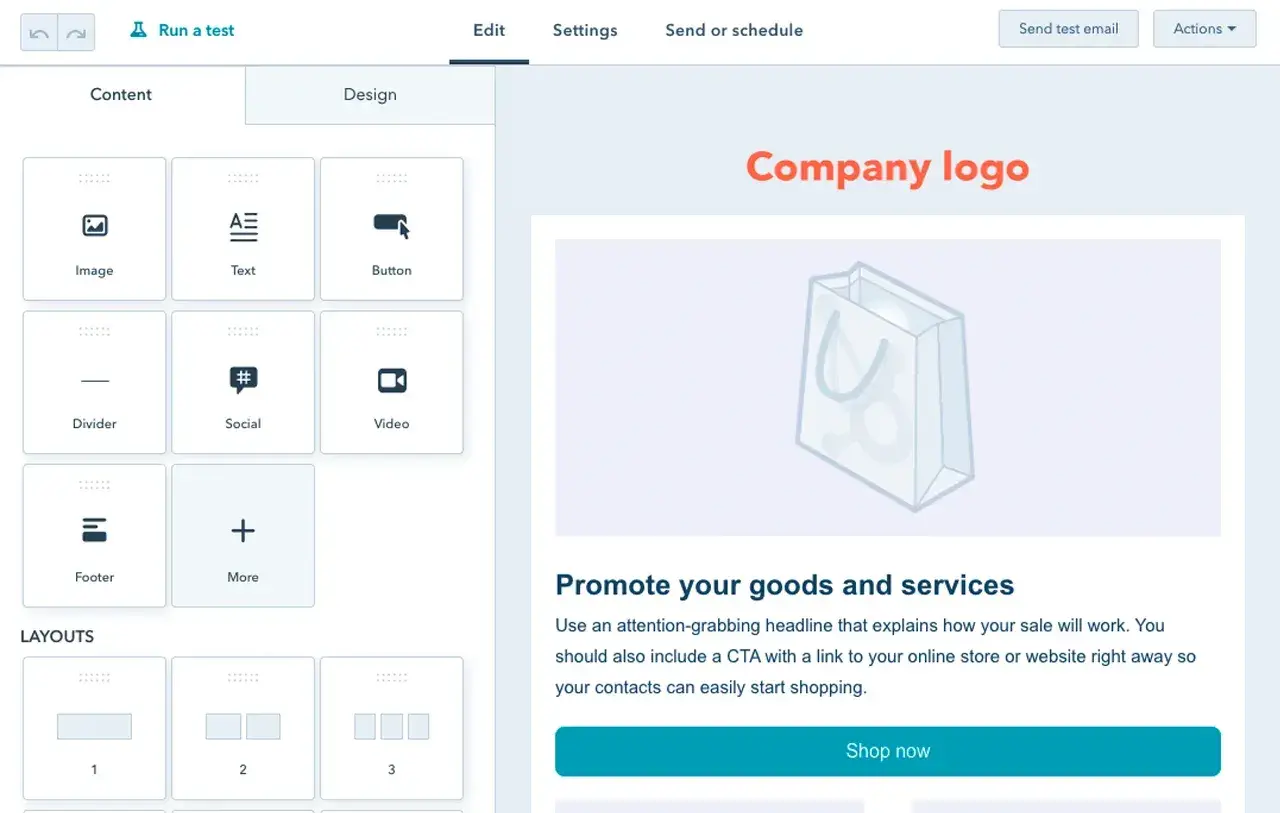
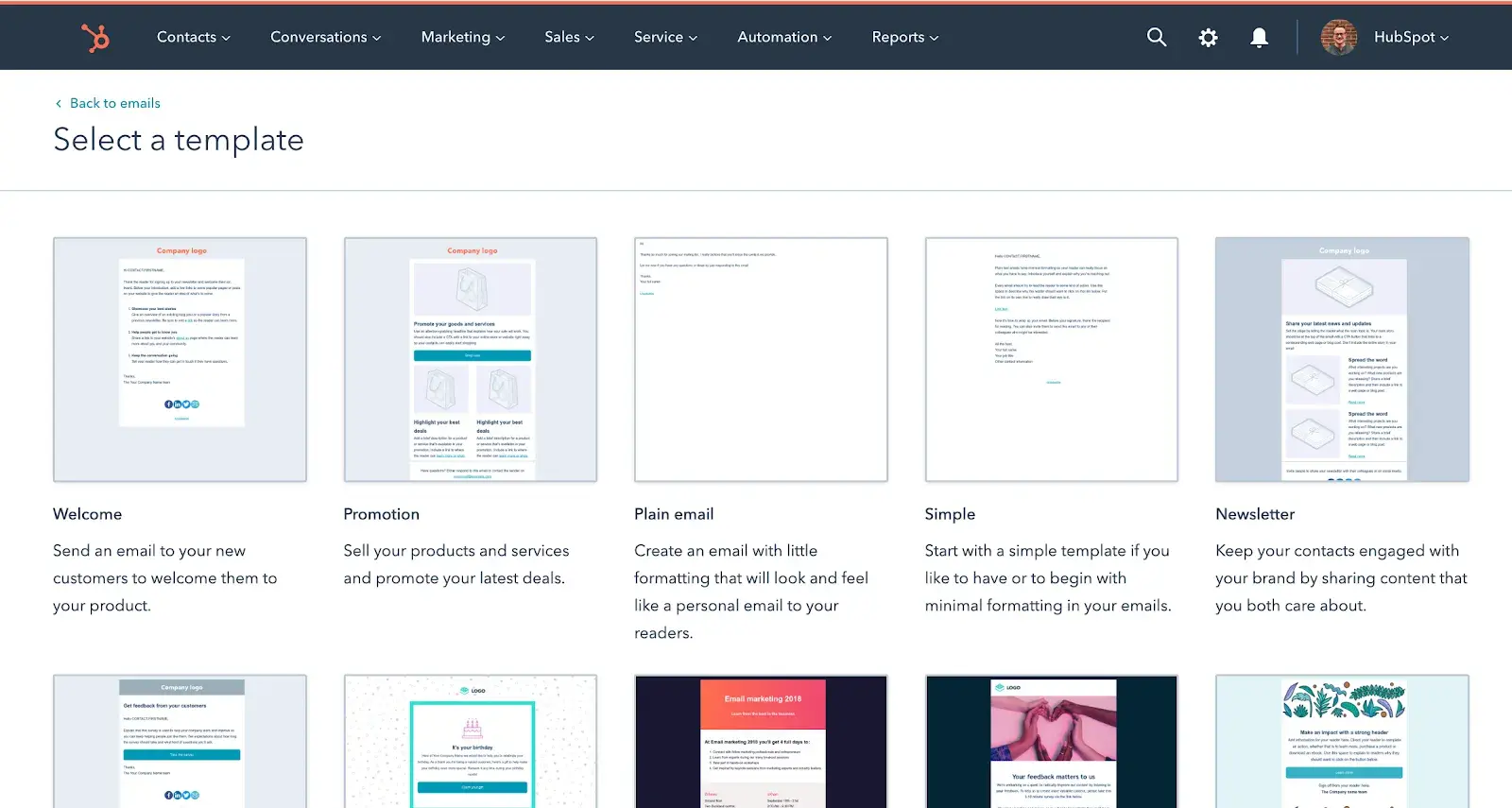
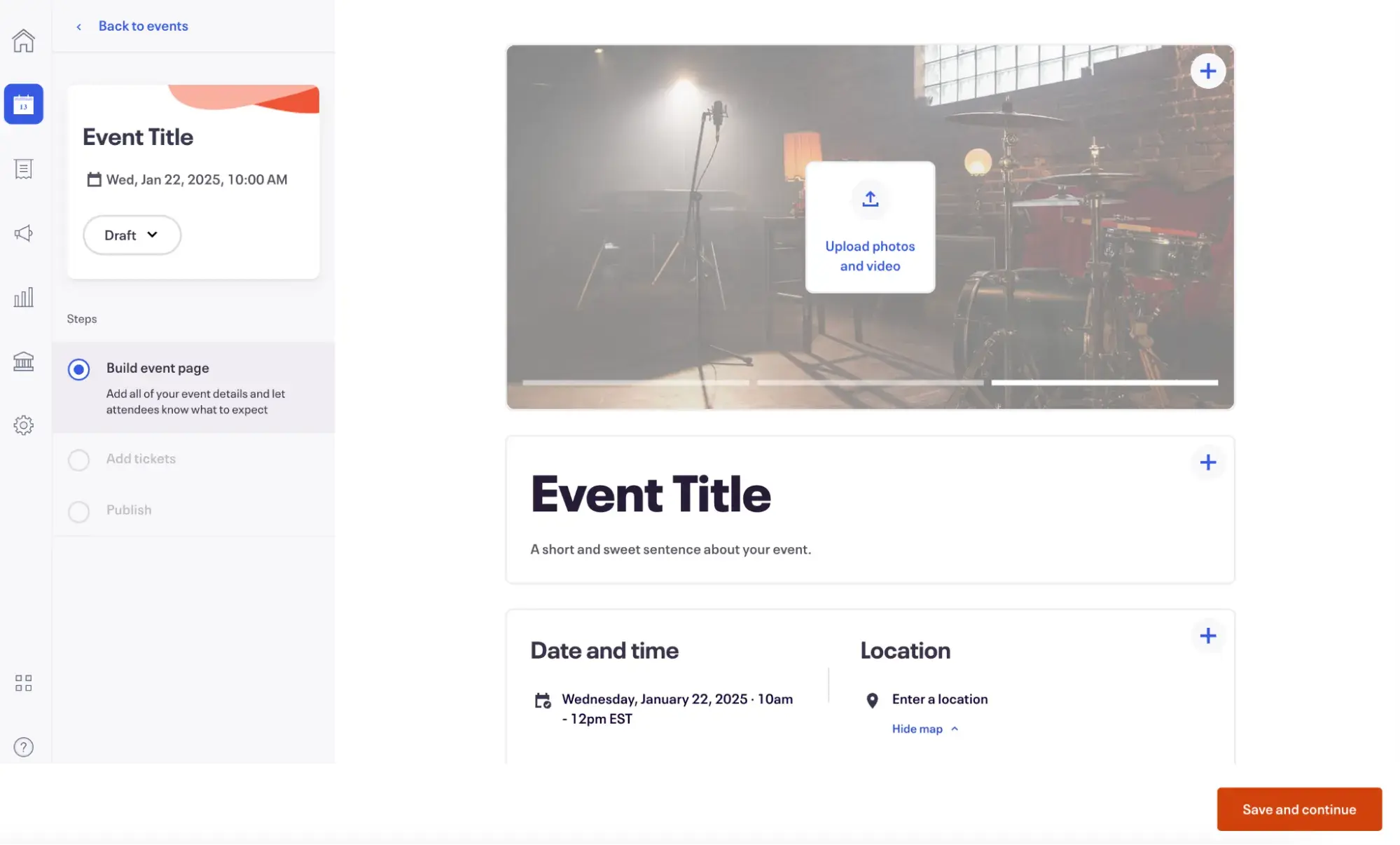
email marketing for property management: hubspot marketing hub

Source

Best For: All-in-one CRM unifying marketing, sales, and service

Key HubSpot Marketing Hub Features:

  • Centralized Marketing, Sales, and Service – HubSpot Marketing Hub is built on a Smart CRM, which also has tools for sales and service. That means your all of your data is accessible in one place, streamlining communication and workflows. No need to figure out how to connect your CRM to your email marketing platform — it’s already there.
  • Automated Targeted Email Campaigns – Create automated campaigns that send based on marketing triggers, such as when a prospect downloads a neighborhood guide or when someone attends a property tour. HubSpot Marketing Hub powers your campaigns with CRM data, helping you send more targeted, relevant marketing emails to prospects, residents, and owners.
  • AI-Powered Content Creation and Insights Breeze, HubSpot’s AI tools, empowers you to create content faster and gain insights into your data. Personalize content based on segments, or ask Breeze Assistant to help you analyze data, such as which email campaign had the highest open rate in the last 30 days.

HubSpot Marketing Hub Pricing:

  • Free plan available for up to two users, no credit card required.
  • Marketing Hub Starter: $15/mo/seat (billed monthly) for up to 1,000 marketing contacts.

  • Marketing Hub Professional: $890/mo (billed monthly). Includes three core seats and up to 2,000 marketing contacts.
  • Marketing Hub Enterprise: $3,600/mo (annual billing only). Includes five core seats and up to 10,000 marketing contacts.

2. Zoho Campaigns

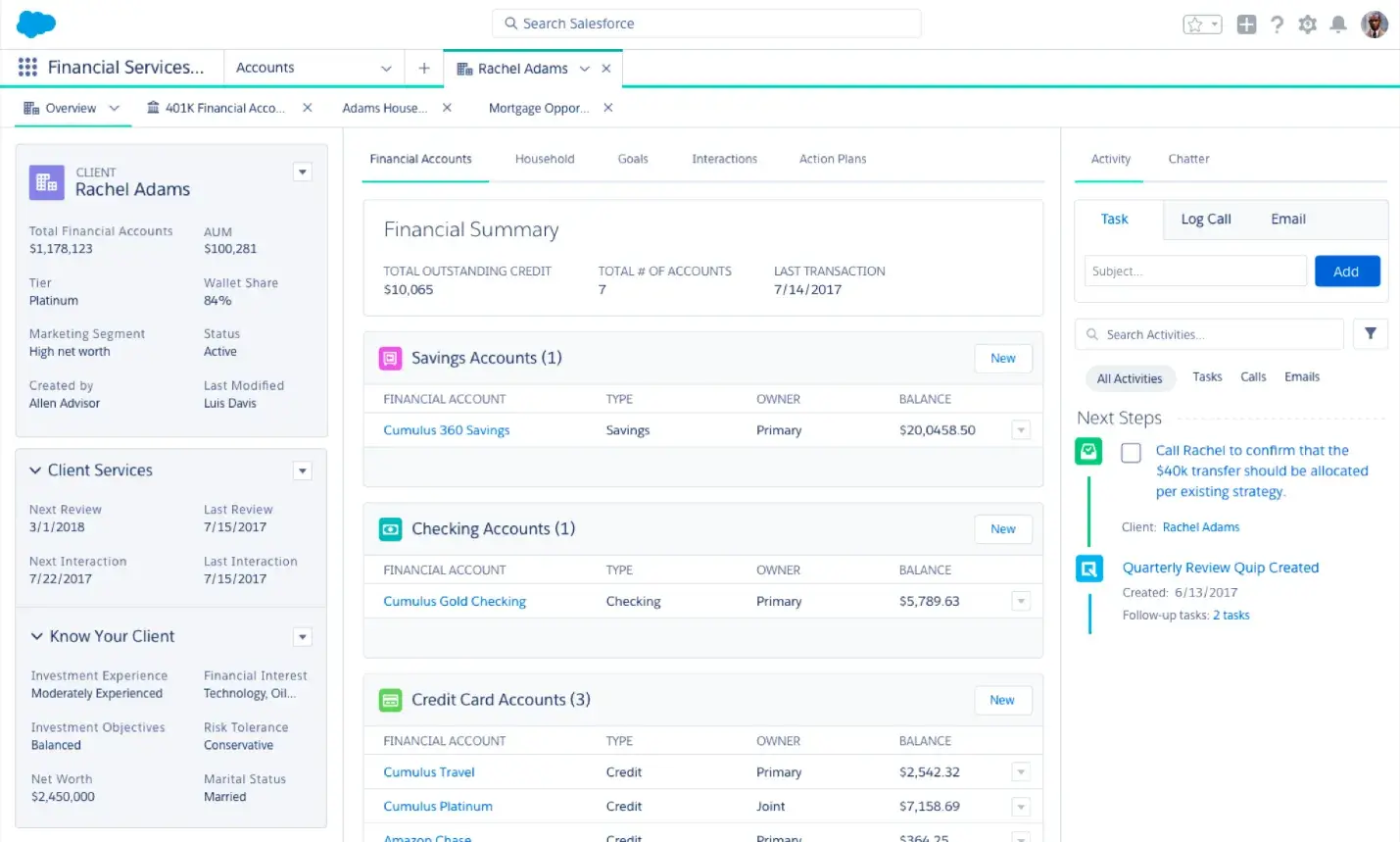
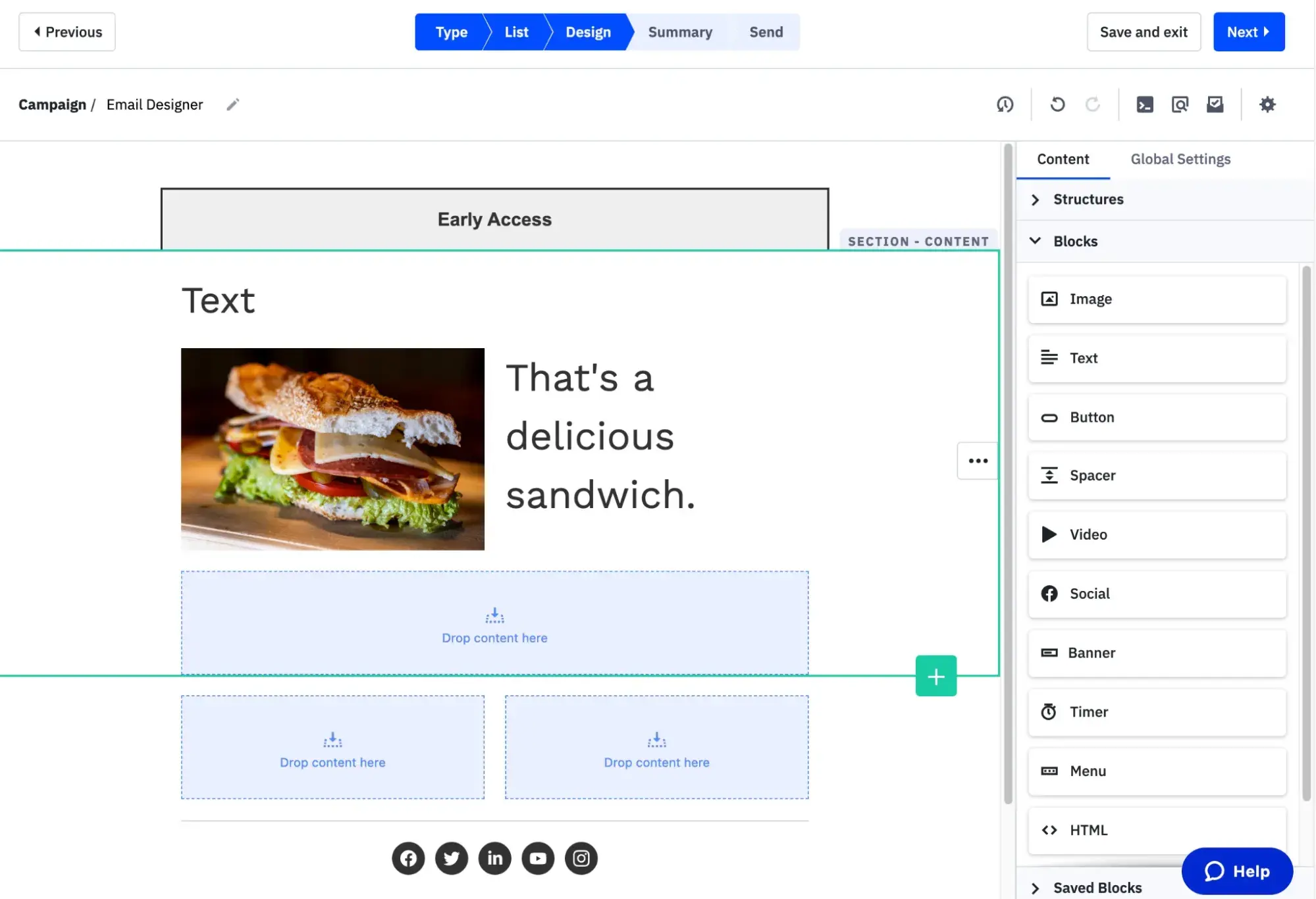
email marketing for property management: zoho campaigns

Source

Best For: Budget-friendly option for property managers already using Zoho ecosystem tools

Key Zoho Campaigns Features:

  • Dynamic Personalization and Content – Enrich your emails with dynamic content that changes based on role. Tailor emails for owners versus tenants, ensuring recipients receive relevant messages that align with their specific needs.
  • Advanced Drag-and-Drop Workflows – Take advantage of advanced email automation and automated drip series, such as welcome emails for new tenants. Save even more time with prebuilt workflow templates, including ones for welcome and onboarding.
  • Native CRM and Other Integrations – Zoho Campaigns integrates with Zoho CRM as well as external CRMs, including HubSpot and Salesforce. It also integrates with other popular apps, including Google Drive, Dropbox, YouTube, Vimeo, and Zendesk.

Zoho Campaigns Pricing:

Zoho Campaigns offers a 14-day free trial (no credit card required).

  • Forever Free: $0 for up to 2,000 contacts and 6,000 emails per month.
  • Standard: Starts at $4/mo billed monthly for up to 500 contacts and unlimited emails with basic segmentation.
  • Professional: Starts at $6/mo billed monthly for up to 500 contacts and unlimited emails with advanced segmentation.

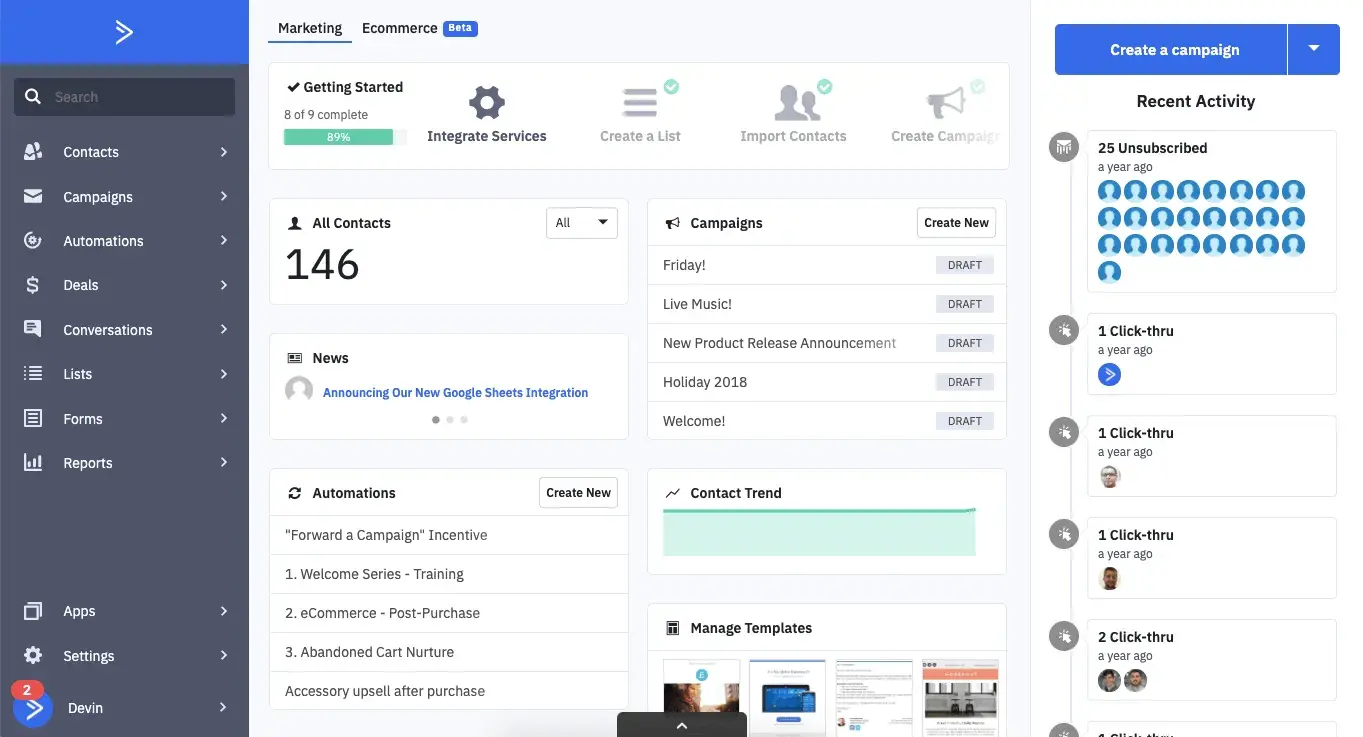
3. ActiveCampaign

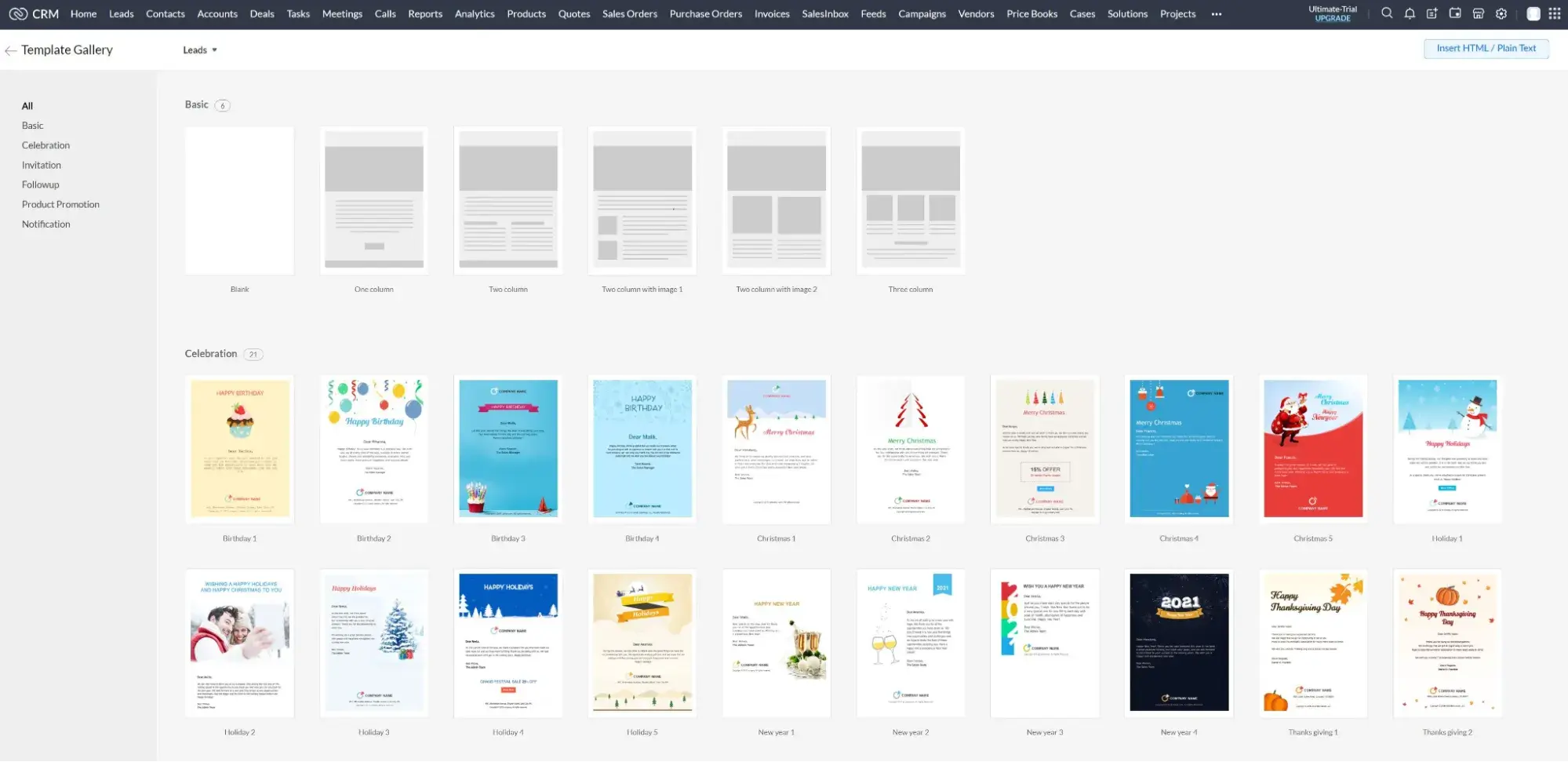
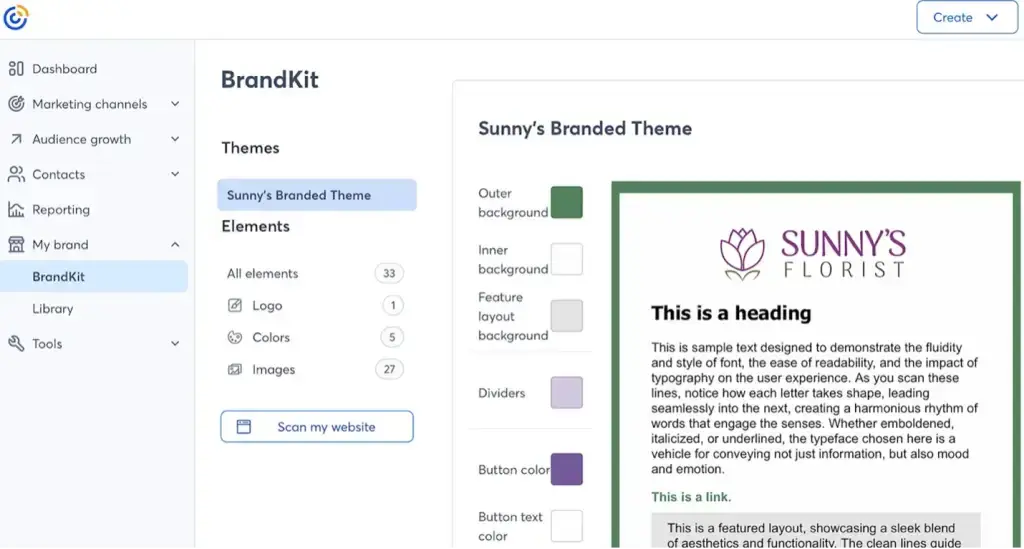
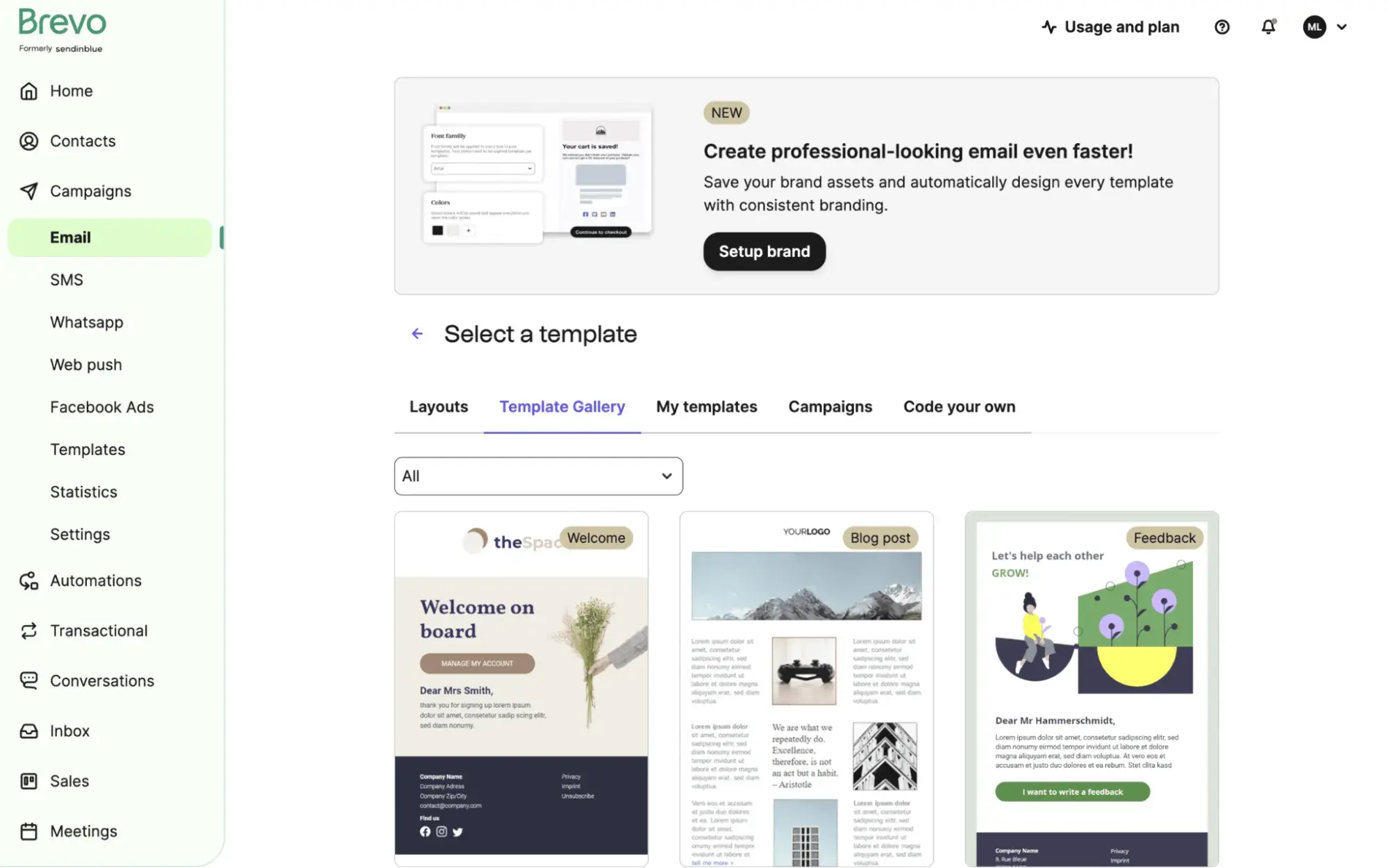
email marketing for property management: activecampaign

Source

Best For: Advanced automation workflows responding to tenant behavior and lease lifecycle events

Key ActiveCampaign Features:

  • Built-in Marketing CRM – Store all of your contact information, including preferences, in one place. Use that CRM data to inform your marketing emails, ensuring they’re tailored to each individual.
  • Advanced Automations – Get AI-powered suggestions that help you build your workflows. With SMS marketing automations, you can text your clients tour reminders and prevent no-shows.
  • Extensive Software Integrations – Extend the email software’s capabilities with 900+ apps and integrations, including useful PM-related software like DocuSign for e-signatures and Calendly for property tours.

ActiveCampaign Pricing:

ActiveCampaign offers a free trial. Paid plans are as follows:

  • Starter: Starts at $19/mo (month-to-month) up to 1,000 contacts.
  • Plus: Starts at $59/mo (month-to-month) for up to 1,000 contacts.
  • Pro: Starts at $89/mo for up to 1,000 contacts, with a one-year commitment that is charged monthly. Note that if you cancel early, you must still pay your monthly payments until the annual term ends.
  • Enterprise: $159/mo for up to 1,000 contacts, with an annual commitment paid monthly. Note that if you cancel early, you must still pay your monthly payments until the annual term ends.

4. Mailchimp

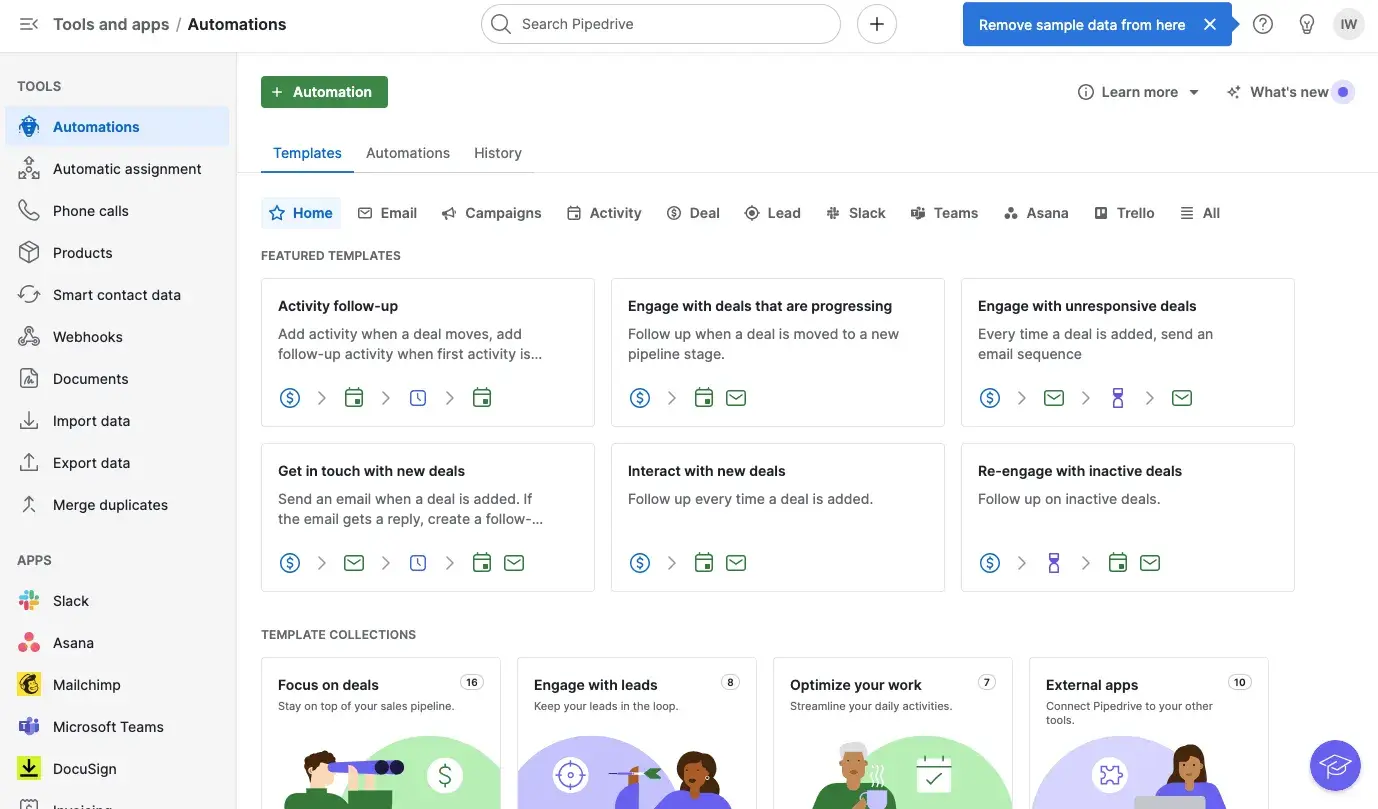
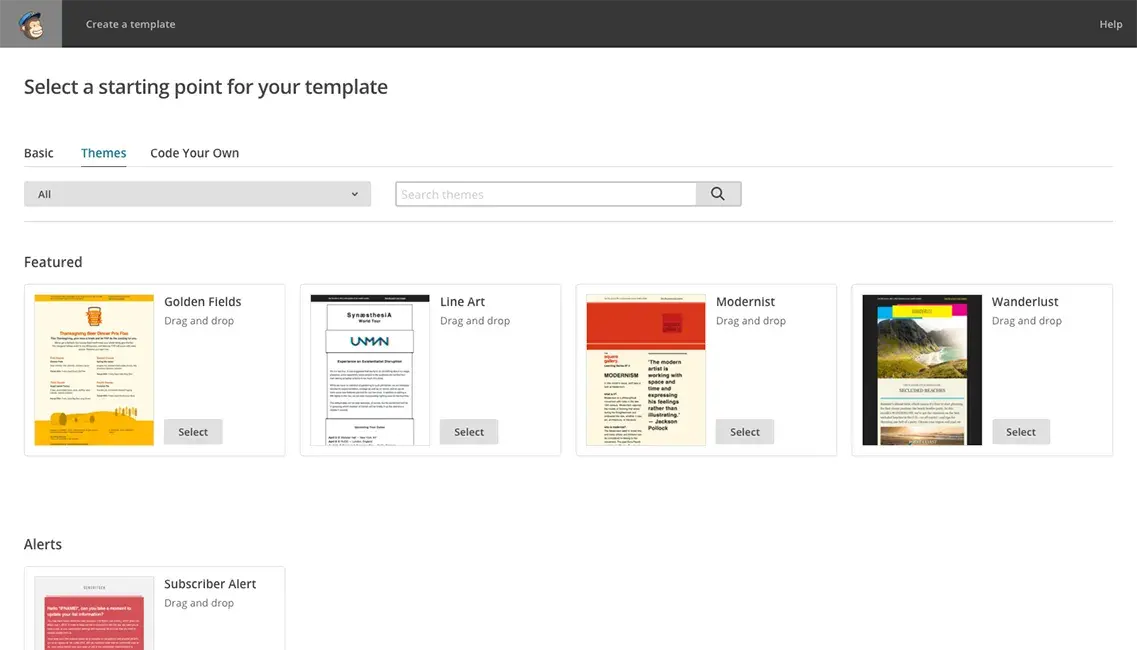
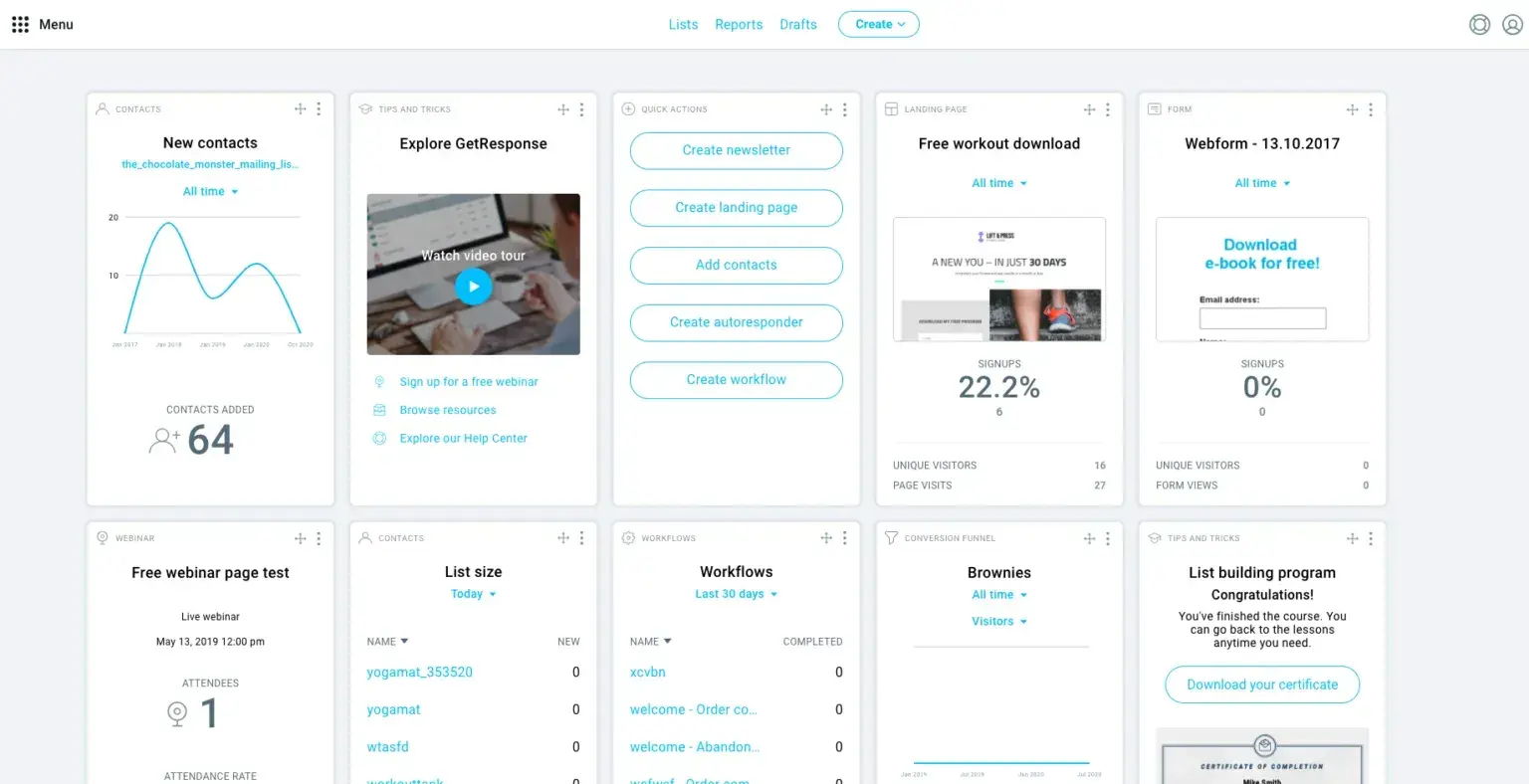
​​email marketing for property management: mailchimp

Source

Best For: Visually appealing marketing emails based on prebuilt templates

Key Mailchimp Features:

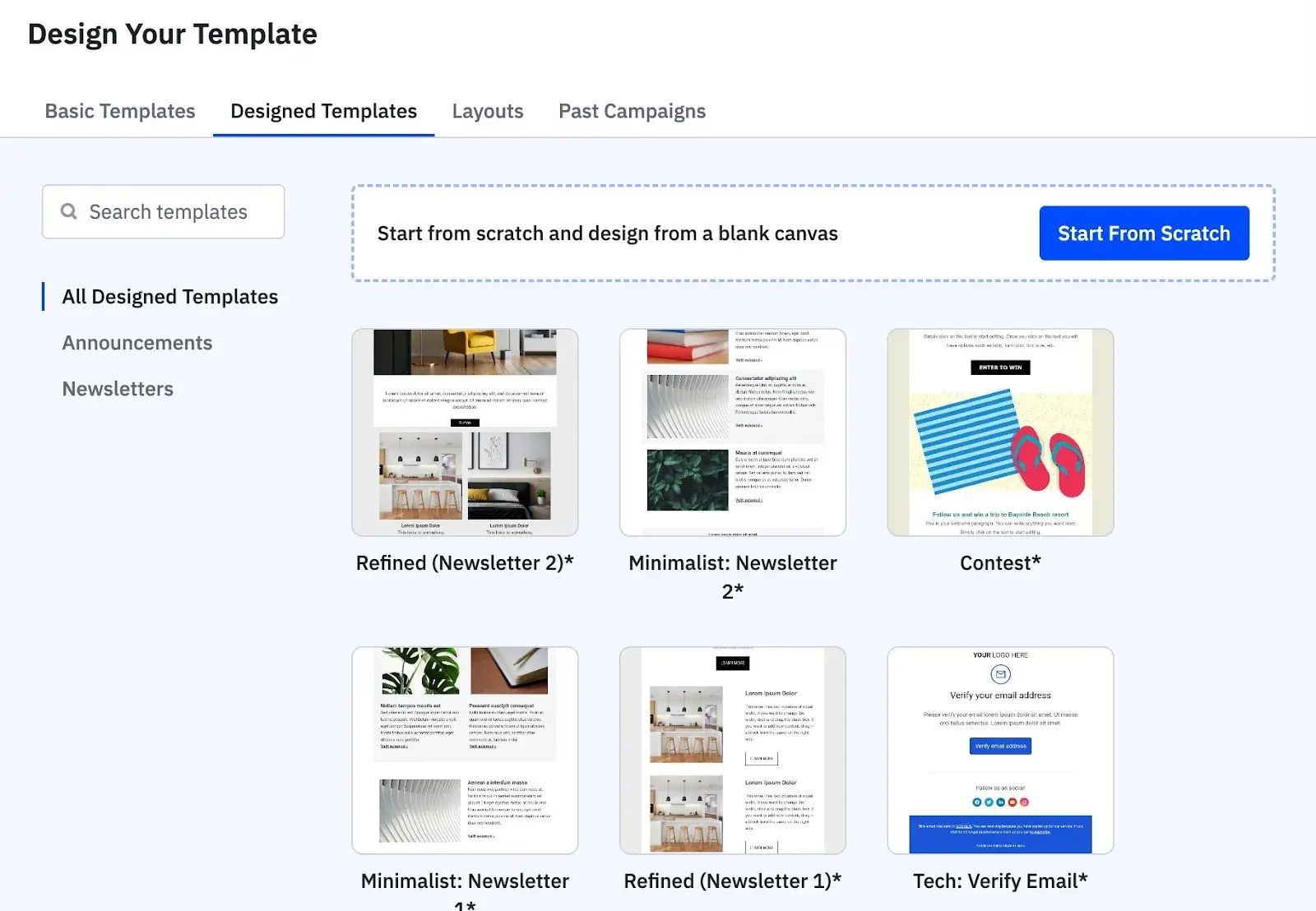
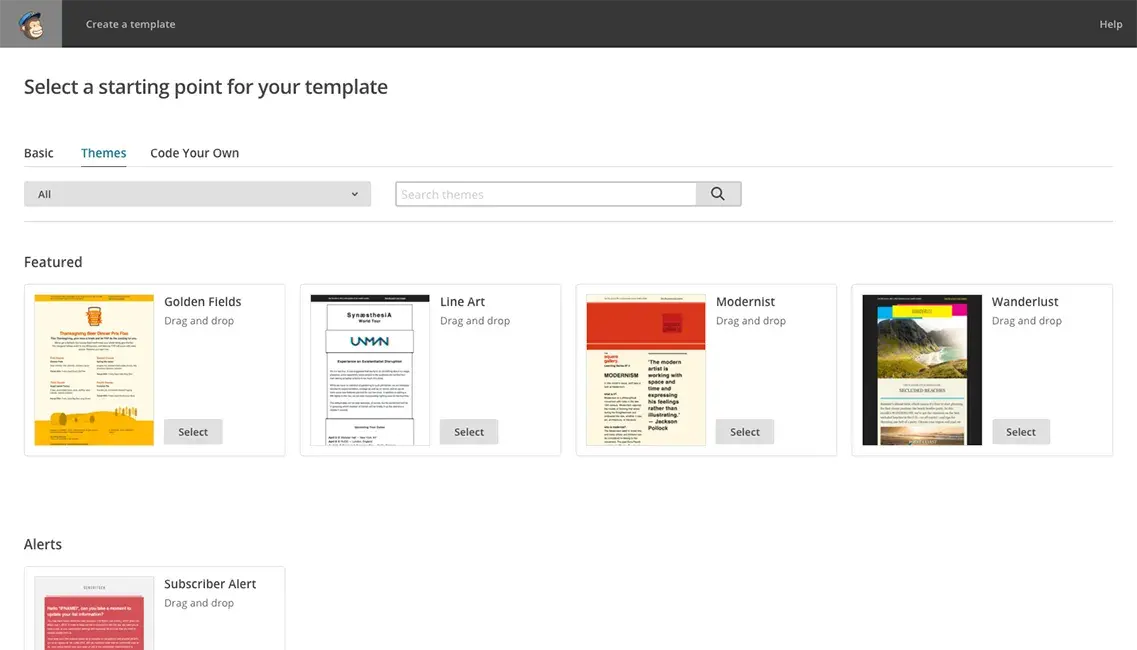
  • Drag-and-Drop Email Editor, Plus 250+ Templates – Save time on design and copywriting by choosing from one of 250+ email templates, tweaking them with the drag-and-drop editor, and using AI to refine the copy.
  • Segmentation for Targeted Audience Outreach – Property managers can segment their lists to send market performance reports to property owners, community event announcements to current tenants, or available unit showcases to prospective renters — ensuring each audience receives relevant marketing messaging.
  • Integration with CRMs – Mailchimp offers 300+ integrations and connects with CRMs like HubSpot. It also connects to LeadSimple through LeadSimple’s native integration, so if you already use that as a property management CRM, you can do a one-way push to Mailchimp.

Mailchimp Pricing:

  • Free: $0 with a max of 1,000 monthly email sends or 500 per day.
  • Essentials: Starts at $13/mo for up to 500 contacts. 14-day free trial available.
  • Standard: Starts at $20/mo for up to 500 contacts. 14-day free trial available.

5. Constant Contact

email marketing for property management: constant contact

Source

Best For: User-friendly email marketing platform for focusing on event marketing for community events and property tours

Key Constant Contact Features:

  • Hundreds of Email Templates and AI Content Generator – Create campaigns fast by choosing from hundreds of mobile-friendly templates that you can edit via drag and drop. Generate content fast using AI, which can also turn your emails into social media posts.
  • Event Marketing – Get more feet in the door of your property tours and get more of your residents involved in community events. This email marketing tool helps you with creation of landing pages, promotion on social media, and registrations for many types of events.
  • 300+ Integrations – Connect with CRMs, including HubSpot, Salesforce, and Zoho CRM.

Constant Contact Pricing:

  • Lite: $12/mo billed monthly for up to 500 contacts. Includes one user, monthly email sends of up to 10x your number of contacts, and polls/surveys.
  • Standard: $35/mo billed monthly for up to 500 contacts. Includes three users, monthly email sends up to 12x your number of contacts, and scheduled sends.
  • Premium: $80/mo billed monthly for up to 500 contacts. Includes unlimited users, monthly email sends of up to 24x your number of contacts, and full access to automation and segmentation tools.

Benefits of Email Marketing Software for Property Management

Eliminates Manual Communication Workflows

Email marketing platforms automate repetitive marketing tasks like monthly owner newsletters, tenant community updates, and prospective tenant nurture sequences that property managers traditionally handle manually. Instead of copying contact lists into BCC fields or managing multiple Excel spreadsheets across teams, automation ensures consistent, timely delivery of marketing communications.

Manages Multi-Audience Segmentation at Scale

Property management requires simultaneously marketing to property owners, prospective tenants, current tenants, and potential owner clients. Email marketing tools solve this complexity through advanced segmentation that ensures each audience receives relevant marketing messaging — preventing the confusion of owners receiving tenant-focused community updates or prospects getting newsletters meant for current residents.

Centralizes Team Communication and Contact Data

Disparate systems and siloed spreadsheets create version control issues where one team‘s contact updates don’t reach others, leading to delivery failures and outdated information. Email marketing platforms provide a single source of truth for all contact data, enabling team members across multiple properties or locations to access current information, view engagement history, and coordinate communications without manual syncing or duplicate data entry.

Scales Efficiently as Portfolios Grow

Managing 50 units requires different tools than managing 500 units, and property management companies need platforms that grow with their business. Email marketing software handles increasing contact volumes, automated workflow complexity, and multi-property operations without requiring proportional increases in administrative staff — allowing companies to expand their portfolios while maintaining consistent communication quality across all properties.

Delivers Professional Communications Without Design Resources

Smaller property management companies often lack dedicated marketing staff but still need to send polished owner reports, branded newsletters, and professional tenant communications. Email marketing platforms provide pre-built templates, drag-and-drop editors, and AI content generation that enable teams to create visually appealing, on-brand emails quickly. This helps PMs maintain a professional image that builds trust with property owners and differentiates the company from competitors.

7 Important Features for Property Management Email Marketing Software

  1. Advanced Segmentation – Separate communications for tenants, property owners, prospects, and vendors to ensure each audience receives relevant messaging without overlap or confusion.
  2. Marketing Automation – Automate owner newsletters, tenant community updates, prospective tenant nurture sequences, and welcome campaigns to save time and ensure consistent delivery across your entire portfolio.
  3. SMS Capabilities – Many email marketing platforms include or integrate with SMS messaging, allowing property managers to send text reminders for open houses, property tours, or time-sensitive marketing announcements. This ensures prospects and tenants receive important marketing messages through their preferred channel, even when email response times are slower.
  4. Integrations with Property Management Software – Connect with platforms like LeadSimple to sync contact data and streamline workflows between operations and marketing.
  5. CRM and Contact Management – Centralized database that tracks the entire communication history with each contact, preventing duplicate outreach and enabling teams to view past interactions before responding.
  6. Mobile Access – Manage campaigns, review campaign performance, and approve marketing communications from any device — essential for property managers who work on-site or across multiple locations.
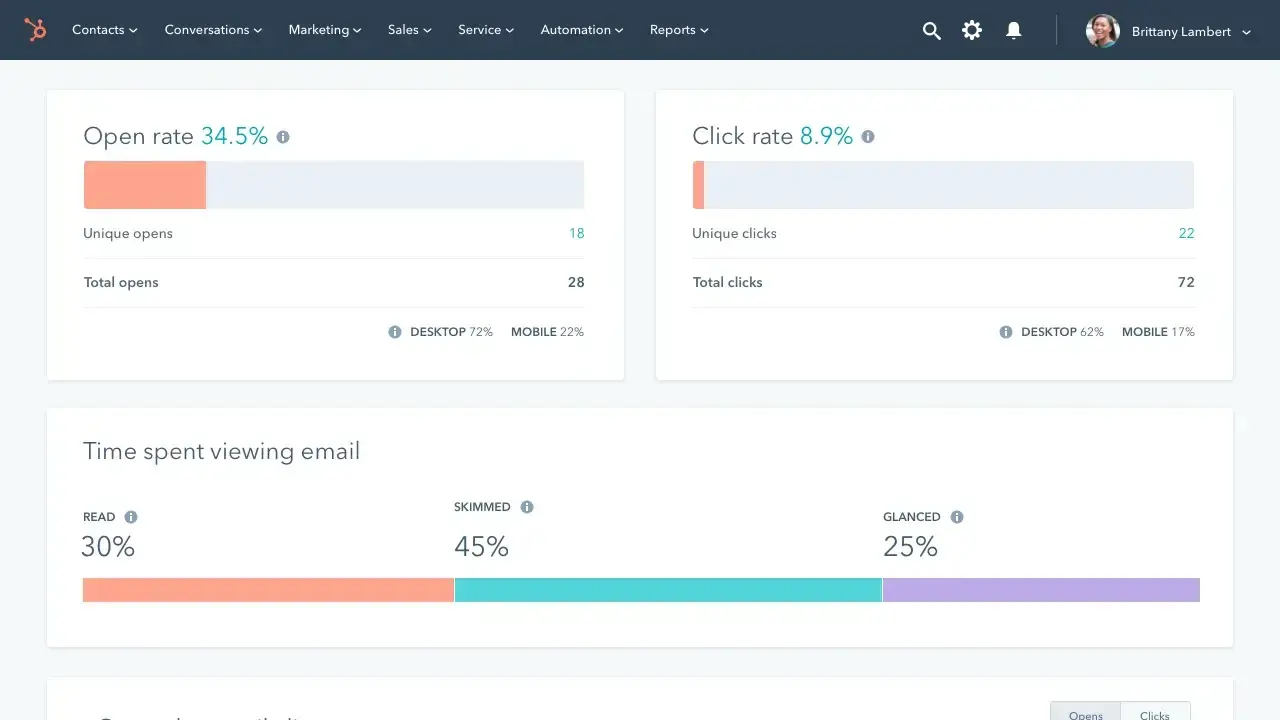
  7. Analytics and Reporting – Track open rates, click-through rates, and engagement metrics to demonstrate ROI to property owners and optimize future campaigns based on what resonates with each audience.

How to Choose an Email Marketing Tool for Property Management (Step-by-Step)

Selecting the right email marketing tool requires more than comparing feature lists. Property management companies need platforms that handle multiple audiences, scale with portfolio growth, and integrate with existing systems. Follow this framework to find the platform that fits your workflow.

Step 1: Map your multi-audience marketing communication needs.

Document all the different groups you market to: property owners (market analysis, portfolio updates), prospective tenants (available units, neighborhood guides), current tenants (community events, amenity promotions), and potential owner clients (thought leadership, market insights). List all your regular marketing communications and identify which could be automated versus which need manual personalization to reveal the complexity your email marketing tool must handle.

Step 2: Identify must-have integration and automation capabilities.

Your email marketing tool must connect to your property management system (Buildium, AppFolio, or Propertyware) and CRM through direct integrations or API access to sync contact data. Evaluate whether it can trigger marketing emails based on prospect actions like downloading content, attending tours, or reaching specific engagement thresholds and automatically move contacts between marketing segments as their status changes.

Step 3: Test usability across your team.

Request demos or trial periods and involve multiple team members, including leasing agents, property managers, and office administrators, in the evaluation to ensure the platform feels intuitive for all skill levels. Look for drag-and-drop editors, pre-built templates, and clear navigation that reduce the learning curve.

Step 4: Calculate true cost at your target scale.

Calculate costs based on your projected contact volume in 12 to 24 months, not just your current list size, since many platforms charge per contact. Factor in additional expenses for SMS messaging, advanced automation, API access, and transactional emails if needed.

Step 5: Choose a unified platform that grows with you.

Accommodation.co.uk eliminated manual processes by centralizing communications in HubSpot, growing from 35 monthly landlord leads to over 1,200 while automating 92% of its lettings process through 150+ email and SMS communications across 12 different pipelines. A unified system like HubSpot Marketing Hub allows you to trigger targeted campaigns based on actual tenant and owner behavior tracked in the same CRM.

How to Create Email Marketing Campaigns for Property Management

Step 1: Set up your list segments.

Create separate contact lists for each audience type: current tenants, property owners, prospective renters, and potential property owner clients. Within each list, add segmentation criteria like property type (single-family, multi-family, commercial), geographic market, investment portfolio size, or engagement level. This segmentation ensures owner newsletters highlight relevant market data while tenant community updates focus on local events and amenity promotions.

Step 2: Define goals and KPIs for each segment.

Establish specific marketing objectives for each audience. For property owners, track newsletter open rates, referral generation, and contract renewals. For prospective tenants, monitor newsletter opens and tour booking rates. For potential owner clients, measure consultation requests and content downloads. Setting clear KPIs helps measure whether your marketing content resonates with each audience.

Step 3: Create campaigns for each segment.

Develop email marketing campaigns tailored to each audience’s interests. Build monthly newsletters for property owners featuring market trends, occupancy rates, and investment insights. Create community newsletters for tenants highlighting upcoming events, local business spotlights, and amenity promotions. Design nurture sequences for prospective tenants showcasing available units, neighborhood guides, and move-in specials.

Step 4: Connect your email platform to a CRM.

Integrate with a CRM to centralize contact data and track all marketing interactions in one place. Platforms like HubSpot’s Marketing Hub provide unified systems that combine email marketing with contact management, enabling you to see who opened newsletters, track engagement history, and trigger automated campaigns based on when someone downloads content or attends a property tour.

Step 5: A/B test subject lines and content.

Split test subject lines and content to see what really drives results. Property owners may respond better to data-driven headlines (“Seattle Rental Market: Rents Up 7% in Q4”), while prospective tenants may prefer more lifestyle-focused messaging (“Discover Your New Neighborhood”). Test email content formats; some audiences prefer text-heavy market analysis while others respond to visual property showcases.

Step 6: Review analytics and engagement metrics.

Monitor open rates, click-through rates, and conversion metrics for each campaign and audience segment. Track which newsletter topics drive the most engagement from owners, which community updates generate the most interaction from tenants, and which property showcases generate tour requests. Pay attention to unsubscribe rates to ensure your marketing content remains valuable and relevant.

Step 7: Refine campaigns based on performance data.

Use your analytics to optimize future marketing campaigns. If owner newsletters featuring local market data get higher engagement than general industry trends, increase localization. If tenant newsletters sent mid-week outperform weekend sends, adjust your schedule. Continuously test new content types, formats, and approaches to improve engagement across all audience segments.

Frequently Asked Questions

What is the best email marketing tool for property management?

HubSpot Marketing Hub is the best email marketing tool for property management because it centralizes CRM, email marketing, and automation in one platform. Accommodation.co.uk grew from 35 monthly landlord leads to over 1,200 while automating 92% of its lettings process using HubSpot. The platform allows property managers to trigger campaigns based on behavior tracked in the same CRM, eliminating data syncing between separate tools. Other strong options include ActiveCampaign for advanced automation, Zoho Campaigns for budget-conscious teams, and Mailchimp for template-based campaigns.

What features should I look for in email marketing tools for property management?

Property management email marketing tools need advanced segmentation to separate marketing communications for tenants, property owners, prospects, and potential owner clients, plus marketing automation that triggers campaigns based on prospect actions like content downloads, tour attendance, or engagement milestones. Integration with property management systems is essential for syncing contact data and eliminating manual entry. Other critical features include SMS capabilities for time-sensitive marketing reminders, centralized contact management, mobile access, analytics to demonstrate ROI, and drag-and-drop editors with pre-built templates.

Is HubSpot good for property management?

Yes, HubSpot is excellent for property management because it unifies email marketing, CRM, and operations data in one platform. APM Property Management eliminated manual work by using HubSpot to implement one-click email sending to tenants while consolidating contact data previously scattered across Excel spreadsheets. HubSpot allows property managers to create automated campaigns triggered by events like tour bookings and segment audiences for targeted messaging.

How much does email marketing software for property management cost?

Email marketing software for property management ranges from free plans to $3,600+ per month depending on contact volume and features. Free options include HubSpot Marketing Hub (up to 2 users), Zoho Campaigns (up to 2,000 contacts), and Mailchimp (1,000 monthly sends). Entry-level paid plans start at $4-$19/month for 500-1,000 contacts. Most platforms charge per contact, so calculate costs based on your projected growth in 12 to 24 months rather than current list size.

Can email marketing tools integrate with property management software?

Yes, many email marketing tools can integrate with property management software, but you need to consider what type of integration you want. API integrations require more work than native integrations, for example. If you’re hoping for native integrations with your existing software, you need to carefully read each email marketing tool’s documentation or contact their sales reps. LeadSimple has a native integration with Mailchimp, so if you’re looking for easy syncing with an email marketing platform, and you already use LeadSimple, then Mailchimp makes sense. However, many email marketing platforms have APIs you can use to set up your own integration with pretty much any software. HubSpot has an integrations library of over 1,900 apps, as well as an API with extensive documentation.

Meet HubSpot, the Top Email Marketing Choice for Property Management Companies

Property management companies need email marketing tools that handle multiple audiences, scale with portfolio growth, and eliminate manual workflows. HubSpot Marketing Hub delivers all three through a unified CRM platform that combines email marketing, automation, and operations data in one system.

Key HubSpot Marketing Hub Features for Property Management:

  • Unified CRM Platform – Centralize tenant communications, owner reporting, and prospect nurturing in one system that eliminates data syncing between separate tools and provides complete visibility across your entire portfolio.
  • Multi-Pipeline Automation – Create automated email and SMS campaigns, with the ability to manage multiple distinct communications across several pipelines as your portfolio scales.
  • AI-Powered Personalization – Use Breeze AI to generate segment-specific content faster, analyze campaign performance, and personalize messaging based on CRM data, whether you’re communicating with tenants, property owners, or prospects.

Real property management companies are seeing measurable results with HubSpot. Accommodation.co.uk increased tenant inquiry conversion from 18% to 53% using HubSpot’s centralized platform. Real estate tech company Wahi saves time by automating follow-up emails through HubSpot Marketing Hub.

Ready to streamline communications for your property management business? Get started with HubSpot today.

Categories B2B

7 best email marketing tools for ecommerce businesses in 2025

As an ecommerce business, you’re managing a catalog of products with constantly changing inventory, coordinating time-sensitive seasonal campaigns around Black Friday and Cyber Monday, and competing for attention in crowded inboxes teeming with promotional emails. How do you win back shoppers who add items but never complete their purchase?

Boost Opens & CTRs with HubSpot’s Free Email Marketing Software

Email marketing software solves these challenges by automating cart recovery sequences, segmenting customers based on purchase patterns, and personalizing product recommendations at scale. The payoff is huge: Ecommerce has the highest email marketing ROI of any industry: $45 for every $1 spent, according to data from Litmus. Ecommerce company Spocket doubled its conversion rate with the help of HubSpot Marketing Hub email sequences and workflow automation. But getting ROI like that requires the right email marketing tools.

This guide will compare the top seven email marketing tools for ecommerce businesses, including detailed pricing, feature breakdowns, and step-by-step guidance on choosing the right platform. We used AI for research and drafting, led by a HubSpot staff writer who reviewed and revised this article before publication. 

Table of Contents

What is email marketing for ecommerce?

Email marketing for ecommerce involves sending targeted email campaigns to customers and prospects to drive product sales, recover abandoned carts, and increase repeat purchases. Online stores use email marketing software to automate personalized messages triggered by shopping behaviors like browsing products, adding items to cart, or completing purchases, turning one-time buyers into loyal, repeat customers. HubSpot Marketing Hub integrates with ecommerce platforms like Shopify, BigCommerce, and WooCommerce to automate these campaigns directly from its CRM.

Comparison Table

Email Marketing Tool

Best For

Key Features

Pricing

HubSpot Marketing Hub

B2B and B2C ecommerce businesses wanting an email marketing tool with built-in CRM, plus sales, service, and operations tools

Unified customer profiles for data-driven ecommerce personalization, AI-powered email generation and optimization, native ecommerce integrations with automatic data sync

Free plan. Paid plans start at $15/mo/seat (billed monthly).

Klaviyo

Ecommerce businesses wanting to optimize email + SMS on one platform

Multi-channel automation flows for revenue generation, predictive analytics and segmentation powered by built-in CDP, AI-powered optimization and content generation

Free plan. Paid email plans start at $20/mo.

Zoho Campaigns

Businesses focused on B2C marketing or organizations already leveraging the broader Zoho ecosystem (e.g., Zoho CRM) seeking an integrated marketing suite

Optimal Send Time Optimization for maximizing engagement, multi-channel marketing automation journeys, integrations with other Zoho apps and external apps

Free plan. Paid plans start at $4/mo (billed monthly). 14-day free trial available.

Mailchimp

Small businesses or organizations primarily focused on B2C ecommerce marketing and customer retention

Predictive segmentation and personalization for driving sales, marketing automation flows (Customer Journey Builder), extensive native and API integrations

Free plan. Paid plans start at $13/mo. 14-day free trial available.

Kit (formerly ConvertKit)

Creators (such as bloggers, consultants, and educators) who sell digital products/subscriptions

Monetization tools (digital products & paid newsletters), visual automation builder (flows), creator-focused integrations (Kit App Store)

Free plan. Paid plans start at $39/mo (billed monthly). 14-day free trial available.

ActiveCampaign

Ecommerce businesses requiring sophisticated cross-channel automation (email, SMS, WhatsApp) for retention marketing

Sophisticated marketing automation engine, cross-channel communication (SMS & WhatsApp), extensive integrations and customization

Free trial available. Paid plans start at $19/mo.

MailerLite

Ecommerce businesses and small businesses/creators seeking an easy-to-use platform with strong deliverability for monetization and retention

Ecommerce automation templates, direct digital product and subscription sales, top-of-class deliverability and core integrations

Free plan. Paid plans start at $10/mo (billed monthly). 14-day free trial available.

Best Email Marketing Software for Ecommerce Businesses

The following email marketing tools for ecommerce offer native ecommerce integrations, automated workflows for cart abandonment, and impressive segmentation capabilities. Each platform varies in pricing, complexity, and specific strengths, so review the features and use cases to determine which best fits your business needs.

1. HubSpot Marketing Hub

email marketing for ecommerce: hubspot marketing hub

Best For: B2B and B2C ecommerce businesses wanting an email marketing tool with built-in CRM, plus sales, service, and operations tools

Key HubSpot Features:

  • Unified customer profiles for data-driven ecommerce personalization – HubSpot’s Smart CRM automatically connects customer interactions, giving ecommerce businesses comprehensive visibility into shopping behavior, purchase history, and customer preferences without requiring separate integrations. This enables deeper segmentation and personalized email campaigns based on complete customer data.
  • AI-powered email generation and optimization – Save time on email creation with Breeze, HubSpot’s AI tools that draft subject lines and email copy, test performance variations, and optimize campaigns.
  • Native ecommerce integrations with automatic data sync – HubSpot connects with major ecommerce platforms, including Shopify, BigCommerce, and WooCommerce, automatically syncing customer data into your CRM for personalized email campaigns based on shopping behavior.

HubSpot Pricing:

  • Free plan available for up to two users, no credit card required.
  • Marketing Hub Starter: $15/mo/seat (billed monthly) for up to 1,000 marketing contacts.
  • Marketing Hub Professional: $890/mo (billed monthly). Includes three core seats and up to 2,000 marketing contacts.
  • Marketing Hub Enterprise: $3,600/mo (annual billing only). Includes five core seats and up to 10,000 marketing contacts.

Notes: You can store non-marketing contacts for free in the CRM, up to 15 million overall contacts. You can pay for extra marketing contacts, if needed. There is a one-time Professional Onboarding fee of $3,000. There is a one-time Enterprise Onboarding fee of $7,000.

2. Klaviyo

email marketing for ecommerce: klaviyo

Source

Best For: Ecommerce businesses wanting to optimize email + SMS on one platform

Key Klaviyo Features:

  • Multi-channel automation flows for revenue generation – Create automated email, SMS, and push notification sequences triggered by specific customer events like sign-ups, purchases, browsing behavior, or cart abandonment, with pre-built flows for welcome series, win-back campaigns, and post-purchase follow-ups.
  • Predictive analytics and segmentation powered by built-in CDP – The Customer Data Platform automatically centralizes all customer information, including purchases, website activity, and preferences, updating profiles in real-time as customers browse products or take actions.
  • AI-powered optimization and content generation – Use AI tools to generate subject lines and email copy using natural language input, implement automated A/B testing to determine winning content variations, and leverage Smart Send Time optimization that predicts when each subscriber is most likely to engage.

Klaviyo Pricing:

  • Free plan available for up to 250 active profiles, 500 emails per month, and 150 mobile credits per month.
  • Upgrade to 500 active profiles, 5,000 emails, and 150 mobile messaging credits per month for $20/mo.

3. Zoho Campaigns

email marketing for ecommerce: zoho campaigns

Source

Best For: Businesses focused on B2C marketing or organizations already leveraging the broader Zoho ecosystem (e.g., Zoho CRM) seeking an integrated marketing suite

Key Zoho Campaigns Features:

  • Optimal Send Time Optimization for maximizing engagement – Automatically delivers emails when each recipient is most likely to engage based on their individual behavior patterns, helping ecommerce businesses reach customers at their optimal engagement windows.
  • Multi-channel marketing automation journeys – Build visual marketing automation flows that orchestrate complex nurture strategies across various touchpoints beyond just email.
  • Integrations with other Zoho apps and external apps – Integrate Zoho Campaigns with Zoho CRM, Zoho Commerce, or Zoho Survey to sync data and extend marketing workflows. Connect with external apps like Shopify, WooCommerce, Salesforce, or HubSpot. Use Zoho Flow to connect with 300+ additional apps beyond native integrations.

Zoho Campaigns Pricing:

Zoho Campaigns offers a 14-day free trial (no credit card required).

  • Forever Free: $0 for up to 2,000 contacts and 6,000 emails per month.
  • Standard: Starts at $4/mo billed monthly for up to 500 contacts and unlimited emails with basic segmentation.
  • Professional: Starts at $6/mo billed monthly for up to 500 contacts and unlimited emails with advanced segmentation.

4. Mailchimp

email marketing for ecommerce: mailchimp

Source

Best For: Small businesses or organizations primarily focused on B2C ecommerce marketing and customer retention

Key Mailchimp Features:

  • Predictive segmentation and personalization for driving sales – Categorize audiences based on predictive data points like Customer Lifetime Value and Purchase Likelihood during the campaign strategy phase. Automatically surfaces personalized product recommendations in emails by connecting directly with your ecommerce store.
  • Marketing automation flows (Customer Journey Builder) – Map and automate sequences triggered by contact actions, such as abandoned cart reminders. Flows can include emails, SMS messages, multivariate tests, and social posts.
  • Extensive native and API integrations – Synchronize customer data across platforms with 300+ integrations, including popular native connections to Shopify, WooCommerce, Salesforce, Zapier, and Square.

Mailchimp Pricing:

  • Free: $0 with a max of 1,000 monthly email sends or 500 per day.
  • Essentials: Starts at $13/mo for up to 500 contacts. 14-day free trial available.
  • Standard: Starts at $20/mo for up to 500 contacts. 14-day free trial available.

5. Kit (formerly ConvertKit)

email marketing for ecommerce: kit

Source

Best For: Creators (such as bloggers, consultants, and educators) who sell digital products/subscriptions

Key Kit Features:

  • Monetization tools (digital products & paid newsletters) – Earn recurring income by running a paid newsletter and selling digital products and memberships directly to your audience. Create customizable sales pages and easy checkout flows directly within the platform, with products set for one-time purchase or recurring subscriptions.
  • Visual automation builder (flows) – Organize your audience based on interests using tags and segments to ensure the right people get the right message at the right time. Construct email funnels for customer nurturing and sales sequences triggered by user behaviors, including split paths and automated email sequences like welcome or content series.
  • Creator-focused integrations (Kit App Store) – Connect 100+ direct apps that integrate creator tools directly to Kit, extending functionality and reducing manual tasks. Examples include Shopify for ecommerce, Canva for media gallery access, and Thinkific for online courses, supporting various workflows including content creation, scheduling, and ecommerce.

Kit Pricing:

  • Newsletter (free): $0 for up to 10,000 subscribers and unlimited email broadcasts.
  • Creator: Starts at $39/mo on monthly billing for up to 1,000 subscribers.
  • Creator Pro: Starts at $79/mo on monthly billing for up to 1,000 subscribers.

6. ActiveCampaign

email marketing for ecommerce: activecampaign

Source

Best For: Ecommerce businesses requiring sophisticated cross-channel automation (email, SMS, WhatsApp) for retention marketing

Key ActiveCampaign Features:

  • Sophisticated marketing automation engine – Automate and optimize advanced customer journeys with workflows built using sophisticated triggers, split branches, and complex logic that adapt campaigns based on customer health and feature adoption.
  • Cross-channel communication (SMS & WhatsApp) – Send personalized messages across email, SMS, and WhatsApp within multi-channel marketing automation workflows. WhatsApp is available as an integration with workflow and inbox management tools. SMS is available as an add-on.
  • Extensive integrations and customization – Connect customer data from external systems and third-party tools into marketing workflows with approximately 1,000 integrations.

ActiveCampaign Pricing:

ActiveCampaign offers a free trial. Paid plans are as follows:

  • Starter: Starts at $19/mo (month-to-month) up to 1,000 contacts.
  • Plus: Starts at $59/mo (month-to-month) for up to 1,000 contacts.
  • Pro: Starts at $89/mo for up to 1,000 contacts, with a one-year commitment that is charged monthly. Note that if you cancel early, you must still pay your monthly payments until the annual term ends.
  • Enterprise: $159/mo for up to 1,000 contacts, with an annual commitment paid monthly. Note that if you cancel early, you must still pay your monthly payments until the annual term ends.

7. MailerLite

email marketing for ecommerce: mailerlite

Source

Best For: Ecommerce businesses and small businesses/creators seeking an easy-to-use platform with strong deliverability for monetization and retention

Key MailerLite Features:

  • Ecommerce automation templates – Automatically turn interest into sales with triggers based on buying intent. Choose from 15 pre-built automation templates, including post-purchase, welcome emails, and abandoned cart sequences to quickly build professional email workflows.
  • Direct digital product and subscription sales – Build, promote, and sell digital products, memberships, and paid newsletter subscriptions directly within MailerLite. For payment processing, connect to a Stripe account.
  • Top-of-class deliverability and core integrations – Help ecommerce emails avoid the spam folder and get seen by customers with high deliverability. Automatically sync data from major ecommerce platforms like Shopify, WooCommerce, and payment processors like Stripe through prebuilt integrations.

MailerLite Pricing:

MailerLite offers a free 14-day trial. Plans are as follows:

  • Free: $0 for up to 500 subscribers and 12,000 monthly emails.
  • Growing Business: Starts at $10/mo on monthly billing for up to 500 subscribers and unlimited monthly emails.
  • Advanced: Starts at $20/mo on monthly billing for up to 500 subscribers and unlimited monthly emails.

Benefits of Email Marketing Software for Ecommerce

Reduce cart abandonment.

Recover lost revenue with automated emails that encourage customers to come back and complete their purchases. B2C businesses can connect their store to HubSpot to automate abandoned cart emails.

Pinpoint which products drive the most conversions.

With an analytics dashboard, you can see opens, clicks, conversions, and which products drove the most conversions. HubSpot Marketing Hub has advanced marketing reporting, allowing you to connect email campaigns to revenue outcomes.

Personalize marketing emails at scale.

Email marketing software segments customers based on purchase history, browsing behavior, and engagement patterns, automatically sending relevant product recommendations and personalized content to each segment. Because Marketing Hub is built on HubSpot Smart CRM, you can use customer data to power your email campaigns. HubSpot’s personalization tokens and dynamic content ensure that every email feels tailor-made to the audience segment.

Increase customer lifetime value.

Automated drip campaigns keep your brand top of mind for customers long after their first purchase, nurturing relationships and encouraging repeat orders over time.

5 Important Features for Ecommerce Email Marketing Software

  1. Advanced analytics and reporting. Track email opens, clicks, conversions, and revenue attribution all within the same platform to optimize campaigns and prove ROI without jumping between tools. HubSpot offers customizable reporting and analytics across all customer data (marketing, sales, and service), with multi-touch revenue attribution reports available in Marketing Hub Enterprise to measure the impact of every touchpoint on revenue.
  2. Integrations with ecommerce software. Native connections to major ecommerce platforms like Shopify, BigCommerce, Magento, and Square ensure customer data flows automatically into your email marketing tool for personalized campaigns. HubSpot offers over 1,900+ integrations (including Shopify, BigCommerce, and WooCommerce), plus Commerce Hub for B2B commerce features like CPQ, billing, and payments as part of the unified customer platform.
  3. Automated workflows. Email automation workflows trigger campaigns based on customer behaviors like cart abandonment, product purchases, or browsing activity, saving time while delivering timely, relevant messages. HubSpot Marketing Hub supports powerful email automation that ties emails directly to lead behaviors and lifecycle stages.
  4. SMS capabilities. Ecommerce businesses have seen significant success combining email marketing with SMS marketing to reach customers on multiple channels. HubSpot has an SMS add-on available for U.S. customers on Marketing Hub Professional and Enterprise plans.
  5. Ability to grow with your business as it scales. Your email marketing tool should handle increasing contact volumes, more complex workflows, and expanding team needs as your ecommerce business grows. Marketing Hub is part of the HubSpot customer platform, an all-in-one solution with sales, marketing, and service tools built on one Smart CRM, ensuring your marketing software shares the same data with sales and customer service for incredibly targeted campaigns that scale with your business.

How to Choose an Email Marketing Tool for Ecommerce (Step-by-Step)

Step 1: Map your current ecommerce workflows.

List every customer touchpoint where email plays a role, from welcome sequences and abandoned cart recovery to post-purchase follow-ups and win-back campaigns. Understanding your existing customer journey helps you identify which automation capabilities you‘ll actually use versus nice-to-have features you’ll pay for but never implement.

Step 2: Identify must-have integrations.

Determine which ecommerce platform, payment processor, and other tools your email marketing software must connect with to sync customer data automatically. Native integrations with your existing tech stack (like Shopify, WooCommerce, or BigCommerce) eliminate manual data entry and ensure your email campaigns use real-time purchase and browsing behavior.

Step 3: Evaluate automation and segmentation capabilities.

Test how easily you can create segments based on purchase history, browsing behavior, and customer value, then build automated workflows triggered by specific ecommerce events. The right platform should let you set up abandoned cart sequences, product recommendation emails, and customer lifecycle campaigns without requiring developer resources.

Step 4: Check pricing as your contact list scales.

Calculate costs at your current contact count, then project what you’ll pay when your list doubles or triples as your business grows. Many email marketing tools seem affordable at 1,000 contacts but become prohibitively expensive at 10,000 or 50,000 contacts, so understanding long-term costs prevents budget surprises.

Step 5: Choose a platform that grows with your business.

Select an email marketing tool that can handle increasing complexity as you expand from basic newsletters to sophisticated multi-channel campaigns with advanced segmentation and attribution tracking. Watchmaker CODE41 sends 2.5 million emails per month using HubSpot’s Email Marketing tool to manage their community of half a million supporters with advanced list segmentation that improved conversions.

How to Create Email Marketing Campaigns for Ecommerce

1. Define your email marketing goals and KPIs.

Decide what you want each campaign to achieve, whether it’s driving product sales, recovering abandoned carts, increasing repeat purchases, or growing your email list. Set specific metrics to track success, such as conversion rate, revenue per email, click-through rate, or average order value.

2. Build a calendar for seasonal campaigns.

Plan email campaigns around major shopping seasons like Black Friday, Cyber Monday, holiday gift guides, and back-to-school periods when customers are actively looking to purchase. Schedule promotional emails, product launches, and exclusive offers to align with these high-intent buying windows.

3. Set up automated year-round campaigns.

Nurturing your list year-round helps keep cash flow strong even when Black Friday has come and gone. Create evergreen automated workflows that run continuously, such as welcome series for new subscribers and win-back campaigns for lapsed customers.

4. Segment your list based on purchase behavior.

Group customers by purchase history, browsing activity, customer lifetime value, and engagement levels to send more relevant product recommendations and offers to each segment. Ensure you have proper opt-in consent.

5. A/B test subject lines and content.

Test different subject lines, email designs, product placements, call-to-action buttons, and send times to identify what resonates best with your audience. Start with simple tests comparing two variations, then expand to multivariate testing as you gather more data.

6. Analyze performance and optimize.

Review your email analytics dashboard to see which campaigns drove the most revenue, which products performed best, and where customers dropped off. Use these insights to refine your segmentation, adjust your messaging, improve your product recommendations, and repeat successful patterns in future campaigns.

Frequently Asked Questions

What is the best email marketing tool for ecommerce?

The best email marketing tool for ecommerce depends on your business size, budget, and specific needs. HubSpot Marketing Hub is the top choice for businesses wanting unified marketing, sales, and service tools with native ecommerce integrations, advanced automation, and revenue attribution reporting. Klaviyo excels for businesses prioritizing email + SMS optimization with predictive analytics, while Zoho Campaigns offers the most affordable option for businesses already using the Zoho ecosystem. For budget-conscious startups, MailerLite provides strong deliverability and ecommerce automation templates starting at just $10/month.

What features should I look for in email marketing tools for ecommerce?

Look for native integrations with your ecommerce platform (Shopify, WooCommerce, BigCommerce) that automatically sync customer and product data. Advanced features include automated workflows for cart abandonment and post-purchase sequences, segmentation based on purchase behavior and customer lifetime value, predictive analytics for targeting high-value customers, and revenue attribution reporting to track which campaigns drive sales. Multi-channel capabilities (email + SMS), A/B testing, and personalization tools like dynamic product recommendations are also important for maximizing conversions.

Is HubSpot good for ecommerce?

Yes, HubSpot Marketing Hub works well for ecommerce businesses, particularly those wanting unified marketing, sales, and service tools. HubSpot offers native integrations with major ecommerce platforms, including Shopify, BigCommerce, WooCommerce, Magento, and Square, that automatically sync customer purchase data into the Smart CRM. The platform supports ecommerce-specific automations like abandoned cart emails, post-purchase follow-ups, and customer win-back campaigns.

How much does email marketing software for ecommerce cost?

Email marketing software for ecommerce varies widely in cost depending on features and contact list size. HubSpot has a free plan for up to 2,000 monthly email sends, Zoho Campaigns‘ Forever Free plan allows for up to 2,000 contacts, and MailerLite’s free plan accommodates up to 500 subscribers. Kit has an impressive free plan, allowing you up to 10,000 subscribers and unlimited email broadcasts. Paid plans for ecommerce email marketing software in this article typically start between $4-$20/month for small contact lists (500-1,000 contacts), with costs scaling based on your contact count. Mid-tier plans range from $49-$89/month, while enterprise solutions like HubSpot Marketing Hub Enterprise start at $3,600/month for 10,000 marketing contacts with advanced features like multi-touch revenue attribution.

Meet HubSpot, the Top Email Marketing Choice for Ecommerce Companies

Marketing Hub is built on the all-in-one HubSpot customer platform, so you can connect your email marketing, sales, and customer service, plus power your marketing efforts with CRM data.

  • Native ecommerce integrations with automatic data sync – HubSpot connects with major ecommerce platforms, including Shopify, BigCommerce, WooCommerce, and Magento, automatically syncing data directly into your CRM for personalized email campaigns based on customer behavior.
  • Multi-channel marketing automation workflows – Create sophisticated automated email sequences that trigger based on customer behaviors like cart abandonment or product views. HubSpot Marketing Hub customers using automation see 34x more inbound leads.
  • Advanced analytics and revenue attribution reporting – Track email opens, clicks, conversions, and revenue attribution all within the same platform to optimize campaigns and prove ROI. Multi-touch revenue attribution reports (available in Marketing Hub Enterprise) measure the impact of every touchpoint on revenue.

Home appliance manufacturer InSinkErator increased ecommerce revenue by 27% with the help of HubSpot’s email marketing and automation to send targeted campaigns.

Custom sock maker Sock Club shortened its sales cycle from 22 to 11 days using HubSpot’s personalized and segmented email campaigns with automated follow-up workflows.

Join other ecommerce brands that are growing with HubSpot’s email marketing. Get started with HubSpot today.

Categories B2B

6 best email marketing tools for consulting firms in 2025

If you run or market a consulting firm, you already know email isn’t just a channel — it’s your relationship lifeline.

Boost Opens & CTRs with HubSpot’s Free Email Marketing Software

Your prospects don’t buy impulsively; they engage and evaluate your thought leadership, collaboration, and expertise for months. That’s why email marketing for consulting firms differs from that of B2C or e-commerce companies.

You manage long sales cycles, high-value deals, and multiple stakeholders. Without the right email tools, staying top of mind can turn into a manual grind of segmenting contacts by industry, sending follow-ups, syncing data between CRMs, and tracking which campaigns actually influenced revenue.

The right email marketing software simplifies all of that. This article will share the best email marketing tools for consulting firms, including HubSpot. (And not to brag, but companies have used HubSpot’s AI-powered email personalization to increase conversions by 82%.)

Table of Contents

What is email marketing for consulting firms?

Email marketing for consulting firms is arguably more focused on nurturing relationships than other industries, not just blasting promotions.

Unlike retail businesses that see immediate purchases, consulting firms use email to educate decision-makers, demonstrate thought leadership, and stay top-of-mind during lengthy evaluation processes. You can deliver case studies, industry insights, and personalized follow-ups that position your firm as the trusted advisor prospects turn to when they’re ready to move forward.

The right email marketing tool helps you replace these manual follow-ups with structured, intelligent workflows that save time and build trust.

Best Email Marketing for Consulting Firms at a Glance

Email Marketing Tool

Best For

Key Features

Pricing*

Free Trial

HubSpot Marketing Hub

Full-service firms needing CRM + marketing

Deal-linked workflows, AI personalization, analytics

Free plan. Paid starts ~$9/mo; scales to Pro/Enterprise

Yes

Audienceful

Thought leadership content

Document-style editor, minimalist design, lead magnets

Custom

Contact for demo

ActiveCampaign

Small to mid-size firms seeking automation-first

Conditional logic, tagging, CRM sync

From ~$15/mo (1,000 contacts)

14 days

MailerLite

Solo consultants and small firms

Simple UI, landing pages, automations

Free up to 1,000 contacts; paid from ~$9/mo

Yes

Brevo (Sendinblue)

Multi-channel outreach (email + SMS)

Email + SMS + chat

Free plan available; paid starts at ~$8/mo

Yes

Klaviyo

Data-heavy firms needing deep segmentation

Analytics, attribution, scalability

Free plan. Paid starts at $45/mo

Yes

*Pricing reflects Q4 2025. Check vendor sites for the latest updates.

Best Email Marketing Software for Consulting Firms

Choosing the right email marketing platform can transform how your consulting firm attracts and converts clients. Here are the top solutions built for professional services.

1. HubSpot Marketing Hub

If you want to connect every email touchpoint directly to your pipeline, HubSpot is built for you. It combines CRM, marketing automation, and analytics in one platform, so you never have to switch tabs to see how an email influenced a deal.

hubspot email marketing ux for consulting firms

Source

Best For: Consulting teams that want unified marketing, sales, and service data.

Why It Works for You:

  • Smart workflows tied to deals – Build sophisticated nurture sequences that adapt based on prospect behavior, industry, or engagement level. For example, you can set up automated follow-ups when deals move to “Proposal Sent” or “Decision Pending.”
  • AI-powered personalization & content creation – HubSpot’s AI assistant Breeze helps you write compelling email copy, generate subject lines, and create campaign content faster. It also helps you personalize the content using your CRM data for context.
  • Attribution built in – You’ll see exactly which emails or campaigns influenced a client win.

Pricing: Free Plan. Paid plans start around $9/mo/seat for basic email tools. Learn more.

2. Audienceful

Designed specifically for consultancies, Audienceful streamlines client engagement, inbound marketing, and prospect nurturing with a minimalist interface focused on content over design complexity.

This is made clear by its document-style editor, which makes newsletters feel like personal correspondence rather than corporate broadcasts.

audienceful email marketing ux for consulting firms; dropdown for text, heading, small heading, etc.

Source

The platform emphasizes building valuable email lists through lead magnets and targeted campaigns that showcase expertise in specific industries or functions. Its simplicity makes it ideal for consultants who want to focus on writing great content rather than wrestling with complex design tools.

Best For: Solo consultants and small firms focused on thought leadership and content-driven email marketing with minimal design complexity.

Key Audienceful Features:

  • Document-style email editor – Create newsletter-like emails that feel personal and authentic rather than overly designed. The minimalist approach helps your expertise and insights take center stage, building trust through valuable content rather than flashy templates.
  • Lead magnet setup and automation – Quickly create signup forms for whitepapers, guides, or webinars that automatically trigger welcome sequences. Build targeted email lists around specific expertise areas or industries to ensure prospects receive relevant content.
  • Post-engagement sequences – Automatically follow up after client projects to collect testimonials, encourage referrals, and maintain relationships. Turn satisfied clients into advocates who actively promote your services in their networks.

Audienceful Pricing:

  • Custom pricing based on list size and features needed
  • Contact for demo and personalized quote
  • Integrates with 4,000+ tools via Zapier or API

Learn more

3. ActiveCampaign

If you want sophisticated automation at an approachable price, ActiveCampaign is a strong pick. With over 950 pre-built automation templates and machine learning capabilities, it’s ideal for consulting firms ready to scale their outreach without adding headcount.

activecampaign email marketing ux for consulting firms

Source

Best For: Mid-sized consulting firms that need enterprise-grade automation and segmentation capabilities without enterprise pricing.

Why It Works for You:

  • Conditional branching logic – Create multi-step workflows with conditional logic that routes prospects based on their behavior, industry, or engagement level. (i.e. “If opened, send X; if not, resend Y.”) This is perfect for consulting firms managing different service lines or geographic markets with tailored messaging for each segment.
  • Sales deal tracking – Track deals, manage pipelines, and automate sales tasks alongside your email marketing. Your team gets full visibility into where each prospect stands in the buying journey, making handoffs from marketing to sales seamless.
  • Predictive sending and content AI – Machine learning algorithms determine the optimal send time for each contact and suggest content based on engagement patterns. This ensures your expertise-driven emails land when prospects are most receptive.

Pricing: Starts at $15/month for 1,000 contacts (10x email send limit). Learn more.

4. MailerLite

If simplicity and ease matter more than depth, MailerLite helps you move fast without the clutter. Founded by over 130 designers and developers focused on “keeping it simple,” MailerLite proves that affordable doesn‘t mean limited, offering landing pages, automation, and e-commerce integrations at a fraction of competitors’ costs.

mailerlite email marketing ux for consulting firms

Source

Best For: Solo consultants or small firms getting started with email marketing.

Why It Works for You:

  • Drag-and-drop builder – Create professional emails in minutes with a responsive editor that requires zero coding knowledge. Pre-built templates help you maintain brand consistency while customizing content for different client segments.
  • Landing pages + popups – Build dedicated pages for campaigns promoted in your emails without needing a separate tool. Capture leads directly and automatically add them to targeted email sequences.
  • Unlimited email sends – Unlike competitors that cap monthly sends, MailerLite lets you email your list as often as needed with any paid plan (Free plan is limited to 12,000/month, which is still generous). This is crucial for consulting firms running multiple thought leadership campaigns, event invitations, and follow-up sequences simultaneously.

Pricing:

  • Free: Up to 500 subscribers, 12,000 emails/month, includes most features with MailerLite branding.
  • Growing Business: $9/month for 500 subscribers with unlimited emails, removes branding, and unlocks premium templates.
  • Advanced: $18/month with priority support, Facebook integration, and advanced automations.
  • Enterprise: Custom pricing for large organizations requiring dedicated support and custom designs.

Learn more

5. Brevo (formerly Sendinblue)

Brevo stands out with its unique pay-per-email pricing model rather than charging based on contact count. This makes it exceptionally cost-effective for consulting firms with large databases but moderate sending needs.

brevo email marketing ux for consulting firms

Source

Best For: Firms that want multi-channel client communication.

Why It Works for You:

  • Email + SMS in one place – The platform also includes transactional email capabilities, SMS marketing, and live chat — giving you multiple touchpoints with prospects.
  • Segmentation optimization – Brevo makes it easy to send messages to different segments of your email marketing list. You can create different recipient groups by using filters and attributes, segment according to demographics or purchase history, and create dynamic lists that automatically update according to subscriber activity.
  • Transactional email support – Send proposal confirmations, meeting reminders, and invoice notifications through the same platform as your marketing emails. Add SMS campaigns to reach prospects who prefer text communication.

Pricing: Free plan available up to 300 emails/month. Paid plans starting at $8.08/month with Brevo branding. Learn more.

6. Klaviyo

Klaviyo is best known in B2C e-commerce circles. Still, many of its strengths — especially around segmentation, analytics, and data-driven triggers — can be adapted to a consulting context when you have rich behavioral data or want to adopt more advanced targeting.

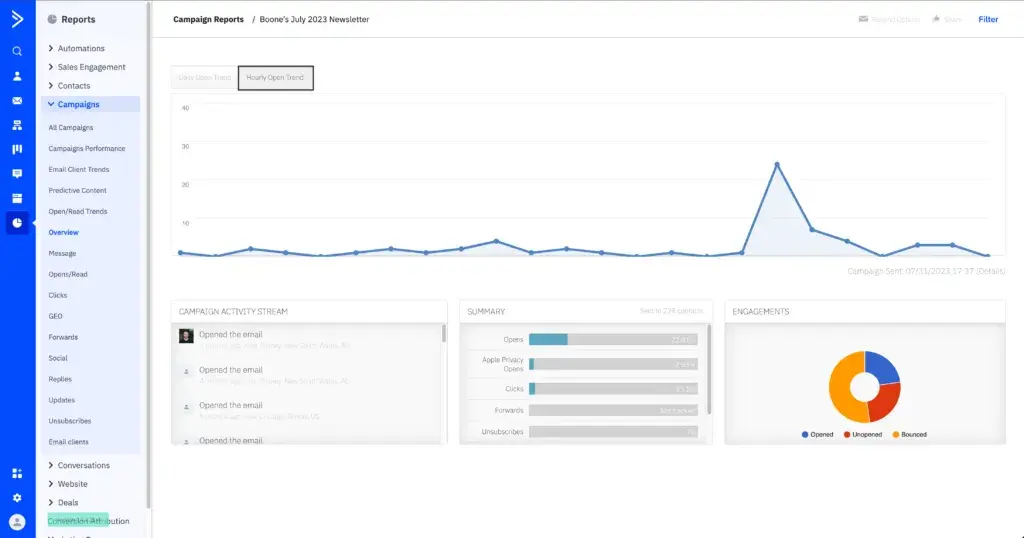
klaviyo email marketing ux for consulting firms

Source

Best For: Consultancies with stronger analytics or data teams, or firms that already have event / behavior tracking (e.g. pattern of site visits, content consumption) and want to bring that behavioral depth into email.

Why It Works for You:

  • Granular & real-time segmentation – Klaviyo lets you build dynamic segments that update automatically based on any criteria you choose — behaviors, demographics, custom properties, engagement, etc. For example, if a prospect visits a pricing page or a case study, they immediately move to a more aggressive track and get prioritized outreach.
  • Split testing / A/B testing & content optimization – Klaviyo supports A/B testing for subject lines, content, or send times. This helps you refine what resonates with your audience to encourage the best performance.
  • Detailed attribution reporting – Klaviyo gives you behavior tracking, funnel performance dashboards, cohort analysis, and attribution models to help you understand and capitalize on what actually works.

Pricing: Free plan up to 500 emails/month. Paid plans start at $45/month. Learn more.

Benefits of Email Marketing Software for Consulting Firms

The right email marketing platform solves common challenges that consulting firms face when trying to grow their client base while delivering excellent service. Here’s how email marketing software directly addresses these pain points.

Keeps Prospects Engaged

Consulting sales cycles often span 3-12 months as prospects evaluate options, secure budget, and build internal consensus. Manual follow-up at this scale is impossible.

Email automation ensures prospects receive timely, relevant content throughout their journey without requiring your team to remember every touchpoint.

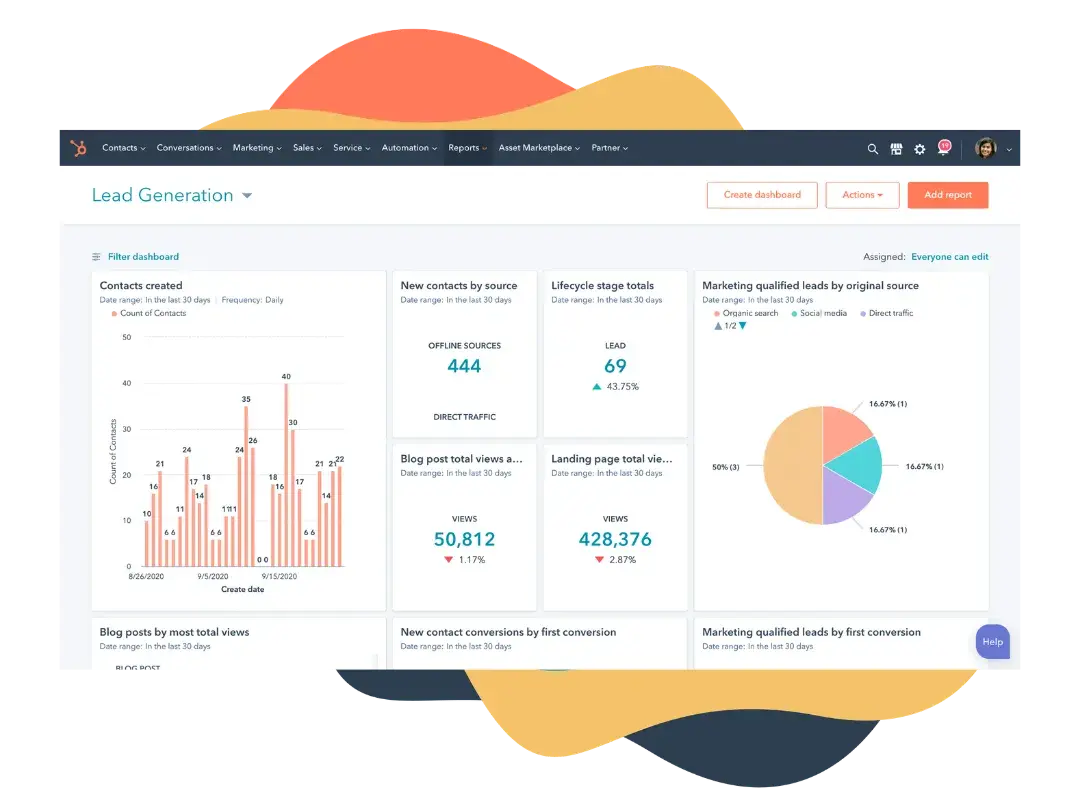
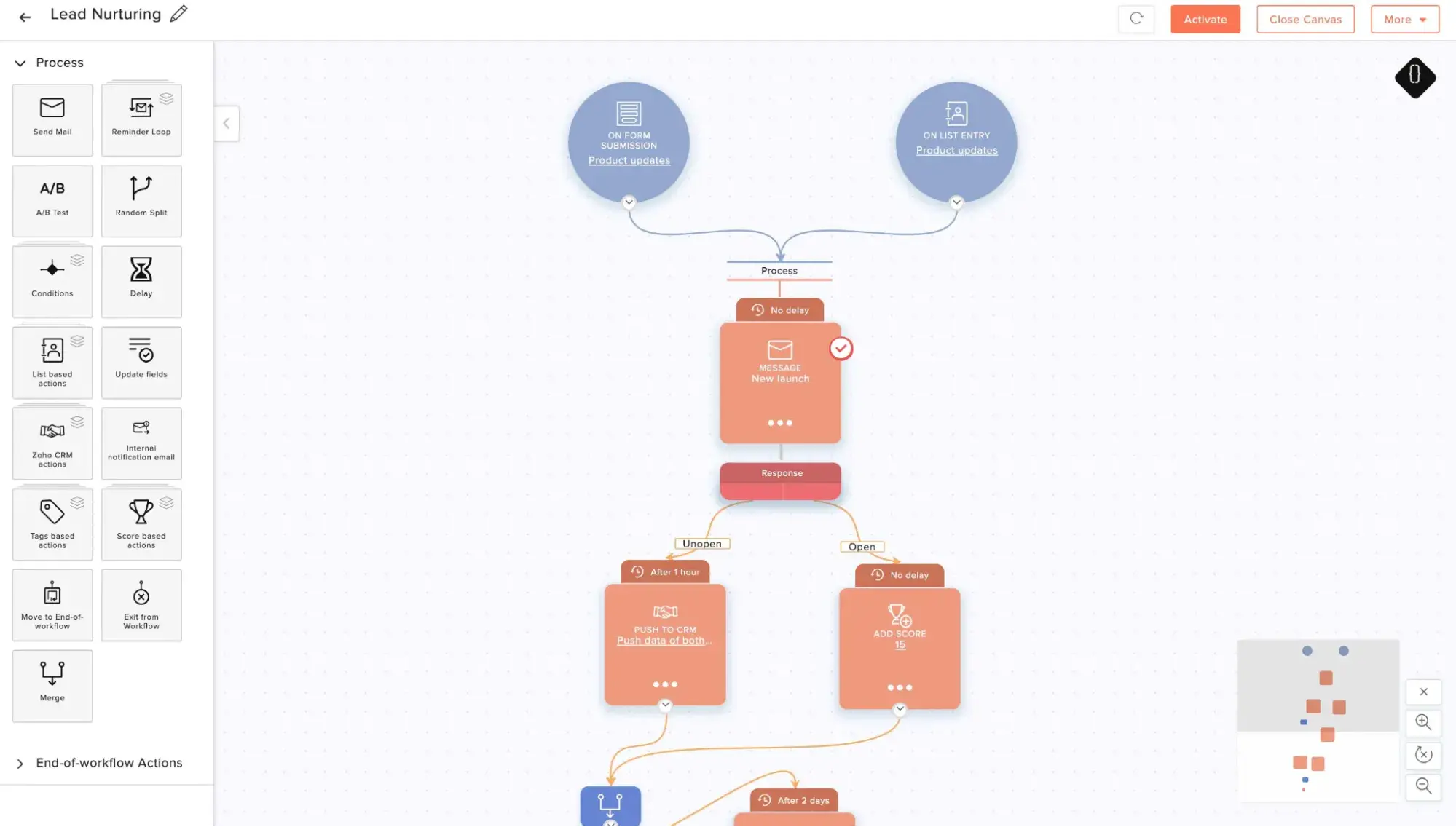
HubSpot’s workflows let you create sophisticated nurture sequences that adapt based on prospect behavior. Send industry-specific case studies to engaged leads, reactivation campaigns to dormant contacts, and educational content to early-stage prospects — all automatically.

hubspot workflows; email marketing ux for consulting firms

Source

Enables Personalized Expertise

Generic email blasts don’t work for consulting firms.

Decision-makers expect communications that speak directly to their industry, role, and specific challenges. Email marketing software enables precise segmentation based on company size, industry, pain points, and engagement level, which lets you tailor your message to make it more relevant.

With HubSpot’s smart lists and segmentation, you can create dynamic segments that automatically update as prospects engage with your content. Send CFOs content about financial optimization while COOs receive operational efficiency resources—all from the same platform.

Its personalization tokens and smart content let you take this further, adjusting the messaging to speak specifically to the recipient based on CRM data.

Better Sales and Marketing Alignment

When marketing and sales operate in separate systems, leads fall through the cracks, and opportunities go cold. Integrated email marketing and CRM ensures every team member (even service) sees complete prospect history (i.e., which emails they opened, which content they downloaded, and which webinars they attended).

HubSpot’s unified CRM means your email engagement data automatically informs all customer conversations from marketing to sales to service. Your team knows exactly what the person has been through with your firm, leading to more relevant discussions and faster closes.

hubspot crm; email marketing ux for consulting firms

Source

Proven Marketing ROI

Great email marketing platforms provide detailed analytics that show which campaigns drive engagement, which content resonates, and which leads are sales-ready.

HubSpot’s attribution reporting connects email engagement to closed deals, proving marketing’s contribution to revenue. Track which campaigns generate the highest-value clients and double down on what works.

Scalable Growth

Research reveals that 90% of consulting clients rank communication frequency as crucial when they decide to stay with an advisor and make referrals.

Consultants who succeed know they must send the right type of email at the right time, and automation enables this at scale. Welcome sequences for new subscribers, proposal follow-ups, and client onboarding can all run automatically while you focus on billable work.

HubSpot’s marketing automation handles repetitive tasks like appointment confirmations, content delivery, and lead scoring. This operational efficiency means you can nurture more prospects without expanding your team.

Important Features for Consulting Firms’ Email Tools

Not all email features matter equally for consulting firms. Focus on these capabilities that directly support complex sales cycles, relationship-based selling, and thought leadership positioning.

Advanced Segmentation and Contact Management

Consulting firms often work with diverse prospects across industries, company sizes, and maturity stages. Basic list management isn’t enough. You need granular segmentation based on multiple criteria, including engagement level, specific services of interest, and where prospects are in their buying journey.

HubSpot’s smart lists automatically update as contacts take action, ensuring segments stay current without manual maintenance.

Email Automation

According to 3cLogic, 80% of sales require five follow-ups after the first meeting, yet 44% of sales reps give up after only one follow-up.

Furthermore, manual follow-up doesn’t scale when you nurture dozens of prospects simultaneously through multi-month sales cycles. Automated workflows help in both of these instances. They maintain consistent communication with mutual contacts simultaneously.

HubSpot’s visual workflow builder makes it easy to create sophisticated nurture sequences without technical knowledge, triggering relevant content based on prospect actions.

Detailed Analytics and Attribution

Consulting firm leaders need to know which marketing activities drive revenue, not just vanity metrics like open rates. For instance, if you can show that a specific email campaign generated three $150K projects, you can justify marketing investment and optimize future campaigns.

HubSpot’s revenue attribution reports track the complete journey from first email touch to closed deal, showing which campaigns contribute most to your bottom line.

CRM Integration and Deal Tracking

Email marketing platforms that operate separately from your sales process create blind spots and can duplicate effort. Proper integration means every email interaction automatically updates contact records, informing sales conversations and triggering appropriate follow-up.

I mean, when a prospect opens your proposal follow-up email five times, your sales team should know immediately—that’s a hot lead ready for a call.

HubSpot’s native CRM integration ensures marketing and sales always work from the same data, eliminating silos that cause prospects to fall through the cracks.

Mobile-Optimized Templates and Design

65% of all email opens now happen on mobile devices, and executives are increasingly reading email on smartphones between meetings. Your campaigns must look professional and function perfectly on small screens, or you’ll lose credibility.

HubSpot’s responsive email templates automatically adapt to any screen size, ensuring your brand looks polished everywhere prospects engage.

hubspot mobile responsive emails; email marketing ux for consulting firms

Source

Lead Scoring and Qualification

Not all email engagement signals the same level of buying intent. Lead scoring helps you identify which prospects actively evaluate solutions versus those casually browsing.

Consulting sales cycles are long and resource-intensive. Lead qualification can focus your team’s time on prospects showing genuine buying signals.

HubSpot’s predictive lead scoring uses AI to identify which prospects match your best customers’ behavior patterns, surfacing opportunities before competitors reach them.

A/B Testing and Optimization

What works for one audience segment may flop with another. A/B testing lets you experiment to know for sure and to continuously improve campaign performance.

Small improvements in email effectiveness compound over time. A subject line that increases open rates by 5% means hundreds of additional prospects seeing your expertise over a year.

HubSpot’s A/B testing tools let you test different approaches and automatically send the winning version to the rest of your list.

How to Choose an Email Marketing Tool for Consulting Firms (Step-by-Step)

Follow this structured approach to evaluate email marketing platforms and select one that truly fits your consulting firm‘s needs, not just the vendor’s ideal customer profile.

1. Map your client acquisition workflows.

Start by documenting how prospects currently become clients.

What touchpoints matter? How long does the process take? Where do prospects get stuck? Understanding your actual workflow prevents you from buying features you won’t use while missing capabilities you actually need.

Map these paths first, so you know what your email marketing tool to support.

2. Identify must-have features vs nice-to-haves.

Based on your activities, distinguish between essential features and those that sound impressive but won‘t be used. If you don’t host events, for example, advanced event management is irrelevant to your email marketing efforts.

Consider what would break your email marketing process if it were missing. Prioritize platforms that nail these essentials over those offering dozens of features you’ll never use.

For most consulting firms, HubSpot‘s combination of CRM, automation, and analytics makes it a robust solution. It’s one platform that handles the client journey rather than forcing you to connect multiple tools.

3. Evaluate ease of use and team adoption.

The most powerful platform is worthless if your team won’t use it. Consider technical skill levels, available training time, and whether you need a dedicated marketing person to run campaigns. Simple interfaces accelerate adoption while complex ones gather dust.

Test interfaces during free trials, focusing on tasks you‘ll do daily, not impressive features you’ll use rarely.

HubSpot is known for its intuitive and user-friendly interface. Most consultants can use it without becoming marketers, and it offers depth for teams with dedicated marketing resources. We also have robust training resources and easy-to-contact support via live chat and phone.

4. Calculate true cost at scale.

Look beyond starting prices to understand costs as your contact numbers and sending volume increase. Many platforms appear affordable at first, but become expensive as you grow.

Analyze and factor in per-contact pricing increases, feature tier upgrades, and additional user seats. Also, calculate the 12-month total cost of ownership, not just month one.

HubSpot’s transparent pricing and free plans mean you know exactly what growth costs, and the value often justifies premium pricing as deal sizes increase.

5. Choose a flexible platform that grows with you.

Your needs will evolve as your firm grows. The platform you choose should support your current stage while scaling to accommodate future complexity.

Can this platform handle automated client onboarding when you scale? Will it integrate with future tools you might need? Does the vendor show commitment to innovation and regular updates?

Avoid tools with rigid contact limits, limited user seats, or features locked behind impossible price jumps.

HubSpot’s platform flexibility makes it ideal for growing consulting firms. You can start with basic email marketing and gradually adopt sales automation, customer service tools, and advanced analytics as your needs expand, all within one integrated system.

How to Create Email Marketing Campaigns for Consulting Firms

Building effective email campaigns requires strategic thinking about your audience, clear messaging that showcases expertise, and systematic testing to improve performance over time.

Read: How to Launch a Successful Email Marketing Campaign: Tips + Data from an Email Marketer

1. Define your campaign goal and target audience.

Every campaign should have one primary objective (i.e., generating event registrations, nurturing cold leads, following up on proposals, or re-engaging dormant contacts). Vague campaigns produce vague results.

Simultaneously, identify exactly who should receive this message based on their industry, role, engagement level, or stage in the buying journey.

Start by asking: What specific action do I want recipients to take? Who will most likely take that action based on their current relationship with our firm? Create segments in your email platform that match these criteria—don’t send the same message to everyone.

Using HubSpot: Create smart lists that automatically include contacts matching your criteria (e.g., CFOs at mid-market companies who downloaded your whitepaper but haven‘t engaged in 60 days). HubSpot’s segmentation ensures you’re always messaging the right people with relevant content.

2. Create email content.

With your goals and list complete, now’s the time to write your email or emails.

Your subject line determines whether prospects open your email or ignore it among the dozens they receive daily. Subject line personalization can increase open rates. So, focus on value, curiosity, or urgency—avoid clickbait that damages credibility.

Keep subject lines under 50 characters so mobile users see the complete message. Use preview text (the line below the subject in most email clients) to expand on your promise and increase opens. Test different approaches to learn what resonates with your audience.

Using HubSpot: AI tools like HubSpot’s Breeze can help you draft this copy, including your subject lines and preview text. You can also A/B your emails so you can identify what drives opens. HubSpot automatically sends the winning version to the rest of your list, continuously improving campaign performance.

3. Test your email on mobile.

With most emails opened on smartphones, responsive design isn’t optional.

Choose or create templates for your campaign that automatically adjust to screen size and mobile behaviors.

This means using single-column layouts, large fonts (14pt minimum for body text), and prominent buttons rather than text links. Every email should also only have one primary call-to-action that’s impossible to miss.

Using HubSpot: All HubSpot templates are mobile-responsive by default. The drag-and-drop editor shows mobile previews, and you can customize mobile layouts separately if needed — ensuring perfect display on every device.

4. Set up automation workflows for consistent follow-up.

Map your ideal follow-up sequence, then build workflows that execute it automatically. Depending on your campaign, include delays between emails (3-5 days typically), conditional logic that adapts based on engagement, and automatic goal tracking that stops sequences when prospects convert.

Using HubSpot: Create visual workflows that nurture prospects throughout your sales cycle. Triggers can include form submissions, email clicks, page visits, or CRM events—enabling sophisticated automation that feels personal. HubSpot’s AI can even suggest workflow improvements based on performance data.

5. Analyze results and optimize campaign performance.

Your email send is just the start of your work. Real email marketing growth and results come from systematic improvement based on data.

Track opens, clicks, and conversions, but also monitor metrics that predict revenue like sales-qualified leads generated, opportunities created, and deals closed that touched your campaign.

Review performance 3-5 days after sending for early signals, then again after 30 days to see complete impact. Take note of which subject lines work best, which segments engage most, and what CTAs drive action. Apply these insights to future campaigns.

Using HubSpot: Campaign analytics connect email performance to revenue outcomes. See which emails contributed to closed deals, which content types generate the most pipeline, and where prospects engage before converting. HubSpot‘s attribution reporting proves email marketing’s ROI, justifying continued investment.

Frequently Asked Questions about Email Marketing for Consulting Firms

What is the best email marketing tool for consulting firms?

HubSpot is arguably the best email marketing tool for most consulting firms because it combines email marketing with an integrated CRM, sales automation, and comprehensive analytics in one platform.

Consulting firms using HubSpot report significant improvements in lead generation. Consulting agency, Digistorm firm saw an 45% increase in leads using HubSpot, while Thomas Witt Consulting generated over 80,000 British pounds from a single client acquired using HubSpot.

The “best,” however, depends on your specific needs. The right choice balances features you’ll actually use, ease of team adoption, and sustainable costs as you grow.

What features should I look for in email marketing tools for consulting firms?

Prioritize these essential features for consulting firms:

  • CRM integration to track prospect engagement throughout long sales cycles and ensure marketing and sales work from the same data.
  • Advanced segmentation to send industry-specific, role-appropriate content that demonstrates relevant expertise.
  • Marketing automation workflows that nurture prospects over 3-12 month evaluation periods without manual follow-up.
  • Analytics and attribution reporting connecting email campaigns to closed deals and revenue — proving marketing ROI to stakeholders.
  • Mobile-responsive templates are essential since 65% of email opens happen on mobile devices, especially among busy executives.
  • Lead scoring to help sales teams prioritize prospects showing genuine buying signals over casual browsers.

HubSpot includes all these features in its integrated platform, making it the most comprehensive solution for consulting firms that want to grow systematically rather than rely on referrals alone.

Is HubSpot good for consulting firms?

Yes, HubSpot is excellent for consulting firms. Thomas Witt Consulting achieved over 1,000% ROI in the first year using HubSpot. Can’t argue with that!

HubSpot works particularly well for consulting firms because:

  • It’s designed for relationship-based, consultative selling with long sales cycles — exactly how consulting works.
  • The integrated CRM eliminates data silos between marketing and sales, ensuring nothing falls through the cracks.
  • Content management and email tools work together, making thought leadership distribution seamless.
  • The platform scales as you grow, from solo consultant to multi-person firm without switching systems.

HubSpot’s free tier lets you start risk-free, and its extensive training resources (HubSpot Academy) help consulting teams implement inbound marketing effectively.

How much does email marketing software for consulting firms cost?

Email marketing software pricing for consulting firms ranges from free to several hundred dollars monthly, depending on the number of contacts (most platforms charge based on list size), feature requirements (automation and CRM capabilities cost more), and integration needs (all-in-one platforms cost more than single-purpose tools).

HubSpot, MailerLite, and Brevo all offer free plans suitable for solo consultants or small firms getting started. HubSpot can also scale to offer many premium features for enterprise-level firms.

Meet HubSpot, the Top Email Marketing Choice for Consulting Firms

HubSpot has become the platform of choice for ambitious consulting firms because it does something competitors can‘t: combine email marketing, CRM, sales automation, and analytics into one system that’s actually easy to use.

Instead of duct-taping together multiple tools and hoping data syncs correctly, you get a unified platform designed specifically for relationship-based selling, and you can get started for free.

Why consulting firms choose HubSpot:

  • Integrated CRM and email marketing – Every email interaction automatically updates contact records in your CRM. Sales teams see exactly which prospects are engaged, which content they‘ve consumed, and when they’re ready for outreach—no manual data entry required.
  • Sophisticated marketing automation – Build complex nurture sequences that adapt based on prospect behavior, industry, or engagement level. Automate proposal follow-ups, re-engagement campaigns, and thought leadership distribution without sacrificing the personal touch that wins consulting engagements.
  • AI-powered content creation with Breeze – Generate email copy, subject lines, and campaign content faster using HubSpot’s AI assistant. Breeze helps time-strapped consultants maintain consistent communication without spending hours crafting each message.
  • Comprehensive analytics and attribution – Connect email campaigns directly to closed deals and revenue. Prove marketing ROI with attribution reporting that shows which campaigns contribute most to your bottom line, justifying continued investment.

Real consulting firms achieving real results:

Thomas Witt Consulting used HubSpot‘s integrated approach to land a long-pursued “white whale” client. Digistorm, specializing in educational technology, implemented HubSpot and saw a 105% traffic increase. The platform’s automation capabilities saved their team countless hours while the integrated CRM gave them complete visibility into their sales pipeline.

Ready to see how HubSpot can work for your consulting firm? Get started with HubSpot‘s free CRM and email marketing tools today—no credit card required. Experience the integrated platform that’s helping thousands of consulting firms grow faster and more predictably.

Categories B2B

Is marketing tuberculosis?

You might know him as the author of YA bestsellers like The Fault in Our Stars, but John Green’s most recent book is a nonfiction defense of its own title: In Everything is Tuberculosis, he argues that tuberculosis has shaped everything around us.

Click Here to Subscribe to Masters in Marketing

For instance: When a hatmaker in the 1850s started coughing up blood, his doctor told him to head West, where the dry air would heal him. The hats in the West, Green writes, “sucked” — they were either “bug-infested, brimless coonskin caps” or “wide-brimmed straw hats that … leaked in the rain.”

So the consumptive hatmaker — one John B. Stetson — designed the cowboy hat.

Upon finishing the book, I fired off an interview request to try to get an answer to my burning question: Could John Green make a connection between marketing and tuberculosis?

John Green

Author, YouTuber, TB fighter

On brand deals

When Green got invited to discuss a possible partnership with Dr Pepper, he was over the moon, so to speak. (He showed up 10 minutes early. To Zoom. Dude really likes Dr Pepper.)

He had a modest proposal: that Dr Pepper sponsor humanity’s relationship with the moon. (Pause for impact.)

Green would make videos about humanity’s relationship with the moon, sponsored by Dr Pepper.

“I‘ve always thought this was a funny idea — that you can’t sponsor a heavenly body, but you can sponsor humanity’s relationship with a heavenly body.”

He didn’t get a follow-up meeting.

“the number of things that have official sponsors is so ludicrous. so the only thing out there left to be colonized in that space is humanity’s relationship with the moon, i figured. that’s the idea i pitched. and i think we were on different pages, probably.” —john green

Green doesn’t fault Dr Pepper (the missing period isn’t a typo —“it‘s a big part of Dr Pepper’s brand identity, whether they know it or not”). It’s an absurd idea.

But that’s kind of the whole point: “I’m not particularly interested in doing a brand deal for the sake of doing a brand deal. I’m interested in brand deals that can enhance the absurdity and joy in the world.

On scaling passion projects

Passion is powerful fuel. Whether the endeavor is personal or professional, passion can give you wings and make you soar — and it can bring you a little too close to the sun.

So I asked Green, who’s successfully scaled more passion projects than I’ve so much as dreamt of, what his early-warning system is. How do you know when growth is going to kill what made your project so special?

“I think the most important thing is the very first person you hire who isn’t you,” he says. “Making sure that their values fit, that they share your passion, that they want the same thing out of the project that you want.”

With Crash Course, the educational YouTube channel Green co-founded with his brother, internet science guy Hank Green, the first hire “was a guy who, like me, loves history; who, like me, loves online video; who’s really passionate about trying to reach people with educational media. I don’t think he was concerned with being able to market effectively. I think he was concerned with making awesome videos that became undeniable and that served a real purpose in the lives of the people who use them.” 

On bottom-up marketing strategies

“In some ways with Crash Course, the marketing took care of itself because kids would go into their high school history classes and say to their teacher, “Hey, I think you should watch this show. It‘s really good. It’s called Crash Course.”

“It was really kind of bottom-up that way. The way that we marketed it was essentially marketing it to students and then letting teachers discover it through their kids.”

On ROI and shared values

Green acknowledges that he’s been very lucky in some business ventures, which has let him take risks — it was the runaway success of The Fault in Our Stars, he says, that let him and his brother build their YouTube channel Crash Course for two and a half years before they saw a single dime.

“for the first two and a half years that hank and i made videos, we didn’t make a dime. we were just doing it because we loved it and because we felt that if we built an audience, good things could happen. and that’s the kind of investment in an audience that i want to be making.” —john green

That’s an enviable position for any marketer to be in, but his wisdom is budget-agnostic: “I believe in an ROI that unfolds over long periods of time, not an ROI that can be immediately measurable.”

And “sometimes ROI gets in the way. You know, what you really want to have is a core group of enthusiastic customers. And I think sometimes it’s a mistake to market to what you see as a demographic rather than marketing to a core group of enthusiastic customers.”

Take his coffee company, for instance.

“There‘s no particular demographic. It’s not like we sell coffee to women between the ages of 24 and 30,” says Green.

The common denominator instead is “people who are interested in purchasing coffee in a way that‘s ethically sourced and where all the profit goes to charity. That’s not a demographic audience. It’s more of a vibes-based, values-based audience.

On risky marketing investments

Although he’s best known for his young adult novels and more recent nonfiction books, Green is also something of a serial co-founder of small businesses — DFTBA, Complexly, and Good Store are but a few.

There’s a through-line of joy in his business ventures; helping small content creators finance and sustain their work, helping nurses-to-be pass their anatomy and physiology exams, selling ethically grown coffee.

“I like working with brands that empower creators and that recognize the benefit of working with creators, which is that you‘re going to be a little bit off the beaten path. That’s what I find most interesting. That’s also the riskiest kind of investment that you can make as a marketer. And so I understand why lots of people don’t make it.”

On authenticity and taking risks with your audience

Green has a remarkably devoted audience that has followed him across platforms, from YA books to YouTube to Instagram to awesome socks. For somebody who describes himself as “extremely risk averse — especially when it comes to taking risks with [my] audience,” he sure has taken a lot of risks with his audience.

“It‘s about answering the call of my own inspiration as much as it’s about and then trusting that the audience will be there one way or another,” he explains. “I mean, if you told me in 2015 that I was going to write a book about tuberculosis, I would have been very surprised. But that’s where my curiosity has led me over the last 10 years. And so I just have to honor that and hope that the audience will be there with me.”

“if you told me in 2015 that i was going to write a book about tuberculosis, i would have been very surprised. but that's where my curiosity has led me over the last 10 years. and so i just have to honor that and hope that the audience will be there with me.” —john green

Marketers might call it authenticity, but Green prefers “creative honesty.” “Everybody talks about being authentic to themselves, but that’s a very hard thing to actually be,” he says.

“Whereas when you‘re trying to be honest to your sense of inspiration or spark of curiosity, I think that’s something that I can quantify a little easier.”

On marketing and tuberculosis

So, back to tuberculosis, the world’s deadliest infectious disease (yes, even in 2025).

Green says that a TB expert once told him that the problem with eradicating the disease is that “tuberculosis doesn’t have a constituency.”

Green’s first reaction was one of incredulity. “I was like, of course tuberculosis has a constituency. It has 10 million people who survive it each year who want to live in a world without it. And it has hundreds of millions of people who are infected with it, who don’t want to become sick with it. This is obviously a disease with a constituency.”

But what that expert meant, Green thinks, is that tuberculosis actually has a huge marketing problem. “Most people don‘t even know that it’s the deadliest infectious disease in the world, let alone that it’s curable and preventable and has been since the 1950s. And so I think that TB is the ultimate example of a disease in need of a marketing campaign.

“Malaria,” he says, “had a really good one in the early 2000s with Malaria No More. ACT UP made HIV/AIDS undeniable starting in the 1980s and 90s. We need a similar marketing campaign around tuberculosis.”

“i don't have to tell marketers that we live in a very fractured information environment. it's hard to reach people, with tough messages especially. [marketing and tuberculosis are] very closely related, because i think one of the reasons why a million and a half people are dying of tuberculosis every year is because we're not doing a good job of spreading the word about the disease in the rich world.”

And, he adds, “I don‘t have to tell marketers that we live in a very fractured information environment. It’s hard to reach people, with tough messages especially.”

“So yeah, I think [marketing and tuberculosis are] very closely related, because I think one of the reasons why a million and a half people are dying of tuberculosis every year is because we’re not doing a good job of spreading the word about the disease in the rich world.”

Your move, marketers.

Click Here to Subscribe to Masters in Marketing

Categories B2B

11 best email marketing tools for restaurants in 2025

Email marketing for restaurants can be challenging with all its unique responsibilities.

You’re managing fluctuating customer traffic, promoting time-sensitive specials and events, coordinating reservations across multiple channels, competing for attention in crowded local markets, and building loyalty programs that keep diners coming back.

Boost Opens & CTRs with HubSpot’s Free Email Marketing Software

Email marketing tools solve these problems by automating reservation confirmations, segmenting customers by dining preferences and visit frequency, and promoting specials when customers are most likely to book.

The right platform helps you fill tables during slow periods, increase average order values, and turn one-time visitors into regulars.

In this guide, you‘ll find a detailed comparison table of 11 email marketing platforms, feature breakdowns for each tool, benefits specific to restaurants, a step-by-step selection guide, and answers to common questions.

Here’s what matters: restaurants using email marketing can see an average of 3-5x ROI, with targeted campaigns driving up to 25% more repeat visits.

HubSpot is used by restaurant groups worldwide—from single-location eateries to multi-unit chains—who rely on the platform’s integrated CRM and marketing automation to increase reservations and build customer loyalty.

Table of Contents

What is email marketing for restaurants?

Email marketing for restaurants is a key way to stay connected with diners through targeted campaigns. You use it to promote daily specials, announce new menu items, send reservation reminders, share exclusive offers, celebrate customer birthdays, and drive traffic during slow periods with strategic promotions.

Comparison Table: Best Email Marketing Software for Restaurants

Email Marketing Tool

Best For

Key Features

Pricing

Average Rating

HubSpot

Multi-location restaurant groups

Free CRM, reservation tracking, loyalty automation, revenue attribution

Free; Available with Marketing Hub; Starter $9/month per seat

4.4/5

Mailchimp

Independent restaurants and cafes

Templates, automation, segmentation, journey mapping

Free; Essentials $13/month

4.3/5

Constant Contact

Restaurants prioritizing ease of use

Drag-and-drop builder, event marketing, live support

Starts at $12/month

4.0/5

ActiveCampaign

Restaurants needing advanced automation

Guest scoring, SMS integration, conditional workflows

Starts at $15/month

4.6/5

Klaviyo

Restaurants with online ordering

Advanced segmentation, predictive analytics, revenue tracking

Free; Email $45/month

4.6/5

Brevo

Growing restaurant groups needing SMS

Email + SMS, transactional emails, unlimited contacts

Free; Starter $8.08/month

4.5/5

Omnisend

Restaurants with e-commerce components

Omnichannel automation, product recommendations

Free; Standard $11.20/month

4.5/5

Square Marketing

Restaurants using Square POS

Native POS integration, automated campaigns, customer insights

Starts at $45/month

4.3/5


Toast Marketing

Restaurants using Toast POS

Toast POS integration, guest data sync, automated campaigns

Custom pricing

4.5/5

Moosend

Budget-conscious restaurants

Unlimited emails, automation, landing pages

Free; Pro $9/month

4.6/5

GetResponse

Restaurants hosting events

Webinar/event hosting, automation, conversion funnels

Email $15/month

4.2/5

Best Email Marketing Software for Restaurants

Here are the top email marketing platforms that work well for restaurants, cafes, bars, and hospitality businesses.

1. HubSpot

hubspot email marketing

Source

Best For: Multi-location restaurant groups that need CRM, marketing automation, and reservation tracking in one platform

Key HubSpot Features:

  • Free CRM with guest profile management – Track every customer interaction from first reservation to repeat visits, dietary preferences, favorite dishes, and spending patterns. Everyone on your team sees the same up-to-date guest information.
  • Automated loyalty campaign workflows – Create email sequences that reward repeat visits, celebrate customer milestones, and re-engage guests who haven’t dined in 30-60-90 days without manual work.
  • Revenue attribution by location and campaign – See which email campaigns drive reservations, online orders, and in-store visits. Connect your marketing directly to revenue by location, day part, and promotion type.

HubSpot Pricing:

  • Marketing Hub Free: $0 (email marketing, forms, landing pages, CRM)
  • Marketing Hub Starter: $9/month per seat
  • Marketing Hub Professional: $800/month
  • Marketing Hub Enterprise: $3,600/month

View detailed pricing

2. Mailchimp

mailchimp email marketing templates

Source

Best For: Independent restaurants and cafes that want easy-to-use automation with food and beverage templates

Key Mailchimp Features:

  • Restaurant-specific templates – Launch promotions quickly with email designs built for daily specials, happy hour announcements, and seasonal menu reveals without design skills.
  • Guest journey mapping – Visualize the complete diner experience from first visit to loyal regular, spot communication gaps, and find opportunities to increase visit frequency.
  • Behavioral automation – Send targeted emails based on what customers do—reservation bookings, online orders, email clicks—to follow up at the right time without manual sending.

Mailchimp Pricing:

  • Free tier (limited capabilities)
  • Essentials: $13/month
  • Standard: $20/month
  • Premium: $350/month

View detailed pricing

3. Constant Contact

constant contact email marketing

Source

Best For: Restaurants that want simple email marketing with strong customer support and event promotion tools

Key Constant Contact Features:

  • Drag-and-drop email builder – Create professional restaurant emails without coding. Simple interface makes launching promotions fast, even during busy service hours.
  • Event marketing integration – Promote and manage wine tastings, chef dinners, live music nights, and private events with registration, confirmations, and reminders in one place.
  • Real-time reporting dashboard – Monitor campaign performance with clear visuals showing opens, clicks, and reservations without complex analytics.

Constant Contact Pricing:

  • Lite: $12/month
  • Standard: $35/month
  • Premium: $80/month

View detailed pricing

4. ActiveCampaign

activecampaign

Source

Best For: Restaurants that need sophisticated automation and guest scoring for VIP programs and personalized marketing

Key ActiveCampaign Features:

  • Advanced guest scoring – Automatically identify your highest-value customers based on visit frequency, average check size, and email engagement to create VIP experiences and exclusive offers.
  • Conditional workflow automation – Create email sequences that adapt based on guest responses, dining preferences, and visit patterns with different paths for first-timers versus regulars.
  • Integrated SMS – Coordinate email and text campaigns for time-sensitive communications like same-day table availability, last-minute reservations, and weather-related closures.

ActiveCampaign Pricing:

  • Starter: $15/month
  • Plus: $49/month
  • Pro: $79/month
  • Enterprise: $145/month

View detailed pricing

5. Klaviyo

klaviyo email marketing

Source

Best For: Restaurants with online ordering and delivery that need advanced segmentation and revenue attribution

Key Klaviyo Features:

  • Predictive analytics for restaurants – Identify guests likely to churn, predict future order values, and recommend menu items based on past orders using machine learning algorithms.
  • Advanced segmentation with 350+ criteria – Create specific guest segments based on order history, dietary preferences, spending patterns, and visit frequency for hyper-targeted promotions.
  • Revenue attribution tracking – See exactly how much revenue each email campaign generates from dine-in reservations, online orders, and delivery to prove marketing ROI.

Klaviyo Pricing:

  • Free: $0 (250 contacts)
  • Email: Starting at $45/month
  • Email + SMS: $60/month

View detailed pricing

6. Brevo

brevo emails marketing

Source

Best For: Growing restaurant groups that need email and SMS in one platform with pricing based on sends, not contacts

Key Brevo Features:

  • Unified email and SMS for restaurants – Coordinate text reminders with email promotions from one interface to confirm reservations via SMS while promoting specials via email.
  • Transactional email capabilities – Automatically send reservation confirmations, online order receipts, and gift card purchase confirmations with reliable delivery.
  • Unlimited contacts on paid plans – Build large customer databases without escalating costs since pricing is based on emails sent, not contact count—ideal for growing email lists.

Brevo Pricing:

  • Free: $0 (300 emails/day)
  • Starter: $8.08/month
  • Business: $16.17/month
  • Professional: $449.08/month
  • Enterprise: Custom pricing

View detailed pricing

7. Omnisend

omnisend email marketing

Source

Best For: Restaurants with merchandise, meal kits, or packaged goods that need e-commerce email marketing

Key Omnisend Features:

  • Omnichannel workflow automation – Create unified customer journeys that combine email, SMS, and push notifications based on guest behavior for consistent messaging across channels.
  • Product recommendation engine – Automatically suggest menu items, merchandise, or meal kits based on previous orders to increase average order value through personalized recommendations.
  • Campaign booster feature – Automatically resend campaigns to non-openers with different subject lines to give each promotion a second chance and increase overall reach by 10-15%.

Omnisend Pricing:

  • Free: $0
  • Standard: $11.20/month
  • Pro: $41.30/month

View detailed pricing

8. Square Marketing

square marketing email marketing

Source

Best For: Restaurants using Square POS that want native integration with their point-of-sale system

Key Square Marketing Features:

  • Native Square POS integration – Automatically sync customer data from your POS system, including purchase history, visit frequency, and favorite items without manual exports or third-party connectors.
  • Automated campaign triggers – Set up emails that automatically send after customer visits, on customer birthdays, or when guests haven’t visited in 30 days based on actual POS data.
  • Customer insights from POS data – Segment guests based on real purchase behavior, average check size, and visit patterns pulled directly from your point-of-sale system.

Square Marketing Pricing:

  • Free
  • Square Plus: $49/month
  • Square Premium: $149/month

View detailed pricing

9. Toast Marketing

toast email marketing

Source

Best For: Restaurants that want deep integration with their restaurant management system

Key Features:

  • Toast POS integration – Sync guest data directly from Toast POS, including order history, preferences, allergies, and visit frequency for highly personalized marketing campaigns.
  • Automated guest communication – Send triggered emails and SMS based on Toast data, including post-visit thank you messages, birthday offers, and win-back campaigns for lapsed diners.
  • Loyalty program integration – Connect email campaigns to Toast loyalty program data to promote point balances, reward redemptions, and tier achievements that drive repeat visits.

Pricing:

  • Custom pricing based on restaurant size and needs
  • Contact Toast for a quote

View detailed information

10. Moosend

moosend

Source

Best For: Budget-conscious restaurants that want powerful automation at low cost

Key Features:

  • Unlimited email sending – Send as many emails as needed without per-message charges, making it economical for frequent promotions like daily specials and happy hour announcements.
  • AI-powered subject line optimization – Improve open rates with AI that analyzes performance and suggests improvements based on millions of campaigns to make your promotions stand out.
  • Landing page builder included – Create campaign pages for event registrations, online ordering promotions, and gift card sales to consolidate tools and reduce costs.

Pricing:

  • Free: $0
  • Pro: $9/month
  • Enterprise: Custom pricing

View detailed pricing

11. GetResponse

getresponse

Source

Best For: Restaurants hosting cooking classes, wine tastings, and special events that need event management

Key GetResponse Features:

  • Integrated event hosting – Manage virtual cooking classes, wine tastings, and chef demonstrations for up to 1,000 participants without separate event software.
  • Conversion funnel builder – Create complete marketing funnels with landing pages, email sequences, and event registration that guide diners from awareness to booking.
  • Autofunnel templates – Launch campaigns faster with pre-built templates for restaurant promotions that take minutes instead of hours to set up and deploy.

Pricing:

  • Starter: $15.58
  • Marketer: $48.38
  • Creator: $56.58

View detailed pricing

Benefits of Email Marketing Software for Restaurants

Fill tables during slow periods.

Stop relying on walk-ins during off-peak hours. Email marketing software promotes strategic offers during slow day parts and days of the week. Restaurants increase weekday lunch traffic significantly by using targeted slow-period promotions. Send timed campaigns that reach customers when they’re planning their meals.

Build a loyal regular customer base.

Email keeps you top of mind and turns first-time visitors into regulars. Automated loyalty campaigns reward repeat visits and celebrate milestones. Restaurants increase repeat visit frequency through strategic email loyalty programs. Create VIP experiences that make guests feel valued.

Increase average order values.

Identify high-value menu items and promote them to the right customers at the right time. Restaurants boost average check sizes by 20-30% using AI-powered systems like personalized menu recommendations in email. Suggest appetizers, premium entrees, and desserts based on past ordering behavior.

Reduce no-shows and cancellations.

Automated reminder emails and SMS reduce forgotten reservations. Restaurants decrease no-show rates with automated confirmation and reminder sequences. Send reminders 24 hours before reservations with easy modification options.

Generate revenue from your email list.

Turn your customer database into a revenue channel. Email campaigns drive reservations, online orders, gift card sales, and merchandise purchases. See exactly which promotions generate the most revenue and optimize accordingly.

10 Important Features for Restaurant Email Marketing Software

  1. POS integration – Sync customer data from your point-of-sale system automatically
  2. Reservation system integration – Connect with OpenTable, Resy, or proprietary booking systems
  3. SMS capabilities – Send text messages for time-sensitive promotions and confirmations
  4. Segmentation by dining preferences – Target customers based on dietary needs, favorite dishes, and visit patterns
  5. Automated birthday campaigns – Trigger special offers on customer birthdays automatically
  6. Mobile optimization – Display properly on smartphones where 75% of restaurant emails are opened
  7. A/B testing – Test subject lines, send times, and offers to improve performance
  8. Behavioral automation – Trigger follow-ups based on reservations, orders, and website visits
  9. Revenue attribution – Track which campaigns drive reservations and online orders
  10. Event marketing tools – Promote and manage special events, tastings, and private parties

How to Choose an Email Marketing Tool for Restaurants (Step-by-Step)

Step 1: Map your restaurant marketing workflows.

Document all customer touchpoints, including reservation confirmations, post-visit thank-you messages, birthday offers, loyalty rewards, event promotions, daily specials, seasonal menu launches, and win-back campaigns for lapsed customers. Identify what’s manual and what could be automated.

Step 2: Identify must-have features based on your restaurant type.

Quick-service restaurants need online ordering integration and mobile optimization. Fine dining establishments need a reservation system integration and VIP guest management. Restaurant groups need multi-location capabilities and centralized reporting. List your absolute requirements versus nice-to-haves.

Step 3: Compare ease of use and team fit.

Test platforms during free trials. Can your team create campaigns independently between service shifts, or will you need ongoing support? Constant Contact and Mailchimp suit beginners. ActiveCampaign and HubSpot offer more power but require more expertise.

Step 4: Check cost at scale.

Calculate costs as your customer database grows over 12-24 months. Some platforms charge per contact, others per email sent. Project your list size (including email captures from reservations, WiFi signups, and loyalty programs) and check pricing at that volume. Include costs for SMS messaging.

Step 5: Choose a flexible platform — like HubSpot

Pick a platform that scales without forcing you to migrate later. HubSpot supports restaurants from single locations through multi-unit chains with one unified platform. Start with the free tier, then upgrade as you grow — no data migration required.

How to Create Email Marketing Campaigns for Restaurants

Define your campaign goal and target audience.

Set a clear objective before creating content. Are you filling tables during slow periods? Promoting a new menu? Building your loyalty program? Generating gift card sales? Re-engaging lapsed customers? Clear goals guide everything from subject lines to offers.

Segment your customer list.

Divide contacts into targeted groups: first-time visitors versus regulars, lunch versus dinner customers, dietary preferences (vegetarian, gluten-free, etc.), high spenders versus value seekers, and inactive guests. [Segmented restaurant campaigns] [generate 65% higher open rates] [than generic broadcasts].

Design appetizing, mobile-optimized templates.

Build templates that showcase your food beautifully while displaying properly on smartphones (where 75% of restaurant emails are opened). Use high-quality food photography, single-column layouts, clear hierarchy, and large tap-friendly buttons for reservations.

Write subject lines that drive action.

Communicate value and urgency immediately. Examples: “Tonight Only: 20% Off All Wine,” “Your Birthday Dinner is On Us,” “New Fall Menu Just Dropped,” or “Table for 2 Available This Saturday.” Keep subject lines under 40 characters and include time-sensitive language.

Include one clear call-to-action.

Direct recipients toward one primary action: make a reservation, order online, buy a gift card, register for an event, or redeem an offer. Multiple CTAs create confusion. Place your primary CTA prominently with contrasting colors and action-oriented text.

Set up automated follow-up sequences.

Configure triggered follow-ups based on guest behavior. Send thank you emails within 24 hours of dining. Follow up with review requests 2-3 days later. Create win-back campaigns for guests who haven’t visited in 30-60-90 days with escalating offers.

Monitor performance and adjust timing.

Track opens, clicks, reservations, and revenue generated. Test different send times to find when your customers are most likely to engage. Many restaurants see best results sending lunch promotions Tuesday-Thursday mornings and dinner promotions Thursday-Friday afternoons.

Frequently Asked Questions

What is the best email marketing tool for restaurants?

HubSpot is the best email marketing tool for restaurants because it combines email, SMS, CRM, and reservation tracking in one platform.

The free tier includes unlimited contacts, email marketing, forms, landing pages, and CRM—accessible for single-location restaurants and small chains. Multi-location groups benefit from revenue attribution that connects campaigns to reservations and online orders by location.

Restaurant groups using HubSpot increased repeat customer visits through automated loyalty campaigns and personalized offers.

What features should I look for in email marketing tools for restaurants?

Look for POS integration, reservation system integration, SMS capabilities, segmentation by dining preferences, automated birthday campaigns, mobile optimization, behavioral automation, A/B testing, revenue attribution, and event marketing tools.

POS integration automatically syncs customer data without requiring manual exports. SMS capabilities matter for time-sensitive promotions and reservation confirmations. Mobile optimization is essential because 50-60% of emails are opened on mobile devices.

Is HubSpot good for restaurants?

Yes, HubSpot is excellent for restaurants. It provides a single platform for marketing, reservations, and guest management, specifically designed for hospitality businesses. The free CRM tracks every customer interaction, including visit history, favorite dishes, dietary restrictions, and spending patterns.

Marketing automation enables the creation of workflows for reservation confirmations, post-visit thank-you messages, and loyalty rewards, eliminating the need for technical expertise.

Multi-location restaurant groups increased online ordering revenue by using HubSpot’s automated campaigns and segmentation. Single locations start free, then scale up as they grow.

How much does email marketing software for restaurants cost?

Email marketing software costs $0-$3,600+ monthly, depending on customer database size, features, and restaurant scale. Free tiers support typically 250-1,000 contacts with basic features.

Entry-level paid plans cost $12-$ 29 per month for under 1,000 contacts. Mid-market restaurants with 2,500-5,000 contacts typically spend $50-$ 200 per month. Large restaurant groups with 10,000+ contacts invest $ 500-$3,600+ per month.

Some platforms charge per contact, others per email or SMS sent—compare carefully as your list grows.

How can restaurants build their email lists?

Build email lists through WiFi signup forms that require email addresses for access, table-side tablet signups offering birthday rewards, reservation system integrations that automatically capture emails, point-of-sale prompts during checkout, website popups offering first-visit discounts, social media contests requiring email entries, and in-store signage promoting loyalty programs.

Restaurants grow email lists 3-5x faster using multiple capture points throughout the customer journey. Always provide clear value in exchange for email addresses.

Meet HubSpot, the Top Email Marketing Choice for Restaurants

HubSpot combines email marketing, SMS, CRM, and reservation tracking into a single platform designed specifically for hospitality businesses. Over 184,000 businesses trust HubSpot worldwide because it eliminates the need for multiple disconnected tools.

Key HubSpot Features for Restaurants:

  • Unified guest database and marketing platform – Manage every customer interaction from first reservation to 50th visit, including dietary preferences, favorite dishes, allergies, and spending patterns in one system that everyone accesses.
  • Automated reservation and loyalty workflows – Create email and SMS sequences triggered by reservations, visit milestones, and guest behavior using drag-and-drop automation with conditional logic—no technical expertise required.
  • Multi-location revenue attribution – Track which campaigns drive reservations, online orders, and in-store visits by location, day part, and promotion type to see exactly what’s working.

HubSpot’s Impact on Restaurants:

Multi-location restaurant groups increased repeat customer visits with HubSpot’s automated loyalty campaigns that reward visit frequency and spending milestones.

Restaurants using HubSpot generated more online ordering revenue by segmenting customers by order history and sending personalized menu recommendations.

Independent restaurants reduced no-show rates by using HubSpot’s automated confirmation and reminder sequences via email and SMS. Restaurant chains saved 15 hours weekly per location by automating birthday offers, post-visit thank you messages, and win-back campaigns.

HubSpot’s free tier offers complete CRM and email marketing capabilities without requiring a credit card. Paid tiers start at $9 per month and scale up to enterprise solutions, featuring advanced analytics, multi-location reporting, and API integrations with major POS and reservation systems.

Ready to fill more tables and build customer loyalty? Get started with HubSpot’s free platform or schedule a demo to see how it works for restaurants like yours.

Categories B2B

12 best email marketing tools for accounting firms in 2025

Email marketing for accounting firms comes with unique challenges. You’re dealing with strict compliance requirements, seasonal workload swings during tax season, complex financial information that needs to be communicated clearly, and client relationships that can span decades.

Boost Opens & CTRs with HubSpot’s Free Email Marketing Software

Email marketing tools solve these problems by automating tax deadline reminders, segmenting clients by service type, and keeping you connected with clients year-round—not just during tax season. The right platform helps you stay top-of-mind, cross-sell advisory services, and generate more referrals without adding hours to your day.

In this guide, you‘ll find a detailed comparison table of 12 email marketing platforms, feature breakdowns for each tool, benefits specific to accounting firms, a step-by-step selection guide, and answers to common questions. Here’s a stat worth noting: email marketing delivers an average ROI of $42 for every dollar spent, with professional services firms often seeing even higher returns.

HubSpot is used by accounting firms worldwide — from solo practitioners to multi-partner CPA practices — who rely on the platform’s integrated CRM and marketing automation to increase client engagement and cross-sell advisory services.

Table of Contents

What is email marketing for accounting firms?

Email marketing for accounting firms is how you stay connected with clients through targeted campaigns. You use it to send tax deadline reminders, share regulatory updates, deliver financial planning tips, announce new services, and maintain relationships during the off-season when client interaction naturally drops off.

Comparison Table: Best Email Marketing Software for Accounting Firms

Email Marketing Tool

Best For

Key Features

Pricing

Average Rating

HubSpot

Multi-partner firms needing CRM integration

Free CRM, marketing automation, client portals, revenue tracking

Free; Available with Marketing Hub; Starter $9/month per seat

4.4/5

Mailchimp

Small to mid-size CPA practices

Templates, automation, segmentation, journey mapping

Free; Essentials $13/month

4.3/5

ActiveCampaign

Firms needing advanced automation

Lead scoring, SMS integration, conditional workflows

Starts at $15/month

4.6/5

Constant Contact

Practices prioritizing ease of use

Drag-and-drop builder, live support, event marketing

Starts at $12/month

4.0/5

Brevo

Growing firms needing SMS + email

Email + SMS, transactional emails, unlimited contacts

Free; Starter $8.08/month

4.5/5

Drip

Advisory firms with complex journeys

Visual workflows, behavioral tracking, revenue tracking

Starts at $39/month

4.4/5

AWeber

Solo practitioners and small firms

Templates, autoresponders, list management

Free; Lite $14.99/month

4.2/5

GetResponse

Firms hosting educational webinars

Webinar hosting, automation, conversion funnels

Email $15/month

4.2/5

Klaviyo

Firms serving e-commerce clients

Advanced segmentation, predictive analytics, attribution

Free; Email $45/month

4.6/5

Moosend

Budget-conscious practices

Unlimited emails, automation, landing pages

Free; Pro $9/month

4.6/5

Campaign Monitor

Firms with multiple practice areas

Multi-brand management, custom templates

Lite €9.90/month

4.1/5

Kit

Accounting educators and creators

Visual automation, subscriber tagging, digital products

Free; Creator $33/month

4.4/5

Best Email Marketing Software for Accounting Firms

Here are the top email marketing platforms that work well for accounting firms, CPA practices, and tax advisors.

1. HubSpot

hubspot

Source

Best For: Multi-partner accounting firms that need CRM, marketing automation, and client portal features in one platform

Key HubSpot Features:

  • Free CRM with client pipeline management – Track every client interaction from consultation to tax prep to advisory services. No spreadsheets required, and everyone on your team sees the same up-to-date information.
  • Compliance-ready email templates – Send professional communications using templates designed for financial services. They maintain the right tone, include disclaimers where needed, and present complex information clearly.
  • Revenue attribution by service line – See which email campaigns generate tax clients, advisory engagements, and consulting projects. Connect your marketing directly to billable hours and revenue.

HubSpot Pricing:

  • Marketing Hub Free: $0 (includes email marketing, forms, landing pages, and CRM)
  • Marketing Hub Stater: $9/month per seat
  • Marketing Hub Professional: $800/month
  • Marketing Hub Enterprise: $3,600/month

View detailed HubSpot pricing

2. Mailchimp

mailchimp

Source

Best For: Small to mid-size CPA practices that want easy-to-use automation with professional templates

Key Features:

  • Professional services templates – Launch client communications quickly with email designs built for tax reminders, financial tips, and regulatory updates. No design skills needed.
  • Client journey mapping – Visualize the complete client experience from inquiry to tax filing to year-end planning. Spot gaps in your communication and find opportunities to engage.
  • Behavioral automation – Send targeted emails based on what clients do—website visits, email clicks, form submissions. Follow up at the right time without manual work.

Pricing:

  • Free
  • Essentials: $13/month
  • Standard: $20/month
  • Premium: $350/month

View detailed Mailchimp pricing

3. ActiveCampaign

activecampaign

Source

Best For: Accounting firms that need sophisticated automation and client scoring for complex service models

Key Features:

  • Advanced client scoring – Automatically prioritize high-value prospects based on email engagement, website behavior, and inquiry history. Focus on leads most likely to become long-term advisory clients.
  • Conditional workflow automation – Create email sequences that adapt based on client responses, service types, and engagement. Different paths for tax-only clients versus full-service relationships.
  • Integrated SMS – Coordinate email and text campaigns for time-sensitive communications like tax deadline reminders and appointment confirmations.

Pricing:

  • Starter: $15/month
  • Plus: $49/month
  • Pro: $79/month
  • Enterprise: $145

View detailed ActiveCampaign pricing

4. Constant Contact

constant contact

Source

Best For: CPA practices that want simple email marketing with strong customer support

Key Features:

  • Drag-and-drop email builder – Create professional emails without any coding. Simple interface makes campaign creation fast, even during busy tax season.
  • Event marketing integration – Promote and manage CPE events, client appreciation gatherings, and financial planning seminars. Registration, confirmations, and reminders all in one place.
  • Real-time reporting dashboard – Monitor performance with clear visuals showing opens, clicks, and engagement. Quick assessments without diving into complex analytics.

Pricing:

  • Lite: $12/month
  • Standard: $35/month
  • Premium: $80/month

View detailed Constant Contact pricing

5. Brevo

brevo

Source

Best For: Growing accounting firms that need email and SMS in one platform with pricing based on sends, not contacts

Key Features:

  • Unified email and SMS – Coordinate text reminders with email notifications from one interface. Simpler than managing multiple platforms.
  • Transactional email capabilities – Automatically send engagement confirmations, document receipts, and invoice notifications. Reliable delivery for critical client communications.
  • Unlimited contacts on paid plans – Build large client databases without escalating costs. Pricing based on emails sent, not contact count.

Brevo Pricing:

  • Free: $0
  • Starter: $8.08/month
  • Standard: $16.17
  • Professional: $449.08
  • Enterprise: Custom pricing

View detailed Brevo pricing

6. Drip

drip

Source

Best For: Advisory-focused firms managing complex client journeys with behavioral tracking

Key Drip Features:

  • Visual workflow builder – Design complex email sequences with an intuitive interface. Map client journeys from consultation to ongoing advisory relationships.
  • Behavioral tracking and tagging – Monitor client interactions across email, website, and content. Automatically tag based on behavior for hyper-personalized follow-up.
  • Revenue tracking integration – Connect campaigns to client acquisitions and service upgrades. See which marketing efforts generate the highest-value relationships.

Drip Pricing:

  • Email: Starting at $39/month (2,500 contacts)
  • Pricing scales with contact list size

View detailed pricing

7. AWeber

aweber

Source

Best For: Solo practitioners and small firms that want simple, reliable email marketing

Key AWeber Features:

  • 700+ email template library – Choose from pre-designed professional templates for tax reminders, financial tips, and newsletters. Fast campaign creation without custom design.
  • Autoresponder sequences – Set up automated follow-ups after consultations, tax filing, or inquiries. Consistent communication without manual sending.
  • List segmentation tools – Organize clients with unlimited tags based on service type, engagement, and lifecycle stage. Target specific segments easily.

AWeber Pricing:

  • Free: $0
  • Lite: $15/month
  • Plus: $30/month
  • Done for You: $30/month

View detailed AWeber pricing

8. GetResponse

getresponse

Source

Best For: Accounting firms using educational webinars for CPE courses and thought leadership

Key GetResponse Features:

  • Integrated webinar hosting – Conduct live events for up to 1,000 participants. Tax planning workshops, software tutorials, and regulatory updates without separate webinar software.
  • Conversion funnel builder – Create complete marketing funnels with landing pages, email sequences, and webinar registration. Guide prospects from interest to consultation.
  • Autofunnel templates – Launch campaigns faster with pre-built templates for professional services. Minutes instead of hours for tax season promotions.

GetResponse Pricing:

  • Starter: $15.58/month (1,000 contacts)
  • Marketer: $48.38/month
  • Creator: $56.58/month
  • Enterprise: Custom Pricing

View detailed GetResponse pricing

9. Klaviyo

klaviyo

Source

Best For: Accounting firms serving e-commerce clients that need advanced segmentation and revenue attribution

Key Klaviyo Features:

  • Predictive analytics – Identify high-value clients and predict future service needs using machine learning. Target clients most likely to buy advisory services or refer business.
  • Advanced segmentation with 350+ criteria – Create specific client segments based on service history, engagement, revenue, and lifecycle stage. Hyper-targeted communications.
  • Revenue attribution tracking – See exactly how much revenue each campaign generates. Connect marketing directly to client acquisitions and service upgrades.

Pricing:

  • Free: $0 (up to 250 contacts)
  • Email: Starting at $45/month (based on contacts)
  • Email + SMS: Starting at $60/month

View detailed Klaviyo pricing

10. Moosend

moosend

Source

Best For: Budget-conscious practices that want powerful automation at low cost

Key Features:

  • Unlimited email sending – Send as many emails as needed without per-message charges. Economical for frequent tax reminders and year-round client education.
  • AI-powered subject line optimization – Improve open rates with AI that analyzes performance and suggests improvements based on millions of campaigns.
  • Landing page builder included – Create campaign pages for service promotions and consultation bookings. Consolidates tools and reduces costs.

Pricing:

  • Free: $0 (up to 1,000 subscribers)
  • Pro: $9/month (unlimited emails)
  • Moosend+: Custom pricing
  • Enterprise: Custom pricing

View detailed Moosend pricing

11. Campaign Monitor

campaign monitor

Source

Best For: Accounting firms with multiple practice areas that need separate branding for different services

Key Features:

  • Multi-brand management – Organize different practice areas in one account. Separate branding, templates, and contacts for tax prep versus wealth management versus business advisory.
  • Custom template designer – Create branded email templates that maintain consistent firm identity. Build recognition and trust through cohesive messaging.
  • Time zone sending – Deliver campaigns in recipients’ local time zones. Optimize engagement for firms serving clients across regions.

Pricing:

  • Lite: €9.90/month
  • Essential: €24.30/month
  • Premier: €132/month

View detailed Campaign Monitor pricing

12. Kit

kit

Source

Best For: Accounting professionals creating educational content and courses for audience building

Key Kit Features:

  • Visual automation builder – Design email sequences with an intuitive interface. Easy to create complex nurture sequences for prospects at different stages.
  • Subscriber tagging system – Organize audience by interests like tax planning, business advisory, estate planning, or retirement. Deliver targeted content that matches preferences.
  • Digital product delivery – Sell and deliver tax guides, financial checklists, and courses directly through the platform. Revenue streams beyond traditional services.

Kit Pricing:

  • Newsletter: $0
  • Creator: $33/month
  • Creator Pro: $66/month (advanced features)

View detailed Kit pricing

Benefits of Email Marketing Software for Accounting Firms

Automate tax deadline communication.

Stop manually reminding clients about deadlines. Email marketing software automatically notifies clients of upcoming tax deadlines based on their service type. Accounting firms reduce last-minute document submissions by 40% using automated deadline reminders. Your staff saves 8-12 hours weekly on outbound calls.

Stay connected year-round.

Email keeps you top-of-mind during slow seasons. When client interaction drops between tax deadlines and year-end planning, strategic email campaigns maintain engagement. Share financial tips, regulatory updates, and advisory insights.

Cross-sell advisory services.

Identify clients ready for additional services by tracking who engages with your advisory content. Accounting firms increase advisory service adoption by using behavioral email triggers. Turn tax-only clients into full-service relationships.

Generate more referrals.

Systematic referral campaigns encourage satisfied clients to recommend your firm. Firms generate more qualified leads with automated referral sequences as automation formalizes a highly successful, but often passive, form of marketing. Time your requests after positive experiences, such as successful tax outcomes.

Make data-driven decisions.

See which campaigns generate consultations, service upgrades, and referrals. Replace guesswork with concrete metrics: open rates, click-throughs, conversions, and revenue attribution. Prove marketing ROI to partners and justify continued investment.

10 Important Features for Accounting Email Marketing Software

  • Tax deadline automation – Trigger campaigns based on federal, state, and local tax calendars
  • Client segmentation by service type – Target tax-only clients differently from advisory relationships
  • CRM integration – Sync data with practice management software to eliminate duplicate entry
  • Compliance-friendly templates – Use professional formats appropriate for financial services
  • Document sharing integration – Connect to secure client portals without email attachment risks
  • Mobile optimization – Display properly on smartphones where 67% of emails are opened
  • A/B testing – Test subject lines, send times, and content to improve performance
  • Behavioral automation – Trigger follow-ups based on opens, clicks, and website visits
  • Landing page builder – Create consultation booking pages without web developers
  • Revenue attribution – Connect campaigns to client acquisitions and service revenue

How to Choose an Email Marketing Tool for Accounting Firms (Step-by-Step)

Step 1: Map your client communication calendar.

Document all recurring touchpoints throughout the year: tax season communications, quarterly reminders, year-end planning, CPE events, regulatory updates, and financial education content. Identify what’s manual and what could be automated.

Step 2: Identify must-have features based on your practice.

Tax-focused practices need deadline automation and seasonal scheduling. Advisory-focused firms need sophisticated nurturing and behavioral tracking. Multi-service practices need advanced segmentation. List your absolute requirements versus nice-to-haves.

Step 3: Compare ease of use and team fit.

Test platforms during free trials. Can your team create campaigns independently, or will you need ongoing support? Constant Contact and AWeber suit beginners. ActiveCampaign and HubSpot offer more power but require more expertise.

Step 4: Check cost at scale.

Calculate costs as your database grows over 12-24 months. Some platforms charge per contact, others per email sent. Project your list size (active clients, prospects, and referral sources) and check pricing accordingly. Include costs for add-ons like SMS or landing pages.

Step 5: Choose a flexible platform — like HubSpot.

Pick a platform that scales without forcing you to migrate later. HubSpot supports accounting firms from solo practitioners through multi-partner practices with one unified platform. Start with the free tier, then upgrade as you grow—no data migration required.

How to Create Email Marketing Campaigns for Accounting Firms

Define your campaign purpose and audience.

Set a clear goal before creating content. Are you promoting tax prep before deadlines? Educating about new regulations? Announcing expanded services? Nurturing leads? Reactivating dormant clients? Clear objectives guide everything else.

Segment your client list.

Divide contacts into targeted groups: business versus individual clients, tax-only versus advisory, active versus inactive, high-value versus standard service. Segmented campaigns generate 58% of all revenue

Design professional, mobile-optimized templates.

Build templates that maintain your brand while displaying properly on smartphones (where 67% of emails are opened). Use single-column layouts, clear hierarchy, professional colors, and large buttons.

Write clear subject lines with specific value.

Communicate relevance immediately. Examples: “Q4 Estimated Tax Payment Due December 15,” “New 2025 Tax Law Changes Affecting Your Business,” or “Ready for Year-End Tax Planning?” Keep subject lines under 40 characters.

Include one clear call-to-action.

Direct recipients toward one primary action: schedule consultations, download guides, register for webinars, or upload documents. Multiple CTAs create decision paralysis. Place your primary CTA prominently with contrasting colors.

Set up automated follow-up sequences.

Configure triggered follow-ups based on behavior. Send reminder emails to non-openers after 2-3 days with different subject lines. Follow up on clicks with additional information. Create abandoned booking sequences to recover 15-25% of incomplete scheduling.

Monitor performance against benchmarks.

Track opens, clicks, conversions, unsubscribes, and revenue. Compare against professional services benchmarks (24% open rate, 3.2% click-through rate). Identify what works and replicate it in future campaigns.

Frequently Asked Questions

What is the best email marketing tool for accounting firms?

HubSpot is the best email marketing tool for accounting firms because it combines email, CRM, client portals, and automation in one platform. The free tier includes unlimited contacts, email marketing, forms, landing pages, and CRM—accessible for solo practitioners and small firms.

Multi-partner practices benefit from revenue attribution that connects campaigns to client acquisitions and service upgrades. Accounting firms using HubSpot increased client retention rates through automated year-round engagement.

What features should I look for in email marketing tools for accounting firms?

Look for tax deadline automation, client segmentation by service type, CRM integration, compliance-friendly templates, document sharing integration, mobile optimization, behavioral automation, A/B testing, landing page builders, and revenue attribution.

Tax deadline automation ensures timely reminders without manual work. CRM integration eliminates duplicate data entry. Mobile optimization matters because 81% of consumers prefer to use their smartphones to open and respond to emails.

Is HubSpot good for accounting firms?

Yes, HubSpot is excellent for accounting firms. It provides one platform for marketing, sales, and client service—designed for long-term professional relationships.

The free CRM tracks every client interaction over multiple years. Marketing automation enables the creation of workflows for tax reminders, client education, and advisory promotions, eliminating the need for technical expertise.

Multi-partner accounting practices increased advisory service adoption by using HubSpot’s behavioral email triggers. Solo practitioners start free, then scale up as they grow.

How much does email marketing software for accounting firms cost?

Email marketing software costs $0-$3,600+ monthly, depending on database size, features, and practice scale. Free tiers support 250-1,000 contacts with basic features. Entry-level paid plans cost $12-$ 29 per month for under 1,000 contacts.

Mid-market firms with 2,500-5,000 contacts typically spend $50-200 monthly. Large, multi-partner practices with 10,000+ contacts invest $ 500-$3,600+ monthly. Some platforms charge per contact, others per email sent—compare carefully as your list grows.

How can accounting firms improve email deliverability rates?

Use double opt-in for new contacts, remove inactive subscribers regularly, authenticate your domain with SPF and DKIM records, avoid spam trigger words, send consistent volumes, segment for relevance, personalize sender names, and monitor bounce rates.

Aim for 95%+ inbox placement and under 0.1% spam complaints. Only email people who opted in, and provide clear value in every communication.

Meet HubSpot, the Top Email Marketing Choice for Accounting Firms

HubSpot combines email marketing, CRM, client communication, and service tracking into one platform designed for professional services. Over 184,000 businesses trust HubSpot worldwide because it eliminates the need for multiple disconnected tools.

Key HubSpot Features for Accounting Firms:

  • Unified CRM and marketing platform – Manage every client interaction from consultation to tax prep to advisory engagements in one system. No duplicate entry, and everyone sees the same current information.
  • Tax season automation workflows – Create email sequences triggered by tax deadlines, client service dates, and engagement milestones. Drag-and-drop automation with conditional logic—no technical expertise required.
  • Client portal integration – Provide secure document sharing, two-way messaging, and engagement tracking through integrated portals that connect to your email campaigns.

HubSpot’s Impact on Accounting Firms:

Multi-partner accounting practices increased client retention rates with HubSpot’s year-round engagement campaigns beyond tax season. CPA firms using HubSpot generated more advisory service revenue by identifying tax-only clients ready for expanded services.

Accounting practices reduced client acquisition costs by using HubSpot’s integrated platform that eliminated separate CRM, email, and portal subscriptions. Solo practitioners saved 12 hours weekly by automating tax reminders, document follow-ups, and referral requests.

HubSpot’s free tier gives you complete CRM and email marketing without a credit card. Paid tiers start at $9 monthly per seat and scale up to enterprise solutions with advanced analytics, custom reporting, and API integrations.

Ready to transform your accounting firm’s client communication? Get started with HubSpot’s free platform or schedule a demo to see how it works for firms like yours.

Categories B2B

5 best email marketing tools for real estate businesses in 2025

Real estate professionals face unique challenges when it comes to staying top-of-mind with clients, nurturing leads through long sales cycles, and managing relationships with both buyers and sellers simultaneously.

Boost Opens & CTRs with HubSpot’s Free Email Marketing Software

Email marketing addresses these challenges by enabling agents and brokerages to deliver personalized property listings, market updates, and timely follow-ups that keep prospects engaged throughout their home-buying or selling journey.

This post provides a comprehensive comparison of the best email marketing tools for real estate businesses, including detailed feature breakdowns, pricing information, and a structured guide to help you choose the right platform. We’ll compare tools and share how HubSpot has successfully aided businesses like Avison Young, a global real estate advisor with over 5,000 employees, with increased CRM adoption from 23% to 90% in four months using its integrated email marketing and platform.

Table of Contents

What is email marketing for real estate?

Email marketing for real estate enables agents and brokerages to build relationships with prospective buyers, sellers, and past clients through targeted campaigns. Real estate email marketing automates property alerts, market updates, and nurture sequences that guide leads through extended decision-making processes while maintaining consistent touchpoints that drive referrals and repeat business.

Email Marketing Tools for Real Estate Comparison Table

Email Marketing Tool

Best For

Key Features

Pricing

Average Rating

HubSpot

Full-service real estate marketing with CRM integration

Drag-and-drop builder, property listing automation, lead scoring, CRM integration

Free plan available; Marketing Hub starts at $15/month

4.4/5

Mailchimp

Small agencies needing basic email campaigns

Template library, basic automation, audience segmentation

Free for up to 500 contacts; paid plans from $13/month

4.3/5

Constant Contact

Agents prioritizing ease of use and templates

Real estate-specific templates, list management, event marketing

Plans from $12/month

4.0/5

ActiveCampaign

Brokerages requiring advanced automation

Complex automation workflows, CRM features, lead scoring

Plans from $29/month

4.6/5

BombBomb

Video-focused real estate marketing

Video email integration, tracking analytics, mobile app

Plans from $33/month

4.5/5

Best Email Marketing Software for Real Estate Businesses

Selecting the right email marketing platform can transform how real estate professionals nurture leads and close deals. The following tools offer features specifically valuable for real estate workflows.

HubSpot

hubspot email marketing dashboard - showing drag-and-drop editor and real estate campaign templates]

HubSpot is best for: Real estate agents and brokerages seeking comprehensive marketing automation with integrated CRM capabilities

Key HubSpot Features:

  • Smart Content & Personalization – HubSpot enables real estate professionals to deliver property recommendations based on client preferences, budget parameters, and location interests, ensuring every email feels personally curated rather than mass-distributed.
  • Automated Lead Nurturing Workflows – The platform automates follow-up sequences for open house attendees, property inquiry responses, and buyer journey stages, allowing agents to maintain consistent contact without manual intervention.
  • Integrated CRM & Deal Tracking – HubSpot connects email campaigns directly to contact records and deal pipelines, giving real estate teams visibility into which properties generate the most engagement and which clients are closest to making decisions.

HubSpot Pricing:

Learn more about HubSpot

Mailchimp

mailchimp campaign builder

Best For: Independent agents and small real estate teams needing straightforward email campaigns with minimal setup

Key Mailchimp Features:

  • Pre-built Real Estate Templates – Mailchimp provides ready-to-use templates designed for property showcases, market updates, and open house announcements, reducing design time for busy agents.
  • Basic Automation Sequences – The platform supports simple automated welcome series and follow-up emails for new leads, though workflows are less sophisticated than enterprise alternatives.
  • Audience Segmentation Tools – Mailchimp allows real estate professionals to segment contacts by location, price range, and property type, enabling more targeted messaging than one-size-fits-all broadcasts.

Mailchimp Pricing:

  • Free plan includes up to 500 contacts and 1,000 monthly email sends
  • Essentials: $13/month for 500 contacts with basic automation
  • Standard: $20/month for 500 contacts with advanced automation and A/B testing
  • Premium: $350/month for 10,000 contacts with advanced segmentation

Learn more about Mailchimp

Constant Contact

constant contact email marketing

Best For: Real estate professionals prioritizing user-friendly interfaces and industry-specific email templates

Key Constant Contact Features:

  • Real Estate Template Library – Constant Contact offers dozens of professionally designed templates specifically for property listings, market reports, and client newsletters, streamlining campaign creation.
  • Event Marketing Integration – The platform includes built-in tools for promoting open houses and client events, complete with registration management and automated reminder emails.
  • List Growth Tools – Constant Contact provides sign-up forms and landing pages that help real estate agents grow their contact database through website integration and social media promotion.

Constant Contact Pricing:

  • Lite: $12/month for 500 contacts with basic email features
  • Standard: $35/month for 500 contacts with automation and event marketing
  • Premium: $80/month for 500 contacts with advanced features and SEO tools
  • 60-day free trial and 30-day money-back guarantee

Learn more about Constant Contact

ActiveCampaign

active campaign email marketing

Best For: Growing brokerages requiring sophisticated automation and detailed lead scoring capabilities

Key ActiveCampaign Features:

  • Advanced Automation Workflows – ActiveCampaign enables complex, multi-step nurture sequences that respond to specific behaviors like property page visits, price range searches, and email engagement patterns.
  • Predictive Lead Scoring – The platform assigns scores to contacts based on engagement and behavior, helping real estate teams prioritize high-intent buyers and sellers for immediate follow-up.
  • Conditional Content Blocks – ActiveCampaign displays different property listings within the same email based on recipient preferences, creating personalized experiences without building multiple campaign versions.

ActiveCampaign Pricing:

  • Lite: $29/month for 1,000 contacts with basic automation
  • Plus: $49/month for 1,000 contacts with CRM and advanced automation
  • Professional: $149/month for 2,500 contacts with predictive sending
  • Enterprise: Custom pricing with dedicated support

Learn more about ActiveCampaign

BombBomb

bombbomb video email interface - showing video recording and tracking dashboard

Best For: Real estate agents leveraging video to build personal connections and showcase properties

Key BombBomb Features:

  • Simple Video Email Creation – BombBomb allows agents to record and send personalized video messages directly through email, creating face-to-face connections that text-only emails cannot achieve.
  • Video Tracking Analytics – The platform notifies agents when recipients watch their videos and tracks engagement metrics, enabling timely follow-up when prospects show interest.
  • Mobile Recording App – BombBomb provides a mobile application that lets real estate professionals record and send video emails from property locations, offering authentic, on-site perspectives.

BombBomb Pricing:

  • Core: $36/month (billed annually)
  • Core + Copilot: $56/month (billed annually)
  • Enterprise: Custom pricing

Learn more about BombBomb

Benefits of Email Marketing Software for Real Estate

Email marketing software solves critical challenges that real estate professionals face daily:

  • Automated Lead Nurturing – Real estate email platforms maintain consistent contact with prospects throughout extended buying and selling timelines, ensuring agents remain top-of-mind without requiring manual follow-up for every lead.
  • Personalized Property Matching – Modern email marketing tools deliver customized property recommendations based on client preferences, search behavior, and budget parameters, increasing relevance and engagement compared to generic listing blasts. Email marketing has an average conversion rate of 1.4% in real estate, outperforming many other digital channels.
  • Scalable Client Communication – Email automation enables individual agents and small teams to communicate with hundreds or thousands of contacts simultaneously, providing large-brokerage capabilities without proportional staffing increases. eXp Realty uses HubSpot to communicate with more than 90,000 agents across 24 global locations through a single unified platform.
  • Performance Tracking & Optimization – Real estate email platforms provide detailed analytics on open rates, click-through rates, and property interest patterns, allowing agents to refine their messaging based on data rather than guesswork.
  • Relationship Maintenance at Scale – Automated birthday messages, home anniversary notes, and market update newsletters keep past clients engaged for future referrals and repeat business without overwhelming agent schedules.

7 Important Features for Real Estate Email Marketing Software

When evaluating email marketing platforms for real estate businesses, prioritize these capabilities:

  1. CRM Integration – Seamless connection between email campaigns and contact databases ensures agents can track communication history, property interests, and transaction stages without switching between multiple systems.
  2. Property Listing Automation – Tools that automatically generate and distribute emails featuring new listings save significant time and ensure timely market updates reach interested buyers.
  3. Behavioral Segmentation – Advanced segmentation based on property type interests, price range, location preferences, and engagement patterns enables highly targeted messaging that resonates with specific buyer or seller profiles.
  4. Mobile-Responsive Templates – With over 60% of emails opened on mobile devices, real estate email templates must display property photos and details flawlessly across all screen sizes. 73% of homebuyers use mobile devices to search for properties, making mobile optimization essential.
  5. A/B Testing Capabilities – Testing different subject lines, property descriptions, and call-to-action buttons helps real estate professionals optimize campaign performance based on actual recipient behavior.
  6. Lead Scoring & Prioritization – Platforms that assign engagement scores help agents identify and prioritize hot leads who are actively searching and engaging with content versus passive contacts.
  7. Automated Drip Campaigns – Pre-built nurture sequences for buyer journeys, seller timelines, and past client re-engagement ensure consistent communication without requiring manual campaign launches.

How to Choose an Email Marketing Tool for Real Estate (Step-by-Step)

Follow this structured process to select the email marketing platform that best fits your real estate business:

Step 1: Map your current workflows.

Document how you currently manage client communication, property marketing, and lead follow-up processes. Identify pain points like manual follow-up tasks, difficulty tracking client property interests, or time-consuming campaign creation that an email platform should solve.

Step 2: Identify must-have features.

Determine which features are non-negotiable for your business model. Solo agents might prioritize ease of use and templates, while growing brokerages often require CRM integration, team collaboration tools, and advanced automation capabilities.

Step 3: Compare ease of use and team fit.

Evaluate platform interfaces to ensure your team can effectively use the tools without extensive training. Request demos or free trials to test campaign creation, automation setup, and reporting interfaces before committing.

Step 4: Check cost at scale.

Calculate total costs as your contact database grows. Some platforms offer attractive entry pricing but become expensive at higher contact volumes, while others provide better value for growing businesses.

Step 5: Choose a flexible platform — like HubSpot.

Select a platform that grows with your business and integrates with other tools in your marketing stack. HubSpot provides real estate businesses with email marketing, CRM, landing pages, and analytics in a unified platform, eliminating the need to connect multiple disconnected tools. Real estate businesses, such as Havenpark Communities, closed 6,000 deals and decreased deal cycle time-to-close by 51% using HubSpot’s integrated platform between 2019 and 2021.

How to Create Email Marketing Campaigns for Real Estate

1. Define your campaign objective.

Establish clear goals for each campaign — whether generating open house attendance, promoting new listings, nurturing long-term buyer relationships, or soliciting seller leads—before designing content or selecting recipients.

2. Segment your audience strategically.

Divide your contact database into meaningful groups based on factors like buyer versus seller status, price range interests, neighborhood preferences, and stage in the transaction process to ensure relevant messaging.

3. Design mobile-optimized templates.

Create email templates that showcase property images beautifully on smartphones and tablets, with clear calls-to-action that are easy to tap and text that remains readable without zooming.

4. Personalize property recommendations.

Use available data about client preferences, past property views, and stated interests to curate property selections that feel hand-picked rather than mass-distributed, increasing engagement and response rates.

5. Automate follow-up sequences.

Build automated workflows that send timely follow-up messages after open houses, property inquiries, or listing alerts, maintaining momentum without requiring manual sends for every interaction.

6. Test and refine your approach.

Continuously test subject lines, send times, content formats, and calls-to-action, using performance data to optimize future campaigns for higher open rates and conversions.

Frequently Asked Questions

What is the best email marketing tool for real estate?

HubSpot stands out as the best email marketing tool for real estate businesses because it combines email automation with CRM capabilities, lead scoring, and property listing management in a single platform. Real estate professionals using HubSpot benefit from integrated tools that track every client interaction from initial email engagement through transaction close, eliminating data silos between marketing and sales activities.

What features should I look for in email marketing tools for real estate?

Real estate email marketing tools should include CRM integration for client relationship tracking, automated property listing distribution, behavioral segmentation for targeted messaging, mobile-responsive templates, lead scoring to prioritize hot prospects, and drip campaign capabilities for long-term nurturing. Advanced platforms also offer A/B testing, video email integration, and detailed analytics showing which properties generate the most interest.

Is HubSpot good for real estate?

HubSpot excels for real estate businesses of all sizes. The platform provides real estate agents and brokerages with email marketing, contact management, deal pipeline tracking, and reporting tools that work together seamlessly. HubSpot’s free tier offers sufficient functionality for individual agents getting started, while paid tiers scale to support large brokerages with complex automation needs. Avison Young increased CRM adoption from 23% to 90% in four months using HubSpot, now tracking 95% of North American revenue on the platform. Havenpark Communities decreased deal cycle time-to-close by 51% and closed 6,000 deals between 2019 and 2021 using HubSpot’s integrated marketing and sales workflows.

How much does email marketing software for real estate cost?

Email marketing software for real estate ranges from free plans suitable for new agents to enterprise solutions costing several thousand dollars monthly. Entry-level options like HubSpot‘s free plan, Mailchimp’s free tier (up to 500 contacts), and Constant Contact ($12/month) serve individual agents and small teams. Mid-tier solutions like ActiveCampaign ($29-$149/month) and BombBomb ($36-$56/month) offer more advanced automation. Growing brokerages should budget $50-$500 monthly depending on contact volume and feature requirements.

Can email marketing help real estate agents generate more leads?

Email marketing generates real estate leads through consistent nurturing of prospects, automated property alerts that keep agents top-of-mind, and strategic content that positions agents as market experts. Real estate professionals using email marketing maintain relationships with past clients who become referral sources, re-engage cold leads through targeted campaigns, and convert website visitors into qualified prospects through email capture and follow-up sequences. TenantBase achieved 3x revenue growth year-over-year using HubSpot’s email marketing and CRM capabilities.

Meet HubSpot, the Top Email Marketing Software for Real Estate Companies

HubSpot provides real estate professionals with comprehensive email marketing tools that integrate seamlessly with contact management, deal tracking, and analytics capabilities. The platform enables agents and brokerages to scale their marketing efforts without sacrificing personalization or relationship quality.

Key HubSpot Features for Real Estate:

  • Unified CRM & Email Platform – HubSpot eliminates the need to sync data between separate email and contact management systems, giving real estate teams complete visibility into every client interaction, property interest, and deal stage.
  • Smart Property Recommendation Automation – The platform delivers personalized property listings based on client behavior and preferences, ensuring every email feels curated rather than generic.
  • Lead Scoring & Pipeline Management – HubSpot assigns engagement scores to contacts and tracks their progress through customizable deal pipelines, helping real estate teams prioritize high-intent prospects and forecast closings.

Avison Young increased CRM adoption from 23% to 90% in four months by implementing HubSpot’s CRM Platform, consolidating four separate CRMs while tracking 95% of North American revenue. Havenpark Communities closed 6,000 deals, increased deal volume by 100%, and decreased deal cycle time-to-close by 51% using HubSpot between 2019 and 2021. Real estate businesses using HubSpot improve lead response times through automated workflows that trigger immediate follow-up when prospects engage with property listings or submit inquiry forms.

Ready to see how HubSpot can transform your real estate marketing? Get started with HubSpot today or explore HubSpot for Real Estate.

Categories B2B

8 best email marketing tools for HVAC companies in 2025

The HVAC industry often means juggling emergency calls, seasonal demand spikes, and fierce local competition. When your schedule‘s packed during summer heatwaves and winter chills but crickets in spring, staying top-of-mind with customers is critical. That’s where email marketing for HVAC companies delivers.Boost Opens & CTRs with HubSpot’s Free Email Marketing Software

Email marketing generates $36–$40 for every $1 spent, making it still one of the most cost-effective marketing channels. In fact, email marketing has an average ROI of 4200% for HVAC companies specifically.

But any old email tool won’t cut it for HVAC companies.

You need tools to handle appointment reminders, seasonal maintenance campaigns, and equipment replacement nurturing without being too technical. The right software automates follow-ups, segments customers by system type, and tracks which campaigns actually fill your calendar.

This guide breaks down the best email marketing platforms built for HVAC companies like yours (i.e. HubSpot), complete with pricing, must-have features, and how to pick the right one for you.

Note: Heating and air conditioning company Viessmann orders increased by 12% and revenue increased by 15% while using HubSpot.

Table of Contents

What is email marketing for HVAC companies?

Email marketing for HVAC companies involves using targeted email campaigns to stay connected with customers from the initial installation of their equipment or service through annual maintenance to eventual replacement.

Unlike spray-and-pray advertising, email marketing for HVAC companies segments customers by equipment age, service history, or property type, then sends personalized messages when relevant and appropriate.

For HVAC contractors, this includes automated appointment reminders, seasonal tune-up campaigns, filter change alerts, and equipment replacement nurturing sequences. The goal? Keep your schedule full year-round while building the customer relationships that turn one-time service calls into lifetime maintenance contracts. HubSpot’s free email marketing tools are a great choice for HVAC companies.

Benefits of Email Marketing Software for HVAC Companies

So, why do HVAC companies need email marketing software exactly? There are a handful of benefits.

Automates Year-Round Customer Communication

HVAC demand fluctuates wildly with seasons, but your customer relationships shouldn’t. Email automation keeps you connected during slow periods while nurturing future equipment replacement opportunities.

hubspot workflows dropdown highlighting how to create a new email; email marketing for hvac companies

Source

HubSpot’s workflows, for example, automatically trigger seasonal maintenance reminders, filter replacement alerts, and tune-up campaigns based on customer equipment age and service history—ensuring no customer falls through the cracks when your schedule lightens.

Segments Customers for Targeted Campaigns

Not every customer needs the same message. I mean, homeowners with 15-year-old systems need equipment replacement nurturing, while commercial clients with maintenance contracts need different touchpoints than residential one-time service customers. The right email marketing tool for HVAC companies will enable this.

HubSpot’s CRM-powered segmentation lets you create customer lists based on equipment type, property classification, service history, and dozens of other criteria, then automate targeted campaigns that speak to each segment’s specific needs.

Tracks Marketing ROI

Traditional HVAC advertising (radio spots, direct mail) leaves you guessing which channels drive results. Email marketing shows exactly which campaigns drive bookings and revenue.

HubSpot Marketing Hub connects every email to your CRM, attributing appointments and revenue directly to specific campaigns.

hubspot email marketing analytics dashboard showing engagement and delivery rates; email marketing for hvac companies

Source

You’ll know whether your spring tune-up campaign generated 15 appointments worth $3,000 or your equipment replacement series closed $45,000 in system installations.

Builds Maintenance Contract Recurring Revenue

One-time service calls keep you busy, but maintenance contracts create predictable recurring revenue that smooths seasonal volatility. Email nurturing converts one-time customers into contract holders.

HubSpot lets you create automated sequences that educate customers about preventative maintenance benefits, showcase contract member advantages, and gradually move customers toward enrollment—turning transactional relationships into long-term partnerships.

Integrates with Existing Business Tools

Your email platform shouldn’t live in isolation from your scheduling software, CRM, and other business tools. It should speak and work along with them without much manual effort on your part.

HubSpot natively integrates with ServiceTitan, Jobber, Housecall Pro, and hundreds of other platforms HVAC contractors already use. Customer data syncs bidirectionally, so your CRM always reflects email engagement, and your email campaigns are personalized automatically based on scheduling system data.

Now that you know why you need email marketing software, let’s dig into what you should look for.

6 Important Features for Email Marketing Software for HVAC Companies

Customer Segmentation and List Management

No two HVAC customers are alike. They can differ dramatically in equipment age, property type, and service needs.

Robust segmentation lets you send filter replacement reminders only to customers with specific unit types, target commercial property managers separately from homeowners, and identify systems approaching replacement age.

HubSpot lists let you segment by basically any trait or activity logged in your CRM, and if they’re active, they’ll automatically update based on any changes, keeping segments current as customer situations change.

Appointment-focused Automation Workflows

Generic automation templates don’t address HVAC-specific customer journeys. Look for platforms that let you build workflows around service appointments, seasonal maintenance windows, and equipment lifecycle stages.

While not HVAC specific out-of-the-box, HubSpot’s visual workflow builder allows you to create sequences like quote request → follow-up email → phone call reminder → closed deal → maintenance reminder → filter replacement → equipment replacement nurturing over multiple years.

Mobile-optimized Templates

Your techs and customers are on the go. They’re accessing email primarily on phones, not desktop computers. In fact, 65% of all email opens now happen on mobile devices. This means responsive design is non-negotiable. You need an email marketing tool that has it built in.

HubSpot’s email templates automatically adjust for smartphone screens, ensuring your seasonal campaigns and appointment reminders display perfectly regardless of device. You can also preview what your emails look like on a variety of devices before scheduling or sending.

CRM Integration for Complete Customer Visibility

Email campaigns inform better service delivery when you know what your customers have been through with your company — what services they’ve received, what emails and conversations they’ve had. An integrated CRM means every email, form submission, and website visit appears in the customer profile alongside service history, so you can use it to inform your marketing.

HubSpot’s unified platform eliminates data silos. Your marketing team sees service history while your techs reference email engagement before arriving on-site.

Local Service Business Templates and Assets

Starting with a blank canvas can waste time that contractors don’t have. Having pre-built templates handy for seasonal tune-ups, maintenance reminders, and equipment replacement campaigns help cut this time and keep things moving quickly.

HubSpot provides service business templates you customize with your branding, stock images of HVAC equipment, technicians, and satisfied customers. This eliminates the need for custom photography.

Analytics That Connect Emails to Revenue

Opens and clicks matter less than appointments booked and revenue generated. Look for platforms that attribute business outcomes to specific campaigns.

HubSpot’s robust analytics connect every email to CRM data, showing exactly which campaigns drove quote requests, maintenance bookings, and equipment sales, plus lifetime value of customers acquired through each marketing channel.

Comparison Table: Email Marketing Tools for HVAC Companies

Email Marketing Tool

Best For

Key Features

Pricing

HubSpot Marketing Hub

Full-service HVAC companies wanting CRM integration

Marketing automation, CRM integration, landing pages, and advanced segmentation

Free plan available; Starter at $15/month (1,000 contacts)

ServiceTitan Marketing Pro

HVAC contractors using ServiceTitan FSM

Native ServiceTitan integration, equipment-based segmentation, revenue attribution

Add-on to ServiceTitan subscription; contact for pricing

Housecall Pro Campaigns

Small to mid-size HVAC businesses using Housecall Pro

Built-in automation, SMS + email, Mailchimp integration

Included with Housecall Pro plans starting at $49/month

Jobber + Mailchimp

HVAC contractors using Jobber FSM

Mailchimp integration, customer data sync, automated campaigns

Jobber from $69/month + Mailchimp from $13/month

Mailchimp

Small HVAC businesses getting started

Drag-and-drop builder, basic automation, landing pages

Free plan available; Essentials at $13/month (500 contacts)

AWeber

HVAC businesses prioritizing automation

Smart designer, automated tagging, subscriber segmentation

Free plan available; Lite at $15/month (500 contacts)

ActiveCampaign

Mid-size HVAC companies needing complex workflows

Advanced automation, CRM features, predictive sending

Lite at $29/month (1,000 contacts)

MailerLite

New HVAC businesses

Website builder, landing pages, clean interface

Free plan available; Growing Business at $10/month (1,000 contacts)

Best Email Marketing Software for HVAC Companies

1. HubSpot Marketing Hub

HubSpot Marketing Hub’s strength lies in connecting marketing campaigns directly to your customer database (CRM). This allows you to see exactly which content drives appointments to inform your email campaigns, use customer behavior to segment lists, and improve your targeting.

hubspot email editor; potential email marketing tool for hvac companies

Best For: Full-service HVAC companies wanting integrated marketing automation and customer management in one platform.

Key HubSpot Marketing Hub Features:

  • CRM-powered segmentation – Target customers based on equipment age, service type/ history, location, or property type using data that automatically syncs from your customer database. Send filter replacement reminders only to customers with specific unit types.
  • Automation – Build sophisticated, automated drip campaigns that nurture leads from quote request to installation without manual follow-up. HubSpot’s drag-and-drop builder makes creating multi-step workflows simple.
  • AI-powered generation & personalization  HubSpot is no stranger to “personalization tokens,” but Breeze takes this to the next level, enabling you to not only generate email copy from scratch but also use CRM data to make it feel truly personal to the recipient. This is important in Loop Marketing.
  • Unified customer timeline – Every email interaction appears alongside service calls, quotes, and previous jobs in one customer profile in HubSpot. Your technicians can reference communication history before arriving on-site or even while there to give them a better idea of what clients know or don’t know.

HubSpot Marketing Hub Pricing:

  • Free: Includes email marketing, forms, and basic CRM
  • Starter: $15/month (1,000 contacts, 3 users)
  • Professional: $800/month (2,000 contacts)
  • Enterprise: $3,600/month (10,000 contacts)

View detailed HubSpot pricing

2. ServiceTitan Marketing Pro

ServiceTitan Marketing Pro is one of the only email marketing tools built natively inside field service management (FSM) software. This eliminates data sync headaches and allows you to use existing customer, job, and equipment data to power hyper-targeted email campaigns.

servicetitan email editor; email marketing for hvac companies

Source

Best for: HVAC contractors already using ServiceTitan who want email marketing powered by their FSM data; new, small teams that want to streamline their technology toolkit.

Key ServiceTitan Marketing Pro Features:

  • Audiences – Thanks to its native location within ServiceTitan, you can create audiences based on equipment age, unsold estimates, expiring memberships, or service history without exporting data. Everything updates automatically in real-time from your existing ServiceTitan database to help you hyper-target your email campaigns.
  • True revenue attribution – Track which emails drive actual booked jobs and revenue, not just opens and clicks. ServiceTitan connects every email to call data and completed jobs for genuine ROI measurement.
  • Set-and-forget automation – Build dynamic audiences that automatically update as customer situations change. For example, your “aging equipment” campaign automatically adds customers when their systems hit 10 years old. You can also automate these emails to send based on when the trait is triggered.

ServiceTitan Marketing Pro Pricing:

  • Available as add-on to ServiceTitan subscription (Contact for pricing details)
  • Free trial periods are sometimes available

Learn about ServiceTitan Marketing Pro

3. Housecall Pro Campaigns

Housecall Pro brings email, SMS, and direct mail marketing into the Housecall Pro field service platform. The Marketing Center consolidates campaign creation, scheduling, and performance tracking, where contractors already manage jobs, eliminating the need to juggle separate marketing tools.

housecall pro email editor; email marketing for hvac companies

Source

Best For: Small to mid-size HVAC businesses using Housecall Pro for field service management.

Key Housecall Pro Campaigns Features:

  • Seamless data sync – Create email and SMS campaigns directly in Housecall Pro without switching platforms. Customer data syncs automatically from your job history and scheduling system.
  • Automated campaign flows – Set up trigger-based sequences for job completion follow-ups, seasonal promotions, and maintenance reminders. Eligible customers enter your funnel automatically based on criteria you define.
  • Mailchimp integration – Need advanced design capabilities? Sync your Housecall Pro customer lists and tags to Mailchimp for sophisticated template creation while maintaining basic campaigns in Housecall Pro.

Housecall Pro Campaigns Pricing:

  • Included with Housecall Pro plans starting at $59/month (Basic)
  • Essentials plan ($149/month) includes advanced marketing features
  • 14-day free trial available

Explore Housecall Pro Campaigns

4. Jobber + Mailchimp Integration

Jobber integrates with Mailchimp to provide email marketing capabilities for contractors using Jobber’s field service management platform. While not as seamless as native solutions like ServiceTitan Marketing Pro, the integration syncs customer data between platforms for targeted campaigns.

The integration syncs contacts from Jobber into Mailchimp to allow you to send emails and postcards and even reach new customers through Facebook and Instagram ads.

Best For: HVAC contractors using Jobber FSM who need email marketing without switching platforms.

Key Jobber + Mailchimp Features:

  • Automatic customer data sync – Automatically sync your Jobber customer list to Mailchimp, maintaining up-to-date contact information without manual exports. Tags and customer properties are transferred for segmentation.
  • Job-based triggers – Use Jobber data to create Mailchimp segments based on service history, then automate follow-up campaigns and seasonal reminders through Mailchimp’s automation builder.
  • Dual-platform management – Manage jobs and scheduling in Jobber while handling email design, automation, and analytics in Mailchimp’s specialized interface.

Jobber + Mailchimp Pricing:

  • Jobber: Mailchimp available with Grow plan, starting at $149/month, free 14-day trial available
  • Mailchimp: Free plan available; Essentials at $13/month (500 contacts)

View Jobber pricing | View Mailchimp pricing

5. Mailchimp

Mailchimp remains the go-to starter platform for small businesses, and that includes HVAC contractors. Its familiar interface and extensive template library make creating professional campaigns straightforward, though automation features require upgrading from the free tier.

mailchimp email editor; email marketing for hvac companies

Source

Best For: Small HVAC businesses getting started with email marketing on a limited budget

Key Mailchimp Features:

  • Pre-built service business templates – Choose from templates designed specifically for service seasonal campaigns and appointment reminders, that can then be customized with your branding in minutes.
  • Basic automation workflows – Set up welcome series for new customers and abandoned form follow-ups (though advanced segmentation requires paid plans).
  • Landing page builder – Create dedicated pages for seasonal promotions without needing a developer, driving traffic from local ads directly to conversion.

Mailchimp Pricing:

  • Free: Up to 500 contacts, 1,000 monthly emails
  • Essentials: $13/month (500 contacts)
  • Standard: $20/month (500 contacts)
  • Premium: $350/month (10,000 contacts)

View Mailchimp pricing

6. AWeber

AWeber earned a strong reputation in HVAC circles for its powerful automation capabilities and intuitive subscriber management. HVAC Webmasters recommends AWeber for its Smart Designer, automated tagging, and ability to track multiple segmentations within a subscriber list.

aweber email editor; email marketing for hvac companies

Source

Best For: HVAC businesses prioritizing automation and customer segmentation

Key AWeber Features:

  • Smart Designer automation – Create professional email campaigns quickly using AI-powered design suggestions that adapt to your brand and previous campaigns.
  • Advanced tagging system – Automatically tag customers based on behaviors (opened seasonal campaign, clicked maintenance offer) enabling sophisticated follow-up sequences.
  • Canva integration – Design stunning graphics directly within AWeber using built-in Canva compatibility, perfect for creating seasonal promotion visuals.

AWeber Pricing:

  • Free: Up to 500 subscribers, paid plans start at $12.50/month up to 500 subscribers.

View AWeber pricing

7. ActiveCampaign

ActiveCampaign delivers enterprise-level automation at mid-market pricing. The platform‘s CRM features and conditional workflows handle complex customer journeys that typical contractors can’t manage manually.

activecampaign email editor; email marketing for hvac companies

Source

Best For: Growing, mid-size HVAC companies looking for complex automation workflows and CRM functionality.

Key ActiveCampaign Features:

  • Conditional automation logic – Build workflows that adapt based on customer actions. For example, if they open an AC tune-up email but don’t book, you can automatically send a limited-time discount three days later.
  • AI templates With ActiveCampaign’s AI Brand kit, you can import colors, fonts, and logos directly from your website, then use them to generate on-brand email templates, content, and images. This is great for teams that may not have a designer or developer on staff and want something unique.
  • Predictive sending – Machine learning determines the optimal time to send emails to each customer based on their historical open patterns, improving engagement rates.

ActiveCampaign Pricing:

  • Lite: $15/month
  • Plus: $49/month
  • Professional: $79/month
  • Enterprise: $145/month

View ActiveCampaign pricing

8. MailerLite

MailerLite delivers a surprisingly robust feature set at budget-friendly pricing, wrapped in one of the cleanest interfaces in email marketing.

mailerlite email editor; email marketing for hvac companies

Source

Best For: New HVAC businesses building their first email marketing system

Key MailerLite Features:

  • Easy-to-use content blocks – Create professional campaigns without design experience using a variety of dynamic content blocks (i.e. quizzes, surveys, countdown clocks, gallery, etc) in a drag-and-drop editor.
  • Automated workflows – Whether it’s delivering a simple educational resource or a full sales funnel, you can set up your campaign and forget it with MailerLite’s automation.
  • We’ve even got templates to fast-track your way to automated success!
  • Landing page templates – Launch seasonal promotion pages that align with your emails quickly using pre-built templates optimized for conversions.

MailerLite Pricing:

  • Free: Up to 1,000 subscribers, 12,000 monthly emails
  • Growing Business: $10/month (1,000 subscribers, unlimited emails)
  • Advanced: $21/month (1,000 subscribers)
  • Enterprise: Custom pricing (100,000+ subscribers)

View MailerLite pricing

How to Choose an Email Marketing Tool for HVAC Companies (Step-by-Step)

Step 1: Map your customer journey and communication needs.

Before comparing platforms, document how customers progress from first contact through years of service relationship.

What emails do prospects receive after requesting quotes? How do you nurture equipment replacement over the 10-15 year system lifecycle? When do you send maintenance reminders, filter replacement alerts, seasonal tune-up campaigns?

Mapping these touchpoints identifies must-have automation capabilities. HubSpot’s journey mapping tools visualize customer progression while its workflow builder automates every stage.

Step 2: Identify must-have features for your business model.

Feature priorities differ for residential-only contractors versus commercial HVAC companies, versus hybrid businesses.

Residential contractors need strong homeowner segmentation and seasonal campaign automation while commercial-focused companies require account-based features for managing property managers and facility teams. Companies selling equipment online need e-commerce integration.

List the non-negotiables for your specific business before comparing platforms. HubSpot’s modular approach lets you start with basic email marketing, then add CRM, sales, and service tools as your needs evolve.

Step 3: Make sure it works with your existing tech stack.

Your email platform must connect with tools you already use (i.e. scheduling software, CRM, phone system, accounting platform). Manual data entry between systems wastes time and increases the risk of human error.

That said, consider whether your email marketing tool options offer native integrations with your scheduling system or require third-party connectors like Zapier.

HubSpot maintains hundreds of native integrations with tools HVAC contractors actually use, plus an open API for custom connections.

Step 4: Compare total cost as your customer list grows.

Most email platforms charge per contact, with costs escalating as your database expands. Make sure that, as you grow, you can still afford your tool.

Calculate pricing at your current list size, then project costs at 2,500, 5,000, and 10,000 contacts to avoid surprises. Also, compare what’s included at each tier, as some platforms lock automation, CRM, or advanced segmentation behind expensive upgrades.

HubSpot’s transparent pricing includes free CRM for unlimited contacts, with email marketing starting at just $15/month for 1,000 marketing contacts.

Step 5: Choose a flexible platform that grows with your business.

Early on, you need basic email functionality (i.e. appointment follow up) but as your HVAC business expands, you’ll likely need more robust campaigns which use marketing automation, CRM, customer service tools, and sales pipeline management.

Platforms that force you to migrate when you outgrow them cost time and money. Look for solutions that scale from startup to enterprise without switching systems.

HubSpot’s unified platform combines free CRM with optional Marketing Hub, Sales Hub, Service Hub, and Operations Hub — all working together as your business grows.

One Richmond HVAC contractor saw impressive upward trends in website visits after implementing HubSpot’s integrated platform, demonstrating the value of choosing a scalable solution from the start.

How to Create Email Marketing Campaigns for HVAC Companies

Regardless of which email marketing platform you choose, here are some basic steps you can follow to create your first campaigns.

1. Define campaign objectives and success metrics.

Establish clear, measurable goals for each email campaign before creating content. This gives you direction on your messaging and segmentation and something to help you evaluate how you’re doing.

HubSpot’s campaign management tools enable setting specific goals, such as appointment bookings or consultation requests, tracking performance against those targets in real time, and calculating ROI by attributing revenue directly to specific campaigns.

Pro tip: Keep a Seasonal Campaign Calendar

HVAC businesses live and die by seasons. Plan campaigns 3-6 months in advance around key periods: spring AC preparation, summer emergency service availability, fall heating system checks, winter freeze protection tips, and off-season equipment replacement opportunities.

Scheduling these campaigns to reach customers 2-4 weeks before peak demand will help you get ahead of the competition. HubSpot’s campaign planning tools let you build entire seasonal strategies, assign workflows, and track performance across related emails in unified dashboards.

2. Build your target list.

Email marketing effectiveness depends on targeting the right customers with relevant messages.

Start by importing existing customers from your scheduling software if needed. Then segment according to your goals. Perhaps this means targeting a specific geographic region, equipment type, or even residential versus commercial.

Whatever the traits may be, HubSpot’s lists tool can import contacts from spreadsheets or directly from your CRM, while active lists automatically update based on customer behaviors and attributes.

3. Create email content.

With your goals and list complete, now’s the time to write your email or emails. AI tools like HubSpot’s Breeze can help you draft this copy, even right within the email tool.

4. Test your email on mobile.

With most emails opened on smartphones, responsive design isn’t optional.

Choose or create templates for your campaign that automatically adjust to screen size and mobile behaviors. This means including clear calls-to-action with large, thumb-friendly buttons linking to your booking page and eliminating clutter.

HubSpot’s email builder shows you how your email will appear on a variety of devices. It also provides service business templates you can customize with your branding. This ensures a professional appearance across all devices without the need for design expertise.

5. Set up your automated workflow.

Rather than manually sending, build an automated sequence that triggers based on customer actions or dates.

Essential workflows for HVAC may include:

  • new customer welcome series
  • seasonal maintenance reminders
  • filter replacement alerts
  • appointment confirmations and reminders
  • post-service follow-up and review requests
  • multi-year equipment replacement nurturing.

HubSpot‘s workflow builder uses drag-and-drop logic to create sophisticated sequences. For example, if a customer opens a spring tune-up email but doesn’t book, an early-bird discount is automatically sent three days later.

6. Track performance and optimize based on results.

Monitor which campaigns drive actual appointments and revenue, not just email metrics. Test subject lines, send times, offers, and calls-to-action to improve conversion rates. Review unsubscription patterns to identify content customers don‘t want.

Track customer lifetime value by acquisition source to understand which campaigns attract your most valuable customers. HubSpot’s marketing analytics connect email engagement to appointments booked and revenue generated, showing exactly which campaigns fill your calendar and grow your business.

Frequently Asked Questions About Email Marketing for HVAC Companies

What is the best email marketing tool for HVAC companies?

This depends on your needs, but HubSpot Marketing Hub stands out as the top email marketing choice for HVAC companies because it combines powerful automation with an integrated CRM that tracks customer relationships from first contact through years of service history.

HubSpot connects marketing campaigns directly to your customer database, appointment scheduling, and revenue attribution, unlike standalone email platforms and in-FSM email tools.

This unified approach means you can segment customers by equipment age and service history, automate seasonal campaigns based on CRM data, and get performance analytics to improve each campaign.

One HVAC contractor used HubSpot’s automated drip campaigns to upsell existing customers on their membership program, generating several new leads and signups in the early stages.

For contractors already using field service management software, ServiceTitan Marketing Pro and Housecall Pro Campaigns offer native integrations that eliminate data sync challenges.

What features should I look for in email marketing tools for HVAC companies?

Prioritize platforms with robust customer segmentation (e.g. equipment type, age, property type), appointment-focused automation workflows, mobile-optimized templates, CRM integration, and analytics that connect emails to actual revenue.

HVAC-specific needs include seasonal campaign scheduling, maintenance reminder automation, equipment lifecycle tracking, and integration with scheduling software like ServiceTitan or Jobber.

HubSpot excels in all these areas while adding unified customer profiles that show email engagement alongside service history, creating seamless handoffs between marketing and service teams.

Is HubSpot good for HVAC companies?

Absolutely. HubSpot serves HVAC companies extremely well because it solves the industry’s core marketing challenges: staying connected during slow seasons, nurturing long-term equipment replacement opportunities, converting one-time customers into maintenance contract holders, and tracking marketing ROI accurately.

Multiple HVAC companies have documented strong results with HubSpot. Aermec North America, an HVAC manufacturer, increased website traffic by 1,377% after implementing HubSpot’s Marketing Hub, while Viessmann, a heating and air conditioning company, increased new leads by 16% year-over-year using HubSpot’s customer-centric approach and content strategy.

How much does email marketing software for HVAC companies cost?

Email marketing costs typically range from free plans with limited contacts to $15-50/month for small HVAC businesses and $100-800/month for larger operations, depending on the tool, your contact count, and features needed.

Most platforms charge per contact tier, escalating costs as your database grows. HubSpot offers exceptional value with free CRM and email marketing, paid plans starting at just $15/month for 1,000 contacts, and transparent pricing that scales predictably as your business grows.

Can email marketing help fill my HVAC schedule during slow seasons?

Yes, email marketing is great at combating seasonal volatility that plagues HVAC businesses.

Strategic campaigns keep you top-of-mind during shoulder seasons while nurturing future opportunities. For instance, you can launch off-season equipment replacement campaigns targeting customers with aging systems when your installation schedule has availability. Send pre-season maintenance reminders 4-6 weeks before peak demand to fill your calendar before competitors. Promote maintenance contracts during slow periods to create recurring revenue streams.

A 2024 Blue Corona client campaign sent a “Beat the Summer Rush” AC maintenance email to existing customers, generating 122 service appointments in two weeks with zero paid advertising spend.

HubSpot’s automation ensures these campaigns deploy consistently without manual effort, while CRM integration identifies exactly which customers need outreach based on equipment age and service history.

Meet HubSpot: The Top Email Marketing Choice for HVAC Companies

HubSpot combines email marketing automation with a powerful CRM platform explicitly designed for service businesses like HVAC contractors. Unlike standalone email tools that operate in isolation, HubSpot creates a unified system where marketing campaigns, customer data, and service operations work together seamlessly.

Why HVAC Companies Choose HubSpot

  • Integrated CRM – Track every customer interaction (emails, calls, service appointments, equipment history) in unified profiles that marketing and service teams both access, eliminating data silos between departments.
  • Robust automation abilities – Build sophisticated email sequences that nurture customers from quote request through installation, maintenance reminders, and eventual equipment replacement without manual follow-up at each stage.
  • Mobile-optimized templates and a drag–and–drop builder— Create professional campaigns quickly using service business templates that automatically adjust for smartphone screens.
  • Revenue attribution and campaign analytics – Connect every email to appointments booked and revenue generated, seeing exactly which campaigns fill your calendar and grow your business, rather than vanity metrics like opens and clicks.
  • Seamless integration with HVAC scheduling software – Even if not using the native CRM, HubSpot has native connections with ServiceTitan, Jobber, Housecall Pro, and hundreds of other platforms contractors use. This syncs customer data bidirectionally so your systems always stay current.

Many real HVAC companies have achieved measurable results with HubSpot.

Viessmann increased new leads by 16% year-over-year, partner numbers jumped 14%, and revenue grew 15% using HubSpot’s customer-centric approach and hubs rather than one-off tools like Mailchimp. And one Richmond-based HVAC contractor generated several new membership program signups through HubSpot’s automated upsell campaigns targeted at existing customers.

Ready to see how HubSpot can work for your HVAC business? Start with the free CRM and basic email marketing tools, then scale into advanced automation as your needs grow. Get started with HubSpot today and transform how you stay connected with customers year-round.


Categories B2B

7 best email marketing tools for lawyers in 2025

Law firms face unique marketing challenges in 2025. Lawyers balance strict ethical guidelines with the need to maintain client relationships, generate referrals, and attract new business in an increasingly competitive market. Email marketing delivers an average return of $36 for every $1 spent, making it one of the most cost-effective channels for legal professionals.

Boost Opens & CTRs with HubSpot’s Free Email Marketing Software

The right email marketing platform helps law firms automate client communications, nurture leads through the intake process, and stay top-of-mind with referral partners without sacrificing billable hours.

HubSpot powers email marketing for law firms worldwide. Legal firm Campmany Abogados increased its visitor-to-lead conversion rate from below 1% to 4% and boosted client numbers by 7X in just four months. This article compares the top seven email marketing tools that help lawyers automate client communications and grow their practices, read more to find the right one for your business.

Table of Contents

What is email marketing for lawyers?

Email marketing for lawyers involves strategic communication with current clients, prospective clients, and referral sources through targeted email campaigns that effectively reach and engage these audiences. Law firms use email marketing to nurture leads through the client intake process, share legal insights that demonstrate expertise, provide case updates, and maintain relationships that generate referrals. Effective email marketing for lawyers combines compliance with legal advertising rules, data privacy protection, and personalized messaging that builds trust.

Comparison Table: Email Marketing Tools for Lawyers

Email Marketing Tool

Best For

Key Features

Pricing

Average Rating

HubSpot

Law firms needing CRM integration

All-in-one platform, advanced automation, CRM sync, analytics

Free plan; paid from $15/month

4.5/5

Mailchimp

Solo practitioners and small firms

User-friendly interface, templates, basic automation

Free plan; paid from $13/month

4.4/5

ActiveCampaign

Firms requiring advanced automation

Sophisticated workflows, segmentation, CRM features

From $29/month

4.5/5

Constant Contact

Event-driven legal marketing

Event management, social media integration, simple interface

From $12/month

4.1/5

Brevo

Budget-conscious small firms

SMS marketing, transactional emails, automation

Free plan; paid from $25/month

4.5/5

GetResponse

Firms with webinar needs

Webinar tools, landing pages, automation

From $19/month

4.3/5

Moosend

Budget-conscious small law firms

Intuitive interface, automation, reporting

Free plan; paid from $9/month

4.7/5

Best Email Marketing Software for Lawyers

Choosing the right email marketing platform helps lawyers maintain consistent communication with clients and referral partners while focusing on billable work.

1. HubSpot

hubspot email marketing for professional business email hosting

HubSpot is best for: Law firms seeking an all-in-one marketing and CRM solution

HubSpot provides email marketing tools integrated with customer relationship management designed to help law firms automate marketing while managing client relationships effectively. A Houston-based law firm improved team productivity by 25% and decreased time spent on non-billable activities by 40% after implementing HubSpot.

Key HubSpot Features:

  • Integrated CRM and Email Platform – HubSpot combines contact management with email marketing, allowing lawyers to track every client interaction from initial contact through case completion without switching between systems.
  • Legal-Specific Workflows – Create automated email sequences for client onboarding, case status updates, and post-case follow-ups that maintain communication without manual effort.
  • Advanced Segmentation and Personalization – Target specific practice areas, case types, or client stages with personalized content that demonstrates relevant expertise and builds trust with potential clients.

HubSpot Pricing:

Learn more about HubSpot

2. Mailchimp

mailchimp email marketing

Best For: Solo practitioners and small law firms with limited budgets

Mailchimp offers user-friendly email marketing tools that simplify campaign creation for lawyers without extensive marketing experience. Mailchimp’s versatility, integrations, and ease of use make it a solid option for law firms seeking CRM-linked email marketing.

Key Mailchimp Features:

  • Legal Practice Management Integration – Direct integration with Clio, MyCase, and PracticePanther automatically syncs new contacts, enabling immediate marketing to potential clients.
  • Drag-and-Drop Email Builder – Pre-designed templates and intuitive editing tools allow lawyers to create professional emails quickly without design expertise.
  • Audience Segmentation – Organize contacts by practice area, case type, or client status to send targeted communications that maintain relevance.

Mailchimp Pricing:

  • Free plan includes up to 500 contacts and 1,000 monthly email sends
  • Essentials: $13/month for 500 contacts with basic automation
  • Standard: $20/month for 500 contacts with advanced automation and A/B testing
  • Premium: $350/month for 10,000 contacts with advanced segmentation

Learn more about Mailchimp

3. ActiveCampaign

active campaign email marketing

Best For: Law firms requiring sophisticated automation and client nurturing

ActiveCampaign delivers powerful automation capabilities that enable law firms to create complex client journey workflows. ActiveCampaign combines email marketing, automation, and CRM functionalities seamlessly, making it ideal for lawyers seeking integrated marketing solutions.

Key ActiveCampaign Features:

  • Advanced Marketing Automation – Build sophisticated drip campaigns that guide potential clients through consultation scheduling, document submission, and retainer agreement processes automatically.
  • CRM with Pipeline Management – Track leads through intake stages while automating follow-up communications based on client actions and engagement levels.
  • Predictive Sending – ActiveCampaign’s AI determines optimal send times for each recipient, increasing open rates and engagement with legal marketing content.

ActiveCampaign Pricing:

  • Lite: $29/month for 1,000 contacts with basic automation
  • Plus: $49/month for 1,000 contacts with CRM and advanced automation
  • Professional: $149/month for 2,500 contacts with predictive sending
  • Enterprise: Custom pricing with dedicated support

Learn more about ActiveCampaign

4. Constant Contact

constant contact email marketing

Best For: Law firms hosting seminars, CLEs, and client events

Constant Contact specializes in event marketing alongside email campaigns, making it valuable for law firms that regularly host educational events. Constant Contact helps businesses automate personalized emails based on customer interactions, including cart abandonment features that can be adapted for service inquiries.

Key Constant Contact Features:

  • Event Management Tools – Create invitations, manage registrations, sell tickets, and handle check-ins for legal seminars, continuing legal education events, or client appreciation gatherings.
  • Social Media Integration – Schedule posts to Facebook, LinkedIn, and Instagram directly from the platform while creating coordinated marketing campaigns across channels.
  • List Growth Tools – Use text message sign-ups, Google ads integration, and Facebook lookalike targeting to expand your contact database with qualified prospects.

Constant Contact Pricing:

  • Lite: $12/month for 500 contacts with basic email features
  • Standard: $35/month for 500 contacts with automation and event marketing
  • Premium: $80/month for 500 contacts with advanced features and SEO tools
  • 60-day free trial and 30-day money-back guarantee

Learn more about Constant Contact

5. Brevo

brevo email marketing

Best For: Small law firms needing email and SMS communication

Brevo combines email marketing with SMS capabilities, allowing law firms to reach clients through multiple channels while maintaining budget-friendly pricing.

Key Brevo Features:

  • Transactional Email Capabilities – Send automated appointment confirmations, case status updates, and document receipt notifications that keep clients informed throughout their legal matter.
  • SMS Marketing Integration – Reach clients via text message for time-sensitive communications like court date reminders or urgent document requests.
  • Advanced Contact Segmentation – Create detailed contact segments based on practice area interest, case status, or engagement history to deliver highly relevant communications.

Brevo Pricing:

  • Free plan includes 300 emails per day
  • Starter: $25/month for 20,000 emails
  • Business: $65/month for 20,000 emails with marketing automation
  • Enterprise: Custom pricing with advanced features

Learn more about Brevo

6. GetResponse

Best For: Law firms conducting educational webinars

GetResponse provides comprehensive marketing tools including webinar hosting, making it ideal for attorneys who educate potential clients through online presentations.

Key GetResponse Features:

  • Built-in Webinar Platform – Host up to 100 attendees in educational webinars about legal topics, generating leads while demonstrating expertise in your practice area.
  • Landing Page Builder – Create high-converting landing pages for case evaluation forms, consultation bookings, or downloadable legal guides without coding knowledge.
  • Automation Workflows – Design email sequences triggered by webinar attendance, consultation requests, or website behavior to nurture leads effectively.

GetResponse Pricing:

  • Email Marketing: $19/month for 1,000 contacts
  • Marketing Automation: $59/month for 1,000 contacts with advanced automation
  • Ecommerce Marketing: $119/month for 1,000 contacts with e-commerce features
  • 30-day free trial available

Learn more about GetResponse

7. Moosend

Best For: Budget-conscious small law firms

Moosend delivers powerful email marketing features at competitive prices, making advanced automation accessible to solo practitioners and small firms.

Key Moosend Features:

  • Intuitive Email Editor – Design professional legal marketing emails with drag-and-drop simplicity and responsive templates that display correctly on all devices.
  • Behavioral Automation – Trigger email sequences based on client actions like form submissions, email opens, or link clicks to nurture leads effectively.
  • Real-Time Analytics – Track email performance with detailed metrics including opens, clicks, and conversions to refine legal marketing strategies.

Moosend Pricing:

  • Free plan for up to 1,000 subscribers
  • Pro: $9/month for 500 subscribers with unlimited emails
  • Enterprise: Custom pricing with advanced features
  • 30-day free trial on paid plans

Learn more about Moosend

Benefits of Email Marketing Software for Lawyers

Email marketing platforms address specific challenges law firms face in maintaining client relationships and generating new business:

Time Efficiency Through Automation – Lawyers maintain billable hour requirements while automated email sequences nurture leads, update clients on case progress, and maintain relationships with referral sources without manual effort for each communication.

Cost-Effective Lead GenerationEmail marketing generates one of the highest ROIs in digital marketing at $36 return for every $1 spent, making it more economical than paid advertising while delivering targeted messages to qualified prospects interested in specific legal services.

Compliance and Professionalism – Purpose-built email marketing platforms help lawyers maintain ethical compliance by managing opt-in consent, providing clear unsubscribe options, and maintaining professional communication standards required by bar associations.

Client Relationship Management – Integrated CRM features track every client interaction, ensuring lawyers stay informed about client needs, follow up consistently, and provide attentive service that generates referrals and positive reviews.

Measurable Marketing Performance – Detailed analytics reveal which practice areas generate the most interest, which messages resonate with potential clients, and which campaigns drive consultation bookings, enabling data-driven marketing decisions.

7 Important Features for Lawyer Email Marketing Software

When selecting email marketing software, lawyers should prioritize features that address the unique needs of legal services marketing:

  1. Legal Practice Management Integration – Seamless connection with practice management software like Clio, MyCase, or PracticePanther eliminates double data entry and ensures marketing communications stay synchronized with client records.
  2. Advanced Segmentation Capabilities – Organize contacts by practice area interest, case type, referral source, or client status to deliver highly relevant content that demonstrates expertise in specific legal matters.
  3. Compliance and Privacy Features – Built-in tools for managing consent, providing clear opt-out options, and protecting sensitive client information help maintain ethical standards and data privacy regulations.
  4. Automated Workflow Builder – Create sophisticated email sequences for client onboarding, case updates, post-case follow-ups, and referral nurturing without sending each message manually.
  5. Mobile Optimization36.6% of emails are opened on smartphones daily, making mobile-responsive design essential for reaching clients who check email primarily on mobile devices.
  6. High Deliverability Rates – Strong sender reputation and technical infrastructure ensure legal marketing emails reach client inboxes rather than spam folders, maximizing campaign effectiveness.
  7. Detailed Analytics and Reporting – Track open rates, click-through rates, and conversion metrics to understand which legal topics interest potential clients and which calls-to-action drive consultation bookings.

How to Choose an Email Marketing Tool for Lawyers (Step-by-Step)

Follow this systematic approach to select email marketing software that fits your law firm’s specific needs:

Step 1: Map your current communication workflows.

Document how your firm currently communicates with leads, clients, and referral sources. Identify repetitive communications that could be automated, such as consultation confirmations, new client onboarding emails, case status updates, or referral partner newsletters.

Step 2: Identify must-have features.

Determine which features are essential versus nice-to-have based on your practice. Solo practitioners may prioritize ease of use and affordability, while larger firms might require multi-user access, advanced segmentation, and CRM integration with existing practice management software.

Step 3: Compare ease of use and team fit.

Test platforms during free trials to evaluate interface intuitiveness, template quality, and whether your team can use the software effectively without extensive training. Consider how much time team members can realistically dedicate to email marketing beyond billable work.

Step 4: Check cost at scale.

Review pricing tiers carefully, as costs increase significantly with contact list growth. Calculate total cost including contact limits, monthly email sends, and additional fees for features like SMS marketing or inbox preview testing.

Step 5: Choose a flexible platform — like HubSpot.

Select software that grows with your firm and integrates with other tools you use. Legartis reduced cost per lead by 75% and increased the number of marketing qualified leads by 20X using HubSpot’s integrated platform, demonstrating how comprehensive solutions deliver superior results as firms scale their marketing efforts.

How to Create Email Marketing Campaigns for Lawyers

Effective email marketing campaigns for lawyers follow a structured approach that builds trust while demonstrating legal expertise.

Define campaign goals.

Establish specific objectives for each email campaign, whether generating consultation bookings, educating potential clients about specific legal matters, maintaining relationships with past clients who might refer new business, or staying top-of-mind with referral sources.

Build your email list ethically.

Collect email addresses through website forms, consultation requests, networking events, and existing client relationships. Ensure clear opt-in consent and provide transparent information about email frequency and content to maintain compliance with CAN-SPAM, GDPR, and bar association rules.

Segment your audience.

Divide contacts into meaningful groups based on practice area interest, current client status, referral source type, or engagement level. Send targeted content that addresses specific legal needs rather than generic messages to your entire database.

Create valuable content.

Develop emails that provide genuine value through legal insights, answers to common questions, case study succaries, or practical guidance. Avoid legal jargon that confuses non-lawyers and focus on clear explanations that demonstrate expertise while remaining accessible.

Design professional templates.

Use responsive email templates that maintain professional appearance across desktop and mobile devices. Include your firm’s branding, clear calls-to-action, and proper legal disclaimers about attorney-client relationships.

Test and optimize.

Conduct A/B tests on subject lines, sending times, and content approaches to identify what resonates with your audience. Monitor metrics like open rates, click-through rates, and consultation bookings to continuously improve campaign performance.

Maintain consistent communication.

Establish regular sending schedules that keep your firm top-of-mind without overwhelming recipients. Most law firms find success with monthly newsletters supplemented by targeted campaigns for specific practice areas or timely legal developments.

Frequently Asked Questions

What is the best email marketing tool for lawyers?

HubSpot stands out as the best email marketing tool for lawyers because it integrates CRM, email marketing, and automation in a single platform. Campmany Abogados increased its visitor-to-lead conversion rate from below 1% to 4% and boosted client numbers by 7X using HubSpot. For budget-conscious solo practitioners, Mailchimp offers excellent value with practice management software integrations, while ActiveCampaign provides sophisticated automation for firms with complex nurturing needs.

What features should I look for in email marketing tools for lawyers?

Prioritize practice management software integration, advanced segmentation by practice area and case type, compliance features for managing consent and privacy, automation for client onboarding and case updates, mobile optimization for clients checking email on smartphones, high deliverability rates to ensure messages reach inboxes, and detailed analytics to track which campaigns generate consultations. CRM capabilities help track every client interaction for better relationship management.

Is HubSpot good for lawyers?

Yes, HubSpot excels for legal practices of all sizes. A Houston-based law firm improved productivity by 25% and decreased non-billable time by 40% using HubSpot. The platform combines contact management, email marketing, automation, and analytics in one system, eliminating the need to switch between multiple tools. HubSpot’s free CRM makes it accessible to solo practitioners, while paid tiers scale effectively as firms grow. The platform integrates with legal practice management software and provides workflows specifically designed for client intake, case management, and referral nurturing.

How much does email marketing software for lawyers cost?

Email marketing software costs vary significantly based on features and contact list size. Free plans exist from HubSpot, Mailchimp, and Brevo for small contact lists with basic features. Entry-level paid plans start around $10-20/month for 500 contacts but increase substantially as lists grow. Mid-tier plans with automation typically range from $30-60/month, while enterprise solutions can exceed $100/month. Consider total cost including contact limits, monthly send volumes, and additional fees for features like SMS, inbox preview, or additional users. Most platforms offer free trials to test functionality before committing.

What are the compliance considerations for lawyer email marketing?

Lawyers must comply with multiple regulations when conducting email marketing. CAN-SPAM Act requires accurate sender information, clear opt-out mechanisms, and truthful subject lines. GDPR applies when emailing EU residents and requires explicit consent and easy data access. Bar association rules vary by jurisdiction but generally prohibit false or misleading communications, require legal disclaimers, and may restrict testimonials. Always include unsubscribe links, use professional language, avoid guaranteeing outcomes, and maintain clear records of consent. Email marketing platforms typically provide built-in compliance tools, but lawyers remain responsible for ethical advertising practices.

Meet HubSpot, the Top Email Marketing Software for Lawyers

HubSpot provides the comprehensive platform law firms need to automate marketing, manage client relationships, and grow their practice efficiently.

Why Lawyers Choose HubSpot:

HubSpot empowers law firms to automate client communication while maintaining the personal touch that builds trust and generates referrals. The platform enables lawyers to focus on billable work while sophisticated automation nurtures leads, updates clients, and maintains relationships with referral sources.

Ready to see how HubSpot can transform your law firm’s marketing? Get started with HubSpot today and join thousands of legal professionals who have streamlined their client communication and grown their practice with the industry’s leading all-in-one platform.

Categories B2B

The buyer persona gap that’s costing you customers and making your marketing less authentic [+ the fix]

Buyer personas are a foundational component of many brands’ marketing strategy. Personas often serve as a blueprint that guides marketing campaigns, customer journeys, and even product development.

Download Our Free Buyer Persona Guide + Templates 

Even though buyer personas are highly effective, they often miss the helpful context that marketers need to effectively serve the various identities their ideal customers possess. As a result, personas aren’t converting certain consumers at the rates that they could be.

In this post, I’ll share where traditional buyer personas miss the mark and how to fix it.

Table of Contents

The Gap in Most Buyer Personas

As an inclusive marketing strategist and consultant, I work with my clients to audit various components of their customer experience. This often includes reviewing and providing feedback on their creative briefs as they work on creating campaigns. It also involves getting consumer feedback on what they make.

Whenever I flag materials that can be improved regarding consumers with specific identities, brands have included specific buyer personas in their creative brief.

carmen is an aspiring creator who dreams of going full-time. she built her audience through written posts and image-based content, but knows platforms now prioritize video. since she doesn't have the budget now to outsource, she's looking for affordable tools that let her produce high-quality, professional-looking content herself. she often learns new skills through youtube tutorials, creator communities, and from observing design elements from creator videos on social. she gravitates toward brands that feel approachable, supportive, and align with her values.

However, the execution of the materials wasn’t as successful. That’s often because the personas lacked the depth of information about the various identities of the consumers that the brand wanted to reach.

And as a result, the corresponding campaigns often fail to effectively engage consumers who are part of underrepresented and underserved communities that also fit the buyer persona profile. That’s a missed opportunity. Getting it right makes buyers feel seen, supported, and like they belong.

Here are some examples of challenges that arise with personas that lack specificity. I should note that these are all complaints I’ve heard directly or seen consumers commenting on in various channels:

  • Magazine covers that don’t have plus-sized people featured.
  • General market ads that don’t feature any Hispanic consumers.
  • Website pages that don’t take into account accessibility features to support consumers with disabilities.
  • Ads that feature people from underrepresented and underserved communities but lack cultural intelligence elements. The messaging doesn’t speak to their needs or objectives.
  • Visual imagery that features people from underrepresented and underserved communities in a stereotypical way.

Consumer identities are often part of their decision-making process.

sonia thompson inclusive brand coach

Every consumer has identities that influence what they buy and who they buy from, whether they know it or not.

For instance, I’m a Black woman. I’m left-handed. I follow a gluten-free diet for health reasons. My husband is a Spanish-speaking immigrant. And, together, we have a mixed-race bilingual child. As both a consumer and a business owner, at least one of these aspects of my identity influences what I buy in more instances than not.

For example, as a business owner, I often look for success stories from other business owners who “look like me.” After relocating to the U.S. from Buenos Aires, when we went to buy a car, my husband and I chose our salesperson based on whether or not they spoke Spanish. When I buy clothes, dolls, and toys for my daughter, I intentionally look for options where the images reflect girls who have curly hair and match her skin tone.

Other consumers don’t have the choice of considering their identity when it comes to making buying decisions. That’s because societal influences shape their experiences. How others respond to and/or engage with them is different. That’s especially true when compared to others who fit what has traditionally been considered the “mainstream.”

To illustrate, I worked with a client who had both service providers and the end consumers in their customer base. During research, we often heard from service providers that aspects of their identity (including race/ethnicity and gender) impacted the way they were treated while doing their work.

The service providers’ identities did not impact how well they were able to perform at their craft. But, their identities sometimes impacted the kinds of experiences they had with others. That wasn’t the case for people with identities that were part of the “mainstream”.

As consumers, our identities are a core part of who we are. Most consumers don’t compartmentalize or separate their identities when it comes to the buying process — even if marketers aren’t necessarily considering or infusing identity effectively into personas.

For buyers, their identity is so ingrained that they might not even realize how much it is a part of their decision-making process. And if marketers don’t ask about it during research, their identities may never come up as a point of consideration.

Therein lies the disconnect between many buyer personas and the consumers they are intended to represent.

Marketers must remember that the customers they serve are both consciously and unconsciously looking to answer this fundamental question when engaging with your brand: Is this product for someone like me?

That someone like me could be a variety of things:

  • A solopreneur.
  • Someone who isn’t tech savvy.
  • Someone who is neurodivergent.
  • Someone who speaks English as a second language.
  • A woman.
  • Someone with a bigger body frame.
  • Someone with textured hair.
  • Someone with kids.
  • Someone without kids.
  • Someone who is single.
  • Someone who is married.
  • Someone who practices Hinduism.
  • A gay male.
  • An immigrant.
  • Someone with a disability.
  • Someone who is 53.

And the list goes on and on.

If a consumer doesn’t feel like what you have to offer is for “someone like them,” they will move on to something or someone else.

Brands face a challenge: They must clearly and quickly communicate that their offering is for the specific identities of people who face the problem they solve. To meet this need, marketers need to call out those identities and acknowledge them in personas.

So even though a neurodivergent consumer fits one of your buyer persona categories to a tee, that doesn’t mean he will feel seen, supported, or like he belongs with your brand. That’s especially true if your personas don’t mention any aspects of his identity.

How to Make Your Buyer Personas More Effective

One of the core tenets of customer acquisition is choosing the specific identities you want to serve as customers. By infusing those identities into your buyer personas, you’ll set your brand up with the foundation needed to effectively serve all the consumers you want to target.

There are two ways you can approach this.

1. Add identity layers within your personas.

This involves taking your existing personas and adding more of the identity-based context. The extra information will help marketers execute on campaigns.

It’s always a good idea when data can inform the identity-based layers you want to include. So whatever data you can access about your ideal consumers from an identity standpoint, dig into it.

If you can’t access that data from your own internal or third-party data sources, consider sourcing this type of information from surveys, 1:1 interviews, or other direct engagements. That way, you can start to build the layers of the identities into your buyer persona profiles.

Once you have more specifics about what the identities are, be intentional about clearly and quickly communicating that what you have to offer is “for people like them” throughout your customer journey.

Here’s what adding in more identity-based information could look like for Creator Carmen.

Carmen is an aspiring creator who dreams of going full-time. She built her audience through written posts and image-based content, but knows platforms now prioritize video. Since she doesn't have the budget now to outsource, she's looking for affordable tools that let her produce high-quality, professional-looking content herself. She often learns new skills through YouTube tutorials, creator communities, and from observing design elements from creator videos on social. She gravitates ward brands that feel approachable, supportive, and align with her values.

Carmen is an aspiring creator who dreams of going full-time. She built her audience through written posts and image-based content, but knows platforms now prioritize video. Since she doesn't have the budget now to outsource, she's looking for affordable tools that let her produce high-quality, professional-looking content herself. She often learns new skills through YouTube tutorials, creator communities, and from observing design elements from creator videos on social. She gravitates toward brands that feel approachable, supportive, and align with her values.

Carmen is an aspiring creator who dreams of going full-time. She built her audience through written posts and image-based content, but knows platforms now prioritize video. Since she doesn't have the budget now to outsource, she's looking for affordable tools that let her produce high-quality, professional-looking content herself. She often learns new skills through YouTube tutorials, creator communities, and from observing design elements from creator videos on social. She gravitates toward brands that feel approachable, supportive, and align with her values.

These facts alone might be helpful to include in the narrative. But if a marketing team doesn’t know how being visually impaired, an Afro-Latina, or speaking English with a Spanish preference potentially influences Carmen, that information isn’t useful.

Marketers need to understand how identity factors impact these three versions of Creator Carmen’s decision-making process and buyer journey.

My recommendation is to infuse more nuanced information into your personas like this:

Biggest Disability-Related Challenges & Frustrations: Because of her disability, editing videos on her phone is more cumbersome. She prefers to work and edit on her desktop, because the interface is bigger, and she can more easily tap her external tools that help her when working. Disability representation is extremely scarce. Carmen likes to see "people like her" achieving success with the brand. Not enough brands talk about their accessibility features. She is never really sure if a brand has accessibility and just isn't talking about them, or if there aren't accessibility features, which would add more friction to her user experience The user-experience for accessibility focused features is often clunky and takes a bunch of extra steps to access. It doesn't feel like equal access at all - more like a check-the-box afterthought

Then, supplement your identity-related challenges, frustrations, and wishes with supporting documentation. The extra information serves as a guidebook of what’s different about Creator Carmen’s experiences because of her disability versus a Creator Carmen who doesn’t have one. You can then show up well for the various versions of Creator Carmen you want to reach.

Customer interviews, focus groups, social listening, and other secondary sources can help you gain the cultural intelligence you need about identity.

2. Build identity-specific personas.

You might find that there are times when having a buyer persona specific to certain identities is helpful. However, the success of a persona depends on what your suite of buyer personas looks like or how they’re categorized.

This works well in the instances where it’s necessary to create specific products, features, communications, experiences, and even core messaging.

For instance, let’s say one of your product offers includes a customer segment of children under the age of 18. The needs, experiences, expectations, and ethics associated with how a brand communicates with them would be sufficiently different. With these constraints, it could be harder to make personas with identity-specific layers.

Here’s another example for you. In this video, email marketing strategist Eman Ismail explains how her Muslim faith identity has impacted her experiences at business events. Brands that host any kind of event and want to create a space where Muslim attendees feel seen, supported, and like they belong could benefit from creating a separate identity-specific persona.

You can listen to my entire conversation with Eman here on this episode of the Inclusion & Marketing podcast.

It’s time to make your personas more effective.

Buyer personas are powerful, but only when you create them to operate at their full potential. Move beyond traditional buyer personas to incorporate important elements of identity that your ideal customers are using to make buying decisions.

The payoff: more authentic campaigns, more conversions, and greater impact.