Categories B2B

Media Buying 101: What It Is and How It Works [+ 14 Platforms to Use]

Media buying was once a world of direct deals and closed negotiations. But with the rise of digital media and platforms to buy and sell, media buying isn’t only for the biggest brands anymore.

If you’ve been looking for new ways to get your ads in front of your target audience, I’m going to walk you through how to do just that — from how media buying works to the processes for carrying it out.

Access Now: Free Media Planning Template

Then, I’ll take you through the best platforms to get you started, with tips and advice from marketing experts along the way.

Ready? Grab your free media plan template, and let’s dive in.

Table of Contents

Exactly what is a media buyer, then? Whether they’re watching a TV show or scrolling through a website, media buyers are the ones who get brands in front of their target market.

They’re also responsible for negotiating with publishers for ad inventory, managing budgets, and optimizing ads to improve campaign performance.

As an outbound strategy, media buying requires a well-thought-out plan. Rex Gelb, senior director of paid advertising and affiliate marketing at HubSpot, says one of the biggest mistakes brands make is not thinking through their marketing goals.

“Some ad placements might be good for one set of goals, but bad for another. Let’s say you’re an airline and your focus is impressions and awareness, rather than an immediate sale, you can buy a placement that is known to get cheap impressions,” he says.

Gelb continues, “Now, let’s say you’re a CEO who wants to promote a ‘letter to our customers.’ In this instance, what you’ll care about is cheap clicks. Buying cheap impressions, which made sense in the previous example, no longer helps you accomplish your goal.”

That’s why media planning is such an important step, as it helps you get the most out of your ads.

Media Buying vs. Media Planning

Media buying and media planning have separate but connected roles in an ad campaign. Media planners outline the campaign’s goals, focusing on overall strategy, and then media buyers carry out those goals.

The planning phase determines what media will be most effective to reach a particular audience. And the buying phase picks up from there with deal negotiations and budget management. It‘s also important to note that media planning isn’t solely for advertising — it’s for any media a brand puts out there.

However, in small and medium-sized businesses (SMBs), the job may be done by the same person or team.

Types of Media Buying

Media buying falls into two broad categories: direct and programmatic. I’ll explain them below.

Direct Buying

In this case, ad space is purchased directly from a publisher. It involves direct negotiations and relationships rather than using automation or intermediaries.

The benefits of this type of buying are that you can guarantee ad placement in a specific location (say, a newspaper that your target audience reads), customize agreements, and foster ongoing relationships.

Best for: Direct buying works best when you’re trying to build trust with local or niche communities and small markets.

Programmatic Buying

This type of buying entered the sphere with digital media and it automates the buying and selling process. Using algorithms to place ads, exchanges happen in real-time.

The benefits of programmatic buying are that it allows precision targeting, makes it possible to participate in many exchanges at once, and can lower the cost of placing ads.

Best for: With the ability to micro-focus the target audience, this type works well for limited budgets who want to reduce ad spending.

The types of media buying have to do with how you go about purchasing ad space. But a related concept is channels.

There are also two channel types: digital (online), which can include websites, social media, and search engines, e.g., and traditional (offline), which may be TV, print, radio, billboards, etc.

While traditional channels necessitate direct deals, digital channels can operate programmatically or directly.

How Digital Media Buying Works

There are three components in the programmatic buying structure:

  • Demand-side platforms (DSP). This is where advertisers and ad agencies – that is, media buyers – set up their campaigns, bid on ad inventory, and optimize their ads. It’s one-half of the automated exchange marketplace and allows media buying from multiple sources in real time.
  • Supply-side platforms (SSP). This is the other half of the exchange marketplace. It’s where publishers sell their ad inventory.
  • Ad exchanges. These are virtual marketplaces that connect the DSPs to the SSPs, so that advertisers and publishers can buy and sell ad inventory through real-time bidding (RTB). Marketplaces can be open, meaning anyone can join, or private, where publishers limit who can participate in the auction.

You may have also heard of ad networks, which could be considered a fourth component in this media-buying ecosystem. These platforms aggregate ad inventory from various sources and match it to advertisers’ needs, serving as intermediaries in the process. Think Google Adsense or Meta Audience Network.

But, as a quick note, programmatic buying also allows direct deals. This is known as programmatic direct buying, which sounds pretty confusing since these are usually two opposing types. The key difference is that ad inventory is sold at a fixed cost per thousand impressions (CPM), with no bidding.

As programmatic buying continues to shift in new directions along with the tech landscape, media buying will also shift.

A recent example of how quickly these shifts can occur came with the rollout of Apple’s AppTrackingTransparency (ATT) in 2021. At the time, it wasn’t clear how opting out of tracking would impact targeting and conversions. Now, we know it contributed to significant declines in ad revenue.

Still, programmatic buying isn’t going anywhere and many businesses — especially SMBs — are finding success by combining media types and channels.

Successful media buying requires “multi-channel precision targeting,” says Aaron Whittaker, ​​VP of demand generation & marketing at Thrive Internet Marketing Agency.

“Connected TV (CTV) buying has become increasingly important [and] platforms like Roku Advertising have allowed our smaller clients to access television audiences at a fraction of traditional TV costs,” he told me. “The ability to layer first-party data with viewing habits has made these campaigns particularly effective.”
pull quote from article on media buying

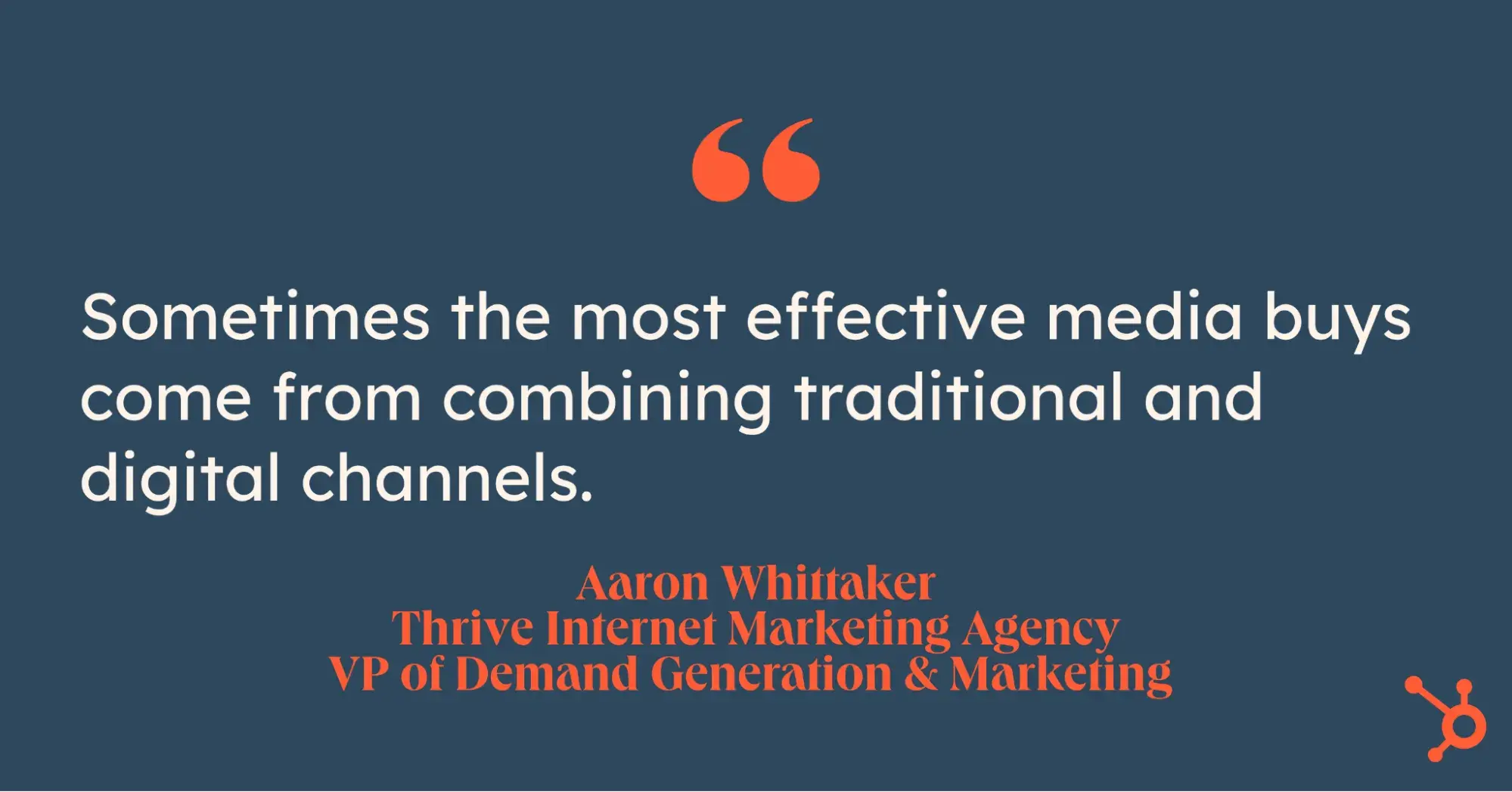
But the most surprising insight Whittaker shared with me? “Sometimes the most effective media buys come from combining traditional and digital channels. For instance, retargeting users who’ve been exposed to radio ads with digital display has shown promising results for local businesses.”

Want more insight into how programmatic buying can be beneficial for your business? Check out this video covering the top five paid marketing trends.

The Media Buying Process

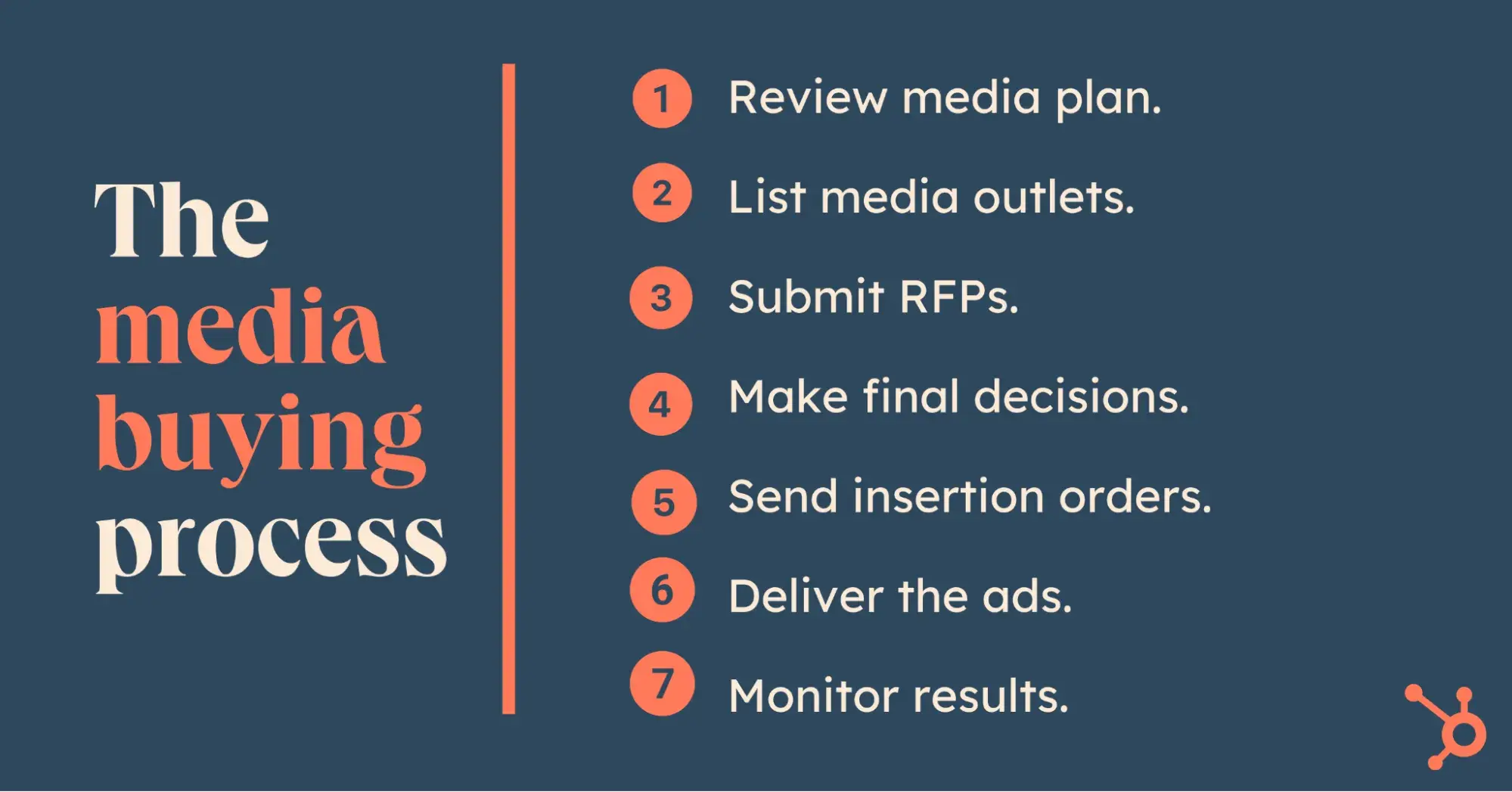
With programmatic buying continually changing things up for media buyers, the process of media buying isn’t one size fits all. But there are still steps you can follow to keep your team organized, whether you opt for direct or programmatic buying — or a mix of both.
the media buying process

1. Review media plan.

Once the media plan is in place, it’ll be handed off to the media buyer. The plan will include goals, timelines, target audience, and total budget, but it will likely be up to the buyer to decide how the budget is allocated.

Now is the time to think about types of ads, where you’ll run them, and how much money you want to dedicate to various channels.

Free Resource: Get your media plan template here.

2. List media outlets.

With your target audiences in mind, develop a list of media outlets where you’d like to buy ad space. If you plan to use a combination of media types, you can also include DSPs on your list (like the ones recommended later in this article).

3. Submit RFPs.

Now that you have a list of outlets, send them each a request for proposal (RFP). This document will include all your campaign details and ask vendors to respond with proposals that match your goals. The point is to give you a series of proposals to review so you can make decisions on where to place your ads.

Free resource: Use these RFP templates to get you started.

4. Make final decisions.

Once you’ve got the RFP responses in hand, it’s time to make buying decisions. Evaluate how the proposals will help you meet your goals and how they align with your overall ad placement strategy. Then, go ahead and buy the ad space.

5. Send insertion orders.

When your ad placements are final, submit insertion orders (IO) to all the ad inventory vendors. IOs are legal agreements between publishers and advertisers that detail the specifics of an ad campaign (dates, format, placement, etc.) and they’ll require your signature as well as that of the publisher.

6. Deliver the ads.

Somewhere in the background of all this, your creative team was probably already hard at work on developing the actual ads. As a media buyer, you’ll need to coordinate with them to ensure the formats are correct for each medium and that the vendors receive the ads by the deadlines specified in the IO.

7. Monitor results.

The heavy lifting is out of the way, but it doesn’t mean the work is done. After your campaign launches, you’ll need to track its performance.

If you launched digital campaigns, you can monitor results in real time. And if your campaign is underperforming on metrics that were guaranteed by the publishers, negotiate with them for a “makegood” (meaning they’ll make up for the shortfall).

Media Buying Tips

With the media buying process as a general guide, I wanted to dig a little deeper into how to carry it out. While some organizations may have dedicated media buyers, small and medium-sized businesses don’t always have the resources for that, and roles can overlap.

So, with that in mind, I called on experienced marketers to ask for take-home tips on media buying, with a special focus on SMBs and up-and-coming brands.

1. Strategize.

When you’re planning and buying on a smaller budget, settling on a strategy before your campaign can feel even more imperative.

“We recommend an omnichannel approach,” says Jennifer Hall, associate director of agency marketing at Vision Media.

“Media plans are developed based on the brand’s goals, budget, and target audience,” she tells me, adding that prospects are most often reached through a combination of traditional and digital channels, such as “paid social, CTV, print or out-of-home (OOH), and streaming audio.”

2. Identify your target and where to find them.

Determining your target audience and experimenting with where exactly to reach them is another important piece of the media-buying puzzle.

“Focusing on digital platforms that cater to passionate niche communities has been a game-changer,” Maris Laatre, CMO of Bully Max, says. “For example, we’ve used video ads on YouTube to demonstrate the benefits of our products, which drives engagement and builds trust with pet owners.”

Also, finding a space where the competition hasn’t yet caught up has its advantages, she says, mentioning TikTok. “It’s an underutilized platform for ecommerce brands in our niche, but it offers a lot of potential for those willing to experiment.”
media buying tips

3. Set up your campaign.

Whether you’re using a DSP or coordinating direct deals, you’ll need to specify your campaign parameters.

Both programmatic and direct buying have their pros and cons when it comes to getting set up, according to David Hunter, SEO expert and founder of Local Falcon.

In the case of the first option, “it’s automated, which means ad space can be bought in real-time, often at a lower cost, and it helps target specific audiences based on their behavior and preferences. It’s efficient, but you need to monitor it closely to avoid wasting money on clicks that don’t convert.”

“For businesses that value more control or have niche audiences, direct deals with media outlets can work better,” he continues. “It’s slower to set up, but the personal connection with the publisher often makes the investment worth it.”
media buying tips

4. Track the results and optimize.

The most exciting (and possibly scariest) part of launching an ad campaign is tracking its performance.

“It’s not just about choosing a strategy or platform,” Hunter tells me. “You have to track everything — what works, what doesn’t — and adjust quickly.”

“Sometimes what looks great on paper flops when you actually run the campaign. Small changes, like tweaking the timing of an ad or narrowing the audience slightly, can make a massive difference.”

If you decide to go the programmatic route, your next step will be deciding on a DSP.

To put together a list of the leading platforms for media buying, I asked marketers which ones they use and why they’d recommend them. Below is the compiled list, with tips to get you started.

1. Google Display & Video 360
media buying, google display & video 360 website

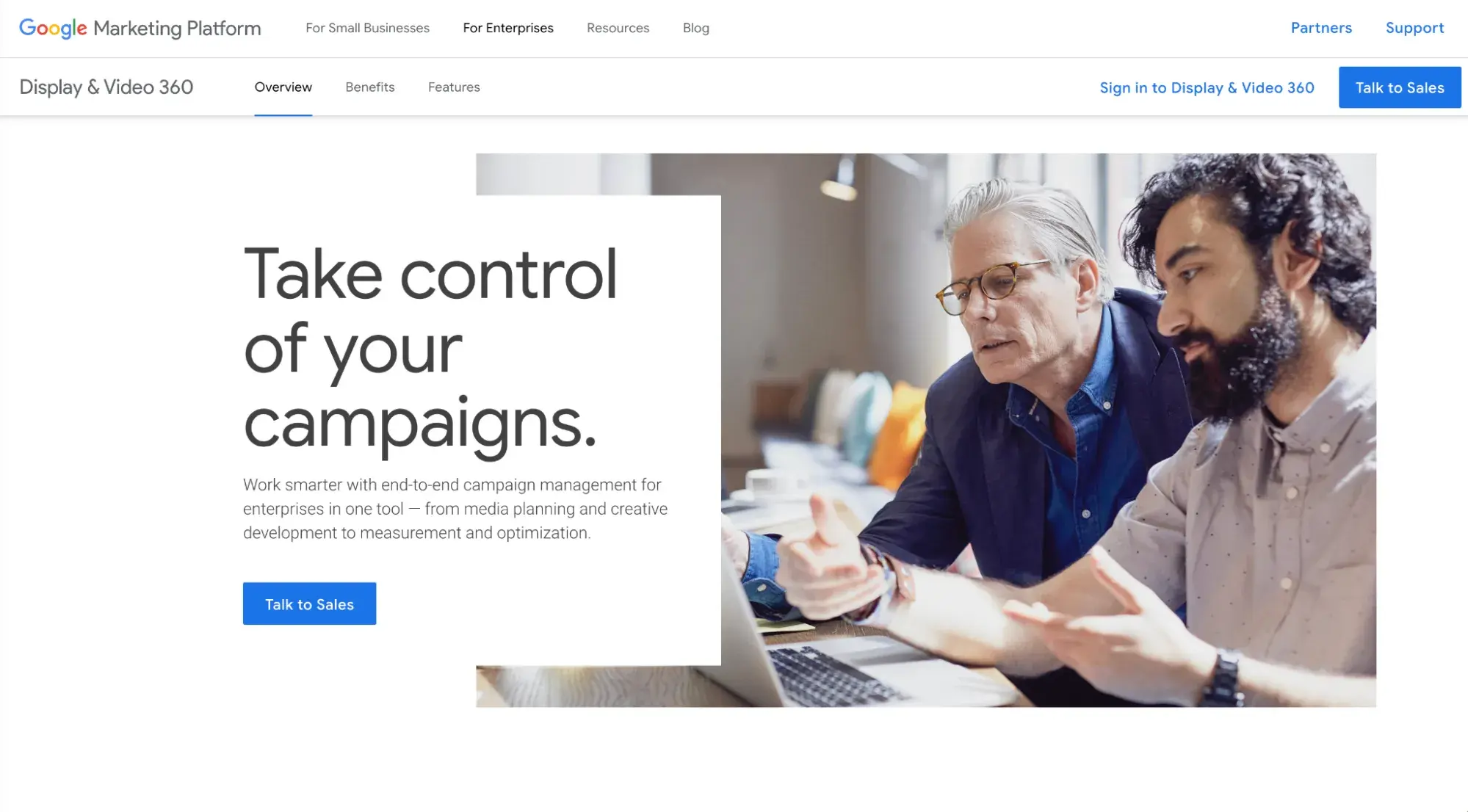
Inside the Google Marketing Platform, you’ll find Display & Video 360. Originally DoubleClick Bid Management, DV360 integrates seamlessly with Google Analytics and other Google products. So, if your team is already using those tools, this may be the right media buying tool for you.

There are five modules in DV360 to build your campaign, manage your audience and creative assets, analyze your data, and access ad inventory from top publishers. It also offers automated bidding and custom targeting using first and third-party data, making it easier to reach the right audience.

Lastly, the platform allows advertisers to not only reach users on websites and YouTube but also CTV.

Best for: Integrating with other Google products and accessing a wide range of tools.

2. The Trade Desk
media buying, the trade desk website

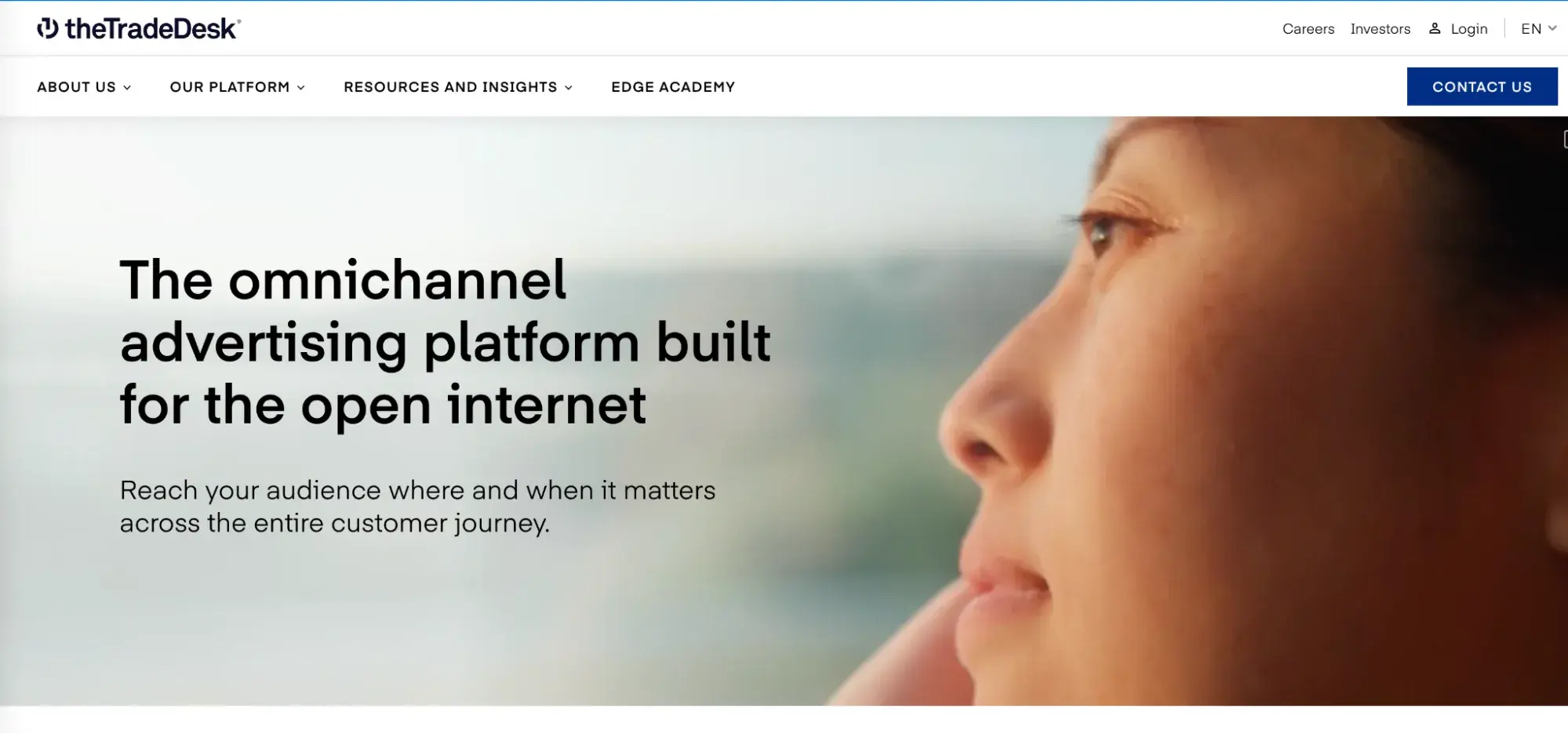
If you want access to premium publishers, the Trade Desk is one place you’ll want to look.

The platform has ad inventory from influential publishers,like Spotify, ABC, The Wall Street Journal, and ESPN.

One of the platform‘s key features is the AI-driven “Koa,” which uses data from over 600 billion daily queries to determine the smartest and most cost-effective way to run your digital campaign. The Trade Desk also has cross-device targeting capabilities to optimize your campaign’s reach.

Best for: Larger-scale campaigns “because it gives you access to premium publishers and uses AI to help optimize performance,” recommends David Hunter.

3. Amazon DSP
media buying, amazon dsp website

Every time I think Amazon has capped, it comes out with another vertical.

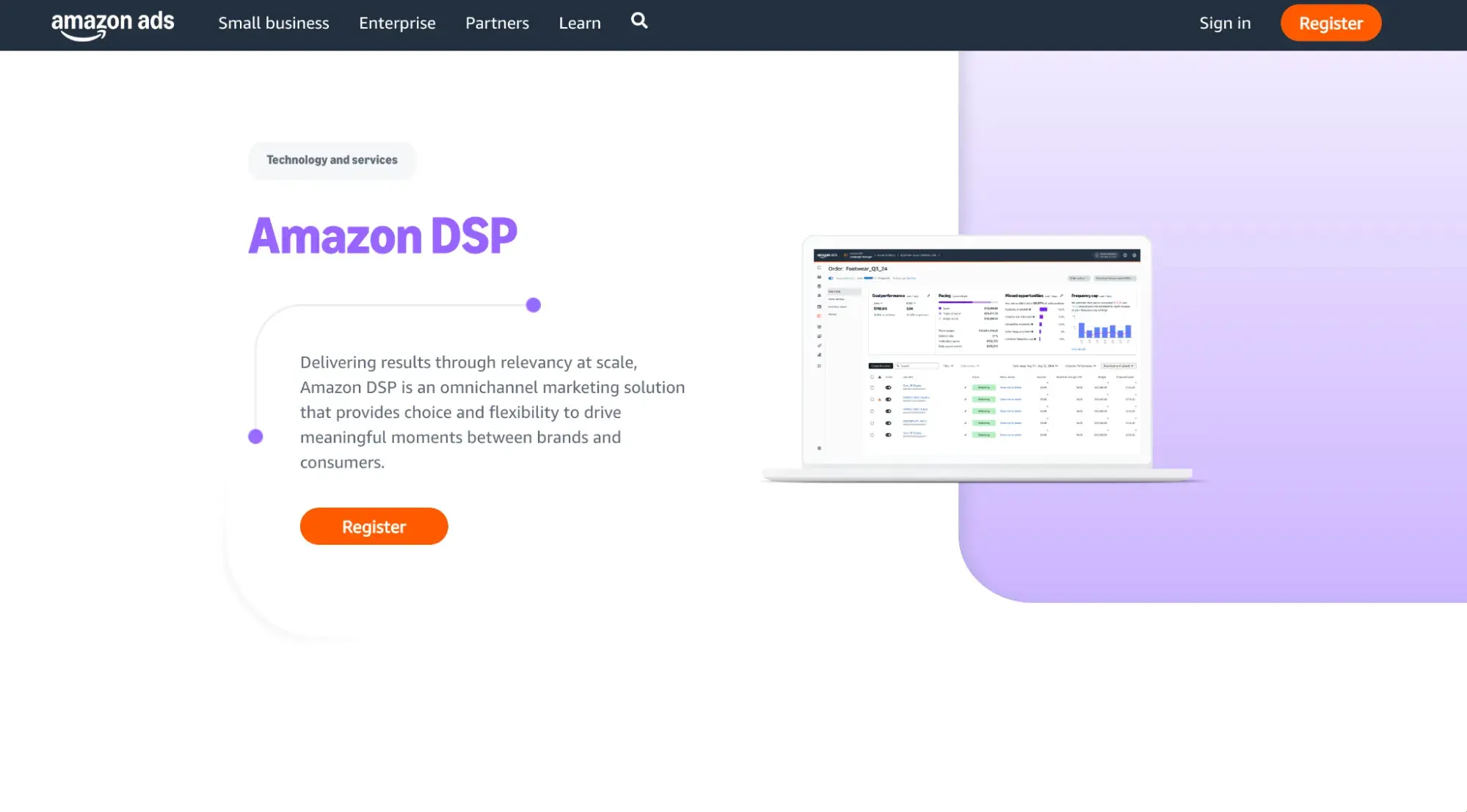
As a top three DSP, Amazon DSP is one of the most used platforms allowing your ads to appear on Amazon-owned websites like Audible and IMDb, and other Amazon partners. In addition, they can show up on Amazon connected devices, like Fire TV, Kindle, and Alexa, giving you a breadth of opportunities to get in front of the right people.

Along with targeting based on demographics and interests, it also allows targeting based on Amazon purchase history, as well as past searches and views, giving it a leg up on the competition.

Brand safety is also a top priority to ensure ads don’t appear in risky or unsuitable environments. The platform monitors real-time bids and site reviews for quality and security to ensure brand protection.

Best for: Your product-focused business. “If a client has a product-focused business, I usually recommend Amazon DSP — it uses Amazon’s consumer data, which is hard to beat for ecommerce,” Hunter says.

4. Wallester
media buying, wallester website

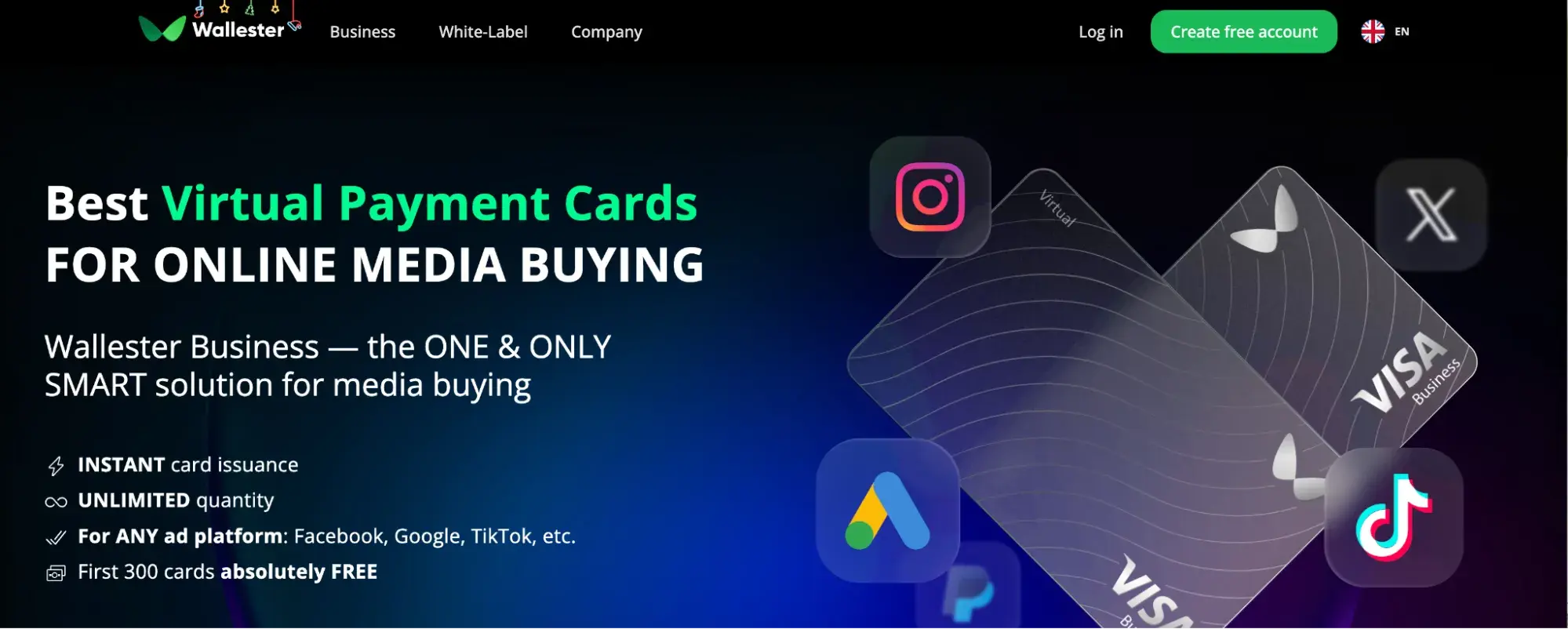
Wallester Business simplifies campaign expense management through its user-friendly platform and application. The service enables you to create virtual and physical cards via separate accounts with customizable daily/monthly limits. You can also generate expense reports in CSV, Excel, or PDF formats, add colleagues to your account, and assign them to specific cards or campaigns.

With Wallester Business, you can avoid failed transactions on popular platforms like Meta, TikTok, Google, X (formerly Twitter), Mailchimp, and more. New users can try the platform by creating the first 300 virtual cards at no cost.

Best for: Sharing virtual cards between media buyers within an organization.

5. AdCritter
media buying, adcritter website

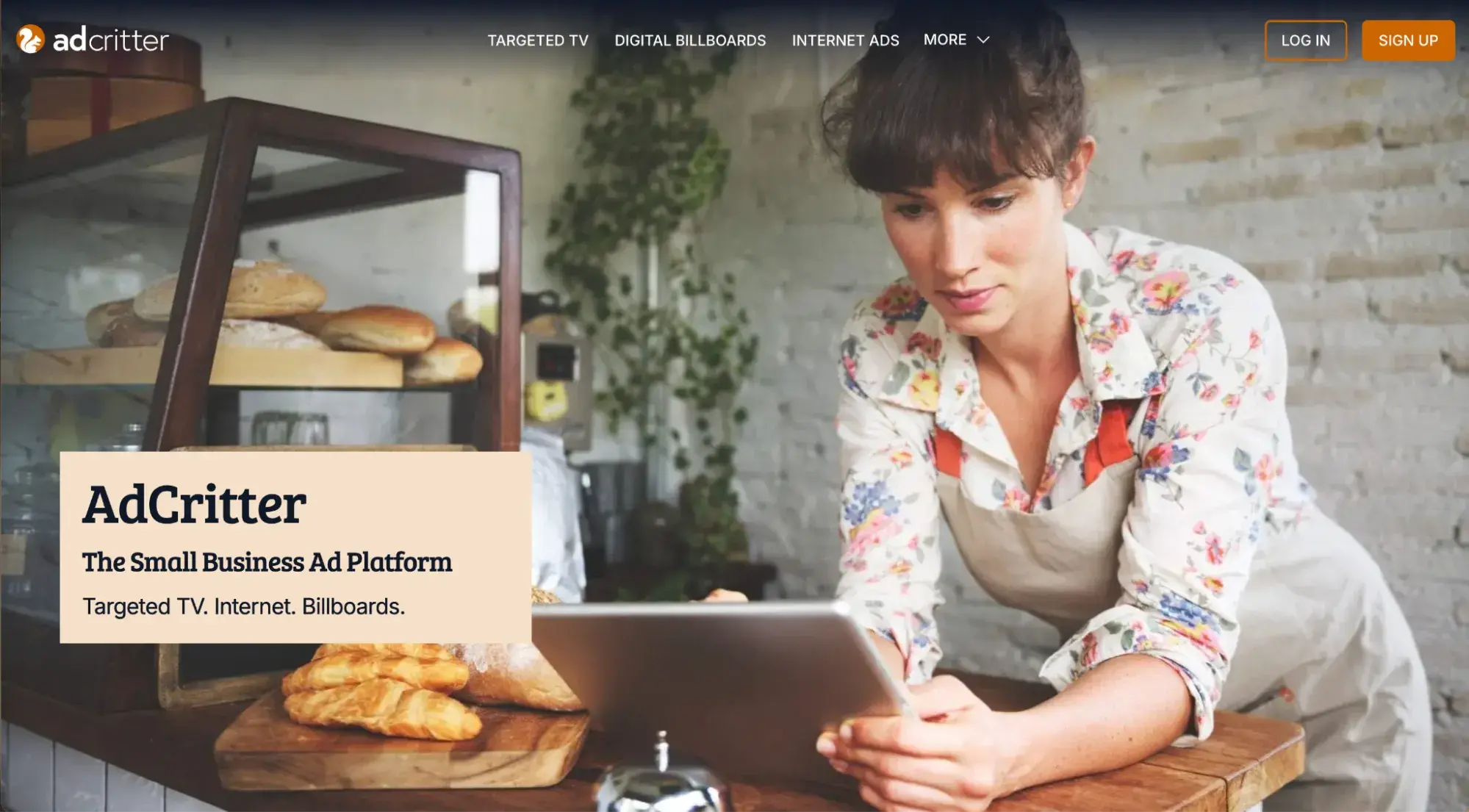
AdCritter is a DSP made for small to medium-sized businesses.

The platform has an ad builder and a library of pre-designed templates for businesses that may not have their own creative assets. This means you can get help with ad-making right on their platform.

With AdCritter, media buyers (or even one-person brands) can hand-select the websites they’ll appear on to ensure their ads reach their intended audience. You can also reach consumers based on demographics and behavior.

The real seller, though, might be that it makes TV and digital billboard ads cost-effective through precision targeting and short-term placements.

Best for: SMBs and smaller budgets looking to maximize their ad spending.

6. Adobe Advertising Cloud
media buying, adobe advertising cloud website

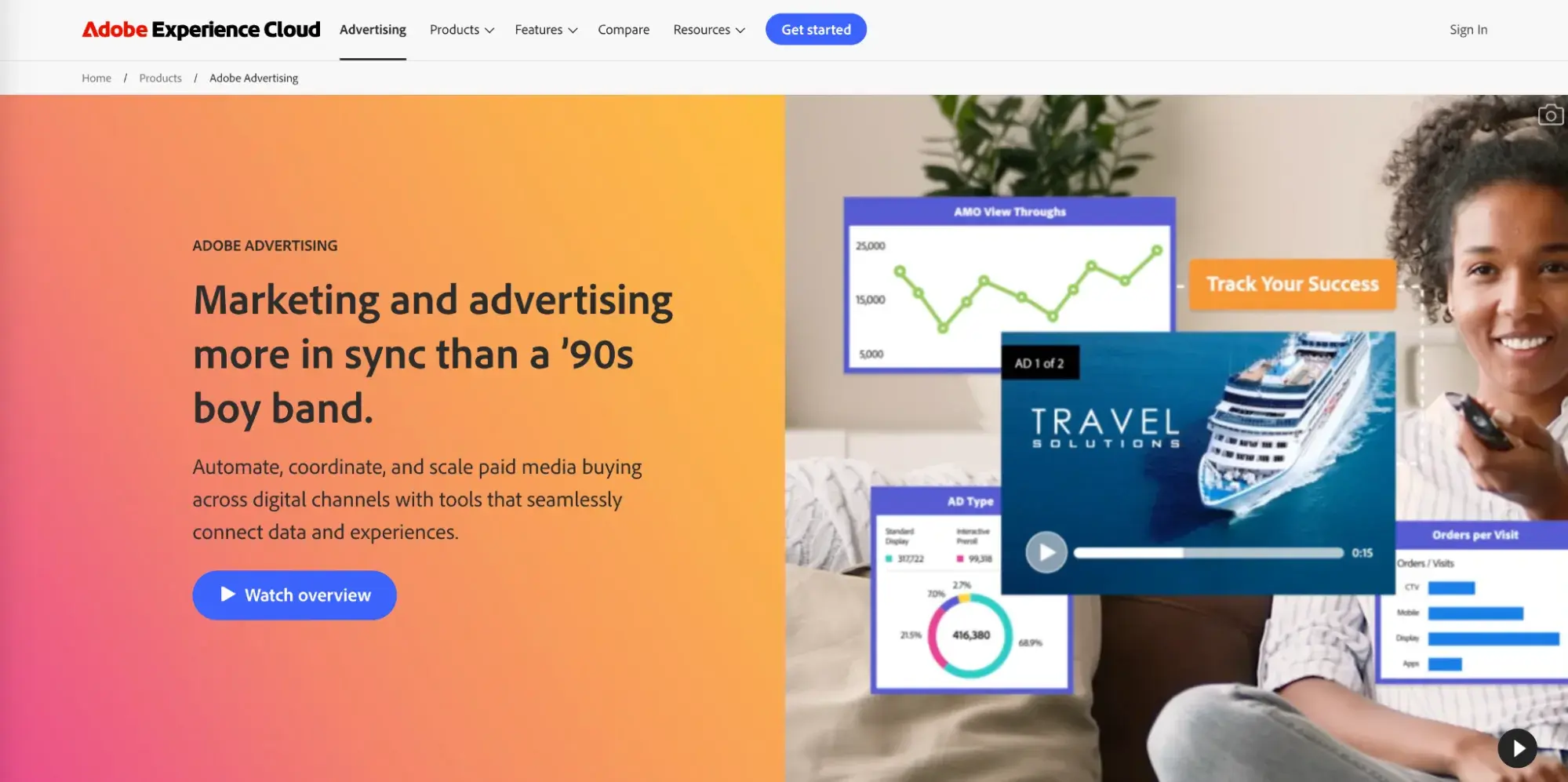
In 2017, Adobe launched a powerful DSP to tie with Adobe Audience Manager and Adobe Analytics. Similar to Google, Adobe’s platforms integrate seamlessly, which makes collaboration easier and cross-data analysis simpler.

Adobe also has powerful performance optimization features to maximize return on ad spend (ROAS).

Best for: Integrating with other Adobe products, like Adobe Analytics.

7. Criteo
media buying, criteo website

This platform has access to a large network of premium retailers, making it a great DSP for brands who want to reach online shoppers. Think Best Buy, CVS pharmacy, Macy’s, and Kohls.

They rely on first-party data, instead of third-party cookies, to optimize ads and determine the right time and place to engage shoppers.

Criteo’s flexible attribution models also make data analysis easier for teams.

Best for: Engaging customers across online shopping experiences.

8. StackAdapt
media buying, stackadapt website

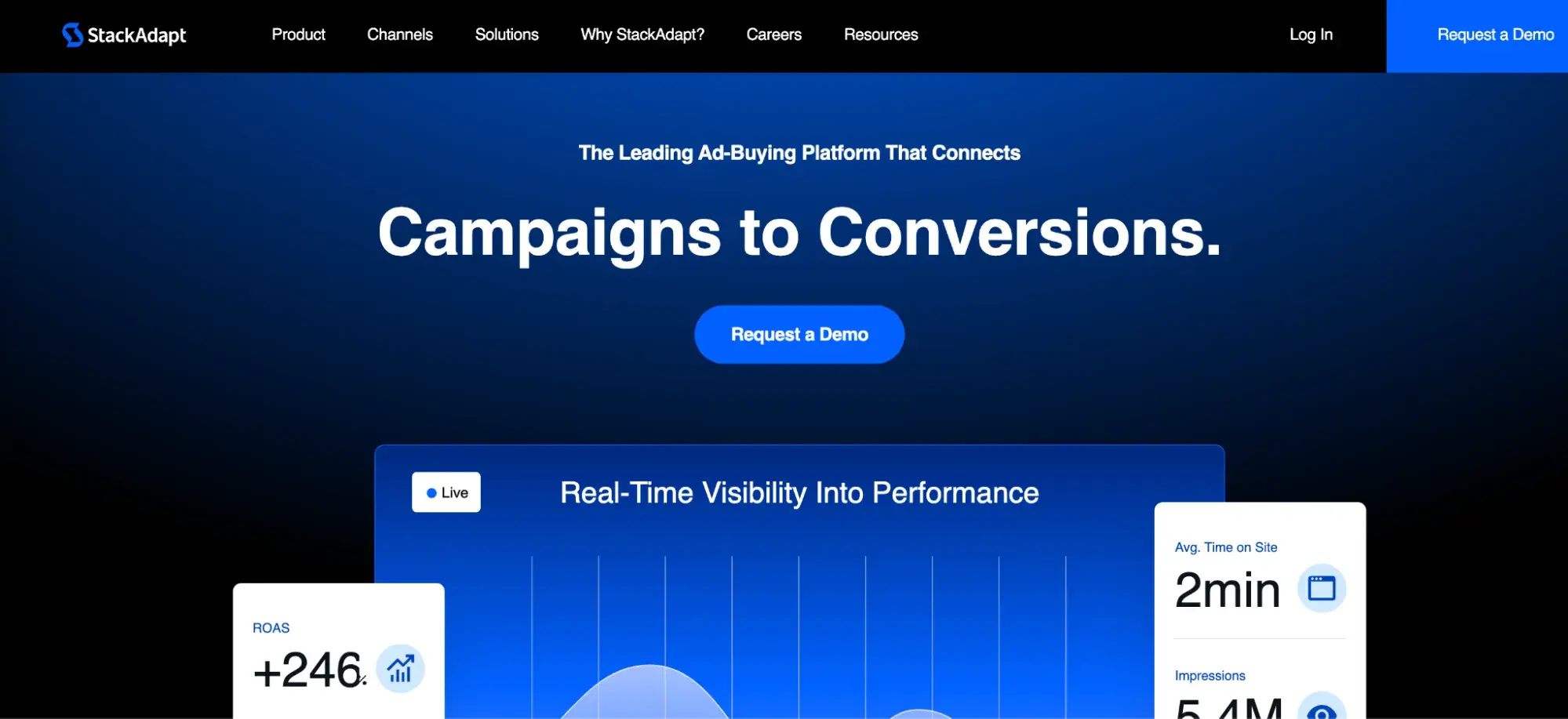
“StackAdapt has become our go-to platform for growing companies – they don’t demand huge minimum spends, and their team delivers solid campaign optimization advice,” says Tristan Harris, senior VP of marketing at LinkBuilder.io.

“What I especially value is their real-time reporting that shows exactly where ads appear and how they perform, eliminating any guesswork about ROI.”

Some of their key features include dynamic retargeting, machine learning optimization, and cross-device capabilities. Contextual targeting is perhaps the leading selling point, which matches ads to online content, making it about users’ interests, and shifts away from behavioral targeting.

Additionally, if your brand is a regulated industry (like alcohol, cannabis, or gambling), StackAdapt can help you strengthen your messaging and maneuver around those challenges.

Best for: Placing ads alongside relevant content through contextual targeting.

9. Simpli.fi
media buying, simpli.fi website

Some DSPs offer pre-segmented audiences for ad campaigns, which can be limiting depending on who your team wants to reach. Simpli.fi offers custom targeting options to guarantee accuracy using unstructured data.

The platform also promotes cost and analytics transparency. If you want to see a detailed breakdown of where your ad dollars are going and how much of it goes toward platform fees, you can do that here.

Another standout feature in Simpli.fi is the localization capabilities, which uses geo-targeting to reach audiences in their pinpoint physical location.

Best for: Geo-targeting for highly specific location-based interests.

10. Adelphic, a Viant DSP
media buying, viant website

If customer support is important to your team, consider Adelphic (housed under Viant). This omnichannel DSP reports consistently having a client satisfaction rate above 95%.

Unlike other DSPS, the platform offers a flexible pricing model with a subscription-based structure. This means media buyers pay one set monthly fee for unlimited media.

Additional features include advanced reporting tools and data integrations, as well as recent collaborations with premiere companies to — according the partnership press release

— “offer advertisers a more refined and effective approach to targeting and measurement, particularly in the rapidly evolving landscape of CTV.”

Best for: Targeting multiple connected devices within a single household.

11. Amobee
media buying, amobee website

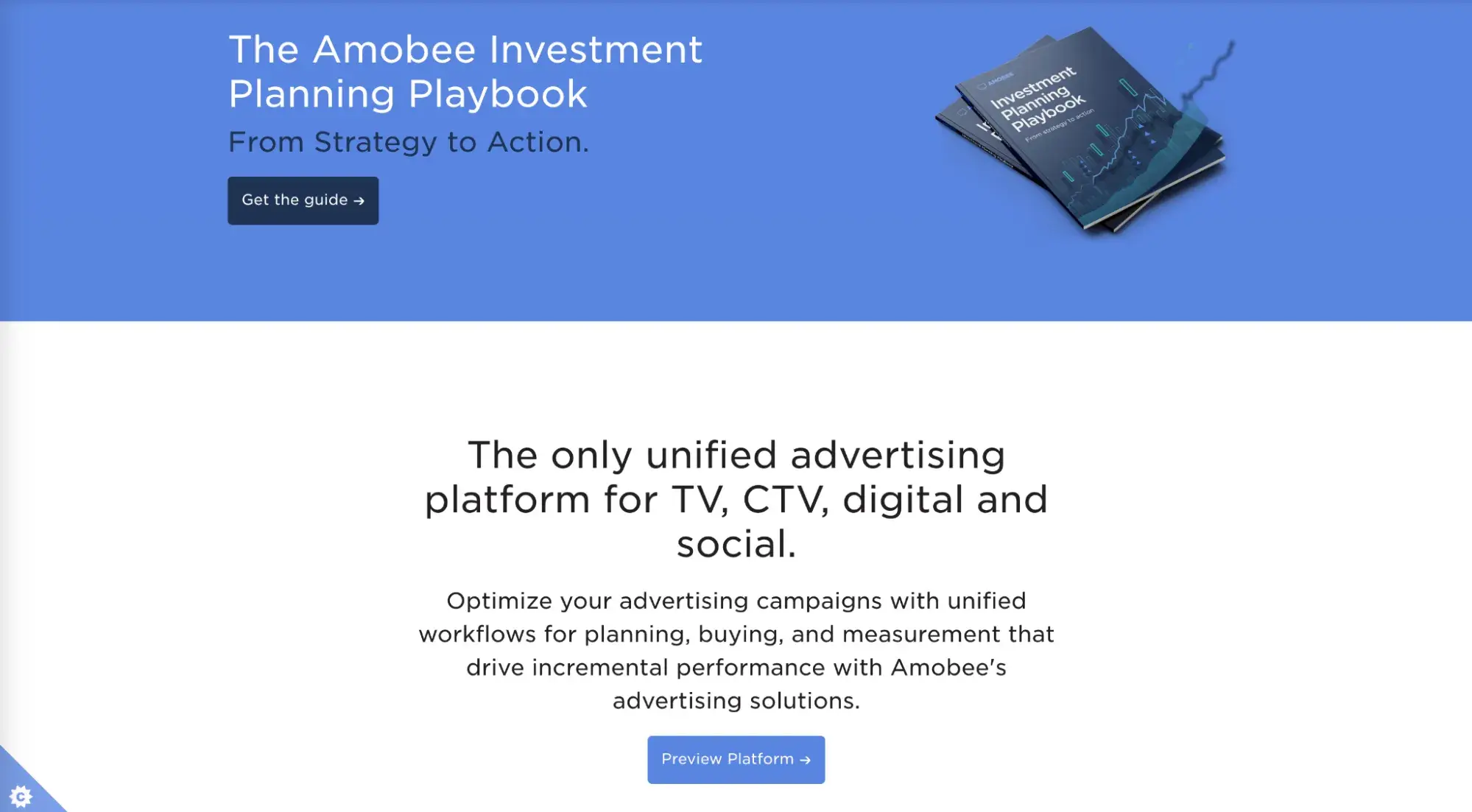
Now a part of the data platform Nexxen (a unified DSP/SSP platform), Amobee lets you design digital campaigns across TV and digital.

This DSP identifies potential consumers on a person-by-person level using their proprietary identity graph called “Amobee ID.” Using this tool, brands can forecast their campaign’s performance across multiple devices and channels.

The platform can also access APIs from social channels, such as Facebook and Instagram, for social campaign automation.

Best for: Managing campaigns across TV, CTV, digital, and social media in a unified platform.

12. Basis by Centro
media buying, basis website

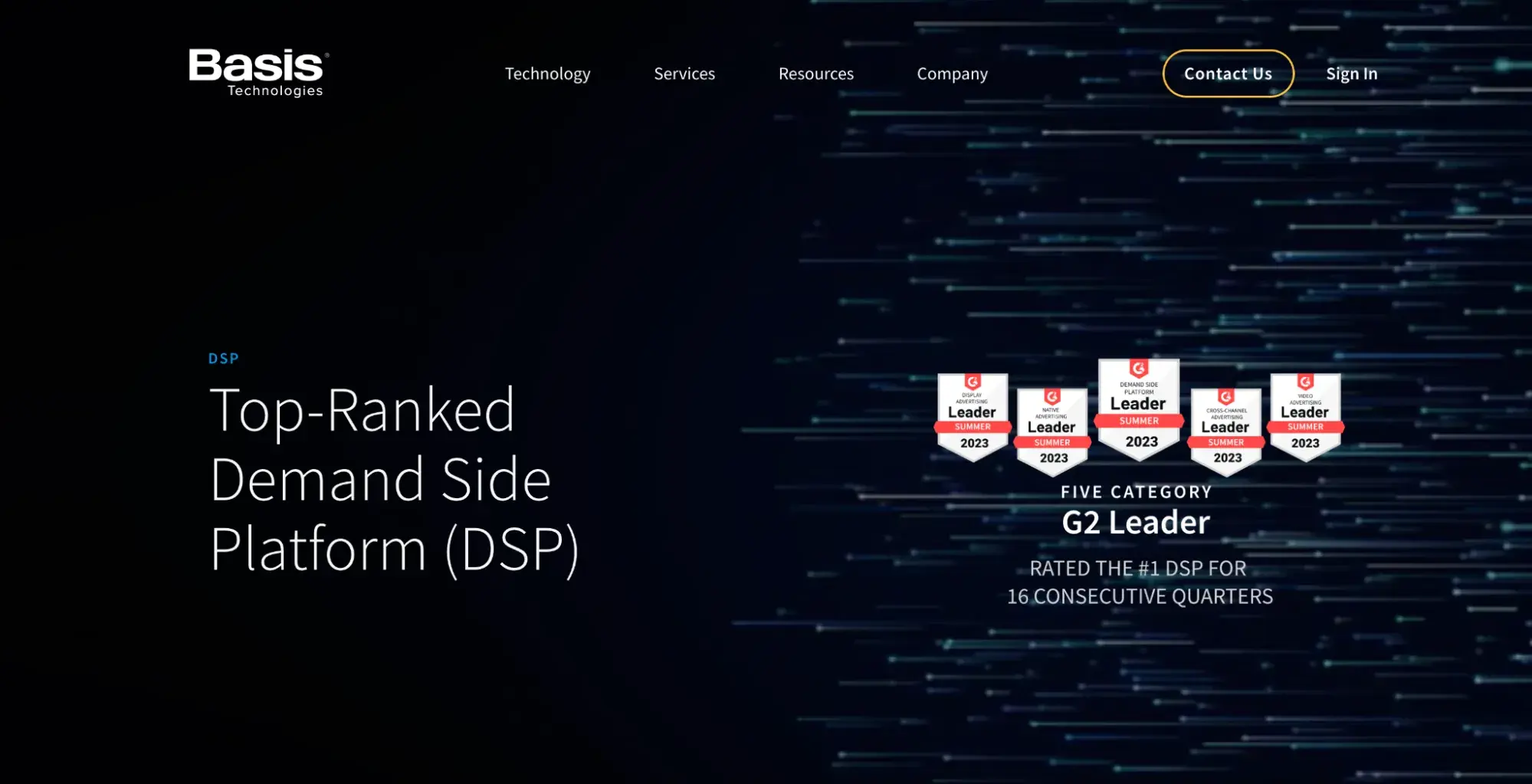
Basis has one of the largest inventories in the market and unites ad channels in a single interface.

Its artificial intelligence (AI) tool can also review over 30 campaign parameters and automatically analyze data using either algorithms or machine learning – your choice.

Basis also has scalable features, catering to both small and large businesses.

Best for: Streamlining campaigns with automated workflows.

13. Microsoft Invest (formerly Xandr)
media buying, microsoft invest website

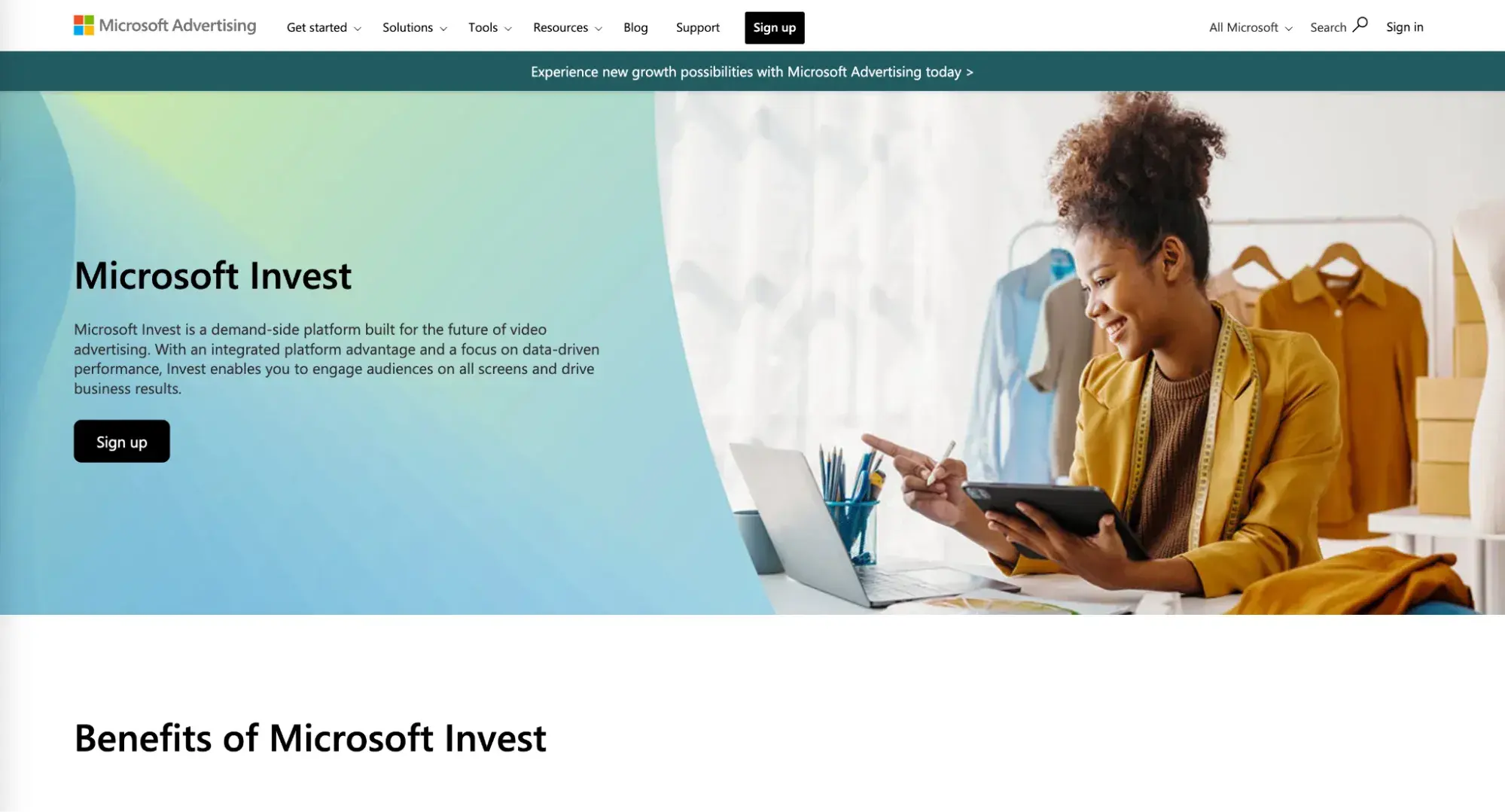
This DSP specializes in reaching audiences through video advertising.

The platform is built on AT&T’s first-party data, giving brands unique insight to deploy targeted campaigns. Marketers can segment users by lifestyle, interest, intent, demographic, and viewership.

It also offers a sleek user interface to plan, launch, and track campaigns.

Best for: “Advanced targeting options, access to quality inventory, and a sophisticated campaign management solution,” advises Harris.

14. AdRoll
media buying, adroll website

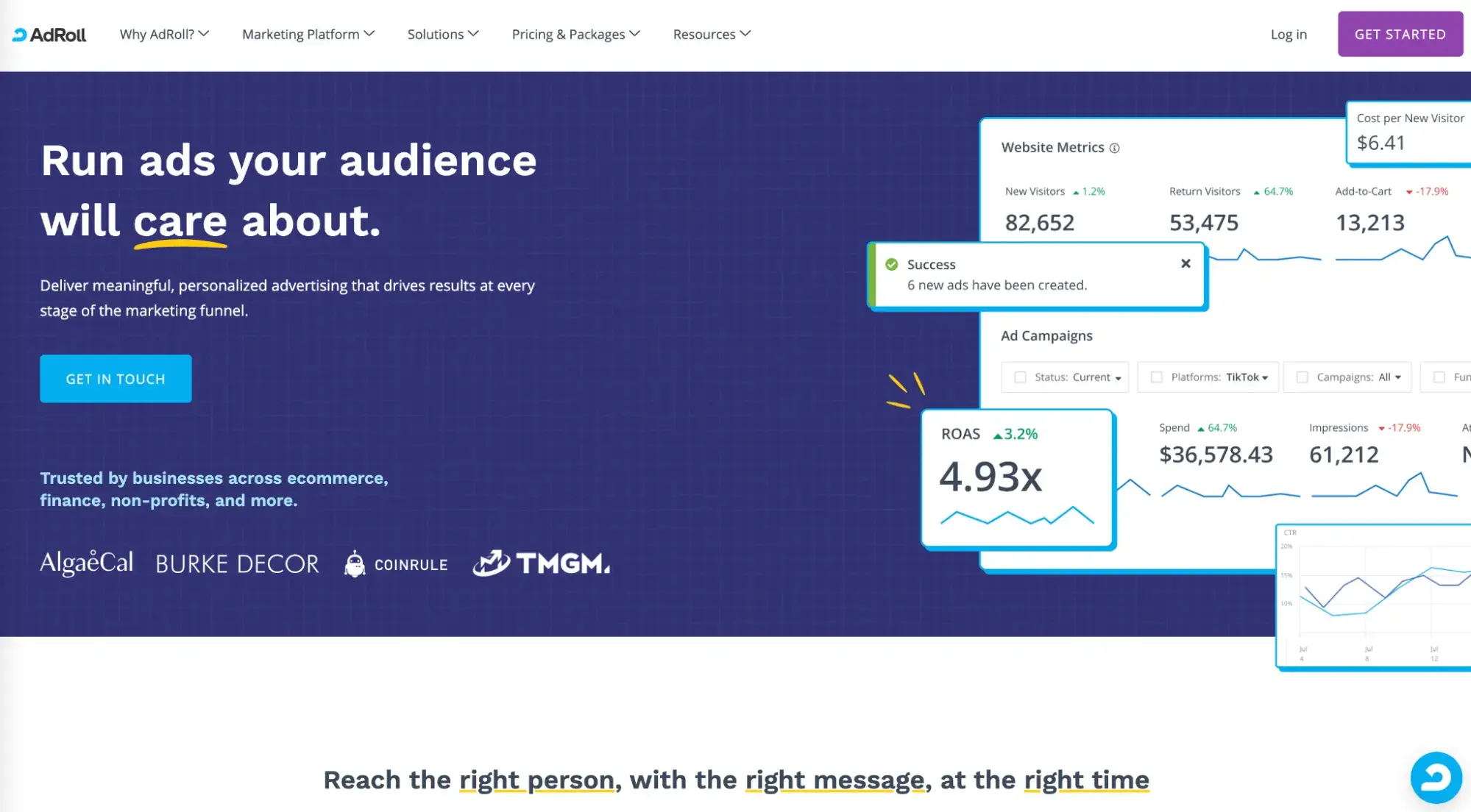
If your website has a shopping cart or a signup button, you’ll want to check out AdRoll. You probably know them as the leader in retargeting, helping over 140,000 brands over the past 15 years turn website visitors into customers.

But to meet the demand of ecommerce merchants, AdRoll has expanded their offering to enable brands to engage with both known and unknown contacts across display ads, social media ads, and email — the only platform to do so.

With the AdRoll HubSpot integration, you can even sync your HubSpot email lists directly from your account to AdRoll, matching your contacts to anonymous site visitors and creating targetable audiences.

AdRoll also has integrations with all of the big ecommerce platforms like Shopify, BigCommerce, WooCommerce, and Wix, making it really easy to get campaigns up and running quickly by instantly pulling in your product feed to create dynamic ads and emails and help you identify high-value visitors to target.

Best for: “Retargeting and display ads services, specifically to help companies reach their target audience across millions of websites and social networks,” says Harris.

Jumping Into the World of Media Buying

When I started asking around about media buying, I had no idea of the vast world I was jumping into. What I thought was a simple question about how it’s done turned out to be… complicated.

Media buyers don’t just secure locations, times, and frequencies for ads — they’re also up on the latest marketing trends and AI technologies, along with having a deep understanding of their target audience.

But I also learned that even if you don’t have a dedicated staff for media buying, there are plenty of tools out there to take the guesswork out of ad placement.

Whether you’re a large outfit or an SMB, a multi-channel approach can ensure your brand’s ad gets in front of your ideal customer.

Editor’s note: This post was originally published in February 2021 and has been updated for comprehensiveness.

Categories B2B

What is Programmatic Lead Generation and How Can it Transform Your B2B Marketing?

Now that we are safely into 2025, let’s set off some more fireworks:

Most traditional lead generation methods are ineffective. 

Here’s why.

The B2B cosmos is filled with hundreds of thousands of competitors and choices. 

Prospects—battle-tested thanks to decades of shenanigans—are savvier. They can no longer be bothered by generic messaging or “opportunities” that seem too good to be true.

Thus, sourcing quality SQLs often feels like searching for a needle in a haystack. 

All of this to say, “Houston, we have a problem.” 

It’s Only Getting Harder to Engage Your Buyers 

The modern buying journey has evolved drastically in the last decade. 

Much of the complexity around B2B buying decisions comes from one word: More.

Not to mention how vendors have responded to these market needs. Just look at the complexity of the image below. How can anyone trust a lead generated through that mess?

This increasing complexity calls for a strategic approach that simplifies and aligns messaging, content, and timing to meet the needs of every stakeholder at each stage of the journey.

Of course, there is another result of this complexity: greater pressure on B2B marketers.

Under Pressure

In an era of “more, more, more,” marketers face the challenge of not just keeping up but finding ways to thrive under the weight of rising demands.

  • Targets are rising.
    Each quarter brings higher expectations, pushing marketers to deliver more than ever before.
  • Starving Sales teams.
    The pressure to provide qualified leads and actionable insights stems from the pressure placed squarely on the shoulders of our Sales colleagues. 
  • You’re on the hook to deliver more.
    From generating demand to converting leads into revenue, the expectations for marketing teams have never been greater.

So, what’s the answer?

Why Programmatic Lead Generation is the Present and Future of B2B

There is an added benefit of anything rooted in programmatic: ease of use and scale.

Most of us, even non-marketers, are familiar with the term programmatic advertising.

If you’re unfamiliar with it, the Digital Marketing Institute describes programmatic advertising as the use of traffic data and online display targeting to deliver impressions at scale, offering marketers a smarter, more efficient way to boost ROI.

Programmatic is like a marketing autopilot—combining data, automation, and real-time optimization to ensure your message reaches the right audience at the perfect moment. 

It eliminates inefficiencies, scales precision, and delivers actionable insights, allowing marketers to work smarter while driving better results across every channel.

Programmatic Lead Generation accomplishes the same thing in the lead generation space.

One agreement, one vendor, effortless execution. (That applies to both programmatic advertising and lead generation.)

It’s a smarter, scalable way to generate leads that resonate with intent, making it easier for you to focus on what matters most—growing your pipeline and closing deals.

Users get things more relevant to them while clients appear in front of users more relevant to them. 

It’s a digital win-win.

What Sets Programmatic Lead Generation Apart?

Through one relationship with NetLine, you can gain access to 15k+ B2B Walled Gardens without the need to individually negotiate and/or manage those relationships.

Imagine your lead generation efforts not as a broad net but as a laser-focused beam. Programmatic Lead Generation allows you to connect with high-intent prospects based on their behavior, preferences, and readiness to engage—all at scale.

NetLine’s platform enables brands to customize lead criteria, tap into first-party data, and deliver content through trusted Tier 1 publishers. This means every lead is a real opportunity, not just another contact in your CRM.

Key Features That Elevate Your Strategy

  1. Intent-Focused Targeting
    Forget about chasing unqualified leads.

    By leveraging first-party, buyer-level intent data, the platform ensures your content reaches prospects actively seeking solutions, significantly increasing your chances of conversion.
  2. Automation That Works Smarter
    Automation isn’t just about speed; it’s about precision.

    NetLine’s real-time targeting matches the right content with the right audience, maximizing efficiency without sacrificing personalization.
  3. Transparency You Can Trust
    Ever wonder if your campaigns are actually moving the needle?

    With real-time visibility into how leads engage with your content, NetLine provides the insights needed to refine your strategy and prove ROI.

Programmatic Lead Generation in Action

Programmatic Lead Generation identifies and aligns with your audience’s intent, ensuring you’re not just seen—you’re remembered.

Picture this: A CIO researching new cybersecurity tools downloads your white paper. With traditional lead generation, this interaction might end there. 

However, with NetLine’s programmatic approach, that initial action triggers a series of tailored follow-ups, moving the CIO closer to becoming a customer while providing insights into their journey.

This kind of dynamic engagement ensures you’re reaching your audience with the right message at every stage of their decision-making process.

Studying The Spectrum of Lead Generation

It’s also important to acknowledge that there exists a spectrum of lead generation. Naturally, this means that every lead is not generated equally.

In the same way that we would ask NASA about an alien spaceship coming to Earth, there are several questions to ask about your leads:

  • Where did they come from?
  • When did they arrive?
  • What do they want?
  • How do we know this?
  • How do we respond?

In the table below, we’ve outlined three common sources of lead gen, highlighting strengths, weaknesses, and all the other variables that matter to revenue teams.

The Spectrum of Lead Generation

*Limited to participating publishers.

B2B Publishers (Walled Gardens) Programmatic Lead Generation 3rd Party Lead Gen (Scale Providers) Display Advertising (Impression-Based)
Strengths
  • Engaged audiences- Rich user data- High-quality leads
  • End-to-end visibility- Trusted experiences- Premium access
  • Full visibility of performance
  • Trusted user experience
  • Access to premium platforms
  • Broad-scale audience reach
  • Diverse data sources- Off-the-shelf solutions
  • Wide content visibility
  • High impression counts
Weaknesses
  • Data accuracy challenges
  • Data accuracy issues- Cold, low-quality leads
  • Outsourced processes- Limited audience relationships
  • Low lead specificity- No guaranteed lead generation
  • Bot-inflated traffic- Ad fatigue
Lead Quality
  • High-quality leads filtered by detailed user intent and behaviors
  • Top-notch leads with clear user interest
  • Typically low, often with cold, generic prospects
  • Unfocused, traffic-focused with no assurance of lead conversion
Transparency
  • Full visibility into user interactions and content performance
  • Complete insights into user actions and content
  • Limited transparency on lead origin
  • Minimal insights beyond impressions and clicks
Audience Targeting
  • Native content distribution with contextual content alignment
  • Contextual alignment with user behavior and content comsuption
  • Rely on aggregated or third-party cookies for targeting
  • Account-only targeting; lacks deeper intent data
Data Collection
  • First-party data directly from audiences within trusted environments
  • First-party data from reliable sources
  • Third-party aggregated dataWeb scraping and bidstream data
  • Minimal engagement data
User Experience
  • Positive, trusted experiences aligned with content consumption habits
  • Seamless and trustworthy
  • -Matches audience interests
  • Dependent on external processes; low trust with audiences
  • Noisy and intrusive; banner blindness reduces effectiveness
Cost Effectiveness
  • Pay only for leads that meet specific criteria (quality and intent-driven)
  • Pay only for engaged leads that meet filter criteria
  • Pay for lead volume regardless of quality
  • Pay per impression (CPM), not for actionable leads
Vendor Relationship Structure
  • Individual contracts with each media operator. Each contract will need to be individually negotiated and managed. 
  • One vendor agreement
  • One agreement
  • One agreement
Brand Safety
  • Secure, premium environments with trusted content
  • High-security environments
  • Reliable content sources
  • Risk of offshore outsourcing and data misuse
  • High exposure to spammy websites and off-topic ads

Working with NetLine means you can trust that your contact found your content on one of the most trusted sites across the web. 

NetLine’s programmatic lead generation will better align with your marketing strategy at scale, delivering exactly what your audience needs when they need it.

Will every lead be perfect? Of course not.

But leveraging our platform ensures you’ll have greater context around the Who, What, When, Where, Why, and How questions your Sales team will have.

Transform Your Pipeline with Programmatic Lead Generation

B2B lead generation is at a crossroads.

The old methods of throwing content at a wall to see what sticks won’t cut it anymore. Programmatic Lead Generation offers a new path forward—one where data, automation, and intent work together to drive measurable, meaningful results.

We’ve shown that the tools necessary to transform your lead generation strategy are already here. 

The only question left is this: Are you ready to leverage them?

Categories B2B

Could TikTok Be Banned… Today?

What we know right now:

  • TikTok will be banned this Sunday, January 19th if it doesn’t demonstrate a willingness to divest from ByteDance, it’s Chinese-owned parent company… Unless the Supreme Court agrees with TikTok that its previous ruling infringes on freedom of speech.
  • The justices pushed back on TikTok’s stance that its ban infringes on freedom of speech, pointing out that a constitutional right doesn’t impact foreign-owned entities.
  • The Supreme Court could rule as early as today.

It’s not looking like a happy-New-Year for TikTok.

The Supreme Court heard oral arguments related to TikTok’s ban—and whether it infringes on the First Amendment right—on January 10, 2025, and could rule as early as today.

Here’s what you need to know about the status of the ruling, and what could happen if the ban takes effect.

→ Free Download: Social Media Calendar Template [Access Now]

But first… How’d we get here?

Ahem. Let’s start with some context: The “Protecting Americans from Foreign Adversary Controlled Applications Act” was signed into law in April 2024.

The name is a mouthful, but the ruling would prohibit U.S. app stores, as well as web-hosting services, from offering TikTok.

In other words: TikTok would be banned nationwide. (Cue despairing Gen Zers everywhere.)

So what does the Supreme Court want from TikTok?

For TikTok’s parent company, ByteDance, to divest its U.S. operations by, well, this Sunday (January 19th) — due to national security concerns over its Chinese ownership and data practices.

The Arguments: TikTok’s Side

During Friday’s oral arguments, TikTok’s attorney, Noel Francisco, argued that the ban violates the First Amendment.

As he puts it, “If the First Amendment means anything, it means the government cannot restrict speech in order to protect us from speech.”

He added, “The government has no valid interest in preventing foreign propaganda… The government’s real target, rather, is the speech itself, its fear that Americans, even if fully informed, could be persuaded by Chinese misinformation. That, however, is a decision that the First Amendment leaves to the people.”

Francisco concluded: “[The ban] is also grossly under-inclusive and ignores the most obvious less restrictive alternative: simply banning TikTok, Incorporated, from sharing any sensitive user data with anyone.”

Beyond TikTok’s argument that the ban violates freedom of speech, Francisco underlined a few other key points:

  • One: They say there is no documented evidence of the Chinese government accessing user data.
  • And two: The imposed timeframe is too tight for TikTok to feasibly separate from ByteDance.

The Rebuttals from the Supreme Court

On Friday, justices seemed skeptical of TikTok’s arguments and questioned how First Amendment rights are being implicated when the law specifically targets a foreign-owned company. (Touche).

As Chief Justice John Roberts put it: “Congress is fine with the [freedom of] expression. They’re not fine with a foreign adversary, as they’ve determined it is, gathering all this information about the 170 million people who use TikTok.”

In other words: The justices are fine with us embarrassing ourselves with TikTok dances, mastering the art of whipped coffee, and endlessly scrolling for that one ‘life-changing’ pasta recipe.

What they’re not fine with is the Chinese government peeking at our data while we do it.

Roberts continued to point out that Congress previously found ByteDance to be “subject to Chinese laws that require it to assist or cooperate with the Chinese government’s intelligence work.”

Justice Elena Kagan also drew a parallel to the concerns over the Soviet Union in the 20th century, stating: “If Congress had said, ‘Well, it’s very nice, we can have the Communist Party U.S.A, but it has to divest, it has to completely divorce itself from the Comintern and from any international ties that it has,’ do you think that that would have been absolutely fine?”

Can Trump undo the TikTok ban?

On Truth Social, Trump recently asked, “Why would I get rid of TikTok?” with a graphic displaying his 36 billion views of #trump and 24 million average views per post on @realdonaldtrump.

Many are of the mindset that Trump can undo the ban if it takes effect.

To my knowledge, here’s what he could do:

  • He can pause the ban for 90 days if TikTok demonstrates that it is in the process of separating from ByteDance (though without actual evidence of its divestment, this could be challenged in court).
  • Trump could declare TikTok is in compliance with the law, but this could still be challenged in Court if ByteDance doesn’t divest.
  • He can try to negotiate a deal to sell TikTok to a U.S. company, but only if ByteDance is willing to sell—which, so far, it isn’t.

Beyond that, there isn’t much he can do if the Supreme Court doesn’t repeal the notion on its own.

What happens if TikTok is banned?

First off, it’s important to note that if the Supreme Court does rule to ban TikTok from app stores and web-hosting services, people can still continue to use TikTok if they already have it.

Although, without legitimate means of accessing the app, it would be impossible to access TikTok updates, which would eventually make the app unusable.

(And also, there’s the not-so-small problem of app updates typically being helpful for security measures. Without regular updates, your TikTok will become increasingly susceptible to hackers. Yikes.)

There are other ways to access the app, as well — for instance, a VPN (virtual private network), or changing your phone’s region so you can access the app as if you were in another country.

But these efforts are short-lived and risky. Eventually, the 170 million users who currently use TikTok will need to move to alternative platforms – especially since TikTok’s legal team has said if the ban takes effect, TikTok will “go dark”.

What does it all mean for marketers?

More than likely, the misplaced TikTokers will turn to Instagram Reels or YouTube Shorts, which both mimic similar user behavior.

Additionally, if you leverage TikTok’s advertising tools, you would need to shift your ad strategy to YouTube or Instagram.

Short-form videos aren’t going away, but TikTok might. If that’s the case, it’s still critical your team focuses on how you can invest in short-term vids on other platforms.

And, while change can be scary, it’s important to remember – we’ll all be okay. 

As Leanne Elliott, co-host of the Truth, Lies and Work podcast, told me: “When it comes to platforms like TikTok, it’s important to remember that people and communities are far more resilient than the apps they use. Platforms come and go. Just think of MySpace, Vine, or even the way Facebook isn’t quite what it once was.”

She adds, “What stays constant is our need for connection and shared experiences. If TikTok disappears, creators and their audiences will move on together. The relationships don’t vanish, they just find a new home.”

Her bet is that, if TikTok were to disappear tomorrow, people would shift to YouTube Shorts, Instagram, and (drum roll, please…) LinkedIn. 

As Elliott points out, “[LinkedIn’s] crying out for fresh, creative content, especially for those looking to build a professional edge. Over the next few years, LinkedIn could become a real hot spot for B2B creators who get in now.”

It’s also important to remember that TikTok has never been a major lead-driver for most businesses. So, while it can be fun to hop aboard the ‘Tok trends, your business likely won’t suffer too greatly from the ban. 

As Louis ‘Fonzi’ Camejo, host of the Content is Profit podcast, told me: “I personally don’t mind the ban in terms of marketing. TikTok is not a channel that has added to our listenership so we haven’t invested time or resources in it. We noticed that even though some clips have good reach, there wasn’t too much interest from the user to move off platform.” 

We’ll update this post as more information comes our way but for now… We wait.

Categories B2B

Content Mills Don‘t Work — Here’s Why

Content mills: the corner of the internet where everyone’s promised the moon, but most people are left in the dark.

Writers are offered an opportunity to be nurtured by editors, build their writing skills, and develop a professional portfolio. Companies are promised quality work that’s delivered quickly for a minimal investment.

Download Now: Free Content Marketing Planning Kit

I don’t think anyone comes out a winner in 90% of these arrangements. I know I lost when I wrote for a content mill ten years ago. Now with a freelance writing career and a book deal to my name, I see my time writing for content mills as a hazing period meant to induct me into the industry.

Do quality content mills exist? Theoretically, yes (though it‘s hard to find good reviews to back any single company up). Let’s examine content mills from the perspective of both the content mill writers and the companies looking to buy these articles. You’ll probably be surprised at what you find.

Table of Contents

What are content mills?

Content mills, or content farms, are businesses that hire a large team of freelance writers and pay them generally low wages to produce an enormous amount of content for clients.

Businesses sometimes order hundreds of articles at once, and content quality varies greatly. The demand for content mills has decreased greatly with AI writing and marketing tools.

Content Mill vs. Content Marketing Agency

Content mills may sound similar to content marketing agencies, but there are key differences.

Payment

Writers are often paid very low wages by content mills because of the quantity-over-quality approach. Agencies tend to value writers and compensate them better and see writers as team members instead of simply a way to fill up their marketing calendar for the year.

Learning Opportunity

Content mills target inexperienced writers, tempting them with the dream of being paid to write and shaped by professional editors. I found my job listing on Craigslist and received no training. Agencies don’t want to churn and burn through their contractor and instead want to build long-term relationships.

Specialization

Agencies often specialize in a specific niche, allowing them to hire editors and freelancers who have expertise (or receive training) in the industry they’re writing about. Reputation is everything to these specialists, and the opportunity for industry specialization is enormous.
Here’s a real-world example: Kat Smith is the founder of several popular travel websites, as well as being the content manager at a digital marketing agency BuildUp Bookings that specializes in the vacation rental industry.

She manages a large team of freelance writers and editors. Based on her expertise in the travel industry, she’s developed a rigorous system for assigning articles and creating vacation content. Kat even shared that they cap writers at a specific number of articles per month to maintain the highest quality for clients.

This tailored, quality-first attitude is like night and day when compared to content mass production.

How Content Mills Work

So, how exactly does the content mill process work? Here’s an overview.

Writers join and wait for assignments.

After getting accepted by a content mill as a writer, you‘ll either get assigned articles by management, or you’ll have to bid and “win” article assignments from an internal job board.

Companies order articles.

Companies can order any type of writing from content mills, such as:

  • Blog post with (most common).
  • Product review.
  • Product listing.
  • Landing page.
  • Copywriting.
  • Fiction.

My last content mill assignment was writing product listings for car parts. I didn’t even own a car. I resigned after I submitted my final work.

Writers accept and process assignments.

Writers accept assignments from clients and have to complete them during a specific time period. Turnaround time is often quick, and instructions on assignments vary greatly. Payment is often lower in the beginning with the promise of a raise down the road.

Revision period.

Once the client receives the article, there’s a period where they can request revisions. The number of revisions available depends on the package that the client paid for; sometimes unlimited revisions are a part of client packages.

Receive payment.

Payment methods vary based on your agreement, but you should be paid within a specified period of having your content accepted by the client. The companies will sometimes take a percentage of your earnings. One of the below mills takes 30%.

Content Mills You Might’ve Heard Of

I don’t have any personal recommendations for content mills, so I asked ChatGPT what the most reputable mills were.

ChatGPT provided WriterAccess and Verblio, though I should mention that neither of these companies use the term “content mill” to describe themselves.

chatgpt screenshot showing a question about content mills

Source

I‘ve never worked with these companies directly, so I read dozens of reviews from both clients and writers. Here’s a summary of my findings.

WriterAccess

WriterAccess is a content marketing platform that connects businesses with a large pool of writers with diverse backgrounds.

The platform allows you to vet writers to find specialized freelancers like doctors and lawyers, which means it has the potential to generate unique and insightful content by experts, rather than a run-of-the-mill rehashing of what’s already out there.

While there’s a fair number of negative reviews out there, one independent publisher said that they were happy enough as a client to order 5,000+ articles. The timestamp on this review is dated for May 2022, before ChatGPT went public.

It’s worth noting that a common sentiment from writers in their reviews of content mills is that the number of assignments plummeted post-ChatGPT. WriterAccess boasts a team of 15,000 writers, but online forums say that the work has been declining in recent years. You can read reviews here:

Verblio

Verblio is a content platform that addresses the elephant in the room: AI content writing. They offer a specific AI content writing package, though other platforms offer similar services for free. You can use HubSpot’s free AI content writer instead.

Verblio clients can choose between AI content and 100 human-generated writing, and they can also find very specific sources such as PhDs and subject matter expertise to help with specific projects.

There are ample reviews available online, with one from an independent publisher citing the experience in detail, including screenshots citing dozens of errors missed by in-house editors. You can read reviews here:

The Problem with Content Mills

We‘ve spent the last thousand words together dancing around the dark side of the content mill industry — let’s not be coy and take a minute to look closely at the hard issues with this type of content.

Writers can be taken advantage of.

Muhammad Hamaz is a freelance writer who has penned many published articles. Most notably, his work has been published in Business Insider.

But he wrote that piece as a ghostwriter for the entrepreneur who was featured. Muhammad was only compensated $20, and someone else‘s name is on it. He’s not even listed as a co-author.

“The outsourcing culture has drowned us economically, especially writers from countries like Bangladesh, India, and Pakistan,” Muhammad shared, who’s located in Pakistan.

He shared that $500 per month is considered a high-paying wage for a full-time writer, and that SEO writers can get paid $800 maximum. For reference, an SEO writer in the US can be paid $800 for a single article.

“Outsourcing companies take advantage. There needs to be recognition of writers’ work.”

Companies that hire content mills need to verify how much the writers themselves are paid if they want to outsource ethically. The money paid to the mill says nothing about how much they’re paying writers.

Readers value first-hand experience.

Mills promise a stream of constant content. Unless you vet writers very well for expertise that matches up with your industry, you‘ll end up publishing content by writers who are just going to read what’s on Google and then regurgitate it.

When you pay writers almost nothing, you can‘t expect original reporting. Writers are instructed to read what’s already online and turn that into an original (enough) article.

Given that the internet is full of mistakes, bot content, and outdated information, this sets the bar very low.

The internet doesn’t need more product reviews being written by people who have never tested the product (read a shocking deep-dive on this here).

Readers want first-hand experience; it’s why so many people add “reddit” to the end of their Google query. The pursuit of authentic experience is changing the way the public engages with search engines.

Google wants authoritative articles, too.

Google likes authoritative writing so much that it developed the EEAT guidance:

  1. Experience.
  2. Expertise.
  3. Authoritativeness.
  4. Trustworthiness.

If your content doesn‘t check any of these boxes, then what’s the point of it? You might fill up your site with thousands of words, but it‘s incredibly hard to verify the content that you’re publishing.

There are too many loopholes.

If your company is hiring a content mill, how can you guarantee that the articles are original and not stolen? Those who think they can easily detect plagiarized content writing are not aware of the power of the free tools on the market.

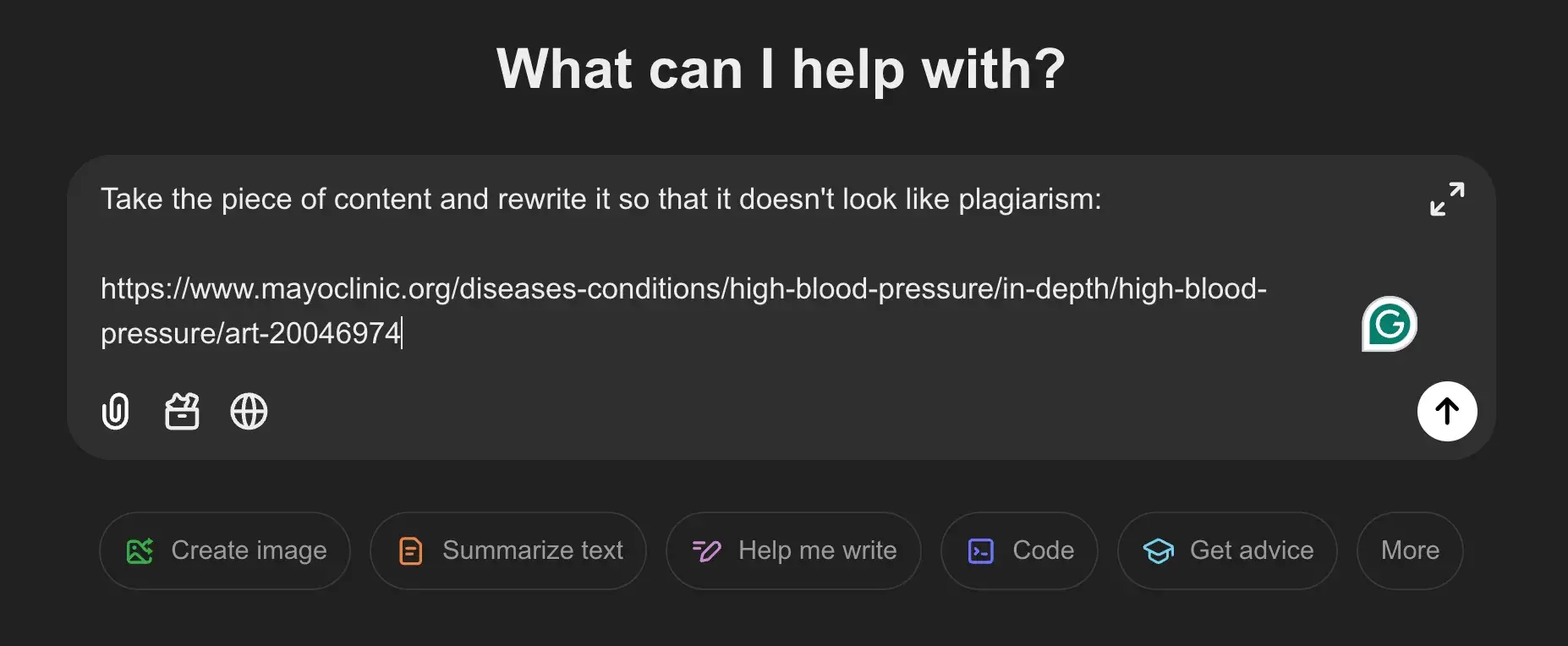
To test this, I found an article from the Mayo Clinic on high blood pressure and wanted to see how long it would take someone to rip it off. Using free tools, I was able to get it to pass a plagiarism and AI scan in less than five minutes.

First, I prompted ChatGPT to rewrite the entire medical article from the Mayo Clinic:

screenshot of chatgpt being asked to rewrite an article

Source

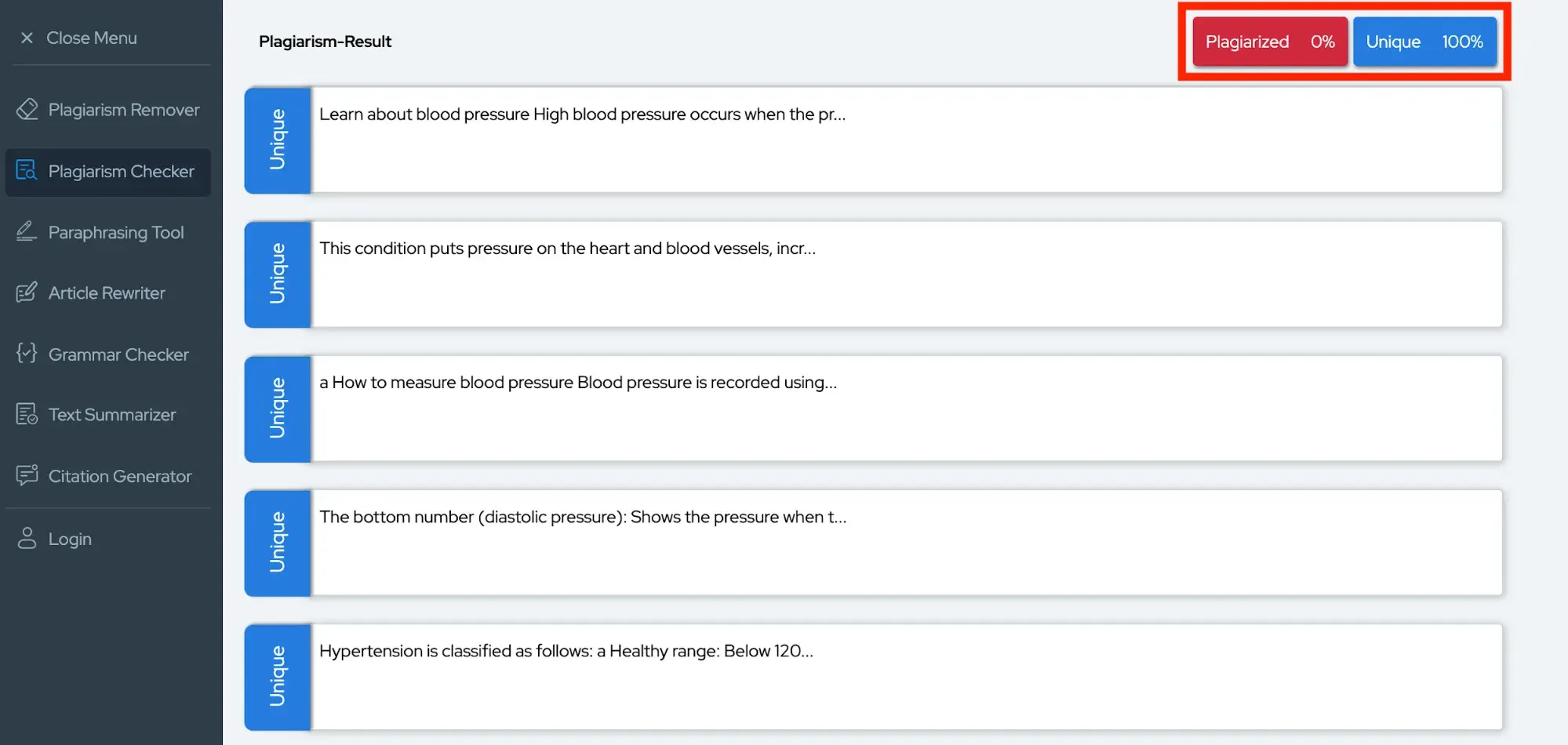
Then I tested the article in a plagiarism detector. It failed the first few scans, despite me prompting ChatGPT to rewrite it.

I then abandoned ChatGPT and opened a free plagiarism rewriter and asked it to rewrite ChatGPT’s article. On its first attempt at rewriting the article, it achieved a 0% plagiarized scan:

screenshot of a plagiarized article being written to pass a plagiarism scan

Source

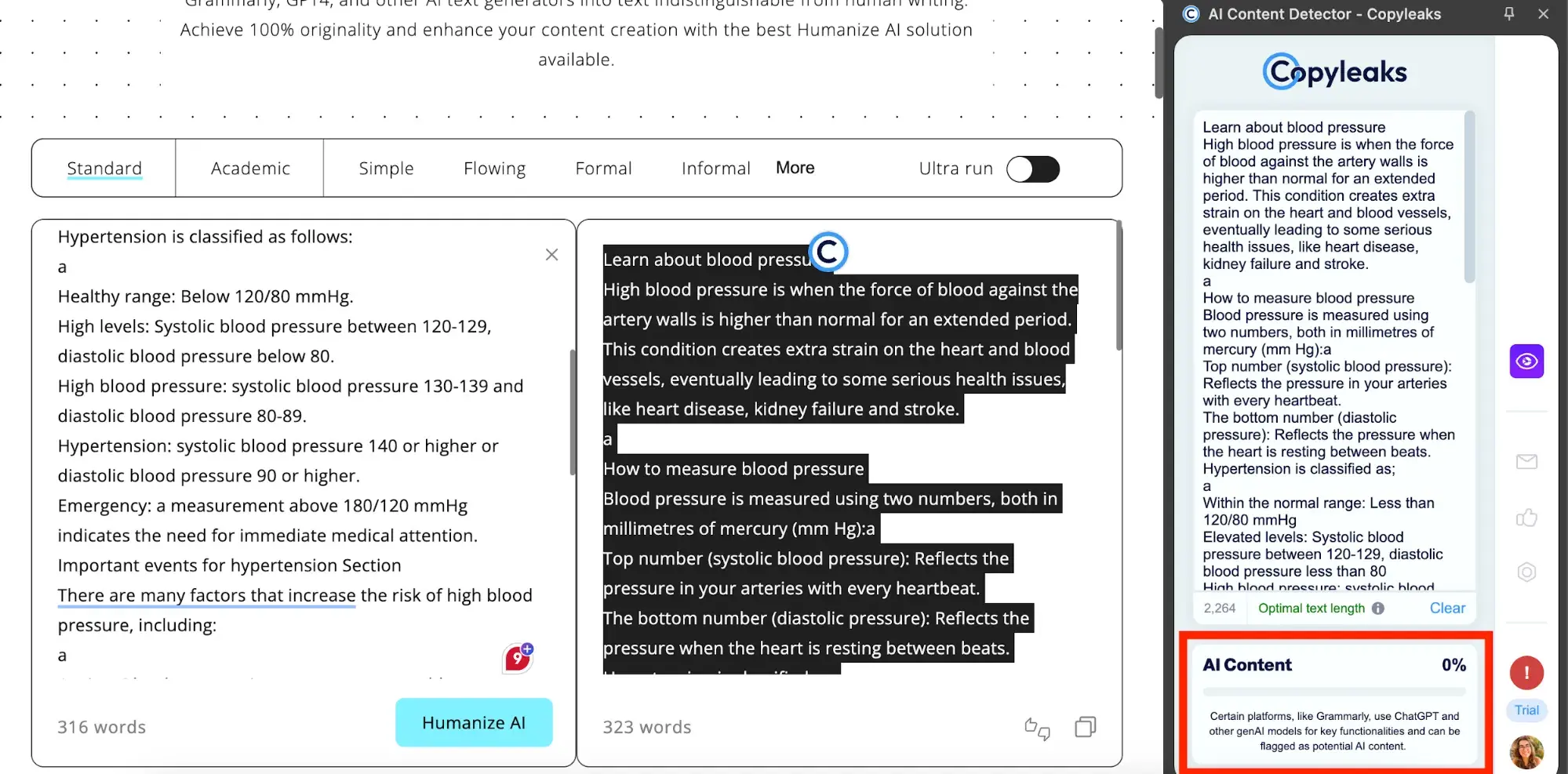
Then, I ran the article through CopyLeaks to see if it was AI-generated. CopyLeaks reported that, indeed, this entire article was AI, so I ran it through a text humanizer.

With only one attempt using a free AI-to-human text tool, I was able to get this article to pass a CopyLeaks scan:

screenshot of an ai article being rewritten to pass an ai scan

Source

This is important: Ethical writers would never steal content, but many content mills are not ethical companies. During my time writing for a content mill, I was encouraged by editors to paraphrase and take ideas from articles that I found online. It’s why my tenure there was so brief.

Content Writing and AI

Lying or sloppily using AI is unnecessary when the freelance marketplace is full of incredible writers with whom you can build relationships.

I‘m asked frequently (too frequently) what I think of AI as a freelance writer. It’s too big of a question to address here, but I will share a few statistics from our State of Marketing trends report that show that AI isn’t here to replace professional writers:

  • 95% of marketers who use generative AI to generate copy have to edit the text, with 44% reporting they make significant changes.
  • 60% of marketers share the concern that AI can harm their brand’s reputation through plagiarism, bias, or misalignment with brand values.
  • Thankfully, only 6% of marketers say they use AI to produce an entire piece of content for them.

The originality of writing is hard to gauge, and even established publications are getting caught red-handed using AI articles written by fake personas. Read about Sports Illustrated for a shocking exposé. Or Microsoft. Or any of these.

It makes sense to leverage AI in marketing, but those who are careless will pay the price.

Everyone’s promised the moon.

Large promises are made by content mills, spanning:

  • Raises in cents per word.
  • Overall earning potential.
  • Article quality.
  • Optimization.
  • Training.

Both companies and writers need to be critical of these promises.

Here‘s an example from my experience. The content mill I worked for sold companies search-engine-optimized website articles, but the only SEO guidance that I received was this: use a keyword 5x per article. This company could’ve offered real training or directed writers to free trainings offered online.

As a writer, I needed real training. I had very little professional writing experience. I didn’t know anything about SEO and relied on the guidance I was given.

Looking back, I think that the editors genuinely knew about SEO. If they had spent one hour taking the free SEO training in HubSpot Academy, they would’ve learned more than they taught their writers.

To paraphrase a one-star review left on Indeed for a content mill: “They chew up and spit out writers like it’s nothing, and not for lack of talent, but because the editorial team doesn’t understand what they’re doing. Writers are set up to fail from the start.”

Writers don’t benefit enough.

Freelance writers leave writing gigs with more than one type of payment. They’re financially compensated, of course, but they also count on things like:

  • LinkedIn recommendations.
  • Authority building.
  • Portfolio growth.
  • Skill building.
  • Referrals.

With the content mill as the middleman between writers and the publications publishing their work, freelance writers are unable to build lasting relationships with their clients.

The lack of ownership isn‘t an accident. It’s a part of some content mills’ contracts with freelance writers requiring writers to use an alias for “privacy” so that clients cannot find them online and seek them out independently of the company.

Content Mills: What to Do Instead

There’s been a lot of talk about what not to do with content outsourcing. So, where should you focus?

Develop a content strategy.

How many high-value blog posts can you publish per month? Answering that question will set the stage for your editorial calendar and strategy. We can walk you through every single step of this process:

Quality over quantity.

Quality content that serves your audience and nurtures leads takes time to develop. Focus on making content that your customers and industry actually need. It will bring you closer to your target audience and help you understand your own product and business better.

This takes time.

Wirecutter famously spends 20 to 200 hours writing new guides. I recently started a new niche website on a Portuguese pilgrim trail, and I‘ve written more than 35,000 words trying to build traffic from the ground up.

I could buy a bunch of $10 blog posts written by people who had never even been to Portugal, but what’s the point?

You don’t tap into the benefits of content marketing when you do it poorly.

Benefits of content marketing explained

Source

Position yourself as a leader.

Great content doesn’t contribute to the noise; it leads and positions you as a subject matter expert. Both freelance writers and companies looking to produce more content can prioritize this with:

  1. Ongoing education.
  2. Original reporting.
  3. Networking.

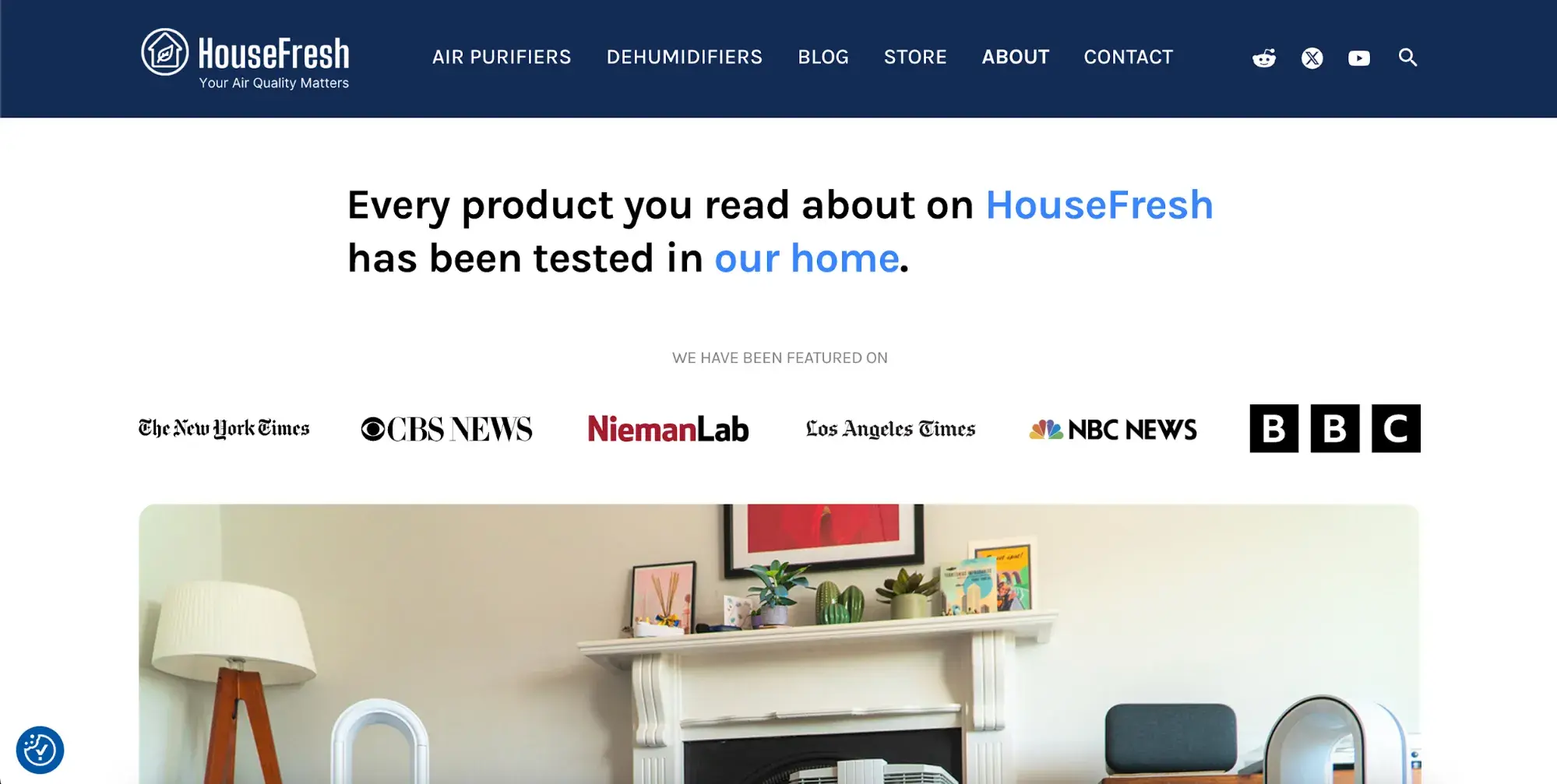
Not only will this EEAT-ify your content for Google, but it will also inevitably make your content more valuable for readers. For an example of incredible leadership through content creation, look at the level of dedication that HouseFresh has brought to its readership.

high editorial standards from housefresh

Source

Invest in writers.

“We feel like you know our business better than we do.” A client told me over lunch when we finally met in real-life after I’d been working remotely as their content manager for two years. This is the result of long-term relationships with freelancers instead of churn-and-burn outsourcing.

Connect with writers directly. Find us on LinkedIn or platforms like UpWork. Ask for a direct writer referral from your industry connections. List your freelance position on job boards, and let us come to you.

While experienced writers are ready to hit the ground running, consider giving a less-experienced freelancer a chance and training them. Start with a paid freelance writing trial period and train them. Pay fairly and invest, and you’ll see the results.

While it’s not specific to the writing industry, this post summarizes the value of hiring someone without experience beautifully:

Content Mills Won’t Drive Meaningful Interaction

While I’m no stranger to content mills, I was shocked while researching to see the hundreds of negative experiences detailed online.

Some freelancers will manage to find content mill jobs that help them develop their writing skills and build their portfolios, but those outcomes are not the norm. There are better freelance writing jobs that offer reliable income and real professional growth.

I hope that these insights can help humanize the freelance writing industry to companies looking for content. We deserve better than what content mills can offer; so do you.

Categories B2B

How to Do PR: The Ultimate Guide to Public Relations in 2025

I remember when I first heard of public relations. It was a long time ago, and I thought it was a fancy name for a special kind of marketing. I later discovered the true meaning when I became a content marketer.

While I’m not a guru yet, I’ve learned a lot and can tell you this: public relations walks a tightrope between creativity, persuasion, and strategy. So, if you want to expose your business to new people, build trust with the public, improve your reputation, or even manage a business crisis, you need public relations.

Download Now: Free Press Release Template

According to the PR Global Market Report 2024, the public relations market will grow from $106.93 billion in 2023 to $114.1 billion in 2024, and is expected to reach $144.28 billion by 2028.

In this comprehensive guide, I’m going to share everything I’ve learned about public relations, plus some key insights I got from experts. I’ll also cover what a public relations strategy is and how to build one.

What is public relations?

Public relations (PR) is the practice of using media channels to promote your organization and cultivate a positive public perception. PR is also the process of managing your organization’s brand and communications — especially in times of crisis.

Here’s what I also discovered: PR is how brands manage the spread of their information, so it’s similar to branding. The main difference is that PR focuses on communication and reputation, while branding relies on visual elements like logos, websites, and marketing materials.

According to James Hacking, founder and chief playmaker of Socially Powerful, “Public relations is about shaping how people perceive your brand. It’s about media coverage that aims to build trust and credibility while ensuring your brand’s message resonates with the right audience.

“In a fast-paced digital world, PR is critical for maintaining a strong reputation and staying relevant amidst constant scrutiny.”

Why is public relations important?

Public relations defines how a company communicates with people — customers, partners, journalists, philanthropists, politicians, and the general public. As far as I’m concerned, all businesses need public relations, regardless of their size or industry.

“I see PR as the ‘conscience’ of an organization,” says Gauri Manglik, CEO & co-founder of Instrumentl.

“It helps leaders make wise decisions that serve the interests of both the company and the community. PR keeps us tuned into what people are thinking and feeling. It’s that critical outside perspective — the voice of the customer, if you will,” she continues.

In a global survey to find the most trusted sources of news and information in late 2023, 62% of adults said they trusted traditional media, while 68% said they trusted search engines. Interestingly, social media was the source considered to be the least trustworthy.

pull quote on public relations strategy

Public relations professionals are expert storytellers. They find strategies for how to get your story out in front of the people you want to see it, in media outlets that build trust.

Why? Because nowadays, customers want to trust the brands they do business with — and nothing builds and fosters trust like public relations.

Manglik confirms this, saying that “without thoughtful PR, organizations can easily lose touch and make missteps that damage their reputations. I‘ve learned this lesson the hard way more than once in my career. But when PR is done right, it builds tremendous goodwill and loyalty among stakeholders. That’s an invaluable asset in today’s skeptical world.”

One thing I noticed is that a public relations strategy may cover a full year of campaigns or address a single goal, like a product launch. Also, developing an authentic PR strategy requires a collaborative approach to communication.

Sharing a point of view about climate change, diversity, equity, and inclusion is no longer optional for brands. I also learned that internal and employee communications play a more important role.

In 2024, 70% of PR professionals brief their leadership on measurement and reporting once a month or more, while 44% plan to spend more time on internal communications.

And according to the 2024 Global Comms Report, 92% of communications leaders agree that the C-suite has sought comms’ counsel more in the past 12 months than in previous years.

I believe all these figures speak to the increasing importance of PR in business operations and brand perception. It can be easy to jump on one-time opportunities for media attention, but if you want to know how to do PR right, start with a public relations strategy.

Louis Meyer is the marketing and creative director at RX Communications, a boutique medical communications agency.

“In my years of experience in the field of public relations, I‘ve learned that the key to building a successful PR strategy lies in a combination of dos and don’ts,” says Meyer.

Those guidelines look like this:

  • Do focus on establishing strong relationships with key stakeholders, including media outlets and influencers.
  • Don’t underestimate the power of transparency and authenticity. In today’s digital age, always communicate honestly and openly.
  • Do stay agile and adaptable in your approach. The PR landscape is constantly evolving.
  • Don’t forget the importance of measurement and analytics.

How to Build a PR Strategy

how to build a pr strategy

1. Research internal and external brand factors.

I’d recommend starting with what has gone well in the past for your business, and what efforts didn’t work out. This could include:

  • Tracking media mentions.
  • Reviewing influencer relationships and results.
  • Evaluating social media engagement and traffic KPIs.
  • Review buyer personas and customer insights.

Next, I’d do some competitive analysis to figure out what is working best for other businesses in your industry. I learned that social listening tools can help speed up this process.

As you close out your research, list any internal or external factors that could have had an impact on your brand. These might include:

  • Feature, product, or pricing changes
  • Distribution shifts
  • Stakeholders and leadership changes
  • Employee sentiment
  • Legal factors
  • Political climate
  • Economic shifts
  • Trends
  • Tech advances

2. Outline your goals.

It can be tempting to jump on tactics you notice during research, but first, I’d suggest you decide on goals. Whether you’re addressing a local crisis or planning a year of public relations image-building, this step is critical.

Even a short outline of goals can steer you and your team toward the right tactics.

“A PR strategy is an integrated communication plan combining online and offline tactics to achieve specific goals,” says Edward White, head of growth at beehiiv.

“Online tactics might include influencer collaborations, while offline approaches might involve events or sponsorships. This dual approach ensures your PR efforts reach audiences wherever they are. A strong strategy ties all actions back to measurable objectives, ensuring alignment with your business goals.”

Here are a few things I discovered that every PR plan should include.

  • First, decide who your target audience is for each campaign.
  • Next, choose the key messages you want to communicate to that audience.
  • Finally, don’t forget to include the metrics you plan to track. Analytics tracking should be part of the campaign set-up, not something you add on after a campaign launches.

Pro tip: Forming a strong foundation for your public relations will better enable your success than one-off efforts. I’d also recommend trying to make each goal a SMART goal. This PR plan template can help you make sure that your strategy covers your key messaging and other goals.

3. Create a timeline for your PR campaigns.

Public relations success relies on the right message at the right time. So, create a clear calendar for both short and long-term initiatives.

Be sure to note public holidays and important industry dates. For example, the end of November is an important time of year for most ecommerce businesses.

4. Select the right public relations tactics.

Once you know when and why, it’s time to nail down which tactics will be the best to deliver on your strategy. Later on in this post, I’ll cover some common PR strategies and tactics. It might also help to look at some PR examples for inspiration.

5. Track your results.

Once you decide on tactics, next I want you to focus on how you will measure outcomes. Public relations isn’t an exact science, and measuring perception can be tricky.

Whenever possible, align your PR metrics with business goals. This can help you draw a clear connection between public relations efforts and ROI.

Here’s what Mushfiq Sarker, CEO of LaGrande Marketing says:

“A big no-no in a PR strategy is disregarding analytics. Ignoring data removes any clarity on what’s effective and what might need improvement. Analytics provide important information about the performance of your efforts, showing where resources should be focused. Metrics such as engagement rates, website traffic, and click-through rates will tell you what resonates most with your audience.”

Sarker also points out that “using this information allows you to make adjustments, optimize your efforts, and maximize the impact of your campaigns. Without analytics, you risk wasting time and resources on strategies that don’t deliver results.”

An important note: A public relations manager often guides strategy around earned media, but they can be more effective with a multichannel strategy, connecting the right topic to the right audience.

Brands manage their PR — or communication and reputation — through various media channels. A great public relations strategy usually includes three types of media.

Media: Owned vs. Paid vs. Earned

The types of public relations, which I’ll review shortly, fall into three main categories: owned, paid, and earned media.

Each type works towards the same goal of building a positive brand reputation, but they use different strategies to get there.

I’d suggest your PR strategies include all three, as they all provide different ways of reaching, engaging, and building trust with your audience.

Owned Media

Owned media is any content that your business controls. It’s often the go-to strategy for businesses looking to build a PR campaign.

air fryer recipes for effortless snacking, public relations strategy

Source

Rightly so, as it’s arguably the most important type of PR-related media that you should be focusing on. This is because you have total control — unlike the other two media tactics.

Owned media includes:

  • Social media posts
  • Blog content
  • Website copy
  • Email newsletters

Owned media acts as a “home base” for your PR activity. When people write about your brand or products, they’ll likely reference (i.e., link to) your owned media in their coverage.

Paid Media

It’s not uncommon to pay to promote your content in the marketing world, and it’s no different when it comes to PR.

j.p.morgan sponsored post, public relations strategy

Source

Paid media refers to paying to make your content visible. It’s standard practice to promote owned media.

Paid media includes:

  • Social media advertising
  • Influencer marketing
  • Pay-per-click (PPC)

Putting some funds toward boosting PR content is becoming increasingly popular.

Since the majority of social platforms are reducing organic reach for business accounts, paid media is a fantastic way to make sure your content gets in front of the people you want to see it.

Earned Media

Earned media is the tactic used to boost conversation around your brand. I found out that it’s essentially word-of-mouth and is arguably the best PR tactic to build your reputation.

barkal shoes, public relations strategy

Source

Earned media is the hardest type of PR media to obtain. It takes a lot of effort, consistency, and hard work to establish it — that’s why it’s “earned.”

Earned media includes:

  • Mentions in industry news and reviews
  • Praise from customers on social media
  • High rankings on search engines

All of these media avenues provide ways to use PR to build brand awareness, generate leads, and convert those leads into paying customers — similar to your marketing.

Next, I’m going to discuss the difference.

Unlike marketing, PR doesn’t always have an impact on sales. It typically indirectly promotes your products or services through activities like press release distribution and speaking at industry events.

Alternatively, instead of improving the perception of your business, marketing campaigns focus on driving revenue and boosting profits.

“If a marketing strategy deals with the introduction and sales of goods in the market, then the public relations strategy oversees the company’s overall image, protects and builds its credibility, and helps to develop the brand long-term,” explains Brandon Schroth, founder of Reporter Outreach, a digital PR agency.

I also learned that people don’t buy products, they buy brands.

For this reason, using PR and marketing in tandem drives the best results: typically, someone connects with your brand as a result of your PR efforts and converts into a customer as a result of your marketing tactics.

Next, I’m going to discuss the types of PR you can use as you promote your organization and build and manage your reputation.

pull quote from article on public relations strategy

1. Business Events

Business events are opportunities to market your products or services and gain exposure for your brand.

american express featured events, public relations strategy

Source

Whether hosted or attended by your company, I love that events are also important sales opportunities. Events give you a chance to meet prospective customers and delight current ones face-to-face.

Speaking engagements at events are also helpful for boosting brand awareness and sharing unique thought leadership or data-driven information that can help elevate your brand.

2. Community Relations

Community relations refers to building positive relationships with the local community around your business.

ben & jerry's social mission, public relations strategy

Source

This could include charity work, donations, special discounts, or anything that builds a strong relationship with the community and strengthens customer loyalty.

3. Corporate and Social Responsibility

hp’s sustainable impact programs, public relations strategy

Source

Corporate and social responsibility is similar to community relations, but I found out that it places a greater emphasis on ethical business practices, environmental responsibility, and philanthropy — locally, regionally, and globally.

This is a critical area of PR as it directly affects the public perception of your brand.

4. Crisis Management

burger king’s new plant based burger, public relations strategy

Source

Crisis management is the practice of acknowledging, managing, and working to reverse negative communication and perception surrounding a business crisis. PR usually handles anything that could jeopardize or ruin your brand’s reputation.

Crisis management is an important function of PR and should be handled quickly, consistently, and strategically. With certain PR tools, you can avert crises by monitoring online chatter and quality-checking any marketing or promotional material that may be misunderstood or misconstrued.

Free resource: Manage, plan for, and communicate during your corporate crises with this free crisis management communication kit.

5. Cyber Threat Intelligence

In 2023, only 46% of U.S. businesses have an active plan for threat intelligence. But cyber security is in the top five global risks in the World Economic Forum’s 2024 Risk Report.

Besides the financial challenges that cyberattacks create, I also discovered that there is a perception challenge. This can be devastating to a brand’s reputation if it’s not handled skillfully.

These issues will call on PR’s crisis management expertise. It’s also a good idea to build relationships with tech experts and thought leaders in the industry. This can give you the expertise you need to limit the reputation impact of these increasingly frequent attacks.

6. Employee Relations

Employee relations, also known as internal PR, is the practice of communicating with and cultivating a positive employee perception of your company.

This process may include dedicated employee newsletters or communications, employee perks and benefits, free training and skill-boosting opportunities, employee appreciation events, and working with unions or employee groups.

I found out that employee relations not only keeps your employees motivated, hard-working, and loyal, but also encourages them to advocate for your business — which can bring in both customers and more high-quality employees.

7. Influencer relations

influencer market size from statista

Source

Another thing I discovered is that influencers play a powerful role in PR and marketing. According to Statista, the influencer market was worth 21.1 billion in 2023, more than triple its value in 2019. And is estimated to reach a record 24 billion in 2024.

I also noticed that in many businesses, the public relations team also manages influencer relationships. But sometimes marketing, social media, and PR teams share these responsibilities. It will take hard work and experience to creatively collaborate with each influencer to make sure your brand gets the results it wants from its authority.

Side quest: Check out this post to learn of the top channels for influencer marketing in 2024.

8. Media Relations

Media relations refers to building positive relationships with journalists, publications, and other news outlets.

press release example from tropical smoothie cafe

Source

This process typically includes writing press releases, organizing press releases, and scheduling interviews. Not only does this gain exposure for your business and products, but it also encourages the media to market your brand for free.

Free resource: Download our free inbound press release kit to access step-by-step templates to build press releases and a promotion plan.

9. Social Media Marketing

Social media can be both an earned and paid PR tactic.

chrissy teigen instagram page pictures, public relations strategy

Source

For most companies, social media can be a helpful PR (and marketing) tool. It’s an effective way to amass followers, convert customers, share your content, and resolve crises.
Whether you’re sharing a post with your audience or interacting with a single customer, your social media activity is open to the public.

That’s why it’s critical to have a social media strategy that keeps your communications consistent, positive, and accurate.

Next, I’m going to talk about the person who’s responsible for these different types of PR: your public relations manager.

What does a public relations manager do?

PR managers are responsible for building, executing, and monitoring your PR strategies and tactics. They typically handle crisis communications, write press releases, and lead a team of other PR professionals who manage your brand’s public presence.

I also learned that you can hire a public relations manager to handle PR for your business, or work with a PR Agency.

At this point, I’d like to highlight the skills and tasks your public relations manager will know inside out.

PR Manager Skills

Successful public relations managers have a particular set of skills. Besides being flexible and open to change, here are some of the most important skills that I discovered.

Great Communication

One primary focus of public relations is building your business’s reputation. To do this, public relations managers spend a lot of their time building and sustaining relationships.

Besides speaking about your company at public functions, press conferences, and other events, your public relations team is also connecting with reporters, influencers, and other stakeholders.

For this reason, excellent communication is a key skill for PR managers.

Writing Skills

Public relations managers should also be able to communicate well in written form.

Since PR managers are responsible for writing press releases and company-related news, strong writing skills will help convey the right message to promote your company. This is especially useful for online PR where you’ll need to create blog posts, website content, and press releases to gain coverage.

Creativity

Like marketing, creativity goes a long way in the public relations world. Great PR managers are creative and know how to create a strategy that stands out from the crowd, which is important because a unique story or perspective will drive PR coverage.

Strong Research Skills

Public relations is a social industry, and people might be talking about your brand without directly mentioning it. Good research skills will help public relations managers find and use these opportunities.

A public relations manager must stay up on trends and digital marketing updates. PR professionals can’t operate in a bubble and must stay aware of search and social media changes for their strategies to succeed.

They offer expert knowledge and a fresh perspective to maintain a presence in competitive media outlets.

Manglik points out that, “A PR plan is a living document that must adapt as circumstances evolve. I constantly monitor outcomes to determine what‘s working and what’s not, and adjust approaches accordingly.

My role is to leverage communications in a way that builds brand equity, garners support, and advances organizational success. An agile, insight-driven strategy is crucial to making that happen.”

Public relations managers will also need to do research when planning a PR strategy. Because they might need additional information, statistics, and data points to boost the power of their owned media, strong research skills are essential.

PR Manager Tasks

The day-to-day tasks of your PR manager can vary depending on your industry, active PR campaigns, PR team size, and other factors. However, here’s what I learned they often include:

  • Writing press releases to announce company-related news.
  • Creating fact sheets and media kits about the company to send to media teams for brand-building.
  • Giving media training to both in-house and external teams.
  • Attending and speaking at industry events and representing the brand at trade shows, recruiting events, etc.
  • Finding and analyzing media coverage and promoting that content through owned and paid media channels.

Public relations managers are also responsible for tracking and measuring their PR efforts. The following key performance indicators (KPIs) can help your public relations manager analyze and improve your PR strategies.
Clear measurable goals are the only way to ensure that your PR strategy is effective. In a business world that is increasingly focused on data-driven outcomes, I found out that the KPIs you track can make or break your public relations programming.

Most PR metrics gauge perception, so it can be difficult to connect company wins directly to public relations campaigns. For this reason, you should select a range of KPIs that align directly with your business goals.

For example, let’s say your business wants to improve brand awareness. KPIs like increased share of voice, and website traffic, alongside recent brand mentions, can show a more direct connection between PR efforts and business goals.

Next, I’m going to discuss KPIs that will help you track your PR efforts and determine the effectiveness of your PR strategy.

1. Media Coverage and Brand Mentions

Brand mentions occur when someone mentions your brand. Media coverage tracks the number of earned media stories that went live. These metrics are important because they help you measure awareness of your brand and its stories.

You might see brand mentions in traditional news coverage, on other business or personal blogs, in reviews, or on social media.

Some media outlets may tag or hyperlink their sources. Others may not link back to your brand or website, which means you have to go looking for them. Check out the PR tools section below for some helpful software tools.

Note: It’s important to read brand mentions and media coverage for context. Remember, you want people to be saying good things about your brand, and it’s not always easy to understand the value of coverage until you read the entire piece.

2. Share of Voice

This is an essential KPI for PR. Share of voice measures competitive brand awareness. This metric helps your business understand the scale of customers in your industry and where your brand fits within it.

It also tracks your brand reputation.

3. Pitch Interactions

Pitches are another important metric for PR. It can sometimes take longer than expected for a piece to go live. So, track the number of pitches you send and reply to. You’ll also want to track how many email opens and clicks you get from a pitch.

These PR metrics can help you create a funnel for earned media mentions.

This can help you better understand which efforts are pulling in the most value, as well as the best ways to scale your strategy.

4. Sentiment

Sentiment, which is a synonym for viewpoint or opinion, measures the attitudes in brand mentions. While brand mentions and backlinks typically improve your brand awareness and SEO, sentiment is what sets apart the positive mentions from the negative ones.

You’ve probably heard the saying, “There’s no such thing as bad publicity.” Whether you agree or disagree, it is good practice to be aware of negative press.

Here’s what Sarker says about this: “What I always make sure to do in my PR strategy is monitor public perception. This involves consistently tracking how our audience feels about our brand and reviewing media coverage to identify any shifts in sentiment. Public perception can change rapidly, and understanding those changes allows us to adapt before small concerns escalate into larger issues.”

There are a lot of great tools that can help you do this, which I’ll go into below. Sarker, in particular, points out how “Google Alerts and social media listening platforms help in identifying mentions of our brand and services, providing real-time insights into how we’re being perceived.”

Tracking sentiment can help you understand what your audience is saying about your brand and whether or not you need to address any problems or concerns.

5. Social Media Engagement

Social media engagement encompasses a few types of activity: views, impressions, likes, shares, and comments.

This information shows the level of brand awareness and engagement among your audience members. It also tells you when your audience is most active, i.e., when you should be posting and interacting with your followers.

6. Social Shares

I also learned that social shares are different from social media engagement. Social shares refer to when your audience shares something from your website or blog on their social media.

This is a critical metric because it tells you that your audience enjoys your content enough to vouch for it on their social channels. It’s a very clear measure of your brand reputation among your audience.

When looking at social shares, pay attention to what types of content people share most frequently. This will give you an idea of what your audience enjoys the most and what kind of content to create more of.

7. Site Traffic

Site traffic is a sign of successful PR efforts. If people are hearing about your brand through earned media and heading to your site, your PR efforts are reaching your audience.

As you run PR campaigns, track your site traffic once press releases and other efforts go live. I’d recommend you use your site analytics to check your visitors’ referral sources (how they made their way to your website) and aim to replicate this in the future.

8. SEO Metrics

There are a few SEO metrics that can also help you with PR measurement.

Domain Authority

Domain authority refers to your website’s SEO ranking and how it performs in search results.

It’s ranked from 1 to 100 (with 100 being the highest) and is a valuable measure of how your website compares to your competitors. The higher your domain authority is, the better your website will rank in search results.

Domain authority is made up of three main factors:

  1. Links to your site (backlinks)
  2. Links from your site to other well-ranked websites
  3. The age of your site.

While you can’t magically make your website older, you can use PR to attract backlinks and place links in your content.

Check it out: Moz offers a free tool to check your domain authority, page rank, and other important website measures.

Backlinks

Backlinks help you find brand mentions. With backlinks, sites that have mentioned your brand have linked to your website, making it easy for readers to click through and visit your website.

And it’s not just new traffic you’ll benefit from when collecting backlinks — you could see a rise in your SEO rankings, too.

9. Conversions

While the volume of new customers coming directly from your PR activity isn’t easy to measure, it’s definitely worth investigating.

You can discover where your customers came from by either surveying customers after they purchase and asking how they heard of you, or by using a tool like Google Analytics to learn about your customers’ conversion paths (aka their route to purchase).

Note: While this is an exciting metric to track, don’t feel disheartened if you don’t see an influx of conversion-ready site traffic. Remember, the goal of public relations is to raise brand awareness, spread the ideas of your internal thought leaders, and communicate the ideas of your brand. Those new site visitors could always return and make a purchase in the future now that they know about your brand because of your PR.

10. Advertising Value Equivalent (AVE)

AVE equals what it would cost to buy the space for an earned media placement if it was an ad.

At one point this was the only KPI for public relations, but many industry professionals feel that this is an outdated KPI and an inaccurate way to measure PR. Depending on your business, it’s okay if you still want to track this KPI.

Next, I’m going to review a handful of PR SaaS tools that can help you implement your PR strategies and track these KPIs.

Public Relations Tools

To help you hit the ground running, I’ve rounded up a handful of PR tools that you can use to execute your public relations campaigns and measure your impact and performance.

1. Brand24

Brand24 helps you monitor online mentions about your brand, product, or service, and measure the results of your PR campaigns. Slack integrations and a notifications system will help you react in time to prevent a PR crisis.

2. Agility PR Solutions

Agility PR Solutions is a paid tool that provides powerful yet easy-to-use solutions for your media database, monitoring, and analytics. These solutions help identify and connect with influencers, capture coverage, and measure impact.

3. Anewstip

Anewstip is a media search, monitoring, and relationship management tool. You can use it to search media mentions by keyword or handle, reach out to journalists and influencers all over the world, and create a media database of important PR campaign contacts. It offers both paid and free plan options.

anewstip interface

4. CoverageBook

CoverageBook is a paid tool that helps you find and collect any coverage of your PR content. It’s a great tool for PR agencies who are building coverage reports for their clients.

5. Meltwater

Meltwater is a paid PR and social media monitoring tool with lots of features, such as real-time tracking, advanced Boolean search queries, unified inbox and much more. It’s ideal for businesses of all types and sizes.

6. Flaunter

Flaunter is a digital press center and showroom that provides a platform for brands to showcase their digital assets, products and sample collections. With 24/7 access for media, influencers, bloggers and stylists, Flaunter makes it easier for brands to gain exposure, editorial coverage and brand awareness.

By streamlining PR efforts, Flaunter helps brands to grow their audience, attract new customers and ultimately expand their business.

7. Google Alerts

Google Alerts is an easy-to-use, free tool that allows you to set up email alerts for certain keyword mentions. When a name, keyword, or link is mentioned online, Google sends you a digest email alerting you of the mention.

google alerts interface

8. Mention

Mention helps you track who’s mentioned your brand in media and on social media. You can also use this tool to publish on your social media and manage crisis communications. It offers both free and paid plan options.

9. Monitor Backlinks

Monitor Backlinks is a free tool that helps you track who’s mentioned your brand in coverage and added a backlink to your site. It’s also valuable for monitoring and disavowing bad backlinks and keeping your website’s SEO and domain authority at their peak.

10. Muck Rack

Muck Rack is a paid tool that allows you to discover and contact members of the media who might want to cover your PR story.

11. PR Fire

PR Fire is a paid tool that helps you distribute your press release to journalists and receive a report of their performance and reach. It’s ideal for in-house teams who are doing their own PR.

12. SharedCount

SharedCount shows you engagement data for any social media, blog, or website URL. Once you input a URL, the tool will tally its likes, shares, comments, and other engagement measures. It offers both free and paid plan options.

Looking for more? These are just a few useful PR tools that I found. If you don’t see what you’re looking for here, here are more great PR tools to consider.

Start Building Your Public Relations Strategy

Whether you want to increase brand awareness, launch a new product, or build trust, I highly recommend you start by building a public relations strategy.

With all the tactics, tools, and expert tips I’ve shared above, you can hit the ground running and create a brand-new PR strategy or improve your current one.

As you dig in, remember that public relations is an ongoing, iterative strategy — not a one-off task. And, like marketing, it can take a while to see results. But with a solid strategy and a commitment to spreading the word about your company, you’ll soon see more mentions, backlinks, and general buzz.

Editor’s note: This post was originally published in August 2019 and has been updated for comprehensiveness.

Categories B2B

How Much Does an Explainer Video Actually Cost? [New Data]

I was a teacher during the pandemic, which meant I had to become a pro at creating explainer videos — fast. If I could have gotten away with it, I would have hired someone to make my videos.

That was out of the question as a teacher with a limited (okay, non-existent) class budget. However, I’ve been wondering: How much does an explainer video actually cost?

→ Access Now: Video Marketing Starter Pack [Free Kit]

In marketing, you juggle various tasks throughout the day — from tracking social media campaigns to planning lead magnets to creating engaging explainer videos. It can be a lot, which is why outsourcing your tasks, especially video creation, is popular.

In this post, I’m digging into the numbers to find out the cost of an explainer video. This way, you can better plan your marketing budget, and hopefully, it will save you and your team time!

Table of Contents

What is an explainer video?

Before we discuss the cost of an explainer video, let’s define it. An explainer video is a short clip that walks viewers through a topic. Typically, brands use explainer videos to show how their product or service works and why it’s a beneficial resource for their audience.

Video is an excellent tool to bring awareness to your brand. An impressive 62% of consumers watch video content, like unboxing, promos, or reviews, to learn more about a company.

Here’s a great example of an explainer video:

Creating short explainer videos can help your audience understand how your product or service can solve their specific pain points.

I mention “short” for a reason. The way audiences consume video is changing. In the early days of YouTube, longer video content was popular. However, with the rise of TikTok and YouTube Shorts, audiences tend to prefer short-form content.

The average human attention span is shorter than a goldfish, clocking in at just 8.25 seconds. This is why 83% of marketers suggest video content should be under 60 seconds. Anything longer, you risk losing your audience. Plus, 71% of marketers say shorter videos have a higher ROI.

So, it’s safe to say that adding short explainer videos to your content rotation is a good idea.

How to Make an Explainer Video

During the pandemic, I learned that to keep my students’ attention, I needed to create short, engaging explainer videos. That meant drilling down and sharing only the most important concepts related to my topics.

I hear you asking: Can you explain a concept in just 60 seconds?

Yes, you can. It just takes some planning. Here’s how to create an explainer video.

1. Define your audience and the video’s purpose.

As a brand, you’ve likely already defined your target audience. However, for good measure, I’m including this as the first step as a general reminder. Drill down on the precise segment of your audience whom you’re trying to reach with each video.

To create the most helpful explainer videos, think about their questions and jot them down. Once you’ve made a list of questions, choose one question for your explainer video. Answering the one question will be the goal of your video.

2. Write a script.

I’m the World’s Worst for losing my train of thought when recording a video. When I created tons of explainer videos for my students, I found it helpful to write a short script.

Your script might be a word-for-word explanation of the concept. Or if you’re good at talking without saying “um,” you could use a bullet point list.

3. Plan your visuals.

Before you record, plan your visuals. Appropriate visuals can increase engagement and help explain your points.

I used slide presentations as backgrounds in my videos to explain the concepts further. Using video tech, I could easily highlight or point to information, helping to draw attention to important points.

4. Consider your video’s style.

I often created talking head videos, which feature a creator’s head in the corner of the screen.

Thankfully, video editing apps give you options. You can easily create animated videos or talking head videos, both of which are highly effective for explaining your content.

5. Record your content.

There are several ways to record your content. The most popular method is a camera, but I find using microapps like Clip Creator to be just as effective.

With Clip Creator, you can enter your script and create a slide presentation video in minutes. This saves time and, if you’re nervous about being on camera, can help reduce the jitters. (But trust me, the more you’re in front of the camera, the easier it will be!)

6. Spend time editing your video.

Raw video footage can be rough. Of course, that could just be a problem for me since video creation is not one of my main skills. So, before you post your content to your social media feeds, take a few minutes to edit it. There is plenty of editing software available online.

Editing helps make your video more professional, and certain editing elements can increase engagement. Shorter videos work well when there are engaging elements added throughout the video, like:

  • An engaging hook.
  • Transitions.
  • B-roll footage.
  • Sound effects.
  • Trending music.
  • Voiceovers.
  • CTAs.

7. Review and post it.

Once you’re happy with your final product, take a few minutes to review it before posting. I find it helpful to walk away from the project and pick it up a few hours later. This helps me see my work with fresh eyes, making finding any content or editing errors easier.

When you’re ready, post it to your marketing channels. Since short-form video doesn’t give you much time, add your CTA to your description box. Your video’s description box can drive traffic to long-form content on the topic, like a blog post or an ebook, or to your landing page to increase conversions.

How long does it take to make an explainer video?

I’m not a mind reader, but I bet I know what you’re thinking. After reading the steps to create an explainer video, you’re likely wondering how long it takes to make one.

In my experience, creating explainer videos took me several hours. Let me be clear: My videos were not professional productions. They lacked engaging edits and weren’t even very good, but they got my points across.

For brands who want to create educational content, it takes quite a bit more time than the few hours I would spend on my video content.

In fact, according to Yum Yum Productions, it can take anywhere from two weeks to a few months to create and edit a professional explainer video. Explain Ninja also agrees with that. According to them, planning and producing an explainer video takes four to five weeks.

So, if you’re using video as a marketing channel, the odds are high that you’ll always have several videos in production. Outsourcing your video content creation is helpful and can save you time.

However, you’ll need to factor in turnaround times, which is why Yum Yum Productions and Explain Ninja say it can take several weeks.

How much do explainer videos cost?

Recently, HubSpot surveyed over 300 video marketing professionals to better understand how video supports their marketing efforts.

I found it interesting that 30% of those surveyed mentioned they publish between 8 and 10 videos for their brand each month. Of those, 36% say they primarily focus on educational video content.

When you need to create eight or more videos a month, it can quickly eat up your hours, considering you’ll need to plan your content, write a script, record, and edit. This is why many marketers outsource video creation to freelance video editors or agencies.

Our friends at Wyzowl surveyed over 240 brands to get an idea of how much an explainer video costs. Let’s look at what marketers said were the low and high ends of the cost of explainer videos.

The Lowest Cost of an Explainer Video

Wyzowl found that some brands pay just $600 for an animated explainer video.

The fact that you can get an explainer video for less than four figures is great news for startups.

However, if you do opt to work with a lower-cost agency, a word of caution: Make sure that you know the total price of your video. Some agencies will quote a lower price but then add extra charges later down the line, such as a voiceover charge and a charge for every amendment.

The Highest Price for an Explainer Video

The highest price a brand said they’ve paid for an explainer video is $250,000.

As you can see, there is a huge contrast between the lowest price and the highest price, showing the diversity of the industry.

Agencies that charge more for their explainer videos will likely appeal to enterprise-level businesses with a generous marketing budget to play with and are happy to hand that over to the professionals to ensure their product, brand, or service makes a splash.

However, when spending a large amount of money on an explainer video, it is essential to consider your ROI. While 90% of marketers agree that video gives them good ROI, the more you invest, the more difficult it is to make a return.

How much should I expect to pay for my explainer video?

According to the brands that participated in Wyzowl’s survey, the average cost of an explainer video is $10,983.

When you take all of the costs required to create an explainer video into account:

This price seems right about “on the money” (excuse the pun). However, don’t let the sticker price shock you, especially if you’ve got a smaller video budget. There are ways you can save on your explainer video costs, like using AI microapps to help cut down on production costs.

Explainer Videos With AI

For brands that want to stretch their marketing budget on video creation, AI is proving to be a cost-saving tool. Here’s how they’re using it:

  • 24% use AI to generate video outlines.
  • 21% use AI to create video scripts.
  • 36% use AI to enhance their videos with specific visual effects.
  • 20% use AI to create virtual avatars with human voiceover narration.

Microapps like Clip Creator use AI to turn a simple script into a video slideshow quickly.

explainer video cost: screenshot of hubspot’s ai video tool, clip creator

You can use ChatGPT for free to help you brainstorm, outline your videos, and write a script. Then, use Clip Creator to generate a slide presentation video quickly.

Microapps significantly cut down the costs of explainer videos and can be more cost-effective than outsourcing your work. With the money saved by creating AI-generated videos, you can allocate that money to other video projects that you need to source.

For example, video projects that require studio space, more in-depth editing, or even an actor.

Explainer Videos: Valuable Content for Brands

It’s safe to say that my classroom budget during the pandemic would not have afforded me the ease of outsourcing video creation. However, if I had access to microapps, the cost of explainer videos would have been way more affordable. And I could have saved so much time!

Explainer videos are valuable content that helps increase your ROI and educate your audience. However, it doesn’t have to break the bank. AI microapps can help marketers quickly create branded content at a fraction of the cost.

Editor’s note: This post was originally published in March 2018 and has been updated for comprehensiveness.

Categories B2B

I Dove Deep Into Work Breakdown Structures — Here‘s What I’ve Learned

Here’s a quick truth. Before writing this article, I stumbled on Akin’s laws, which aptly summarize work breakdown structures. The fun “law” reads: It’s called a Work Breakdown Structure because the Work remaining will grow until you have a Breakdown, unless you enforce some Structure on it. This law is clear and true!

Jokes aside, while studying to acquire my project management degree, I found an instructive note in the PMBOK guide. The guide, which is a go-to source for project managers, warns that “no project should be without a WBS.”

Download Now: Free Project Management Template

Without a work breakdown structure (WBS), your projects have a high chance of exceeding their deadlines and budgets, and not meeting stakeholder expectations. You want none of these.

So, in this guide, I’ll lean on my experience as a project management professional to share what I’ve learned about work breakdown structures. You’ll also get insights from industry experts who will help you learn about WBS.

Table of Contents

According to Jeffrey Pinto, an author and professor, the WBS is a planning mechanism for knowing the interrelationship of various activities in a project. In its simplest form, the WBS looks like you see in the template below:

example of a work breakdown structure

Source

Elements of Work Breakdown Structure

Based on what I learned from Pinto, every WBS has at least four levels in project management.

However, if your project is complex, you’ll have more sub-deliverables, and your work package will continue increasing.

Here are the four levels of a WBS for a simple project.

Level

WBS Term

Description

Top-Level/Level 1

Project

The overall project under ­development

Level 2

Deliverable

The major project components

Level 3

Sub-deliverable

Supporting deliverables

Level 4 (Activity)

Work package

Individual project activities

To illustrate, I will explain these levels with the WBS for a marketing conference.

Top-Level/Level 1

The top level of the WBS covers the entire project scope. It’s also the final deliverable, which outlines what I want to accomplish. For this project, the top level is a “marketing conference plan.”

Level 2

The second level of the WBS outlines the major project components. It also reduces the project scope into units that serve as deliverables.

Deliverables include features for products or phases for tasks. My project is a series of eight tasks. You’ll notice I numbered each deliverable at this level (and for the lower levels).

This is a deliberate element, which is absent from some WBS I’ve seen.

Pro tip: Numbering a work breakdown structure helps with clarity, organization, and tracking. With numbering, I have a logical and visual way to know the relationship between deliverables, sub-deliverables, and work packages. This makes it easy to find a work element, especially for a large project.

Level 3

The third level of the WBS is the sub-deliverable. Each sub-deliverable is a component of the main deliverable you will provide to your stakeholders.

When considering an item as a sub-deliverable, a consideration is the ease of managing it. For instance, the sub-deliverable, researching potential venues (2.1), fits this bill.

Why? It is manageable. I can assign some hours to it. The cost is minimal.

If you’re making your own WBS, definitely use a template to get you started.

Activities

The last level of the WBS is activities. Think of activities like atoms. They are the smallest elements within a sub-deliverable or deliverable.

For instance, to deliver the event planning and strategy, I will need to execute the following activities:

  • 1.1 Define objectives and goals
  • 1.1.1 Conduct a kickoff meeting with stakeholders
  • 1.1.2 Draft a list of measurable goals
  • 1.1.3 Finalize objectives in a project charter
  • 1.2 Identify target audience
  • 1.2.1 Conduct market research
  • 1.2.2 Create audience personas
  • 1.2.3 Validate personas with stakeholders
  • 1.3 Develop event theme and branding
  • 1.3.1 Brainstorm theme ideas
  • 1.3.2 Design logo and branding materials
  • 1.3.3 Approve theme and branding with stakeholders
  • 1.4 Set a budget and allocate resources
  • 1.4.1 Identify key expense categories
  • 1.4.2 Create an initial budget plan
  • 1.4.3 Get budget approval from stakeholders
  • 1.5 Create project timeline and milestones
  • 1.5.1 Draft a detailed project schedule
  • 1.5.2 Identify key milestones
  • 1.5.3 Share the timeline with the team

Benefits of Using WBS in Project Management

While learning about the WBS, some of my peers didn’t appear convinced. Some argued that it’s great on paper but unapplicable in real-life situations. For others, its benefits outweigh the flawed thinking of not having one.

So, how does a WBS actually help?

A WBS prevents scope creep.

Every stakeholder is on the same page when there’s a WBS.

Without one, stakeholders can continue adding to the project until it becomes unmanageable. Once this happens, you’ll need to revisit your timelines, milestones, budget estimates, risks, etc. I wouldn’t like this to happen, especially when handling multiple projects.

In the waterfall environment characterized by a sequential approach to project execution, the benefits of a WBS in avoiding scope creep will be undebatable.

However, in Agile environments without fully defined end products, some experts argue stakeholders will change their minds on what they want, when, and why.

While this negates the value of a WBS, one expert argues that Agile teams shouldn’t use the excuse of agile to not plan and risk having scope creep.

“While I get that a full waterfall style WBS would be necessary in a construction project, they [agile teams] can’t go complete no estimates on projects with inter-team dependencies, multi-fiscal-quarter delivery dates, and anything more than five team members.”

“At a minimum, all requirements of the end product should be documented, a roadmap of all major deliverables should be communicated, they should be doing some equivalent of a WBS for the next two weeks of work and ideally up to the end of the next milestone, and a rough outline of how everything else is going to come together,” they add.

A WBS aids project budget estimation.

A work breakdown structure isn’t just a planning tool — it helps with budgeting. By breaking my project into detailed activities, the WBS makes it easy to assign budgets.

Budget overruns remain a pervasive issue in project management. In a BCG survey of 403 respondents, 49% said over 30% of their organization’s technology development projects exceeded their budgets. Tech projects use Agile because of the flexibility and iterative progress it offers.

While I understand that a pre-established budget runs against the Agile mindset, incorporating a WBS into sprint planning helps. Assigning budgets at the sprint level allows teams to remain adaptable while maintaining financial discipline.

A WBS captures all work packages.

I’ve found that creating a WBS forces me to think critically about every aspect of a project. From major milestones to granular deliverables, each work package is accounted for. This not only helps visualize the scope of the project but also ensures nothing is overlooked.

But before penning down every package, talking to stakeholders is vital. Not doing so is one reason for the recent and monumental failure of the High-Speed Rail 2 in the United Kingdom.

According to Tejvan Pettinger, an economist, “[High-Speed Rail 2] risks being a £50 billion white elephant and a monument to poor planning.”

Pettinger didn’t suggest that the HS2 team didn’t have a comprehensive WBS — however, he makes a verifiable claim of constant changes to the project scope.

And as we’ve established, when this happens, the project gets derailed on almost all fronts and the team has to return to the drawing board.

Types of WBS in Project Management

There are two types of WBS:

  1. Deliverable-based work breakdown structure.
  2. Phase-based work breakdown structure.

types of wbs in project management

Deliverable-Based WBS

A deliverable-based WBS gets tangible outcomes (deliverables) for stakeholders.

What I like about this WBS is its focus on “what to do” over “how to do” a task. As such, this WBS is easy to modify, simple for estimating cost, and provides a complete view of the total work scope.

The deliverable-based WBS has applications in scenarios such as:

  • Projects with clear outputs such as organizing an event or constructing a building.
  • Client-focused projects like specific marketing campaigns or design projects.
  • Projects requiring detailed scope management such as launching a new product.

Phase-Based WBS

A phase-based WBS organizes work according to the sequential stages of the project lifecycle (initiation, planning, execution, monitoring and control, closure). With this WBS, I must detail the process for achieving specific deliverables.

One of the simplest ways to explain a phase-base WBS is to consider a research writing project. Without doing an ethics review, I can’t interview participants to get insights for writing my final report.

With the phase-oriented WBS, I like the clear insights it gives into elements that hinder the project’s progress. This WBS is also great for providing a roadmap of “when to do” tasks, ensuring each stage builds logically on the previous one.

The phase-based WBS is suited for:

  • Process-driven projects such as implementing a business system or conducting research and development.
  • Standardized lifecycle projects like those following Waterfall methodology.
  • Long-term projects with sequential progression, such as multi-year infrastructure builds or strategic planning initiatives.

How to Use a WBS for Managing Projects

A WBS is excellent for chopping complex projects into the smallest bits. But beyond its core function of visualizing the project scope, here’s how to use a WBS:

1. Assign responsibilities.

The WBS makes it easy to assign deliverables or tasks to team members. This helps everyone know what they’re responsible for and keeps things from getting duplicated.

2. Estimate time and resources.

I use the WBS to figure out how long each task will take and what resources are needed. This makes it easier to create a realistic schedule and budget.

3. Facilitate communication.

The WBS is a great way to keep everyone on the same page. It helps align team members and stakeholders on the project’s scope, responsibilities, and timelines.

4. Manage risks.

I look for potential risks in each WBS element and create plans to address them before they disrupt the project.

5. Integrate with project management tools.

I’m a fan of tools like Trello and Asana. Inputting the entirety of my WBS into these tools makes it easy to help keep track of tasks, manage resources, and generate reports.

Final Thoughts

The work breakdown structure is a cornerstone that provides clarity on projects.

While I had learned about WBS during my studies and applied it in my professional life, diving into its nuances and reflecting on its use in real-world scenarios gave me a renewed perspective.

The WBS is essential not just for planning and organizing a project, but for identifying risks and maintaining control over scope and budgeting.

A useful learning for me was the debate about the relevance of WBS in Agile. A product backlog in Agile projects is like a WBS, where epics or features are managed in sprints.

Without putting thought into the work items, whether in Agile or Waterfall, the project is heading for the rocks.

Bottom line: Successful projects start with a well-thought-out plan, and that plan begins with a work breakdown structure.

Not sure if you prefer to embed a table or just use a screenshot so I gave you both options for these 3 instances (namely because the third is LARGE)

Categories B2B

How to Create a Social Media Report in 7 Simple Steps [+ Free Templates]

Social media is one of the most powerful marketing channels I’ve used in my career. In fact, in recent years, it’s continuously been amongst those with the highest ROI for most businesses.

But showcasing that to decision-makers isn’t always easy. A great social media report can help.

Access Now: Social Media Report [Free Template]

Social media reporting is your team’s time to evaluate how it’s doing with the medium truly, communicate that to your company at large — and maybe even brag a little bit.

So, how do you put together one that does all of this effectively? Read on for step-by-step instructions on how to create a social media report and some great social media report templates to help you get going even faster.

Table of Contents

What is a social media report?

A social media report is a summary of how a business’ social media platforms and efforts on them are performing. I’m not talking about the analytics dashboards used to monitor and track social media performance in real time here.

Social media reports can include raw metric data (followers, successful clickthrough rates, likes, post shares, purchases, etc.) but focus more on delivering the big picture. Think greater trends, insights, and progress toward goals.

Types of social media reports

A social media report can take any shape you need, but, in my experience, it’s not uncommon to create smaller, niche reports to focus on critical areas.

Platform-specific

How’s Instagram doing for your brand? How about YouTube? Every social media platform has its unique culture and nuances, and these reports allow you to tailor your analysis and discussions to them more precisely.

Campaign-specific

Did you launch a new product? Maybe publish a content offer to generate leads? You can also use a social media report to discuss campaign-level analytics.

If your social media account is serving as a cog in a larger company initiative, this report helps you see and compare just how much each platform contributed to the project’s success. (HubSpot Campaigns have always been helpful in this for me.)

screenshot of the form you fill out to create a campaign in hubspot

Source

Paid media versus earned media reports can also fall into this category.

Metric/Goal-specific

Was your team focused on boosting website traffic? How about boosting sales? Goal-specific reports, like campaign-specific, let you analyze and discuss how each platform helped you work toward a specific accomplishment.

Why use a social media report?

Social media doesn’t just affect marketing. Prospects ask questions, customers write reviews, and others may follow you for thought leadership, education, or company news. It touches nearly every aspect of your organization and customer experience.

So, gathering and distributing the state of your social media channels via a social media report shows transparency, encourages cross-company alignment, and helps everyone work towards their goals.

A social media report is also arguably the most concise and clear way to update your team or stakeholders on these matters — daily, weekly, monthly, quarterly, and/or annual.

HubSpot’s free social media report template has pre-made slides for you to report on all of your predominant social media metrics.

Download the template today and simply plug in your metrics to customize your organization’s social media report.

What should your social media report include?

The fine details can vary, but every great social media report tends to include four elements. Keep in mind, that what you call these doesn’t really matter, but you want to make sure you accomplish each of their purposes in your final product.

Report Overview

Think of this as the executive summary of your social media report.

It’s where you document the most important themes and findings of your larger document or presentation to set expectations of what’s to come. It’s also helpful to busy executives who may not have time to read or sit through an entire presentation.

Goals & Initiatives

What are you trying to accomplish with social media? Recapping these in your social media report gives the rest of the information context and direction. Knowing your goals tells the audience what information they should be looking for.

Metrics Analysis

You don’t need to include all the facts and figures, but you do want to include some overarching metrics related to your goals. For example, if you are trying to generate more leads, you’ll want to include your average conversion rate.

But the main focus here should be analysis. Talk about what trends you see.

Read: Social Media Analytics: The Ultimate Guide

Key Takeaways & Recommendations

What story do your metrics tell? What conclusions can you draw about your strategy from them? What do they say about your goals? And most importantly, what do you do next?

Your social media report should capture insights on your strategy, campaign, audience, content, and any suggestions for moving forward.

What social media metrics should you include?

Remember, not every social media platform performs the same. In fact, our research shows that usage doesn’t necessarily equate to ROI.

series of graphs showing the top social media channels for marketing

Source

Because of this, your metrics, trends, and goals for every platform may differ, along with what goes into your social media report.

Some metrics are also just going to be different due to the nature of the platforms — I mean LinkedIn doesn‘t let you retweet, and X doesn’t let you click a cry-face button.

Every team’s social media report may look different, but let’s take a look at some of the most common metrics to include to help you figure out what makes sense for you.

1. Audience Size and Growth (Followers)

This metric tells you how large your reach is and how quickly it is growing. It is typically seen as the core social media metric, showing how large an audience you can leverage with your posts and content.

2. Post Frequency

This is pretty self-explanatory, but this metric represents how many times you posted in a given time period. It’s usually compared alongside other metrics — such as engagement rates — to help you determine the right cadence for your audience.

This metric should also be channel-specific because it makes sense to post more frequently on some channels than others.

3. Post Engagement

Post engagement measures how your fans and followers are reacting to your posts with likes, comments, and shares. A healthy post engagement suggests you have a loyal audience — and that your content is reaching them.

You can also track engagement as a percentage of your audience to determine engagement rate.

4. Mentions

One metric you have less control over is mentions. You can track mentions from customers, prospects, and even news outlets to gauge the perception of your business and brand online.

5. Clickthrough Rate

When a post links to a page on your website, you can measure how many people and what percentage of your audience clicked through to the page.

A strong clickthrough rate shows you’re sharing website pages that your audience finds relevant.

6. Conversions & New Contacts

Conversions come into play if you‘re using social media to generate leads, subscribers, or even customers.

If you want to attribute contacts to your social media team’s efforts, make sure you‘re using proper tracking and setting reasonable goals, as it’s rare in some industries to go straight from social media to becoming a customer.

7. Return on Investment (ROI)

Directly tracing ROI to social media efforts can be tricky. However, if you determine it’s worth reporting on this metric, ensure you have established proper expectations and attribution models.

Read: How to Measure Social Media Marketing ROI [With Expert Advice]

8. Cost per mile (CPM) / Cost per click (CPC)

This metric is essential for monitoring the performance of your social media ads. Similar to ROI, it helps you evaluate how you know how much you’re spending in relation to what you’re getting. You can ignore this if you’re solely reporting on organic social metrics.

9. Competitor Metrics

To provide a benchmark, consider analyzing the aforementioned metrics for your competitors.

Obviously, these metrics can vary drastically based on publicity, paid budget, and the size of the company, but it’s still worthwhile to make the comparison.

Note: You can track all of these social media analytics in HubSpot. Lucky you.

How to Create a Social Media Report

Step 1: Identify your social media metrics.

As we‘ve established, different companies and different social media teams value different social media metrics. It’s your job to choose the metrics that matter most to your team and your organization.

Keeping in mind the list from above, the specific social media platforms you use, and your goals, narrow down the metrics you need to present to your team.

For instance, if you’re focused on building brand awareness, you’ll want to highlight follower numbers and views. If your goal is website traffic, you’ll want to look at clicks.

Pro tip: When I’m unsure of what to include or my report feels a little incomplete, I ask my peers which metrics they’d like to see or which ones they need clarification on. Making these changes sooner rather than later helps keep your team informed and engaged.

Step 2: Gather your data.

Once you know what you‘re reporting on, it’s time to start collecting data.

When setting up your social media reports, create bookmarks for your data sources. Make a folder for the analytics page for each social media channel you’re analyzing and/or your social media reporting software for an all-encompassing view.

screenshot of four common social media dashboards in hubspot

Source

If you‘re tracking click-throughs to your website, make sure you’re analyzing from a single master location, such as your tracking URL builder or your traffic tracking tool like HubSpot or Google Analytics.

Step 3. Choose your report format

Think about who your audience is and how they best consumer information.

Perhaps that’s a social media report presentation, spreadsheet, or memo template. Perhaps it’s a combination of a few formats, along with a video walk-through.

Pro tip: Whatever you choose, stick with it.

A consistent format brings familiarity, making comparing and understanding future updates easier. Plus, when you maintain your format, you can just copy over your most up-to-date metrics rather than reinventing the wheel every time.

Optional: Choose your social media report template

If you’re just getting started, we suggest using a social media report template to make your life easier. For instance, a PowerPoint or Google Slide Deck template can be shared with your team via email, used for in-person meetings/presentations, or both.

Need a social media report template to get started? We’ll share a few options later, but you can’t go wrong with ours.

Step 4: Analyze performance

With all of your data in place, it’s time to analyze.

What metrics went up or down? What posts did well or not so well? What does this say about your performance? How about the progress toward your goals?

Use this time to really dig in and see what your metrics are telling you.

Pro tip: AI has helped me a lot in this area. Check out our free guide, “How to Use AI for Data Analysis

Step 5: Summarize highlights and add context

Next, summarize the key findings and highlights from your analysis. Don’t just think quantitatively here; think qualitatively.

Maybe a major celebrity commented on content for the first time, or you saw a record number of shares. Make sure to capture these in your report as well.

Also, add context to help your audience better understand the story you are telling. What do I mean by this?

A social media report should always remind people where you came from and where you plan to go. That means addressing how your numbers have changed since the last period of time you presented, in addition to why they changed.

Talk about how this compares to your competitors and how you are tracking toward your goals. Even if people’s eyes glaze over when you talk numbers, these highlights can win them back and get your message across.

Step 6: Add Visuals

A chart of numbers on a slide deck is, well, pretty boring.

While a numerical chart is important for sharing as much info as possible in an organized way, using visuals is a better way to convey the growth and success metrics of your social media performance.

Try incorporating one or all of the following into your social media reports:

  • Linear graphs to show followers over time.
  • Pie charts to show clicks to different pages of your website (blog pages vs. case studies, for example).
  • Bar graphs to show the number of engagements on each platform.
  • Typography highlighting key trends or findings
  • Screenshots of top or low-performing posts

These examples are more eye-catching than cold numbers on a slid, and they further illustrate what you want your team to walk away with. Plus, you can easily make them on Canva.

If data visualization is new to you, check out our Guide on Data Visualization for Marketers.

Step 7: Make Recommendations

Each report should contain clear action items about how you plan to continuously improve your social media performance. Social media is constantly evolving, so your approach and strategy for it should, too.

Social Media Report Templates

Creating your own social media report from scratch can be labor-intensive. Using a template to stay organized can help lighten the load. Here are four of my favorite options.

1. HubSpot

Ok, maybe I’m biased, but I’m a big fan of our free social media report template here at HubSpot.

What I like: It gives you something simple and neat to present, and you can customize it to fit the goals, platforms, and frequency you actually need. I also love that the template starts with an overview of all your owned social media channels on the first page.

screenshot of the overview slide in hubspot’s social media report template

Source

With this, you can see your audience for each channel, how many posts you made, how they performed (engagement), and what this looks like as a percentage of your total audience at a glance.

Then, on the following slides, you can explore each specific platform, its goals associated with it, and even its top posts.

screenshot of the goals section in hubspot’s social media report template

Source

Overall, this social media report template is the perfect blend of highlights and details. Plus, it’s available as a Word Doc, PowerPoint, Google Doc, or Google Slides deck, making it accessible to a wide audience.

2. Later

If you’re looking for something a bit more designed, Later has a free social media report template for you to try as well. But there are a few caveats.

This template only comes in one format — an editable Google Slides deck — and is organized as a monthly report. The design also could be too playful for some, however, you can edit it to match your personal cadence and brand.

screenshot of the cover slide in later’s social media report template

To get started, you simply have to make a copy and plug in your information, but that said — you do need to have a Gmail account to take advantage of it.

What I like: While prioritizing Instagram (Later is an Instagram tool, after all), it does include charts for all social media platforms. You also can easily clone and edit fields to make the deck work for other platforms.

screenshot of the platforms slide in later’s social media report template

I’m also a fan of the key learnings slide. It makes it easy to get all of the most important information in one place.

screenshot of the key learnings slide in later’s social media report template

3. Hootsuite

Next, we have a social media report template from Hootsuite.

Like Later’s, this template comes with an editable Google Slides deck that you need to copy to use. It also has a well-organized and visually pleasing design that you can edit to match your brand colors.

screenshot of the cover slide in hootsuite’s social media report template

I’d say this design is more universal and adaptable than Later’s.

What I like: I love how this template includes instructions on how to fill it out right in the document. It makes it easy to complete slide by slide and it’s cadence agnostic.

screenshot of the instructions in hootsuite’s social media report template

It also has dedicated slides for all major social media platforms already, highlighting key information like clicks, likes, and top posts as well as platform-specific metrics like retweets.

screenshot of the x slide in hootsuite’s social media report template

4. The CMO Club

Last up is the social media report template from The CMO Club. And, as you might guess with a chief executive audience, this one is all about the data. Unlike our other options, this template comes as an editable Google Sheet.

screenshot of the cmo club’s social media report template

What I like: While less suited for a presentation, this social media report template gets extremely granular about your strategy’s numbers and metrics.

It has separate tabs for crucial information your decision makers will want to see like:

  • Objective and Benchmarks
  • Audience Insights
  • Metrics and KPIs
  • Platform Analysis
  • Platform Analysis
  • Content Analysis

But it still ends with recommendations and key takeaways.

Pro tip: if you’d like to get more creative and visual with your social media report than what these templates offer, Adobe and Canva have a bunch of free designs you can experiment with.

Social Media Report Examples

Now, most social media reports are confidential (for obvious reasons), but I was able to find a small handful of examples to give you an idea of what a finished product may look like.

1. Top Performing Posts

In addition to creating a great template, Later offers an extremely helpful social media report example on its blog using it.

screenshot of the top performing posts slide in later’s social media report template

Source

Here, you’ll see an example of a top-performing post slide. Not only does it show the actual posts and what it accomplished, but it also offers insight into why the team believes it did well.

2. Profile Traffic

Keyhole did an excellent job gathering different types of reporting that Coca-Cola could include in its social media reports in this blog. This example looks at Coca-Cola’s overall profile traffic over a set amount of time (in this case, a year).

screenshot of profile traffic, social media report for coca-cola

Source

I like this type of reporting because it allows you to evaluate the ebb and flow of audience behavior and if there’s a trend over time.

3. Follower Growth

Next, we see a report of Coca-cola’s follower growth over a specific period of time.

Screenshot of follower growth, social media report for Coca-cola

Source

For a brand or team focused on brand awareness seeing a chart like this (especially one that shows continuous improvement) really helps highlight the effectiveness of the work they’re doing on social media.

4. Post Type

This example from Coca-cola analyzes Coke’s different types of content — both how frequently the company shares certain types and then which types perform the best.

Screenshot of post type, social media report for Coca-cola

Source

Seeing the charts side-by-side allows you to see if your post strategy aligns with the posts that are most popular. The color coding also makes it easier to see which parts of the two charts go together.

5. Social Traffic

Another giant company, Walmart, closely watches its social media traffic. Take this report image from 2023:

screenshot of traffic, social media report for coca-cola

Source

This report looks at different types of social media traffic based on platform. You can clearly see that YouTube is their top social media performer, with Reddit and Facebook only achieving half of YouTube’s engagement.

I like this type of report because it puts into perspective what your share of traffic is for any given platform. If I’m going to invest in paid social media, I will invest in the platform that’s performing the best organically to get more bang for my buck.

You can see how each type of report follows a similar curve, giving you insight into which months you grew the most and which platforms performed the best.

(Social Media) Reporting for Duty in 2025

Social media reports are essential for understanding your performance, aligning your team, and demonstrating the value of your efforts to stakeholders.

By thoughtfully organizing metrics, analyzing trends, and providing actionable insights using the social media templates and guides I shared here, your social media report can serve as a powerful tool to refine your strategy and achieve your goals.

Categories B2B

The 18 Best Abandoned Cart Emails To Win Back Customers

Several times while shopping online, I’ve abandoned my cart for various reasons. Couldn’t make a decision. Was waiting for a coupon. Got pulled away for something more pressing.

But in most cases, getting an abandoned cart email always rekindles my interest and motivates me to go back to complete those purchases.

Download Now: Free Abandoned Cart Email Templates

Globally, the average cart abandonment rate is now 74.61%. As if that’s not enough, the luxury and jewel ecommerce industry recorded the highest rate of 83.19% in November 2024. In short, businesses are losing a lot of money to this shopping behavior.

But guess what I also discovered? You can recover your money when you send cart abandonment emails to anyone who hasn’t completed their purchase.

Whether you sell to consumers or other companies, these emails actually work. According to Klaviyo, cart abandonment emails generate more engagement and revenue than any other type of email.

Want to learn more about this kind of email? Then, this guide is for you. I did a lot of research and I’m going to share 18 examples to inspire you, 12 best practices you need to know, and abandoned cart email templates to get you started.

Table of Contents

Abandoned cart emails are one way to convert lost business and turn a hesitant prospect into a customer.

If you feel you’ve lost your customer’s business once they fail to click “Check out now,” don’t fear. Customers navigate away from the checkout page for many reasons, and abandoned checkout emails can help you finally win their business.

But what kind of tools can you use to send abandoned cart emails? For non-email marketers, this may feel like a difficult question to answer. But don’t worry! I’ve identified the tools you need below.

  • Ecommerce Point-of-Sale Software: First, you need a point-of-sale software that can detect when users abandon their carts. Most tools offer this feature, and a few come with a built-in emailing tool to send abandoned cart emails.
  • Ecommerce Website Builder: If you’re a new retailer, you can benefit from switching to a dedicated ecommerce website builder. These types of site builders come bundled with point-of-sale software and attribution reporting, helping you send abandoned checkout emails to customers.
  • Email Marketing Service: Of course, you need an email marketing tool to send the emails to your contact database. Most point-of-sale software and website builders can integrate with email marketing tools, and vice versa.

Bonus tool: Try an AI email writer to get your emails drafted and out the gate faster.

Now that you know the tools required, I’m going to share some cart abandonment email templates.

Abandoned Cart Email Templates

I was excited when I discovered that you can build abandoned cart emails with available templates in any email marketing tool. Tools like Squarespace, Wix, or HubSpot have templates to help you get started.

However, while you can use a pre-made template for the layout, I suggest you customize the message, images, and design.

Here’s an example template from our marketing kit:

hubspot email template, abandoned cart email

Download HubSpot’s Abandoned Email Template

The messaging in abandoned cart emails is fairly simple. Below is an outline of the basic structure:

  • Snappy subject line
  • Introduction text
  • Items left in the cart
  • Offer or discount
  • Checkout button or call-to-action (CTA)
  • Reviews or social proof
  • Closing text

While this outline is helpful if you’re sending one abandoned cart email, consider a drip campaign for your cart recovery emails. A drip campaign is a series of automated emails.

Now, let’s take a look at the 18 best examples I found to inspire you.

Best Abandoned Cart Email Examples

1. Prose

Subject line: Your formulas are up-to-date

prose, abandoned cart email

The email above was sent to me by hair care company Prose after I left the site before completing my transaction.

This email checks several boxes: It uses a catchy tagline (“Great(er) hair ahead”) as a friendly reminder to revisit the site, it has an enticing CTA encouraging folks to “Build Your Routine,” and it uses a discount to add urgency. Combined with a friendly tone and clean graphics, this email is pretty persuasive.

What I like: The “Build Your Routine” CTA is unique and true to the brand, extending the personalized customer experience that began when I first visited the website. When crafting your abandoned cart emails, try to build upon your established branding to create a seamless CX.

2. Sonos

Subject line: Circling back

sonos, abandoned cart email

Source

This email from Sonos uses unique and engaging copywriting to entice customers to complete their purchase. They include a beautiful product image and incentives such as:

  • Free shipping on every order.
  • Shop now, pay later.
  • Try it for 45 days.

Several unique CTAs like “Take another look,” “Return to cart,” and “Shop now,” encourage customers to complete their purchase at any point in the email. And if you have questions or need assistance, their phone number and live chat link are provided. They also have links to some of their product categories at the bottom of the email so you can continue shopping and browsing.

What I like: This abandoned cart email is a great example, and I like it for many reasons. First, they offer not one, but three, juicy incentives to address reasons why shoppers abandon their carts. They also provide ways to contact them and to learn how Sonos mitigates their environmental impact.

All these elements help Sonos build trust and encourage recipients to quickly complete their purchase without hesitation.

Depending on the type of product you sell, your abandoned cart emails should both entice and inform the recipient.

3. Peel

Subject line: Still Thinking it Over?

peel, abandoned cart email

Source

The best element of Peel‘s abandoned cart email is the free shipping offer. Not only do they encourage customers to purchase what’s in their cart, but they also include an incentive for buyers to add more items to their cart and complete checkout.

This is a classic and effective layout for an abandoned cart email: intro text, items in cart, CTA, questions, and footer.

What I like: Peel includes text that creates urgency for buyers, such as “Don’t wait too long!” and “Order today!” but they don’t include it as the heading. This strikes the right balance between casual (“Still thinking it over?”) and urgent.

I also like that it includes the founders’ signatures at the bottom, making the company feel personable and small. This is a good move for smaller businesses whose CEOs are involved heavily in the everyday tasks of the business.

4. Away

Subject line: Back in stock: The Bigger Carry-On

away, abandoned cart email

Source

Short, sweet, and to the point, luggage brand Away has an abandoned cart email that lets customers know they can still complete their purchase.

It features introduction text (“Back in stock”), CTA (“Shop Now”), purchase benefits (“Free Shipping Over $100,” “Free Returns”), and closing text offering more navigational paths (“New arrivals”, “Suitcases,” and so forth).

With this email, customers won’t get distracted by extraneous information and will focus on the action Away wants — purchase completion.

What I like: Away not only prompts recipients to buy an abandoned item, but also offers more avenues for purchase, such as exploring new products and other categories. No matter which link users click on, they’re bound to end up at a checkout page again.

When including links in your emails, make sure they lead to a purchase.

5. Dyson

Subject line: Items in your basket at dyson.com

dyson, abandoned cart email

Source

In this example, I think Dyson does several things well:

  • They use clear text that is helpful and fun to read. For example, “All is not lost” and “We saved the contents” let the customer know that Dyson wants to be helpful.
  • They include an image of the product and list the item still in the customer’s cart.
  • They add a sense of urgency. The text, “Your basket for this promotion was saved, but the offer is only for a limited time” creates a sense of importance about this purchase.
  • They include two CTA buttons. This allows customers on mobile to see a CTA button even as they scroll down. These buttons make it easy to complete their purchase at every touchpoint.

Overall, this email includes the right elements, while also showcasing a sleek, clean design that makes it easy to read.

What I like: Dyson plays to one common fear of online shoppers: Losing the contents of their carts and forgetting what they meant to purchase. That alone might make the recipient feel like they should check out before all is lost. Avoiding pain is sometimes a more powerful motivator than gaining a benefit.

When creating your checkout abandonment emails, you might use a similar psychological trick.

6. Virgin Atlantic

Subject line: You’re nearly there

virgin atlantic, abandoned cart email

Source

In this example, Virgin Atlantic uses engaging text and three CTA buttons to encourage customers to complete their purchase. The personalized intro text, “Smiles Davis, you’re so close…” makes customers feel like they’re being spoken to directly while also reminding them how close they are to travel.

This email also includes flight information, so they have everything they need to make a purchase. When writing your own abandoned cart emails, this is a good example to follow because it takes away any roadblocks for the customer.

What I like: I love how personalized this email is — down to the outbound and inbound locations of the flight. It also includes an image of the destination, indirectly increasing the recipient’s desire to fly. When sending abandoned cart emails, you might include an image of the customer’s “destination” — a happier self, a new product on their shelves, or any other positive result.

7. Ugmonk

Subject line: Offering you my personal email

ugmonk, abandoned cart email

Source

Ugmonk uses a different approach to their abandoned cart email.

They focus entirely on personalization, making it seem like the owner and designer is reaching out directly to answer any questions.

Plus, they include two in-line CTAs so the customer can finish checking out instantly if they want. This is a simple approach that your target audience may prefer.

What I like: This email feels more like a message from a friend than from a company, making it feel less like a “sales” play and more of a “get to know you” play. I especially love how it’s signed by the company’s CEO, and how he mentions his passion for design. If your company is small or sells a niche product, consider taking a friendly, frills-free approach like this one.

8. Drop

Subject line: Smiles Davis, still interested in the Massdrop x MiTo SA Pulse Custom Keycap Set?

drop, abandoned cart email

Source

Drop‘s abandoned cart email is a good example because of its use of images and copywriting. Drop creates urgency in the bolded text “ends in 19 days.”

After they create urgency and include their CTA, they also add other items that the customer might be interested in based on what’s in their cart.

This is a good strategy to get the customer back on their site browsing other items they might want, hopefully turning into a completed purchase.

What I like: Drop creates a sense of urgency, but isn’t pushy, and it includes various product images to entice potential buyers. I especially love the extended catalog below the fold, providing additional items the recipient might want to consider.

9. Google

Subject line: The Google Wifi in your cart is going fast

google, abandoned cart email

Source

I think is a perfect example of an abandoned cart email because it includes every element: Great copywriting, clear CTA, personalization by showing the customer‘s cart, and urgency.

With text like “Going, going, (almost) gone” and “Our popular items sell out fast”, customers are engaged. They also feel compelled to complete their purchase so they don’t miss out.

What I like: This email closes with a CTA to answer questions and subscribe to their product updates. Again, Google focuses on ensuring the customer feels like they don’t want to miss out on anything.

10. Chatters Salon

Subject line: Don’t miss out! Get it before it’s gone…

chatters salon, abandoned cart email

Source

In their abandoned cart email, Chatters Salon creates a sense of urgency with the phrase,“Get it before it’s gone.” It’s in their subject line. And once you open the email, you’ll see a bigger version in capital letters.

The “Complete Checkout” CTA is also effective. To further encourage customers to quickly complete their purchases, they offer free shipping on orders that are $75+ and the irresistible option of making four interest free payments.

What I like: I love the sleek design, the sense of urgency, the convenient payment plan and the free shipping for orders above $75. All the key elements are present. As a result, I believe recipients will be motivated to quickly complete their purchase. And even buy more, so as to enjoy free shipping.

11. Casper

Subject line: Did you forget something?

casper, abandoned cart email

Source

What I love about this example is that Casper uses social proof. Word of mouth and reviews are becoming increasingly important in the world of marketing. When people don‘t complete a purchase, it might be because they haven’t finished searching.

Casper’s abandoned cart email makes it easy for the customer to pick up where they left off in their research. Plus, it includes snappy text and clear CTA buttons that entice the customer to continue shopping.

What I like: Casper’s email is short, simple, and effective — and includes a clear call-to-action that’s impossible to miss. But I especially love the second call-to-action to “Read more reviews.” Someone who hesitated to finish their purchase may have done so because they’re not sure Casper is “worth it.” Reading more reviews is key to convincing this type of buyer.

12. Stetson

Subject line: Still Thinking It Over?

stetson, abandoned cart email

Source

Stetson’s email has a simple no-frills design that features a lovely product picture. It creates a sense of urgency with the text, “Check out with the Bozeman Outdoor Hat while supplies last” and a “Shop Now” CTA button that’s effective.

They also offer free shipping for purchases over $175 and a navigation menu at the top for those who want to continue browsing and shopping.

What I like: I’m impressed that this email is short and sweet, and still ticks all the boxes — from the subject line to the product image to the sense of urgency and the free shipping for purchases over $175.

Pro tip: This type of free shipping is better than having none at all, since it can encourage people to buy more so as to qualify for it. If your business cannot offer free shipping for every single purchase, consider this type instead.

13. Moschino

Subject line: You left something behind

moschino, abandoned cart emailhttps://reallygoodemails.com/emails/you-left-something-behind

The bottom of Moschino‘s email is unique because it includes information on secure payments and easy returns. For clothing ecommerce businesses, these are some of the top reasons that customers don’t want to make a purchase online.

With their abandoned cart email, Moschino is trying to quell any doubts and take away any reason for hesitation. Plus, they list the items in the cart and use clear CTAs.

What I like: Moschino’s email is highly on-brand, down to the imagery, font, and colors. Plus, as mentioned, it includes notes on their payments being secure and their returns being simple and easy — a concern a potential buyer might have, since Moschino’s offerings are on the more expensive side.

If you sell luxury goods, you might consider a similar approach.

14. Haoma

Subject line: Any questions?

haoma, abandoned cart email

Source

Haoma is a luxury skincare brand that knows its customer might hesitate to splurge — so instead of sending an abandoned cart email that prompts users to complete their order, it prompts them to ask for help if needed.

The button at the bottom seals the deal by inviting users to add the item back to their cart. This technique is helpful if the visitor only browsed your website or removed the item from their cart before checking out.

What I like: If you run a luxury brand, you can take several steps to reassure buyers that they’re making the right choice. You can offer assurances about returns and safe transactions, as Moschino does above, and give them a second chance at learning more about their potential purchase.

These steps can sometimes be more effective at driving purchases than including a CTA to “Buy Now.”

15. Luno

Subject line: Your Luno Air Mattress Order

luno, abandoned cart email

Source

Luno’s cart abandonment email takes several steps to reel in hesitant buyers. It reminds them of an enjoyable activity they could partake in (“Going camping soon?”), tells them how they’ll benefit (“You’re one step away from camping in comfort”), and includes a gentle nudge with a time constraint (“We’ll save the gear you left behind for 24 hours”). The unmissable CTA seals the deal.

What I like: Luno’s careful and targeted copywriting makes this one of the most effective abandoned cart email examples I’ve ever seen. When creating your own email, pay attention to the copy — it can sometimes play a bigger role than imagery or other elements.

16. Le Puzz

Subject line: Missing a puzzle?

le puzz, abandoned cart email

Source

This cart abandonment email from Le Puzz hits all the right notes: It’s peppy, inviting, and probing, but not pushy. Its call-to-action, “Shop Puzzles,” gives the recipient a chance to browse through more options in case they no longer want their previous choice.

I think this is an excellent technique for brands where users might quickly change their minds about their choice, which might lead to an abandoned cart. Prompting them to browse the catalog again is an excellent way to recapture this type of lead.

What I like: Le Puzz’s playful brand voice and bright brand colors play a huge role in its abandoned cart email. From its cheery “Hello again!” to its whimsical “We found a lost puzzle. Could it be yours?” the company encapsulates the fun experience of completing one of its puzzles.

If you sell one specific product, you might want to take a similar approach — bringing the product experience to life with your copy and colors.

17. Alex Mill

Subject line: Get Them for 15% Off!

alex mill, abandoned cart email

Source

This email from Alex Mill uses a simple and clean design to communicate a compelling discount offer that’s difficult to miss. The subject line “Get them for 15% off” is good enough to get recipients to open the email.

The text, “Good News: We saved your picks” and “You Get Them For 15% Off” nudges the customer to quickly grab the discount and complete their purchase.

Beautiful pictures of items viewed by the customer are featured and more than one CTA button makes it convenient for customers to complete their purchase at any point.

What I like: I love that Alex Mill addresses their customers’ reasons for cart abandonment in this email. Added to the discount, they also offer free shipping, plus free and easy return. For those who want to continue shopping, links to shop men and women’s clothes are provided. And customers who have questions are encouraged to contact them or check out their FAQ page.

This strategy can also work for you if you take the time to understand your customers.

18. Dollar Shave Club

Subject line: Where did you go?

dollar shave club, abandoned cart email

Source

This example from the Dollar Shave Club does a great job with their interesting and engaging copywriting, plus the lovely picture of their monthly box and its content. The subject line asks a simple question, “Where did you go?” to generate interest.

Once you open the email, the bold text, “We Guarantee You’ll Love Us” cannot be missed. Plus the reasons why they’re so sure:

  • First box arrives in 3-5 business days
  • Free shipping
  • Get razors every month or every other month
  • 100% satisfaction guarantee

What I like: In this abandoned cart email, Dollar Shave Club reminds customers they have nothing to lose when they complete their purchase. And I love it because it’s effective. The delivery period is clearly stated. They also offer free shipping, and are ready to refund your money if you’re not 100% happy.

Since there’s nothing to lose, I’m sure most prospects won’t hesitate to complete their purchase.

Abandoned Cart Email Best Practices

Next, I’m going to share 12 important best practices you need to keep in mind when planning your abandoned cart emails.

1. Send an abandoned cart email sequence.

Instead of sending just a single email, a series of emails will work much better for abandoned cart emails. Also called an abandoned cart flow, the emails could be structured like this:

  • Email 1. Cart reminder (sent a few hours after cart abandonment).
  • Email 2. Follow-up (sent a few days later).
  • Email 3. Promotional discount (sent a few days after email two).

According to Klaviyo’s 2024 Benchmark Report, abandoned cart flow drives:

  • The highest revenue and conversion rates out of all automated flows.
  • High engagement across ecommerce industries.

Also, according to Omnisend, their merchants who sent just one cart abandonment email got 14.76 orders, while those who used the three email strategy achieved 24.94 orders in total.

One thing I also discovered is that you can experiment with another email sequence and frequency to find out what works best for you. For example, maybe you want to send four to six emails over a specific period of time and check your results.

Pro tip: I’d recommend taking your business goals, product line, industry, and everything you know about your target audience into consideration when deciding on your email sequence.

Want to generate your copy faster and increase your productivity? I’d suggest trying the Hubspot AI email writer.

2. Choose the correct timing.

Send your abandoned cart emails within a few hours after a customer abandons their cart. This is because your customer may still want to buy shortly after leaving the site. A timely reminder can recapture their attention and help them complete their purchase.

For example, if you work at a company like Zappos, and someone doesn’t complete their purchase, you might send an abandoned cart email anywhere from three to five hours after they leave your site without completing a purchase.

At minimum, I think you should send the first abandoned cart email within 24 hours. That said, it‘s important to test when your customers are most likely to react to that email. And make sure you’re choosing the right timing for your customers.

Analyze customer behavior.

I suggest you use tools like Google Analytics or HubSpot for insights into customer behavior. And use metrics such as:

  • How much time they’re spending on your website.
  • Common cart abandonment times.
  • Peak engagement hours.

This data can help you choose the best time to send your email. Read here to learn how to create and analyze abandoned cart data with HubSpot.

Test different send times.

Depending on your business goals, products, industry, and target audience, test different send times. In fact, I’d recommend you test specific times of the day or days of the week.

If you wait too long, your customer may lose interest or look to a competitor for the same product. But if you hit “Send” at the wrong time, your customer may feel overwhelmed or ignore your email. Both will make it tough for you to recover that sale.

Use behavioral triggers for timing.

I discovered that marketing automation tools like HubSpot can be used to add workflows and set up triggers for specific customer behaviors.

Useful triggers might include returning to your website, adding items to the cart again, or spending a certain amount of time on the site. Then, use these triggers to send automated follow-up emails.

For example, this Discogs email doesn’t have a fancy design, but it lets the owner of this abandoned cart know that they missed out on the item in their cart. At the same time, it offers a quick link to find that product again and complete the purchase.

discogs, abandoned cart email

3. Personalize, personalize, personalize.

Personalize your abandoned cart emails to customers with real-time information, such as:

  • Customer name
  • Items they left in their cart
  • Product images
  • Prices

This personalization can persuade them to go ahead and complete the purchase, since they’ve already expressed interest by adding them to their cart. It’s also a reminder of the specific items they may still want to buy.

Jordan Pritikin, who used to work as a marketing leader at HubSpot, gives this advice: “When you’re writing an abandoned cart email, personalization is key.”

Pritkin continues, “What was the actual product or service that was abandoned? What are the value propositions that most resonate with the individual you’re sending to? Why did they object to the purchase initially and how can you, as the business, help assuage those objections? The more personal your abandoned cart email, the more likely it is to succeed.”

As you personalize your abandoned cart email sequences, I’d suggest keeping these tools and tips in mind.

Use customer segments to target customers.

While you may not be able to send unique emails to each customer, I learned that useful customer segments can help you create personal emails.

Use a CRM to segment customers by demographics, purchase history, browsing behavior, and more.

Use dynamic content and other tools.

I also discovered that tools like smart content rules and dynamic content can help you personalize your abandoned cart emails and landing pages.

You can update pages across your website or display unique content for your customer segments. These tools make it easier to add unique images, prices, and product suggestions to your emails.

Create personalized offers.

Once you have the segments and tools you need to customize your emails, I suggest thinking carefully about your abandoned cart email content.

To develop specific offers for customers, HubSpot email marketing tools can help you create, personalize, and optimize your emails.

Discounts, free shipping, and limited-time promotions might appeal to anyone, but my findings reveal that these tactics will be more effective if they align with specific customer interests and needs.

Ideally, your offers should refer to their past purchases, abandoned items, or segment pain points, like this example from ThredUp:

thredup, abandoned cart email

4. Include a CTA to resume shopping.

Your abandoned cart email should encourage customers to complete their purchase. For example, the CTA might be something like “Buy Now” or “Resume Your Order.”

Creating a CTA that takes them directly to checkout will save your customers time. It will also make it easy to review their items and further encourage them to complete the purchase.

To create an effective CTA for your abandoned cart email:

Add a clear value proposition.

Your email should highlight any extra value your customer would get by completing the purchase. I’d recommend putting this value at the start of your email to motivate them to complete their order, like the offer below from Full Leaf Co.

full leaf tea, abandoned cart email

Check out these CTA examples for more inspiration.

Create urgency or scarcity.

Mention limited stock or add a time-sensitive offer to create a sense of urgency in your CTA. I found out this will give your customer a compelling reason to take action.

HubSpot customers: Deliver personalized CTAs with HubSpot’s CTA Builder.

5. Pay attention to your copywriting.

Another thing I learned is that your copy should be snappy, concise, and compelling. Great copywriting is interesting enough to entice someone to complete their purchase. It should also be friendly and mirror your brand voice.

Copywriting can make a big impact on cart abandonment if you:

Make it easy to scan.

Your copy should get to the point and be easy to read. Break up the text into short paragraphs, or bullet points, to make it more scannable.

It’s also a good idea to use great email design to create scannable cart abandonment emails.

Images should be attractive and exciting but also support or enhance the message of your specific email. Product images directly from abandoned carts can be especially effective, like this abandoned cart email example from Columbia:

columbia, abandoned cart email

Source

HubSpot customers: Check out the knowledge base to learn how to add a product or abandoned cart module to your email here.

Focus on customer pain points.

It’s important to keep the copy succinct, but it must feature relevant solutions to specific customer pain points. As you highlight value and benefits, I suggest you show how that purchase solves a problem or fulfills a need.

6. Include an enticing subject line.

Your subject line should be interesting enough to get people to open the email.

For example, using something like discounts, humor, or questions could intrigue the customer enough to click. If you wanted to include a promotional offer, your subject line could be something like “20% off all purchases.”

Get local.

If your business operates in specific regions, think about tailoring the subject line with local references. Localization can build an immediate connection.

Create urgency.

Try adding limited offers like “Limited time offer” or “Only 2 left in stock” directly to your subject lines. This can motivate your customers to open the email and take quick action.

Subject line: Last day for 15% off your order 🌤

spoonflower, abandoned cart email

Add intrigue.

Try abandoned cart subject lines that arouse curiosity with questions, teasing language, or surprising statements. For example, “Can’t decide? We’ve saved your cart for you.”

Test for catchy subject lines.

It’s tough to write engaging subject lines, but I found that tools like CoSchedule’s Email Subject Line Tester or SendCheckIt can help you create powerful subject lines, for more email opens and conversions.

7. Consider adding social proof.

My findings also reveal that you can use reviews, UGC, and testimonials to strengthen your email branding. This tactic can also increase longing for abandoned products that customers left in their carts.

Offer social proof from customers.

I’d recommend adding customer feedback, images, reviews, or testimonials in your copy. This can help you build interest, trust, and credibility. It can also address any concerns your customer may have about completing their purchase.

Pro tip: I recommend tools like HubSpot, Yotpo, or Trustpilot, which can help you collect and manage customer reviews.

Add social proof from industry experts or influencers.

Quotes or endorsements from reputable sources are attractive additions to abandoned cart emails. These opinions of authority can sway a customer’s decision to complete their purchase.

Check out this influencer marketing guide to get started.

Showcase UGC.

User-generated content (UGC) might include customer photos, videos, or social media posts. If your customers are showcasing their experience with your products, find a way to include it in your email to add urgency and authenticity.

I also noticed that tools like TINT or Social Native can help you collect and curate UGC.

Take a look at this UGC example for inspiration:

ugc pics from paradise, abandoned cart email

Source

Highlight rankings.

Add product ratings or rankings from recognized brands to your abandoned cart emails. I found that star ratings, satisfaction scores, or product rankings quickly show customers the quality and popularity of your brand. This validates their initial emotional impulse to buy and can lead them to complete the sale.

8. Share more product options.

To rekindle their interest and help customers buy faster, I’d recommend sharing more options related to items left in their cart.

I know this can be tricky since you don’t want to overwhelm them with too many choices. But what if these related options are a better choice and they didn’t even know you had them? I’ve heard stories from people around me who have experienced something similar.

Therefore, study the items left in their cart and share:

  • Similar items and options that do basically the same thing.
  • The same item in different colors, designs, patterns, and so on.
  • A more affordable option of the same item.
  • A more expensive option of the same item with more features.
  • Complementary accessories they might find useful.

As an alternative, also think of having a product quiz in your cart abandonment email. Ask questions to find out what the customer really needs or is looking for. And use their answers to recommend products that might be great fit.

9. Provide your contact details.

I also discovered that you can encourage customers to reach out with questions, comments, complaints, and other valuable feedback, when your contact details are in your cart abandonment emails.

For example, include:

  • A live chat link.
  • An email address.
  • A telephone number.

Done right, this can convince customers that you and your team are always ready and available to attend to their needs.

10. Ask for feedback.

I think it’s important to find out why your customers abandon their cart, instead of making assumptions. According to the Baymard Institute, people abandon their cart for the following reasons:

  • I’m just browsing and not ready to buy.
  • Extra costs are too high, such as shipping, tax, fees, and so on.
  • The store wants me to create an account.
  • I don’t trust the site with my credit card information.
  • Delivery is too slow.
  • The checkout process is too complicated or long.
  • I can’t see or calculatethe total order cost upfront.
  • The return policy is not satisfactory.
  • Payment methods are not enough.
  • Website had errors or crashed.
  • Credit card was declined.

Sure, you can’t do much about people who’re not ready to buy. But did you notice all the other reasons are customer pain points you can fix?

In your email, I’d recommend using a friendly tone to ask them what happened, why did they leave without completing their purchase, and how can you help. You can encourage them to call you or reply to your email. Or maybe you can even include a survey in your email.

With this valuable feedback, you can address the root causes of cart abandonment, provide a great experience for customers, and make more money.

11. Optimize for mobile.

Because it’s so convenient, more and more people now shop online through mobile devices. According to Statista:

  • Mobile ecommerce sales reached $2.2 trillion in 2023 and now make up 60% of all ecommerce sales worldwide.
  • Mobile ecommerce sales grew from 56% in 2018 and are expected to reach 62% by 2027.

And I also found out that around 77% of shopping cart abandonment occurs on mobile devices, compared to 68% on desktop.

Here’s the truth: If your emails are not mobile friendly, they won’t display correctly on mobile devices. And I’ve seen such emails before on my tablet. Not only do they look strange, but they are difficult to read and engage with.

They also provide a terrible user experience that can frustrate and annoy people, and even cause them to unsubscribe.

So, it’s a good idea to optimize your cart abandonment emails for mobile.

For easy mobile interaction, make sure CTA buttons are also mobile-friendly, and easy to see and click.

Pro tip: To improve the mobile experience, I suggest you limit the number of clicks from CTA to checkout completion. And I’d also recommend checking your emails on different devices before sending them out.

12. A/B test your email to learn what’s most effective.

There are many different approaches to the abandoned cart email. But I’d suggest A/B testing different variations to see what works for your audience.

Do they prefer personalized emails? Discounts? Humorous text? It’s important to find out.

Test different email elements.

I highly recommend you try different placements and types of social proof in your abandoned cart emails. Or, try email variations with shorter or longer copy, bullet points or paragraphs, or multimedia like videos or GIFs.

You can also A/B test different placements and messaging of your CTAs in your abandoned cart emails. Experiment with button colors, sizes, and text to optimize CTAs for click-through rates.

Make the most of email testing tools.

I also found out that tools like HubSpot’s A/B testing feature or Split Test Automation can help you set up and measure subject line tests. While tools like Hotjar can give you insights into user behavior.

Analyze your testing results.

Here’s another thing I discovered. Don’t just run A/B tests and run with your first impressions. Instead, analyze test variations and results. Then, measure the impact on your email KPIs such as:

  • Open rates.
  • Click-through rates.
  • Conversion rates.
  • Impact on different audience segments or buyer personas.

Then, use your analysis to refine your abandoned cart email strategy.

Important note: For useful A/B testing results, test only one part of your abandoned cart email template at a time. For example, if you test your subject line, CTA, and email image at the same time, you won’t know which part of your email was the key to its success.

Here’s a free A/B testing kit that includes a guide, significance calculator, and tracking template for targeted A/B testing.

Create Abandoned Cart Emails That Convert

With stellar copywriting and branding, you can earn your customers’ trust, convince them to complete their purchases, recover lost sales, and make more money. To help you achieve all these, I’ve shared everything you need to know to create and send effective abandoned cart emails.

In fact, I’m genuinely amazed at all the email templates and other tools available for this. And I’m also impressed that most of them are free.

As an email enthusiast, I learned a lot while working on this piece and collating the email examples. I hope they inspire you as you create your abandon cart emails.

Editor’s note: This article was published in September 2019 and has been updated for comprehensive.

Categories B2B

In 2025, These SaaS Landing Pages Are My Go-To for Inspiration

The first place a potential customer may hear about your brand could be from your social media, a passing ad, or even a friend‘s recommendation. And if you’re one of the lucky ones, they may even seek out your brand’s landing page looking for more.

Easy, right? You got them on your website, they’re sure to buy now! (Except it’s usually not that simple.)

Free Guide: How to Build & Optimize Landing Pages

If your landing page doesn‘t present your service or product value well enough, you could be losing out on traffic simply because your team’s UI/UX could use a facelift.

And it‘s even tougher to sell your brand when you’re selling a SaaS software service, where you can’t just flash a tangible product, and instead need to highlight features and use cases on your website.

Luckily, today, I‘ll walk you through some of the best SaaS landing pages I’ve come across, why each one is effective, and leave you with some inspiration for own site. Let’s dive in.

Table of Contents

Elements of a Great SaaS Landing Page

Some key components make up an effective landing page, here’s a few that your business should prioritize:

  • A compelling headline: A strong, clear headline that immediately communicates the main benefit or purpose of the software, capturing the visitor’s attention.
  • Social proof & trust signals: Security badges, privacy assurances, or money-back guarantees that help reduce hesitation and reassure visitors about their decision to engage with the service.
  • Features & benefits: A focused section that outlines the main features of the software and the specific benefits they deliver to users, often presented with icons or bullet points for clarity.
  • Minimal navigation: A streamlined navigation structure keeps the visitor focused on the key message and reduces distractions, often by limiting options to essential links only.
  • Pricing & contact information: Users who may have questions or require further information can easily access support or contact details. If applicable, a transparent pricing section explains different plans and pricing tiers to help potential customers understand their options.
  • Clear call-to-action (CTA): Prominently placed CTA buttons that guide visitors toward taking the next step, such as “Sign Up for Free,” “Start Your Trial,” or “Request a Demo.”

elements of a great saas landing page

What makes SaaS landing pages unique?

SaaS landing pages are unique because they are specifically tailored to promote software services delivered over the internet. Here are some elements that make them distinct:

  1. Focus on Features and Benefits: Unlike traditional product pages, SaaS landing pages emphasize the software’s features and the benefits they bring to the user, often relating to productivity, efficiency, or cost savings.
  2. Demonstrating the Experience: Because SaaS products are intangible and rely heavily on the user experience, these landing pages often incorporate live demos, interactive elements, or video walkthroughs to help potential customers visualize how the software works.
  3. Subscription Model Promotion: SaaS products are typically sold on a subscription basis. The landing pages often include pricing models that illustrate different subscription tiers, including details on features available at each level.
  4. Conversion-Oriented Design: SaaS landing pages are meticulously designed to convert visitors into users quickly. This includes strategically placed call-to-action (CTA) buttons, such as “Start Your Free Trial,” which are clear, appealing, and actionable.
  5. User Testimonials and Case Studies: To build trust and credibility, these pages often feature testimonials from satisfied customers or detailed case studies that demonstrate successful use cases of the software.
  6. Scalability Aspects: SaaS offerings are known for scalability. Landing pages frequently emphasize how the software can grow with the business, adapt to various needs, and provide continuous updates and support.
  7. Technical and Industry-Specific Content: They often address specific technical aspects or industry challenges, speaking directly to an audience that is usually more informed about technology-related solutions.
  8. SEO and Targeted Traffic Optimization: These landing pages often employ SEO strategies to attract targeted traffic inclined to seek digital solutions, further enhancing conversion rates.

These elements combine to create a marketing tool uniquely suited to the SaaS business model, focusing on quick, efficient conversion of visitors into trial users or paying customers while effectively communicating the SaaS product’s value.

So with all these qualities in mind, let’s review some of my favorite examples of successful SaaS landing pages.

1. HubSpot

saas landing page examples we love: hubspot marketing hub

Source

Not to toot our horns, but we didn’t gain 228,000+ loyal customers without nailing down a cohesive look and value proposition.

What I like: HubSpot leads with trust and emphasizes the significance of that by showing a carousel of happy customers it’s worked with. Beyond that, viewers who scroll down are then greeted with real statistics on how they can expect HubSpot software to improve their goals through figures like web traffic, inbound leads, lead generation, and more.

2. Shopify

Shopify is an ecommerce SaaS company, and its creative and jam-packed landing page shows customers that it can support your business — no matter the type of business it is.

saas landing page examples we love: shopify

Source

What I like: This landing page is dynamic in more ways than one. My eyes are drawn from a 3D model of a cash register to a shifting customer segmentation graph to the front-and-center video of entrepreneurs “building the next global empire.”

3. Adobe

While we all know Adobe has a large catalog of services, its SaaS landing page presents it in a colorful, quick, and easy way.

saas landing page examples we love: adobe

Source

What I like: Using terms like “More artwork. Less busywork.” leans into the value that Adobe is providing, instead of listing features outright, and even I wanted to learn more about the features that provide that value myself.

4. Okta

Okta is an identity and access management company and it can’t be any clearer about it than on its landing page.

saas landing page examples we love: okta

Source

What I Like: The use of imagery alluding to fingerprint scanning, and 2-step verification capabilities lets potential customers know that they, too, can get fast and secure access to their website — and even with the offer of a free trail to start.

5. Squarespace

At first glance, you may think Squarespace is a landing page for glass art? But when you know it’s actually a website builder software, you can see its painting a story for customers.

saas landing page examples we love: squarespace

Source

What I like: Squarespace leads viewers to imagine a scenario in which they‘d want to use its service with a strikingly colorful image of a glass artist’s works. I think this makes for a highly effective landing page because the look and feel of the example website match the setting we’ve been shown.

Squarespace simply leads with a CTA that specifically says, “Get started,” with no purchase necessary to begin — a unique and pressure-free introduction to a SaaS brand.

6. Asana

This SaaS company is a work management platform with a clean and clear landing page that encourages customer to learn more about it.

saas landing page examples we love: asana

Source

What I like: Asana presents its CTA front and center, along with the ability for potential customers to request a demo, all above an informative video explaining its work management software. Couple that with a color palette that matches my own wardrobe, I’m a bit biased when I say I enjoy this SaaS landing page.

7. Zoom

One of the most popular videotelephony software programs available, and its landing page shows that the brand knows it.

saas landing page examples we love: zoom

Source

What I like: This landing page wastes no time drawing me in by presenting its capabilities and AI companion. While almost everybody in a job or organization knows of the company name — they may not know all the real-life applications.

8. Bonterra

Bonterra is nonprofit software for social impact, and its landing page highlights all the good it has done for various organizations and foundations.

saas landing page examples we love: bonterra

Source

What I like: The company leads with trust figures showing the number of “lives touched” through its software and years in service to enhancing feel-good programs. This social proof and emphasis on ethical funding drew me in, and I’m sure it ill draw you in, too.

9. Gynger

Tech payments are made easy by Gynger, the first AI-powered payments platform, and its landing page is top-notch.

saas landing page examples we love: gynger

Source

What I like: With its inviting hues of green and cool toned yellow, the aesthetic and chic landing page for Gynger feels inviting. Coupled with its compatible vendors carousel, viewers are given a clear view of what their financing tech can look like from first click.

10. Enfusion

This cloud-native SaaS platform simplifies investment management operations, and its landing page simplifies how it’s done on the first click.

saas landing page examples we love: enfusion

Source

What I like: Leading with a good hook gets readers interested, and Enfusion provides an in-depth summary of the investment management operations it can provide for various customers.

11. Tarro

Tarro provides AI technology to better serve restaurant owners with a means of managing phone orders, delivery, marketing — all outlined very well through its landing page.

saas landing page examples we love: tarro

Source

What I like: The proof is in the pudding with Tarro‘s SaaS landing page — or moreso with its eye-catching statistics. Its opening headline sounds enticing, but when you look down the page and are greeted with real percentages of increased revenue, savings, and order accuracy, it’s hard not to be interested.

12. Dropbox

Dropbox is a cloud storage service that allows users to store, share, and access files with no frills — and its landing page let’s customers know just that.

saas landing page examples we love: dropbox

Source

What I like: Short and sweet is what I think of when I see Dropbox‘s landing page. Its opening statement outlines it as a Dash for Business and shows an animation on how your business can sort and organize documents according to your needs. This page proves that you don’t need to be flashy to be effective.

Help Your Landing Page Land with Your Customers

There‘s no single formula for creating the most engaging SaaS landing page, but I hope that you found some inspiration and insight to help you customize yours to your audience’s liking.