Categories B2B

47 of the Best Affiliate Programs That Pay the Highest Commission

Every day, thousands of publishers benefit from a recurring cash inflow by partnering up with other companies via affiliate programs.

Affiliate marketing is one of the best ways to monetize your blog, especially when you don’t sell products or services. Joining an affiliate program can get you exclusive access to new content and special deals for your audience — all while earning you more money.

There are many types of affiliate programs, ranging from online courses to website builders to marketing and business affiliates. Here, we’re going to explore the best affiliate programs with the highest earning potential to ensure you can make money off the content you provide.

But first — what exactly is an affiliate program?

Free Download: 45 Customer Referral Templates

To further understand affiliate programs, let’s consider an example. Wirecutter.com, a New York Times company, is a website that lists product recommendations for shoppers. Wirecutter largely earns commission based on affiliate relationships with retailers.

The publication’s affiliate monetization model might make you doubt the legitimacy of its recommendations — but, in fact, it’s quite the opposite.

Wirecutter only makes commission when a reader purchases a product from an affiliate retailer and doesn’t return the product. Wirecutter, then, has no incentive to promote inferior products. If they did, they’d make less money and turn away readers.

How do affiliates make money?

The affiliate gets a unique link (an “affiliate link”) from which clicks can be tracked — typically using cookies. The cookie then tracks the user to see if they make a purchase. If they do within an allotted amount of time, then the affiliate will earn commission.

Each cookie has a “length” or “cookie life”, which simply define how long the cookie will be tracking the user’s online activity.

For example, if a cookie has a 30-day life, your referral needs to make a purchase within 30-days of clicking your affiliate link in order for you to get paid — otherwise the lead will no longer be trackable.

If you’re interested in starting an affiliate program, there are different types of affiliate programs, and you’ll want to pick the one best-suited for your business. Let’s dive into the types of affiliate programs, next.

Types of Affiliate Programs

If you’re looking to promote your products or services, there are a few affiliate programs you can consider. When choosing an affiliate program, you’ll want to keep in mind the avenues or platforms where your audience spends the majority of their time. For instance, does your buyer persona typically read blog posts, scroll Facebook, or use search engines when researching new products?

Alternatively, is your buyer persona someone who’s always looking for a good deal, and would appreciate a link on a coupon site? Or are they more interested in doing tons of research before purchasing, making your promotion efforts more worthwhile on a review site?

While those are questions you’ll have to consider for yourself, let’s take a look at some general types of affiliate programs so you can begin brainstorming potential avenues for your own marketing efforts:

Search Affiliates

With this program, you’ll have freelancers or entrepreneurs pay their own money to promote your offer on search results or other online advertising platforms like Facebook Advertising. While you’ll want to ensure your partner is following search and advertising guidelines, this could work in your favor if your partner has an SEO background and wants to A/B test to see which ads result in the most referrals for you — and most ROI for them.

Bloggers and Influencers

If there are impressive bloggers or social media influencers in your industry who engage with your ideal buyer persona on a regular basis, you might consider partnering with them. For instance, if you sell kitchen appliances, it might be good to reach out to bloggers or YouTube influencers who post recipes, and ask if they’d feature your product as a “recommended tool” in their next recipe post. Ideally, this would result in your target audience taking a look at your website, and if they like the products you offer, could provide additional revenue for the influencer.

Review Sites

If you offer a product or service that is more expensive or niche, it’s likely that most of your buyers need to conduct research on that topic before purchasing. If that’s the case, it might be a good idea to research the top review sites related to your product or service. Reach out to the business or writer who published the piece, asking whether they’d be interested in providing an affiliate link to your product or service in the text.

Coupon Sites

If you’re offering a new product or service that isn’t popular in the marketplace, you might try creating an affiliate partnership with a coupon site for a limited time. While you don’t want to lose money by giving your product away at a discount, it could be effective at getting some first-time buyers to check out your website and become brand advocates.

Email Marketing

This is best in small doses. You don’t want any partners sending out bulk emails to customers who aren’t interested in your products or services, but with proper consideration for who’s receiving the email, this could be an effective method. For instance, if you sell design tools, you might partner with marketing agencies and ask them to include a link to your site within emails they send to design clients. This could help their clients leverage your tools to create higher-quality content, while giving agencies an added source of income.

Are you a blogger or small business who would like to join an affiliate program to generate income? Below, we’ll explore the top affiliate programs that you can join in your industry.

If you’re planning to launch an affiliate program, you can use the following examples as inspiration. Plus, you’ll get guidance on how much you should pay your partners and affiliates.

Don’t have time to look through all of the programs? We’ve divided this list into several subsections:

Let’s get started.

Best Marketing and Business Affiliate Programs

1. HubSpot

best affiliate marketing program: hubspot

Commission:15% recurring or 100% of the first month’s revenue

Cookie life: 90 days

Commission: 15% recurring or 100% of the first month’s revenue

Cookie life: 90 days

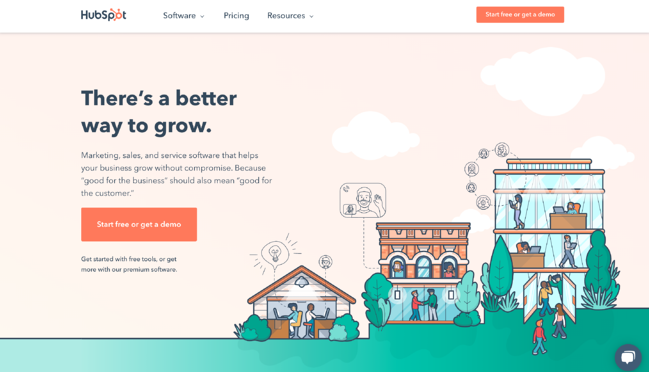
HubSpot’s mission is to help millions of organizations grow better. HubSpot’s award-winning CRM platform — which is comprised of Marketing Hub, Sales Hub, Service Hub, CMS Hub, and Operations Hub, and a powerful free CRM — gives thousands of companies the tools they need to manage the customer experience — all the way from awareness to advocacy.

As a HubSpot affiliate, you have the choice between a 15% recurring rate for up to one year or a flat rate corresponding to 100% of the first month’s revenue.

HubSpot’s plans range from $50 all the way up to $3,000+ per month. And it is not uncommon for customers to purchase more than one product at a time. So these payouts could quickly add up.

When you join HubSpot’s affiliate program, you gain access to a large creative inventory, including demo videos, banners, and copy examples, all designed to help you earn the most commission possible. Plus, you can cultivate a one-on-one relationship with the HubSpot affiliate team, whose members are all dedicated to helping you succeed.

If you have a large business audience or want to monetize your content, then our affiliate program is likely well-suited for you. (You can learn more about HubSpot by reading HubSpot reviews.)

2. AWeber

best affiliate marketing program:  aweber

Commission: 30% recurring

Cookie life: One year

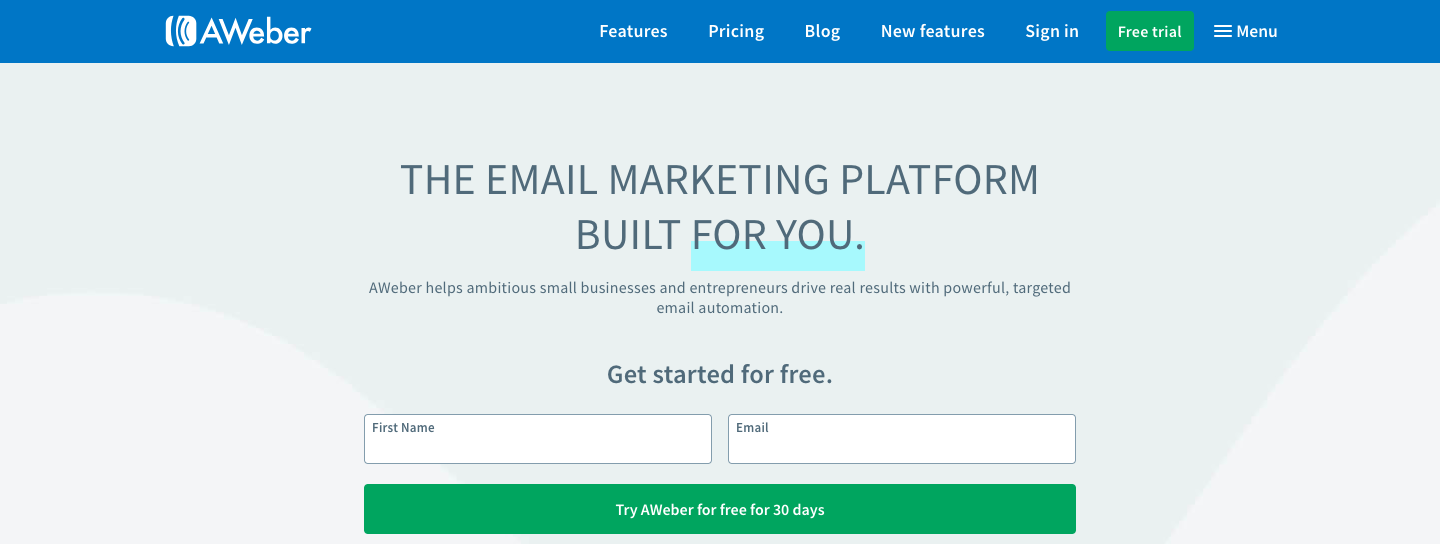
AWeber has been the autoresponder of choice for over one million businesses and entrepreneurs since 1998. It’s a great tool for newsletter and email drip campaigns.

Affiliates of AWeber can earn substantial income through two different channels:

  • Their in-house program offers a lifetime 30% commission. Plans typically range from around $20 to $150 per month, so the payout can add up.
  • Alternatively, you can earn up to $300 per account through CJ Affiliate. However, the cookie life with this option is only 45 days, rather than one year.

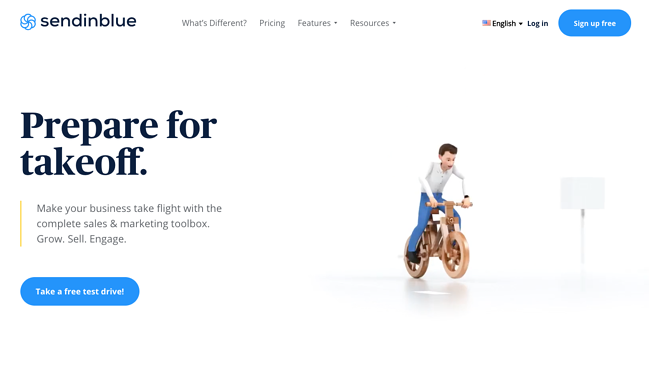
3. Sendinblue

best affiliate marketing program: sendinblue

Commission: €5 when a referred user creates a free account + €100 if that user buys a subscription

Cookie life: 90 days

Sendinblue is an all-in-one digital marketing platform that helps businesses connect with customers via email marketing, SMS, chat, marketing automation, CRM, and more. This user-friendly tool is rapidly growing in popularity with over 175,000 users worldwide.

The affiliate program has two different streams: one for agencies and one for bloggers.

Sendinblue’s free and affordable pricing plans make it a very attractive revenue opportunity for bloggers and publishers in the email marketing space. You’ll get €100 every time you refer a paying customer and join a network of top affiliates like WPBeginner, Capterra, CodeinWP, emailvendorselection, emailtooltester, and many more.

Note: Even though the payout is in euros, the program is open to the United States and your commission will be converted based on currency rates at the time of the payment.

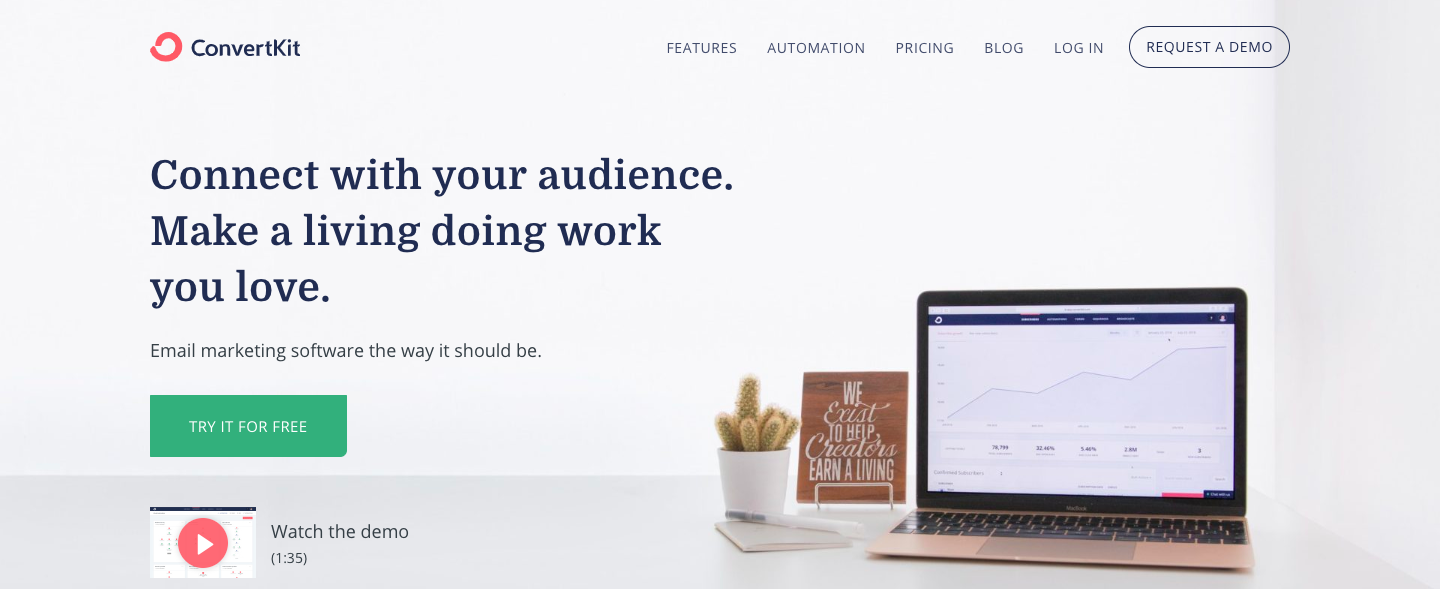
4. ConvertKit

best affiliate marketing program: convertkit

Commission: 30% recurring

Cookie window: 30 days

A new up-and-comer in the email marketing field, ConvertKit helps its customers grow their customer-base via landing pages, forms, and email drip campaigns. (You can learn more about ConvertKit by reading reviews.)

ConvertKit’s affiliate program is primarily addressed to existing ConvertKit users who feel their audience could benefit from email marketing products. The program offers a lifelong 30% commission for every referred paying customer or webinar subscriber.

With plans ranging anywhere from $29 per month all the way to $2,000+, the income potential is a very attractive offer, and it costs you absolutely nothing to join the program. The program does not, however, offer any special deals or discounts for any product the affiliate might promote.

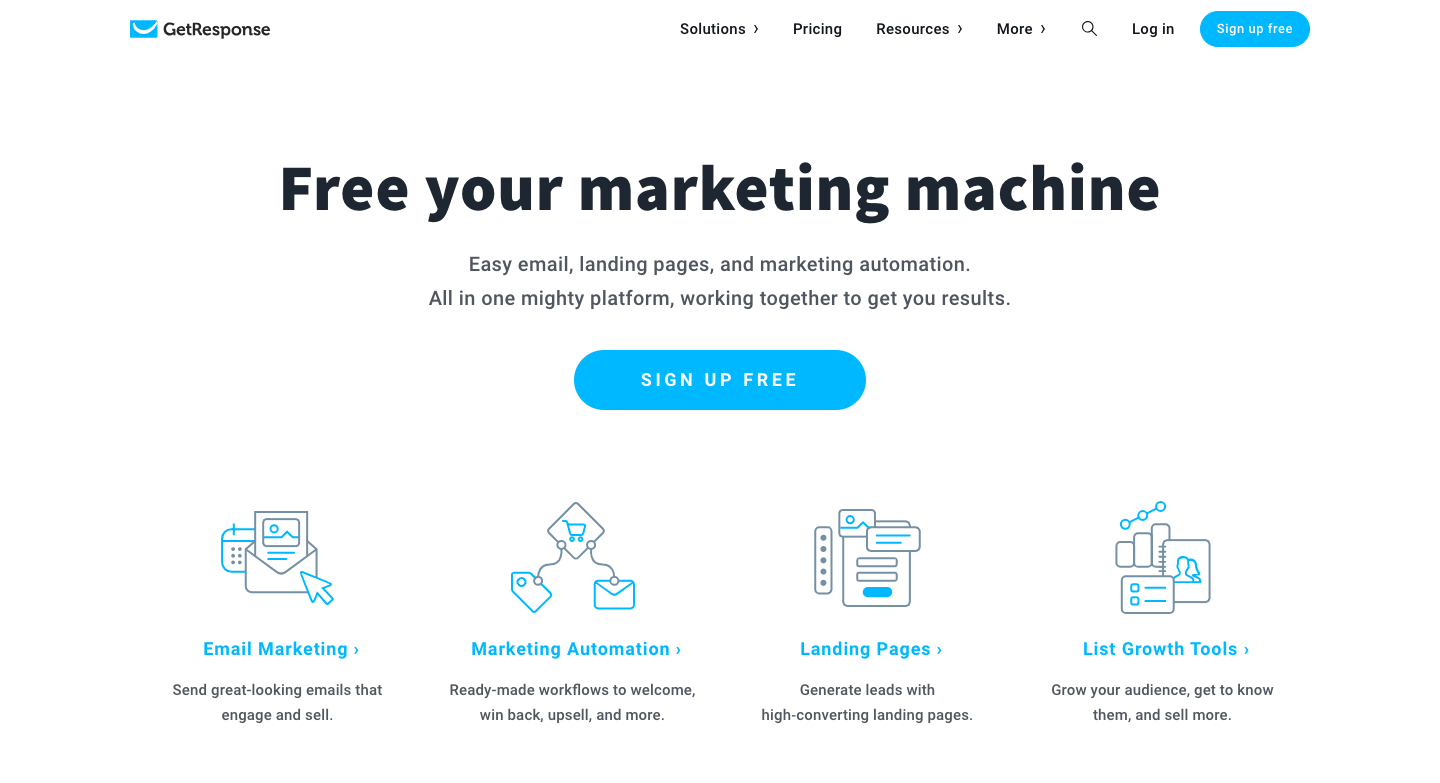
5. GetResponse

best affiliate marketing program: getresponse

Commission: $100 for every sale referred, or 33% of recurring subscriptions

Cookie length: 120 days

Along with email marketing, GetResponse offers landing pages, opt-in forms, webinar hosting, a CRM tool, and plenty of other marketing automation tools. (You can learn more about GetResponse by reading reviews.)

Just like AWeber, GetResponse has two affiliate programs you can choose from (or, you can join both!):

  • Their self-hosted program offers a 33% recurring commission. With plans ranging anywhere from $15 to $1,200/month, the payout can be pretty substantial.
  • You can also earn $135 for every sale referred through CJ Affiliate. However, the cookie life is only 30 days, rather than 120 offered in the in-house program.
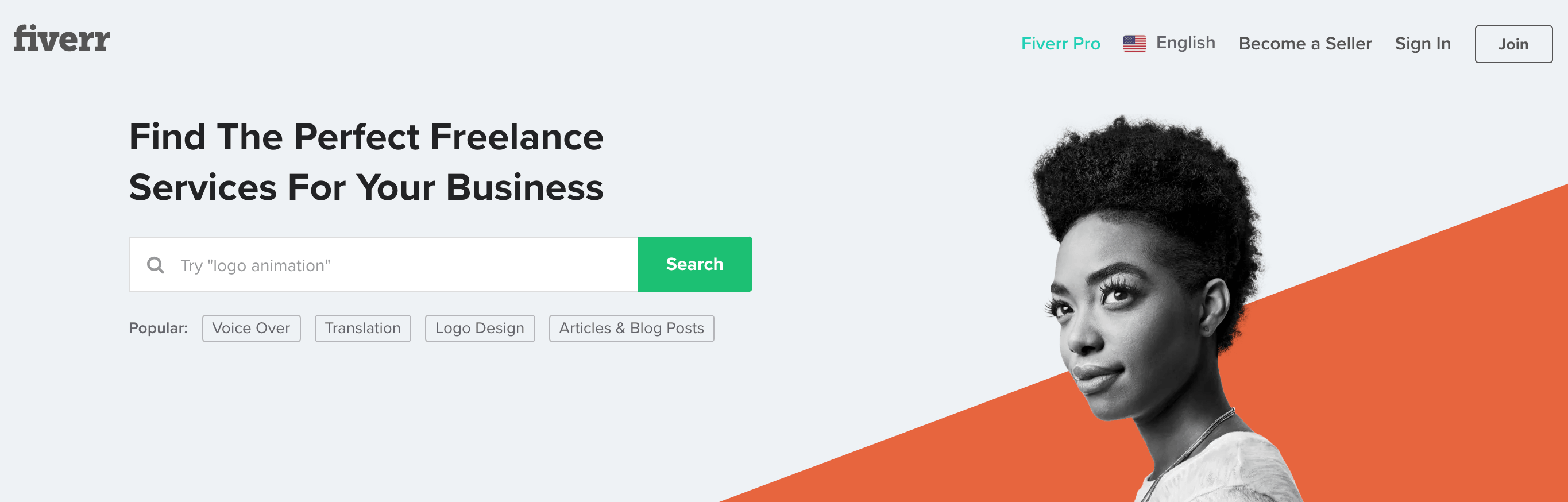
6. Fiverr

best affiliate marketing program: fiverr

Commission: $15-50 for Fiverr CPA, $10 CPA + 10% RevShare for Fiverr Hybrid, or 30% of every Fiverr Learn course order

Cookie life: 30 days

Fiverr has a few products you might promote on your own website or blog — including Fiverr (the freelance marketplace with digital services for everything from marketing to tech), Fiverr Pro (access to hand-vetted talent trusted by major brands), and Fiverr Learn (courses for freelancers and businesses looking to expand their skills).

If you work with clients who might need to hire a freelancer for marketing, design, or tech skills, or you write a blog for entrepreneurs and want to promote Fiverr Learn, you might want to consider partnering with Fiverr. The popular site, with over 5.5 million users, offers affiliates a dashboard to manage and monitor campaigns, and creative assets to help you promote their services. Of course, commission varies depending on the service you want to promote. Take a look at their full offerings here.
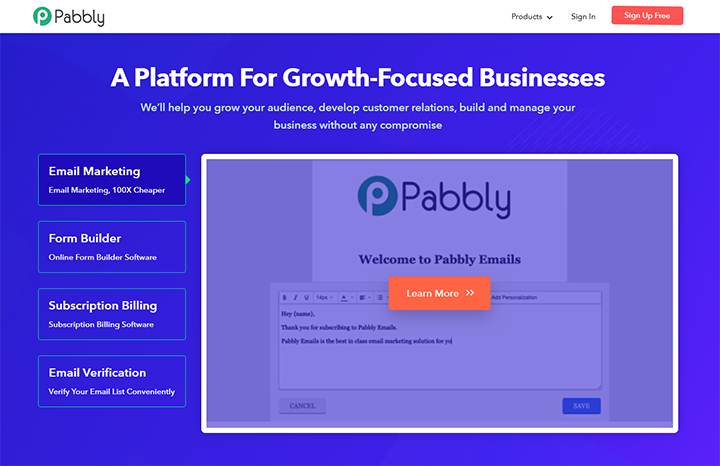
7. Pabbly

best affiliate marketing program: pabbly

Commission: 30% recurring

Cookie life: 30 days

Pabbly is an online platform that offers multiple marketing and business management tools for email marketing, form building, subscription-billing, email verification, workflow automation, and app integration. The most popular package is Pabbly Plus — a cost-effective bundle of all the Pabbly applications.

Unique features of their affiliate program include:

  • You can promote all or any of their products to get a 30% commission within 40 days of the sale.
  • They track sales of all their products using a single cookie. So whatever product you promote, it will get you a commission on the sale of all the products purchased through your affiliate link. Also, this will save you from referring each product separately to your audience.
  • A single sale of Pabbly products can provide you the minimum commission of $183.

Additionally, they provide a single dashboard for monitoring sales, allowing you to view all your commission-related details — such as sales, referrals, and payouts — in a single place.
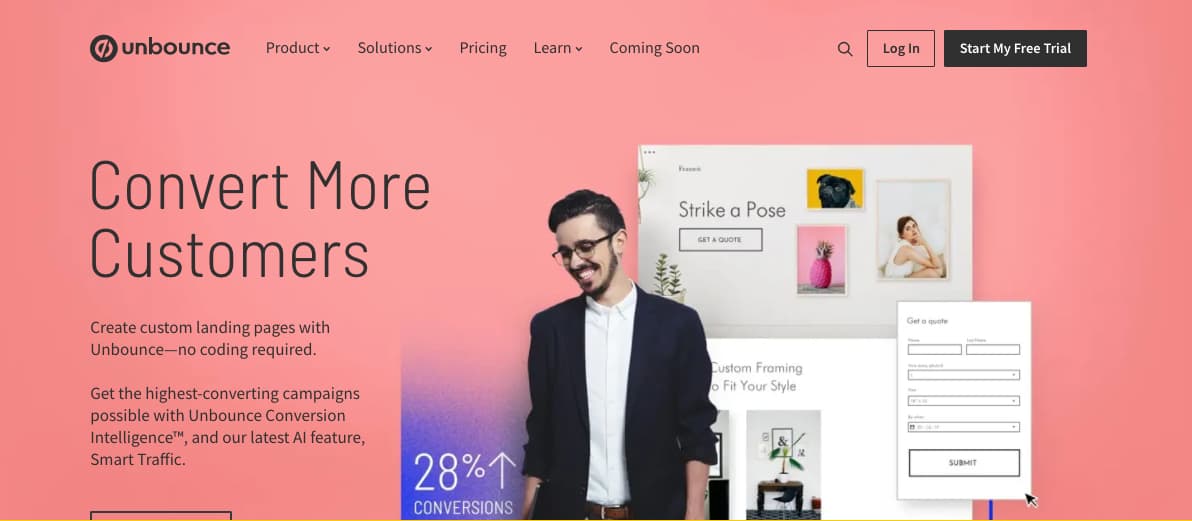
8. Unbounce

best affiliate marketing program: unbounce

Commission: 20% of recurring revenue for every customer you refer

Cookie life: 90 days

This popular landing page platform — used by brands such as Campaign Monitor and Zola — helps users design high-converting landing pages for SaaS businesses, ecommerce sites, and agencies. Unbounce’s affiliate program is impressive, giving you the opportunity to earn 20% of the recurring revenue for every customer you refer.

Plus, your site visitors or social media followers get 20% off their first three months using Unbounce, making the exchange valuable for them, as well. Unbounce provides you with plenty of tools to succeed using their affiliate program, including a Partner coach, custom dashboard to track progress, and training and promotional materials to ensure you’re promoting their business as effectively as possible. If you’re a marketer hoping to help clients increase conversions on their landing pages, this partnership could be a win-win for you both.
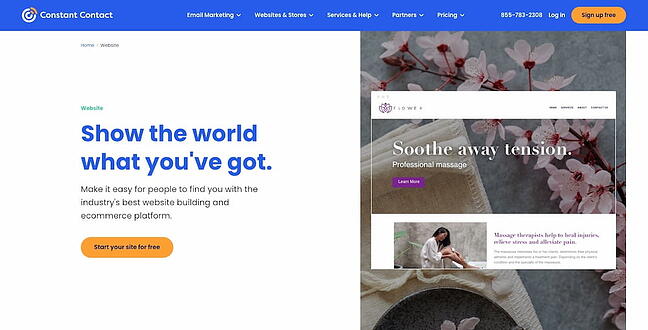
9. Constant Contact

best affiliate marketing program: constant contact

Commission: $5 for each referral that signs up for a free trial, and $105 when your referrals pay for a new account

Cookie life: 120 days

Constant Contact offers powerful email marketing tools for small businesses, bloggers, and entrepreneurs. Among other things, users of Constant Contact can create Instagram and Facebook Ads, automate their email marketing campaigns, target new ecommerce customers, and send follow-up emails to increase revenue to their online stores.

The company’s affiliate program enables you to earn $5 for all qualified leads, and $105 when the referral becomes a customer of Constant Contact.

Additionally, you’ll receive promotional materials, a tracking dashboard, and personalized support to help you succeed with the affiliate program. Constant Contact is used by major brands including Facebook, WordPress, and Shopify. If you believe your clients or prospects could benefit from email marketing tools, this is a good partnership to consider.
10. Typeform

best affiliate marketing program: typeform

Commission: 20% recurring

Cookie life: Unknown

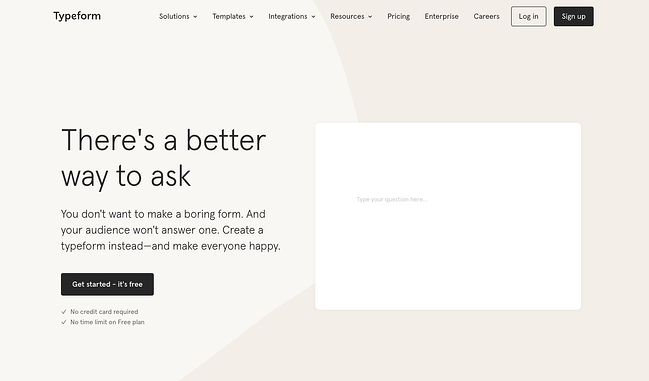
Typeform, which offers conversational forms and surveys including Contact Forms, Employee Satisfaction Surveys, and Event Lead Capture Forms, offers a 20% recurring commission on referrals. That means you’ll earn up to 20% of a referred customers’ subscription to Typeform, as long as the subscription remains active.

This adds up quickly, and the service is relatively cheap, making it easy for your referrals to make a purchase. If you refer 100 customers who sign up for a monthly basic plan, you would bring in $580 every month.

Best Online Course Affiliate Programs

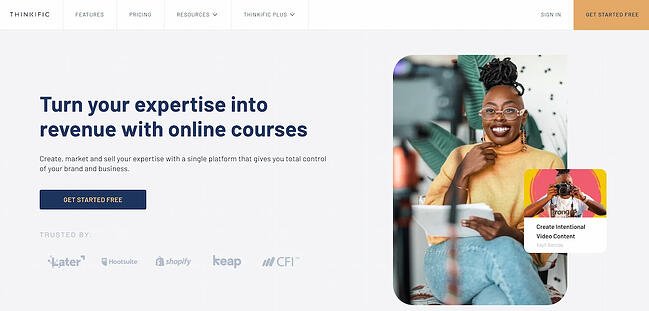
11. Thinkific

best affiliate marketing program:  thinkific

Commission: 30% recurring

Cookie life: 90 days

Thinkific’s powerful all-in-one platform makes it easy to share your knowledge, grow your audience, and scale the business you already love. The platform enables users to create, market, and sell online courses and membership sites under their own brand.

You’re an ideal candidate for Thinkific’s affiliate program if your audience is made up of any of the following:

  • Content creators with skills and knowledge to share;
  • Business leaders who want to create courses for customers; or
  • Entrepreneurs who want to add new revenue streams

As an affiliate partner, your perks include a 30% lifetime recurring commission, a competitive 90-day cookie window, and access to ready-to-post creative and promotional content. Thinkific affiliate partners earn up to $1,700 per referral every year.

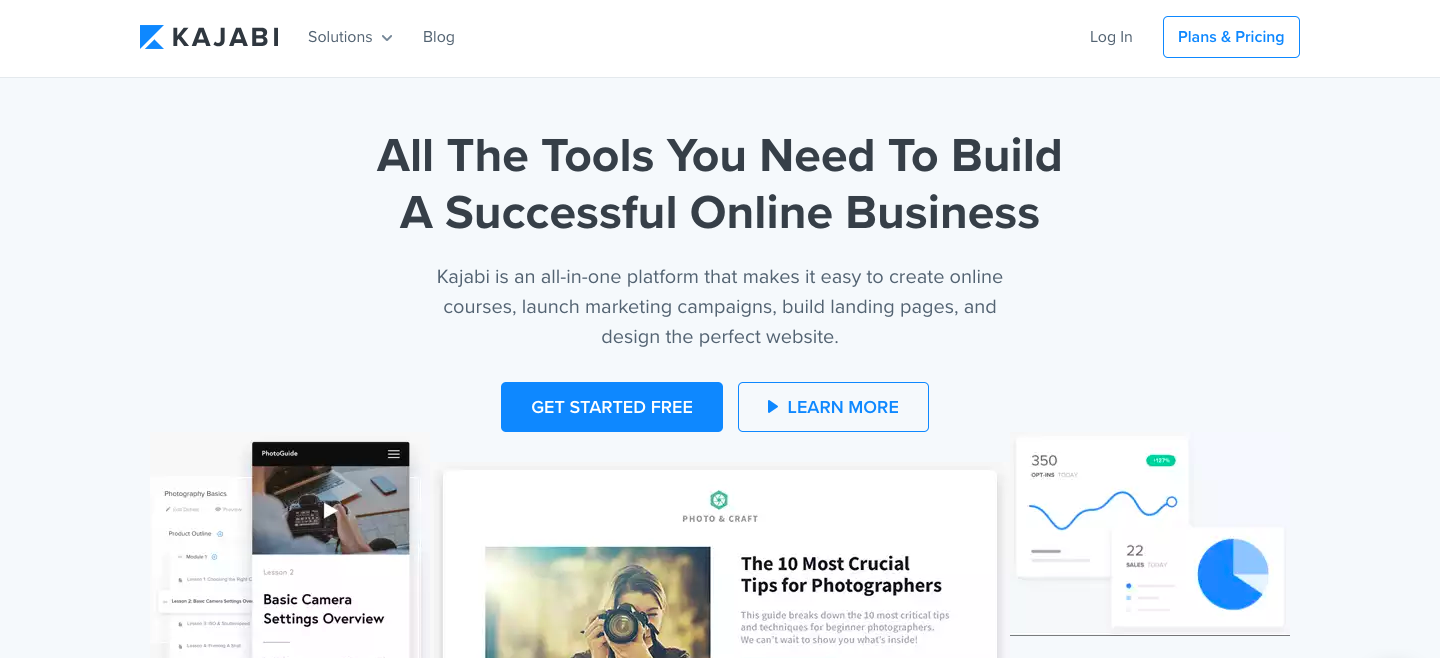
12. Kajabi

best affiliate marketing program: kajabi

Commission: 30% recurring

Cookie life: 30 days

Kajabi is an all-in-one platform that lets users create online courses, launch marketing campaigns, build landing pages, and design the perfect website.

The Kajabi Partner Program is currently only open to Kajabi users. As an affiliate, you’ll receive a 30% lifetime commission for any new member you bring to Kajabi that stays active past their trial period. What’s more, you will be treated to special rewards as you progress. Each level unlocks exciting bonuses only available to Kajabi Partners.

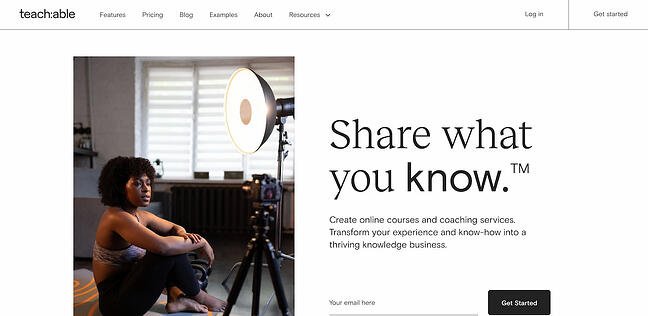
13. Teachable

best affiliate marketing program: teachable

Commission: 30% recurring, with the ability to earn up to 50% commission through monthly bonuses

Cookie life: 90 days

Teachable helps you create and sell beautiful online courses. With over 18 million students and 186 thousand active courses, Teachable is one of the most reputable e-learning platforms. Plus, it’s heavily endorsed by Pat Flynn from Smart Passive Income.

Ranging from Facebook ads to cake decorating tips, Teachable is suited for a variety of niche subjects. Teachable’s affiliate program pays a recurring 30% commission on the referral’s monthly subscription fee. Plans can go anywhere from $29 to $499 per month, meaning you’ll be able to earn up to $150 a month per sale.
14. iSpring

best affiliate marketing program: ispring

Commission: 10% per sale

Cookie life: 90 days

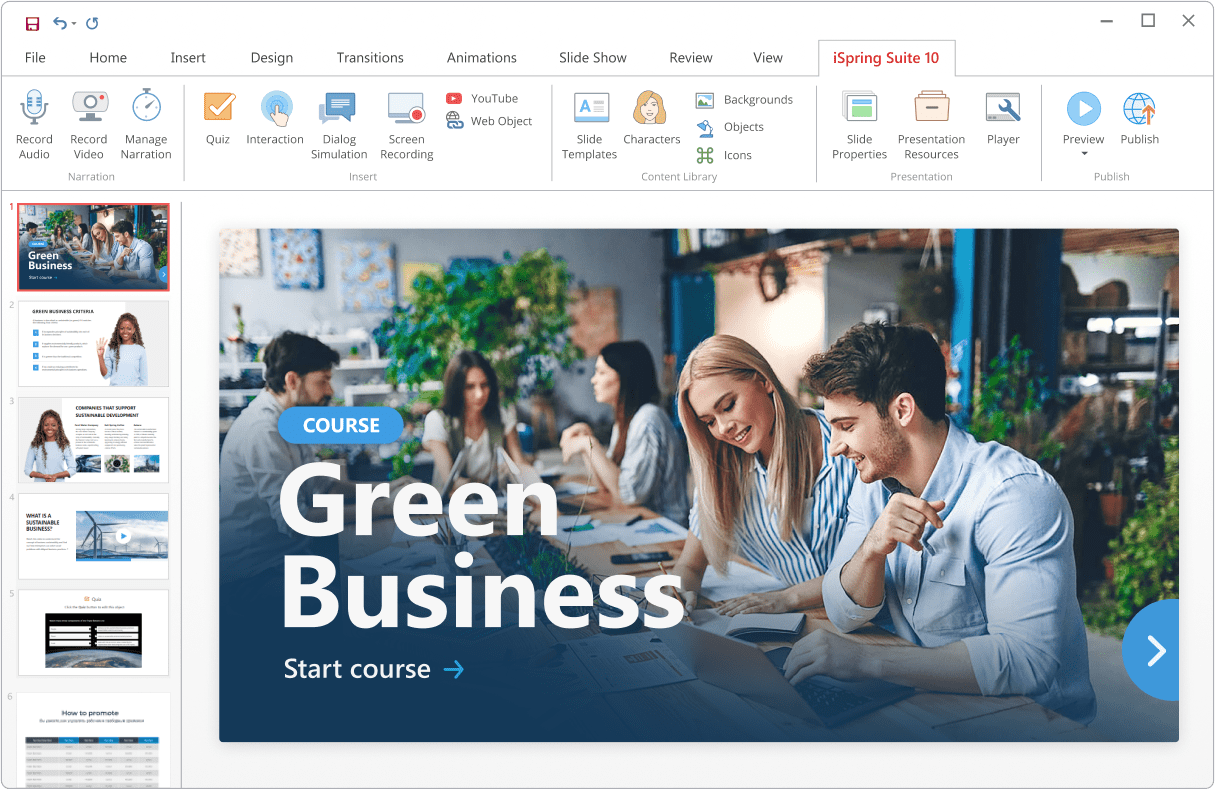
iSpring is an international software development company that produces tools for eLearning content authoring and online training. Their flagship product is iSpring Suite, an award-winning authoring tool that allows the creation of interactive online courses, quizzes, video tutorials, role-plays, and ebooks.

iSpring Suite has an intuitive interface that is familiar to everyone (the tool works as a PowerPoint add-in) and offers solutions for any learning need. And that’s why it has become popular among people from different fields: from university professors to corporate instructional designers.

The affiliate program includes iSpring Suite and iSpring Suite Max, which cost $770 and $970, respectively. Thus, you can earn from $77 to $97 from a single purchase and around $1000/month if you provide 10+ customers monthly. You will receive verified commissions quarterly.

Best Website Builder Affiliate Programs

15. Shopify

best affiliate marketing program: shopify

Commission: 200% commission after a referral has been an active subscriber for 2 months

Cookie life: 30 days

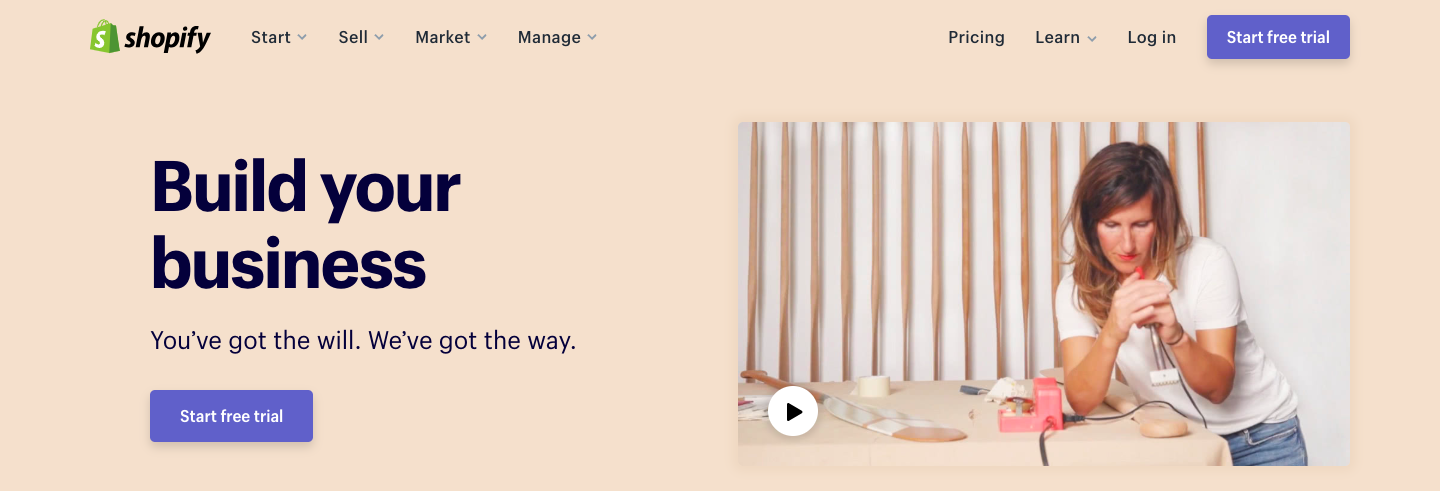
With nearly 2 million merchants worldwide, Shopify has truly proven itself as a market leader in the drop-shipping industry. Shopify has everything you need to start your online store, including website builders, shopping carts, web hosting and store management tools, analytics features, payment processing, and much more.

If your audience is all about e-commerce and needs help setting up an online store, Shopify’s affiliate program might be for you. Affiliates earn a whooping 200% commission on the cost of a monthly subscription (that’s up to $2,400!). Additionally, when a referral signs up for a Shopify Plus account, you get paid a flat $2,000 bounty payment.

On top of the money, as a Shopify affiliate, you get priority support for your own Shopify store, as well as free Shopify content to promote to your audience.

Joining the program is absolutely free. The main drawbacks may be that the target for this program is quite niche, since you’ll need an audience that sells products online and doesn’t already have a solid e-commerce platform.

16. Leadpages

best affiliate marketing programs: leadpages

Commission: Up to 50% commission

Cookie life: 30 days

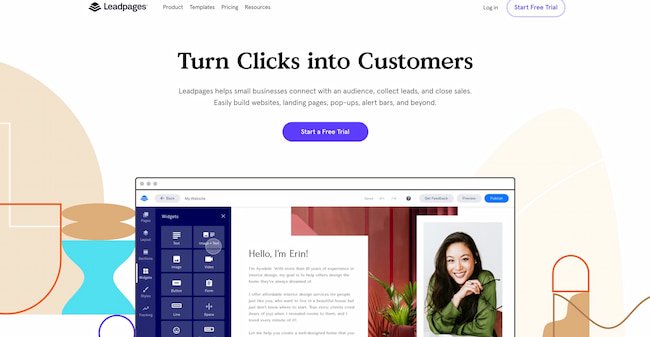
Leadpages is an online tool that lets you create easy-to-customize landing pages to collect contact information and boost your conversion rates. (You can learn more about LeadPages by reading reviews.)

Their affiliate program is only open to Leadpages customers. Each paying customer referred brings in a lifetime commission of 30%. Membership prices range from $25 to $200 per month.

Leadpages will sometimes run special offers, such as a $5,000 bonus for affiliates who drive 10+ sales by a given date. All affiliates get access to banners, sidebar images, and social media-friendly links. You also have the option to share a unique link to a free content page (like a blog post or video) rather than a product page.
17. Wix

best affiliate marketing programs: wix

Commission: $100 per Premium sale

Cookie life: 30 days

If you’re interested in unlimited payouts with minimal effort, Wix could be for you. The web development company is one of the most popular web hosting platforms, and offers $100 per Premium referral with no limit on the amount of people you can refer (which means, if you refer 10 people, you’ve already made $1,000). Additionally, Wix provides links and creatives, including banners and landing pages in all languages, to make it easy for you to include their link on your site.

However, it’s important to note that there is a minimum sales target you need to reach to get paid — $300 per month (if you make less than that, your earnings will stay in your account until you reach that benchmark). If you feel your website, blog, or social channel is visited on a regular basis by prospects who might be interested in creating their own website on a hosting platform, this could be a good program for you, but if you’re unsure if you can meet the minimum sales target for a while, you might want to reconsider.

Best Web Hosting Affiliate Programs

18. WP Engine

best affiliate marketing programs: wp engine

Commission: $200+ per signup

Cookie window: 180 days

There are millions of websites on the internet, and more than 40% are built on WordPress. WP Engine provides super-fast web hosting for thousands of WordPress websites around the world.

WP Engine’s affiliate program runs on the ShareASale network. By promoting WP Engine plans, you can earn $200 per signup or 100% of the customer’s first monthly payment — whichever one is higher. You gain access to exclusive affiliate discounts you can offer to your audience.

You can also promote StudioPress themes and earn 35% of the sales generated. These purchases get 60 days of cookie tracking.

It’s important to note — WP Engine’s affiliate program is two-tiered, which means that you’ll get paid not only for referring customers, but also for referring affiliates. You get $50 for each of their referrals.

While it may not be easy to find an audience looking to build a new WordPress website, when you do find those users, the profits can be huge.

19. Kinsta

best affiliate marketing programs: kinsta

Commission: Up to $500 per referral + 10% recurring

Cookie life: 60 days

Kinsta was founded in 2013 by veteran WordPress developers “with a desire to create the best WordPress hosting platform in the world.” They strive to offer WordPress hosting that is fast, secure, and reliable.

Kinsta’s affiliate program pays an initial commission, followed by a recurring 10% monthly payment. Affiliates can earn up to $500 initially, depending on the type of plan the referral has purchased:

  • Starter: $30
  • Pro: $100
  • Business: $150
  • Enterprise: $500

While 10% may not seem like much, your referrals are likely to have a high lifetime value, thanks to Kinsta’s high customer retention rate of 95%.
20. Bluehost

best affiliate marketing programs: bluehost

Commission: $65 per sale

Cookie life: 45 days

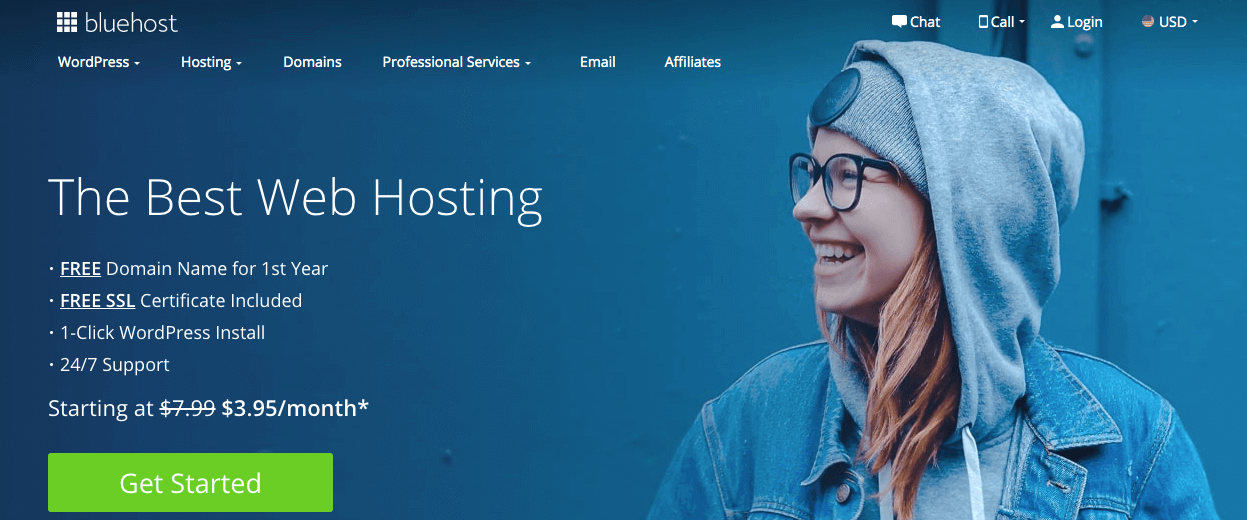
Bluehost, a web hosting platform that supports more than 2 million websites, offers a phenomenal affiliate program for any business or entrepreneur looking to monetize their blog or website. If you promote Bluehost’s products or services on your own blog or website (either through custom banners or links), you can earn anywhere from $65 to $130 per sale generated from your website — an incredibly high fee.

Best of all, it’s free to join their affiliate program, and Bluehost offers reliable tracking to ensure you get credit for each lead you provide them. Plus, Bluehost offers affiliate managers who can offer support or personalized advice.
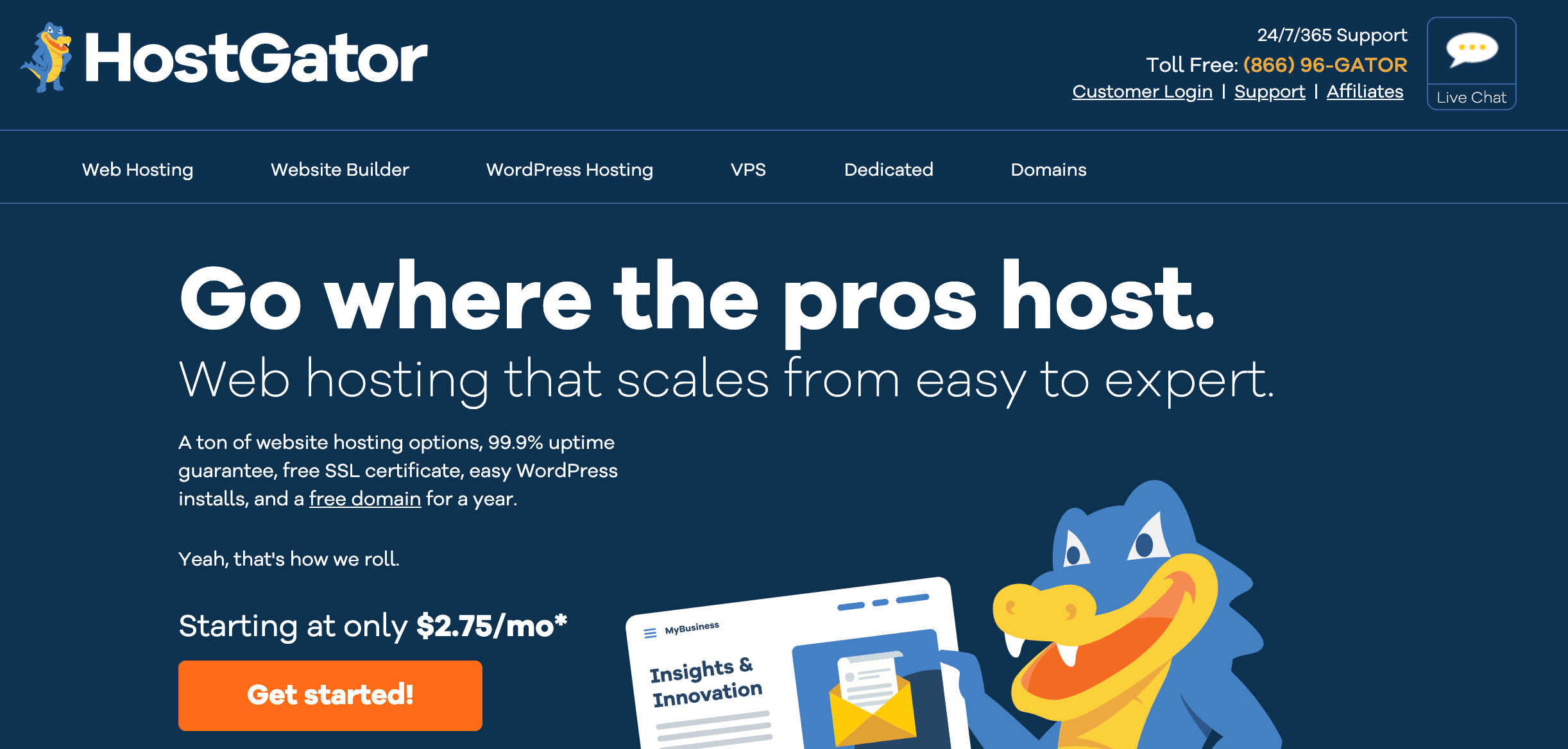
21. Hostgator

best affiliate marketing programs: hostgator

Commission: $65 to $125 per signup

Cookie life: 60 days

Hostgator offers both web hosting and building tools, and is incredibly low-cost for startups or ecommerce businesses with limited budgets — for instance, a starter plan costs only $3.84/month.

It’s free to become a Hostgator affiliate, and their tiered payouts are substantial — you can make $65 per signup if you provide Hostgator with 1-5 signups per month, and up to $125 per signup if you provide Hostgator with over 21 signups. You can either embed tracking links on your site or create a custom coupon code. Since Hostgator provides a 45-day money-back guarantee, it’s low-risk for your website visitors to try it out.
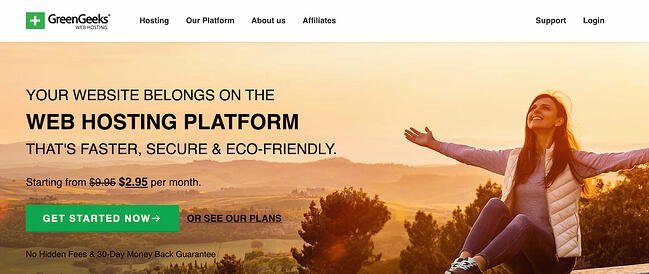
22. GreenGeeks

best affiliate marketing programs: greengeeks

Commission: $50 for one sale; up to $100 for six sales

Cookie life: 30 days

GreenGeeks, an eco-friendly, secure web hosting platform, allows you to earn up to $100 per sale. They have a tiered program that pays generously — including $50 for just one sale, and $100 for six or more. Additionally, the company provides a selection of creative assets, content, and banners to ensure you’re proud of the link or banner you include on your website or blog.

If you believe your blog readers or website visitors are interested in exploring web hosting platforms (for instance, if you write content for freelancers), this could be a good option to explore. Best of all, the company promotes eco-friendly alternatives, so you can feel good knowing you’re spreading a positive, “green message” to your site visitor

Best Retail Affiliate Programs

Disclaimer: Commissions for retail stores are much smaller because the purchase price is much smaller. But this also means that it’s easier to get your audience to buy those items (low price = low commitment), which could translate into high conversion rates and higher returns.
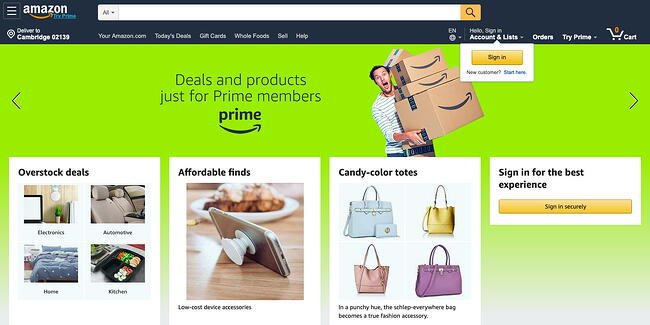
23. Amazon Associates

best affiliate marketing programs: amazonCommission: 1-10% (depending on the product category)

Cookie life: 24 hours

Amazon is one of the most popular online shopping platforms, so if you’re looking to buy something, chances are you’ll find it on Amazon.

Amazon Associates get commissions between 1% and 10%, depending on the category the product purchased falls under. The most valuable items to promote are clothes and luxury beauty products, both of which can earn you a 10% cut on the price.

One of the main advantages of doing affiliate marketing with Amazon is that people already know the company and love to shop there, so it’s not a hard sell. The company has very high conversion rates, especially around the holidays. And because the product selection is so vast, it fits most kinds of businesses.

If you write about animals, for instance, you can promote cat treats or dog toys. If your audience is interested in cars, you can recommend jumper cables — you get the idea.

Additionally, if someone ends up on Amazon through your link and buys something other than what your content links to, you still get commission on the user’s entire cart.

Ultimately, the only downside is some categories have particularly low commissions, such as video games and electronics.

For businesses with large audiences, Amazon recently launched their new Amazon Influencer Program as an extension to the Associates program for social media influencers. You get similar benefits to the online Associates program, as well as your own page on Amazon with a unique URL to showcase the products you recommend to your followers.

Currently, you must have a YouTube, Instagram, Twitter, or Facebook account to qualify. Amazon looks at the number of followers and other engagement metrics of your social media accounts to determine whether you’re eligible for the program.
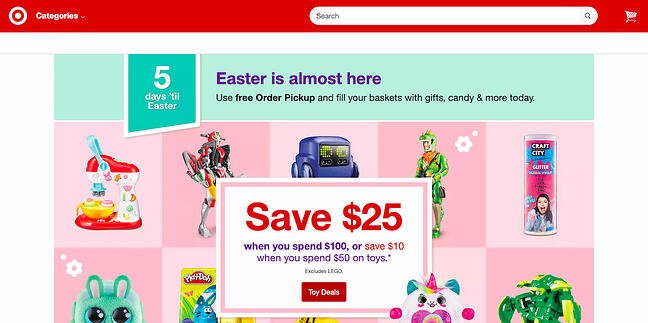
24. Target

best affiliate marketing programs: targetCommission: 1-8% (depending on the product category and sales volume)

Cookie life: 7 days

While it doesn’t offer as wide a selection as Amazon or eBay, Target remains a highly recognizable brand with a variety of different products.

Target’s affiliate program operates on a volume-based commission structure, meaning that your commission increases as the number of items purchased increases. Sadly, a product category that does not benefit from this model is the Health and Beauty products — the commission on this category caps at 1%, regardless of volume.

It’s also critical to note — most people tend to prefer buying Target products in-person, rather than online, so this could have an impact on your returns.
25. Hammacher Schlemmer

best affiliate marketing programs: hammacherCommission: 8% on any sale

Cookie life: 30 days

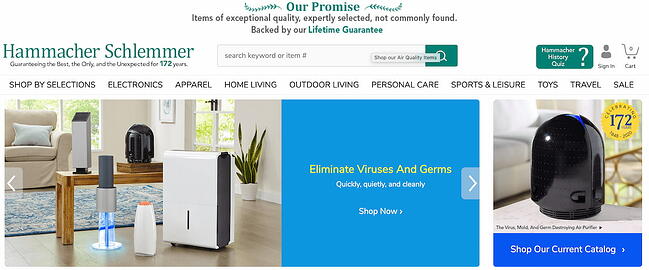
Hammacher Schlemmer is America’s longest-running catalog with a lifetime of over 150 years, and continues to successfully sell items ranging from electronics to outdoor living gear. Additionally, the company offers an impressive affiliate program with the potential to earn incredibly high commissions.

They offer 8% commission on any product you’re able to sell through your own website or blog. While 8% might not sound like a lot, consider some of the higher-priced items they sell, including a Muhammad Ali Autographed Photo Collage for $5,000, or the Full Immersion Professional Racer’s Simulator for $65,000.

Ultimately, if you’re able to find products or services on Hammacher Schlemmer’s website that align well with your own core offerings or might interest your buyer persona, you might consider partnering with the brand.

Additionally, this affiliate program could be a good idea for an ecommerce business interested in expanding their offerings. Hammacher Schlemmer provides tools (including password-protected online reports) and content to help your online store succeed.
26. Spocket

best affiliate marketing programs: spocket

Commission: 20% per Bronze subscriber; 25% per Silver subscriber; 30% per Gold subscriber (up to 445.50 per subscriber)

Cookie life: 90 days

Spocket, a dropshipping supplier, wholesaler, and distributor of high-quality American and European products, enables entrepreneurs to sell products from thousands of dropshipping suppliers around the world. They also offer an incredibly impressive affiliate program — you can make up to $450 for each customer you refer to Spocket, and you’ll continue to collect commission off your referral’s Spocket account as long as they remain a customer.

Their program will also provide you with the tools and resources you need to successfully promote their business. If your website visitors are entrepreneurs or ecommerce businesses, this is a good affiliate program to explore.

27. eBay Partner Network

best affiliate marketing programs: ebay

Commission: 1-4%, depending on category

Cookie life: 24 hours

With over one billion listings from a wide range of product categories, eBay’s affiliate program shares a lot of the same advantages as Amazon’s — well-known brand, high conversion rates, and a diverse selection of products.

The eBay Partner Network pays a commission of 1% to 4%. You earn a percentage of the revenue eBay earns from that purchase, based on the product category.

High-ticket items you can promote fall under Parts & Accessories, or Fashion. You can have a look at the complete rate card here. The one downside of this program is that it offers a cap for each category — with most falling well under $1,000. Your earning potential is thus limited.

Best Beauty and Cosmetic Affiliate Programs
28. Ulta

best affiliate marketing programs: ulta

Commission: 1-5%

Cookie life: 30 days

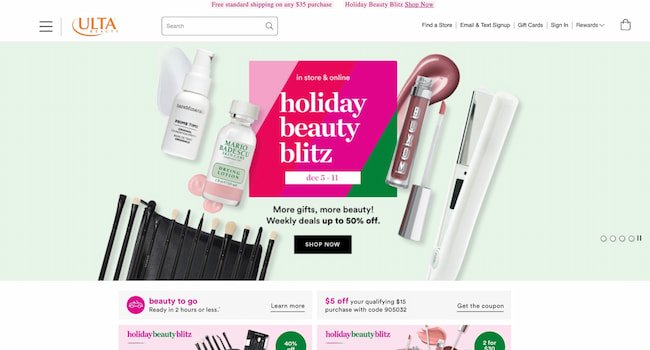
Ulta is a go-to brand for beauty enthusiasts who want both affordable and prestige skincare, makeup, and personal care products. Ulta is popular for its diverse offerings, which can cater to the tastes of a large readership.

Ulta’s affiliate program pays 1-5% in commissions. While this number may seem low, the company is ranked #2 in the beauty and cosmetics online space, meaning that your readers have likely heard of it and could even be current customers. You are provided with dynamic banners and text links to promote Ulta’s products. The company has ongoing promotions, including free shipping and free products, to help you drive more sales.
29. Sephora

best affiliate marketing programs: sephoraCommission: 5%

Cookie life: 24 hours

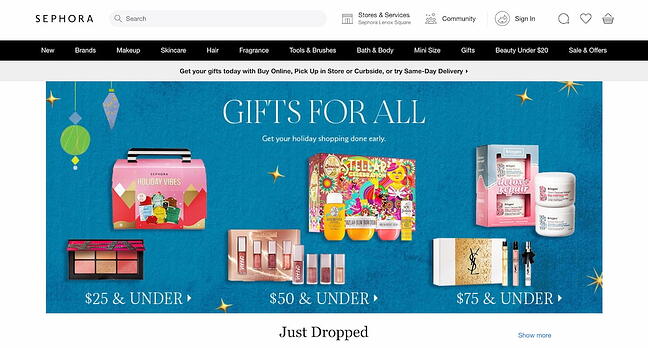
If you serve a more affluent readership, Sephora is the affiliate program for you. The retailer offers a wide selection of prestige beauty products, including skincare, body care, makeup, and fragrances. Additionally, they offer a superior customer experience — for instance, they offer a free gift with any purchase and have a strong rewards program.

Sephora’s affiliate program offers a 5% commission rate on all sales, which is higher than Ulta’s and most online retailers’ commission rates. Like most programs, Sephora gives affiliates access to promotional banners and other creative assets, which you can use on your site and social media accounts.

The only downside to this program is that the cookie length is uncommonly short: The cookie will expire just 24 hours after the user clicks on the affiliate link.
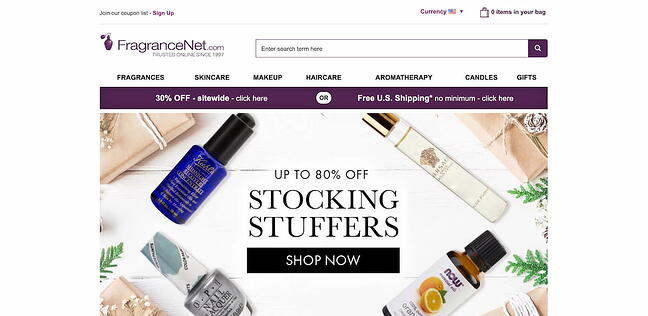
30. FragranceNet.com

best affiliate marketing programs: fragrancenet.com

Commission: 1-5%

Cookie life: Unknown

A leader in the online perfume space, FragranceNet.com gives you access to hundreds and thousands of top designer fragrances and aromatherapy products. It sells other products, too, such as skincare and makeup. However, due to its specialization in fragrances, we recommend it for bloggers who primarily write about fragrances.

Affiliates earn 1-5% for every purchase generated through their link. The brand gives you access to links and banners, fresh blog content, seasonal ads, and coupon codes to drive your referral to a conversion. The program is run through the Rakuten platform.

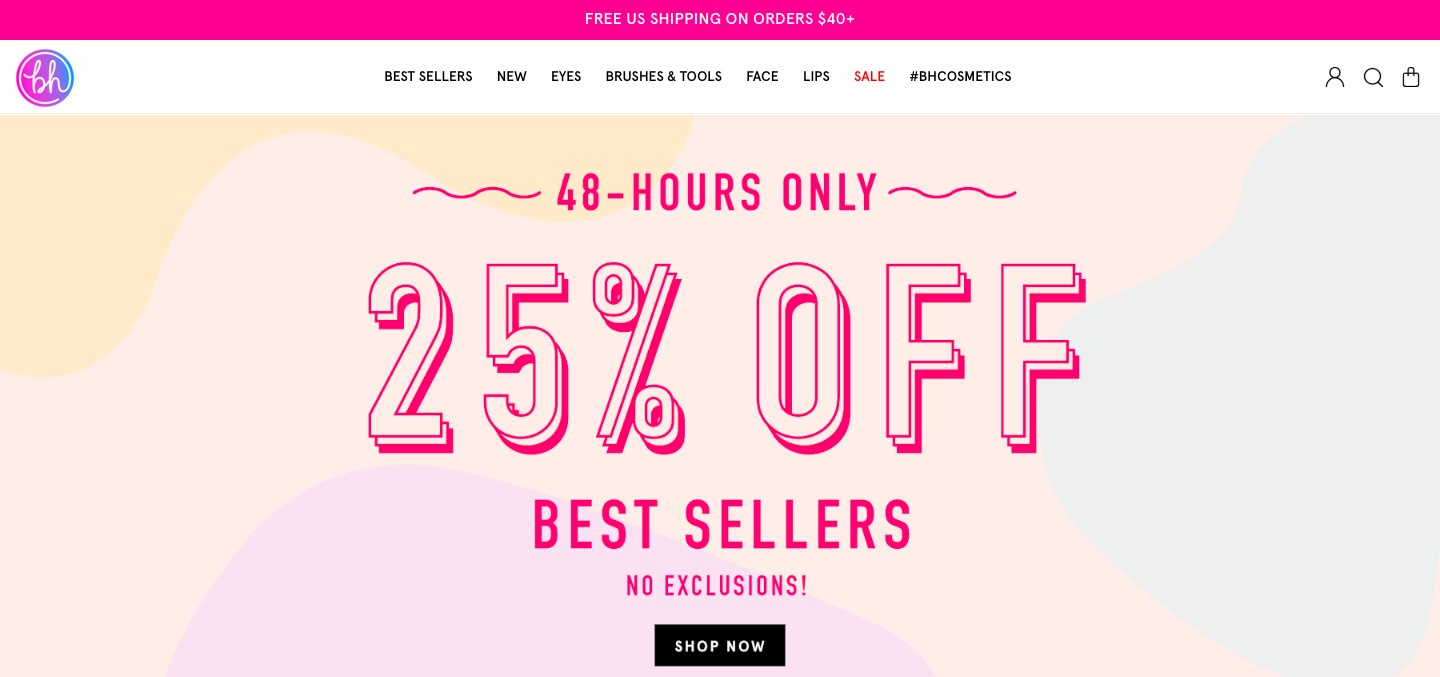
31. BH Cosmetics

best affiliate marketing programs: bh cosmetics

Commission: 8%

Cookie life: 60 days

Born and raised in LA, BH Cosmetics is one of the leading companies in the beauty industry. They are passionate about creating new and innovative beauty trends and dedicated to bringing customers the best in cruelty-free cosmetics. They also run promotions and sales regularly to help convert those leads.

BH Cosmetics affiliates receive an 8% commission on purchases made within 60 days of the user’s visit. The site has an average order value of $38 and an on-site conversion rate of 6.46%.

As an affiliate, you’ll get exclusive access to coupons and banners you can use on your website, blog, or emails. You’ll also receive monthly affiliate newsletters. Plus, their dedicated in-house affiliate team runs monthly incentives and affiliate contests to encourage you to promote your affiliate link.

Best Travel Affiliate Programs

32. Boatbookings

best affiliate marketing programs: boatbookings

Commission: 20% + 10% for returning customers

Cookie life: 30 days

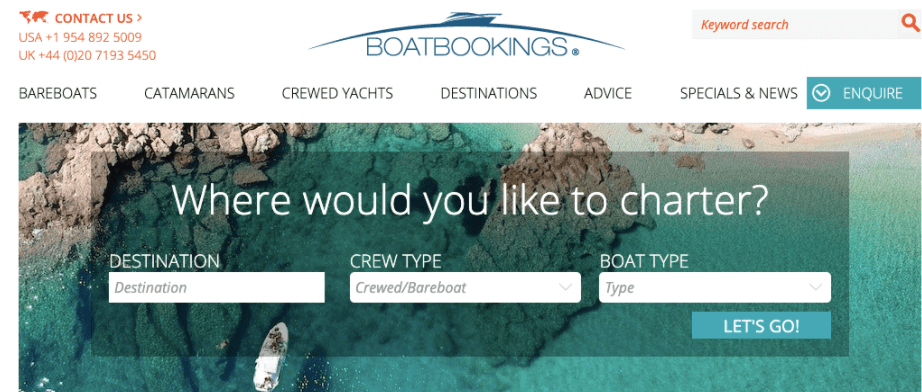
If you think your website visitors might be interested in chartering yachts, you might want to join Boatbookings’ affiliate program. Boatbookings specializes in luxury yacht chartering, boat rentals, and sailing and motor yacht vacations.

On the charter value of a boat, Boatbookings receives commission on the net charter value (not including APA or any additional items ordered). On this commission, affiliates will earn 20% as a base rate, with a possibility for escalating rates if referring multiple clients. When customers return to Boatbookings, affiliates receive an additional 10% commission on that second purchase.

33. Cheapflights

best affiliate marketing programs: cheapflights

Commission: Flat rate — up to $0.45 per click-out

Cookie life: Session

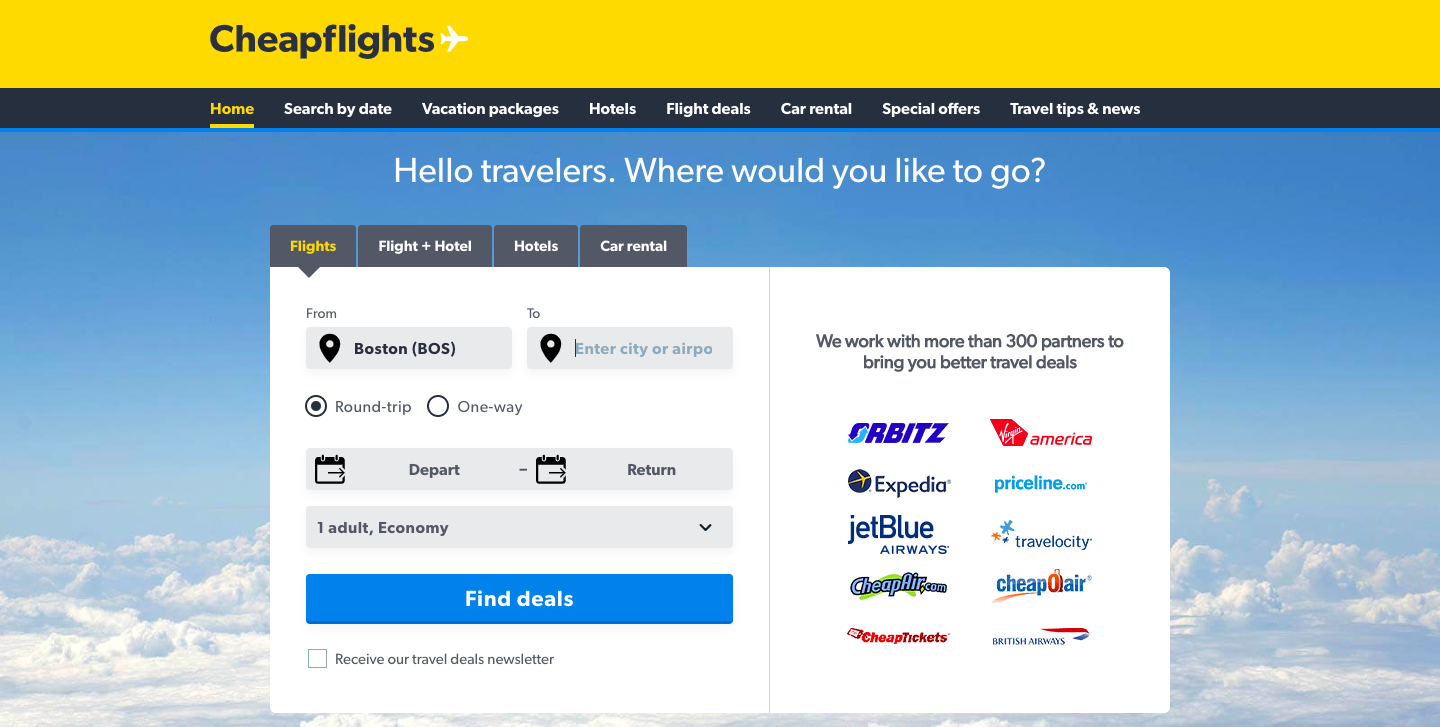
Cheapflights is a travel comparison site that helps users find the cheapest plane tickets.

Cheapflights is another company that rewards its affiliates not for bringing paying customers, but for sending traffic to their partners.

Affiliates are paid a flat fee when a user clicks through — $0.45 per click-out for desktop and tablet, and $0.25 for mobile.

As an affiliate, you get access to various creative assets, ranging from banners to search boxes and travel widgets, that allow your visitors to conduct a search on your site and display flights results on Cheapflights’ page. This is their most popular travel affiliate tool and generates the highest revenue per visit.

34. Momondo

best affiliate marketing programs: momondo

Commission: Flat rate — up to $0.65 per click-out

Cookie life: Session

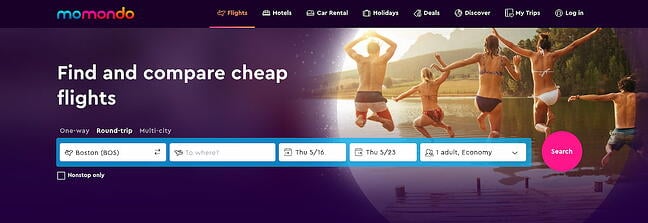
Momondo is a global travel search site that compares cheap flights, hotels, and car rental deals.

Each time someone clicks on a flight on Momondo’s website from your site’s link, you will earn $0.65 for desktop and tablet users, and $0.45 for mobile users.

35. Sandals Resorts

best affiliate marketing programs: sandals

Commission: 4%

Cookie life: 60 days

Sandals is one of the most well-recognized names in Caribbean resort travel. All Sandals Resorts offer luxurious vacations for couples and families traveling to Jamaica, The Bahamas, Barbados, and more.

The Sandals affiliate program pays you a commission for referring users to book either a stay in one of the Sandals Resorts, or booking an activity. While 4% might seem like a small percentage, these luxury resorts have daily rates that range from $150 to over $2,000 per person — which means, if a couple were to book a romantic week in a Sandals Resort at $500 per person per night, you would earn a commission of $280!

This program is only worthwhile, however, if your site and audience has a true interest in luxury travel to the Caribbean.

Best Personal Finance and Investment Affiliate Programs
36. Acorns

best affiliate marketing programs: acornsCommission: $10 per qualified lead

Cookie life: 30 days

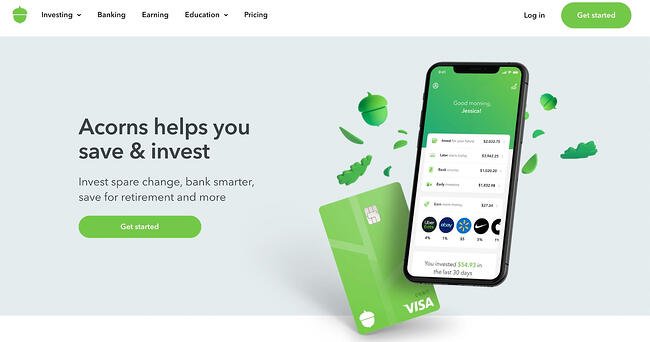
Acorn is a “micro-investing” mobile app that helps people between the ages of 25 and 35 invest their money wisely. If you own a financial advice blog that serves this demographic — especially if they haven’t yet accrued capital or assets — this is the affiliate program for you.

Affiliates receive $10 for every referred customer. You’ll receive a wide variety of creative assets to help you promote the app and a dedicated account manager to help you boost your marketing efforts.
37. Sage Financials

best affiliate marketing programs: sage

Commission: 7% per sale and $5 per free trial

Cookie life: 30 days

Sage Financials — a cloud accounting solution built on Salesforce that provides accounting, analytics, and reporting tools for small and mid-sized businesses — has an impressive affiliate program that includes a dedicated support team, commission paid directly into your bank account (and currency of choice), and detailed reporting on your performance and earnings.

Best of all, you’re able to receive commission even from free sign-ups Sage receives from your website or blog. If you feel your website visitors or blog readers are interested in accounting tools, this could be a good partnership to explore.

When you’re looking for affiliate programs, you might want to consider affiliate networks like LinkShare or CJ Affiliate that offer many different programs to choose from. There are no limits to the number of affiliate programs you can join.

Now that we’ve gone over some of the best affiliate programs overall, let’s go over the programs that pay the highest commission.

1. Elementor: 50% Per Sale

best affiliate marketing programs: elementor

Commission: 50% per sale

Cookie life: 45 days

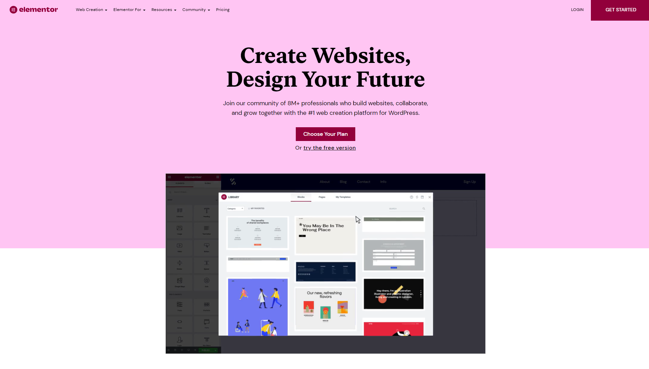
Elementor is a dynamic drag-and-drop website builder used to create 6% of all the world’s websites. With hundreds of widgets, integrations, website templates, and design tools, Elementor users can customize and scale their WordPress website-building process without writing a single line of code.

Yet, Elementor is more than simple software — it has 100k members in its online community where web creators share advice, host meetups, and push each other to professional growth.

Elementor affiliates earn 50% per sale. The software has five pricing packages, ranging from $49 to $999 per year. This broad array of pricing tiers makes it easier for affiliates to strategically market various plans to specific audiences.

With notable affiliates earning north of $10,000 a month, Elementor is an attractive option to consider.

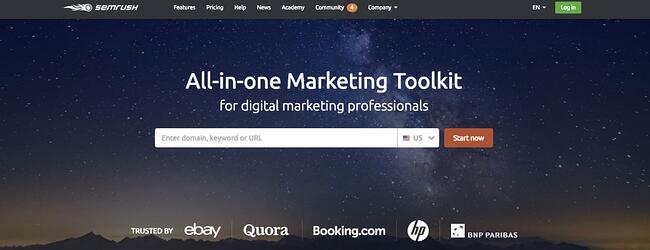
2. Semrush: $200 per Subscription

best affiliate marketing programs: semrush

Commission: $200 per subscription, $10 per free trial, and $0.01 per new sign up

Cookie life: 10 years

Semrush is a SaaS company that specializes in SEO and competitive analysis tools for digital marketers. Its affiliate program offers $200 per subscription, so if you refer 10 people only, you’ll be bringing in $2,000 per month. Plus, they offer a very generous 10-year cookie life.

Since Semrush’s affiliate program functions under a first cookie attribution model, if a referral were to cancel their subscription and sign up again in the future (within 10 years), you still get commission on that second subscription.

Exclusive Semrush promotional material is available in five different languages, and applicants are automatically pre-approved, so the sign-up process is only a few minutes, enabling you to get started right away.

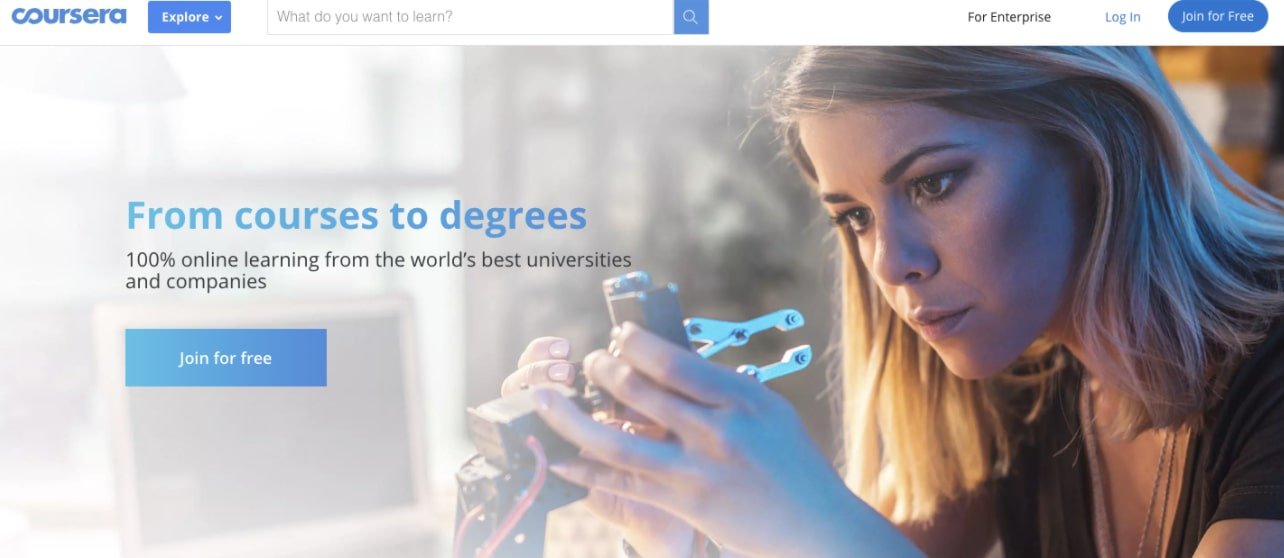
3. Coursera: Up to 45% Per Sale

best affiliate marketing programs: coursera

Commission: 10-45%

Cookie life: 30 days

Coursera offers over 1,000 courses and specializations ranging anywhere from Digital Marketing to Applied Data Science and Personal Development. Each course consists of pre-recorded videos, puzzles, and assignments.

Coursera’s affiliate program runs on the Linkshare network and offers a commission ranging from 10% to 45% with bonuses for strong performance. Courses and Specializations are generally priced between $29 and $99. As a Coursera affiliate, you get access to professionally-designed banners and a monthly affiliate newsletter with curated content recommendations.

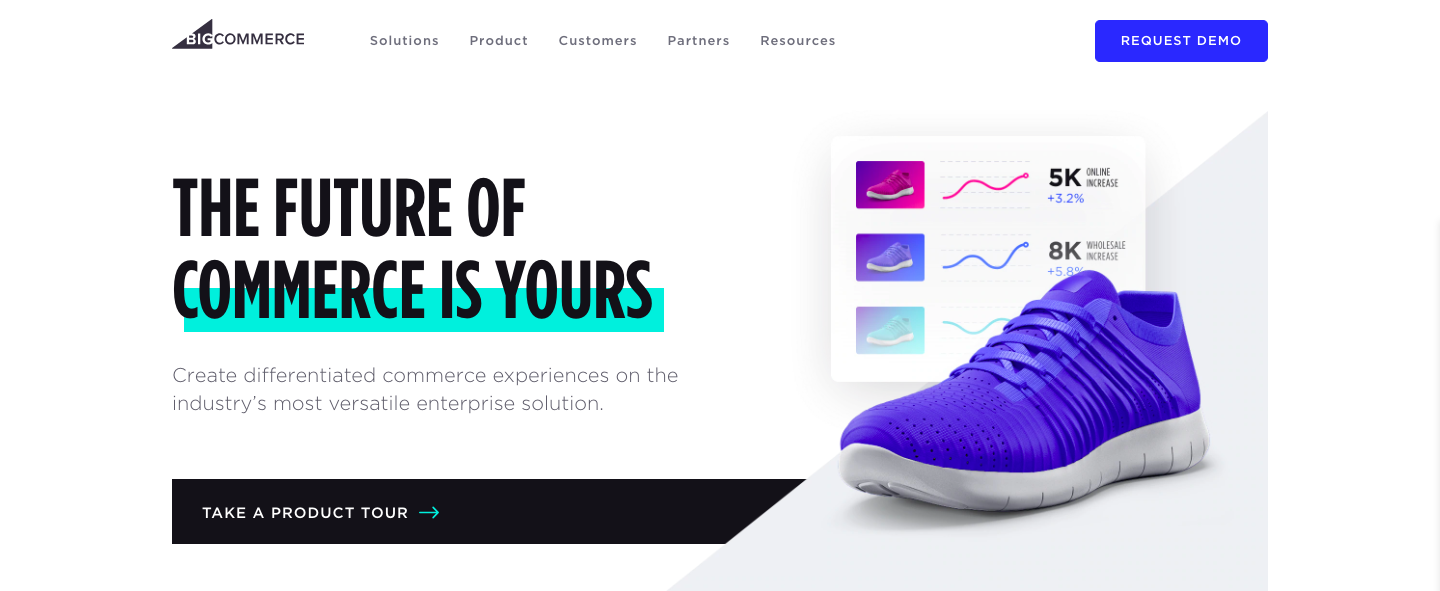
4. BigCommerce: 200% per Sale

best affiliate marketing programs: bigcommerce

Commission: 200% or $1,500 per enterprise customer

Cookie life: 90 days

Founded in 2009, BigCommerce is an online store builder that powers thousands of e-commerce stores in over 150 countries. It serves a wide variety of industries, including

fashion, automotive, manufacturing, food, and health.

When you refer visitors to BigCommerce, you earn 200% of the customer’s first monthly payment (that’s up to $500 per referral!), or $1,500 per enterprise customer.

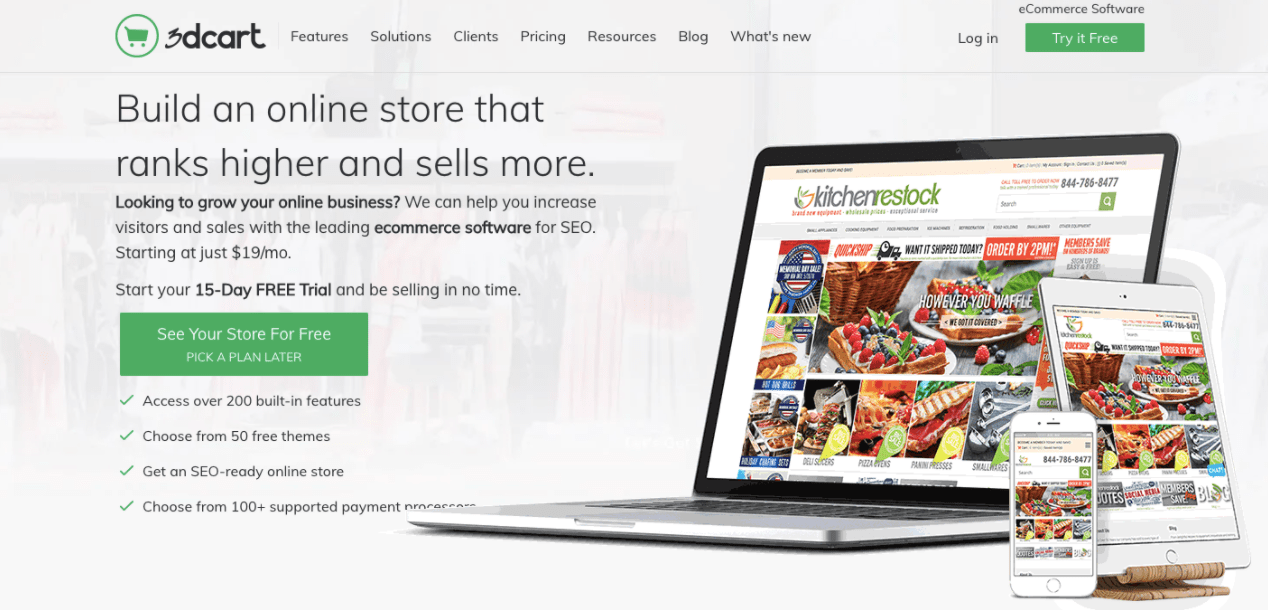
5. 3dcart: $100 per Signup

best affiliate marketing programs: 3dcart

Commission: $100 per signup, including free trials

Cookie life: 45 days

3dcart is an e-commerce platform with a high focus on SEO. It provides you with all the tools you need to build, promote, and grow your online store. Users can use 3dcart to start an online business, add a shopping cart to an existing site, or replace their current shopping cart platform.

Affiliates earn a $100 commission on each referred customer. Their affiliate program runs on both the Commission Junction and ShareASale networks, and both offer the same commission and cookie life, so it’s up to you to decide which platform you like best.

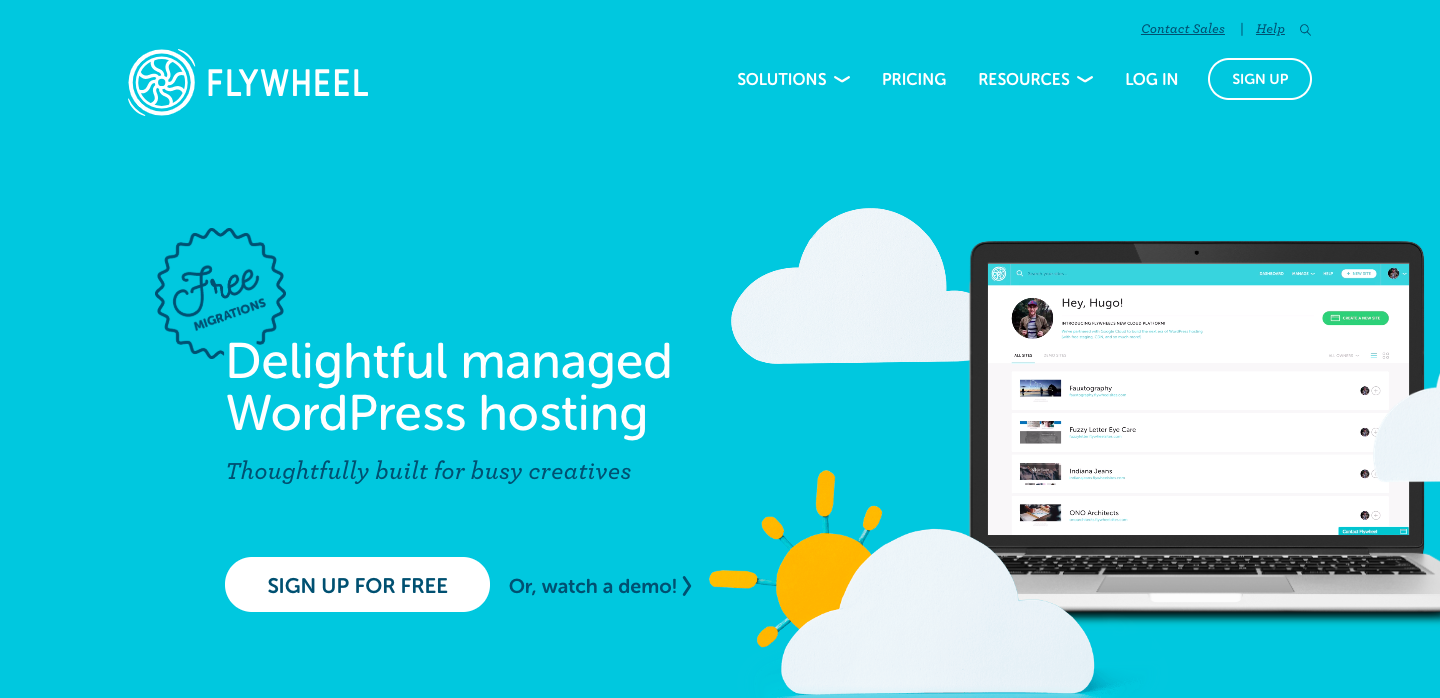
6. Flywheel: 300% per Signup

best affiliate marketing programs: flywheel

Commission: 300%, up to $500 per referral

Cookie life: 90 days

As another dedicated WordPress hosting solution, Flywheel aims to take away all the hassle that comes with web hosting so users can focus on doing what they do best — creating and designing websites.

Flywheel affiliates can earn up to $500 per referral. You get access to tons of creative assets, from banners to co-branded landing pages to stylish social images. The Flywheel team will even work with you to create custom images that can take your commissions to the next level.

It’s worth noting that there is no minimum threshold limit to receive a payment.

7. TripAdvisor: Minimum 50% per Booking

best affiliate marketing programs: tripadvisor

Commission: Minimum 50% per booking

Cookie life: 14 days

Crowned the “world’s largest travel site”, TripAdvisor provides travelers with the wisdom of the crowds to help them decide where to stay, how to fly, what to do, and where to eat. The site helps you compare prices from 200+ hotel booking sites so you can find the lowest price on the hotel that’s right for you.

Powered by Commission Junction, TripAdvisor’s affiliate program pays a 50% commission off the revenue generated from a user clicking on links and/or ads that send them to a TripAdvisor partner site. Which means, unlike most other affiliate programs in this list, you don’t have to wait for your referral to make a purchase to earn your commission. As soon as someone comes from your website and clicks on one of the ads or links on the TripAdvisor website, you get paid.

On average, affiliates will earn between $0.15-$0.75 per click-out. While it may not seem like a lot, since your revenue is only dependent on clicks (and not purchase), this can add up quite nicely.

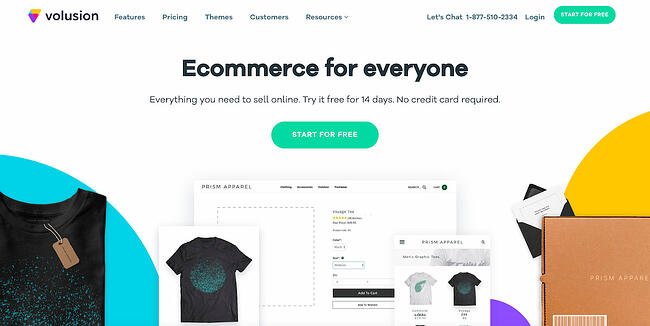
8. Volusion: 200% per Signup

best affiliate marketing programs: volusion

Commission: 200% per Signup

Cookie life: 45 days

Volusion is an e-commerce solution that enables small businesses to create, manage, and expand their online stores. They provide customers with exports to help them every step of the way, including help with domain purchase, web design, cart integration, SEO, and security.

Affiliates get paid a 200% commission on the referred customer’s first monthly payment, which can range anywhere from $29 to $299 (or even higher with their Prime custom tier). As an affiliate, you get access to marketing material to assist in your promotional efforts.
9. Invoice Ninja: 50% per Signup

best affiliate marketing programs: invoiceninja

Commission: 50% on all referrals for four years

Cookie life: N/A; instead of cookie, Invoice Ninja tracks by account creation from referral URL (for four years)

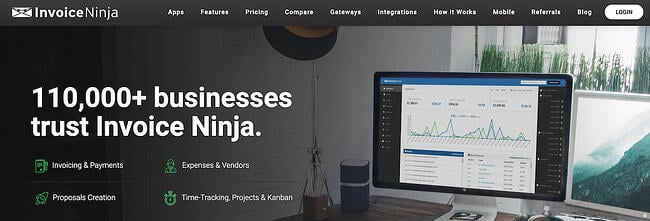
Invoice Ninja, a free open-source invoicing app for freelancers and businesses, offers a Ninja Pro Plan for just $10 a month — and, as an affiliate partner, you can make 50% on all referrals for four years. That means, if you refer 100 Pro users, you’ll receive $5,000 every year for the next four years.

Additionally, any user can start free and upgrade when they decide it’s worthwhile, so it’s easy for your site visitors to give the tool a try. You can provide their affiliate link in your email signature, on a blog post, or in an email newsletter, and Invoice Ninja provides both logos and ads to make it easy to promote their tool. If your social media followers or website visitors are typically online entrepreneurs or freelancers, this could be a good partnership to consider.

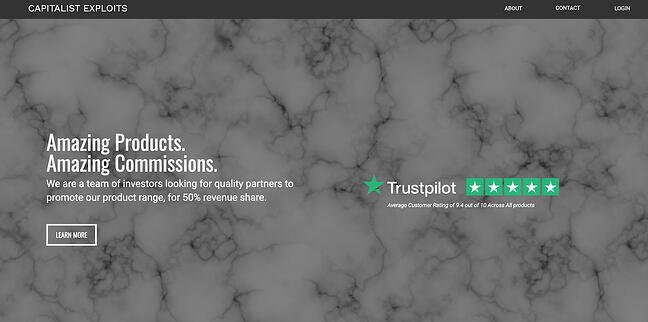
10. Capitalist Exploits: 50% per Sale

best affiliate marketing programs: capitalist exploits

Commission: 50%

Cookie life: 365 days

Capitalist Exploits provides trade recommendations for investors and anyone looking to outperform the market by sharing only the best low-risk/high-reward opportunities to subscribers.

If your target audience consists of investors, high net-worth individuals, people interested in investment, financial advisors, or wealth managers, then this program might be for you.

Capitalist Exploits pays a 50% commission on any referred sale with absolutely no limits. Their products range from $1,575 to $3,499. This means each referral brings you a minimum of $787.50. Affiliates also receive exclusive access to paid membership trials for your audience.

Ultimately, when deciding which program to choose, there are many key elements to keep in mind, including how established your online following is, and how much you want to earn.

And, most importantly — who is your audience, and what are they interested in?

Think about what your website visitors or your social media followers need and could benefit from, and choose an affiliate marketing program that will let you promote products in support of that. Once you do that, you’ll be well on your way to exponentially multiplying your affiliate income.

Editor’s note: This post was originally published in April 2019 and has been updated for comprehensiveness.
Free Resource: How to Reach & Engage Your Audience on Facebook

Categories B2B

Social Media Marketing: The Ultimate Guide

When it comes to social media, marketers’ top goals are advertising their products/services and increasing their brand awareness, according to 2021 HubSpot Blog Research.

However, many brands struggle with creating engaging content and reaching their target audience. With social media playing such an important role at the top of the funnel, let’s dive into all things social media marketing – what it is, its benefits, and how to actually build a social media marketing strategy that’ll work for your specific business.

→ Free Download: Social Media Calendar Template [Access Now]

Social media marketing is all about meeting your target audience and customers where they are and as they socially interact with each other and your brand.

While social media marketing as a whole is incredibly valuable and beneficial to your business growth (as you’ll see in the following section), your strategy will differ based on which social networks your audience spends their time on.

Before we dig deeper into social media marketing, let’s segment the strategy by platform.

Social Media Marketing Platforms

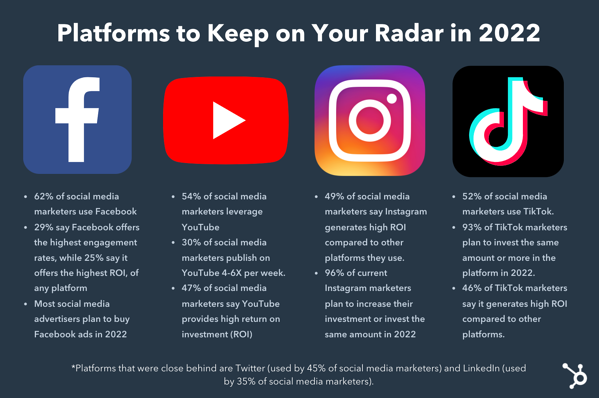
Facebook

  • Users: 1.9 billion daily active users worldwide
  • Audience: An even spread of Generation X and Millennials
  • Industry impact: B2C
  • Best for: Brand awareness; advertising

Facebook is the largest social media platform and the most established. Since its launch in 2004, it has become an invaluable tool for B2C businesses, offering advanced advertising tools as well as organic opportunities.

TikTok

  • Users: 1 billion active monthly global users
  • Audience: Primarily Gen Z followed by Millennials
  • Industry impact: B2B and B2C
  • Best for: Short-form, creative video content; user-generated content; brand awareness

When you think of short-form video, you probably think of TikTok. The platform rose in popularity in 2020 and shows no signs of slowing down. It’s one of the best platforms for community building, with marketers ranking it in second place behind YouTube.

Instagram

  • Users: 1 billion monthly active users
  • Audience: Primarily Millennials
  • Industry impact: B2C
  • Best for: High-quality images and videos; user-generated content; advertising

Although Instagram launched only 12 years ago, the platform has taken the world by storm. When it comes to sharing visually compelling content, Instagram is where brands go. Another thing that sets the platform apart is its advanced ecommerce tools.

Today, users can discover brands, browse their products and/or service, and complete a purchase without ever leaving the app – making Instagram a hard platform to beat.

Twitter

  • Users: 211 million daily active users worldwide
  • Audience: Primarily Millennials
  • Industry impact: B2B and B2C
  • Best for: Public relations; customer service; community building

While Instagram focuses on visuals, Twitter focuses on words. Since the early days of 140-character Tweets, the platform has now expanded to include an audio tool called Twitter Spaces, a community-building tool called Twitter Communities, and Twitter Moments to share interesting content with your followers.

LinkedIn

  • Users: 774 million active users worldwide
  • Audience: Baby boomers, Generation X, and Millennials
  • Industry impact: B2B
  • Best for: B2B relationships, business development, and social selling

LinkedIn is Facebook’s professional cousin. It’s perhaps the only platform where its audience is clearly defined: Working professionals looking to network and seek out new opportunities.

That makes it the ideal platform for B2B companies looking to identify key decision-makers and build an industry-specific community.

YouTube

  • Users: Over 315 million daily active users worldwide
  • Audience: Primarily Millennials but has a strong audience across gender and age demographics
  • Industry impact: B2C and B2B
  • Best for: Brand awareness; long-form entertainment, and how-to videos

According to HootSuite, YouTube is the second most visited website in the world. In addition, marketers name it the best platform to build community.

In addition to being an incredibly popular platform, its users also tend to stay longer on it because it features mostly long-form content – making it an ideal platform to share educational content.

Snapchat

  • Users: 306 million daily active users worldwide
  • Audience: Primarily Generation Z
  • Industry impact: B2C
  • Best for: Brand awareness; advertising

When Snapchat came out in 2011, leading the charge in ephemeral content. It introduced content that you could share with your friends and that would expire after 24 hours.

The platform peaked in 2015 and has held strong since then. Many thought the brand would disappear once Instagram introduced Stories, the same feature with a different name. However, Snapchat continues to be popular among young adults.

Pinterest

  • Users: 444 million monthly active users worldwide
  • Audience: Primarily Millennials with a solid audience in Gen Z, Gen X and Baby Boomers
  • Industry impact: B2C
  • Best for: Visual advertising; inspiration

Think of Pinterest like a visual storyboard that allows users to get inspiration for everything from fashion to home decor.

85% of Pinners say Pinterest is where they go to start a new project. In addition, 80%

of weekly Pinners say they’ve discovered a new brand or product on the platform. So, not only is it a great discovery tool but it’s also a way for brands to build their narrative through visual stories.

Clubhouse

  • Users: 10 million weekly active users worldwide
  • Audience: Primarily Millennials
  • Industry impact: B2B and B2C
  • Best for: Visual advertising; inspiration

Clubhouse made a strong impression as soon as it entered the social media world in 2020. The audio-only platform allows people to start interesting conversations with followers as well as strangers and build community.

The platform also gained some buzz for its invitation-only set up when it was in beta testing. Today, the platform is open to everyone globally and on both IOS and Android devices. Another big selling point to this platform is that it works well for both B2B and B2C businesses and leverages audio, which has made a huge comeback in recent years.

Now that we’ve detailed the fundamentals of each social media network, let’s discuss why social media marketing is beneficial for your business.

Benefits of Social Media Marketing

There are a variety of reasons why your company should use social media marketing. We’ve created a list of the four most beneficial reasons to consider.

Let’s dive in.

1. Increase your brand awareness.

Due to the sheer amount of people on social media, you’re missing out on the potential to reach thousands, and even millions, if you don’t have a presence.

In fact, social media has been proven to boost brand awareness by driving up engagement. Social engagement includes things like comments, likes, shares, and reposts, and saves.

It also helps you increase brand awareness by directing traffic straight to your site. You can do this by including direct links to your website in your profile, bio, and posts.

Featured Resource

2. Generate leads and boost conversions.

Promoting and sharing your products on social media is a simple way to improve lead generation, boost conversions, and increase sales because you’re advertising to people who have opted to engage with you by following your account.

Here are some examples of ways you can use social media to generate more leads.

  • Create contests for your visitors and followers to participate in on your social media profiles.
  • Include links to your website and offers in the bio sections of your profiles.
  • Host live videos to make announcements about products and provide updates or details about exciting news at your company.
  • Implement a social media marketing campaign on one of your channels.
  • Sell your products through your social profiles. For example, you can enable Facebook’s Shop Section or Instagram’s Shopping feature on your profiles. These features allow your visitors and followers to click on products you’ve shared in posts to view information such as price, material, and size. Then, visitors can easily proceed to checkout through the platform and buy the product directly from you.

3. Foster relationships with your customers.

By connecting and engaging with your social media followers, you’ll be able to build lasting relationships between them and your business. You can do this by interacting with them on your posts, responding to their questions and comments, and providing them with any help they may need.

You can also ask your followers questions about your products, their pain points, or create giveaways to help you build trust and show them how much you value their input and support.

4. Learn from your competitors.

Social media is a great way to keep tabs on your competitors — whether that’s in reference to their social media tactics, the products they’re promoting, the campaigns they’re implementing, or their level of interaction with followers.

Social media allows you to get a look at what is and isn’t working for your competition, and therefore helps you decide what should or shouldn’t change in terms of your company’s approach.

Lastly, reviewing the social accounts of your competitors can help you make sure your marketing stands out and is unique to your brand.

Learn how to conduct a competitive analysis to discover how you can beat the competition.

Now, let’s talk strategy — there are five steps to ensure your social media marketing plan is sustainable and positively impacts your business.

Although social media is constantly evolving, most of the foundational steps you need to succeed stay the same. Essentially, you’re following the same steps you would take to create a marketing strategy and narrow it to a specific channel.

Let’s cover these steps in more detail so you can begin applying them to your business.

Step 1: Research your buyer personas and audience.

The first step to creating a social media marketing strategy is to determine who your buyer personas and audience are so you can target their needs and interests appropriately.

To do this, think about the people you’re trying to reach and why, and how you would classify them as a group. For example, if your company sells trendy leggings and joggers, you might classify your target audience as millennials who like to wear stylish athletic apparel regularly — a style known as athleisure.

By considering your buyer personas and audience, you’ll then be able to determine what content will attract the type of followers and customers you hope to gain. Plus, learn how to create engaging content to keep your followers interested.

Recommended Tools

Step 2: Determine which social platforms you’ll market on.

As a social media marketer, it’s crucial you determine which platforms you’re going to share your content on.

There’s not necessarily a right or wrong answer when it comes to which social channels your business should use — it’s more about the needs of your target audience and where they tend to spend their time.

“It’s important to be where your audience of potential customers is today, and where they might be tomorrow,” said Andrew Delaney, former social media marketing manager at HubSpot. “It’s better to be ahead of the curve than behind.”

For example, if you are going for that target audience of athleisure-loving millennials, you may want to focus the majority of your social media efforts on Instagram — this is because millennials cover the largest portion of users on the platform.

Stephanie Morgan, founder and CEO of social media agency Social Lock, echoes this sentiment.

“Think about their behaviors and where they hang out online. If that’s Pinterest, use that platform for your brand. If that’s TikTok, use that platform for your brand,” Morgan adds. “Don’t waste time on a platform that your ideal client avatar is not very active on.”

Recommended Tools and Resources

Step 3: Create unique and engaging content.

With the billions of social media users around the globe, there’s no question that at least some of your followers — or the people browsing your profile — have also seen your competitor’s content or that of other businesses in your industry.

That’s why you must have engaging social media content that stands out and provides viewers with a reason to click that “Follow” button and interact with your brand.

Not sure what’s considered engaging? Morgan has a recommendation.

“My number one tip to brands for creating engaging content on social media is to do market research first because what will be engaging depends on the audience,” Morgan said. “When you know what your audience likes and needs to know, you can create content that engages those interests.”

To help you get creative, consider the content your competitors are sharing and how you can uniquely promote your products. Also, take advantage of the features offered by the platform you’re using.

For example, you can create live videos on Facebook to share the latest details about a product launch or conduct a giveaway.

You can also use your current customers and promoters to help you generate content. You can do this by re-posting their content or encouraging them to use a hashtag to share their own experiences and pictures with your products.

Lastly, leverage trends. Social media trends are always coming up, especially on short-form video platforms like TikTok. Don’t be afraid to join in but you still have to be intentional about how you do it.

“If the trend started happening three weeks ago, you’ve probably missed the boat,” Morgan said. “Catching the trends early is the best way to capitalize on it without coming across as inauthentic or like you’re trying too hard, or worse [as] ‘chuegy’ – see Gen Z for that one.”

Recommended Tools and Resources

Step 4: Organize a schedule for your posts.

One of the easiest ways to ensure your content is shared as planned is to use a social media management solution. These tools allow you to write captions, prepare pictures and videos, and schedule posts in advance.

They also automatically share your content on schedule and monitor all post interactions and engagement for you. Social media management solutions save you time and allow you to focus on your other tasks.

There are a number of solution options available — here are a few examples.

Recommended Tools and Resources

You can also leverage social media software to meet your goals.

HubSpot offers a social media tool — as part of the marketing software — to help you publish and monitor your content and create real connections with your followers.

You can schedule and publish your content in advance and compare in-depth reports on your posts’ engagement to understand the performance of various platforms, types of content, and posting times.

Sprout Social is another social media marketing and management solution designed to help your team organize and plan content creation, manage campaigns, understand engagement, and review content reports and analysis.

With Hootsuite, you can schedule posts in advance on all of your channels at once and measure your ROI with comprehensive content analysis.

How often should you post on social media?

Now, you might be wondering how often you should post content on your social media channels.

As a rule of thumb, you should only post on social when you have quality content to share. Meaning, there’s a reason you’re posting the content. This is how you’ll strike the right balance when it comes to your posting frequency.

Morgan says the top mistake she sees brands make in regards to social media marketing is focusing on quantity of content instead of the quality of content.

“They think they need to post every day, so they force themselves to create posts to fill up the calendar,” she said. “Odds are, every single one of those posts isn’t going to be very valuable to the ideal customer, I’ve coined this ‘clutter content.'”

Instead, she recommends downsizing in quantity and upping the quality.

“It’s better to post two or three times a week with super valuable content, versus posting seven times a week with only one or two valuable posts,” said Morgan.

There are plenty of studies and resources available explaining social media post frequency standards by industry and platform for you to follow. Every business is different, so find what works for your audience.

Then, you can begin experimenting with more or fewer posts – as well as other factors such as the time of day you’re posting on social – to determine what provides the highest level of engagement.

How to Analyze Your Social Media Marketing Impact and Results

One of the most important aspects of social media marketing is ensuring your efforts are successful in helping you meet your goals. To determine this, you’ll need to keep track of all of your posts, on every channel. You can do this by reviewing and managing your social media metrics.

Social Media Metrics

Social media metrics are data related to the success of your posts and your impact on your audience and customers on various platforms. These metrics may include data about your level of engagement, likes, follows, shares, and all other interactions on each platform.

Here are 10 of the most important metrics for you to track:

  1. Engagement: This includes clicks, comments, likes, and replies on your social media posts. There are also platform-specific types of engagement such as “Saved” posts on Instagram and “Pinned” posts on Pinterest.
  2. Reach: The number of people who have seen any content associated with your page or profile is your reach.
  3. Followers: This is the number of people you have on your profile who have clicked your “Follow” button and see your content in their feeds regularly.
  4. Impressions: This is the number of times a post from your profile or page is seen, whether or not your audience members click on it. This is often what happens when someone is scrolling through their newsfeed, but not clicking on anything.
  5. Video views: On Facebook, Snapchat, Instagram, or any other social channel with video capabilities, this is the number of views each gets.
  6. Profile visits: The number of people who have opened your social media page is your number of profile visits.
  7. Mentions: This is the number of times your profile has been mentioned by audience members in their posts.
  8. Tags: This is when your audience adds the name of your company’s profile or your hashtag to another post.
  9. Reposts: This is when a member of your audience posts a piece of your content on their profile.
  10. Shares: These are the posts your followers and audience take from your profile and share with their network.

You can influence all of these metrics, increase your social following, and improve overall engagement on your profile by using the same tactics you would to generate leads and boost conversions.

Morgan adds that the metrics you focus on will depend on which season you’re in. Here’s her formula:

  • If you’re new, focus on building an audience and awareness. Key metrics: reach, impressions, audience growth.
  • If you’re growing, focus on building trust. Key metrics: Likes, saves, comments, DMs.
  • If you’re established, focus on retaining and nurturing. Key metrics: Likes, saves, comments, DMs.
  • If you’re launching something, focus on selling. Key metrics: DMs and clickthrough rate

How to Measure Social Media Metrics

You can review social media metrics in a variety of ways, For example, you can use the analytics tools built into the various platforms you use. Here are a few examples:

You might also choose to use an analytics and tracking tool such as Google Analytics. This is a great option if you want to track your social media and website metrics. Lastly, many social media scheduling solutions — as we reviewed earlier — have monitoring and tracking features automatically built-in.

All of these metrics tracking tools will give you a better understanding of what your followers and audience respond well to and what you should consider modifying to improve engagement.

Now that we’ve reviewed the benefits of social media marketing and how to build your strategy, let’s talk about the various resources available to help you along the way.

Social Media Marketing Resources

There are a plethora of social media marketing resources you can use to build a social strategy for your company. You’re bound to feel more confident about working on your company’s social media marketing initiative with the help of the following courses, training, and books.

Social Media Marketing Courses and Training

Here are three ways to earn an education in the field of social media marketing if you feel it’s necessary for your specific business situation.

1. Earn a certificate administered by a company.

A certificate is a quick and simple way to gain a deep understanding of social media marketing courses.

HubSpot offers a free social media certification course, which teaches you how to engage with your customers and improve conversions. You’ll also get a better understanding of how to develop your strategy, extend your reach, and measure your social media ROI.

LinkedIn Learning is another platform where you can earn a certification and share it on your profile.

2. Leverage YouTube university.

YouTube is a goldmine when it comes to educational content.

With a quick search, you’ll find hundreds of long-form videos that offer in-depth courses on social media marketing. Granted, you can’t connect with a live educator. However, it’s free and can be a great starting point before you dive into a paid course.

Social Media Marketing Books

Reading relevant content about social media marketing is another great way to learn more about the field. Here are a few examples of some highly-regarded books on the topic.

1. Likable Social Media: How to Delight Your Customers, Create an Irresistible Brand, and Be Generally Amazing on Facebook by Dave Kerpen

This New York Times Bestseller covers the reasons why being likable and engaging with followers on social media is one of the most powerful ways to grow your base of customers and promoters.

The book teaches you how to make impactful content for your followers to interact with and share with their networks. Author Dave Kerpen also describes why you need to ensure you’re consistently delighting your followers to avoid losing them at any point in time.

2. Jab, Jab, Jab, Right Hook: How to Tell Your Story in a Noisy Social World by Gary Vaynerchuk

According to author Gary Vaynerchuk, the key to social media marketing success isn’t about pushing out a lot of content — it’s about pushing out specific content tailored towards your target audience and using the right platform to do so.

In his book, Vaynerchuk covers how to do this as well as connect with your followers and customers on a deeper level through social media. You’ll learn how to create memorable and unique content that stands out in comparison to the competition’s content.

3. The B2B Social Media Book: Become a Marketing Superstar by Generating Leads with Blogging, LinkedIn, Twitter, Facebook, Email, and More by Kipp Bodnar

HubSpot’s CMO, Kipp Bodnar, writes about the ways B2B businesses can generate more leads and conversions through social media marketing.

There are actionable methods you can take to increase your base of followers and drive leads as well as understand the ROI of various B2B social media marketing strategies.

Emerging Social Media Platforms

Recent HubSpot Blog Research found that marketers are constantly on the lookout for new or emerging platforms, as often as even week.

Though it takes a while for platforms to take off, once they do, you want to have a plan in place for how you’re going to tackle it.

For instance, brands like Chipotle were one of the first to try short-form video content on TikTok. As a result, they have a strong presence on the platform while many others are still struggling to find their place.

Emerging platforms can offer a new avenue to reach your target audience in a way that may be more effective than what you’re doing now. Clubhouse and Discord are among some of the most popular emerging platforms.

However, others like Flyy and SpaceHey are looking to make their mark.

Want to learn more about what’s out there? Check out this article on new social media platforms you should keep your eye on in 2022.

Start Marketing on Social Media

Considering there are billions of people on social media today, it’s easy to see why so many businesses and marketers use the channel to promote their products and engage with customers.

Although determining your company’s social media course of action may seem daunting, you can avoid feeling overwhelmed by understanding social media marketing trends and using some of the many resources available about the topic. So, start working on your business’ social media marketing strategy today to increase your number of followers, improve engagement, and boost conversions.

Editor’s note: This post was originally published in March 2019 and has been updated for comprehensiveness.

New Call to action

Categories B2B

19 Great Landing Page Examples You’ll Want to Copy in 2022

While many landing pages look different and use a variety of exciting strategies to pull in audiences, they all serve one major purpose — to convert to the next stage in the buyer’s journey.

Free Guide: How to Build & Optimize Landing Pages

Rather than serving as a basic advertisement that shows a customer a product, a landing page aims to engage and delight a customer by offering them something that relates to the product or the company’s industry. When they fill out the form and receive a reward of interesting content, they might be even more likely to trust your brand and become a customer.

Quick tip: Want an easy way to add a form to your landing page? HubSpot’s free form builder tool can help you fill your CRM with leads from your website.

Let’s talk through an example of when a landing page can be especially effective. If a business wants to sell an AI product that helps salespeople, they might create a landing page that offers audiences a free video on how to use AI in the sales industry. Interested audiences might offer their contact information in exchange for the valuable information. If they enjoy the video they’ve received, they might be more likely to respond to or purchase a product from a company rep who calls them.

In another scenario, a publishing company that targets an audience of chief executives might create a landing page that invites audiences to sign up for a webinar hosted by an executive at a major company.

After giving their email address on the signup form presented on the landing page, the leads get an email with the webinar dates and log in information, as well as instructions on how to sign up for the publication’s newsletter or subscription. If the user is pleased by the webinar, they might sign up for the newsletter or a subscription to keep up with similar publication content.

Although their purpose is simple enough in theory, actually designing a successful landing page requires some detailed planning and creative testing.

Even after launching your landing page, you’ll want to pay attention to conversion rates to see how well it’s doing.

To determine your conversion rate, simply divide the number of conversions a web page generates by the number of people who visited that page.

If your conversion rate isn’t close to the average just yet, don’t worry. Nailing those percentages can be a bit challenging at first, especially if you have a lot of regular page visitors. Luckily, there are a number of simple conversion rate optimization strategies that can help you boost your current rate quickly.

Regardless of what your business is selling or the conversion action you hope to instigate, it’s helpful to get inspired by seeing what other great landing pages look like.

And because there’s no one “right” way of designing a landing page, you’ll want to check out examples from lots of different industries for different stages of the buying process.

Want to get inspired? Check out the great landing page examples below.

We don’t have access to the analytics for each of these landing pages, so I can’t tell you specifically how well they convert visitors, contacts, leads, and customers. But many of them do follow best practices while also implementing a few new experiments that could give you ideas for your own landing pages.

19 Great Examples of Landing Page Design

1. AirBnB

This AirBnB landing page is a one-stop shop for visitors curious about hosting. It features testimonials from current hosts, articles offering advice, and even a calculator to estimate your weekly average earnings based on your location.

If all this info convinces you to start hosting, the vibrant pink CTA in the header makes it easy to convert on the spot.

2. Wix

Wix has turned its landing page into a creative playground with a stunning and captivating digital illustration that follows you down the page. It’s not overwhelming or distracting — it’s carefully balanced with white space and clear text.

We love the use of design to emphasize certain touchpoints on the page. For instance, the mountain’s peak in the illustration points to the main CTA encouraging visitors to get started.

3. ExpressVPN

What do we love most about this landing page? It’s not what it has, but what it doesn’t — a navigation bar! By removing the navigation bar, ExpressVPN shines a spotlight on the primary CTA.

Why do we take an anti-navigation stance for landing pages? They tend to distract visitors and lead them away from the intended action. Not only is this a landing page design best practice, but we’ve also conducted A/B tests that show removing navigation links from landing pages increases conversion rates.

4. Row House

Besides its sleek design, this landing page gets bonus points for the autoplay video in the background, which adds a degree of movement to an otherwise static page. Speaking of movement, the video shows people working out at Row House, which offers a great introduction to the brand.

If it suits your brand, try enticing visitors with a video component. It could be the difference between passive and active engagement.

5. Codeacademy

I like this page because it’s simple in both copy and design. The form on the page is simple and only requires an email address and password. Or, you can use your LinkedIn, Facebook, GitHub, or Google Plus login, shortening the conversion path even further.

The landing page also offers real-life success stories, testimonials, and other forms of social proof for visitors who need more information before creating an account. This helps make the potentially intimidating world of coding more approachable for beginners.

6. Sunbasket

Sunbasket takes a competitive approach to its landing page, directly comparing its meal delivery service to its main competitor, Blue Apron. As you scroll down the page, a table highlights where Sunbasket’s features exceed those of Blue Apron.

By comparing your products or services to another, you can highlight why yours is the clear winner. It’s a smart way to provide “evidence” to potential customers as to why they should choose you.

7. Curology

I’d argue that the top fold is the most important element of a landing page, alongside the CTA. Curology’s top fold is clean, visually appealing, and to-the-point — and the copy is less than 50 characters long. Users immediately understand the offer and how it can benefit them.

Even if the brand is new to you, its message is loud and clear — regardless of your skin issues, Curology has a custom solution for you.

8. Breather

Here’s another example of clever, delightful design on a landing page. As soon as you visit Breather.com, there’s an instant call to action: indicate where you want to find a space. Plus, it uses location services to figure out where you are, providing instant options nearby.

We love how Breather used simple, to-the-point copy to let the visitor know what the company does, followed immediately by the CTA to select a city. The negative space and soothing color scheme also align with the product –– essentially, room to breathe.

9. Mailchimp

For starters, check out that sunny yellow background color — it’s impossible to ignore. It’s a bold departure from its more subdued home page, yet still on brand.

Besides the color, this landing page gets a shoutout for its CTA placement. It displays a consistent CTA (“Sign Up”) not once or twice, but three times on the page. No matter how far down you scroll, you will see the same button.

This is a solid strategy since the CTA operates as a gateway for converting clients. It should be available to visitors as they move down the page — not just once on the top fold.

10. Paramount Plus

This landing page design has it all. It’s visually appealing, interactive, and offers scannable yet descriptive headers – such as Peak Streaming, Peak Originals, and Peak Family Team. Plus, the background makes each fold look slightly different, creating a captivating scrolling experience.

The landing page also features a repeatable CTA (“Try It Free”) and several strategically-placed content offers, culminating in multiple touchpoints for visitors to convert.

11. CarMax

CarMax is ready to empower visitors to do their own research right on the landing page. It features a search bar that leads to a large database of cars and a calculator that allows visitors to estimate their ideal monthly budget.

For those looking to sell their car, it also includes a form that users can fill out to receive a quote.

It’s clear CarMax wants the buying or selling experience to be as painless as possible. By translating the company’s customer-centric approach on its landing page, CarMax effectively turns a universally dreaded event — purchasing a new car — into a straightforward process without gimmicks or barriers.

12. Edupath

Who is your landing page’s target audience? While most of Edupath’s website content is directed toward students, there are sections dedicated to advising parents on helping their teenagers through college applications and SAT preparation. The landing page below is in one of these sections.

When parents fill out their teenager’s name, email address, and mobile number, a link to download the Edupath app is sent directly to them. The folks at Edupath know students are likely to do something if their parents ask them to — especially if it means they don’t have to surrender their phones.

Plus, it’s an easy, one-click process. This whole conversion path is a clever and helpful way to get the apps on more students’ phones by way of their parents.

13. Startup Institute

Visitors to your website won’t hand over their personal information without knowing what they’re going to get in return. On its landing page, Startup Institute makes abundantly clear what will happen after you apply by listing a Q&A right beside the form. It might prompt some people to say, “They read my mind!”

To avoid hesitancy to fill out a form, use your landing page to set expectations upfront. That clears the air, and can also weed out the people who don’t take your content, product or service seriously.

Simple Landing Pages

14. Uber

People are flooded with information online. This is why creating a skim-able landing page is essential — like this one from Uber.

It features a black and white color scheme, short and easily-digestible sentences, and a simple form. The combination of these elements results in a professional and approachable page.

15. Spotify

This landing page takes a dramatic detour from Spotify’s classic green and black colors — and perhaps that’s the point. It could be a way to signal to visitors that the page serves a different purpose from its other content.

Even though the landing page is relatively simple, the stark color contrast emphasizes the text and CTAs. To entice visitors even more, it lists the most played artist, song, album, and podcast of the year —all of which are available on Spotify. It’s a creative way to promote its content library while attracting visitors to sign up.

16. Canva

Sometimes you need to admire a landing page for its attractive and straightforward design. Similar to the example above, this one features an abundance of white space that accentuates the text and balances the bright colors throughout.

To seal it off, the page ends with a FAQ section. If you suspect visitors will have additional questions about your products or services, you may want to include a similar section too. It lets potential customers better understand what you’re trying to sell them, and sends a message that you’re open to questions.

Product Landing Pages

17. Mooala

Playful isn’t usually the first word that comes to mind when you think of dairy-free milk, but Mooala’s bright and colorful landing page is exactly that.

This example illustrates how you can embrace simplicity while using relatively bold striking colors — like neon green — to highlight important headers and CTAs. To pull this off, stick with colors that correspond with your brand while also capturing the attention of visitors.

18. Nauto

When writing website copy for a product or service, a helpful rule of thumb is to expand on the benefits rather than the features. Such advice also applies to writing landing pages.

For example, instead of bombarding visitors with technical information, Nauto, a fleet safety platform, chooses to highlight its benefits with clear and engaging copy (“Your roadmap for fleet safety”). In doing so, Nauto makes its content offer more appealing.

19. Rover

Putting your pets in the care of another person can be nerve-wracking. Which is why Rover, an on-demand pet care service, leans on social proof to build trust with visitors. The landing page includes testimonials from real clients and copy about its “Rover Guarantee” and 24/7 support. Of course, the cute pictures of animals help too.

Ready to build your landing page?

Whether you’re using a landing page template or building one from scratch, it’s essential to keep these best practices top of mind. And remember to test your landing pages to improve their effectiveness.

New Call-to-action

Categories B2B

The 12 Best Free (and Private) Email Accounts and Service Providers of 2022

You need an email account — whether it’s for networking, job recruitment, downloading resources, transferring files, setting reminders, meeting with colleagues, or something else.

Even with the rise of office chat platforms, you still depend on email for a surprising number of things. But unfortunately, not every email service is completely free. And even the free ones might not be the easiest to use or have all the features you need.

Download Now: Email Marketing Planning Template 

It can be a challenge to find an email service provider at no cost that balances the right features with usability. To help make your search easier, we put together a list of the different types of email accounts you can set up, followed by the best email service providers you can host your account on right now for free.

Types of Email Accounts

There are two main types of email service providers to choose from: Email clients and Webmail.

Let’s briefly go over these different types of providers.

Email clients you’ve likely heard of include Microsoft Outlook, Mozilla Thunderbird, and iCloud Mail.

Examples of webmail providers include Gmail, Yahoo! Mail, and Hotmail.

Now, take a look at seven of the best free email service providers (and five of the best email accounts for privacy) you can get your hands on today — both webmail and email clients included. For each email service provider, we’ve highlighted a unique feature to help you find the best fit.

1. Gmail: Best for Offline Accessibility

Best Free Email Accounts: Gmail

Unique Feature: Native File Collaboration

Sign up here.

Type of email: Webmail

Who should use it: Anyone who already uses and loves the rest of Google’s products.

It might seem like an obvious top pick, but Gmail is just too versatile not to get our first slot. According to Litmus Labs, Gmail has the second-highest email provider market share (behind Apple iPhone’s native email app).

Ironically, one of the reasons Gmail has become so popular is because of all the communication options in your inbox that don’t involve email.

Gmail is a regular email inbox tool you can access once you have a Google account. Since it’s built into Google Suite, you can also access a group of free apps that allow you to chat, video conference, and share files with the people in your contact list.

Google Hangouts, available from your inbox’s left sidebar (or the right — you can customize how your inbox is displayed), lets you text and video chat with other Gmail users for the things that might not warrant an email message.

Like most other email accounts today, Gmail also has an intuitive calendar where you can set meetings and reminders.

Pro Tip: You can also use a free product like HubSpot Meetings to easily schedule meetings without back-and-forth emails.

Unlike other email accounts, you can use your Gmail address to log into and manage your YouTube account, as well as collaborate on shared documents and spreadsheets right from a cloud-based Google Drive.

Offering a generous 15 GB of free email storage, Gmail does everything it can to make your inbox less chaotic, including advanced filters that automatically push emails into separate folders as they arrive. And none of these functions costs a dime.

Notable Features:

  • Allows you to un-send emails
  • 15GB free email storage
  • Accessible from any internet-connected device
  • 99.9% protection from suspicious/spam emails
  • Texts suggestions that help you write emails faster

2. AOL: Best for Interface Organization

aol best free email account and service providerBest Free Email Accounts: AOL

Image Source

Unique Feature: Unlimited Storage

Sign up here.

Type of email: Webmail

Who should use it: Anyone who uses email for most of their communication.

America Online (I feel nostalgic just typing those words) has quietly kept up with today’s standards for a good user experience and is now once again one of the best free email accounts available to you.

Purchased by Verizon in 2015, AOL delivers your email from its classic news-driven homepage and comes with the contemporary spam filters and virus protection you’d expect from your email provider. You can also send text and instant messages from specific windows in your email inbox.

AOL does have something over Gmail, though: unlimited storage. Additionally, you can import email contacts from a CSV, TXT, or LDIF file, so you’re not creating your “buddy list” (get it?) from scratch.

Notable Features:

  • Unlimited storage
  • Highly customizable
  • Offers a spellchecker to reduce errors

3. Outlook: Best for Multiple App Integrations

Best Free Email Accounts: Outlook

Image Source

Unique Feature: Multiple App Integrations

Sign up here.

Type of email: Email client

Who should use it: Anyone who uses many different platforms to connect with others.

If you ever cringed at the sight of a “Hotmail.com” email address, you can thank Outlook for this outdated domain name.

But there’s good news: Microsoft has reinvented its longstanding email service, and your free Outlook.com email address has many advanced features waiting for you.

While it touts a calendar and message filter similar to Gmail, Outlook also integrates with several other popular communication apps.

For example, you can connect Skype, Facebook, PowerPoint, PayPal, and even task-management software such as Trello — making it very easy to reach and work with non-Outlook users without leaving your inbox.

Outlook offers 15 GB of free storage for each user, along with a super-clean interface.

Notable Features:

  • Like with Excel or Word, you can use Add-ins with Outlook
  • Easy access to other Microsoft apps like Skype
  • Provides aliases that add anonymity to your email
  • Excellent email organization
  • Great search feature

4. Yahoo! Mail: Best for Lots of Storage

Best Free Email Accounts: Yahoo Mail

Image Source

Unique Feature: Media and attachment history

Sign up here.

Type of email: Webmail

Who should use it: Creatives and anyone who sends and receives attachments frequently via email.

Yahoo! Mail, another well-known platform, sits just behind AOL in storage space with a whopping 1 TB (that’s a terabyte) for free, along with a few key social media integrations.

You can have custom background themes and search for key information from your inbox with Yahoo! Mail.

Yahoo! Mail makes it easy to find every photo, video, and document you’ve ever attached or received via email in their tabs on your inbox’s sidebar. This makes the platform especially appealing to those who share documents regularly or simply want an album made of every photo they’ve ever had shared.

Notable Features:

  • Connects seamlessly with Yahoo Calendar
  • Outstanding email organization
  • Customizable themes
  • Instant notifications for new emails
  • Decent security to keep your account safe and secure

5. iCloud Mail: Best for Data Encryption

Best Free Email Accounts: iCloud Mail

Image Source

Unique Feature: Label senders as VIPs

Sign up here.

Type of email: Webmail

Who should use it: people who use Mac and want everything on one system.

If you’re a Mac user, you may want to consider using iCloud Mail as your email provider. Their free email account comes with 5GB of storage that you can use to sync your photos, files, or email.

However, it’s important to note that storage is shared between all of your apps and devices — so if you take a lot of photos on your iPhone, you may eat into your email storage allowance for the month. Upgraded plans start at $0.99/month and go up to $9.99/month.

One of the most significant advantages of using iCloud over other email providers on this list is the ease of integration. Apple builds its desktop and iPhone mail apps with all email clients in mind, but it pays special attention to making the experience delightful for iCloud users.

Notable Features:

  • Search functionality
  • Ability to label senders as VIP to automatically filter important messages and save time
  • One-click “Unsubscribe” feature
  • 5GB free email storage

6. Mozilla Thunderbird: Best for Managing Multiple Accounts

Best Free Email Accounts: Mozilla Thunderbird

Image Source

Unique Feature: Customization features and the ability to open multiple emails in tabs

Sign up here.

Type of email: Email clients

Who should use it: Anyone looking for a simple but customizable email inbox.

Thunderbird, a free email application from Mozilla, known for Firefox, offers a quick email inbox setup and a simple, easy-to-use user interface.

The app offers customizable features, such as theme settings and app extensions to improve your email experience. The email app also allows you to open multiple emails in tabs, similar to how you would open various web pages in Firefox browsers.

Notable Features:

  • It has a large extension library
  • Integrates with Google Calendar to make task and meeting scheduling easier
  • Smart email organization to reduce cluster

7. Yandex Mail: Best for Translating Emails

Best Free Email Accounts: Yandex Mail

Image Source

Unique Feature: 10 GB of free cloud storage

Sign up here.

Type of email: Webmail

Who should use it: anyone seeking a free email with additional storage capabilities.

Yandex is a Russian web company that offers a global email tool. You can sign up for a free account with the tool, link it to your Facebook, Twitter, or Gmail accounts, and personalize your email inbox.

Like many of the other providers on this list, Yandex’s email inbox can be set to filter or prioritize emails so you see messages from real people. It can also recognize keywords in messages and subject lines and organize emails into categorized inboxes. Additionally, users who sign up for Yandex mail get 10 GB of free cloud storage.

Notable Features:

  • Auto-reminder for unreplied mails
  • In-built translator
  • Read receipts on sent emails
  • 10 GB free cloud storage


8. Zoho

Best Free Email Accounts For Privacy: Zoho

Image Source

Unique Feature: 25 Business Addresses

Sign up here.

Type of email: Webmail

Who should use it: startups and small businesses.

This is the first of the free email accounts for privacy to make our list, but it holds a ton of potential for businesses.

The first thing you’ll notice about Zoho is its user-friendliness. From integrating with Google Drive, Box, and other cloud-based file managers, to its built-in task manager, this email service offers a simple way to accomplish all of your daily tasks.

The real difference-maker, though, is the ability to customize the domain name for up to 25 connected email addresses. Want to replace “@zoho.com” with the name of your business’s website? You can do so under Zoho Lite, which gives you 5 GB for free — all under [email protected].

Notable Features:

  • Doesn’t scan your inbox for advertisement purposes
  • Emails are in an encrypted format
  • Notifies you if your messages don’t deliver
  • Integrates easily with the Zoho CRM

9. ProtonMail

Best Free Email Accounts For Privacy: ProtonMail

Image Source

Unique Feature: Encrypted email

Sign up here.

Type of email: Webmail

Who should use it: Anyone who sends and receives sensitive information.

ProtonMail offers just 500 MB of free space, but for the worthy trade of encrypted email, allowing you to send messages that nobody else can see and disappear after a month.

What’s the catch? Is the service hard to use? ProtonMail is easy to use on any device without any software needed to encrypt your emails, as with most webmail platforms. Its inbox interface is as easy to understand at a glance as the other email services on this list.

And the tool offers quick color-coded labels to help you further organize which emails deserve the most care and protection.

Notable Features:

  • No personal information is required to open an account
  • Compatible with other email providers
  • Optimized inbox to boost productivity
  • End-to-end data encryption

10. GMX Mail

Best Free Email Accounts For Privacy: GMX Mail

Image Source

Unique Feature: Alias email addresses

Sign up here.

Type of email: Webmail

Who should use it: Anyone who needs multiple emails with one central inbox.

While you may not have heard of GMX Mail, it’s been around for quite a while (since 1997) — and it has a bunch of features that make it worth considering.

First off, GMX offers 65 GB of storage. That’s a lot of storage for a free email service. In fact, they claim that it allows you to keep nearly half a million messages in your Inbox!

Another feature worth noting is the ability to send large attachments. While many services have low caps for your email attachments, GMX Mail allows you to send files up to 50MB. That’s great if you share a ton of photos, presentations, or other large files from your account.

But the feature of GMX Mail that really sets it apart is the ability to set up to 10 alias email addresses all from within one account. This can be useful in many situations — both personally and professionally.

On a personal note, you could use one alias for all of your online purchases and logins — to keep marketing emails separate from your private messages. From a business perspective, multiple email addresses can help manage role-based emails such as [email protected] or [email protected].

Notable Features:

  • Spam filter to protect your inbox from suspicious messages
  • Easy-to-use inbox management templates
  • Mail collector for keeping all your emails (even from other service providers) in a single place

11. Trustifi

Best Free Email Accounts For Privacy: Triustifi

Image Source

Unique Feature: Data loss prevention

Sign up here.

Type of email: Webmail

Who should use it: Anyone who doesn’t want to choose between having a secure and functional inbox.

Trustifi combines the best of a productive and secure email provider in one place.

With available whitelisting and blacklisting options, you can easily choose who you allow to send you messages. Trustifi is also compliant with HIPAA/HITECH, PII, GDPR, FSA, FINRA, LGPD, CCPA, and more, so you don’t have to worry about losing your account overnight.

You can even use the Trustifi add-on to add an extra security layer to your Gmail or Outlook inbox.

Notable Features:

  • Ransomware and fraud detection
  • Ability to set expiry dates on sent emails
  • Seamless integrations with other email systems or service providers
  • End-to-end email encryption

12. Mailfence

Best Free Email Accounts For Privacy: Mailfence

Image Source

Unique Feature: Legal protection

Sign up here.

Type of email: Webmail

Who should use it: Anyone looking for a secure email account that integrates with other tools.

Mailfence is a secure browser-based email service provider based in Belgium. Given the laws in Belgium, all your data is locked away from any third-party access.

Their free plan gives you 500 MB of email space. But to truly enjoy the best of Mailfence, you’ll have to hop on a paid plan that starts at €2.50/month.

You’d be able to create up to 10 aliases on the paid plan and have 5GB of email space, among many other features.

With Mailfence, it’s easy to organize your day and business because you’d be able to easily integrate your email account with your contacts, calendar, and documents.

Notable Features:

  • Quick integration with a suite of tools
  • True OpenPGP end-to-end encryption

How to Make an Email

No matter which provider you choose, creating an email is a simple process. But, it’s still important to know best practices so you can have one that fits your needs the best. The purpose of an email is to provide a space for you to have easy, secure communications. Follow the steps below to create an email:

1. Choose An Email Provider

Select an email provider based on your needs as a user. Think about which features, such as top-tier security, email scheduling capabilities, or integrations, are the most important to you. Also, consider how much storage you will need and what type of provider works best.

2. Choose a Username

Select a username based on the purpose of the account. If it is a professional account, then your name with a significant number will do. The name of your business will do if it’s a business account. You might also consider your [email protected] for professional accounts.

3. Create a Password

Email providers generally have minimum requirements for how secure your password must be. These often include a number or a special character. Follow these guidelines and choose a password that is very unique and has a variety of letters, numbers, and characters to make it very secure.

4. Secure Your Account

Many email providers include ways to add extra security to your account. Take advantage of these features to keep your account and data safe. Setting up two-factor authentication is a great place to start.

5. Write a Signature

Set up an email signature for your account. This saves a lot of time as you are writing emails and helps keep your closing consistent. Include information like your name, your title, and your contact information.

Making the Most of Your Email

And with that, you have some of the best options for free email accounts this year. But who knows? Your next email address could be entirely different while giving you just what you need to succeed.

Editor’s note: This post was originally published in March 2018 and has been updated for comprehensiveness.

New Call-to-action

Categories B2B

What Is PDCA? Understanding the Plan-Do-Check-Act Method

No matter the industry your organization operates in and the products and services you provide, your business needs to be constantly improving to keep up with a competitive marketplace and evolving consumer needs.

This process of change isn’t optional. It’s required if you want to succeed. The hard truth is that businesses that do not improve and evolve will eventually find themselves extinct.  

When change is required at your organization, how do you go about implementing it? Willy nilly action without planning can do more harm than good. Rather than approaching change blindly, you may want to borrow a concept from lean manufacturing philosophy — the Plan-Do-Check-Act Cycle. Read on to learn more.

→ Download Now: Free Product Marketing Kit [Free Templates]

What is PDCA?

PDCA, which stands for Plan-Do-Check-Act, is an iterative cycle for continuous improvement of people, products, services, and business processes.

The foundation for this concept was developed by American statistician and physicist Walter Shewhart who was passionate about using statistical analysis to create quality improvement. The model itself was developed years later by William Deming who took this concept and turned it into a learning and improvement cycle.

The PDCA model follows a four stage process, which we’ll discuss in more detail below.

The Four Stages of the PDCA Model

As mentioned earlier, approaching change without a plan can spell disaster for your business. Along those same lines, acting on a plan without evaluating your progress can be just as dangerous.

The PDCA cycle aims to eliminate those issues with a four step process, where each step is imperative because it sets you up for success in the next stage. Let’s take a closer look at these steps and what they represent.

pdca cycle model

Image Source

1. Plan

To devise a plan that will successfully implement the desired change in your organization, you will need to ask the following questions:

  • What’s the problem you are experiencing?
  • What resources will you need to fix this issue?
  • What resources do you already have available to us at this time?
  • How can you best solve this issue with your available resources?
  • What does success look like?

Depending on the magnitude of the problem, this step may be quick and easy, or it may take weeks or even months of discussion to arrive at a plan. Theoretically, the more time you spend here, the easier the rest of the steps will be.

2. Do

With your plan in place, it’s time to put your ideas into practice. The most important thing to keep in mind during this stage is that issues will arise no matter how solid your plan is. Take these problems in stride and be willing (and able) to make adjustments as you go. This is often done in a smaller, controlled environment so you can learn from mistakes and correct them.

Proper communication amongst your team members will help to limit the number of problems as everyone will have a clear idea of their responsibilities and expectations.

3. Check

The most important (and overlooked) stage of change implementation is the “Check.” How did your plan work in the controlled environment? Were your goals achieved or did your intentions fall flat during execution? Now’s your time to identify the flaws in the process and correct them. Perhaps it wasn’t a complete flop, but you have recognized some opportunities for improved effectiveness. Either way, this step is essential.

4. Act

Now that you’ve planned out your change, applied it, and then checked to make sure it was working, it’s time to act on it. If you determined during the Check phase that you met your goals, you can apply your initial plan. This then becomes the “standard” process and best practices for this aspect of your organization. It also becomes the jumping-off point for your next change implementation.

The PDCA Cycle doesn’t stop once you’ve achieved your initial goal, as it is a continuous system that you should consistently review. The great news is that the more you work with it, the easier it becomes. It will be your go-to plan for every member of your team and will help you reach new heights with your business.

PDCA Template

Now that you understand how the PDCA process can help you implement change in your business, you’re probably wondering how to get started.

Like any new program, process, or tool, it’s helpful to have a physical document to work in to compile all of your information, share it with team members, and make updates as time goes on.

You can create your own in Excel or your project management tool or use one of the ready-made templates available to you. The key to a successful PDCA template is clarity. You should write out every step in detail, along with who is responsible for getting it done and by when. The more detailed your plan, the better your execution will be.

pdca cycle template

Image Source

PDCA Best Practices

Along with utilizing a PDCA template, a few other tips will help you implement changes successfully.

1. Ensure that upper management is on-board with these changes. Without their approval, you will not be able to enforce the new policy or procedure you create.

2. Never stop improving. Remember that PDCA isn’t a one-and-done type of procedure. Repeat this cycle constantly, making improvements with each revolution and looking for the next opportunity to create positive change.

3. Once you’ve implemented a policy change, do so across your entire organization. Every department that deals with whatever shift you are creating should adopt this as a new way of operating.

Over To You

Implementing change across your organization won’t be difficult when you learn to plan, do, check, and act.

It is, however, necessary if you want your business to continue growing and thriving. The organizations that reinvent themselves to better meet market needs, their customers, and their employees are the organizations that we will see far into the future.

Adopt the PDCA cycle today and create the best business you can make.

Product Marketing Kit

Categories B2B

How to Start an Ecommerce Business in 2022 [Steps + Must-Follow Tips]

In June 2021, over 440,000 businesses were launched, making it a record high since the start of the pandemic in March 2020.

Download Now: Ecommerce Marketing Plan Template

Many are focusing on ecommerce businesses, as they offer an easier point of entry. There’s no physical space to scope out, rent to pay, or permits to obtain. However, that doesn’t mean starting an online business is a piece of cake.

Learn what it takes to start an ecommerce business and the steps to start one today.

Tips for Starting an Online Business

1. Design your website with intention.

Your website is your storefront – you don’t want potential customers arriving, looking around, and walking right out.

Think of your website title and meta description as your window display. You want the description to be enticing enough to beat out the competition and get users to click on your website.

Your homepage is the first thing visitors see when they land (or walk in). What will you present to make them keep scrolling? Maybe it’s your latest offer or a striking image from your latest campaign, or perhaps it’s a simple but compelling CTA that will invite curiosity.

Users should be able to navigate your site seamlessly with little friction. That requires a lot of planning, designing, and iterating.

Just as you would take time to curate every section of your store, be sure to give that same care with your website. Every section should have a clear goal and lead users to your desired action.

A first impression can last and can be hard to change – so make sure it’s a good one.

2. Don’t skimp on your creative assets.

We’ve already mentioned the importance of designing your website with care and intention.

Now, let’s get into the elements that will make up your website: your copy and visual elements, such as images and videos.

Your creative assets can make or break your brand perception. Don’t believe me? Look at insurance company The General.

The company recently rebranded and revamped its entire marketing strategy because the public doubted the brand’s credibility due to its perceived low-budget ads. They even addressed it in a commercial.

All this to say that it’s vital that you invest in high-quality visuals as they will be a representation of your brand.

As for your copy, this is important to ensure every message you are putting out is driving the action you want. Otherwise, you may get visitors to your site but not get them to convert. If you don’t feel equipped to take this on yourself, hire a copywriter who specializes in your industry.

For your visual assets, you can:

  • Outsource the work to a marketing or branding agency, or work directly with professionals on a contract basis.
  • Leverage sites like Pexels and Unsplash to get some high-quality stock product photos and videos that are free for commercial use.
  • Use sites like Canva to create beautiful visuals that fit within your brand identity.

3. Social media will be key to your success.

Think of social media as a high-traffic area you want your store to be in.

Social media is one of the biggest discovery points for ecommerce brands, aside from search. If you post content where your audience lives online, you can help them discover your company and build a strong community of brand loyalists.

If you’re doing it right, social media gets them interested in your brand, your website gets them to stick around and move to that next step in the buyer’s journey.

4. Help customers help themselves.

Many ecommerce brands struggle with customer service.

They often have a small team that’s unable to manage large volumes of requests from customers. One way to combat this is by offering helpful resources to current and prospective customers so they can the answers they need quickly.

After running your business for a while, you may notice that you get the same questions repeatedly. This is a clear sign that customers are experiencing friction on your site and need more support. FAQ and knowledge base pages are great ways to address that.

An FAQ section will not only be great for SEO, but also address your visitors’ most pressing questions. A knowledge base will help your customers troubleshoot and solve their issues on their own.

This will also allow your team to focus on addressing more important issues instead of fielding simple requests.

5. Automate when and where you can.

On the topic of customer service, automation is the name of the game.

There are many ways to automate interactions in a way that leads them further down the buyer’s journey. For instance, you could set up a chatbot that is designed to answer common questions from website visitors.

Automation can also look like:

  • Email workflow after a customer makes a purchase to ask for a product/service review.
  • Ticket creation for a member of your sales team to reach out to a prospect once they visit the pricing page.
  • Unpublishing out-of-stock products and email notification sent to fulfillment team.

If you have a workflow in place, there’s probably a way to automate it.

6. Leverage multi-channel selling.

As an ecommerce business, you want to maximize your reach and be everywhere your audience lives.

You may have some customers who shop directly from your store on your website. However, you may have some who shop exclusively on Amazon or Etsy.

To maximize your earning potential, sell your products on multiple marketplaces, as long as they align with your target audience and product.

How to Start Your Own Business Online

1. Identify a gap in the market and validate your idea.

The best ideas stem from personal experience.

Maybe you experienced friction when completing a task and figured out a way to streamline it. Or perhaps you thought of a product that would make your life 10 times simpler.

Wherever the inspiration comes from, it’s definitely worth exploring.

If you’re having trouble coming up with an idea, try the SCAMPER method for brainstorming:

  • Substitute – If there’s an existing product/service you want to model yours after, perhaps you can substitute some elements to make it unique. Think vegan ice cream.
  • Combine – You also have the option of combining two existing products to make one great one.
  • Adapt – Have a product that you think needs some changes? See how you can adapt it to the times, the audience, or the location.
  • Modify, Minify, or Magnify – This urges you to look at an existing product or service, and identify certain elements that could use some tweaking.
  • Put to another use – Although something may have originally been used for one purpose, doesn’t mean you can’t repurpose it for something else. For instance, Misfits Market takes grocery items that are deemed too ugly for the stores and repurposes them by selling them directly to consumers.
  • Eliminate – If you find a current product or process clunky and complex, perhaps you can develop a simpler way of doing things.
  • Reserve/Rearrange – The way you present a product or idea can have a big impact on how it’s perceived. This can be your entry into the market.

These options give you the freedom of developing something without the pressure of starting from scratch.

2. Validate your idea.

Once you identify a product or service, you have to validate it.

The hard truth is that not every idea is sustainable for a business. In this stage, you want to make sure that there’s an audience for it and a need in the market.

How do you accomplish this? There are a few ways:

  • Research – Resources like Google Trends can help you separate fads from trends that have longevity.
  • Competitive analysis – Are there other companies currently offering the same or a similar product? How are they performing?
  • Crowdfunding – Crowdfunding puts the power in the hands of the people by allowing them to fund ideas they believe in. This is a great way to confirm the need for your product but also get funds to jumpstart your business.

3. Develop your product and/or service.

This stage is the one that may take the longest.

You’ll need to figure out manufacturing, sourcing, packaging, shipping, pricing – all of the -ings.

The process you follow will all depend on your business type and industry. For instance, if you are developing a new product, that will involve a lot more steps than if you are white labeling (the process of purchasing products from a supplier and marketing it under your brand).

Need more help on this? Read this article on the product development process.

4. Name and file your business.

Once you have a clear understanding of your business and what it offers, you must come up with a name.

When it comes to naming your business, here are a few tips to keep in mind:

  • Avoid names that can limit your business. Say I name my business “Martina Bretous Copywriting,” it insinuates that I only offer copywriting as a service. Say I expand into marketing as a whole, I’ll have to do more work to let my audience know.
  • Make sure the name is not already trademarked or tied to a business in your same industry.
  • Consider a name that’s catchy and has a relevant meaning.
  • Say your business name out loud to see how it sounds.
  • Avoid names that are too general. E.g.: “Lux Clothing”
  • If you’re debating between a few options, see if the domains and social media handles are available. That can help you narrow down the best choice for you.

After submitting your business name to your state department, you’ll also want to apply for an employee identification number (EIN) for tax purposes.

Lastly, do you need any permits and licenses to operate? Be sure to speak with a professional about the rules and regulations in your state and submit proper documentation before launching your business.

5. Build your brand identity.

Now that the legal details are all covered, you can get to the fun part: Building your brand.

This step is key as it will influence how you market your brand to your target audience. In this step, you’ll need to ask yourself a few questions:

  • What is our mission?
  • What do we stand for?
  • If this brand was a person, how would we describe them?
  • How do we want to be perceived in the market?

From there, you can start working on your brand logo, colors, tone, and other creative assets that reflect your identity.

6. Secure your domain and social media handles.

Developing a strong online presence will be instrumental to the success of your ecommerce business. As such, you want to start early.

It’s easy to find and buy a domain online. Top domain sites include:

Many site builders, like Squarespace and Wix, and most hosting platforms also allow you to buy your domains directly from them. That way, the site that owns your domain will be the same one where you host your ecommerce site.

7. Choose an ecommerce platform.

The internet is full of ecommerce platforms, each offering different features and benefits.

To start, determine the level of customization you want. There are four categories of ecommerce platforms you can choose from:

  • Strictly ecommerce platforms that offer tiered packages based on your needs. Think Shopify, BigCommerce, and Shift4Shop.
  • Website builders with templates and ecommerce tools like Square, Wix, Squarespace that can be used to build any site but offer features like product catalog management, shipping tools, abandoned cart recovery.
  • Ecommerce WordPress plugins, like WooCommerce, that are ideal for people who already use the CMS and are familiar with its platform, and want to build from it.

To decide, look at what your timeline and what you want to accomplish. Pre-built websites make it easy to build an ecommerce site quickly. However, they’re not very customizable and can be limiting.

On the flip side, there are fully customizable platforms that offer a lot but can take much longer to set up.

Top features to look for in an ecommerce platform include:

    • Product and order management
    • Mobile compatibility
    • Reporting and analytics
    • Built-in SEO capabilities
    • Abandoned cart recovery
    • Third-party system integrations
    • Advanced content management system
    • Multi-channel sales

8. Develop a marketing strategy.

The last step before launching your business is developing a pre- and post-launch strategy.

The idea behind a pre-launch strategy is to get your target audience excited about your product or service before it’s available. If done right, you’ll have a line of customers waiting to try out your products.

A post-launch strategy is a more long-term marketing strategy that involves tying your business objectives to specific marketing goals, such as building brand awareness and acquiring more leads.

Your marketing strategy should also account for audiences at all stages of the buyer’s journey. If you focus too much on the top of the funnel, you won’t be able to convert leads into customers. If you focus on the bottom of the funnel, you won’t be able to attract new customers to your business.

In 2022, building an ecommerce business is more accessible than it’s ever been. If you follow the steps outlined above, you’ll have your company up and running in no time.

ecommerce plan

Categories B2B

Clubhouse vs. Twitter Spaces (+ How Other Audio Platforms Match Up)

When a new social media app goes viral, you can almost guarantee that at least one of the social tech giants will test a similar, competitive feature.

A couple of months after Clubhouse’s launch, Twitter announced Twitter Spaces, a feature limited to accounts with 600+ followers.

Download Now: Social Media Trends in 2022 [Free Report]

Today, both platforms have greatly expanded. And, each time this happens, marketers wonder, “Which of these social media channels should I use in my strategy? And, is this trend even worth investing in?”

​​The good news? Strong competition around a social media trend, like chat streaming, signals that it’s not going away anytime soon and might be worth investing in. So, the only thing you’ll need to figure out is where to experiment with the trend.

Below, I’ll give you a breakdown of Clubhouse’s biggest competitors as well as some marketing takeaways to help you determine which platform is right for your brand.

Need to brush up on your Clubhouse knowledge before diving in? Check out this post for a recap of what Clubhouse is and why competitors are trying to get in on the action.

Download Now: Social Media Trends in 2022 [Free Report]

Clubhouse Vs. Twitter Spaces

According to HubSpot Blog Research, 44% of marketers plan to leverage live audio chat rooms for the first time on social media in 2022.

The research also suggests that marketers are more interested in Twitter Spaces than in Clubhouse. In fact, it’s the number one emerging social media platform brands invested in this year and marketers say they’ll invest more in that audio platform than Clubhouse.

Meanwhile, 15% of marketers plan to decrease their Clubhouse investment in 2022.

So how does Twitter Spaces match up to Clubhouse? Let’s get into it.

Twitter Spaces was softly rolled out to a small group of beta testers in late December and fully launched in May of 2021.

The Spaces experiment was announced late last year following the success of audio apps like Clubhouse. At that time, Twitter Product Lead, Kayvon Beykpour told TechCrunch, “We think that audio is definitely having a resurgence right now across many digital spaces. … It’ll be fascinating to see how other platforms explore the area as well, but we think it’s a critical one for us, too.”

The feature, which closely resembles Clubhouse Rooms, originally only allowed users with over 600 followers to host a space. Today, the tool is open to all Twitter users regardless of follower count and features prominently on the app as a center tab.

How Twitter Spaces Works

To create a Space, the first thing you must do is click on the center tab icon on the Twitter app. From there, you can scroll through all the conversations happening on the platform.

twitter spaces tab

Once you find a Space you’re interested in, you simply click on it and select “Start Listening.” From there, you can navigate anywhere on the app as you listen and even leave the app while the Space continues.

twitter spaces conversation

If one of your followers is hosting a Space, you will see that at the top of your timeline.

Tiwtter space in nav bar

Twitter Spaces also allows you to:

  • Add captions for accessibility.
  • Engage with speakers through emoji reactions.
  • Share the Space via Tweet, DM, or link.
  • Add up cohosts and speakers.
  • Share relevant tweets in the Space.
  • Record the Space and share it with audience later on.

In addition, you can preschedule Spaces and prompt audience to set reminders for the event.

At the moment, those who launch a Space can invite up to 10 hand-picked speakers. From there, they can adjust who speaks based on who raises their hand and which speakers need to leave early.

When entering the Space, the UX is similar to Clubhouse in that you can see who’s speaking and who created the Space before seeing a list of other listeners. You’ll also see a down arrow at the top that allows you to minimize, but continue listening to the chat, as well as a “Leave,” request to speak, share, and heart icon – allowing you to signal that you enjoy the discussion.

Like Clubhouse, users will be muted as they enter the room and will need to get speaking privileges from the Space moderator if they’d like to say something

Takeaways for Marketers

While both platforms offer many of the same features, Twitter Spaces has a wider reach.

The platform has over 200 million monetizable daily active users, compared to Clubhouse’s reported 4.9 million daily active users.

In addition, Twitter already has an established platform that offers a timeline, an explore page, and many other tools beyond its audio feature. For brands, this means that you can accomplish many goals on the same platform.

With this in mind, Spaces could also be a natural transition for brands aiming to build a community. At this point, people are already using Twitter to respond to text-based threads and tweets related to their interests, industry, beliefs, and passions.

Now, they can vocally share their thoughts in Spaces without worrying about character limits. This could further engage Twitter’s community-centered audience while also helping brands take community marketing to the next level.

Clubhouse is another community-building platform that is more niche and may work better for brands that already have a strong presence on other social networks.

Clubhouse’s Other Competitors

Instagram Live Rooms

Shortly after Facebook’s CEO and Co-Founder Mark Zuckerberg spoke in a Clubhouse room, the social media company was reportedly experimenting with a similar audio feature. While we’re still not certain if and when Facebook will launch a competing feature yet, its company, Instagram, is expanding its Live feature to add chat rooms.

What makes Instagram Live Rooms significantly different from Clubhouse or Spaces is that it streams full video chats rather than audio discussions.

instagram live rooms

Image Source

Before March, Instagram Live allowed two Instagram users (one broadcaster and one guest) to stream their video call for public audiences or followers. For viewers, this experience was like watching two people video call without being able to participate.

Now, Instagram has upped the guest capacity of these rooms from one to three.

A March 1 announcement from Instagram explained, “In the past year, special moments have happened on Live, including informational talks about science and COVID-19 guidelines, interviews with celebrities, and record-breaking rap battles.”

“Creators of all kinds — from fitness instructors to musicians, beauty bloggers, chefs, and activists, all relied on Live to create moments and bring people together to reach their communities in creative ways. We can’t wait to see what more creativity comes from this highly-requested update.”

“We hope that doubling up on Live will open up more creative opportunities — start a talk show, host a jam session or co-create with other artists, host more engaging Q&As or tutorials with your following, or just hang out with more of your friends,” the Instagram statement added.

How to Instagram Live Rooms Will Work

At the moment, the Live Rooms feature is still rolling out, but the brand says it will soon be available to global Instagram users.

When Live Rooms is fully implemented, any user can tap their Stories icon, swipe left to the Live setting, choose a title or foundation to promote in their stream. Then, they can tap the “Rooms” icon and pick guests to be in their broadcast. Viewers will also be able to request to join rooms that are already in progress, as shown below:

Image Source

Takeaways for Marketers

While Live Rooms could be an interesting prospect for brands that already have a following there, they do seem to have some limitations.

For example, Twitter Spaces and Clubhouse allow more than five guests while Live Rooms only allows three additional guests. This might make it harder to take questions or comments from audience members who’d like to add to the conversation.

Another factor that could be a pro or con depending on the brand considering it is the visual nature of Live Rooms. Because speakers must appear on camera, some brands will have more opportunities to show products or visuals. Meanwhile, other brands looking for a more open dialogue will need to find only speakers comfortable with appearing on video.

One solid feature that could make Instagram Live Rooms more competitive for brands is Instagram Shopping. In 2020, Instagram added new shopping features that allow brands to share links to products in live streams that can be purchased directly on Instagram. According to Instagram’s announcement, these features will be available in Live Rooms so brands could begin to monetize their live chats.

Facebook and LinkedIn’s Clubhouse Rivals

At this point, Facebook’s Clubhouse alternative is still in the very early stages of development while LinkedIn’s was confirmed in late March. At this point, there aren’t many details on what LinkedIn or Facebook’s final audio platforms could look like when they launch. However, reports hint that they’ll both have a very similar audio-only user experience to Clubhouse.

For example, here’s a look at the audio chat UX LinkedIn is testing, as reported by TechCrunch:

LinkedIn Room UX

Image Source

Suzi Owens, a LinkedIn spokesperson, confirmed that LinkedIn is testing a new audio feature with the UX shown above.

“We’re doing some early tests to create a unique audio experience connected to your professional identity,” Owens said. “And, we’re looking at how we can bring audio to other parts of LinkedIn such as events and groups, to give our members even more ways to connect to their community.”

When it comes to Facebook, not much has been publicly announced about its feature. However, TechCrunch reported back in May that the feature could be part of the Facebook Messenger app. Here’s a very early mockup of the feature, which was recently leaked on Twitter:

Facebook audio chat feature ux leak

Image Source

While Facebook confirms that the mockup above was part of its “exploratory” process, the tech company told TechCrunch that the image doesn’t accurately depict the finalized version of the feature.

Takeaways for Marketers

At this point, marketers should keep these options on their radar and be ready to consider these alternatives if they do launch.

While Clubhouse users that love to network and discuss their industry might transition well to LinkedIn’s version, Facebook’s pure size could mean that their in-app audio chat experiences could get more listeners than you’d find on Clubhouse.

Which audio social media platform should marketers use?

Like we saw with Stories and short-form music video features, every social media platform wants to take advantage of audio social media trends. Because each version is pretty similar to all the others, you might be wondering which channel you should invest in.

At the moment, the jury is still out on which platform will be the most successful for the longest, especially since Twitter and Instagram’s features aren’t fully launched yet. However, when all the social media competitors implement their new features, you’ll want to consider a few factors to determine which is right for you, such as:

  • Potential reach: While Twitter and Instagram have the biggest audiences by far, Clubhouse is quickly growing. If this app were to launch an Android version soon, it could potentially burst in growth due to its current buzz and popularity.
  • Your following: Do you already have a large following on one platform that has a chat streaming feature? If so, you might want to start there before investing time into another app where you have no audience.
  • Media formats: Clubhouse and Twitter’s chat streams are designed to be audio-only, while Instagram Live Rooms will show video. If you prefer staying off-camera, you might want to avoid one of the apps that requires your camera.
  • Miscellaneous features: While Clubhouse enables users to make clubs – or groups of users with similar interests, Instagram enables brands to place Instagram Shopping CTAs in their Live streams. While you’re exploring each platform, take note of the smaller features that differentiate them in case one of these tools could help your brand.

Want to learn more about the latest social media trends and expert insights? Download HubSpot’s 2021 Social Media Trends Report for free below.

Editor’s Note: This post was originally published in June 2021 and has been updated for comprehensiveness.
New call-to-action

Categories B2B

6 Try Before You Buy Brands [+What Marketers Can Learn]

Recently, I took a leap of faith and bought leggings online.

I was nervous because of the obvious: I couldn’t see the leggings in person or try them on in-store, and I wasn’t sure how the sizing worked. I didn’t want to pay for shipping and item tax without even knowing if I was going to love my purchase.

Even though ecommerce is a booming industry, projected to earn $6 trillion in 2022, there’s still some anxiety for consumers when buying products through a screen.

→ Download Now: Free Product Marketing Kit [Free Templates]

Fortunately, some brands have taken that into consideration, and have come up with a way to let consumers try products and services before purchasing them: Try before you buy. Let’s dive into what it is, how it works, and see examples of brands who use this strategy.

According to the 2021 Virtual Shopping Habits Report by Pertfitly, shoppers name the inability to try clothes on as their biggest concern when shopping online. The survey also found that the number one reason consumers return clothes is due to the inability to try them on.

For retailers, this creates a big problem. Not only do they have to worry about losing a customer, but the cost of acquiring another customer.

As a result, many brands are attempting to solve this issue by offering a trial period. In addition, the try-before-you-buy model, some brands are leveraging augmented reality to allow consumers to preview items on themselves or in their homes.

Now that you know what try before you buy is, let’s get into how it works.

How does “Try Before You Buy” work?

Every brand that uses try before you buy may have a slightly different process for this model. In most cases, here’s how it goes:

  1. The shopper picks out one or several products to try out.
  2. After receiving said product(s), the shopper will have a trial period determined by the retailer.
  3. Once the trial period expires, the consumer will have to decide between keeping or returning the item.

Trial periods vary greatly by brand. In addition, some brands will only allow consumers to try one product at a time while others will offer multiple products at a time.

To offer some inspiration, we’ve made a list of six brands that offer unique try-before-you-buy models and takeaways marketers can gain from them.

Try Before You Buy Brand Examples

1. Gemist

Gemist is a sustainable, L.A.-based jewelry brand that offers a two-week trial period for their rings.

While some brands offer the try-before-you-buy option for all products, Gemist limits it to rings, as they’ve identified that as the product that creates the most hesitation from shoppers.

On their website, they say “We all love jewelry, but we get that fit can be tricky—especially with rings.”

try before you buy brand: gemist

Image Source

They allow shoppers to order up to three styles for two weeks with a $45 deposit. However, that amount is fully refunded once the products have been returned.

Takeaway

Gemist has found a great balance between meeting its customers’ needs without overextending itself. They are offering a service that they know is of interest to their target audience.

However, this model doesn’t come without risks. As such, they’ve limited it to a product category – making it more manageable. As marketers, our goal is to delight our audience, but it’s important to find a strategy that will also work in the best interest of the company.

2. Prime Wardrobe

Amazon Prime offers a try-before-you-buy service through its clothing service, Prime Wardrobe.

Customers get to shop on the website and choose up to six items to enjoy for seven days, and they’re only charged for what they decide to keep.try before you buy brand: prime wardrobe

Image Source

Members can enjoy a full-service shopping experience, with options sorted by style, occasion, or fit, shown above. For consumers that want even more help, Prime Wardrobe offers a personal shopper tool, in which stylists curate a list of items based on your style and budget for $4.99.

Takeaway

Prime Wardrobe is a member-exclusive program for Amazon Prime customers. It’s important to note that this program didn’t always exist. They fit one into their business model in 2017, more than 10 years after the launch of Amazon Prime to delight customers even further.

With this in mind, marketers should always be in touch with their audiences’ challenges, pain points, and interests, as they can spark ideas for future marketing campaigns and even products/services.

3. Warby Parker

As someone who wears glasses, I was especially interested to dive into how Warby Parker works. Here’s the low-down: consumers try five pairs of frames at home for free, prescription-ready, pick and pay for the frame(s) they like, and send the rest back.

try before you buy brand: warby parker

Image Source

Let’s expand on that.

Warby Parker’s shopping experience can start a few different ways: consumers can either begin shopping for glasses right away or take a quiz for suggested pairs. All consumers need to do is upload their prescription to get started.

If you don’t have an updated prescription, you can receive one from Warby Parker by booking a comprehensive eye exam at a physical store location. After about 20 minutes, you’ll receive a prescription on the spot. This option shows the business’s commitment to being a full-service eyewear company.

Takeaway

Warby Parker is a great example of how to market a product or service seamlessly. From the design of the website to the copy, shoppers can quickly find what they’re looking for and have the answers to their most pressing questions already there.

4. Casper

Casper is a mattress company that provides consumers with up to 100 nights of trying out its products before committing to a purchase. Additionally, the company offers free shipping, returns, and a 10-year limited warranty on all mattresses.

Casper offers six different mattress types and sizes, like ‘The Wave,’ pictured below.

try before you buy brand: casper

Image Source

On the website, consumers can also purchase other bedding items, such as sheets, glow lights, or pillows, to complete a shopper’s bedroom experience. After a consumer picks their mattress, extras, and finishes their trial, they make the decision to keep or return the product.

If the consumer does not fall in love with their mattress, they can enjoy a full refund of the mattress and ship it back for free. If they do love their mattress, they get to keep it and enjoy night 101 with their new bed.

Casper’s extended free trial is something unique to their service. The idea is that customers can take the time to get used to their new mattress and incorporate it into their nightly routine. After a couple of months with a new mattress, it would be a culture shock to go back to a different one.

Best of all, customers can feel peace of mind knowing that even if they make a huge purchase such as a mattress, they can receive a full refund and free return if they’re not happy — but if they are, their job is done.

Takeaway

While most try-before-you-buy brands have a limited trial period, Casper offers a least 30 days to accommodate its consumers. The brand understands that it takes much longer to assess the value of a bed than it does clothing or a pair of glasses.

The keyword here is value – as marketers, it’s important we understand how our audience perceives the value of our brand and market to them accordingly.

5. Stitch Fix

Stitch Fix is an online clothing company that lets customers create a personalized shopping experience using collections made by real stylists. Customers can take a style quiz, set their budget, and pay a $20 styling fee.

Then, after paying the styling fee, customers receive pieces based on their quiz answers and budget, which they can try on at home before they commit to a purchase. They keep their favorites, send back the others with the company’s free shipping policy, and that’s it.

try before you buy brand: stitch fix

Image Source

Stitch Fix’s wardrobe options include a variety of brands. A customer, depending on their budget, can receive clothes from retailers including The North Face, Free People, Calvin Klein, Nike, Bonobos, Toms, and O’Neil.

The company’s model is appealing to customers who don’t want to leave their house to find an outfit they’d love. The style quiz, with questions about sizing, shopping behavior, and personal preference, is built to ensure that customers will receive choices they like.

The company also doesn’t run on a subscription, so there’s no set commitment. Customers also can enjoy free shipping and returns using Stitch Fix, and the $20 styling fee is a credit toward the items kept, so the customer will always have $20 off their purchase.

Takeaway

Stitch Fix’s service gives power to the customer and delivers the most personalized shopping experience possible to the shopper, from the style quiz to the curated collections by real stylists. They take the worries out of commitments to online shopping, such as shipping prices, incorrect sizing, and receiving items you might not like.

Consumers want to feel in control of their shopping experiences. As such, marketers should consider this in every stage of the buyer’s journey, as they craft their strategies.

6. BlackCart

BlackCart was created to make try-before-you-buy shopping less of a painful guessing game for merchants. They offer a service for merchants that want to implement a try-before-you-buy option within their online store.

With BlackCart, merchants can enjoy integrations with Shopify, Magneto, and WooCommerce, customization options to fit their branding, and no fulfillment charges, all on a fully automated platform.

Merchants can use multiple settings to personalize the sale and shopping experience on their website. These settings include choices such as placing the trial period, exclusions, minimums, a deposit requirement, price, and refunds.

try before you buy brand: blackcart

Image Source

On the consumer side, shoppers can select items to try from the merchant’s website and pay a fee set by the merchant (shown in the photo above). From there, the items are shipped to try on at home for the time period set by the merchant. After the customer sends unwanted items back, the kept items are charged automatically.

Takeaway

Online business owners will appreciate that BlackCart fits in as part of a merchant’s online store. BlackCart is an example of B2B having a place with try-before-you-buy services as well. They make sure the merchant experience is seamless so they can focus on delighting the consumer.

How is your brand delighting its target audience and how are you communicating that to consumers? If that’s not clear, that’s a sign you may need to go back to the drawing board and re-assessing your marketing strategy.

Try-before-you-buy programs are so versatile, and marketers can definitely take note of the unique ways these programs delight customers and personalize the shopping experience.

Editor’s Note: This post was originally published in March 2020 and has been updated for comprehensiveness.

Product Marketing Kit

Categories B2B

What is User Story Mapping? Steps, Examples + Best Tools Available

Picture this: You’re a product owner and your team has a backlog of features to implement.

The problem is: Your team is overwhelmed and no one is sure where to start and how to prioritize the tasks. Well, this is where user story mapping can come in handy.

→ Download Now: Free Product Marketing Kit [Free Templates]

Keep reading to learn how user story mapping is helping product teams get a better understanding of consumer needs and prioritize tasks with a user-first approach.

Before we get into user story mapping, let’s go over the basics. A user story is a short and simple description of a feature told from the perspective of the user. For example, “As a user, I can add items that I’m not ready to purchase yet to my wishlist.”

It forces product teams to build with a user-first approach. A user story map takes this a step further by visualizing the steps a user takes to complete an action.

When product managers, designers, and developers work on a product, sometimes they focus too much on feature specifications. User story mapping gets them out of this framework and redirects them to focus on consumer needs and desired outcomes.

In addition, a user story map will help break down the customer journey into bite-size pieces that teams can tackle and ensure nothing gets lost in the process.

But to be clear, the mapping process isn’t solely for product teams. It can be a valuable cross-functional exercise that helps align marketing, engineering, UX/Design teams along with other departments.

In addition to getting everyone on the same page, creating a user story map also helps:

  • Determine how to prioritize work if there’s a large backlog of feature implementations, separating must-haves from nice-to-haves.
  • Break down requirements and visualize how each piece interacts with the other.
  • Expose roadblocks and dependencies that can impact product delivery.

Is agile story mapping different?

The short answer is no because user story mapping is used within an agile framework.

User stories are used in an agile framework as a way to provide context using simple and natural language. They also represent the smallest unit of work, just as sprints and epics are other measurements.

So, it’s agile story mapping is another way to describe the process of mapping a user story.

User story mapping typically happens at the beginning of a project, as it helps offer structure and get everyone on the same page. However, it can be used at any phase of the project to help identify roadblocks and reprioritize.

  1. Set the frame.

Before you start mapping the story, you’ll want to narrow the scope. Otherwise, you may quickly start feeling overwhelmed and unable to start.

Here are some questions you should be asking:

  • What problem are we trying to solve?
  • How does this feature add value?
  • Who is the audience subset we are building for? (If any)

Once you answer these questions, put it in user story format: “As a [user], I want to be able to [filter my search] results so that I can [quickly find what I’m looking for.”

Following this approach will help you approach the problem tactically.

2. Map out the activities and the steps in the story.

In this step, you want to create a general roadmap for how the user would access and use this feature. Those are your main activities.

The goal here is to outline the big steps necessary to get from start to finish. From there, you lay out the steps.

Following the same example from the previous section, here’s how it could look:

Activities:

  • Search for products.
  • Review product details.
  • Check out. 

Steps:

  1. Type into the search bar and head to the results page.
  2. Scroll through search results in search of specific information.
  3. Select the filtering option to narrow down options by cost.
  4. Review the search results page again with updated options.
  5. Select item and place in cart.
  6. Complete purchase.

As you’ll notice, story mapping requires going from macro to micro.

You’ll likely use input from your participants to map out these details. You want your map to paint an accurate and full picture of what does (and can) happen in this story.

So, you’ll want to lean on your team for input in this step.

3. Group and define the tasks.

Once you’ve mapped out the big details, this is where the collaboration takes off.

Under each step, you should highlight the key actions involved in each activity.

For instance, when a user is in step 5, which is selecting an item and placing it in their cart, there are several substeps they will follow, including viewing the image, reading reviews, scanning related items.

All of these should be mentioned under the big activity groups, also known as the steps. The goal is to identify any gaps in the features of your product currently.

By adding a must-have, could-have, and should-have options in your map, you can rank features by priority. Here’s what you want to consider:

  • Is there anything else your user could do during one of these activities?
  • What could disrupt their process at this point? Where could they get stuck?
  • How else could the user navigate through this page?

This will require a collective effort from your various teams to figure out what’s realistic and what’s doable. For instance, an engineer might point out that a particular task is too big to count as one iteration. Your user researcher could highlight an important step in the process that you guys hadn’t considered.

4. Slice your tasks and get your minimum viable product.

Once everything is laid out, you and your team can start to move through the map to prioritize a list of tasks and cut them into slices.

Each “slice” will include tasks from each activity to create a viable end-to-end experience. It should have a clear outcome as well as a way to measure success. This will be important later when testing and tracking user behavior.

You will continue to separate your slices until you include all the tasks and have a clear plan to move forward.

User Story Mapping Example

In this example, the user story is as follows: “As a user, I want to buy a product easily on this website.”

Once you have all those details, then you can create your map.

user story mapping example

Once you’ve added the activities, steps, and tasks, now you can figure out your slices. 

user story mapping example

For instance, in this example, the first slice would skip two tasks in the “Search” activity, skip three in the “Get product details” one, and three in the “Check out” section.

The second slice would include features like “Search by category” and “See product in AR.” Once you have all your slices, your team is ready to get to work. 

User Story Mapping Tools

When it comes to user story mapping, there are a lot of ways you could do this.

The most straightforward way is with a conference room, a whiteboard, and a whole lot of sticky notes. That way, you can easily move pieces around as you work and make it a collaborative effort.

Now, if your team is remote, you’ll have to rely on online tools to assist you in this process. Many agile project management software have story mapping features, such as Atlassian’s Jira.

Additional online tools for user story mapping include Featmap, Miro, and Avion.

If your product team can’t agree on where to start for an upcoming or ongoing project, consider creating a user story map. It may take some time away from building but it will definitely pay off down the line.

Product Marketing Kit

Categories B2B

Interview Preparation Checklist: 18 Tips to Get the Job

You’ve submitted your resume, talked to a recruiter, and set up a date for the first interview with a great company. But in the days leading up to the big interview, you’re feeling anxious, jittery, and downright scared.

What if you blank on how to answer a question? What should you say about your weaknesses? How soon do you follow up afterward?

→ Click here to download our free guide to hiring and training a team of  all-stars [Free Ebook].

If you’re feeling nervous about an upcoming interview, take a deep breath, grab a notepad, and work your way through this interview preparation checklist. You’ll be feeling a little less worried and a lot more confident in no time.

Pre-Interview Preparation Checklist

The steps you take leading up to the interview can really transform a normally stressful experience into something more pleasant. Sure, you could “wing it,” and answer questions on the fly as they come. But nothing will impress an interviewer more than showing that you did your homework. In your interview question prep, it’s smart to analyze your own working habits and study the company.

1. Print multiple copies of your resume.

Some interviews may require you to meet with multiple members of management, plus you may want to have one handy to reference as you talk about prior experiences. Print at least five copies of your resume on nice, high-quality paper, if possible.

2. Prepare a portfolio of your past work.

If the position requires you to show past work, like photographs, successful marketing campaigns, graphic designs, or written articles, gather your best work into one portfolio to share with the hiring team.

3. Review common interview questions.

Create a list of common questions, so you can begin preparing strong answers. Having some general talking points to the most-asked interview questions can help you feel less anxious for the interview process.

Even if the interviewer doesn’t ask one of the exact questions you’ve prepared for, they will likely ask something similar. For example, the interviewer might not ask “Why should we hire you?” but instead may say, “Tell us what makes you stand out from our other candidates.”

Here are some of the most common questions that come up in interview settings:

  • Why do you want to work for us?
  • What are your greatest strengths and weaknesses?
  • Why should we hire you?
  • Tell me about a time that you solved a problem at work.
  • Why are you leaving your current position?
  • Where do you see yourself in five years?
  • What’s your biggest accomplishment?
  • What’s something your current supervisor would say you could improve on?
  • What is your leadership style?
  • What would you plan to accomplish in your first 3 months here?

4. Practice answering interview questions out loud.

Now that you’ve come up with a list of commonly asked interview questions, you can start outlining responses. Jot down some notes for every question you come up with, and once you have it all down on paper, start practicing your answers out loud. Sit in front of a mirror and recite responses. Your goal is to make them clear, concise and to the point, so you aren’t rambling in the actual interview.

5. Try having a mock interview for extra practice.

Practicing an interview with a housemate or friend is another effective way to practice your interviewing skills. The mock interviewer can help give you notes on improving your answers or digging more in-depth for certain questions.

6. Spend time researching the company.

It can be embarrassing to enter an interview, only to not know the basics like what the company does or who the CEO is. You should, at bare minimum, be prepared with the company’s products or services, ownership, customer demographics, and main competitors.

It’s also smart to look up any recent press releases about the company to be in the know on its latest developments, and check in on their social media to get an idea of the tone, voice, and key initiatives of the company.

7. Create a list of your accomplishments.

The main point of the interview is to show off your skills and talents in order to score a new job. But when you’re nervous, it’s easy to forget some of the impressive projects you’ve completed or problems you’ve solved during your career. Take notes on some of your biggest career highlights to share with the interviewer.

8. Prepare questions to ask your interviewer.

Asking thoughtful questions to the interviewer shows that you’ve done your homework and you’re interested in the company. Plus, the interview is a two-way street. Just as the company wants to make sure you are the right fit for the job, you should do your due diligence to make sure the company and position are a good fit for you.

Here are some questions to ask about the position, the interviewer, the culture, and the company as a whole:

  • What does a typical day in this position look like?
  • What are the biggest challenges in this role?
  • What do the training and evaluation processes look like for this role?
  • Why is the person previously in this position leaving?
  • What do you hope to see the person who takes this position accomplish in the first three months, six months, and first year?
  • Why did you come to this company, and what is your favorite part of working here?
  • What are some of the company’s short- and long-term goals, and how would the person in this role help in reaching those targets?
  • Can you tell me more about the team I’d be working with? What are the strengths and weaknesses of the team or department?
  • How would you describe the work environment here?
  • What are the next steps in the hiring process?

Interview Preparation Checklist

job interview preparation checklist

It’s the day of the interview. You have your portfolio and resume copies next to your car keys or bus pass, you’ve recited questions and answers in your head for days, and you’re just hours from walking through the front door of the company building. Here’s what to do before and during the interview.

1. Dress the part.

In general, you should wear clothing that fits well and makes you feel good. Mend holes, treat stains, and lint-roll any pet hair on your favorite interview outfit.

What you wear to the interview may vary based on the job and company, but here are some guidelines for what to wear depending on the company’s dress code.

  • Casual: Dark jeans, slacks, long skirts, or long dresses; button-down shirts, blouses, cardigans, or sweaters; tops without graphics; neat, closed-toe shoes.
  • Business Casual: Dark slacks or long skirts; button-down tops, blazers; neat, closed-toe shoes.
  • Formal: Dark suits with slacks or long skirts; dark, tailored dresses; a tie with suits; neat, closed-toe shoes.

2. Arrive on time (or early).

Showing up to an interview can leave a bad first impression. Plan to arrive 10 to 20 minutes early, and give yourself time to find the building, park, and check-in with the front desk. Account for traffic, too — that 9 a.m. interview means that you’ll be driving along during morning rush hour. Have a backup transportation option, such as biking, walking, or getting a ride from a friend, if you typically take public transit, in case the train or bus is running late that day.

If the building is in a location you’ve never been to, make sure you map it out to avoid getting lost. If you’re not great with directions, you may want to practice the drive once or twice in the days leading up to the interview.

3. Bring paper and something to write with.

Taking notes shows that you are invested in what the interviewer is saying to you. But it also means you can review your notes for pros and cons if you are offered the job. Plus, you can revert back to any points the interviewer made early on in your appointment and ask for more information or clarification when it’s your turn to ask questions.

4. Have cash on hand for parking.

Some companies have paid parking garages or valet services for guests. While they might validate the parking ticket for you, don’t assume they will. Bring about $20 in cash just in case you need it for parking. If you don’t need the cash, take yourself out to lunch as a post-interview treat!

5. Be personable and courteous.

Everyone you meet from the parking garage to the interviewer could be your future co-workers. They may also be asked for input on how you interacted with them during the hiring process. Smile, wave hello, and greet anyone you pass. It never hurts to be kind to others!

6. Remain honest and take breaks as needed.

If you fabricate your resume or interview responses, the truth will become clear while you’re on the job. Answer questions honestly, and if you aren’t sure how to respond to a question off the bat, don’t be afraid to take a moment. Simply say, “Great question! Let me think for just one second on this.” We’re all human, and it’s a completely normal response to need to pause before thoughtfully answering a question.

7. Use the STAR method.

The STAR method is a popular technique for responding to even the toughest interview questions. Interviews ask situational questions to gauge how you respond to certain issues. The STAR method addresses multiple components of a problem while allowing you to clearly, thoroughly explain your logic and response.

  • Situational: Describe the situation or issue.
  • Task: Explain what your tasks or responsibilities were relating to the situation.
  • Action: Share what actions you took to complete your tasks and address the situation.
  • Results: Outline how your actions resolved the issue or what results came from your actions.

8. Stay focused and positive.

Interviewing is stressful and nerve-wracking, but remaining positive and upbeat can make all the difference in your performance. You might be asked why you are leaving your position or how you performed under previous managers and their varied leadership styles. Talking poorly about the company and previous leaders can leave a bad impression on your interviewer.

Keep your answers positive, and stay focused on answering each question with your experience rather than rambling as you respond. This is where practicing answers in the pre-interview preparation can come in handy.

Post-Interview Preparation Checklist

Just because you’ve shaken the hands of your interviewer(s) and taken a big sigh of relief, it doesn’t mean the interview is behind you. Of course, you could be brought in for second, third, or fourth interviews, but no matter what stage you’re at, it’s important to leave a good, lasting impression.

1. Ask about the next steps.

Either at the end of your interview or immediately after, you’ll want to ask about the timeline for the next steps of the hiring process. This way, you can anticipate when you’ll hear back from the company. You may need to take an edit test, share more samples of your work, or return for another interview.

2. Follow up with a thank you.

Always follow up an interview with a thank-you note. It’s best to send along a handwritten note to show your care and attention to detail. But if you don’t have the time to do so, an email is also a thoughtful way to show your appreciation for the interviewer’s time and consideration. If you don’t know the interviewer’s email, you can also email the recruiter or other point of contact and ask them to send along your gratitude.

Get Your Dream Job with Some Interview Prep

The interview question prep process can make or break your interview experience. While sending along your resume and portfolio in advance can give recruiters a good idea of whether or not you’d be great at the job, the interview helps the team learn more about you and how you work.

Don’t forget, interviewing is a two-way street, and the more you prepare, the better questions you can ask. By following this interview preparation checklist, you’ll feel more confident and prepared as you navigate your next interview.

New Call-to-action